
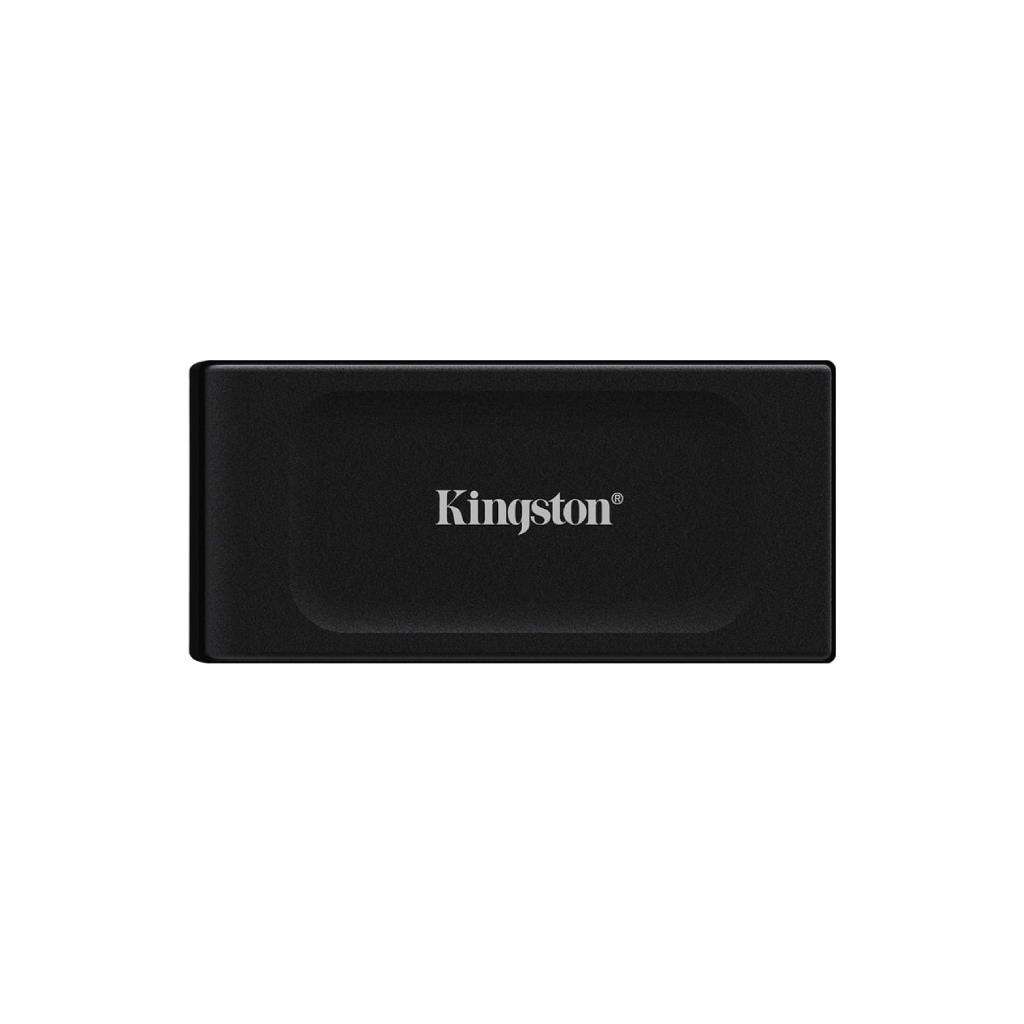
Kingston
Kingston XS1000 2TB SSD 1000/2000G USB 3.2 Gen 2 Portable
SKU: SXS1000/2000G
฿14,008
Out of stock
153 models · 36 in stock · from ฿3,406
Shop External Hard Drives at GIST Store: 153 models from leading brands such as WD (Western Digital), Seagate, SanDisk, Kingston, priced from ฿3,406 to ฿59,435. External hard drives back up data, move work files and add storage to a notebook or desktop over USB. Choose a portable HDD for more capacity for the money, a portable SSD for speed, or a multi-bay desktop drive for large libraries. Genuine products with the manufacturer's warranty, prices including VAT, full tax invoices, quotations for business customers and nationwide delivery.
Kingston
SKU: SXS1000/2000G
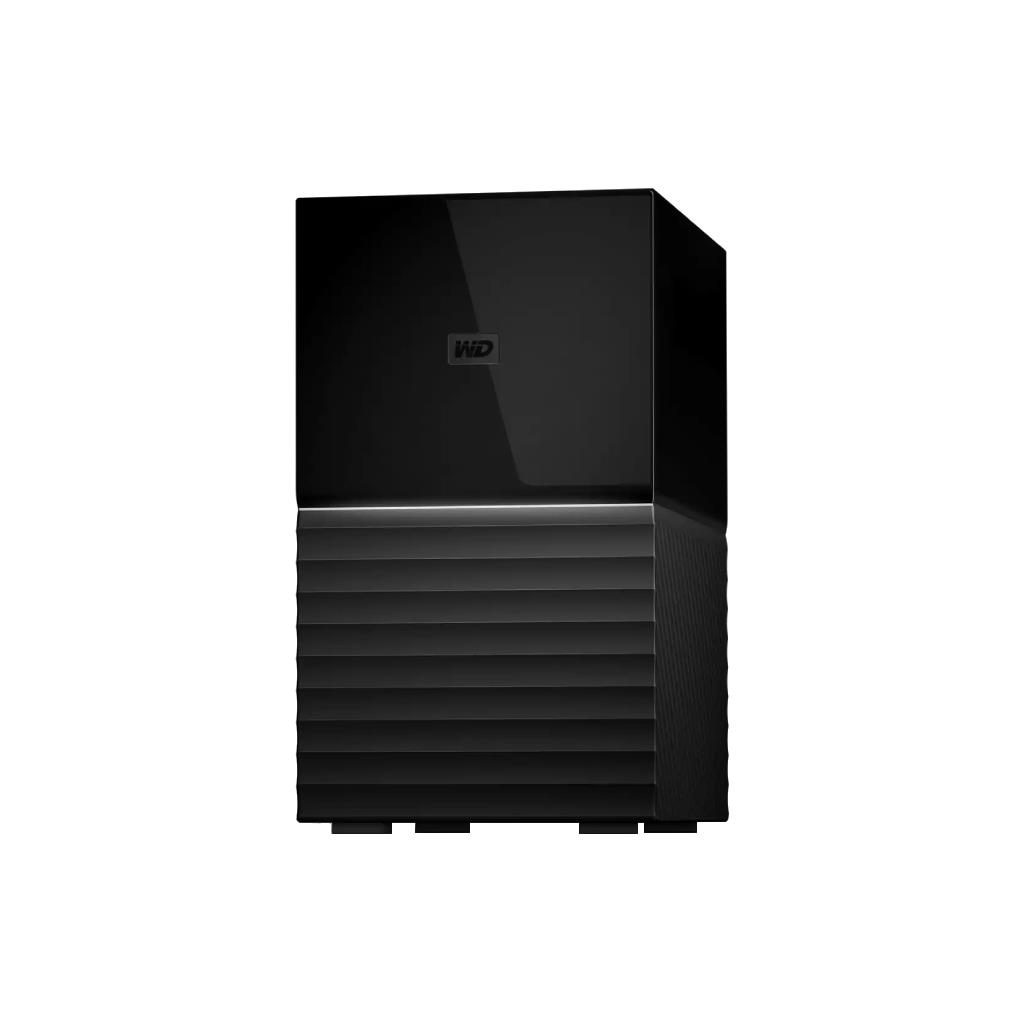
WD (Western Digital)
SKU: WDBFBE0360JBK-SESN
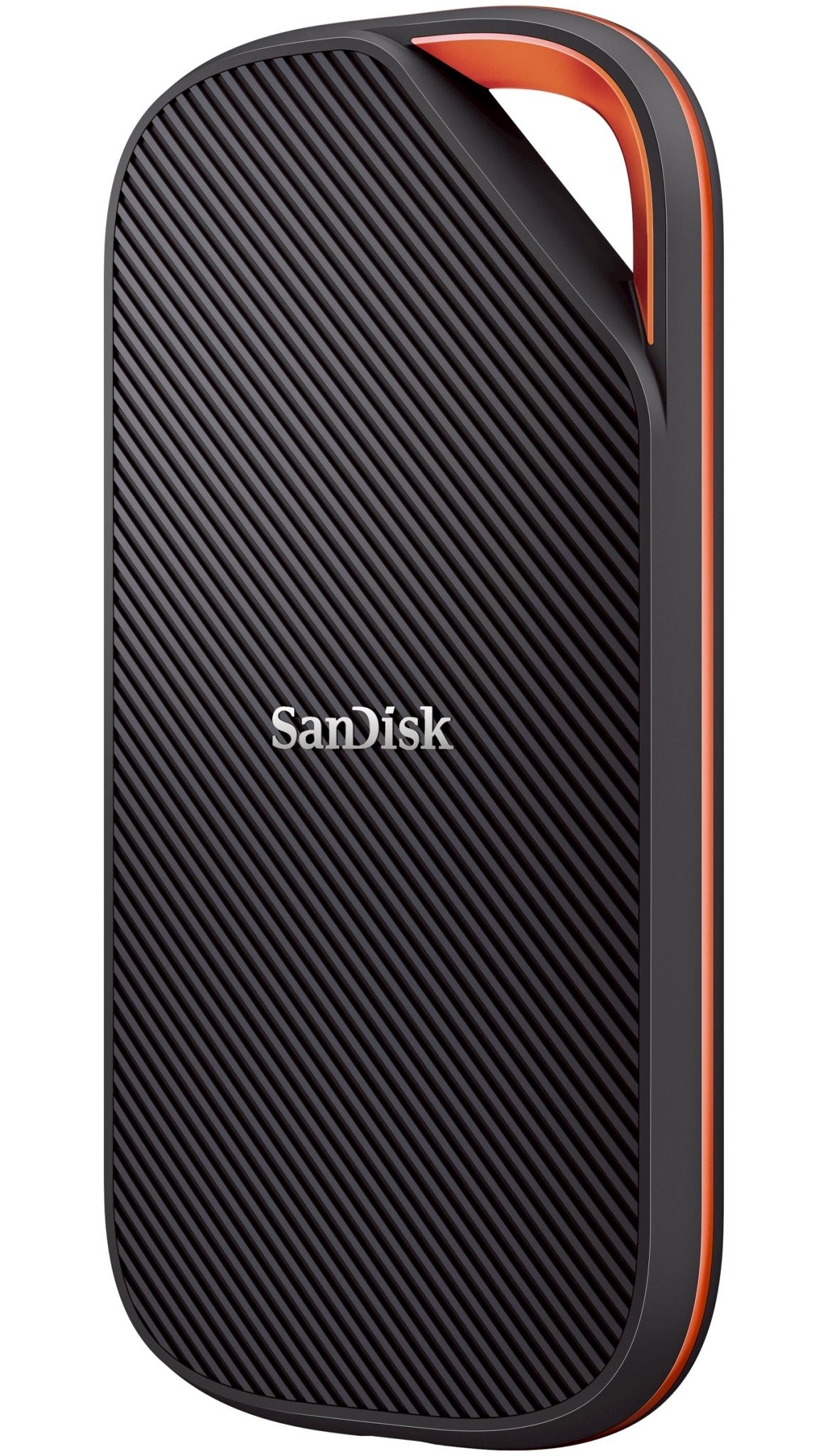
SanDisk
SKU: SDSSDE82-2T00-G25
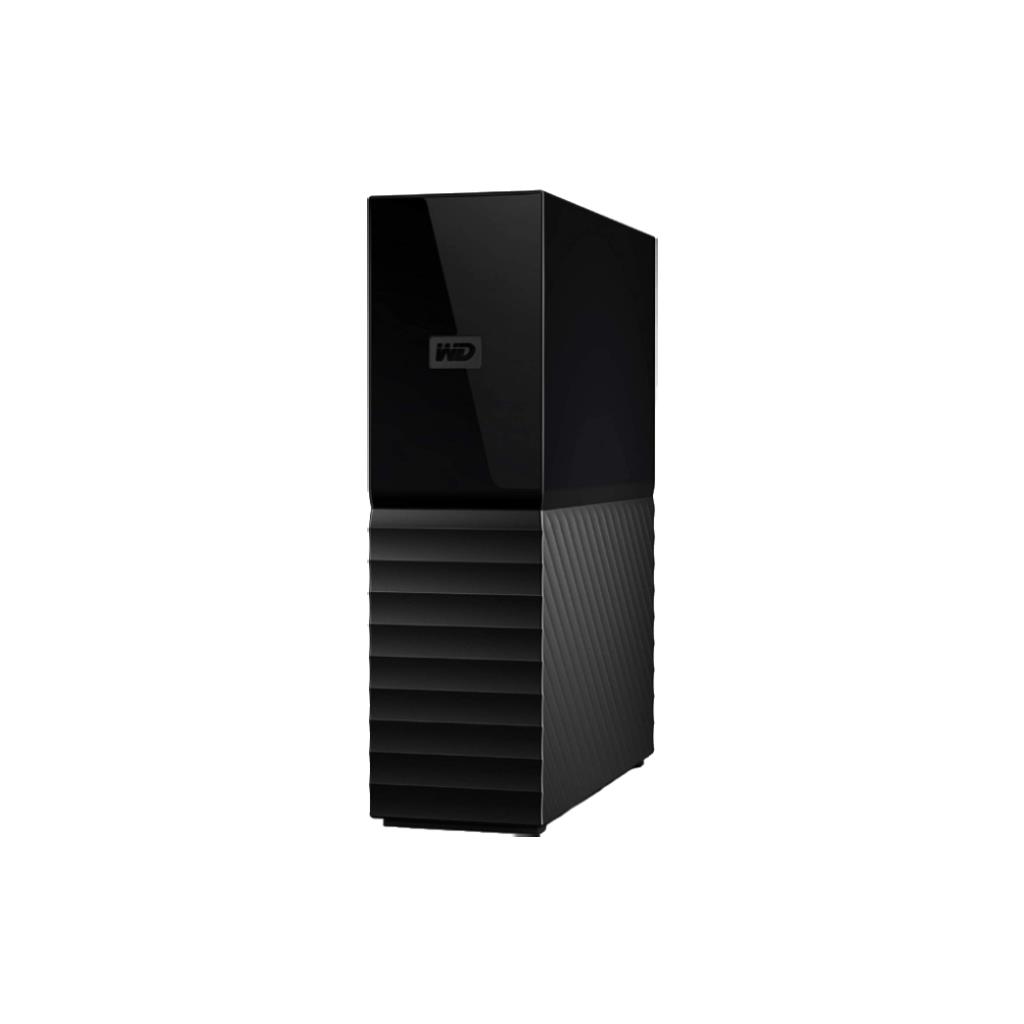
Seagate
SKU: STLG16000400
Seagate
SKU: STKP16000400
SanDisk
SKU: SDSSDE81-2T00-G25
Kingston
SKU: SXS1000/1000G
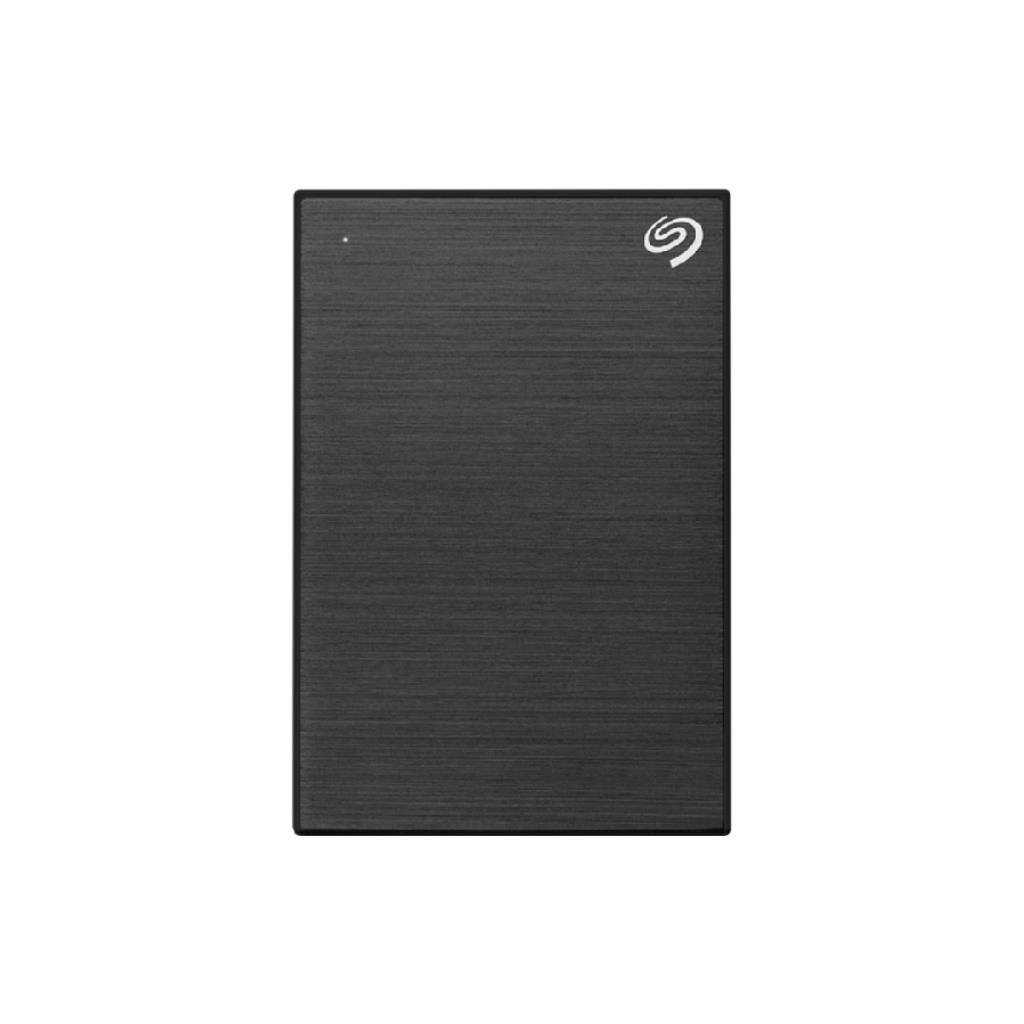
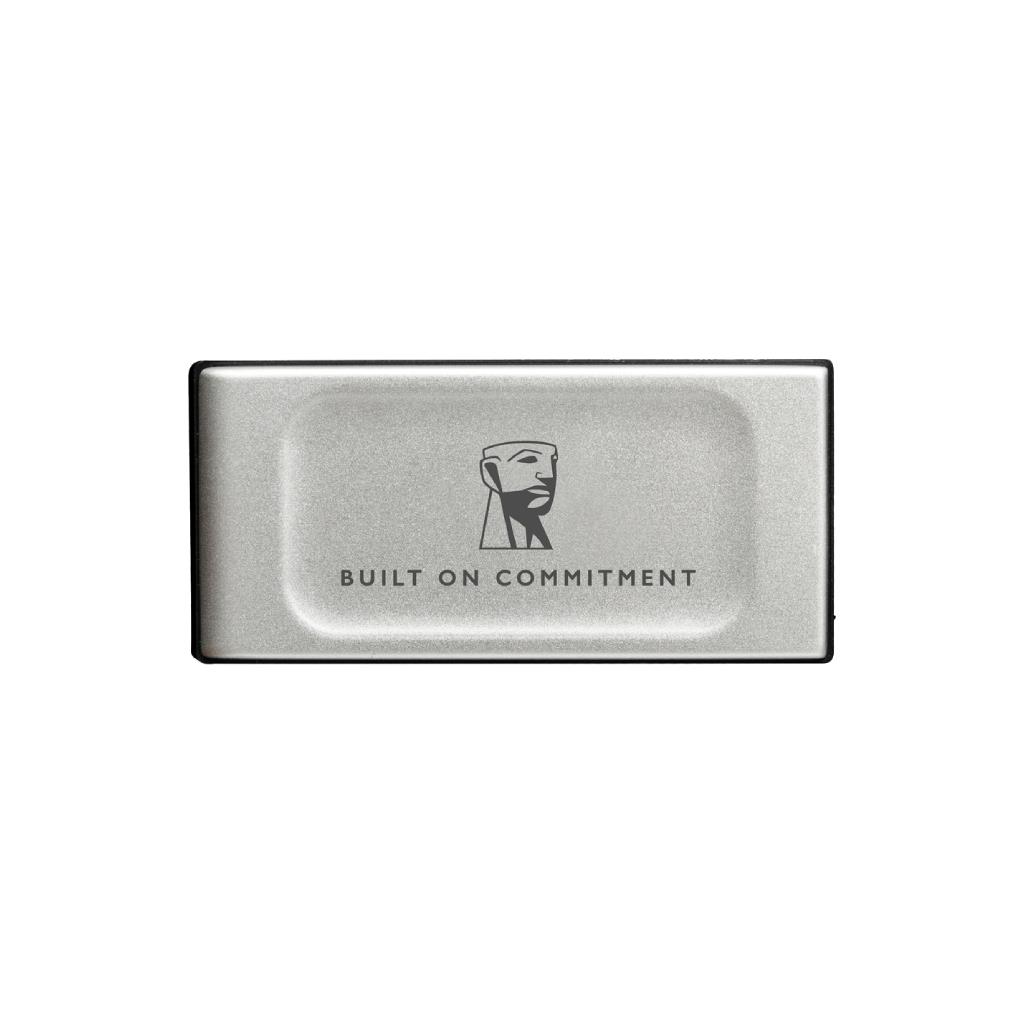
Kingston
SKU: SXS2000/500GA
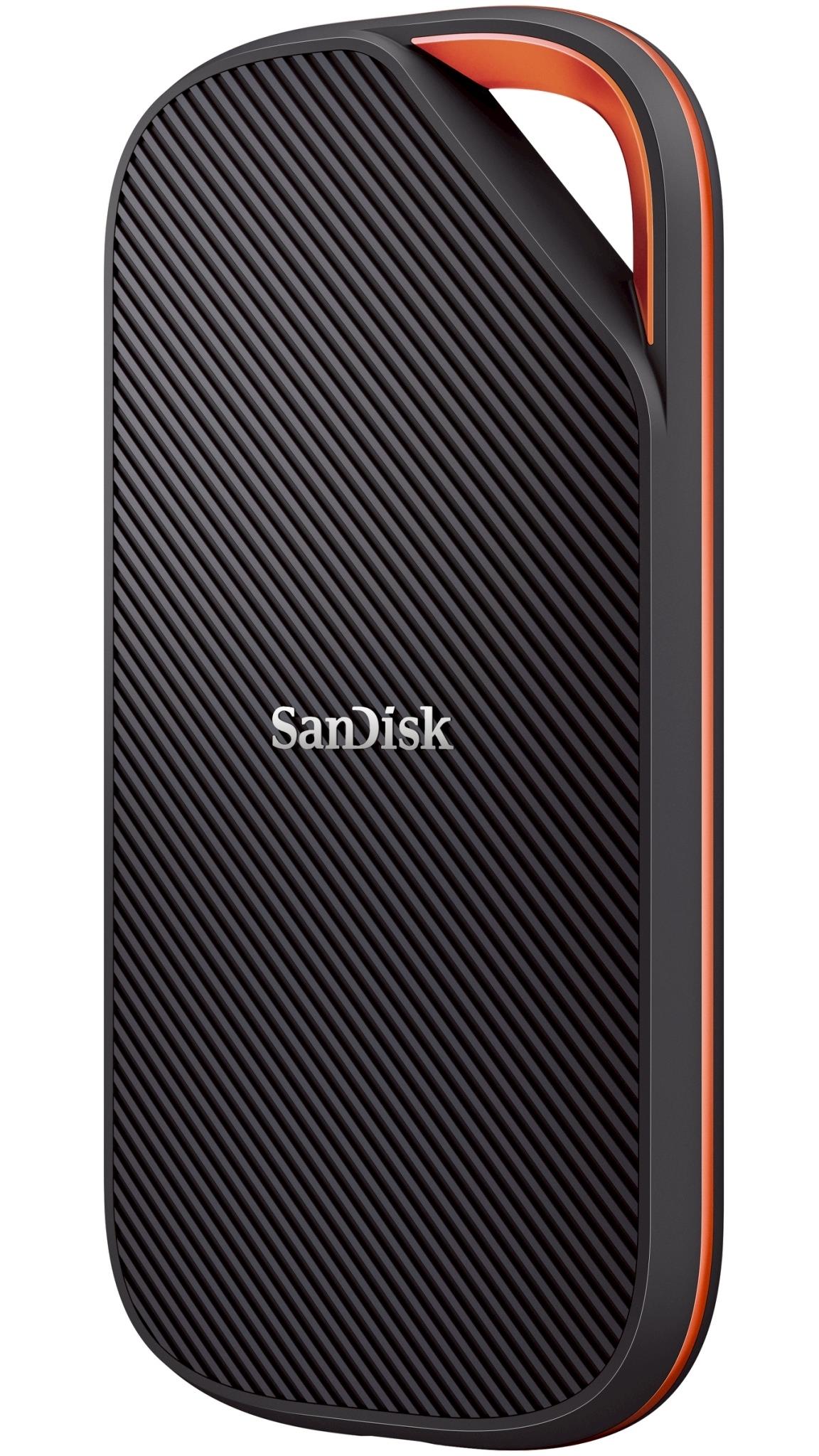
SanDisk
SKU: SDSSDE82-4T00-G25
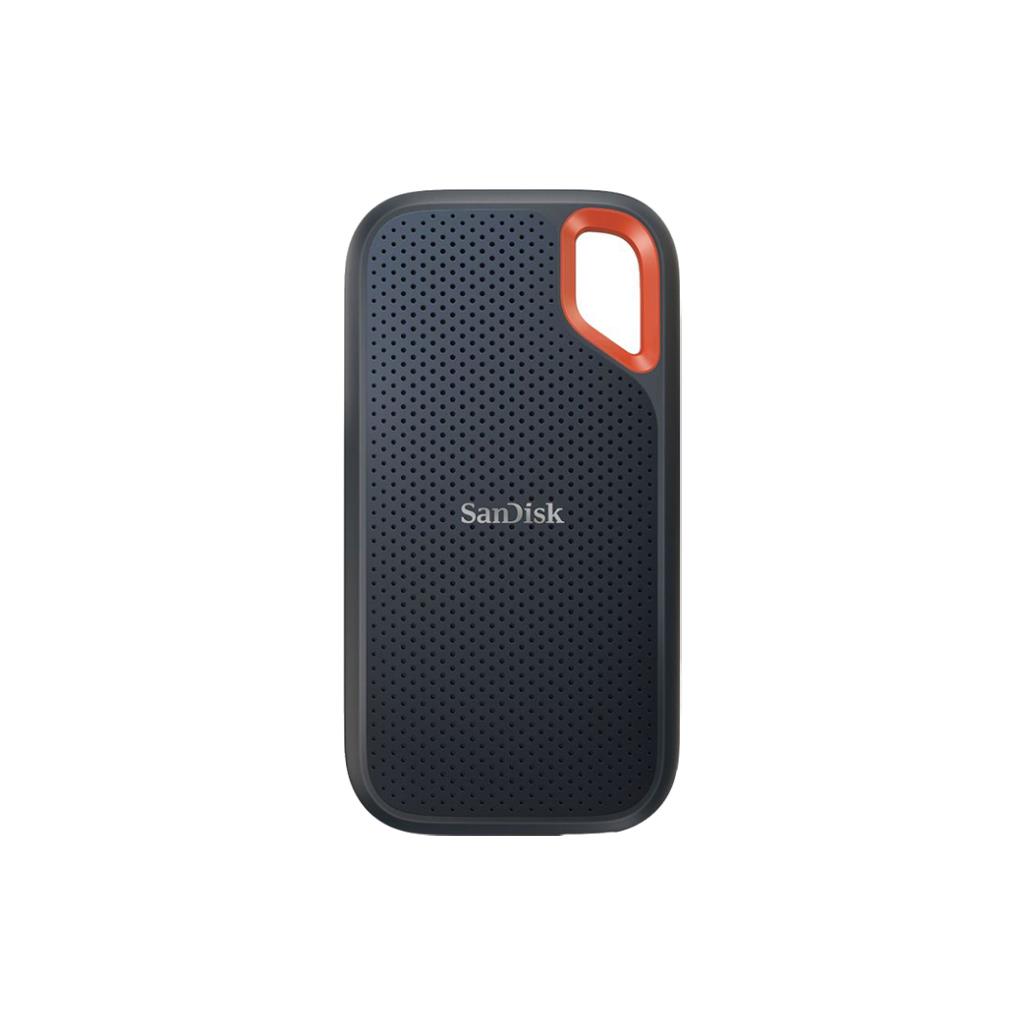
SanDisk
SKU: SDSSDE61-4T00-G25
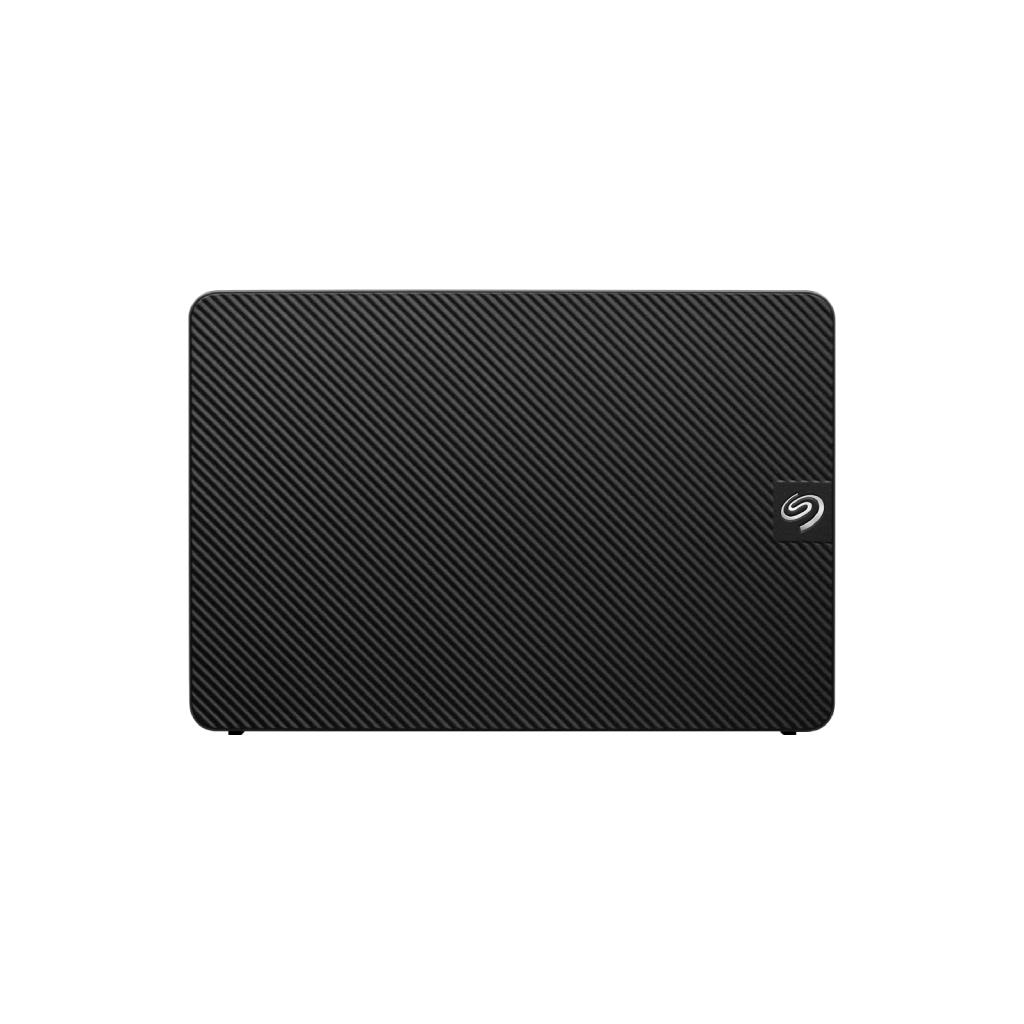
Seagate
SKU: STKP20000400
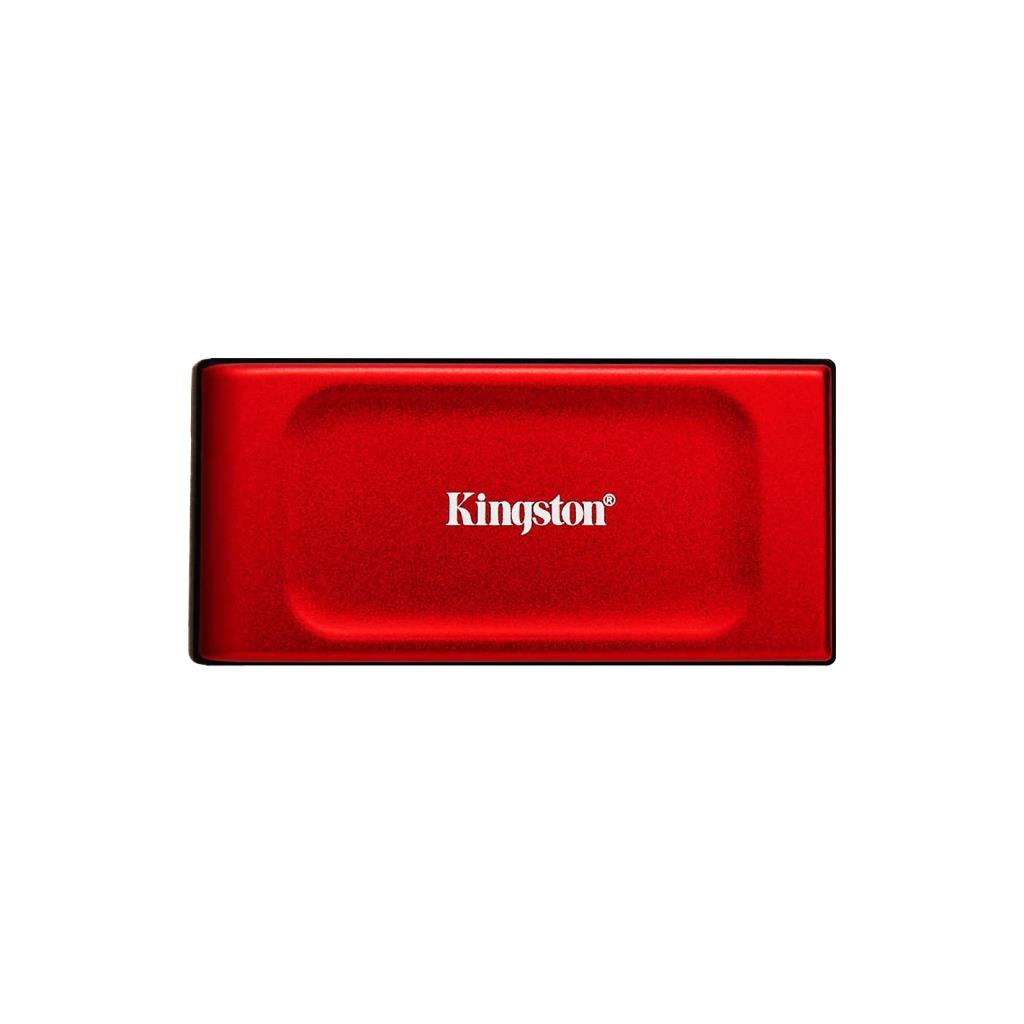
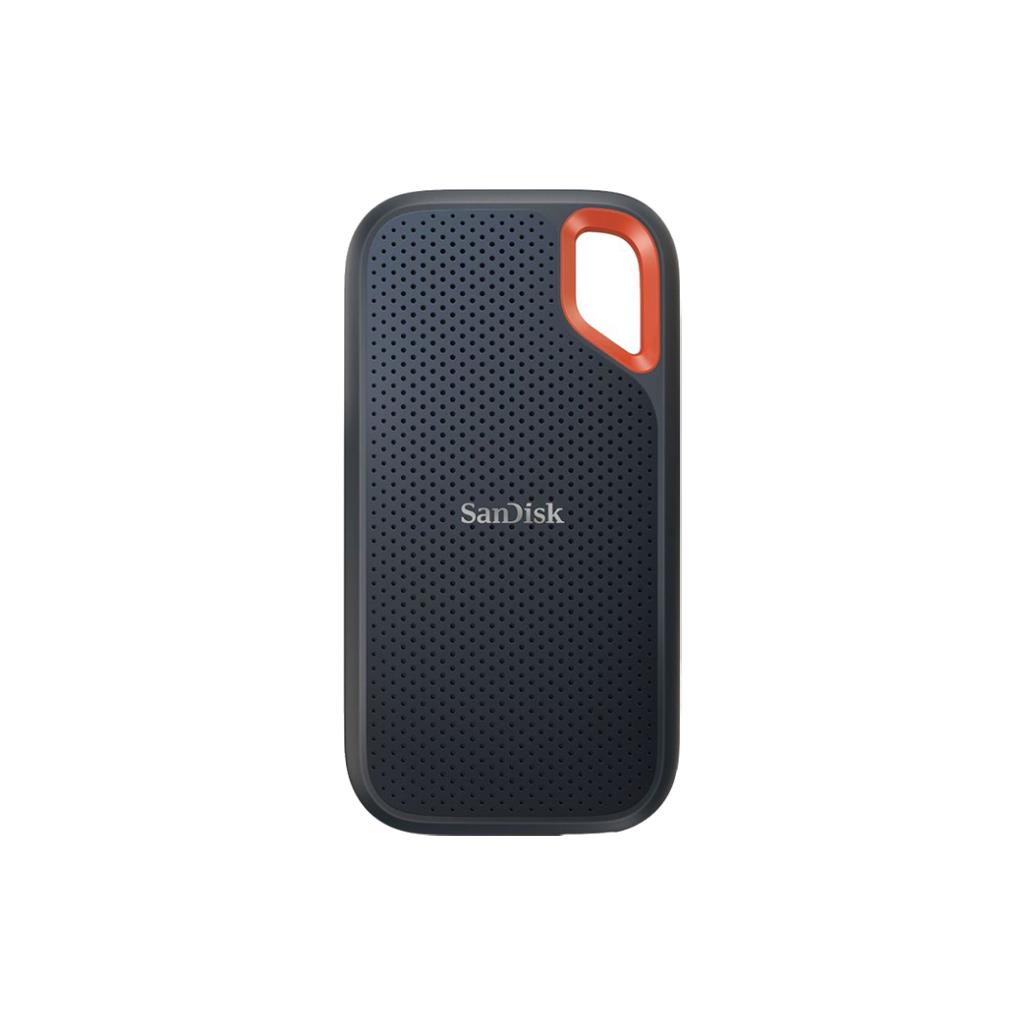
SanDisk
SKU: SDSSDE61-2T00-G25
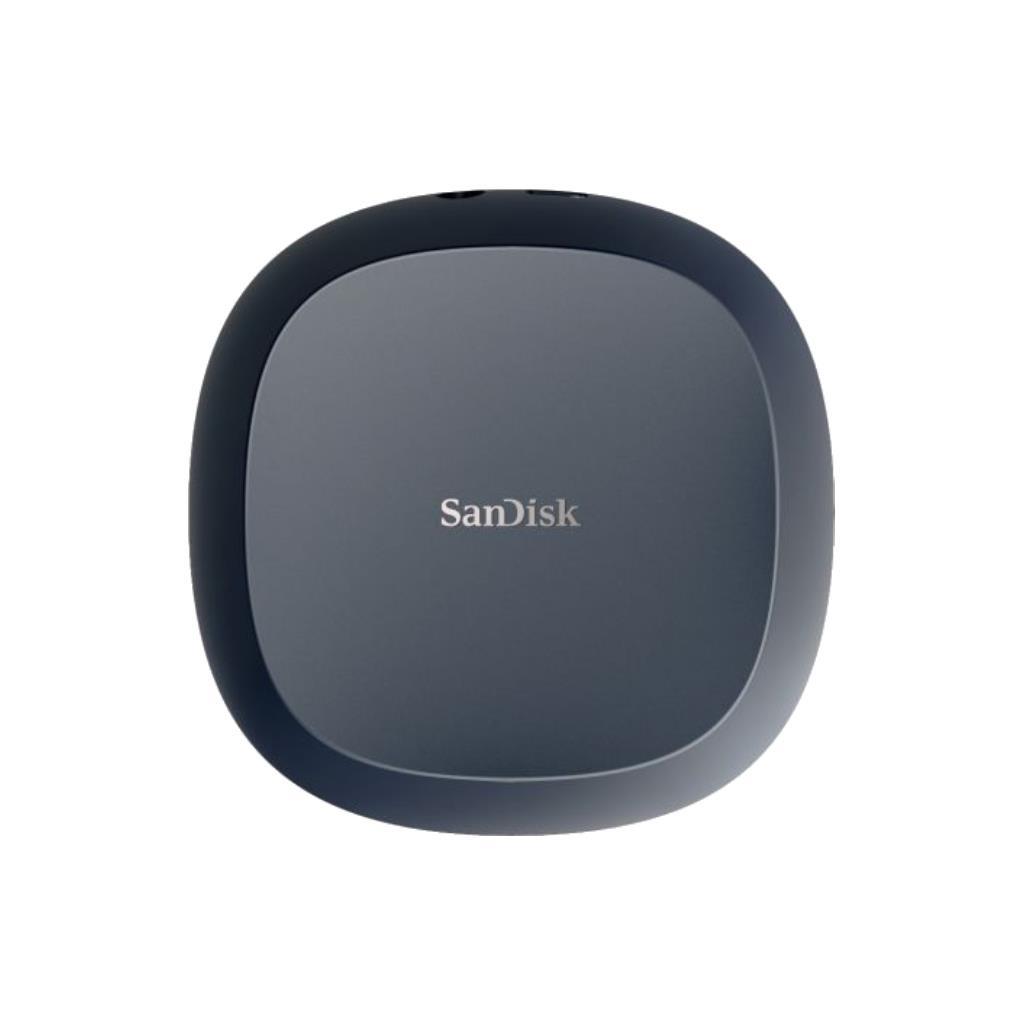
SanDisk
SKU: SDSSDT40C-8T00-A25
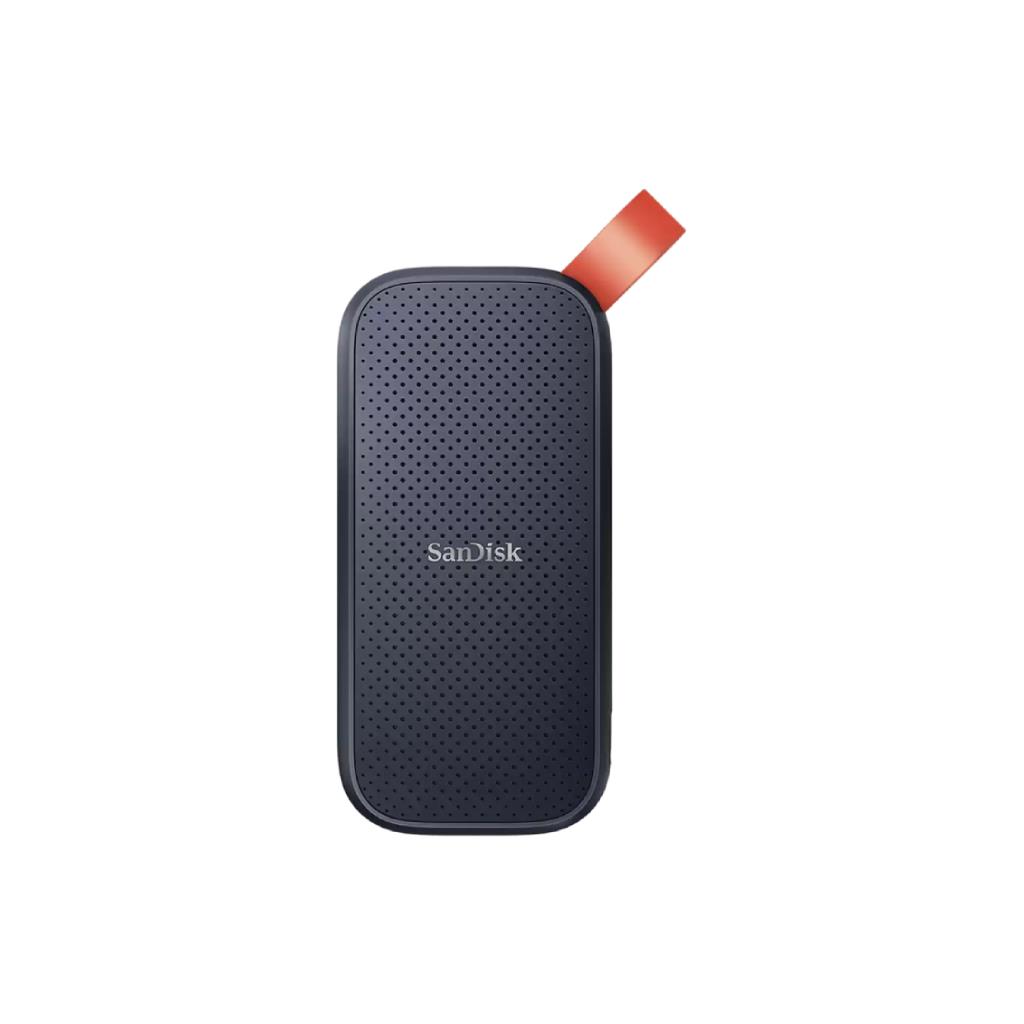
SanDisk
SKU: SDSSDE30-2T00-G26
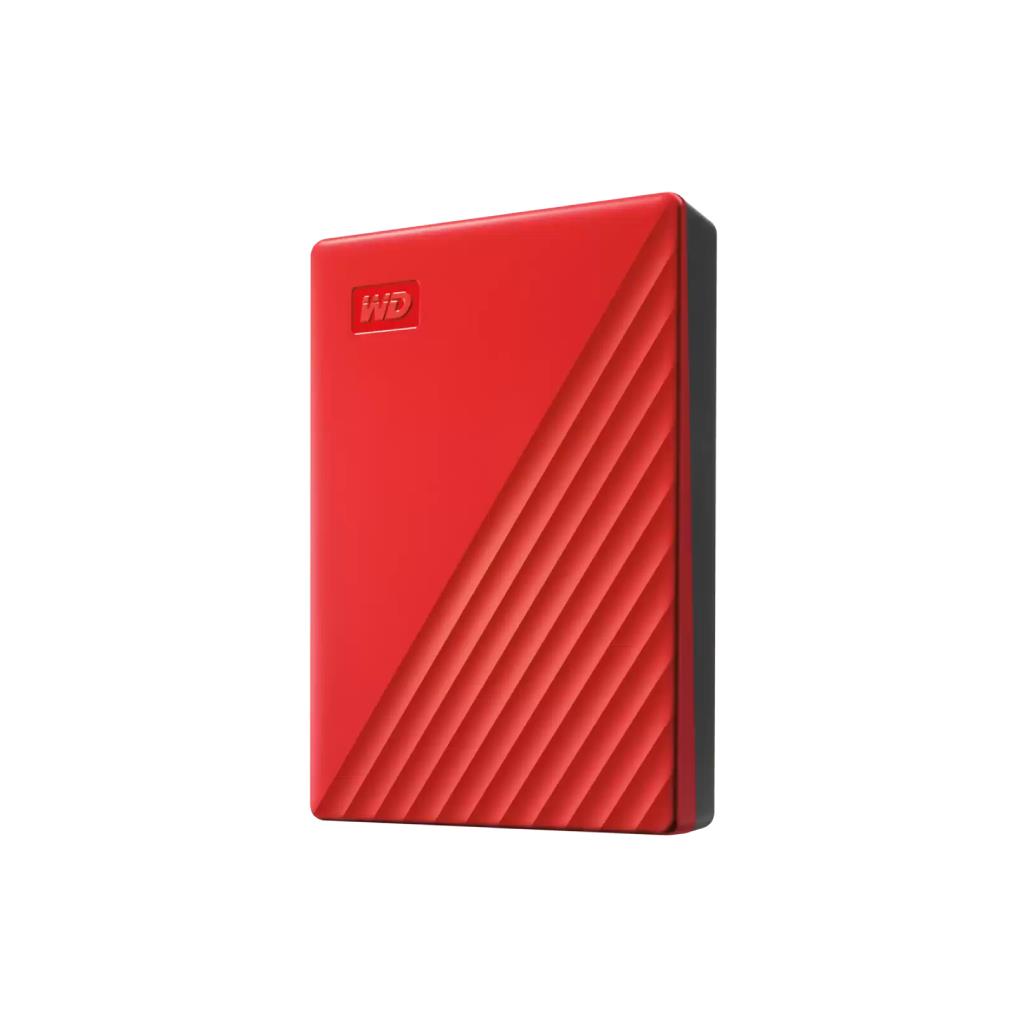
WD (Western Digital)
SKU: WDBR9S0060BRD-WESN
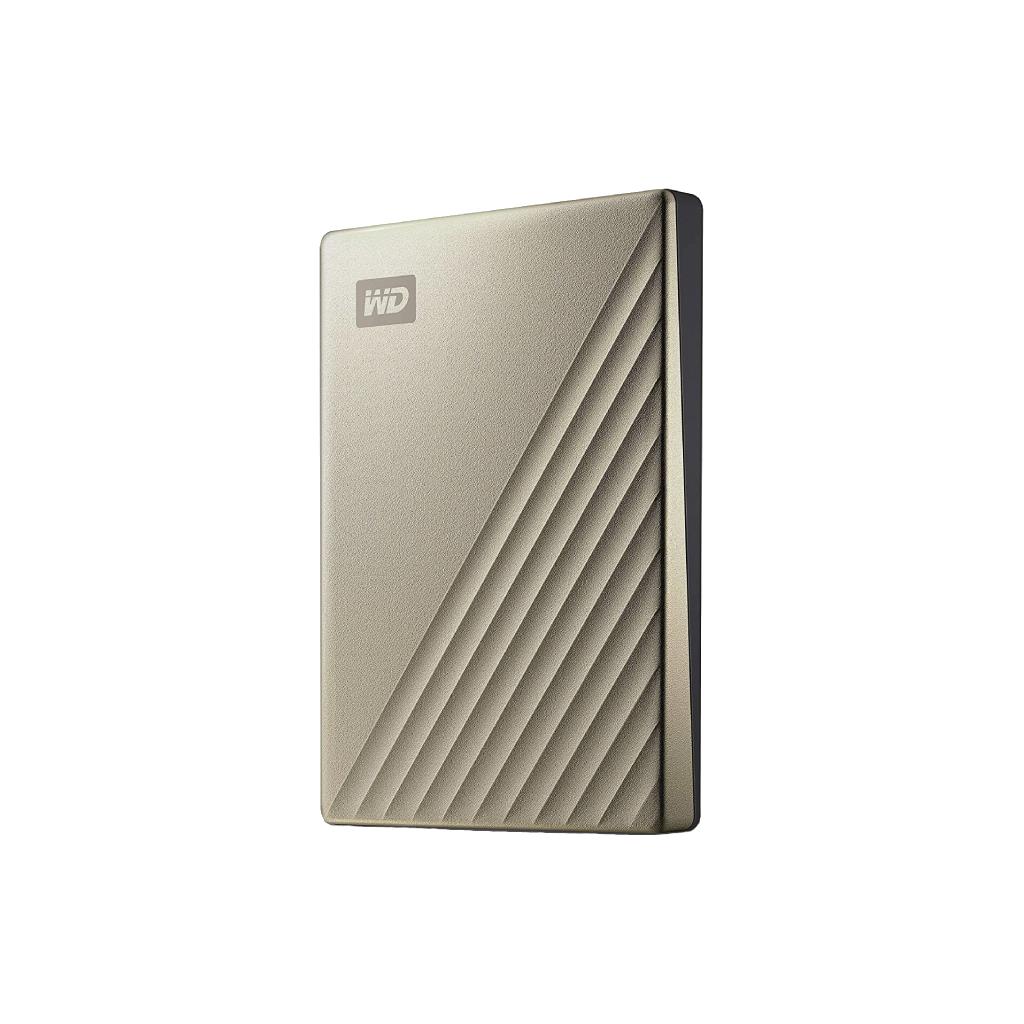
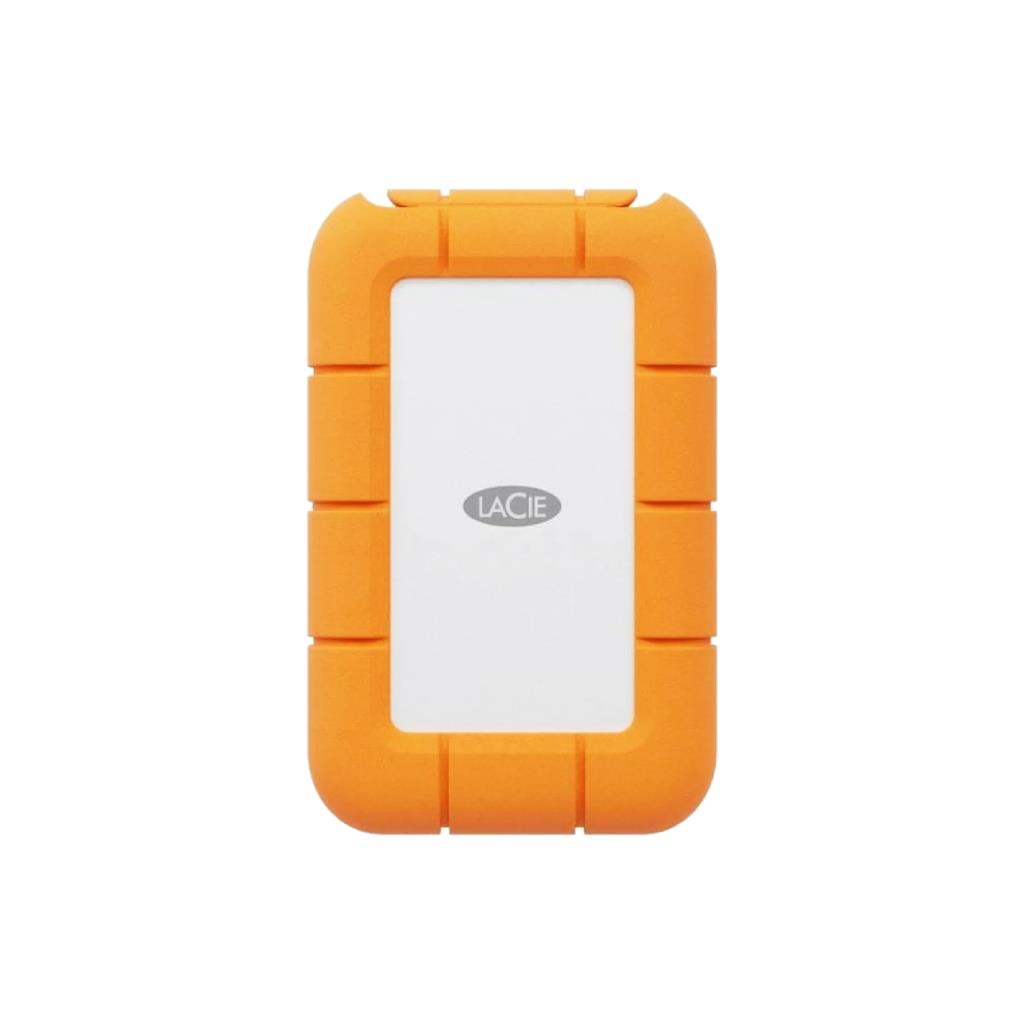
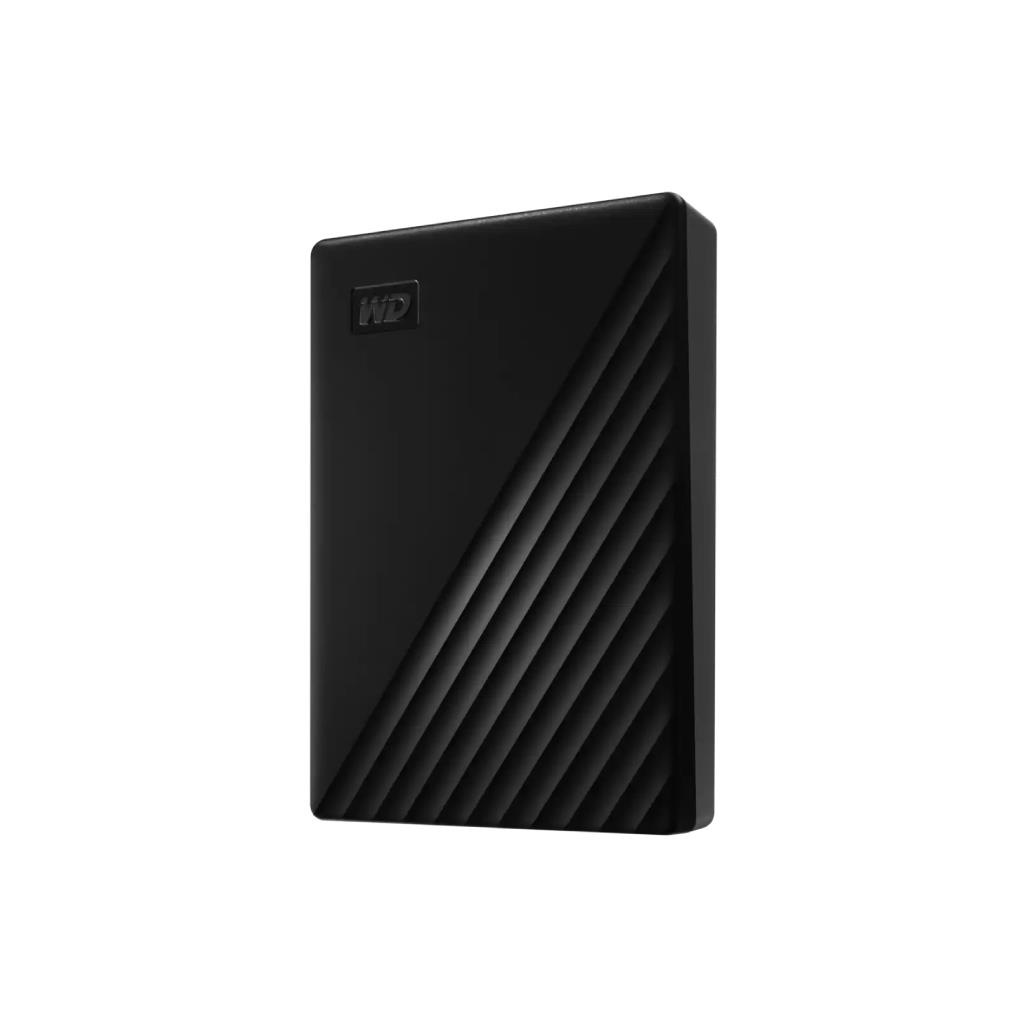
WD (Western Digital)
SKU: WDBR9S0060BBK-WESN
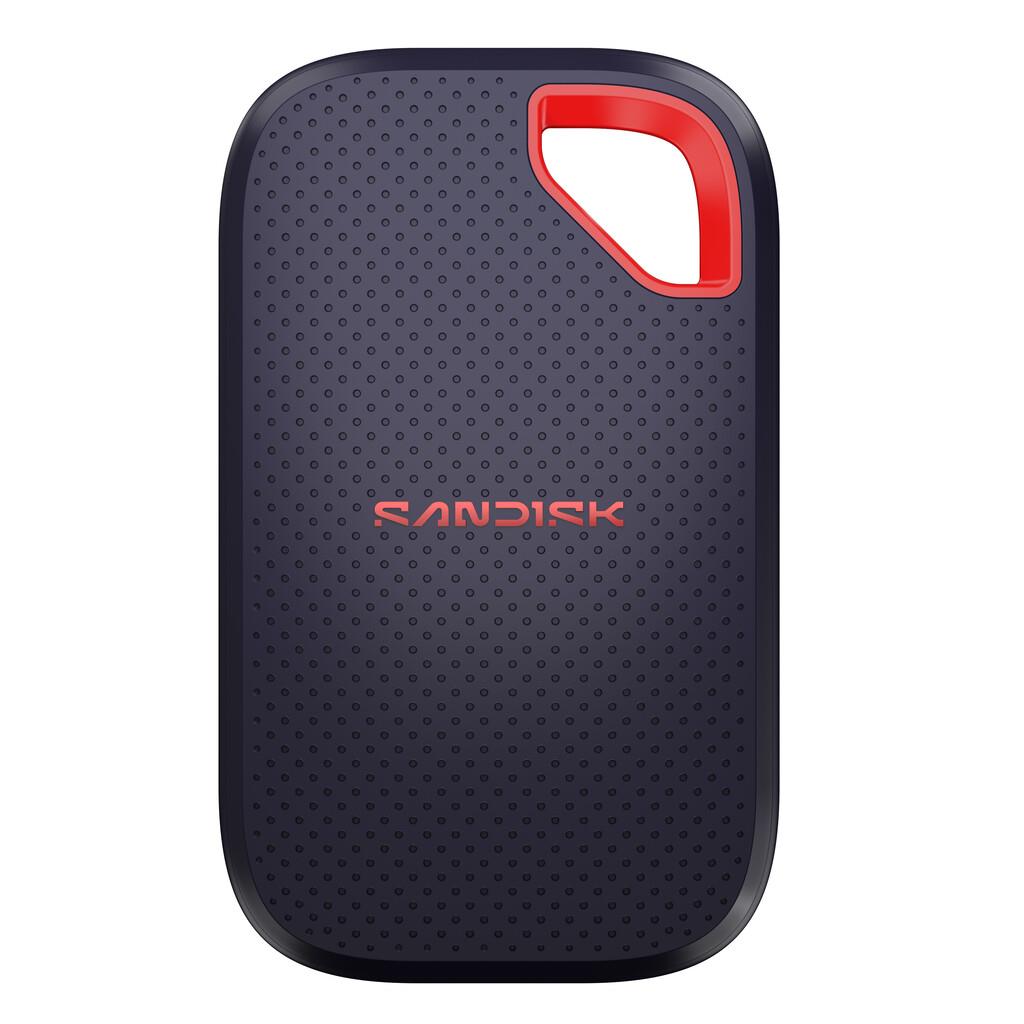
Kingston
SKU: SXS1000/1000GA
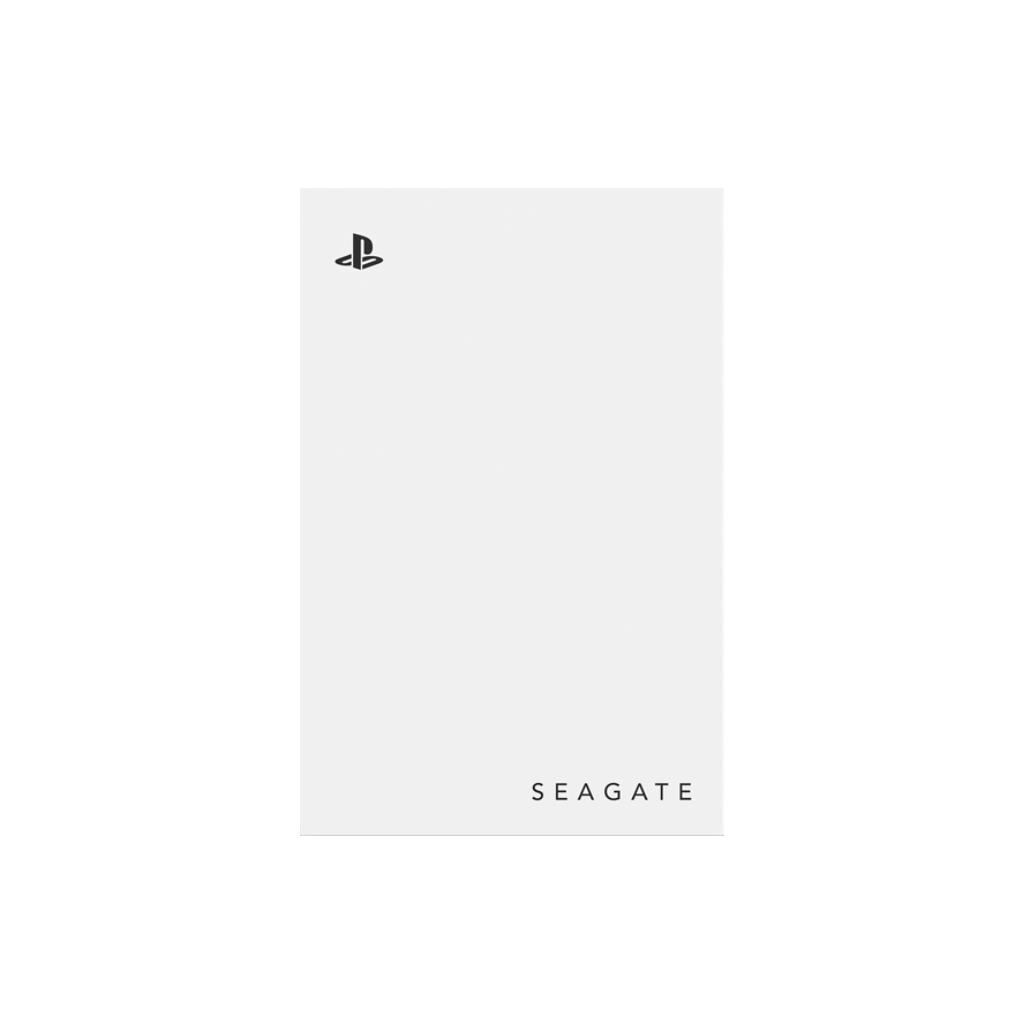
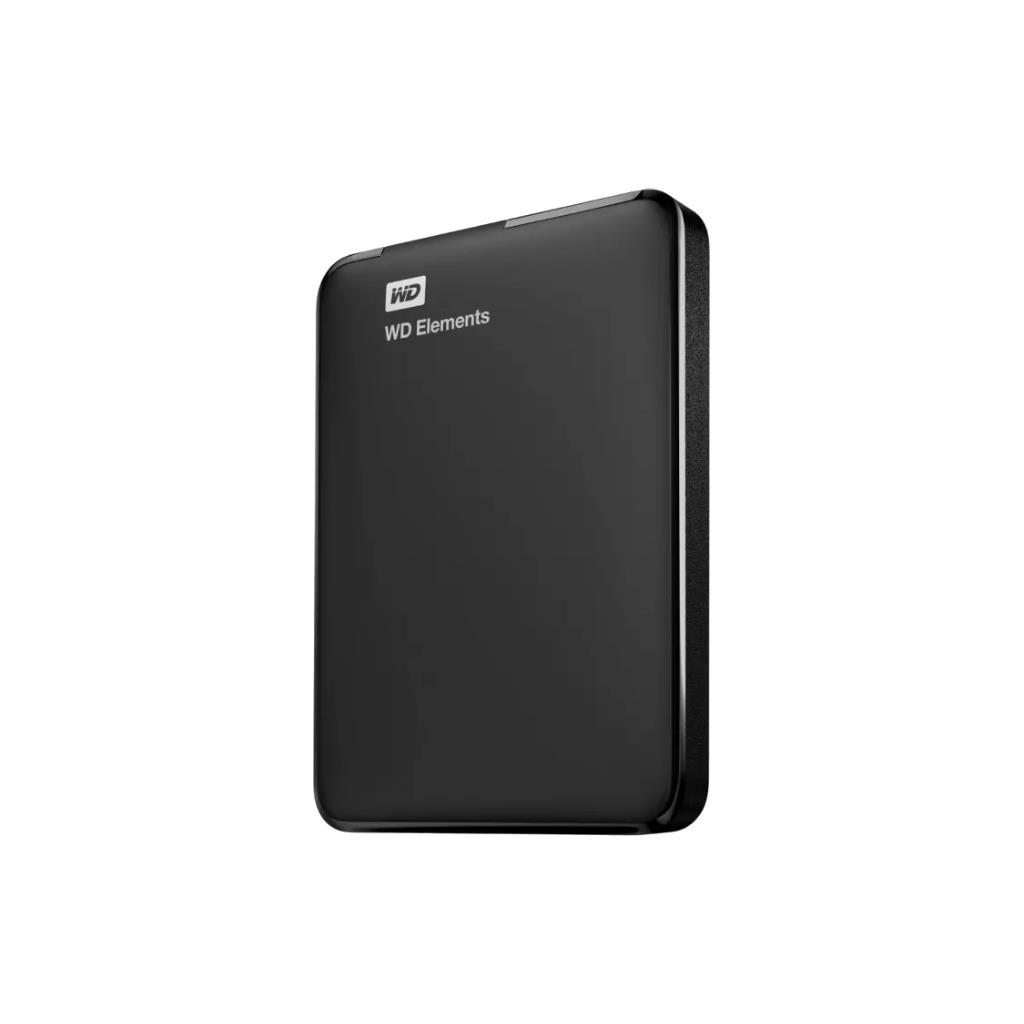
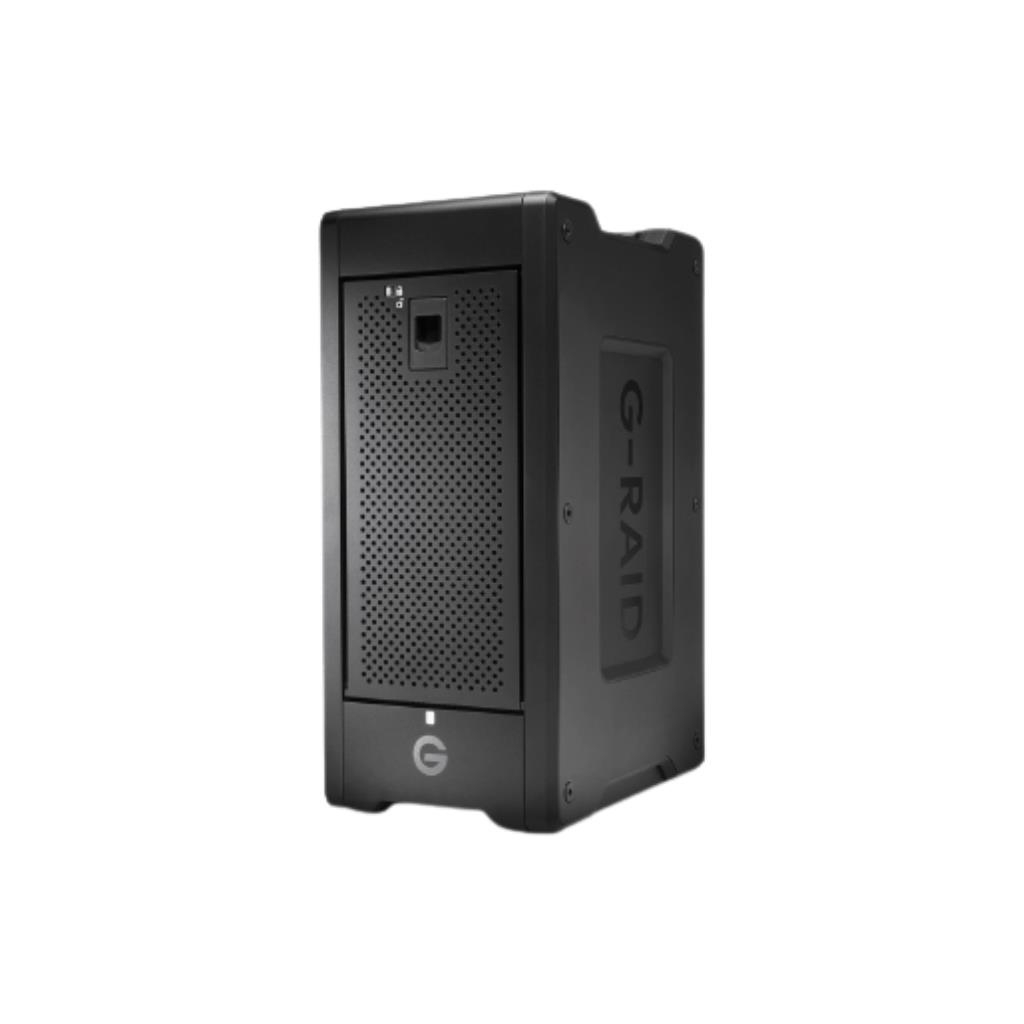
WD (Western Digital)
SKU: SDPH48H-096T-SBAAB
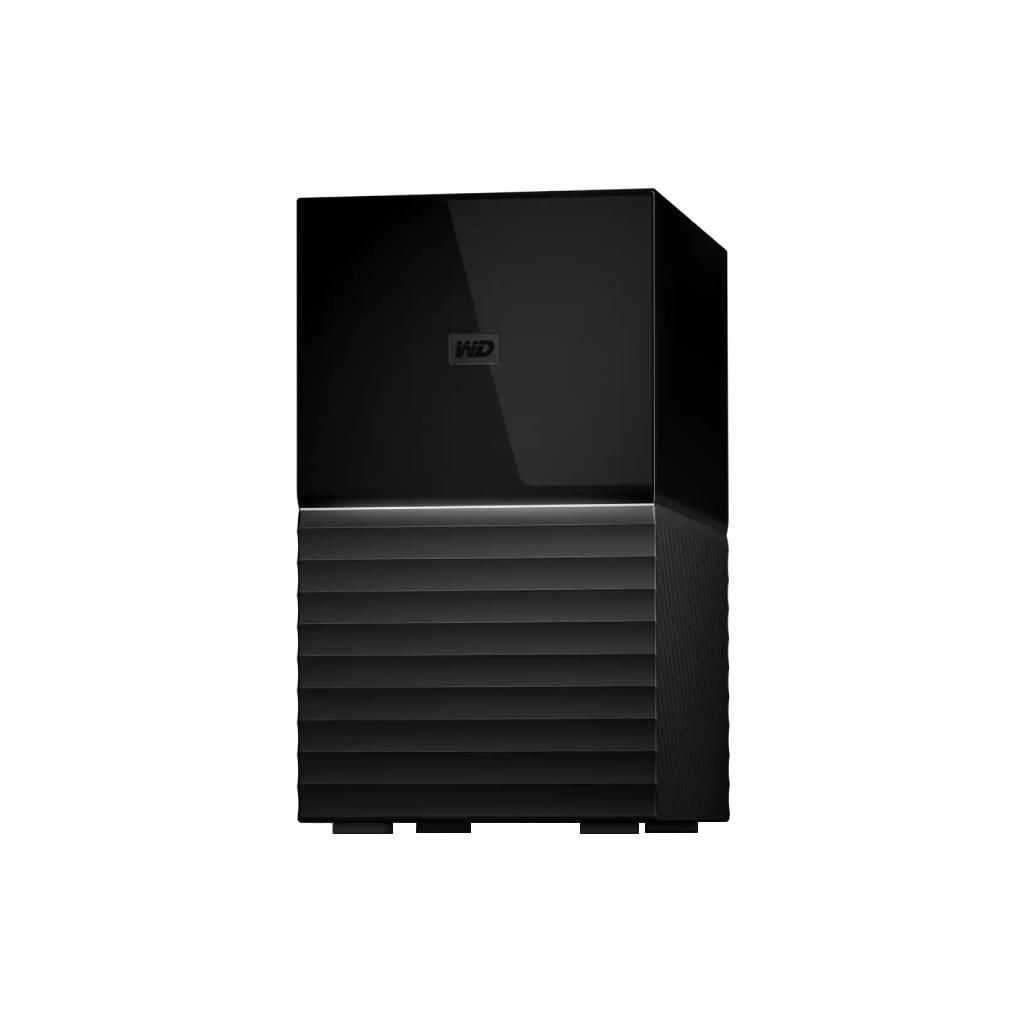
WD (Western Digital)
SKU: WDBFBE0160JBK-SESN
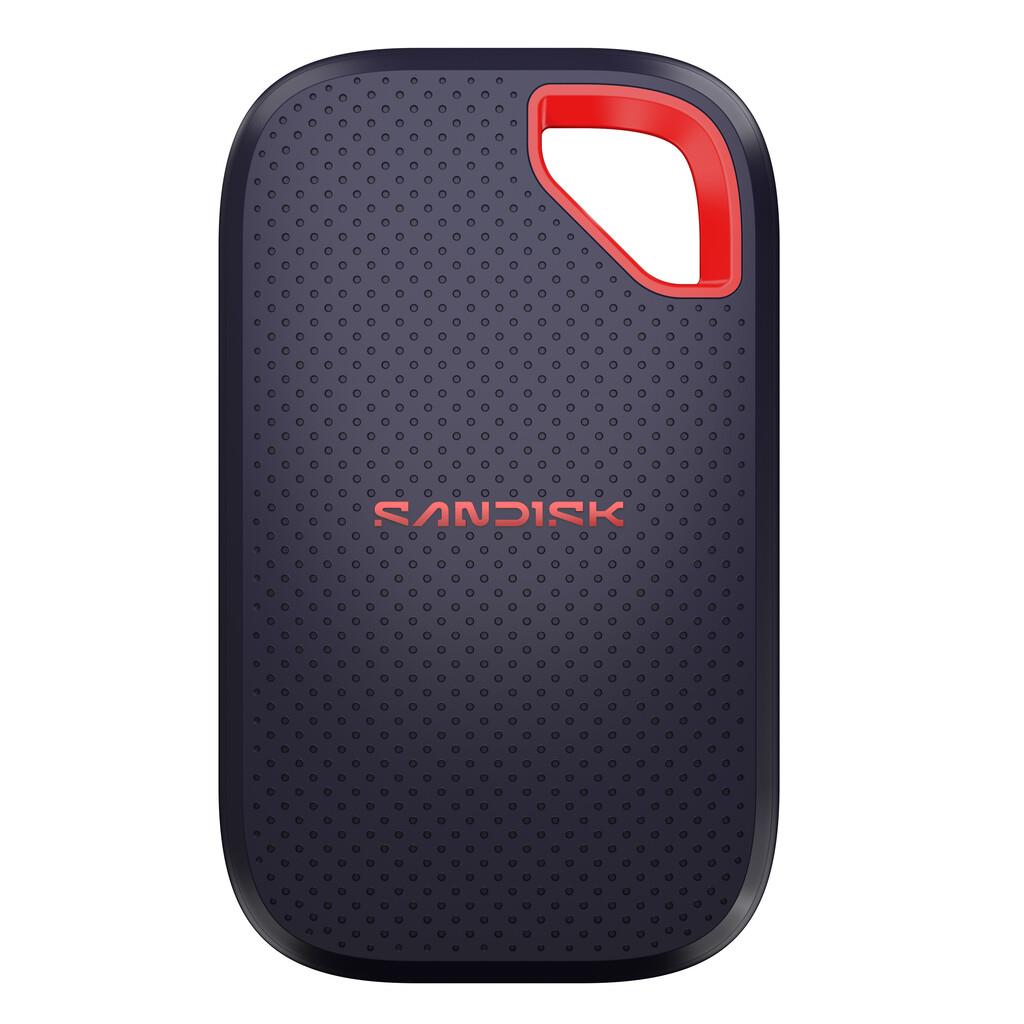
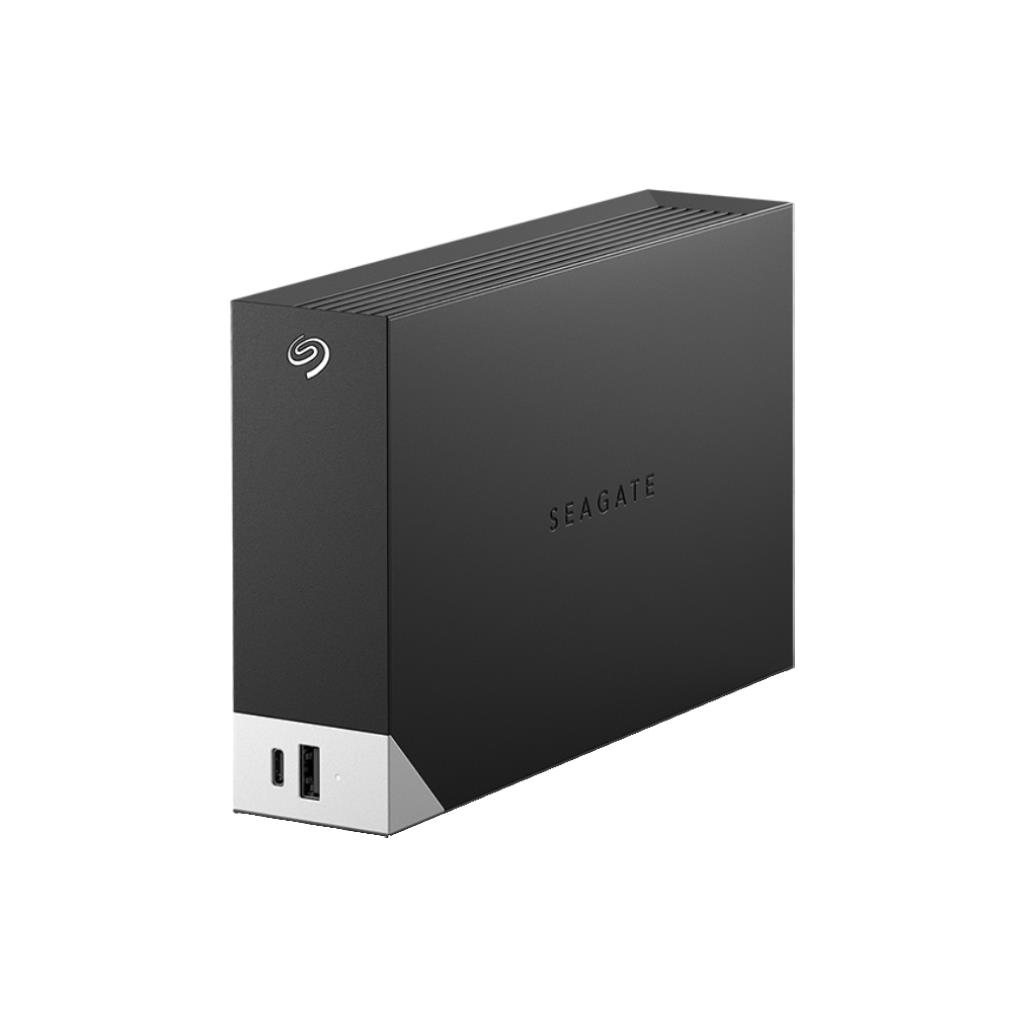
Seagate
SKU: STLC16000402
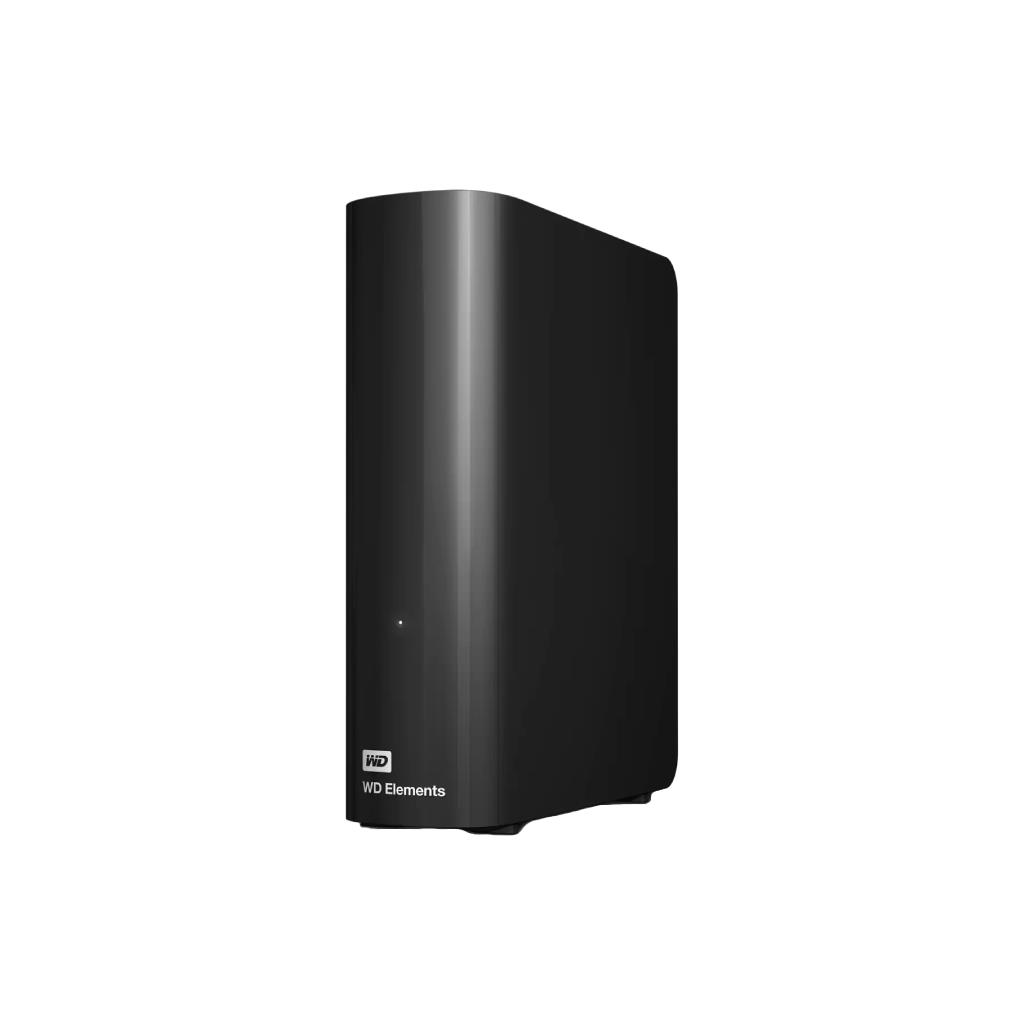
WD (Western Digital)
SKU: WDBBKG0080HBK-SESN
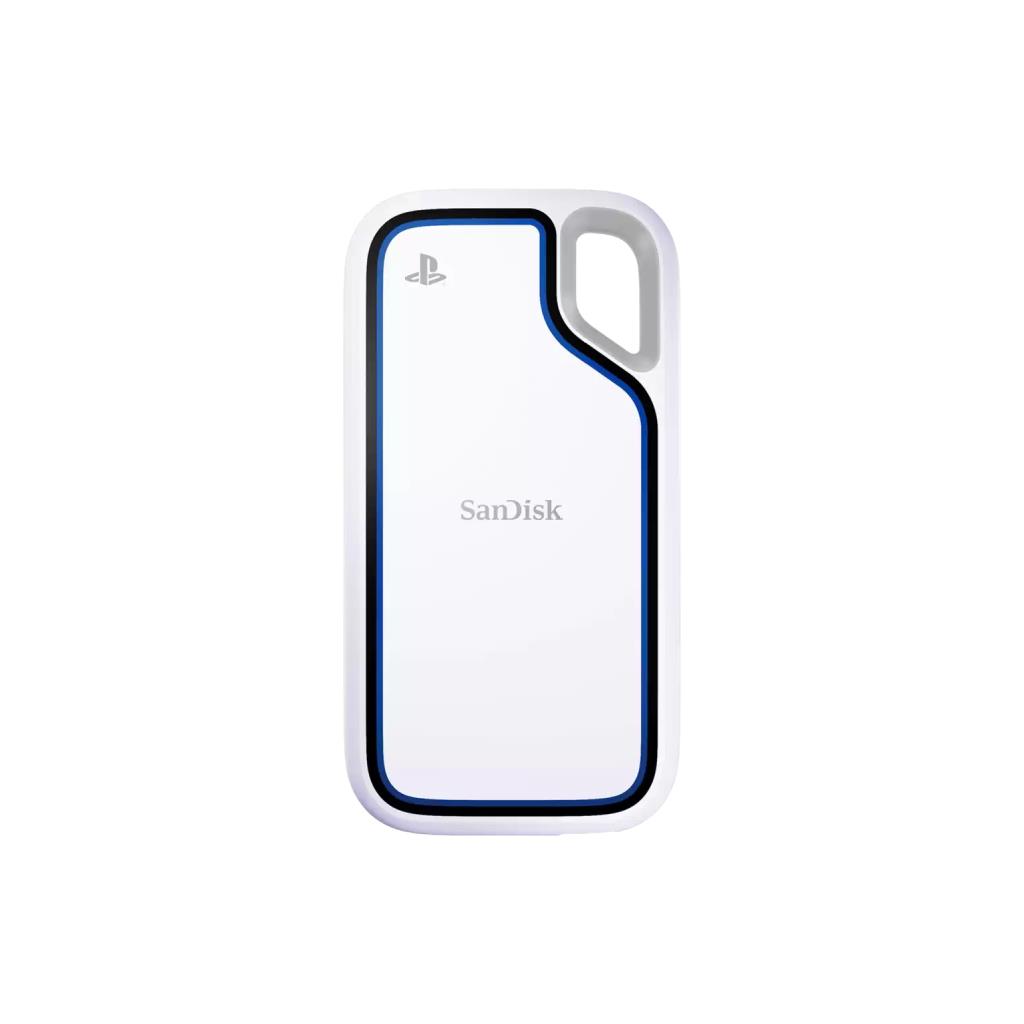
SanDisk
SKU: SDSSDE62P-1T00-G25
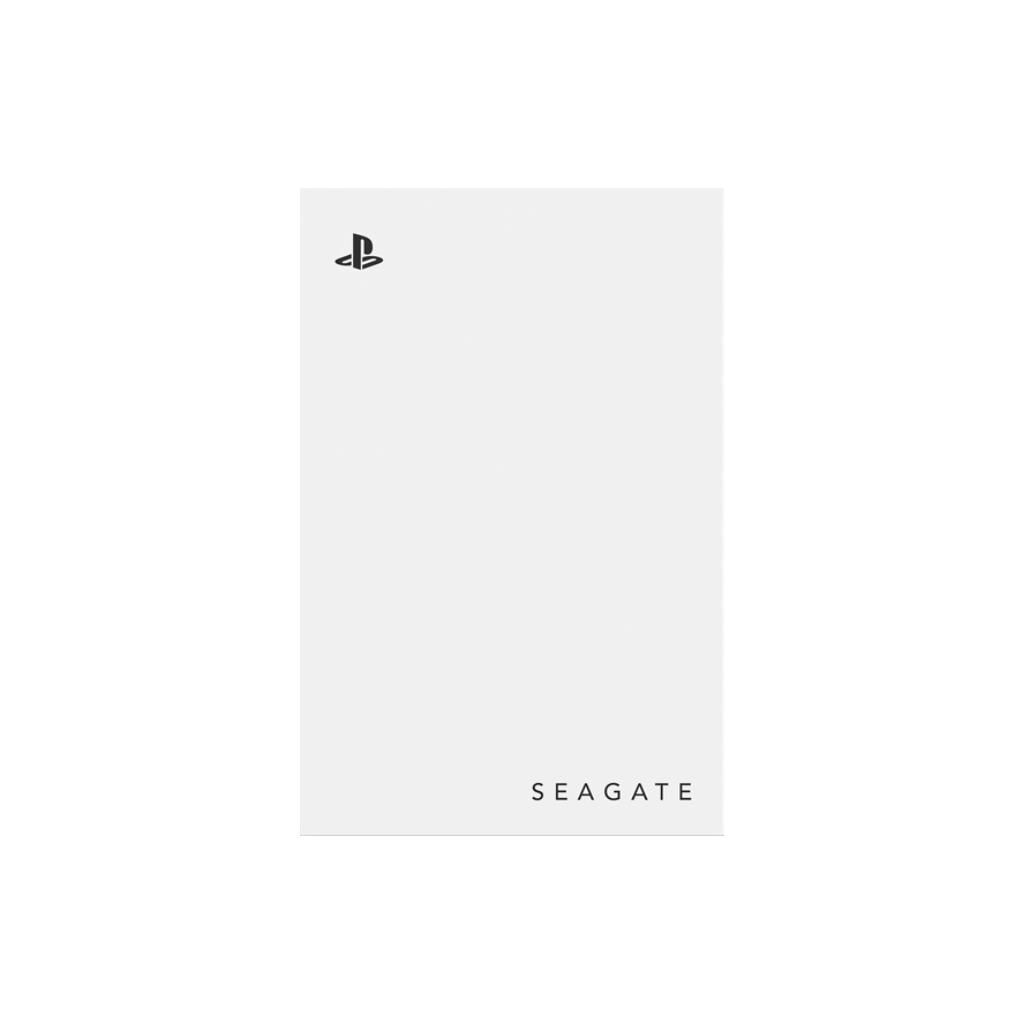
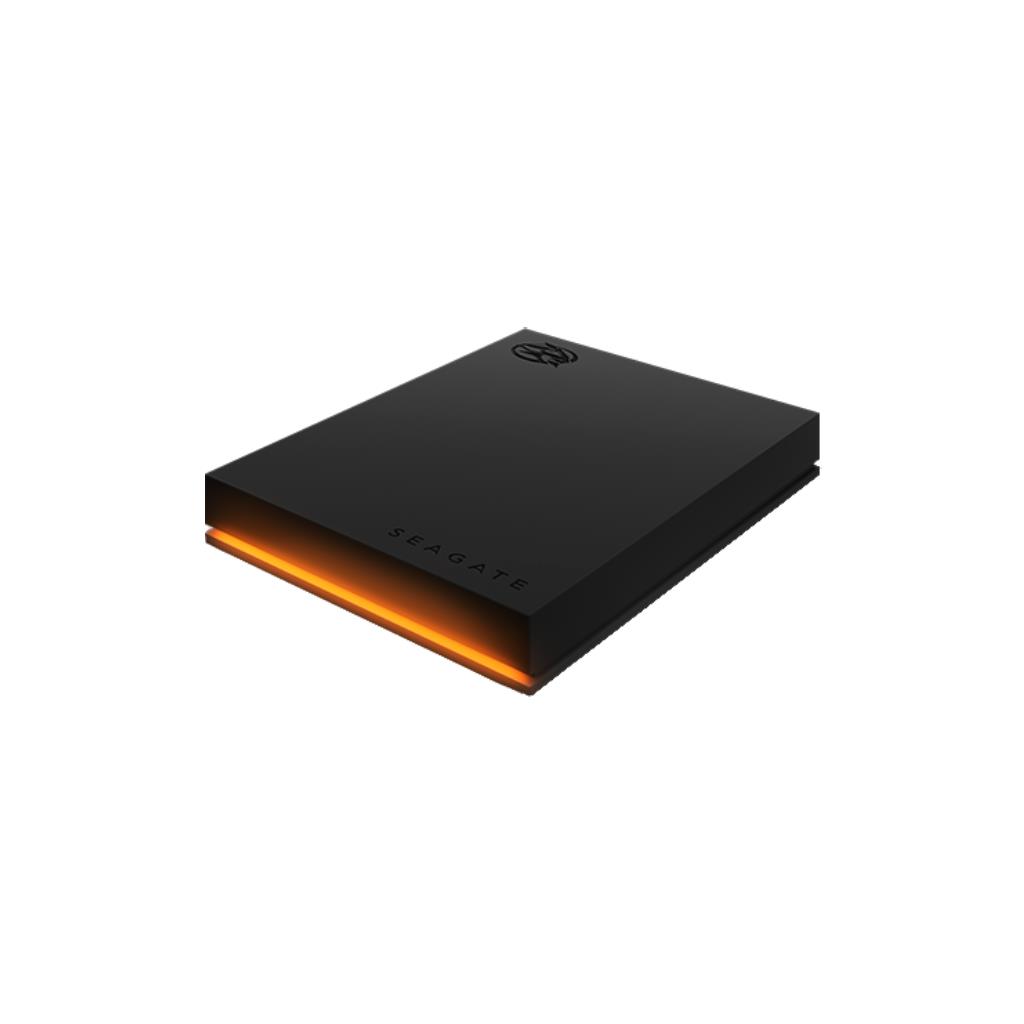
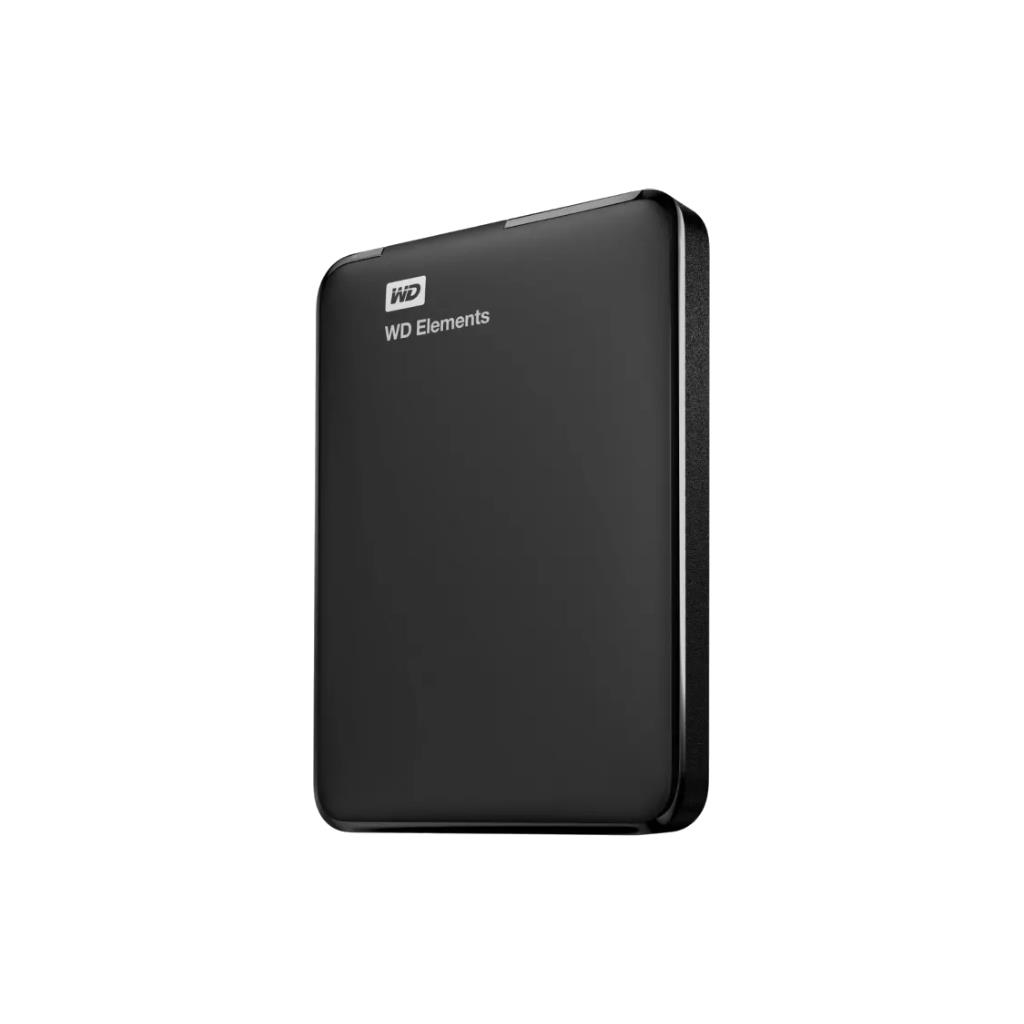
WD (Western Digital)
SKU: WDBU6Y0020BBK-WESN
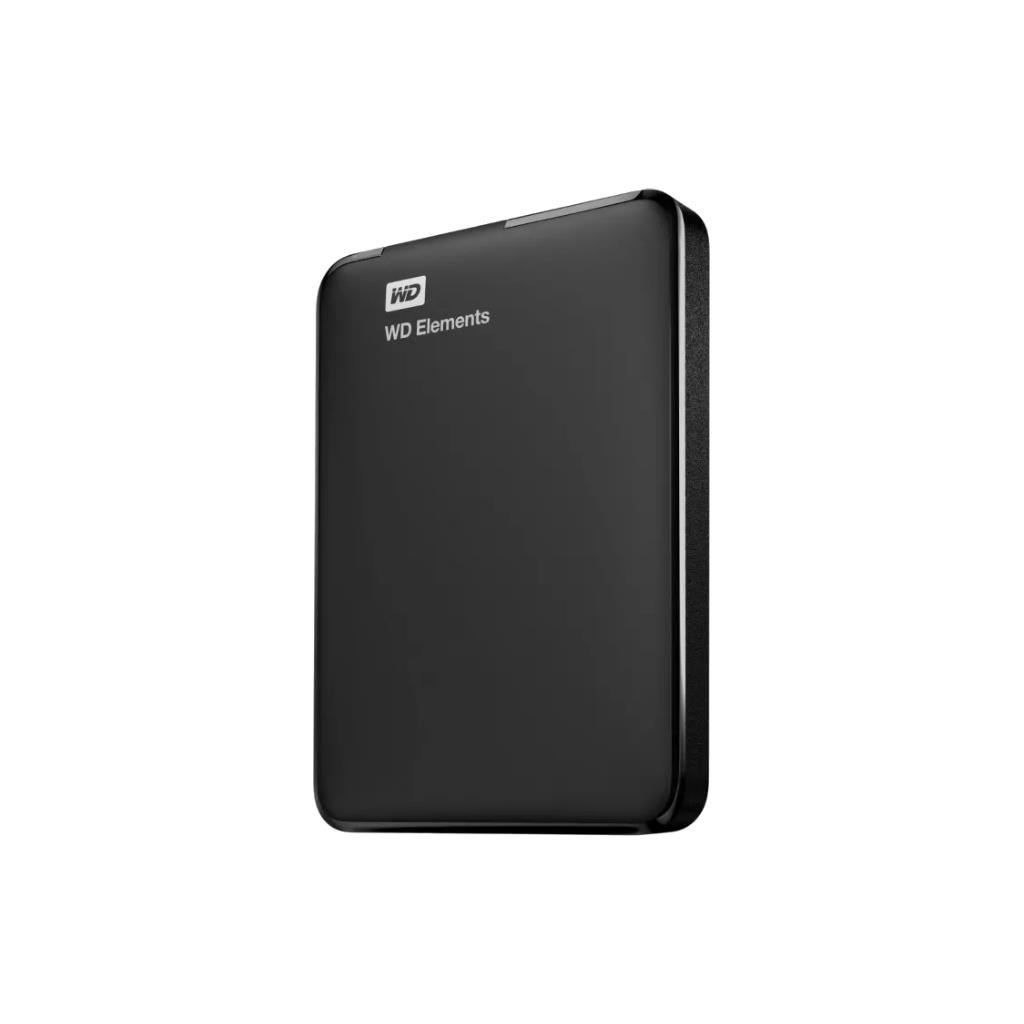
WD (Western Digital)
SKU: WDBUZG0010BBK-WESN/2Y
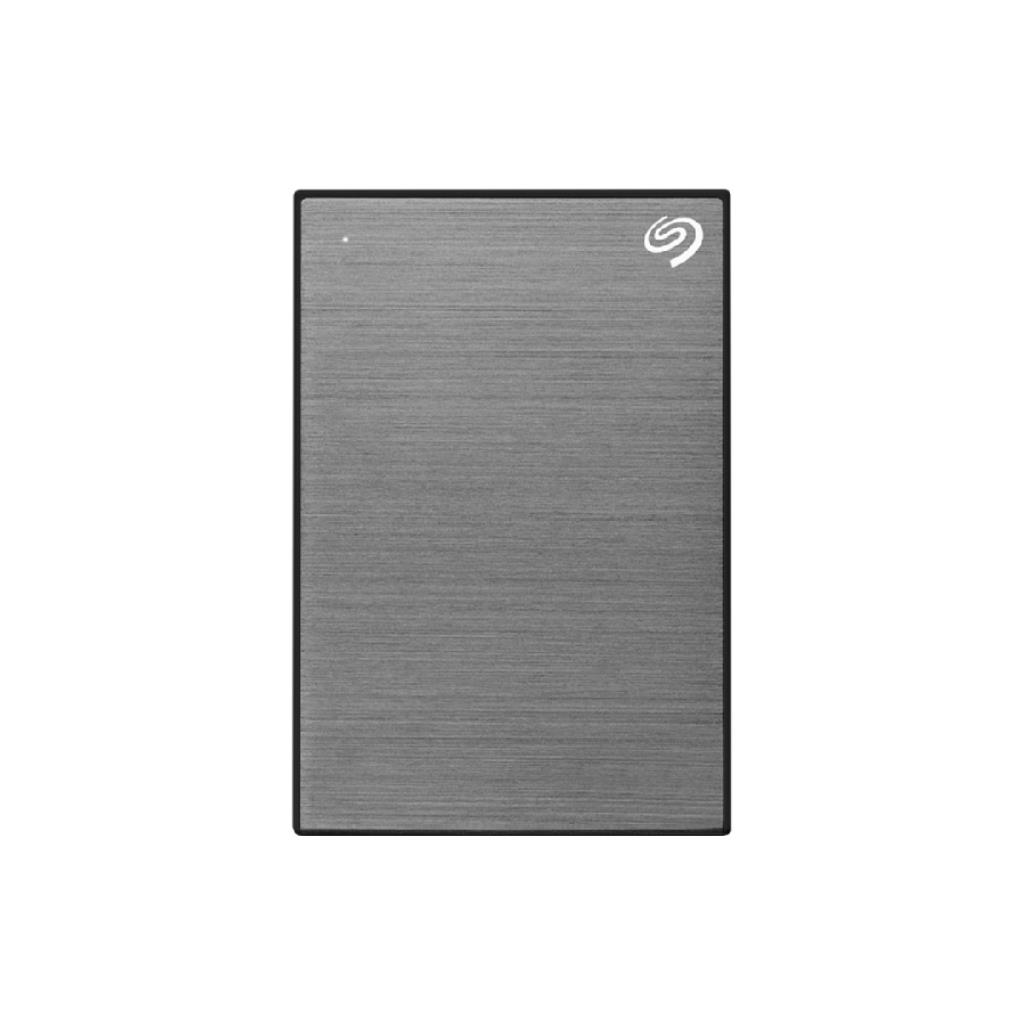
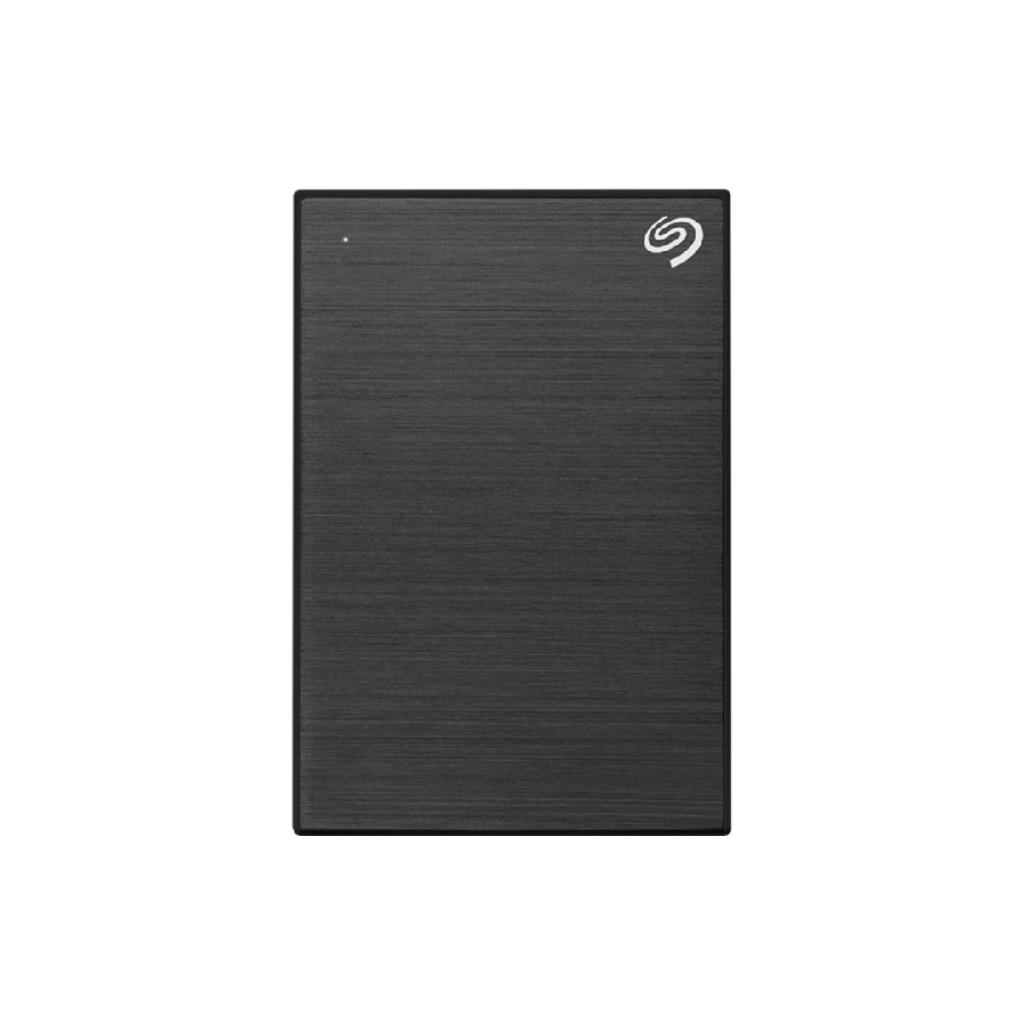
Seagate
SKU: STKY1000400
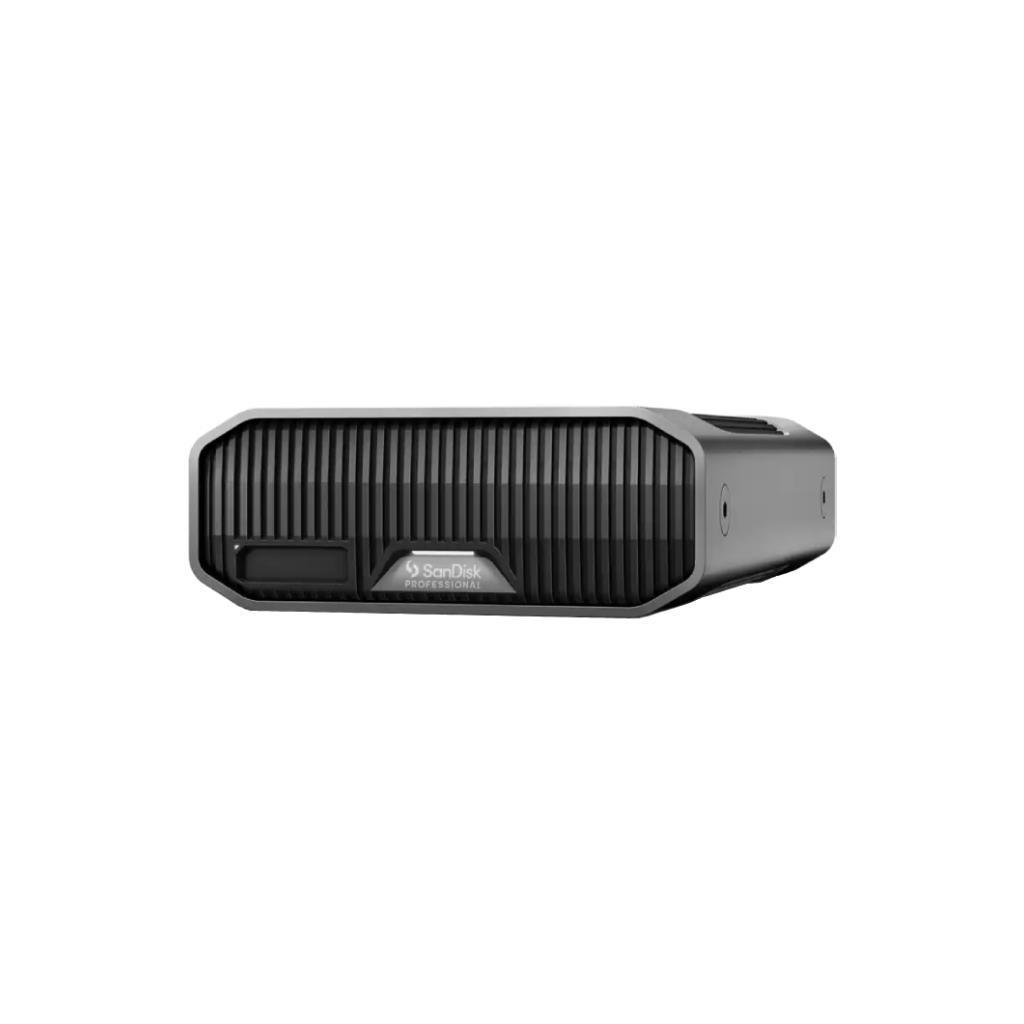
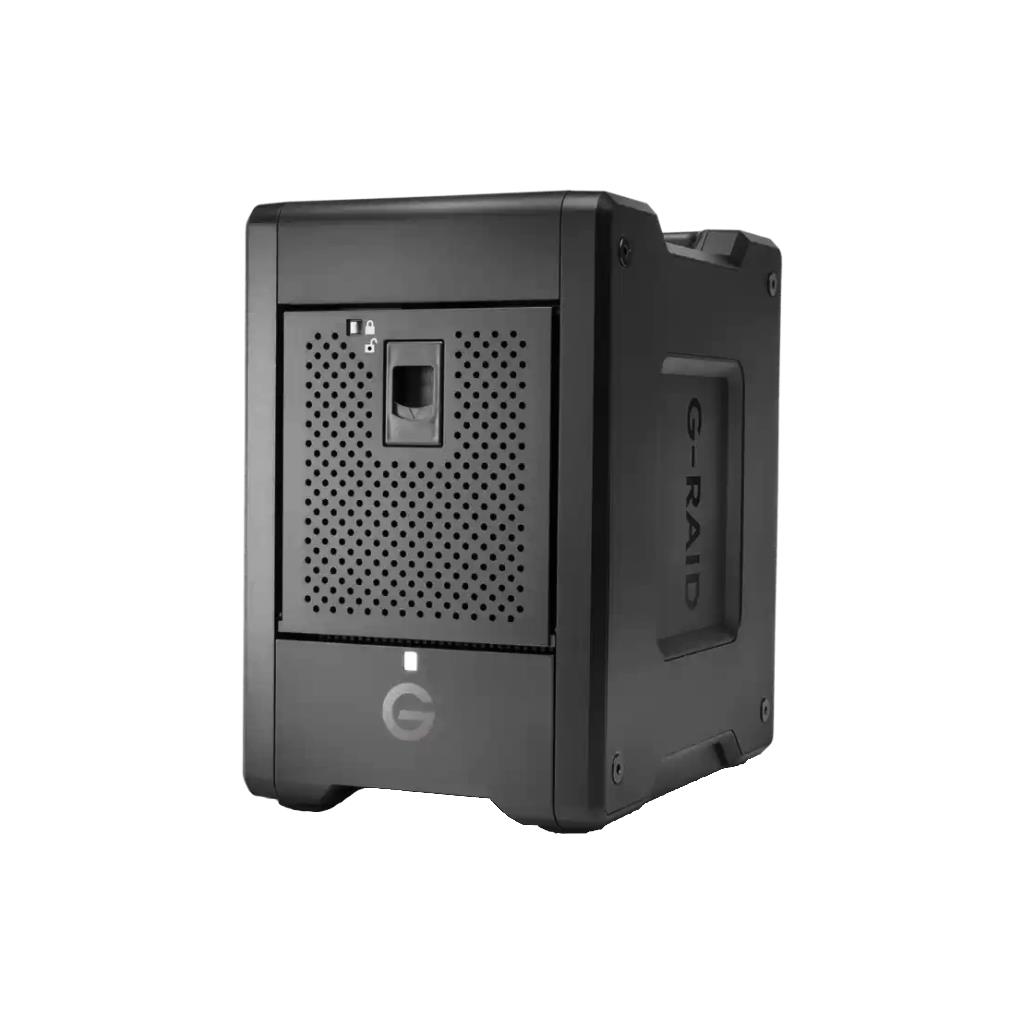
WD (Western Digital)
SKU: SDPH34H-024T-SBAAB
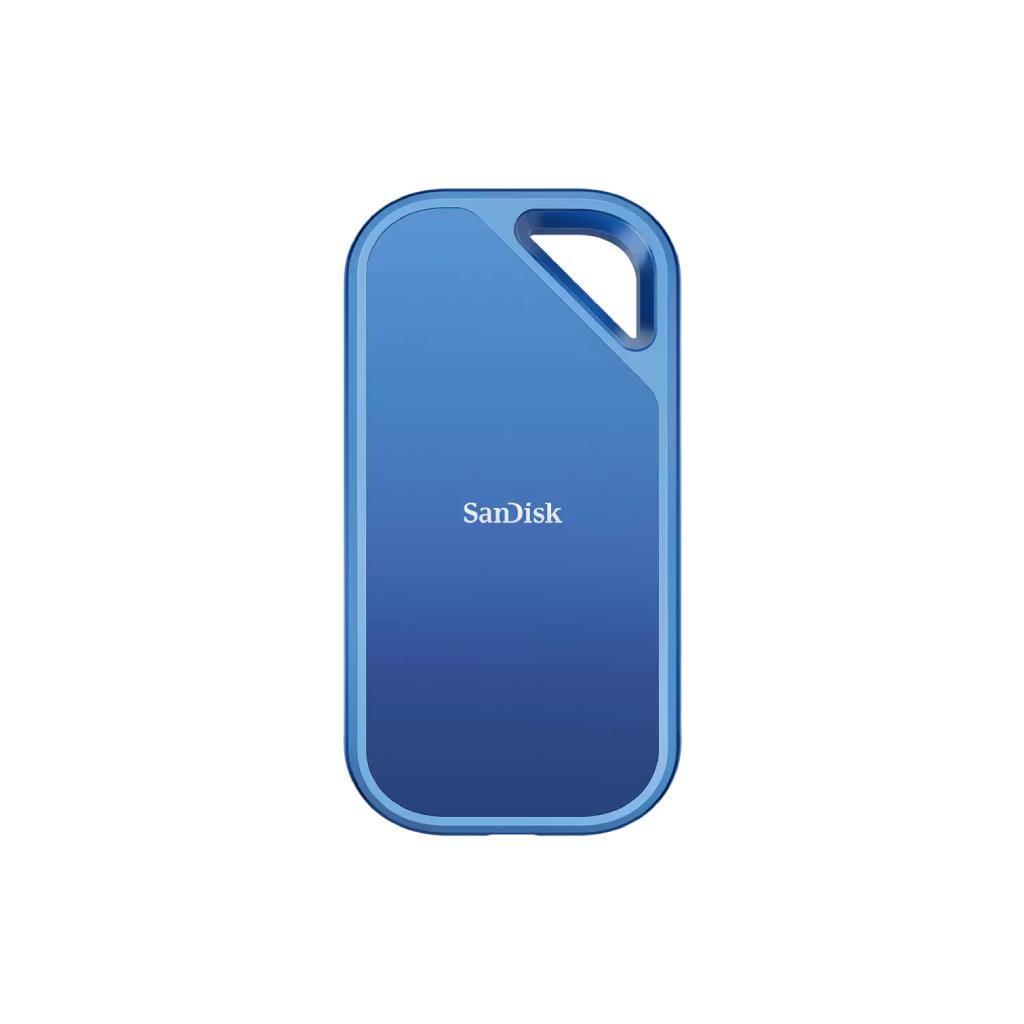
SanDisk
SKU: SDSSDE81C-4T00-G25
SanDisk
SKU: SDSSDE81C-2T00-G25
Start with how much data you have, the speed you need and the ports on the computer you will connect to; then pick the capacity and model that fit your budget.
An HDD stores data on spinning platters and gives you more capacity for the money, which suits backups and large archives. A portable SSD uses flash memory: it reads and writes several times faster, is smaller and, with no moving parts, copes better with knocks. It suits video editing, field work and frequent large transfers.
Size the drive from the data you store today and leave room to grow. 2.5-inch portable drives are powered by the USB port; 3.5-inch desktop drives offer more capacity but need their own power adapter.
Real-world speed is limited by the slowest link between drive, cable and computer: USB 3.2 Gen 1 (5Gbps), Gen 2 (10Gbps), Gen 2x2 (20Gbps), USB4 (20 or 40Gbps), Thunderbolt 3/4 (40Gbps) and Thunderbolt 5 (80Gbps). Check that your computer supports the same standard and pick a USB-C or USB-A connector to match its ports.
Drives can be reformatted for the system you use. To read and write on both Windows and macOS, use the exFAT file system. Formatting erases the drive, so back up first. For drives marketed for game consoles, check the conditions on the product page.
Desktop drives with two or more bays support RAID and connect directly over USB or Thunderbolt, which suits large video and photo workloads. To share files with several people over the network, consider a NAS instead.
For business or personal data, choose a model with password protection or hardware encryption (see each model's specifications), and never keep important data on a single drive: follow the 3-2-1 backup rule with a NAS or the cloud.
A portable HDD uses spinning platters and offers more capacity at a lower price per TB. A portable SSD uses flash memory, so it is faster, lighter and more shock-resistant because it has no moving parts. Choose an HDD for large backups and an SSD for speed or frequent travel.
The drive type (HDD or SSD), capacity, interface (for example USB 3.2 Gen 2, USB4 or Thunderbolt) and extras such as encryption or a rugged casing. Each model's price is shown on its product page and includes VAT.
Yes. Format it as exFAT to read and write on both systems, or use the native file system of the computer you use most. Formatting erases everything on the drive, so back up first.
Start from the amount of data you store today and add room to grow. For full-system backups, choose comfortably more capacity than the data on the computer so you can keep several backup versions.
Yes, as one of the copies, for example an offline copy kept apart from the computer, but not as the only one. Businesses should combine it with a NAS or the cloud under the 3-2-1 rule (three copies, on two types of media, one off site). Our team can recommend a backup setup.
GIST Store offers 153 models in External Hard Drives, starting at ฿3,406 (including VAT). Prices and stock status are updated from our system.
Yes. We support bulk orders for companies and government agencies. Request a project quotation from our sales team at 092-251-4017 or through our business customers page.
All products are genuine and covered by each manufacturer's warranty terms; warranty claims can be made through GIST. Orders placed before 12:00 on a business day are delivered within 1–3 business days (Bangkok and vicinity) or 2–5 business days (other provinces). Delivery is free on orders of ฿5,000 or more. See our warranty and shipping policies for details.
Quotations, full tax invoices and a team that helps you specify External Hard Drives.