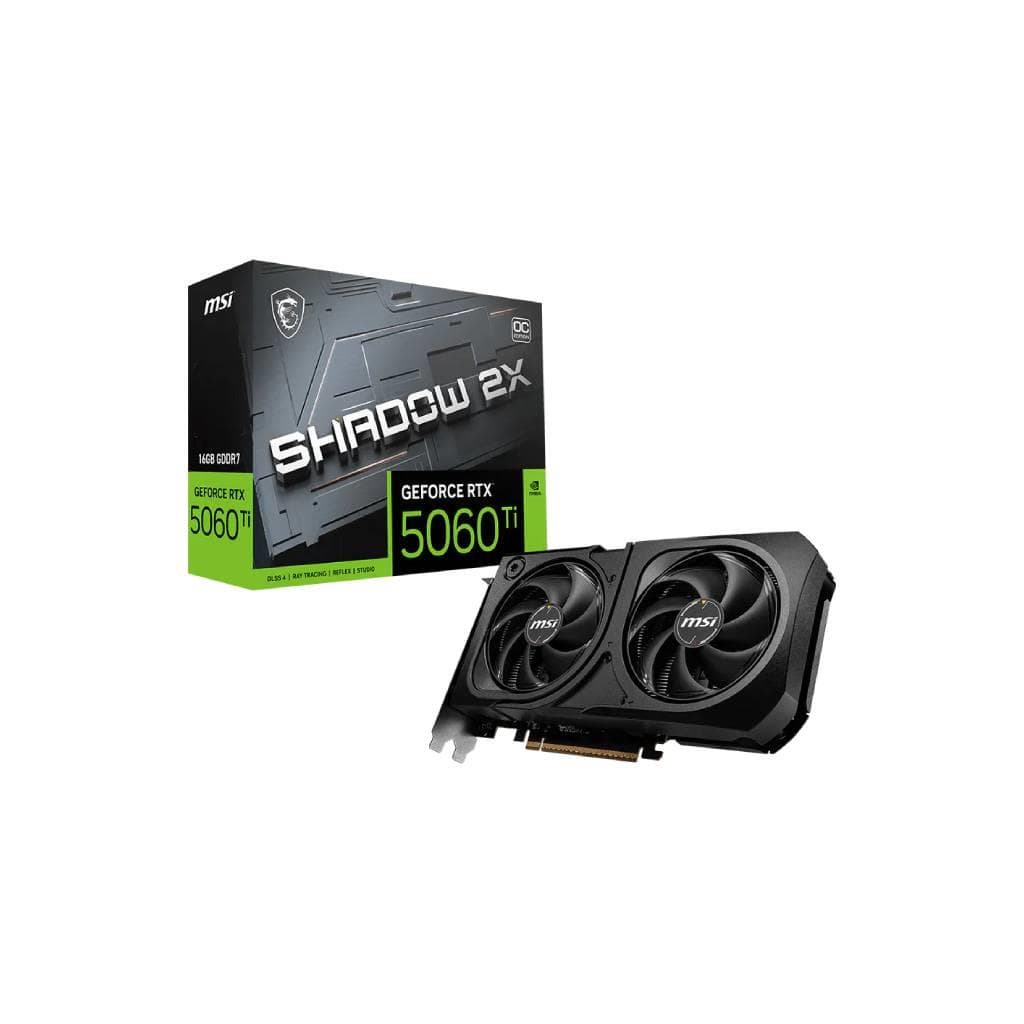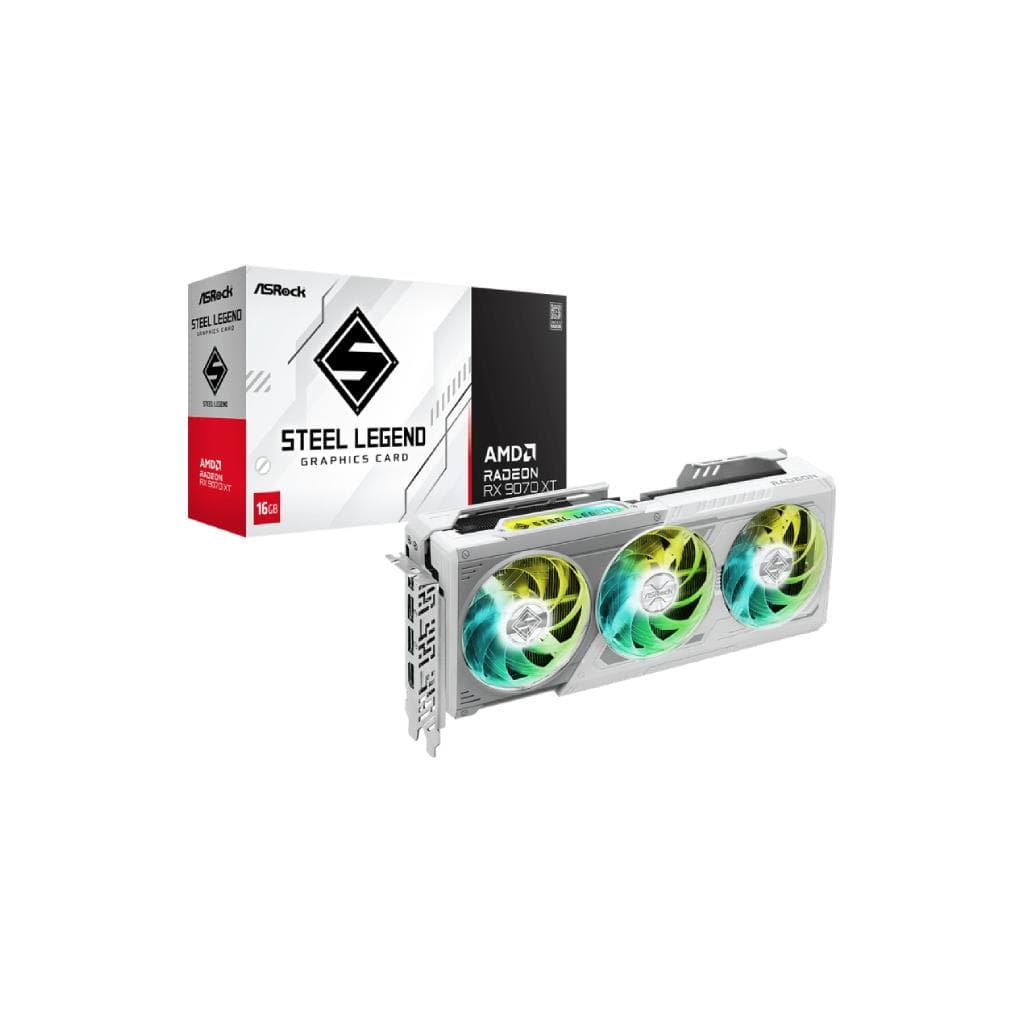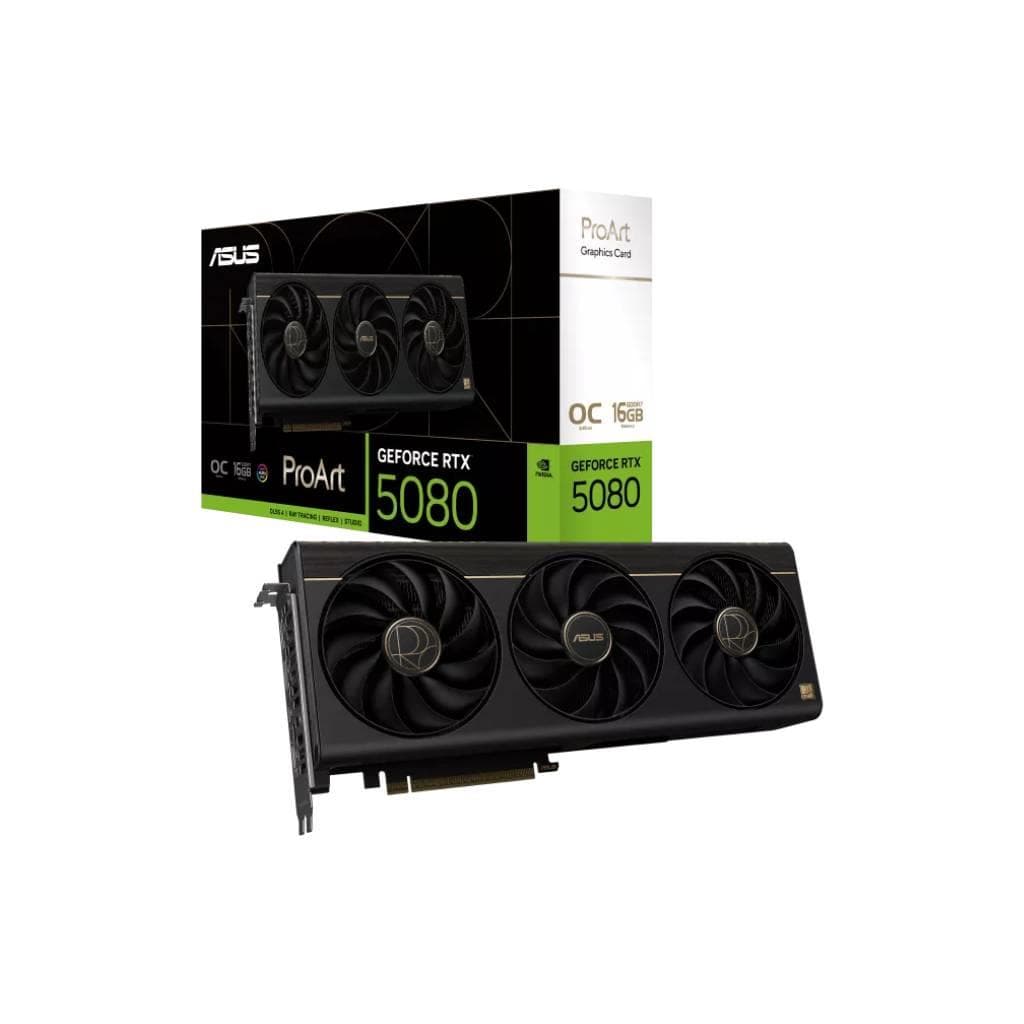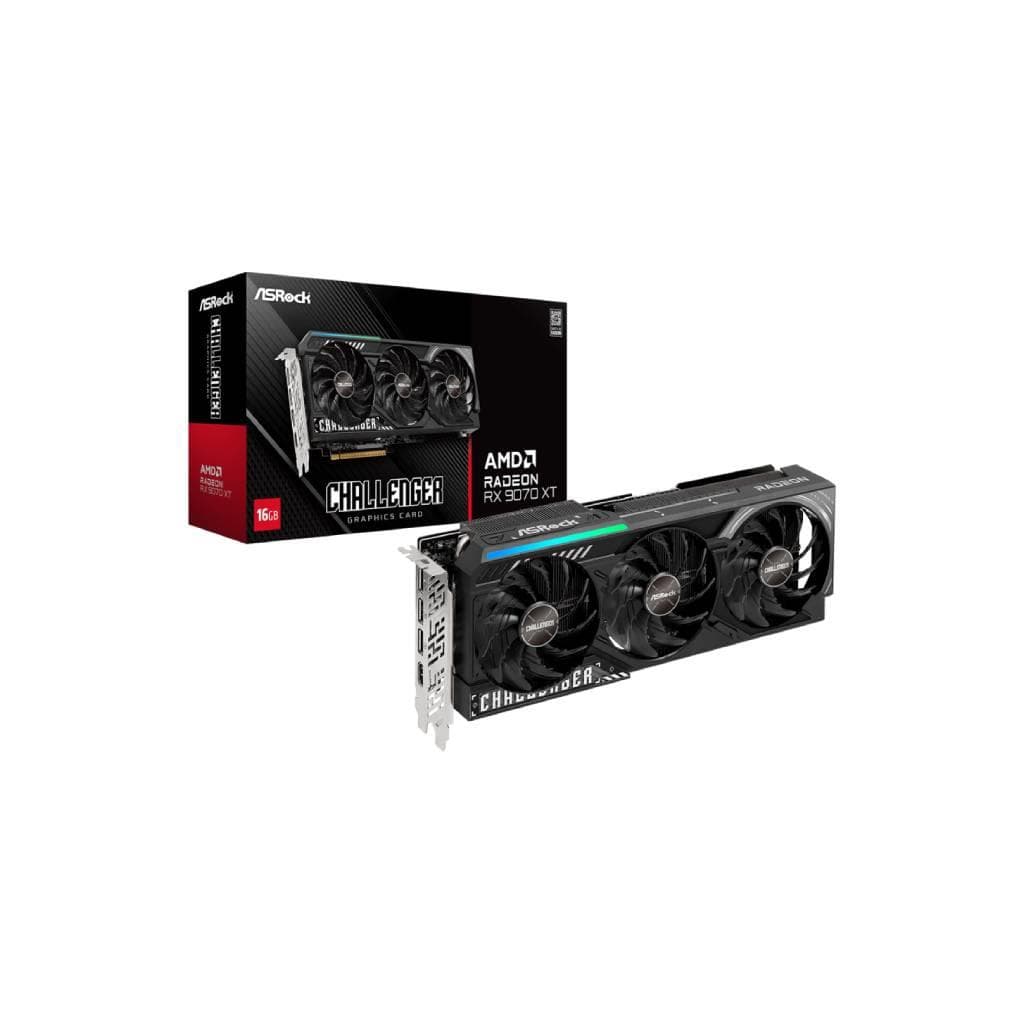


MSI GeForce RTX 5070 Ti 16GB GAMING TRIO OC
SKU: 5070TI-16G-GAMING-TRIO-OCPC Components › Graphics Cards
Please enquire before ordering
The distributor has not yet confirmed the latest price and availability (last checked Aug 21, 2026)
092-251-4017Awaiting stock confirmation3 years manufacturer's warranty
GenuineFree delivery from ฿5,000Tax invoice
การ์ดจอระดับเกมมิ่งจาก MSI ที่มาพร้อมหน่วยความจำ 16GB GDDR6X และเทคโนโลยี OC เพื่อประสิทธิภาพสูงสุดในการเล่นเกมและงานกราฟิกขั้นสูง
Key features
- หน่วยความจำ GDDR6X ขนาด 16GB จัดการกราฟิกหนักได้ลื่นไหล
- ระบบระบายความร้อน TRI-FAN ประสิทธิภาพสูง ลดเสียงรบกวน
- รองรับ Ray Tracing และ DLSS 3 เพื่อภาพสวยสมจริงและเฟรมเรตสูงขึ้น
- ไฟ RGB Dynamic Aura Sync ปรับแต่งได้ตามสไตล์
- พอร์ต HDMI 2.1 + DisplayPort 1.4a รองรับ 4K@144Hz
Product description
MSI GeForce RTX 5070 Ti 16GB GAMING TRIO OC เป็นการ์ดจอระดับไฮเอนด์ที่ออกแบบมาเพื่อผู้เล่นเกมและผู้ใช้งานที่ต้องการประสิทธิภาพกราฟิกสูงสุดในราคาที่เข้าถึงได้ ด้วยหน่วยความจำ GDDR6X ขนาด 16GB ทำให้จัดการข้อมูลกราฟิกขนาดใหญ่ได้อย่างราบรื่น โดยเฉพาะในเกมที่ใช้แสงแบบ Ray Tracing และ DLSS อย่างเต็มประสิทธิภาพ ระบบระบายความร้อน TRI-FAN ช่วยควบคุมอุณหภูมิได้ดีแม้เล่นต่อเนื่องเป็นเวลานาน พร้อมไฟ RGB แบบ Dynamic Aura Sync ที่ปรับแต่งได้ตามสไตล์ของผู้ใช้ รองรับการเชื่อมต่อหน้าจอหลายอันผ่านพอร์ต HDMI และ DisplayPort ทำให้เหมาะกับการตั้งค่าจอภาพแบบ Multi-Monitor หรือเล่นเกมในความละเอียด 4K
More features
- OC Mode เพิ่มประสิทธิภาพโดยอัตโนมัติ
- ออกแบบมาเพื่อเล่นเกมระดับสูงและงานสร้างสรรค์กราฟิก
- รองรับ PCIe 5.0 สำหรับการเชื่อมต่อที่เร็วขึ้น
Pros and limitations
Pros
- หน่วยความจำ 16GB GDDR6X รองรับเกมและแอปพลิเคชันกราฟิกหนักได้ดี
- ระบบระบายความร้อน TRI-FAN ควบคุมอุณหภูมิได้ดีแม้ใช้งานหนัก
- รองรับ DLSS 3.5 และ Ray Tracing ทำให้ภาพสวยสมจริงและเฟรมเรตสูงขึ้น
- ออกแบบมาเพื่อประสิทธิภาพสูงสุดในเกมและงานสร้างสรรค์
- รองรับการเชื่อมต่อหน้าจอหลายจอพร้อมกัน
Limitations
- ต้องใช้พาวเวอร์ซัพพลาย 850W ขึ้นไป
- ขนาดใหญ่ อาจไม่เหมาะกับเคสขนาดเล็ก
Who it is for
เหมาะสำหรับผู้เล่นเกมระดับสูงที่ต้องการความละเอียดสูงและเฟรมเรตสูง รวมถึงนักออกแบบกราฟิก 3D และผู้ใช้งานที่ต้องการประมวลผลกราฟิกหนัก
Connectivity
PCI Express®
Specifications (36)
- การ์ดจอ (GPU)
- NVIDIA GeForce RTX 5070 Ti
- TDP
- 285 W
- DLSS
- 3.5
- VRAM
- 16 GB GDDR6X
- พอร์ต
- HDMI 2.1 x1, DisplayPort 1.4a x2, USB-C (for display output)
- น้ำหนัก
- 1.9 kg
- RT Cores
- 64
- การรับประกัน
- 3 years
- Backplate
- Metal backplate with cooling fin
- CUDA Cores
- 8,192
- ขนาด
- 310 mm x 140 mm x 60 mm
- HDR
- รองรับ (HDR10, Dolby Vision)
- Ray Tracing
- Hardware-accelerated
- ไฟ RGB
- Dynamic Aura Sync RGB
- อัตราการรีเฟรช
- Up to 4K@144Hz, 1440p@240Hz
- Tensor Cores
- 256
- ความเข้ากันได้
- Standard ATX case, PCIe 5.0 slot
- แรงดันไฟฟ้าขาเข้า
- 12V
- ระบบระบายความร้อน
- TRI-FAN (3x 90mm fans)
- Driver Support
- NVIDIA Studio Driver & Game Ready Driver
- Max Resolution
- 7680 x 4320 (8K)
- OpenGL Support
- 4.6
- PCIe Interface
- PCIe 5.0 x16
- DirectX Support
- 12 Ultimate
- พอร์ตแสดงผล
- HDMI 2.1 x1, DisplayPort 1.4a x2
- Power Connector
- 12VHPWR 1x (16-pin)
- Memory Bandwidth
- 960 GB/s
- Memory Interface
- 256-bit
- Fan Speed Control
- Dynamic Fan Curve
- ซอฟต์แวร์
- MSI Center, Afterburner
- Multi-GPU Support
- NVIDIA SLI (limited)
- การใช้พลังงาน
- 285 W
- Core Clock (Boost)
- 2.4 GHz
- Acoustic Noise Level
- 27 dB(A) (idle), 38 dB(A) (load)
- ระบบปฏิบัติการที่รองรับ
- Windows 10/11 64-bit
- DisplayPort Alternate Mode
- รองรับ (for USB-C display output)
Datasheets and manuals straight from the manufacturer — select a document to open or download it.
13 questions
Frequently asked questions about this product
Compiled from manufacturer information
การ์ดจอรุ่นนี้ใช้พาวเวอร์ซัพพลายกี่วัตต์?
การ์ดจอนี้มี TDP 285W และต้องใช้พาวเวอร์ซัพพลายอย่างน้อย 850W เพื่อให้ทำงานได้อย่างเสถียร โดยแนะนำใช้ PSU ที่รองรับ PCIe 5.0 และมีพอร์ต 12VHPWR 1x
รองรับการเชื่อมต่อจอ 4K ได้กี่จอ?
รองรับการเชื่อมต่อหน้าจอ 4K ได้สูงสุด 2 จอพร้อมกันผ่านพอร์ต HDMI 2.1 และ DisplayPort 1.4a โดยสามารถเล่นเกมที่ความละเอียด 4K@144Hz ได้อย่างลื่นไหล
ใช้กับเคสขนาดเล็กได้ไหม?
การ์ดจอนี้มีขนาดยาว 310 มม. จึงอาจไม่เหมาะกับเคสขนาดเล็กหรือแบบ Mini-ITX เนื่องจากพื้นที่จำกัด แนะนำให้ใช้กับเคส ATX หรือ Micro-ATX ที่มีพื้นที่เพียงพอ
ต้องติดตั้งไดรเวอร์อะไรบ้าง?
ต้องติดตั้งไดรเวอร์ NVIDIA Game Ready Driver หรือ Studio Driver จากเว็บไซต์ NVIDIA โดยสามารถจัดการค่า OC และไฟ RGB ผ่านซอฟต์แวร์ MSI Center และ Afterburner
รองรับ Ray Tracing และ DLSS ไหม?
ใช่ รองรับ Ray Tracing แบบฮาร์ดแวร์และ DLSS 3.5 ซึ่งช่วยเพิ่มเฟรมเรตและปรับปรุงคุณภาพภาพในเกมที่เปิดใช้งานฟีเจอร์นี้ได้อย่างมีประสิทธิภาพ
มีพอร์ต USB-C สำหรับแสดงผลได้ไหม?
ใช่ มีพอร์ต USB-C ที่รองรับ DisplayPort Alternate Mode ทำให้สามารถเชื่อมต่อหน้าจอผ่านสาย USB-C ได้ โดยต้องตรวจสอบว่าจอรองรับ DisplayPort over USB-C
ใช้กับ PCIe 5.0 ได้ไหม?
ใช่ รองรับ PCIe 5.0 x16 ทำให้การส่งข้อมูลระหว่างการ์ดจอกับเมนบอร์ดเร็วขึ้นอย่างมาก โดยต้องมีเมนบอร์ดที่รองรับ PCIe 5.0 เพื่อใช้ประโยชน์เต็มประสิทธิภาพ
มีระบบระบายความร้อนแบบไหน?
ใช้ระบบ TRI-FAN พร้อมพัดลม 3 ตัวขนาด 90 มม. ที่ควบคุมความเร็วอัตโนมัติ และมีแผ่นหลังโลหะช่วยกระจายความร้อน ทำให้อุณหภูมิคงที่แม้เล่นเกมต่อเนื่อง
Is it in stock?
We are confirming the latest stock and price of the MSI GeForce RTX 5070 Ti 16GB GAMING TRIO OC with the distributor. Please contact us before ordering at 092-251-4017 or sales@gist.co.th.
How much does it cost?
The distributor has not yet confirmed the latest price and availability. Please contact us before ordering at 092-251-4017 or sales@gist.co.th.
How long is the warranty?
Warranty period: รับประกัน 3 ปี (manufacturer's terms). To make a warranty claim, call 092-251-4017 or 065-523-5262, or email sales@gist.co.th (Mon–Fri 9:00–18:00), then send the product with your order number to our head office, or bring it to the head office in person.
How long does delivery take?
Orders placed before 12:00 on a business day are delivered within 1–3 business days (Bangkok and vicinity) or 2–5 business days (other provinces). Free delivery on orders of ฿5,000 or more (a ฿150 delivery fee applies below this amount).
Is it genuine?
Genuine products sourced from distributors in Thailand, covered by the manufacturer's warranty. Full tax invoices are available.
Didn't find the answer you need?
Loading reviews…
Genuine products
Sourced from distributors in Thailand and covered by the manufacturer's warranty
Warranty period
รับประกัน 3 ปี
Covered by the manufacturer's warranty; you can make claims through GIST
Claims through GIST
Ship the product to our head office or bring it in person
Warranty conditions
- A receipt or other proof of purchase is required
- The product must not have been modified or altered
- Damage caused by misuse is not covered by the warranty
- To make a warranty claim, call 092-251-4017 or 065-523-5262, or email sales@gist.co.th (Mon–Fri 9:00–18:00), then send the product with your order number to our head office, or bring it to the head office in person.Head office: 554 Sky Nine Center, Floor 12A, Room 554/62, Asok-Din Daeng Road, Din Daeng Subdistrict, Din Daeng District, Bangkok 10400
More in Graphics Cards