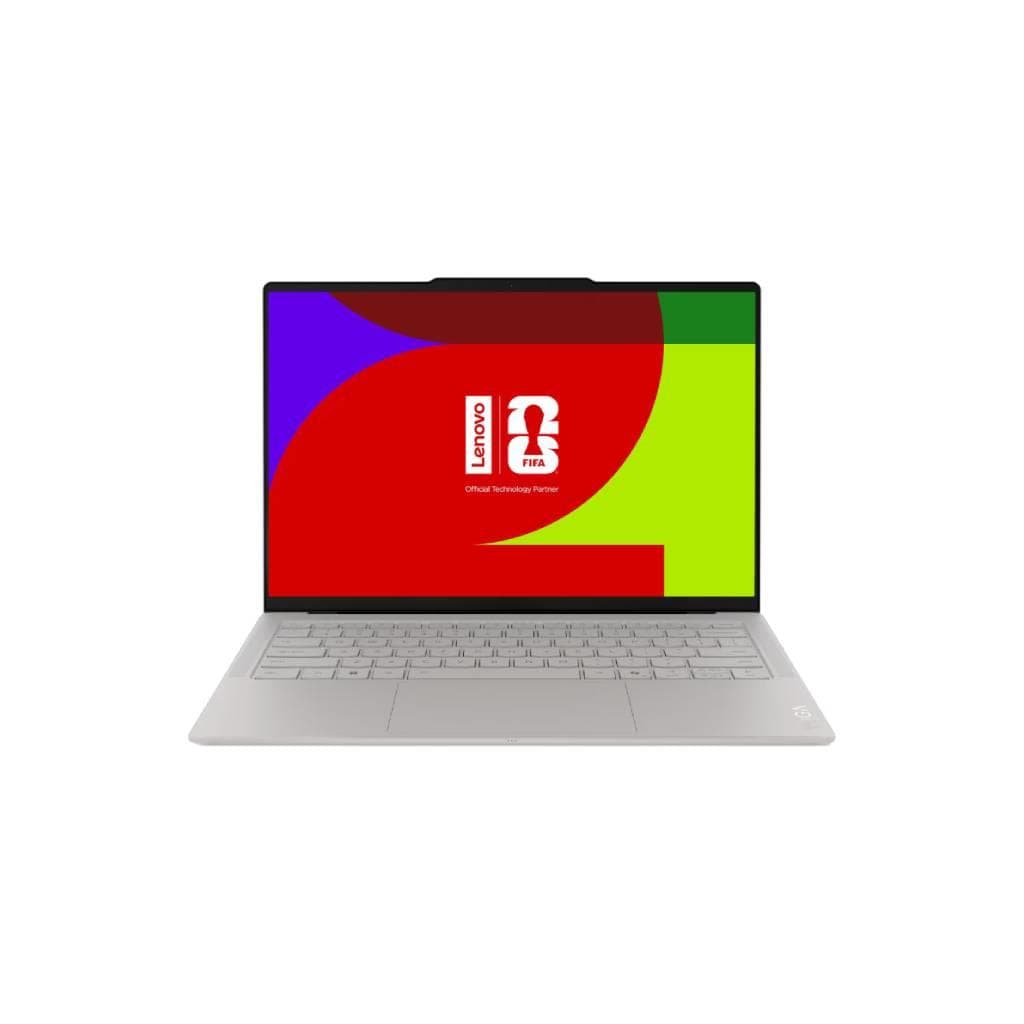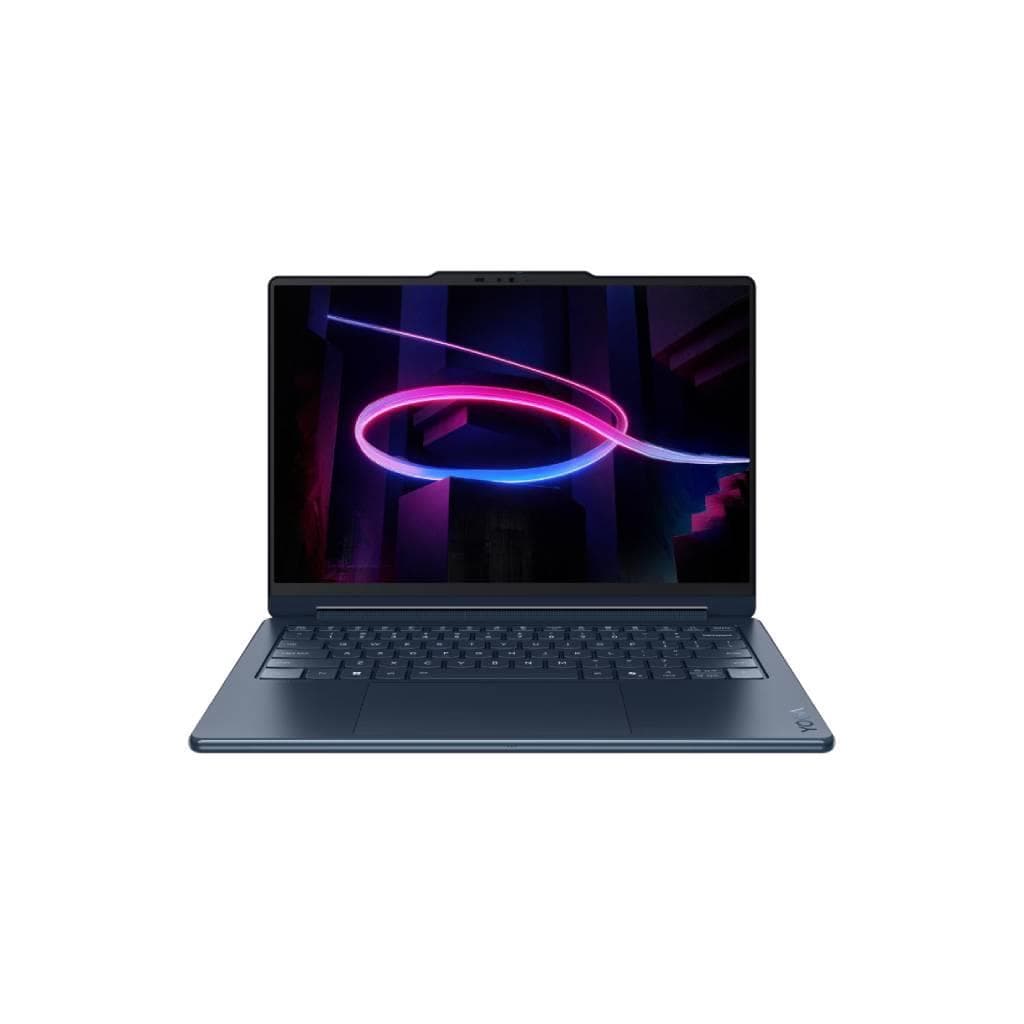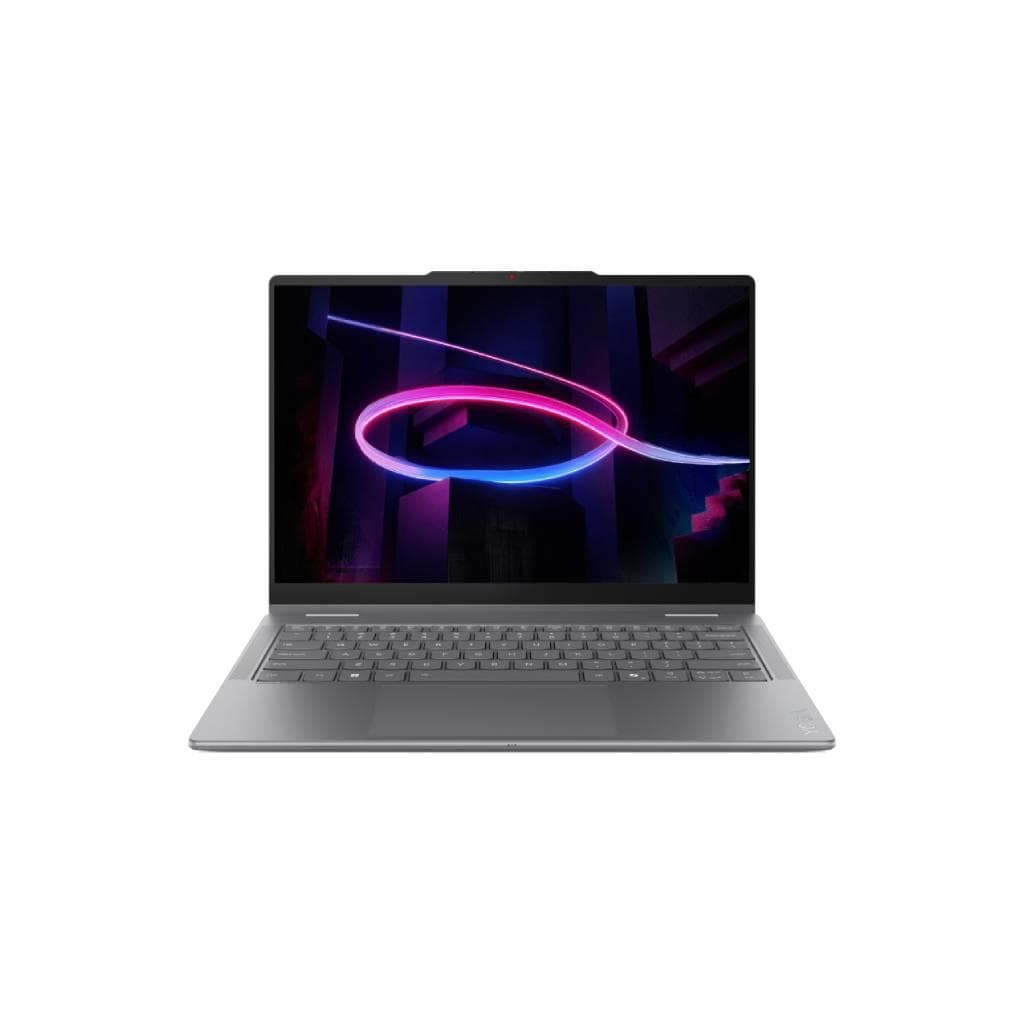


ASUS Zenbook 14 OLED UX3405CA (Intel Core Ultra 9-185H 32GB 1TB SSD)
SKU: A1-UX3405CA-PP979WANotebooks › Personal Notebooks· Model: UX3405CA· P/N: PP979WA
Please enquire before ordering
The distributor has not yet confirmed the latest price and availability (last checked Jun 15, 2026)
092-251-4017Awaiting stock confirmationManufacturer's warranty
GenuineFree delivery from ฿5,000Tax invoice
โน้ตบุ๊คบางเบา 14 นิ้ว หน้าจอ OLED ความละเอียด 3K พร้อมรีเฟรชเรท 120Hz ใช้ซีพียู Intel Core Ultra 9 รุ่นใหม่ล่าสุด รองรับ AI ประสิทธิภาพสูง เหมาะสำหรับผู้ใช้งานทั่วไป นักเรียน หรือผู้ทำงานที่ต้องการพกพาสะดวก
Key features
- หน้าจอ OLED 3K 14.0 นิ้ว รีเฟรชเรท 120Hz
- ซีพียู Intel Core Ultra 9-185H 16 คอร์ 22 เธรด
- Intel Arc Graphics สำหรับงานกราฟิกระดับกลางถึงสูง
- รองรับ Intel AI Boost NPU สูงสุด 11TOPS
- หน้าจอ 100% DCI-P3 ความลึกสี 1.07 พันล้านสี
Product description
ASUS Zenbook 14 OLED UX3405CA มอบประสบการณ์การใช้งานระดับพรีเมียมด้วยหน้าจอ OLED ขนาด 14.0 นิ้ว ความละเอียด 2880 x 1800 พิกเซล รีเฟรชเรท 120Hz และเวลาตอบสนองเพียง 0.2ms ให้ภาพคมชัด สดใส พร้อมสีสันกว้าง 100% DCI-P3 และความลึกของสี 1,070 ล้านสี ทำให้เหมาะกับงานด้านกราฟิก วิดีโอ และการดูหนัง พร้อมเทคโนโลยีลดแสงสีฟ้า 70% เพื่อถนอมสายตาในระยะยาว ตัวเครื่องใช้ซีพียู Intel Core Ultra 9-185H ความเร็ว 2.3 GHz (สูงสุด 5.1 GHz) พร้อมแคช 24MB จำนวนคอร์ 16 คอร์ 16 เธรด รองรับ Intel AI Boost NPU สูงสุด 11TOPS สำหรับประมวลผล AI แบบเรียลไทม์ พร้อมการ์ดจอ Intel Arc Graphics ที่รองรับงานกราฟิกระดับกลางถึงสูง ทั้งยังรองรับแรม 16GB ขึ้นไปในโหมด dual-channel เพื่อประสิทธิภาพสูงสุด
More features
- เวลาตอบสนอง 0.2ms พร้อมลดแสงสีฟ้า 70%
- ออกแบบบางเบา ใช้งานได้นานต่อเนื่อง
- รองรับ Windows 11 Pro สำหรับธุรกิจ
Pros and limitations
Pros
- หน้าจอ OLED ความละเอียด 3K รีเฟรชเรท 120Hz ให้ภาพคมชัด สดใส
- รองรับ Intel AI Boost NPU สูงสุด 11TOPS สำหรับงาน AI แบบเรียลไทม์
- ซีพียู Intel Core Ultra 9-185H ประสิทธิภาพสูง 16 คอร์ 22 เธรด
- Intel Arc Graphics รองรับงานกราฟิกระดับกลางถึงสูง
- หน้าจอ 100% DCI-P3 และ 1.07 พันล้านสี ให้สีสันสมจริง
Who it is for
เหมาะสำหรับนักเรียน นักศึกษา หรือผู้ใช้งานทั่วไปที่ต้องการพกพาสะดวก ใช้งานทั่วไป งานกราฟิกพื้นฐาน และการดูหนัง พร้อมประสิทธิภาพสูงจากซีพียู Intel Core Ultra 9 และหน้าจอ OLED คุณภาพสูง
Specifications (22)
- ซีพียู (CPU)
- Intel® Core™ Ultra 9 Processor 185H 2.3 GHz (24MB Cache, up to 5.1 GHz, 16 cores, 22 Threads); Intel® AI Boost NPU up to 11TOPS
- การ์ดจอ (GPU)
- Intel® Arc™ Graphics
- หน่วยความจำ (RAM)
- 16 GB (Dual-channel) DDR5
- พอร์ต
- USB-C x2 (USB 3.2 Gen 2), HDMI 2.1, 3.5mm headphone jack, microSD card reader
- เว็บแคม
- 720p HD webcam
- ลำโพง
- Built-in stereo speakers
- พื้นที่จัดเก็บข้อมูล
- 1 TB SSD NVMe PCIe Gen4
- คีย์บอร์ด
- Backlit keyboard
- ความปลอดภัย
- TPM 2.0, Kensington lock slot
- ทัชแพด
- Precision touchpad
- ประเภทจอ
- OLED
- ความละเอียด
- 2880 x 1800
- ความลึกสี
- 1.07 billion colors
- ขอบเขตสี
- 100% DCI-P3
- Fingerprint
- Integrated fingerprint sensor
- อัตราส่วนภาพ
- 16:10
- ขนาดหน้าจอ
- 14.0-inch
- อัตราการรีเฟรช
- 120Hz
- เวลาตอบสนอง
- 0.2ms
- อัตราส่วนคอนทราสต์
- 1,000,000:1
- ระบบปฏิบัติการ
- Windows 11 Pro
- การเชื่อมต่อไร้สาย
- Wi-Fi 6E, Bluetooth 5.3
Datasheets and manuals straight from the manufacturer — select a document to open or download it.
13 questions
Frequently asked questions about this product
Compiled from manufacturer information
Zenbook 14 UX3405CA รองรับการเชื่อมต่อ Wi-Fi 6E ได้หรือไม่?
ใช่ รองรับ Wi-Fi 6E พร้อม Bluetooth 5.3 ทำให้การเชื่อมต่อเครือข่ายมีความเร็วสูงและเสถียร รองรับการใช้งานในสภาพแวดล้อมเครือข่ายที่มีผู้ใช้งานมาก
หน้าจอ OLED ของ Zenbook 14 ใช้เวลาตอบสนองเท่าไหร่?
หน้าจอ OLED ของ Zenbook 14 มีเวลาตอบสนองเพียง 0.2ms ทำให้ภาพเคลื่อนไหวลื่นไหล ไม่กระตุก แม้ในเกมหรือวิดีโอความเร็วสูง
Zenbook 14 ใช้ซีพียูรุ่นใด และรองรับ AI ได้หรือไม่?
ใช้ซีพียู Intel Core Ultra 9-185H พร้อม Intel AI Boost NPU สูงสุด 11TOPS รองรับการประมวลผล AI แบบเรียลไทม์ เช่น การแปลภาษา หรือการเรียนรู้ของเครื่อง
Zenbook 14 UX3405CA รองรับการใช้งานแรม 32GB ได้หรือไม่?
ใช่ รองรับแรม 16GB ขึ้นไปในโหมด dual-channel ซึ่งรวมถึง 32GB ทำให้สามารถทำงานพร้อมกันหลายแอปได้อย่างลื่นไหล
Zenbook 14 ใช้การ์ดจอแบบใด?
ใช้ Intel Arc Graphics ซึ่งรองรับงานกราฟิกระดับกลางถึงสูง และต้องใช้ซีพียู Intel Core Ultra 9-185H/ Ultra 7-155H/ Ultra 5-125H พร้อมแรม 16GB ขึ้นไป
หน้าจอ Zenbook 14 มีความสว่างเท่าไหร่?
ไม่มีข้อมูลความสว่าง (Brightness) ในแหล่งข้อมูล แต่มีความลึกของสี 1,070 ล้านสี และ 100% DCI-P3 ทำให้สีสันสดใสแม้ในสภาพแสงน้อย
Zenbook 14 รองรับการเชื่อมต่อหน้าจอภายนอกได้หรือไม่?
ใช่ รองรับการเชื่อมต่อหน้าจอภายนอกผ่านพอร์ต HDMI 2.1 และ USB-C ที่รองรับ DisplayPort Alt Mode
Zenbook 14 ใช้ระบบปฏิบัติการอะไร?
ติดตั้งระบบปฏิบัติการ Windows 11 Pro ซึ่งเหมาะกับผู้ใช้งานธุรกิจและผู้ที่ต้องการฟีเจอร์ความปลอดภัยขั้นสูง
Is it in stock?
We are confirming the latest stock and price of the ASUS Zenbook 14 OLED UX3405CA (Intel Core Ultra 9-185H 32GB 1TB SSD) with the distributor. Please contact us before ordering at 092-251-4017 or sales@gist.co.th.
How much does it cost?
The distributor has not yet confirmed the latest price and availability. Please contact us before ordering at 092-251-4017 or sales@gist.co.th.
How long is the warranty?
The warranty follows the manufacturer's terms for each model; ask our sales team for the warranty period of this model. To make a warranty claim, call 092-251-4017 or 065-523-5262, or email sales@gist.co.th (Mon–Fri 9:00–18:00), then send the product with your order number to our head office, or bring it to the head office in person.
How long does delivery take?
Orders placed before 12:00 on a business day are delivered within 1–3 business days (Bangkok and vicinity) or 2–5 business days (other provinces). Free delivery on orders of ฿5,000 or more (a ฿150 delivery fee applies below this amount).
Is it genuine?
Genuine products sourced from distributors in Thailand, covered by the manufacturer's warranty. Full tax invoices are available.
Didn't find the answer you need?
Loading reviews…
Genuine products
Sourced from distributors in Thailand and covered by the manufacturer's warranty
Warranty period
According to the manufacturer's terms for each model
Covered by the manufacturer's warranty; you can make claims through GIST
Claims through GIST
Ship the product to our head office or bring it in person
Warranty conditions
- A receipt or other proof of purchase is required
- The product must not have been modified or altered
- Damage caused by misuse is not covered by the warranty
- To make a warranty claim, call 092-251-4017 or 065-523-5262, or email sales@gist.co.th (Mon–Fri 9:00–18:00), then send the product with your order number to our head office, or bring it to the head office in person.Head office: 554 Sky Nine Center, Floor 12A, Room 554/62, Asok-Din Daeng Road, Din Daeng Subdistrict, Din Daeng District, Bangkok 10400
More in Personal Notebooks