
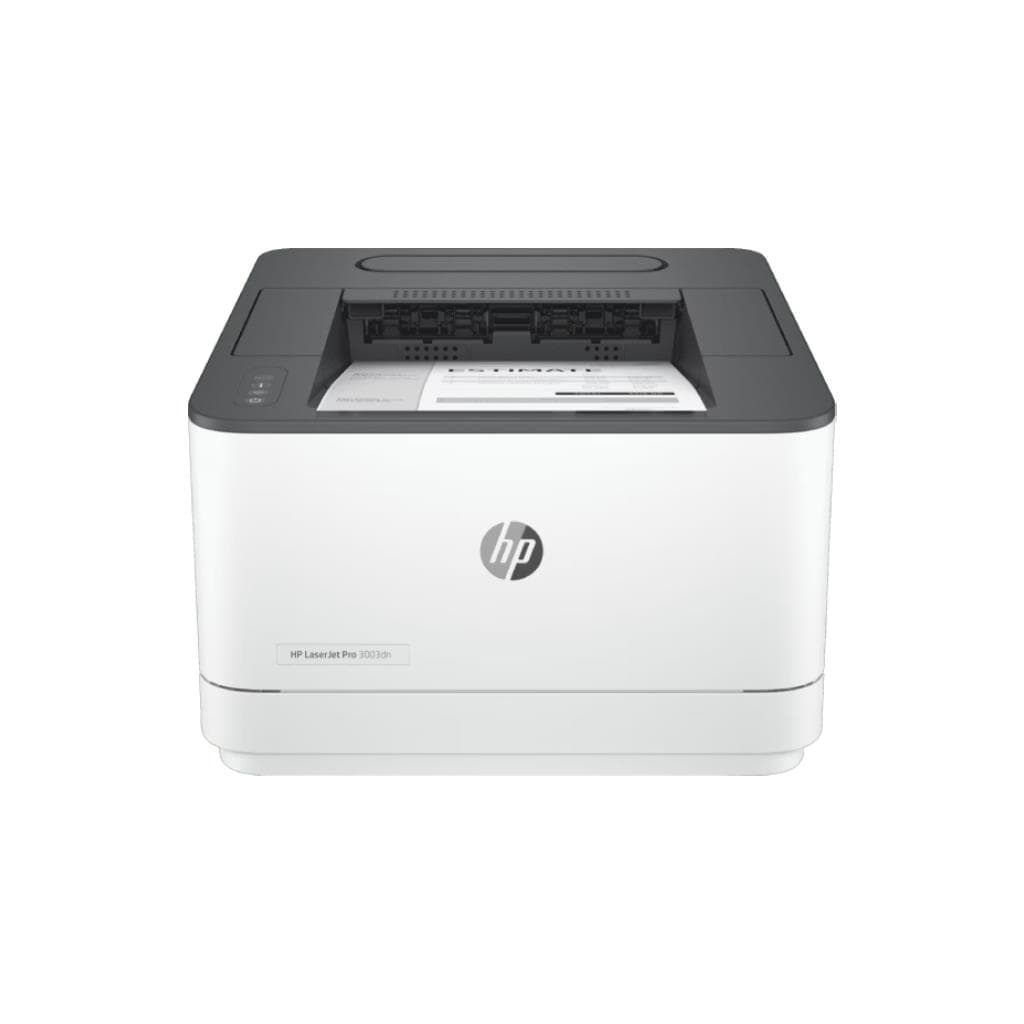


PANTUM BM5115FDW Network MFP A4 40ppm PCL/PS 400MHz CPU 512MB RAM
SKU: BM5115FDWPrinters & Supplies › Laser Printers
฿17,495
Price includes 7% VATPrice updated November 1, 2026
In stock1 year manufacturer's warranty
For orders placed before 12:00 on a business day; weekends excluded
GenuineFree delivery from ฿5,000Tax invoice
เครื่องพิมพ์เลเซอร์มัลติฟังก์ชัน Pantum BM5115FDW รองรับการพิมพ์ ถ่ายเอกสาร สแกน และแฟกซ์ในเครื่องเดียว พร้อมพอร์ตเครือข่ายและหน่วยความจำ 512MB เหมาะสำหรับสำนักงานขนาดเล็กถึงกลาง
Key features
- พิมพ์ ถ่ายเอกสาร สแกน แฟกซ์ 4 ใน 1 ครบวงจรในเครื่องเดียว
- ความเร็วพิมพ์ 40 แผ่นต่อนาที (A4)
- รองรับเครือข่าย LAN พร้อมพอร์ต Ethernet
- หน่วยความจำภายใน 512MB รองรับงานพร้อมกันได้ดี
- ซีพียู 400MHz ประมวลผลเร็ว ลดเวลาค้าง
Product description
Pantum BM5115FDW เป็นเครื่องพิมพ์เลเซอร์มัลติฟังก์ชันที่ออกแบบมาเพื่อประสิทธิภาพสูงในสภาพแวดล้อมสำนักงาน โดยรองรับการทำงาน 4 ใน 1 ได้แก่ พิมพ์ ถ่ายเอกสาร สแกน และแฟกซ์ ด้วยความเร็วในการพิมพ์สูงถึง 40 แผ่นต่อนาที (ppm) บนกระดาษ A4 ทำให้เพิ่มผลิตภาพได้อย่างมีนัยสำคัญ เครื่องมาพร้อมหน่วยความจำภายใน 512MB และซีพียูความเร็ว 400MHz ช่วยให้ประมวลผลงานได้อย่างราบรื่นแม้ในโหมดใช้งานพร้อมกันหลายรายการ นอกจากนี้ยังรองรับโปรโตคอล PCL และ PS ทำให้เข้ากันได้กับระบบปฏิบัติการและแอปพลิเคชันส่วนใหญ่ในสำนักงาน
More features
- รองรับโปรโตคอล PCL และ PS ใช้งานได้หลากหลายระบบ
- หน้าจอแสดงผลแบบสัมผัส ขนาด 2.5 นิ้ว
- รองรับการพิมพ์จากสมาร์ทโฟนผ่านแอปพลิเคชัน
- รองรับการสแกนไฟล์ PDF และ JPEG ได้โดยตรง
- ใช้งานง่าย ตั้งค่าเครือข่ายได้รวดเร็ว
Pros and limitations
Pros
- ความเร็วพิมพ์สูง 40 แผ่นต่อนาที ช่วยเพิ่มประสิทธิภาพการทำงาน
- รองรับเครือข่าย LAN ใช้งานร่วมกันได้ในสำนักงาน
- หน่วยความจำ 512MB จัดการงานพร้อมกันได้ดี
- รองรับการพิมพ์จากมือถือผ่านแอป Pantum Mobile Print และ AirPrint
- มีหน้าจอสัมผัสขนาด 2.5 นิ้ว ใช้งานง่าย ตั้งค่าได้รวดเร็ว
Limitations
- ไม่รองรับ Wi-Fi โดยตรง ต้องใช้สาย LAN
- หน่วยความจำ 512MB อาจจำกัดในงานพิมพ์แบบกราฟิกหนัก
- น้ำหนัก 12.5 กก. ต้องใช้พื้นที่วางอย่างเหมาะสม
Who it is for
เหมาะสำหรับสำนักงานขนาดเล็กถึงกลางที่ต้องการเครื่องพิมพ์ครบวงจร รองรับการทำงานร่วมกันในเครือข่าย และต้องการความเร็วในการพิมพ์สูงพร้อมฟีเจอร์สแกนและแฟกซ์
Connectivity
Network
Specifications (32)
- ซีพียู (CPU)
- 400 MHz
- Wi-Fi
- ไม่รองรับ
- หน่วยความจำ (RAM)
- 512 MB
- น้ำหนัก
- 12.5 kg
- Display
- 2.5-inch color touchscreen
- การรับประกัน
- 1 year
- Languages
- PCL 6, PCL 5e, PostScript 3
- ขนาด
- 398 x 378 x 310 mm
- Duty Cycle
- Up to 150,000 pages per month
- Paper Size
- A4, A5, Letter, Legal, Executive, Envelope
- อายุการเก็บรักษา
- 3 years
- Duplex Scan
- Supports automatic duplex scanning
- หมายเลขชิ้นส่วน (P/N)
- BM5115FDW
- ADF Capacity
- 50 sheets
- Fax Function
- Supports sending and receiving faxes
- Mobile Print
- รองรับ AirPrint, Mopria, Pantum Mobile Print App
- Control Panel
- Touchscreen interface with physical buttons
- แรงดันไฟฟ้าขาเข้า
- AC 220-240 V, 50/60 Hz
- Ink/Toner (Type)
- Toner cartridge
- การใช้พลังงาน
- Approx. 650 W (printing), 30 W (standby)
- Toner Yield (ISO)
- Approx. 2,500 pages per cartridge
- เครื่องพิมพ์ที่รองรับ
- Pantum BM5115FDW
- Duplex (Auto/Manual)
- Auto duplex printing
- First Print Out Time
- 12.5 seconds
- Network Connectivity
- Ethernet (10/100 Mbps)
- พอร์ต
- Ethernet (RJ-45), USB 2.0
- ระบบปฏิบัติการที่รองรับ
- Windows, macOS, Linux, Android, iOS
- Recommended Monthly Pages
- 500 - 1,500 pages
- Paper Tray (Input Capacity)
- 250 sheets
- Scanner (Optical Resolution)
- 600 x 600 dpi
- ความละเอียด
- 600 x 600 dpi
- ความเร็วพิมพ์ (Print Speed)
- 40 ppm (A4)
Compatibility
Windows, macOS
Datasheets and manuals straight from the manufacturer — select a document to open or download it.
13 questions
Frequently asked questions about this product
Compiled from manufacturer information
เครื่อง Pantum BM5115FDW พิมพ์ได้เร็วแค่ไหน?
เครื่องพิมพ์นี้มีความเร็วในการพิมพ์สูงถึง 40 แผ่นต่อนาที (ppm) บนกระดาษ A4 ทำให้เหมาะกับงานพิมพ์จำนวนมากในช่วงเวลาสั้น ๆ
รองรับการพิมพ์จากมือถือได้ไหม?
ใช่ รองรับการพิมพ์จากสมาร์ทโฟนผ่านแอป Pantum Mobile Print, AirPrint และ Mopria โดยไม่ต้องต่อสาย
เครื่องนี้พิมพ์เอกสารแบบสองหน้าอัตโนมัติได้ไหม?
ใช่ เครื่องรองรับการพิมพ์สองหน้าอัตโนมัติ (Auto Duplex Printing) ช่วยประหยัดกระดาษและเวลาในการจัดเรียงเอกสาร
ใช้ตลับหมึกแบบไหน และพิมพ์ได้กี่แผ่น?
ใช้ตลับหมึกเลเซอร์ Pantum รุ่นเฉพาะ รองรับการพิมพ์ได้ประมาณ 2,500 แผ่นต่อตลับ (ตามมาตรฐาน ISO/IEC 24739)
ต้องใช้สาย LAN ไหมในการเชื่อมต่อเครือข่าย?
ใช่ เครื่องรองรับการเชื่อมต่อผ่าน Ethernet (LAN) โดยตรง แต่ไม่มี Wi-Fi ในตัว จึงต้องใช้สายเครือข่าย
สามารถสแกนเอกสารเป็นไฟล์ PDF ได้ไหม?
ใช่ เครื่องรองรับการสแกนไฟล์ PDF และ JPEG โดยสามารถสแกนสองหน้าพร้อมกันได้ผ่าน ADF ขนาด 50 แผ่น
เครื่องนี้เหมาะกับสำนักงานขนาดใหญ่ไหม?
เหมาะสำหรับสำนักงานขนาดเล็กถึงกลาง โดยมี Duty Cycle สูงสุด 150,000 แผ่นต่อเดือน แต่อาจจำกัดในสภาพแวดล้อมที่พิมพ์มากกว่า 2,000 แผ่นต่อเดือน
หน้าจอสัมผัสใช้งานง่ายไหม?
ใช่ เครื่องมาพร้อมหน้าจอสีขนาด 2.5 นิ้ว รองรับการสัมผัสและควบคุมได้สะดวก ตั้งค่าเครือข่ายหรือพิมพ์เอกสารทำได้รวดเร็ว
Is it in stock?
The PANTUM BM5115FDW Network MFP A4 40ppm PCL/PS 400MHz CPU 512MB RAM is in stock and ready to ship. Orders placed before 12:00 on a business day are delivered within 1–3 business days (Bangkok and vicinity) or 2–5 business days (other provinces). Order online at store.gist.co.th or contact our sales team at 092-251-4017.
How much does it cost?
The price is ฿17,495 (including 7% VAT). It is in stock and ready to ship. Business customers can request a quotation at sales@gist.co.th.
How long is the warranty?
Warranty period: รับประกัน 1 ปี (manufacturer's terms). To make a warranty claim, call 092-251-4017 or 065-523-5262, or email sales@gist.co.th (Mon–Fri 9:00–18:00), then send the product with your order number to our head office, or bring it to the head office in person.
How long does delivery take?
Orders placed before 12:00 on a business day are delivered within 1–3 business days (Bangkok and vicinity) or 2–5 business days (other provinces). Free delivery on orders of ฿5,000 or more (a ฿150 delivery fee applies below this amount).
Is it genuine?
Genuine products sourced from distributors in Thailand, covered by the manufacturer's warranty. Full tax invoices are available.
Didn't find the answer you need?
Loading reviews…
Genuine products
Sourced from distributors in Thailand and covered by the manufacturer's warranty
Warranty period
รับประกัน 1 ปี
Covered by the manufacturer's warranty; you can make claims through GIST
Claims through GIST
Ship the product to our head office or bring it in person
Warranty conditions
- A receipt or other proof of purchase is required
- The product must not have been modified or altered
- Damage caused by misuse is not covered by the warranty
- To make a warranty claim, call 092-251-4017 or 065-523-5262, or email sales@gist.co.th (Mon–Fri 9:00–18:00), then send the product with your order number to our head office, or bring it to the head office in person.Head office: 554 Sky Nine Center, Floor 12A, Room 554/62, Asok-Din Daeng Road, Din Daeng Subdistrict, Din Daeng District, Bangkok 10400
More in Laser Printers


Price
฿17,495