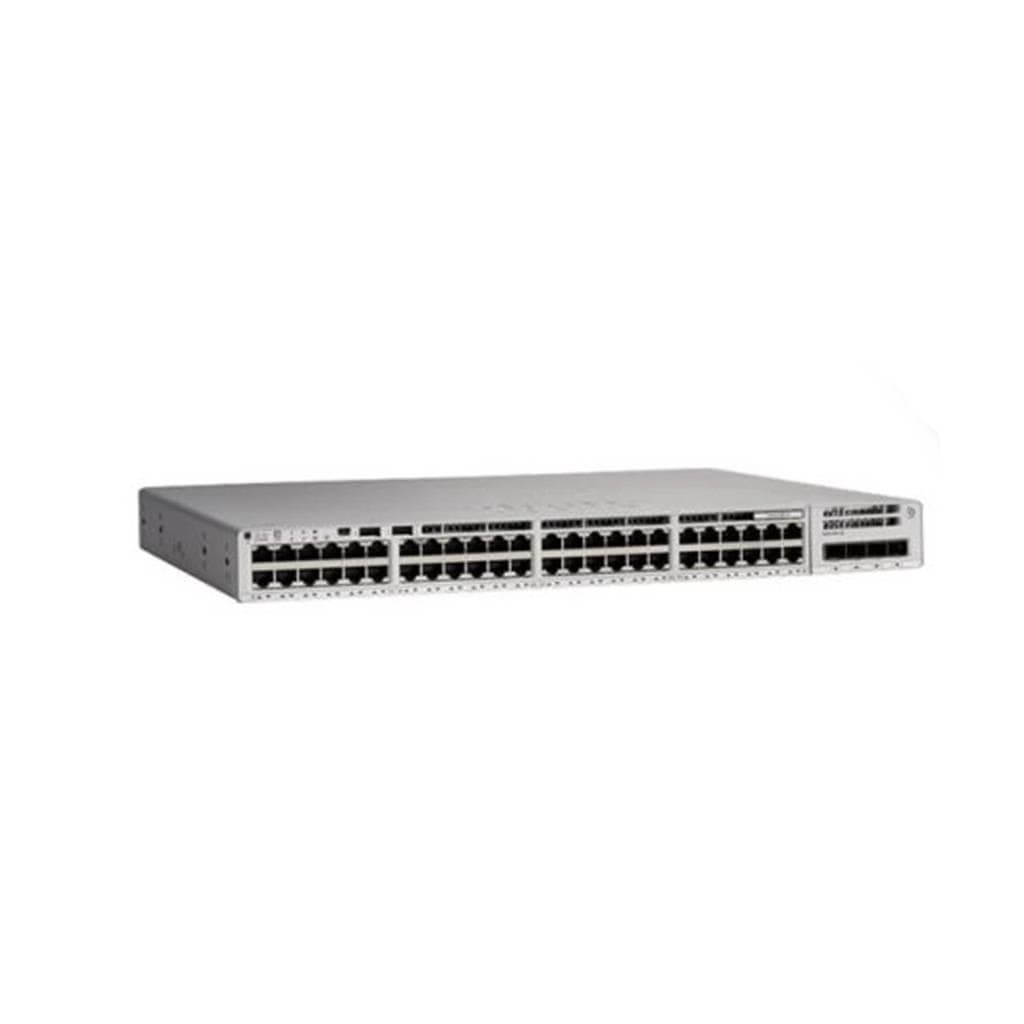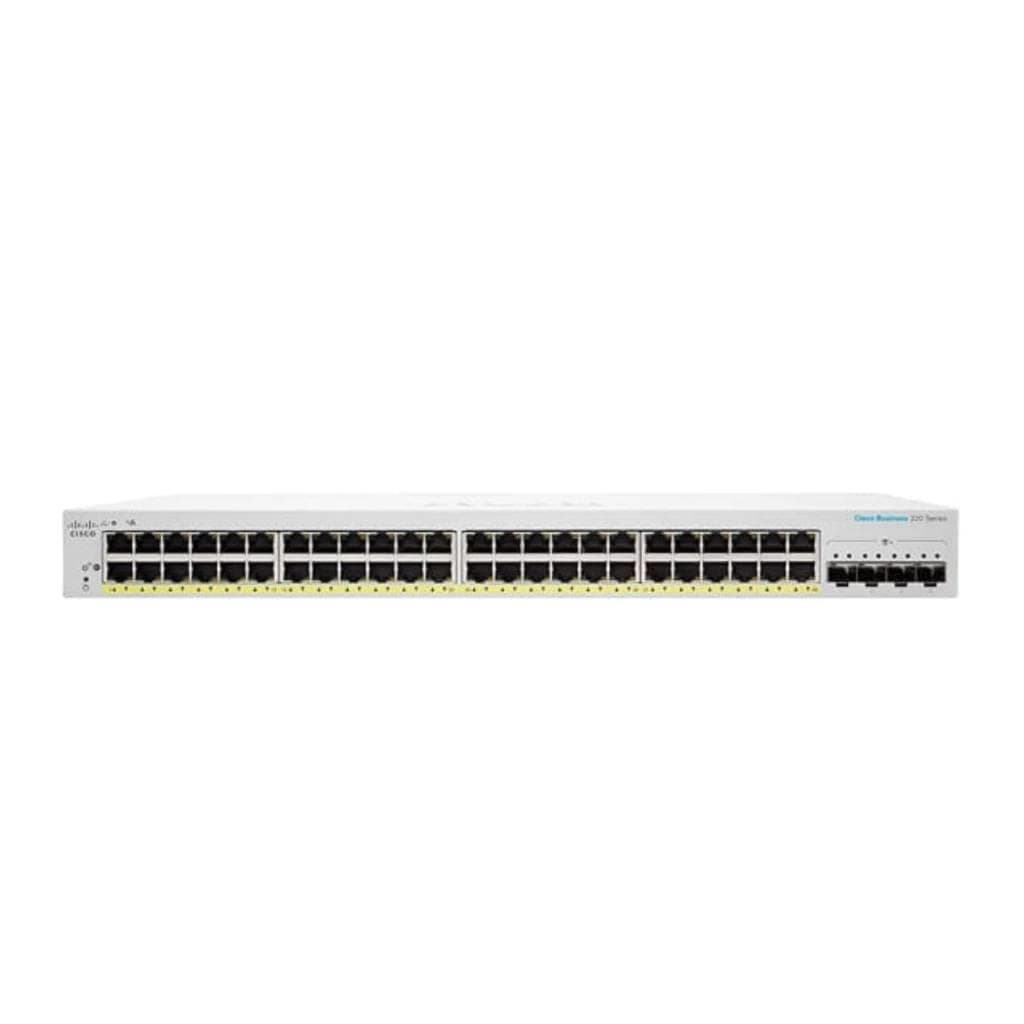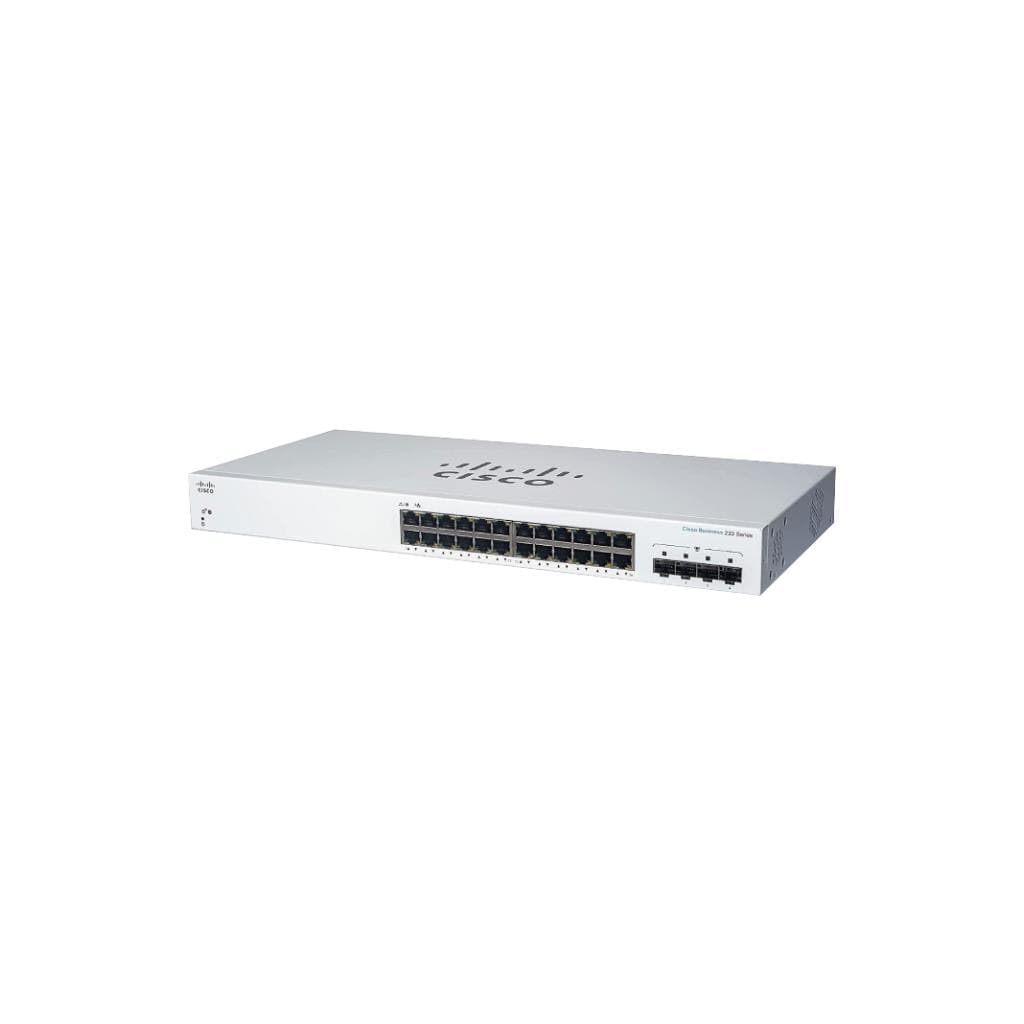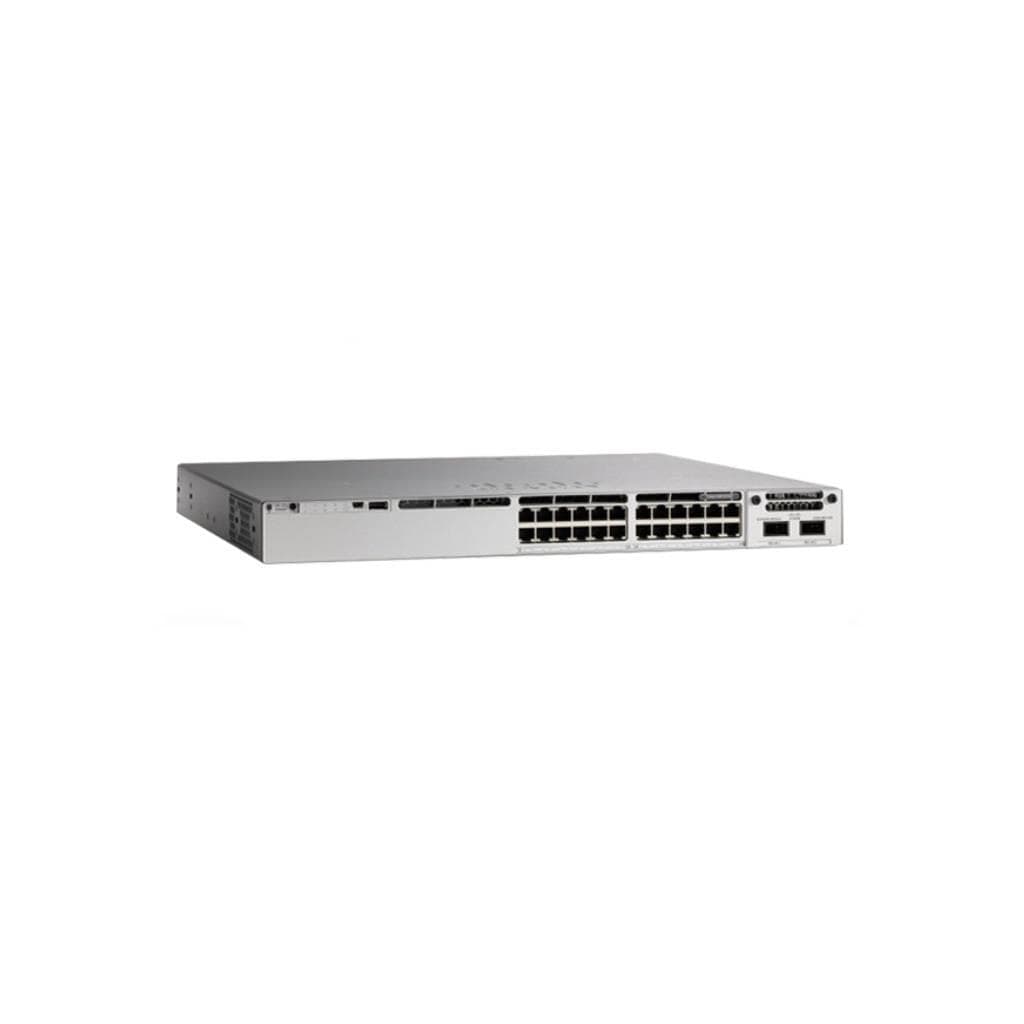


Cisco Catalyst 1200 16-Port GE Switch with 2x1G SFP Uplink
SKU: C1200-16T-2GCisco › Cisco Switches
Please enquire before ordering
The distributor has not yet confirmed the latest price and availability (last checked Sep 7, 2026)
092-251-4017Awaiting stock confirmationLifetime manufacturer's warranty
GenuineFree delivery from ฿5,000Tax invoice
Small enterprise network switch from Cisco with 16 Gigabit Ethernet ports and 2 x 1G SFP uplink ports, ready to connect to standard network devices immediately
Key features
- 16 Gigabit Ethernet ports for connecting office devices
- 2 x 1G SFP uplink ports supporting fiber optic network expansion
- Manage the network instantly via Cisco Business Dashboard and mobile app
- Fanless design for silent and energy-efficient operation
- Supports Layer 2 switching, VLAN, QoS, and ACL for basic network control
Product description
The Cisco Catalyst 1200 16-Port GE switch is designed to make network management simple for small offices or medium-sized businesses. It supports up to 16 devices via Gigabit Ethernet ports, plus 2 x 1G SFP uplink ports for extending networks over fiber optic cables. Fanless design eliminates the need for cooling fans, enabling quiet and energy-efficient operation. Network management is possible through Cisco Business Dashboard and mobile app, allowing configuration and monitoring anytime, anywhere
Pros and limitations
Pros
- No fans required—quiet operation and energy efficient.
- Supports cloud and mobile app management out of the box.
- Designed for simple installation and ease of use.
- Supports Layer 2 with VLAN, QoS, and ACL for basic network control.
Limitations
- Does not support Power over Ethernet (PoE).
- No USB or SD card slot for offline firmware updates.
- Cannot extend management via SNMP or full CLI.
Who it is for
Ideal for small business or office environments seeking an easy-to-use, fanless enterprise-grade network switch with cloud management.
Connectivity
Ethernet, SFP
Specifications (16)
- Fan
- Fanless
- VLAN
- supports
- Layer
- L2
- Warranty
- Limited lifetime warranty
- power supply
- internal
- uplink ports
- 2 x 1G SFP
- number of ports
- 16 x 1G
- Cloud Management
- Cisco Business Dashboard
- Mobile App Support
- available
- network management
- On-device UI, Cisco Business Dashboard, and mobile app
- Management Interface
- Web UI, CLI (via console)
- Firmware Upgrade Method
- via Web UI or Cisco Business Dashboard
- IPv4/IPv6 Static Routing
- supports
- Quality of Service (QoS)
- supports
- Access Control List (ACL)
- supports
- Spanning Tree Protocol (STP)
- supports
Datasheets and manuals straight from the manufacturer — select a document to open or download it.
12 questions
Frequently asked questions about this product
Compiled from manufacturer information
Does the C1200-16T-2G switch support PoE?
Does not support PoE directly. The manufacturer's documentation clearly states this model lacks PoE functionality and cannot power devices through network ports, making it unsuitable for PoE-dependent devices such as CCTV cameras or Access Points
Can this switch connect to Wi-Fi devices?
This switch is a Layer 2 network device and does not have direct Wi-Fi functionality. However, it supports connecting Wi-Fi-enabled Access Points or Routers via Ethernet or SFP ports to distribute wireless signals in the office.
What is the best way to manage the network?
We recommend using Cisco Business Dashboard via web or mobile app, as it supports real-time configuration, network status monitoring, and firmware updates without requiring a console cable connection
Can this switch be used with PoE-dependent devices like CCTV cameras or APs?
Cannot be used with PoE-dependent devices, as this model does not provide power over Ethernet. For CCTV cameras or APs, choose a PoE-capable switch model such as the C1200-16P-2G
Does it have SFP ports for fiber optic connectivity?
Yes, it has 2 x 1G SFP ports that support fiber optic connections for extending long-distance networks or connecting to higher-level switches efficiently
Does it require a cooling fan?
Not necessary. This model is designed to operate without fans (fanless), ensuring silent operation and suitability for quiet environments such as meeting rooms or offices
How can firmware be updated?
Firmware updates can be performed directly through Cisco Business Dashboard or Web UI—no special tools or console cable connection required.
Is it in stock?
We are confirming the latest stock and price of the Cisco Catalyst 1200 16-Port GE Switch with 2x1G SFP Uplink with the distributor. Please contact us before ordering at 092-251-4017 or sales@gist.co.th.
How much does it cost?
The distributor has not yet confirmed the latest price and availability. Please contact us before ordering at 092-251-4017 or sales@gist.co.th.
How long is the warranty?
Warranty period: Limited Lifetime warranty, subject to manufacturer terms. (manufacturer's terms). To make a warranty claim, call 092-251-4017 or 065-523-5262, or email sales@gist.co.th (Mon–Fri 9:00–18:00), then send the product with your order number to our head office, or bring it to the head office in person.
How long does delivery take?
Orders placed before 12:00 on a business day are delivered within 1–3 business days (Bangkok and vicinity) or 2–5 business days (other provinces). Free delivery on orders of ฿5,000 or more (a ฿150 delivery fee applies below this amount).
Is it genuine?
Genuine products sourced from distributors in Thailand, covered by the manufacturer's warranty. Full tax invoices are available.
Didn't find the answer you need?
Loading reviews…
Genuine products
Sourced from distributors in Thailand and covered by the manufacturer's warranty
Warranty period
Limited Lifetime warranty, subject to manufacturer terms.
Covered by the manufacturer's warranty; you can make claims through GIST
Claims through GIST
Ship the product to our head office or bring it in person
Warranty conditions
- A receipt or other proof of purchase is required
- The product must not have been modified or altered
- Damage caused by misuse is not covered by the warranty
- To make a warranty claim, call 092-251-4017 or 065-523-5262, or email sales@gist.co.th (Mon–Fri 9:00–18:00), then send the product with your order number to our head office, or bring it to the head office in person.Head office: 554 Sky Nine Center, Floor 12A, Room 554/62, Asok-Din Daeng Road, Din Daeng Subdistrict, Din Daeng District, Bangkok 10400
More in Cisco Switches
Cisco
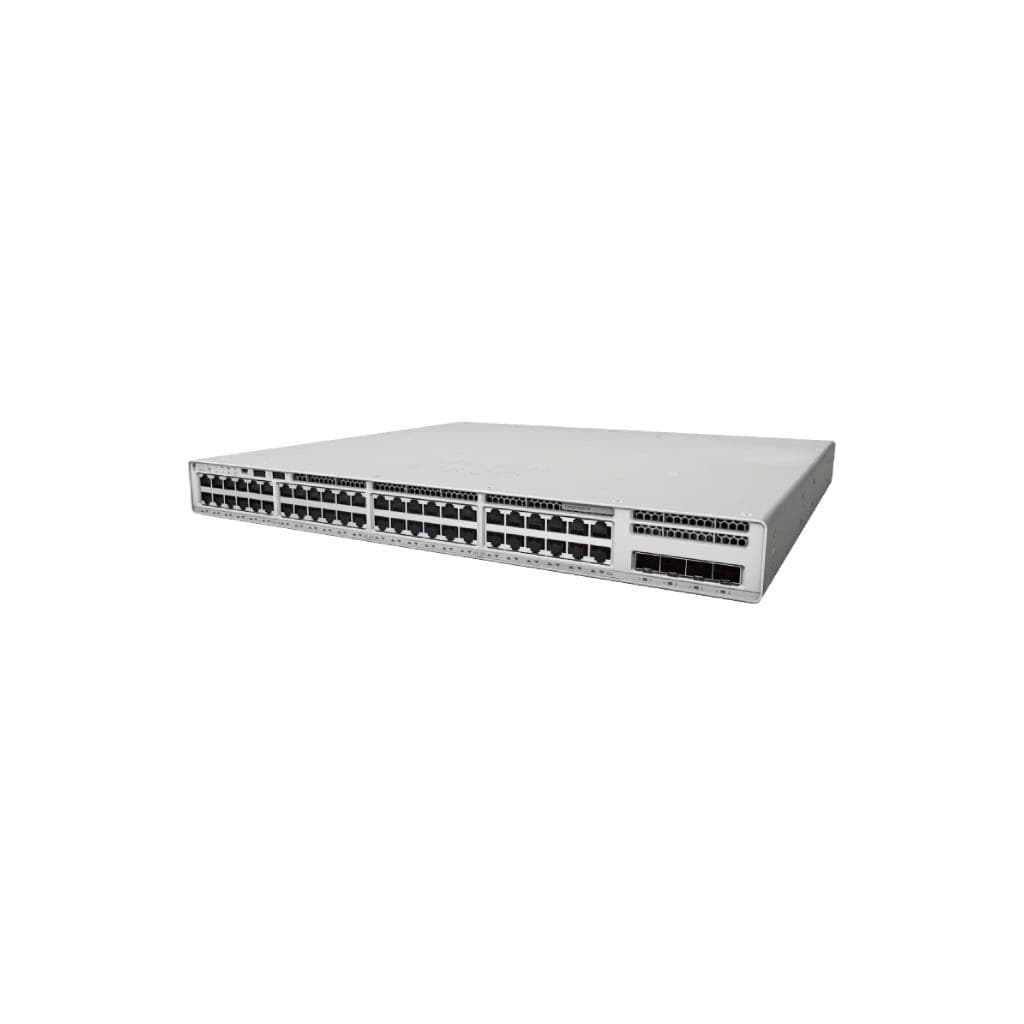
CISCO Catalyst 9200L 48-Port Data Switch 4x10G Fixed Uplink - Network Essentials
Price on request