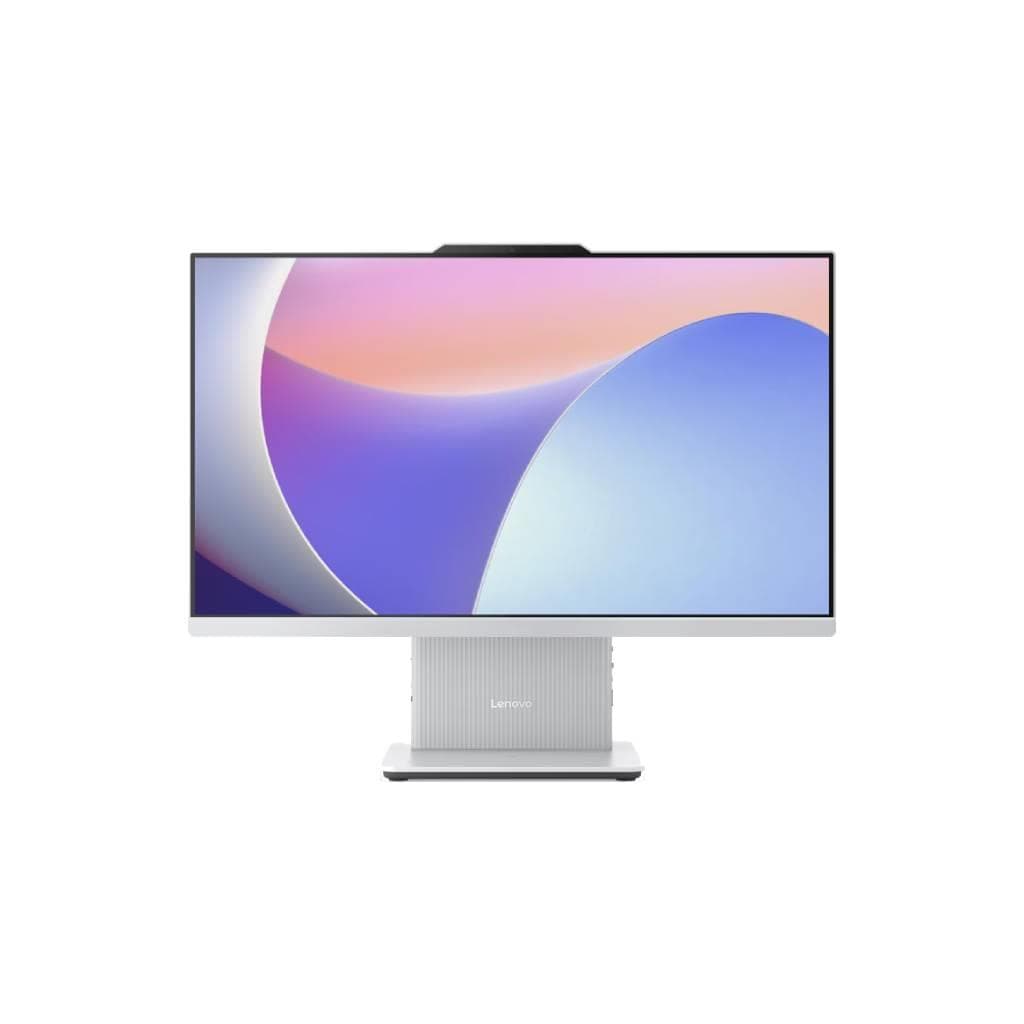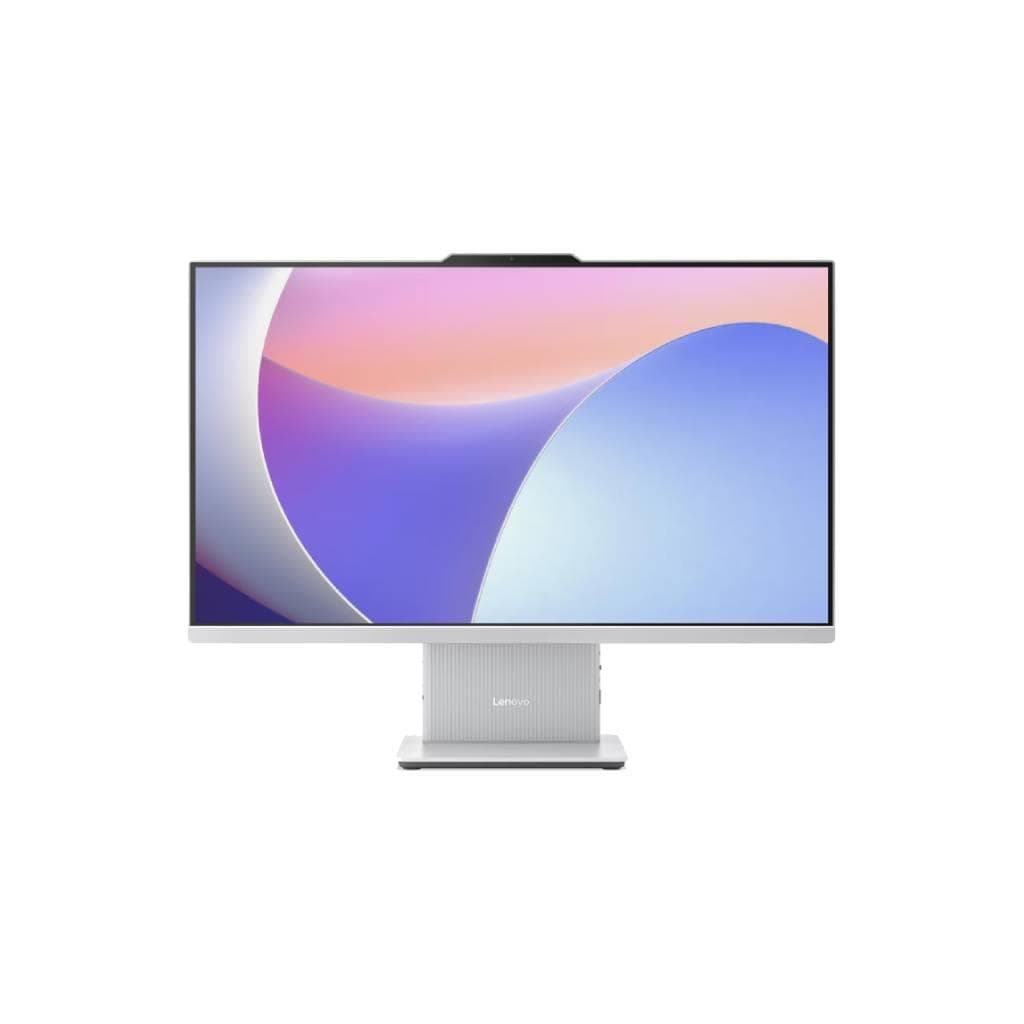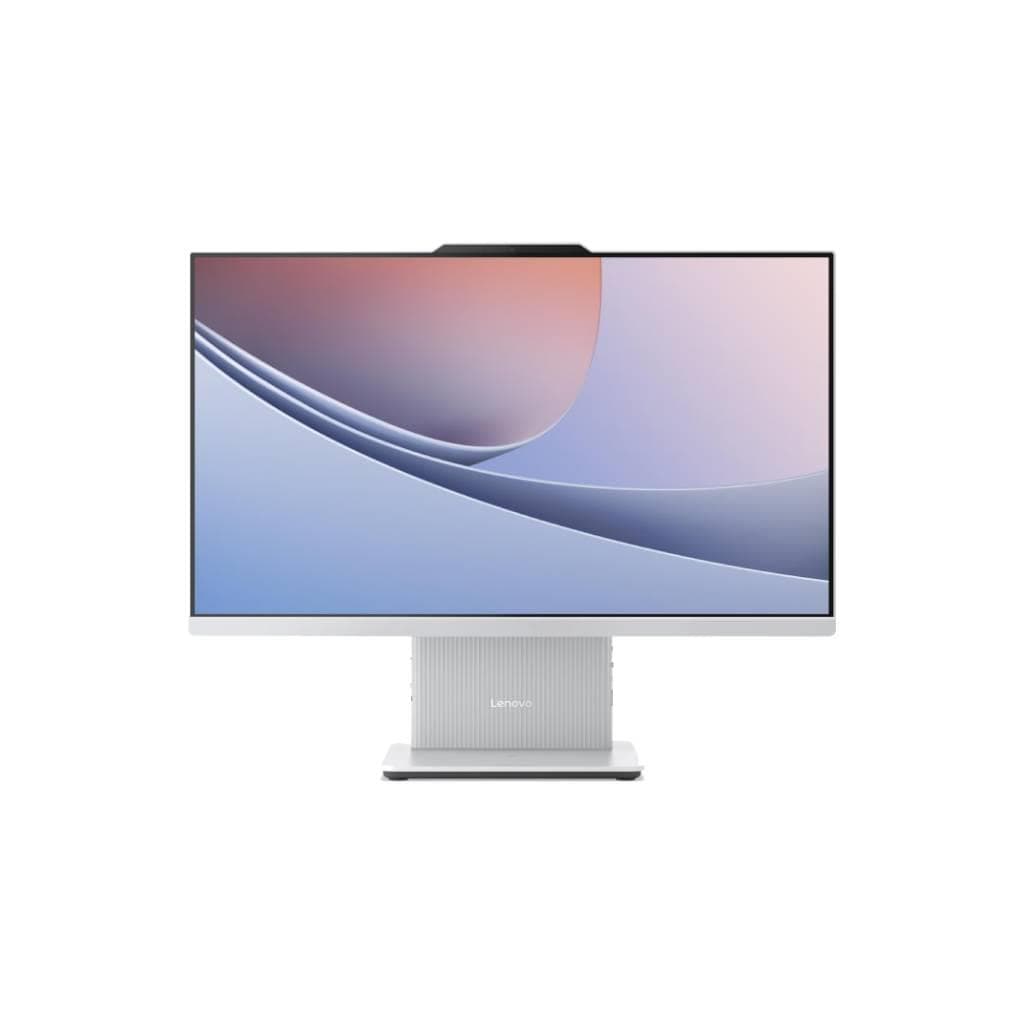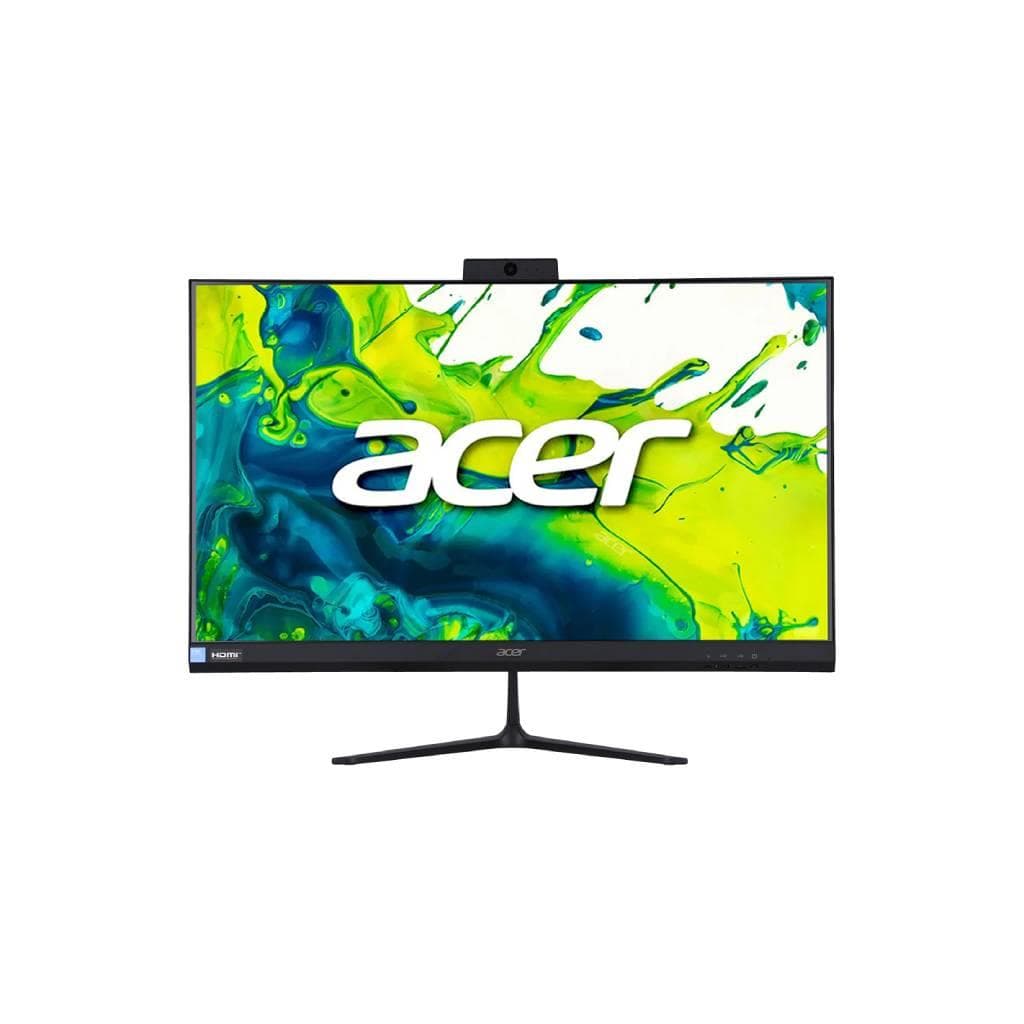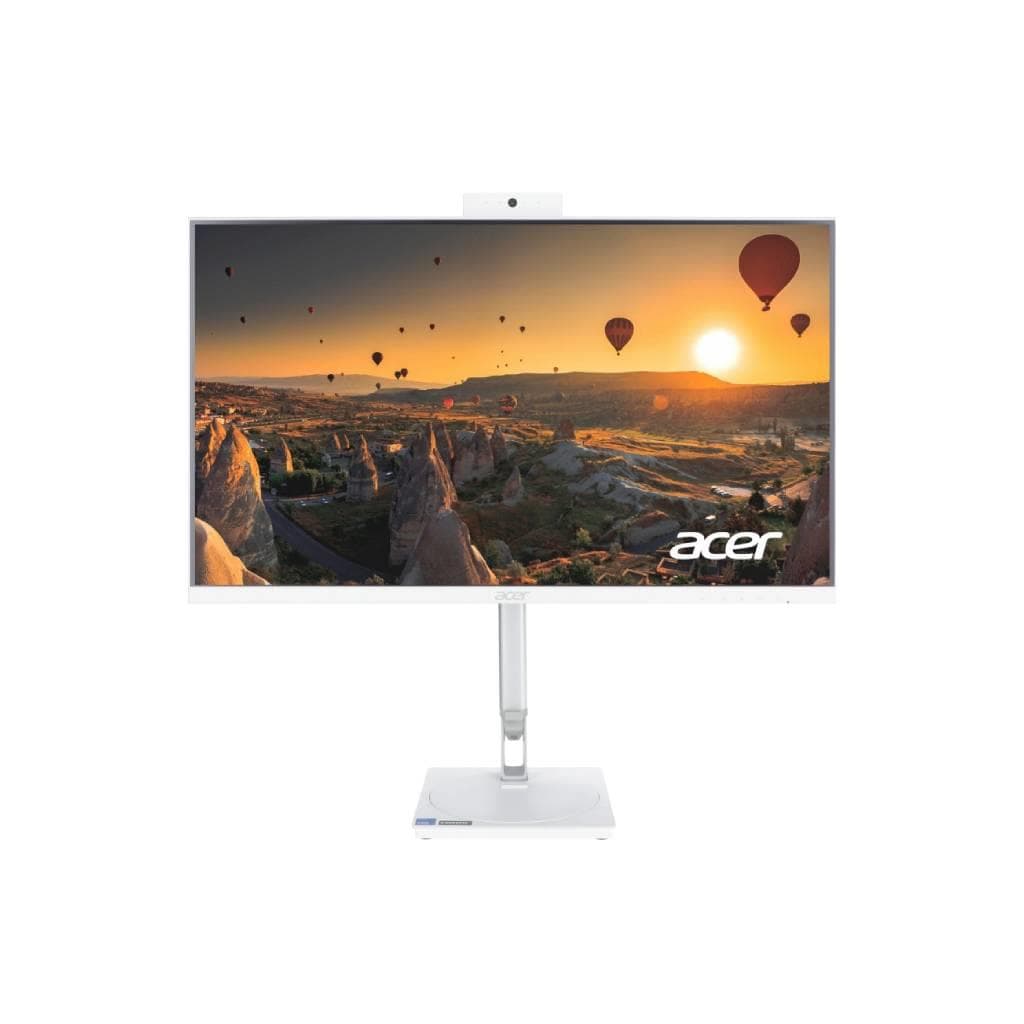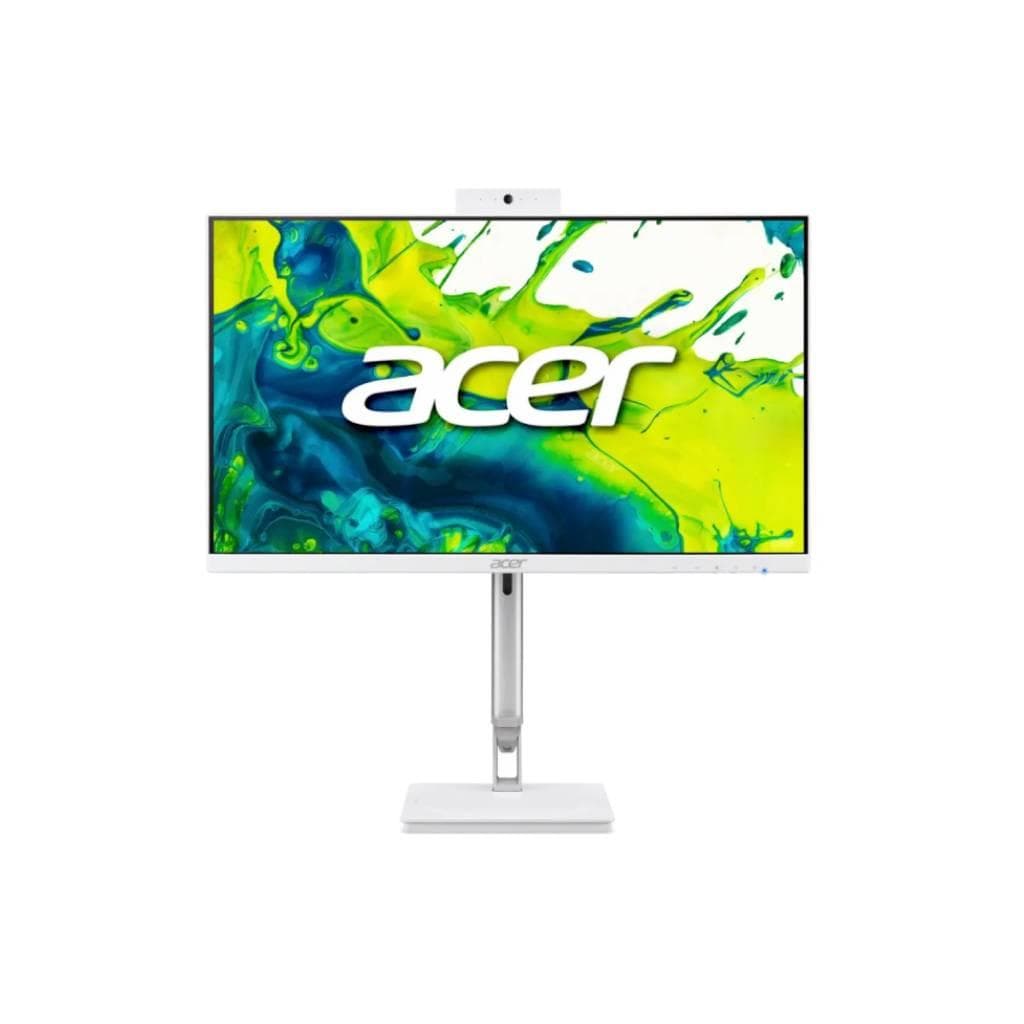


ACER Aspire C24-2YE13U All-in-One PC Intel Core i5-1335U 16GB 512GB SSD Windows 11 Home
SKU: C24-2YE13-13516GT23MI/T002Computers › All-in-One PCs· Model: C24-2YE13U
Please enquire before ordering
The distributor has not yet confirmed the latest price and availability (last checked Jun 15, 2026)
092-251-4017Awaiting stock confirmation3 years manufacturer's warranty
GenuineFree delivery from ฿5,000Tax invoice
คอมพิวเตอร์ All-in-One จาก ACER รุ่น Aspire C24 พร้อมหน้าจอ 23.8 นิ้ว ใช้งานได้ทั้งในบ้านและสำนักงานขนาดเล็ก ติดตั้งระบบปฏิบัติการ Windows 11 พร้อม Office 2024 ใช้งานครบจบในเครื่องเดียว
Key features
- หน้าจอ 23.8 นิ้ว ความละเอียด Full HD 1920 x 1080
- Intel Core i5-1335U 10 คอร์ 12 เธรด ความเร็วสูงสุด 4.6 GHz
- แรม 16 GB DDR4 ความเร็ว 3200 MHz
- SSD 512 GB สำหรับระบบปฏิบัติการและแอปพลิเคชัน
- ติดตั้ง Windows 11 Home และ Office 2024 พร้อมใช้งาน
Product description
ACER Aspire C24-2YE13U เป็นคอมพิวเตอร์ All-in-One ที่ออกแบบมาเพื่อความเรียบง่ายและประสิทธิภาพในการใช้งานทั่วไป โดยมาพร้อมหน้าจอขนาด 23.8 นิ้ว ความละเอียด Full HD 1920 x 1080 พิกเซล ให้ภาพคมชัด ใช้งานได้ทั้งดูหนัง ทำงานเอกสาร และประชุมออนไลน์อย่างราบรื่น ติดตั้ง Intel Core i5-1335U ที่มี 10 คอร์ (2 ประสิทธิภาพสูง + 8 คอร์ประหยัดพลังงาน) ความเร็วสูงสุด 4.6 GHz พร้อมแรม 16 GB DDR4 ความเร็ว 3200 MHz สำหรับการทำงานพร้อมกันหลายโปรแกรมได้อย่างลื่นไหล ด้วย SSD ความจุ 512 GB ทำให้ระบบเปิดเร็วและโหลดแอปต่าง ๆ ได้ทันที ติดตั้งระบบปฏิบัติการ Windows 11 Home และ Office 2024 พร้อมใช้งานทันที ไม่ต้องติดตั้งเพิ่มเติม
More features
- ดีไซน์ All-in-One ประหยัดพื้นที่ ใช้งานได้ทั้งในบ้านและสำนักงาน
- รองรับการเชื่อมต่อ Wi-Fi 6 และ Bluetooth 5.2
- พอร์ตครบครัน รองรับการใช้งานทั่วไป
- ระบบเสียงคุณภาพดี พร้อมไมค์และกล้อง HD สำหรับประชุมออนไลน์
Pros and limitations
Pros
- ติดตั้งระบบปฏิบัติการและ Office พร้อมใช้งาน ไม่ต้องติดตั้งเพิ่ม
- หน้าจอขนาดใหญ่ 23.8 นิ้ว ความละเอียด Full HD คมชัด
- ประสิทธิภาพดีพอสำหรับงานทั่วไปและงานเอกสาร
- พอร์ตครบ รองรับการเชื่อมต่ออุปกรณ์ภายนอกได้หลากหลาย
- ดีไซน์ All-in-One ประหยัดพื้นที่ ใช้งานได้ทั้งในบ้านและสำนักงาน
Limitations
- ไม่มีการรองรับหน้าจอสัมผัส
- ไม่มีกล้อง 1080p หรือไมค์คุณภาพสูงสำหรับงานวิดีโอคอลระดับโปร
- ไม่มีพอร์ต Thunderbolt หรือ USB 3.2 Gen 2x2
Who it is for
เหมาะสำหรับผู้ใช้งานทั่วไป นักเรียน นักศึกษา หรือพนักงานออฟฟิศที่ต้องการคอมพิวเตอร์ครบวงจร ใช้งานทั้งเรียน ทำงาน และดูหนังได้อย่างราบรื่น
Connectivity
Wi-Fi, Bluetooth
Specifications (33)
- ซีพียู (CPU)
- Intel Core i5-1335U
- หน่วยความจำ (RAM)
- 16 GB DDR4
- พอร์ต
- USB-A x2, USB-C x1 (DisplayPort Alt Mode), HDMI x1, Audio Jack x1, RJ45 x1
- Touch
- ไม่รองรับ
- เว็บแคม
- HD 720p
- น้ำหนัก
- 6.8 kg
- พื้นที่จัดเก็บข้อมูล
- 512 GB SSD
- ความปลอดภัย
- TPM 2.0
- ลำโพง
- Stereo speakers
- การรับประกัน
- 3 ปี บริการถึงที่ (On-site)
- จำนวนคอร์ CPU
- 10
- RAM Speed
- 3200 MHz
- ความสว่าง
- 250 cd/m²
- ขนาด
- 560 x 400 x 180 mm
- ไมโครโฟน
- Built-in
- ประเภทจอ
- IPS
- ความละเอียด
- 1920 x 1080
- การติดตั้ง VESA
- รองรับ
- CPU Threads
- 12
- ขอบเขตสี
- sRGB 100%
- อัตราส่วนภาพ
- 16:9
- ขนาดหน้าจอ
- 23.8 inches
- Office Suite
- Microsoft Office 2024 Home and Student
- อัตราการรีเฟรช
- 60 Hz
- การปรับตั้ง
- Tilt
- แรงดันไฟฟ้าขาเข้า
- 100-240 V AC
- มุมมองภาพ
- 178° (H) / 178° (V)
- CPU Base Clock
- 2.4 GHz
- ระบบปฏิบัติการ
- Windows 11 Home
- การใช้พลังงาน
- 45 W
- อินเทอร์เฟซจัดเก็บข้อมูล
- NVMe PCIe Gen4
- CPU Max Turbo Clock
- 4.6 GHz
- การเชื่อมต่อไร้สาย
- Wi-Fi 6 (802.11ax), Bluetooth 5.2
Datasheets and manuals straight from the manufacturer — select a document to open or download it.
13 questions
Frequently asked questions about this product
Compiled from manufacturer information
คอมพิวเตอร์รุ่นนี้รองรับการเชื่อมต่อจอภายนอกได้หรือไม่?
ได้ รองรับการเชื่อมต่อจอภายนอกผ่านพอร์ต HDMI และ USB-C ที่รองรับ DisplayPort Alt Mode สามารถต่อจอได้สูงสุด 2 จอพร้อมกัน
ใช้รุ่นนี้ทำงานพร้อมกันหลายแอป เช่น บราวเซอร์ 10 แท็บ + โปรแกรม Office ได้ไหม?
ได้ ด้วยแรม 16 GB และ CPU Intel Core i5-1335U ที่มี 10 คอร์ 12 เธรด สามารถทำงานพร้อมกันหลายแอปได้อย่างลื่นไหล โดยเฉพาะงานเอกสาร บราวเซอร์ และประชุมออนไลน์
รุ่นนี้มีพอร์ต USB 3.2 Gen 2 หรือไม่?
ไม่มี พอร์ต USB ที่มีคือ USB-A แบบ Gen 1 (5 Gbps) และ USB-C ที่รองรับ DisplayPort แต่ไม่รองรับ USB 3.2 Gen 2 (10 Gbps)
สามารถต่อเครื่องพิมพ์หรือเครื่องสแกนได้ไหม?
ได้ รองรับการเชื่อมต่อเครื่องพิมพ์หรือเครื่องสแกนผ่านพอร์ต USB-A หรือเครือข่าย Wi-Fi หากเครื่องพิมพ์รองรับการใช้งานผ่านเครือข่าย
ใช้รุ่นนี้ดูหนัง 4K ได้ไหม?
ไม่รองรับการเล่นวิดีโอ 4K โดยตรง เนื่องจากหน้าจอรองรับแค่ Full HD (1920 x 1080) แต่สามารถเล่นวิดีโอ 4K ได้หากมีการแปลงสัญญาณหรือลดความละเอียดลง
ติดตั้งเกมหนัก ๆ ได้ไหม เช่น Valorant หรือ Apex Legends?
ไม่แนะนำสำหรับเกมหนัก ๆ โดยเฉพาะเกมที่ต้องใช้การ์ดจอแยก เพราะเป็นระบบ UMA ที่ใช้หน่วยความจำร่วมกับ CPU ประสิทธิภาพจำกัด แต่เล่นเกมเบา ๆ หรือเกมออนไลน์ได้ดี
ต้องการติดตั้งโปรแกรมเพิ่มเติมไหม?
ไม่จำเป็น ติดตั้ง Windows 11 และ Office 2024 พร้อมใช้งานแล้ว สำหรับโปรแกรมทั่วไป เช่น บราวเซอร์ โปรแกรมประชุม หรือโปรแกรมสำนักงาน ใช้งานได้ทันที
ติดตั้งบนโต๊ะหรือผนังได้ไหม?
ได้ รองรับการติดตั้งบนโต๊ะหรือผนังด้วย VESA Mount ขนาด 100 mm สามารถติดตั้งได้ทั้งแนวนอนและแนวตั้ง
Is it in stock?
We are confirming the latest stock and price of the ACER Aspire C24-2YE13U All-in-One PC Intel Core i5-1335U 16GB 512GB SSD Windows 11 Home with the distributor. Please contact us before ordering at 092-251-4017 or sales@gist.co.th.
How much does it cost?
The distributor has not yet confirmed the latest price and availability. Please contact us before ordering at 092-251-4017 or sales@gist.co.th.
How long is the warranty?
Warranty period: รับประกัน 3 ปี บริการถึงที่ (On-site) (manufacturer's terms). To make a warranty claim, call 092-251-4017 or 065-523-5262, or email sales@gist.co.th (Mon–Fri 9:00–18:00), then send the product with your order number to our head office, or bring it to the head office in person.
How long does delivery take?
Orders placed before 12:00 on a business day are delivered within 1–3 business days (Bangkok and vicinity) or 2–5 business days (other provinces). Free delivery on orders of ฿5,000 or more (a ฿150 delivery fee applies below this amount).
Is it genuine?
Genuine products sourced from distributors in Thailand, covered by the manufacturer's warranty. Full tax invoices are available.
Didn't find the answer you need?
Loading reviews…
Genuine products
Sourced from distributors in Thailand and covered by the manufacturer's warranty
Warranty period
รับประกัน 3 ปี บริการถึงที่ (On-site)
Covered by the manufacturer's warranty; you can make claims through GIST
Claims through GIST
Ship the product to our head office or bring it in person
Warranty conditions
- A receipt or other proof of purchase is required
- The product must not have been modified or altered
- Damage caused by misuse is not covered by the warranty
- To make a warranty claim, call 092-251-4017 or 065-523-5262, or email sales@gist.co.th (Mon–Fri 9:00–18:00), then send the product with your order number to our head office, or bring it to the head office in person.Head office: 554 Sky Nine Center, Floor 12A, Room 554/62, Asok-Din Daeng Road, Din Daeng Subdistrict, Din Daeng District, Bangkok 10400
More in All-in-One PCs