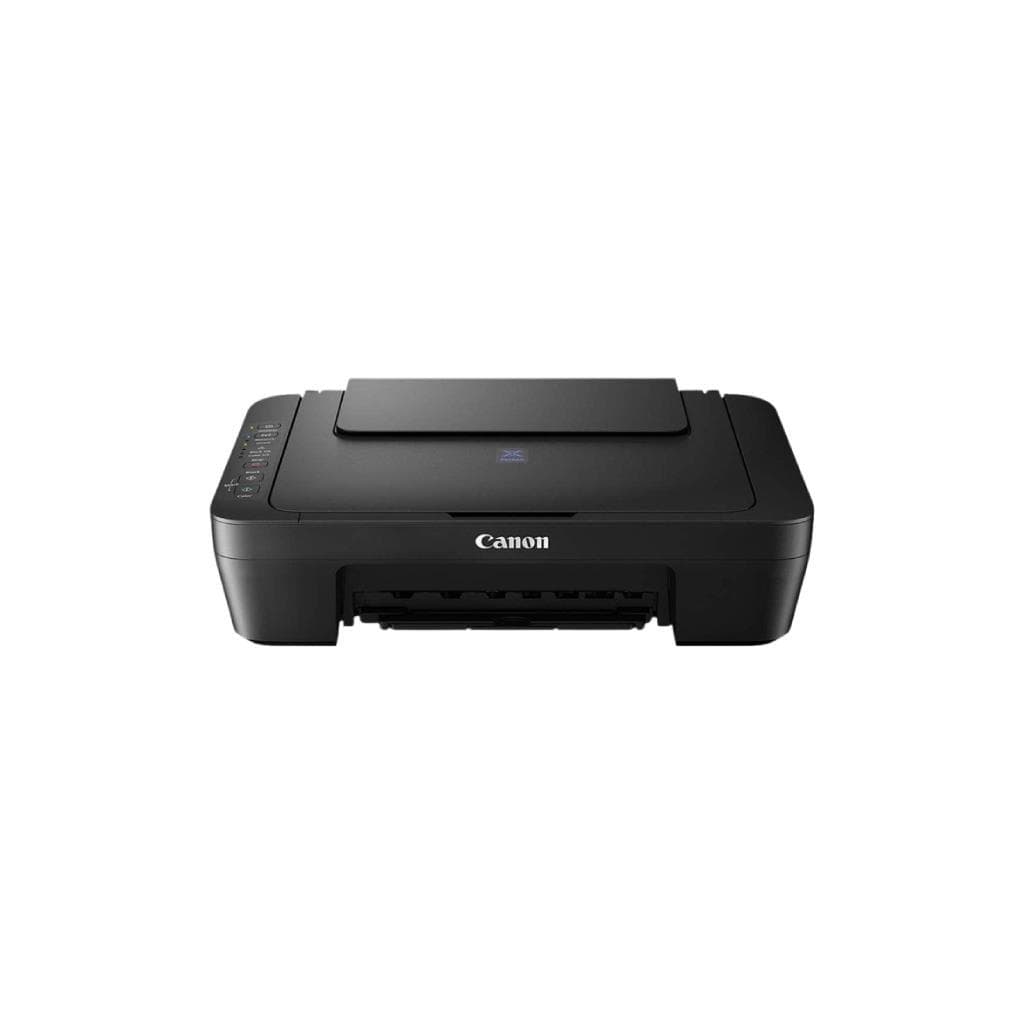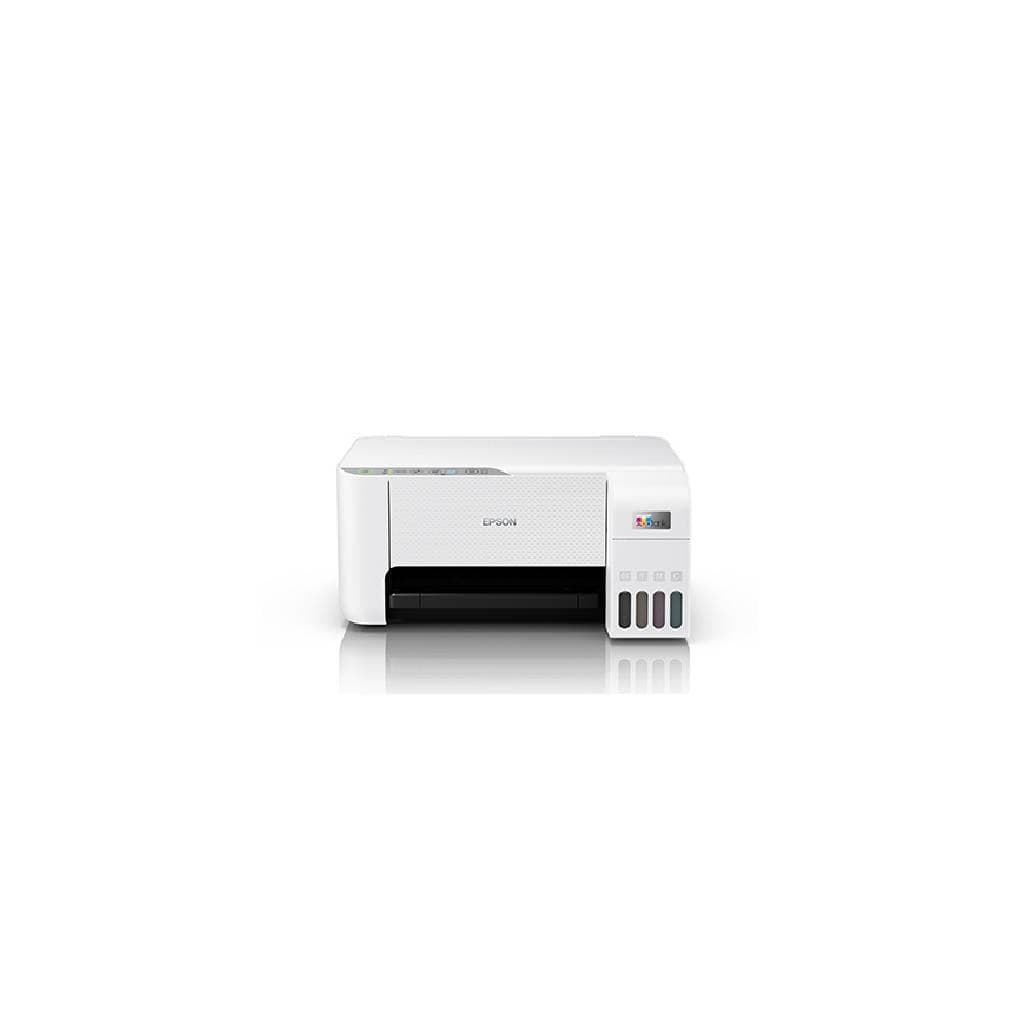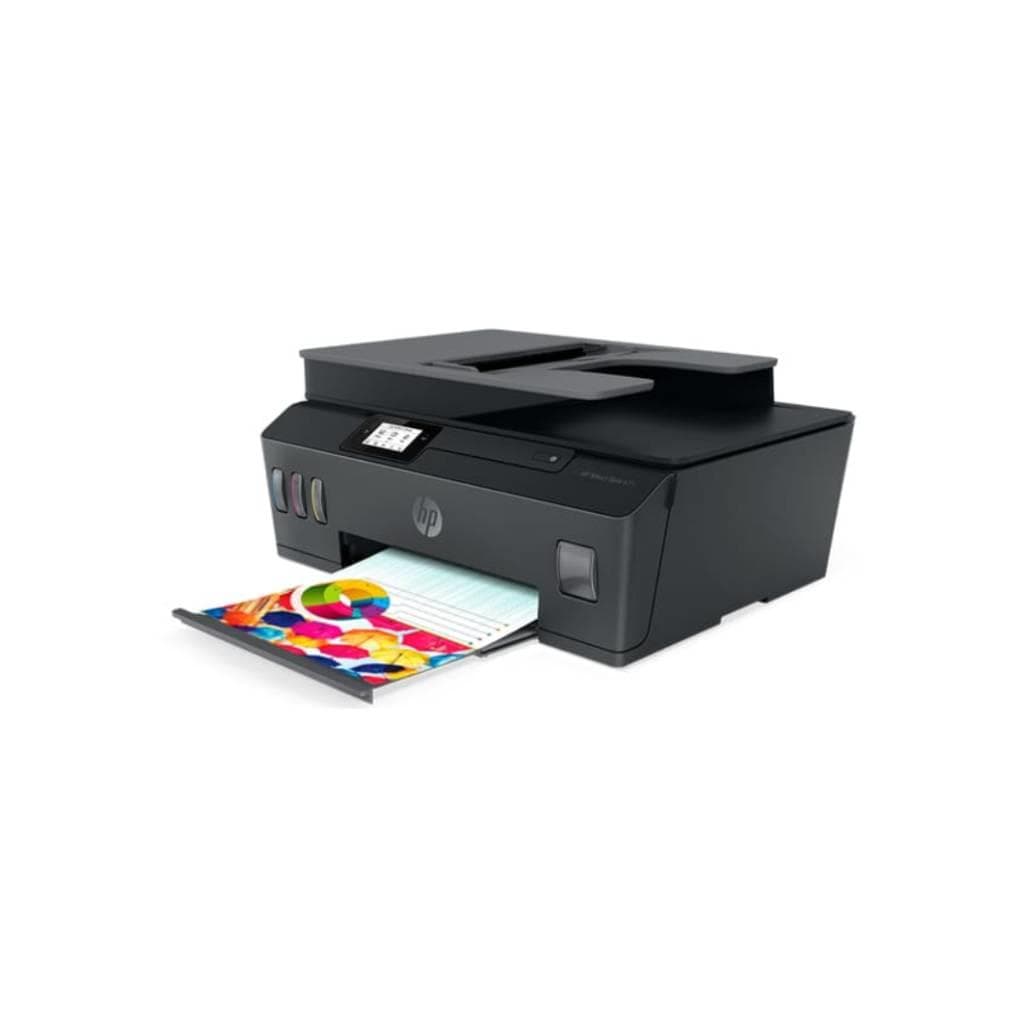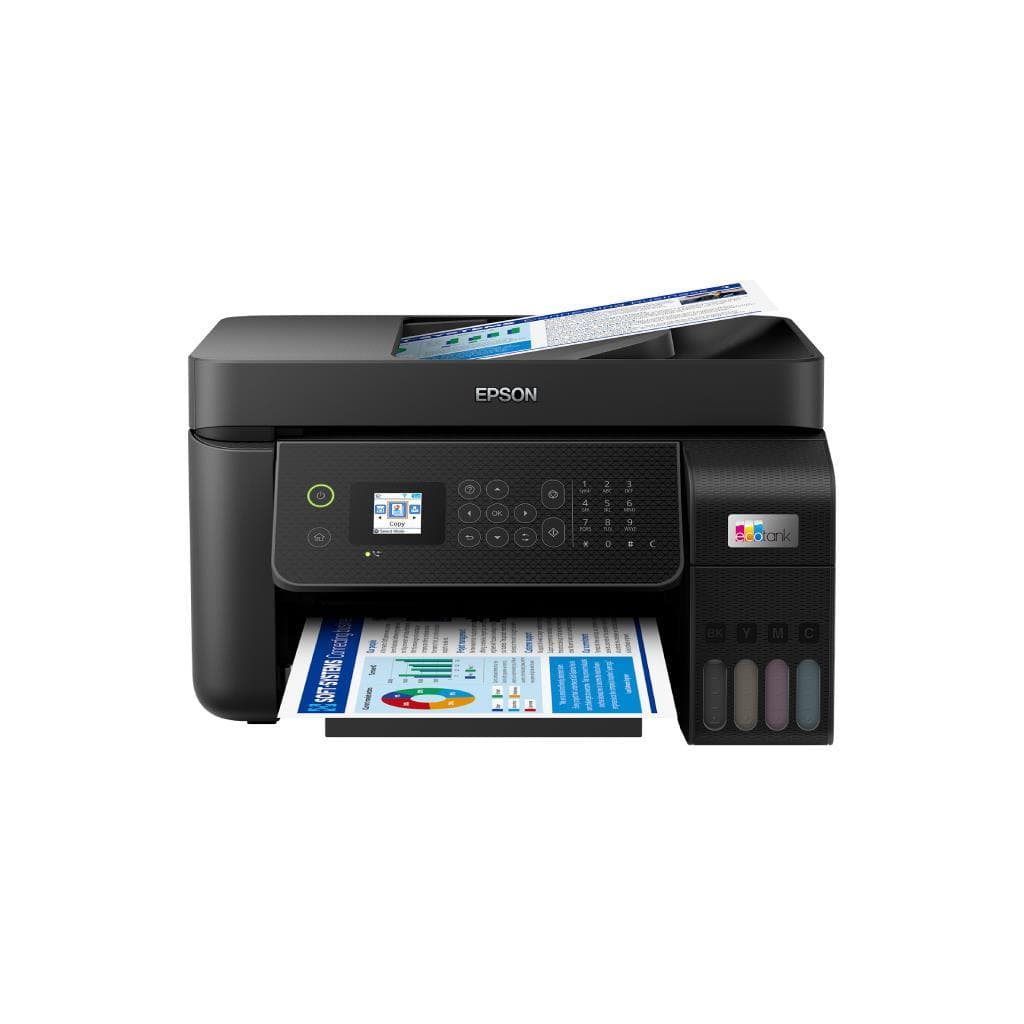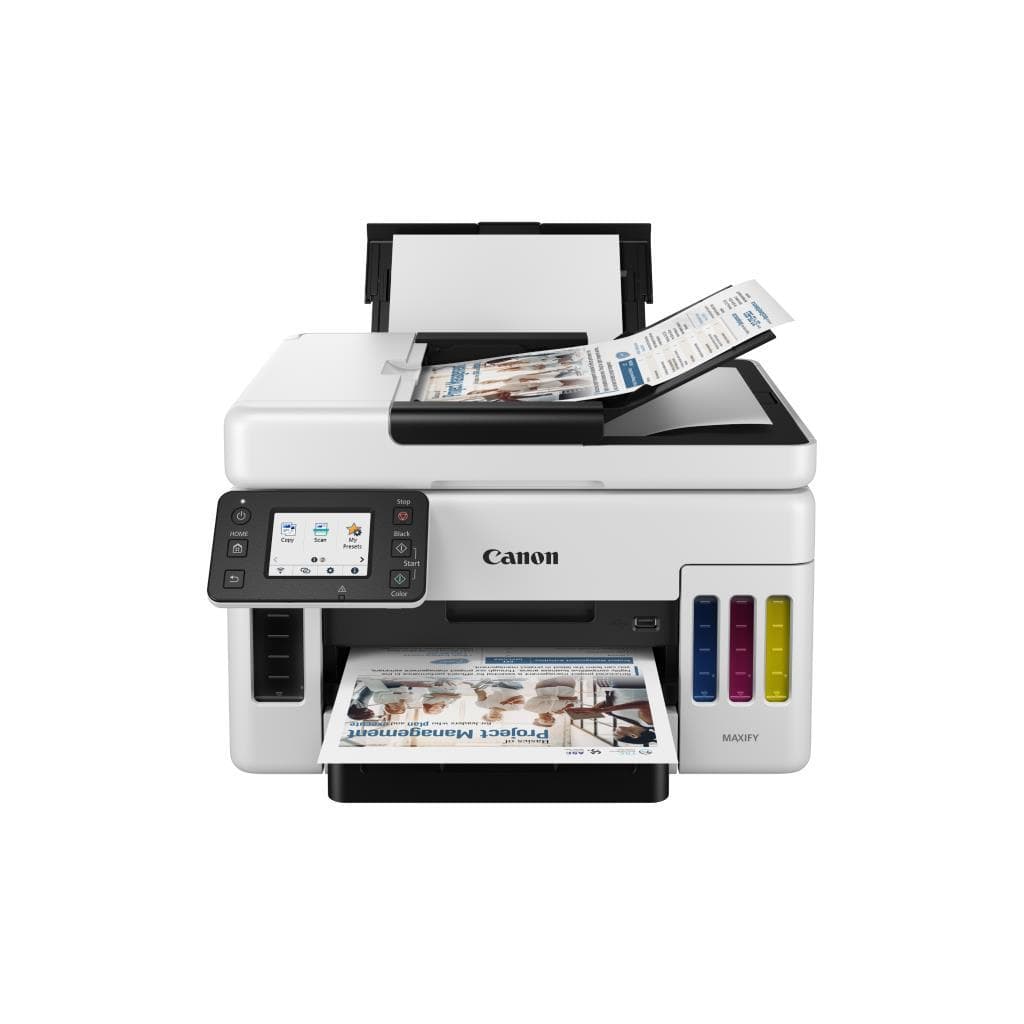


CANON PIXMA E3370 All-in-One Inkjet Printer A4 Wi-Fi
SKU: E3370Printers & Supplies › Multifunction Printers
฿3,032
Price includes 7% VATPrice updated October 28, 2026
Out of stock1 year manufacturer's warranty
Temporarily out of stock — ask us about the restock date or an alternative model
Call us 092-251-4017Send a question to salesGenuineFree delivery from ฿5,000Tax invoice
เครื่องพิมพ์อิงค์เจ็ท All-in-One พร้อมฟังก์ชันพิมพ์ สแกน และถ่ายเอกสาร รองรับการเชื่อมต่อ Wi-Fi ใช้งานได้ทั้งบนคอมพิวเตอร์และมือถือ สำหรับงานทั่วไปในบ้านหรือออฟฟิศขนาดเล็ก
Key features
- พิมพ์ สแกน ถ่ายเอกสาร ได้ในเครื่องเดียว
- รองรับการพิมพ์ผ่าน Wi-Fi และ Wi-Fi Direct
- พิมพ์ความละเอียดสูง 1200 x 1200 DPI
- สแกนด้วยเซ็นเซอร์ CIS ความละเอียด 600 x 1200 DPI
- เชื่อมต่อผ่านแอป Canon PRINT Inkjet/SELPHY
Product description
เครื่องพิมพ์ CANON PIXMA E3370 เป็นอุปกรณ์ All-in-One ที่รวมฟังก์ชันพิมพ์ สแกน และถ่ายเอกสารไว้ในตัวเดียว รองรับการเชื่อมต่อ Wi-Fi แบบไร้สาย ทำให้สามารถพิมพ์จากคอมพิวเตอร์ แท็บเล็ต หรือสมาร์ทโฟนได้โดยไม่ต้องใช้สาย ความเร็วในการพิมพ์สูงถึง 48 แผ่นต่อนาทีสำหรับงานขาวดำ และรองรับความละเอียดสูงสุด 1200 x 1200 DPI สำหรับงานพิมพ์คุณภาพสูง พร้อมระบบสแกนแบบ CIS Flatbed ความละเอียด 600 x 1200 DPI ช่วยให้ได้ภาพถ่ายเอกสารหรือภาพถ่ายที่คมชัด แม้ในโหมดสแกนสี ใช้งานได้สะดวกกับแอปพลิเคชัน Canon PRINT Inkjet/SELPHY และสามารถเชื่อมต่อผ่าน Wi-Fi Direct หรือ WPS ได้ทันที
More features
- รองรับการพิมพ์จากมือถือและแท็บเล็ต
- ใช้งานง่าย ตั้งค่าได้ผ่าน ij.start.canon
- พิมพ์งานขาวดำได้เร็ว 48 ppm
- รองรับการเชื่อมต่อ WPS และ Wi-Fi Direct
- ใช้หมึก Canon PG-245 / CL-246
Pros and limitations
Pros
- พิมพ์ความละเอียดสูง 1200 x 1200 DPI คมชัดทุกงาน
- สแกนด้วยเซ็นเซอร์ CIS ความละเอียด 600 x 1200 DPI แม่นยำ
- รองรับการพิมพ์จากมือถือผ่านแอป Canon PRINT Inkjet/SELPHY
- ตั้งค่าเครือข่ายได้ง่ายผ่าน ij.start.canon และ WPS
- น้ำหนักเบา ขนาดกะทัดรัด วางได้ทุกที่
Limitations
- ไม่รองรับการพิมพ์สองหน้าอัตโนมัติ
- ไม่มีพอร์ต Ethernet สำหรับการเชื่อมต่อสาย
- ต้องใช้หมึก Canon แท้ ไม่รองรับหมึกเติม
Who it is for
เหมาะสำหรับผู้ใช้งานทั่วไปที่ต้องการเครื่องพิมพ์ All-in-One สำหรับงานพิมพ์เอกสาร ถ่ายเอกสาร และสแกนภาพในบ้านหรือออฟฟิศขนาดเล็กที่ต้องการความสะดวกในการเชื่อมต่อไร้สาย
Connectivity
Wi-Fi
Specifications (34)
- หน่วยความจำ (RAM)
- 64 MB
- น้ำหนัก
- 5.5 kg
- พอร์ต USB
- USB 2.0
- Scan Type
- CIS Flatbed
- ขนาด
- 430 x 300 x 135 mm
- ระดับเสียง
- Approx. 45 dB (printing)
- WPS Support
- รองรับ
- Wi-Fi Direct
- รองรับ
- พอร์ต Ethernet
- ไม่รองรับ
- แรงดันไฟฟ้าขาเข้า
- 100-240 V AC, 50/60 Hz
- Driver Support
- Available via ij.start.canon
- Error Code E36
- Wi-Fi connection failure
- Duplex Printing
- Manual
- Mobile Printing
- Canon PRINT Inkjet/SELPHY, AirPrint, Mopria
- Wi-Fi Standards
- 802.11b/g/n
- การใช้พลังงาน
- Approx. 15 W (printing), 3.5 W (standby)
- คุณสมบัติด้านความปลอดภัย
- ไม่รองรับ
- Software Included
- Canon PRINT Inkjet/SELPHY, Canon IJ Printer Assistant
- Ink Cartridge Type
- Canon PG-245 (Black), CL-246 (Color)
- ความชื้นขณะทำงาน
- 20 - 80% RH
- Paper Tray Capacity
- 100 sheets
- Network Setup Method
- ij.start.canon, WPS, Wi-Fi Direct
- Output Tray Capacity
- 100 sheets
- Paper Size Supported
- A4, Letter, Legal, Envelope
- อุณหภูมิการทำงาน
- 10 - 35 °C
- การเชื่อมต่อไร้สาย
- Wi-Fi 2.4 GHz
- Print Speed (A4, Black)
- 48 ppm
- ระบบปฏิบัติการที่รองรับ
- Windows 10/11, macOS 10.15 or later, iOS 11.0 or later, Android 6.0 or later
- Print Resolution (Black)
- 1200 x 1200 DPI
- Print Resolution (Color)
- 1200 x 1200 DPI
- Ink Cartridge Part Number
- PG-245, CL-246
- Scan Resolution (Optical)
- 600 x 1200 DPI
- Ink Cartridge Yield (Black)
- Approx. 180 pages
- Ink Cartridge Yield (Color)
- Approx. 150 pages
Datasheets and manuals straight from the manufacturer — select a document to open or download it.
13 questions
Frequently asked questions about this product
Compiled from manufacturer information
เครื่องพิมพ์ E3370 พิมพ์จากมือถือได้ไหม?
ได้ครับ รองรับการพิมพ์จากมือถือผ่านแอป Canon PRINT Inkjet/SELPHY, AirPrint และ Mopria โดยต้องเชื่อมต่อเครือข่าย Wi-Fi 2.4 GHz เท่านั้น
ทำไมเครื่องพิมพ์ E3370 ขึ้นข้อความ E36 ตอนตั้งค่า Wi-Fi?
ข้อความ E36 หมายถึงข้อผิดพลาดในการเชื่อมต่อ Wi-Fi ซึ่งมักเกิดจากเครือข่ายไม่เสถียรหรือการตั้งค่าผิด แนะนำให้ลองใช้ WPS หรือเชื่อมต่อผ่าน Wi-Fi Direct แทน และตรวจสอบว่าเครือข่ายเป็น 2.4 GHz ไม่ใช่ 5 GHz
เครื่องพิมพ์ E3370 รองรับการพิมพ์สองหน้าอัตโนมัติไหม?
ไม่รองรับการพิมพ์สองหน้าอัตโนมัติ ต้องพิมพ์หน้าแรกแล้วนำกระดาษกลับมาพิมพ์อีกครั้งด้วยมือ
ใช้หมึกอะไรกับเครื่องพิมพ์ E3370?
ใช้หมึก Canon PG-245 (ดำ) และ CL-246 (สี) โดยหมึกแต่ละตลับพิมพ์ได้ประมาณ 180 หน้า (ดำ) และ 150 หน้า (สี) ตามมาตรฐาน ISO
ตั้งค่าเครือข่าย E3370 ผ่าน ij.start.canon ได้ไหม?
ได้ครับ สามารถตั้งค่าเครือข่ายผ่านเว็บไซต์ ij.start.canon ได้ทั้งบนคอมพิวเตอร์และมือถือ แต่ต้องเชื่อมต่อเครือข่าย Wi-Fi 2.4 GHz เท่านั้น
เครื่องพิมพ์ E3370 พิมพ์งานสีได้เร็วแค่ไหน?
ความเร็วในการพิมพ์งานสีคือ 48 แผ่นต่อนาที (ppm) สำหรับงานขาวดำ สำหรับงานสีจะช้ากว่าเล็กน้อย ขึ้นอยู่กับความละเอียดและขนาดของงาน
เครื่องพิมพ์ E3370 ใช้ไฟฟ้ากี่วัตต์?
ใช้ไฟฟ้าประมาณ 15 วัตต์ขณะพิมพ์ และ 3.5 วัตต์ในโหมดสแตนด์บาย รองรับไฟฟ้า 100-240 V AC ทั่วโลก
เครื่องพิมพ์ E3370 ตั้งค่า WPS ได้ไหม?
ได้ครับ รองรับการตั้งค่าเครือข่ายผ่าน WPS โดยกดปุ่ม WPS บนเราเตอร์และปุ่ม WPS บนเครื่องพิมพ์พร้อมกัน แล้วรอให้เชื่อมต่อสำเร็จ
Is it in stock?
The CANON PIXMA E3370 All-in-One Inkjet Printer A4 Wi-Fi is temporarily out of stock. Ask us about the restock date or an alternative model at sales@gist.co.th or 092-251-4017.
How much does it cost?
The price is ฿3,032 (including 7% VAT). It is currently out of stock; ask us about the restock date at sales@gist.co.th. Business customers can request a quotation at sales@gist.co.th.
How long is the warranty?
Warranty period: รับประกัน 1 ปี (manufacturer's terms). To make a warranty claim, call 092-251-4017 or 065-523-5262, or email sales@gist.co.th (Mon–Fri 9:00–18:00), then send the product with your order number to our head office, or bring it to the head office in person.
How long does delivery take?
Orders placed before 12:00 on a business day are delivered within 1–3 business days (Bangkok and vicinity) or 2–5 business days (other provinces). Free delivery on orders of ฿5,000 or more (a ฿150 delivery fee applies below this amount).
Is it genuine?
Genuine products sourced from distributors in Thailand, covered by the manufacturer's warranty. Full tax invoices are available.
Didn't find the answer you need?
Loading reviews…
Genuine products
Sourced from distributors in Thailand and covered by the manufacturer's warranty
Warranty period
รับประกัน 1 ปี
Covered by the manufacturer's warranty; you can make claims through GIST
Claims through GIST
Ship the product to our head office or bring it in person
Warranty conditions
- A receipt or other proof of purchase is required
- The product must not have been modified or altered
- Damage caused by misuse is not covered by the warranty
- To make a warranty claim, call 092-251-4017 or 065-523-5262, or email sales@gist.co.th (Mon–Fri 9:00–18:00), then send the product with your order number to our head office, or bring it to the head office in person.Head office: 554 Sky Nine Center, Floor 12A, Room 554/62, Asok-Din Daeng Road, Din Daeng Subdistrict, Din Daeng District, Bangkok 10400
More in Multifunction Printers