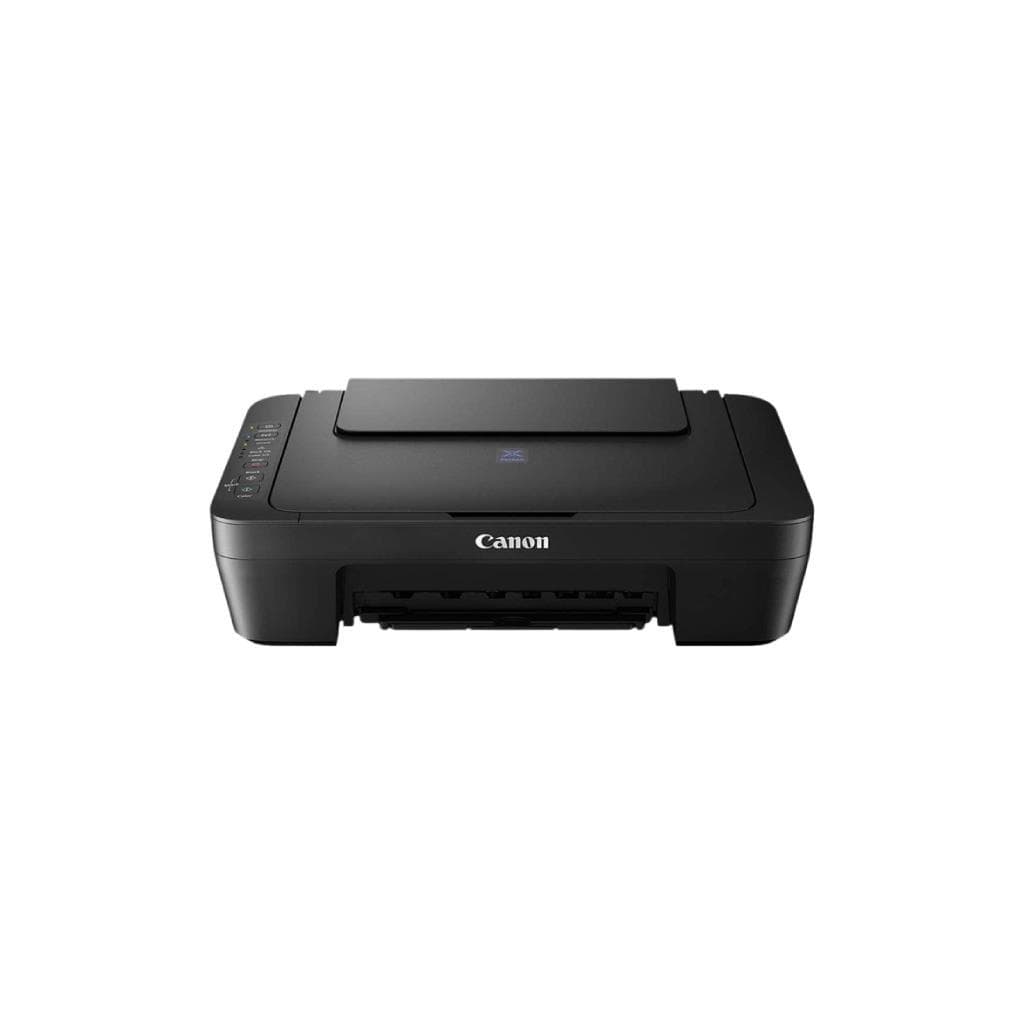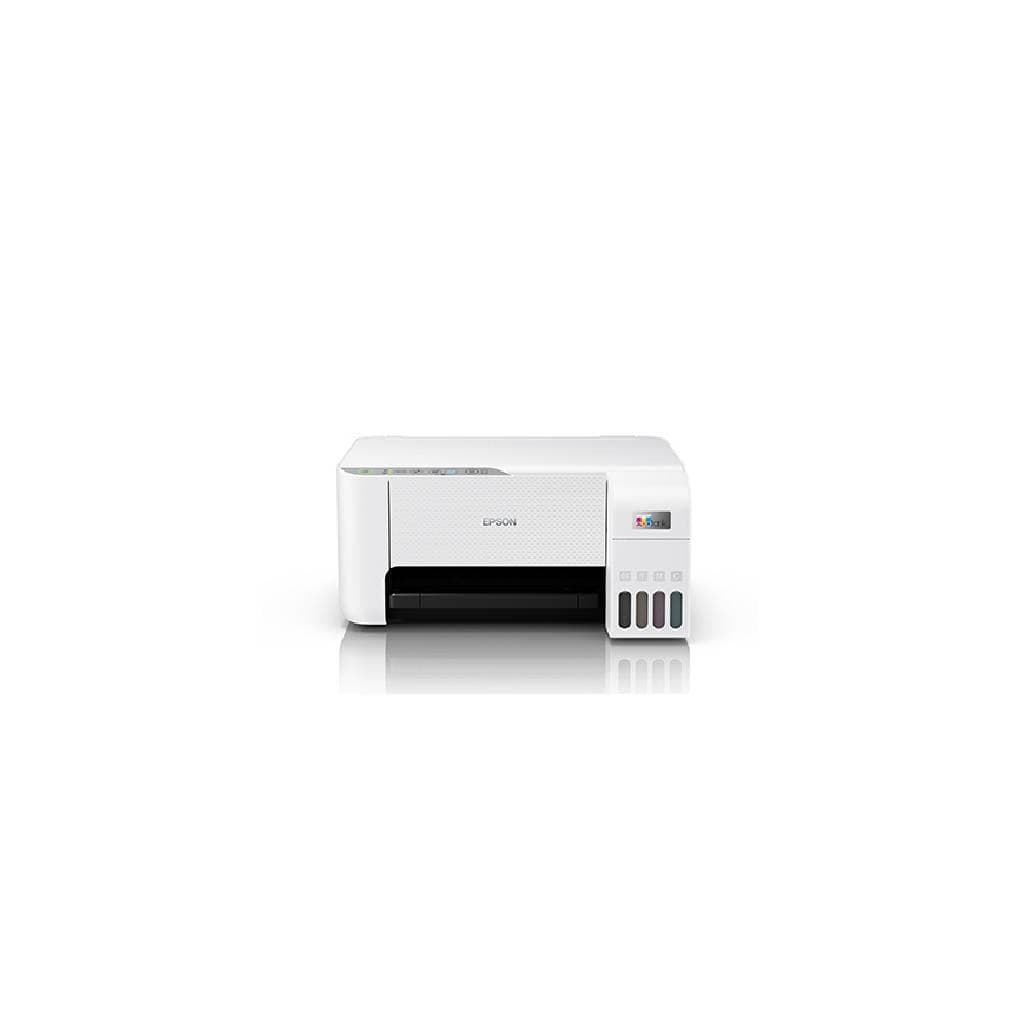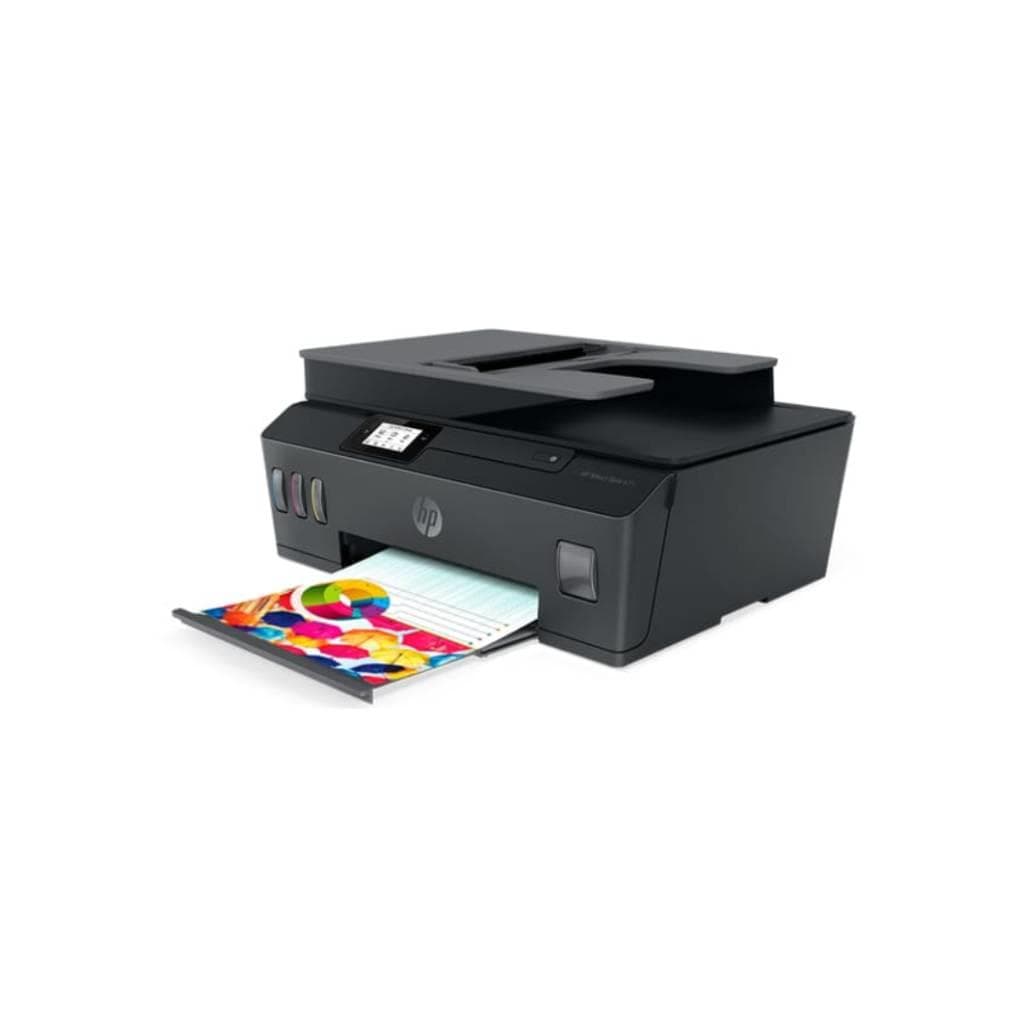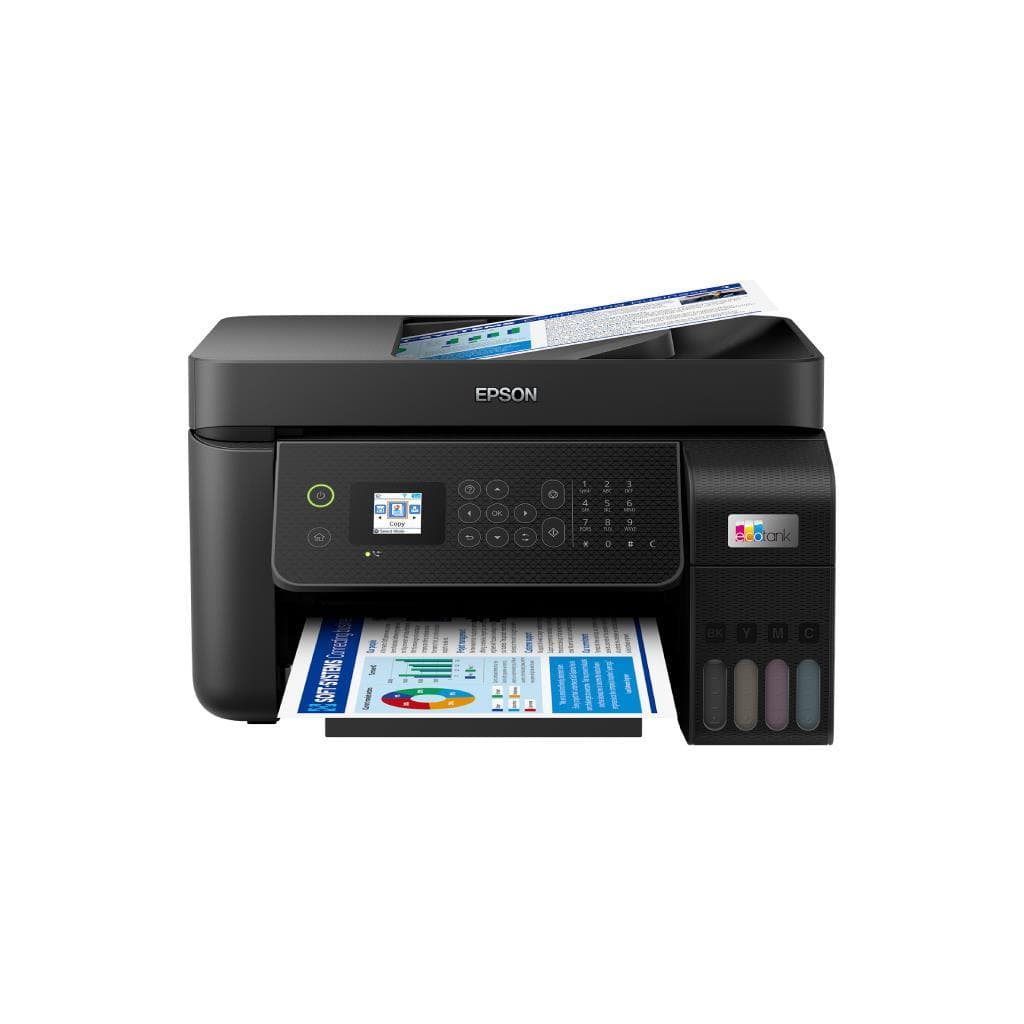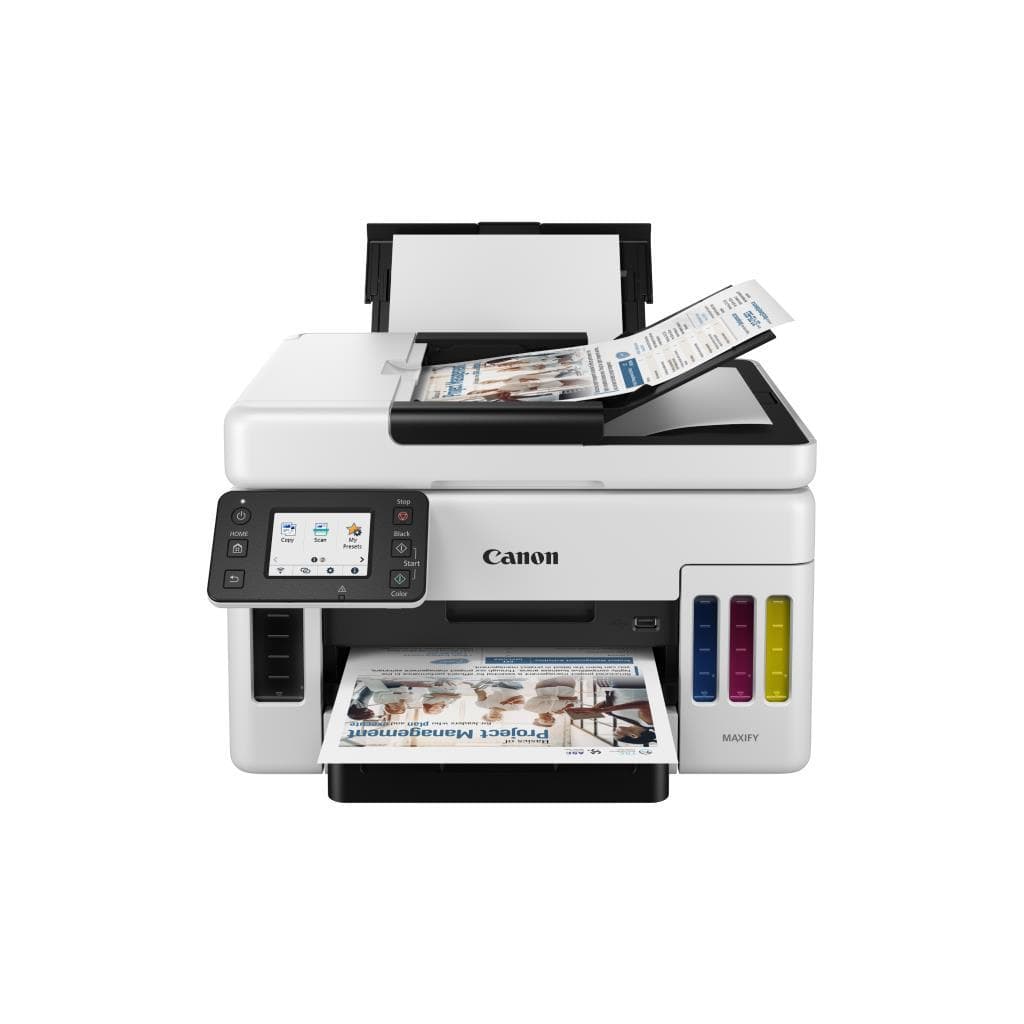
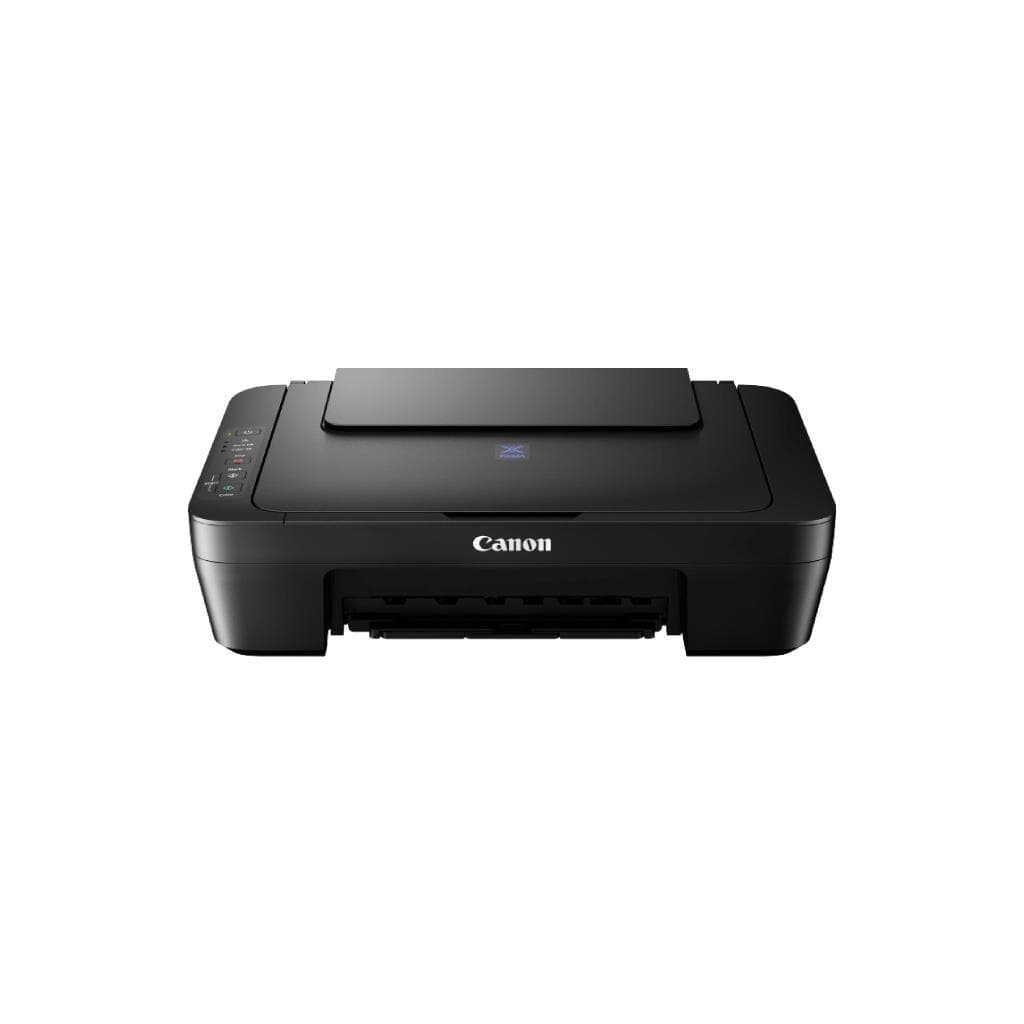

CANON E410 All-in-One Printer (Green/White) - Print, Scan, Copy
SKU: E410#GREEN/WHITEPrinters & Supplies › Multifunction Printers
Please enquire before ordering
The distributor has not yet confirmed the latest price and availability (last checked Jun 15, 2026)
092-251-4017Awaiting stock confirmation1 year manufacturer's warranty
GenuineFree delivery from ฿5,000Tax invoice
เครื่องพิมพ์อัลล์อินวันรุ่น E410 สีเขียว-ขาว รองรับการพิมพ์ สแกน และคัดลอก ความละเอียดสูง 4800 x 1200 dpi เหมาะสำหรับงานออฟฟิศและครัวเรือน
Key features
- พิมพ์ สแกน คัดลอก ครบในเครื่องเดียว
- ความละเอียดสูง 4800 x 1200 dpi
- ความเร็วพิมพ์ดำ 8.0 ipm, สี 4.0 ipm
- รองรับการพิมพ์จากมือถือผ่าน Wi-Fi
- ดีไซน์สีเขียว-ขาวทันสมัย เข้ากับทุกสภาพแวดล้อม
Product description
เครื่องพิมพ์อัลล์อินวัน CANON E410 สีเขียว-ขาว ออกแบบมาเพื่อประสิทธิภาพในการทำงานร่วมกันทุกการใช้งาน เช่น พิมพ์เอกสาร คัดลอก และสแกนภาพได้อย่างรวดเร็ว โดยมีความเร็วในการพิมพ์ดำ 8.0 แผ่นต่อนาที และสี 4.0 แผ่นต่อนาที ความละเอียดสูงถึง 4800 x 1200 dpi ทำให้ภาพและข้อความคมชัด เหมาะสำหรับงานพิมพ์เอกสารคุณภาพสูง หรืองานออกแบบเล็กๆ ที่ต้องการความละเอียดสูง พร้อมระบบสแกนที่รองรับขนาด A4 และสามารถเชื่อมต่อผ่าน Wi-Fi เพื่อพิมพ์จากอุปกรณ์มือถือได้อย่างสะดวก
More features
- ใช้งานง่าย ตั้งค่าเร็ว ไม่ต้องติดตั้งไดรเวอร์ซับซ้อน
- รองรับการพิมพ์เอกสารและภาพถ่ายคุณภาพสูง
- ประหยัดพลังงาน ใช้งานได้นานโดยไม่ต้องเปิดตลอดเวลา
Pros and limitations
Pros
- พิมพ์ได้เร็วทั้งเอกสารดำและสี
- ความละเอียดสูง 4800 x 1200 dpi คมชัดทุกพิกเซล
- รองรับการพิมพ์จากมือถือผ่าน Wi-Fi และแอป Canon PRINT
- ระบบหมึกอินก์แท้งค์ประหยัดต้นทุนต่อหน้า
- ดีไซน์สีเขียว-ขาวทันสมัย เข้ากับทุกสภาพแวดล้อม
Limitations
- ไม่มีระบบพิมพ์สองด้านอัตโนมัติ
- ถาดใส่กระดาษรองรับได้เพียง 100 แผ่น
Who it is for
เหมาะสำหรับใช้งานในออฟฟิศเล็ก ร้านค้า หรือครัวเรือนที่ต้องการพิมพ์เอกสาร ภาพถ่าย และสแกนงานอย่างรวดเร็วและประหยัด
Specifications (30)
- หน่วยความจำ (RAM)
- 64 MB
- น้ำหนัก
- 4.9 kg
- ประเภทหมึก
- Ink Tank System
- การรับประกัน
- 1 year
- ขนาด
- 382 x 340 x 148 mm
- Paper Size
- A4, Letter, Legal
- ความลึกสี
- 24-bit
- ADF Capacity
- 1 sheet
- Scanner Type
- Flatbed
- แรงดันไฟฟ้าขาเข้า
- AC 100-240 V, 50/60 Hz
- มาตรฐาน Wi-Fi
- Wi-Fi 4 (802.11b/g/n)
- Duplex Printing
- Manual
- การใช้พลังงาน
- 15 W (printing), 1.5 W (standby)
- ความชื้นขณะทำงาน
- 20% to 80%
- คุณสมบัติด้านความปลอดภัย
- PIN printing, secure Wi-Fi
- Page Yield (Black)
- 1000 pages
- Page Yield (Color)
- 700 pages
- Scanner Resolution
- 1200 x 1200 dpi
- Ink Cartridge Model
- PG-545 / CL-546
- Paper Tray Capacity
- 100 sheets
- First Print Out Time
- 15 seconds
- Mobile Print Support
- Canon PRINT Inkjet/SELPHY, AirPrint, Mopria
- Output Tray Capacity
- 100 sheets
- อุณหภูมิการทำงาน
- 10°C to 35°C
- Noise Level (Printing)
- Below 45 dB
- พอร์ต
- USB 2.0, Wi-Fi
- ระบบปฏิบัติการที่รองรับ
- Windows 10/11, macOS 10.15 or later, iOS, Android
- ความเร็วพิมพ์ (A4 Black)
- 8.0 ipm
- ความเร็วพิมพ์ (A4 Color)
- 4.0 ipm
- ความละเอียด (Print Resolution)
- 4800 x 1200 dpi
Datasheets and manuals straight from the manufacturer — select a document to open or download it.
13 questions
Frequently asked questions about this product
Compiled from manufacturer information
เครื่องพิมพ์ E410 พิมพ์ออกมาเป็นสีเขียวทั้งหมด ควรทำอย่างไร?
หากพิมพ์ออกมาเป็นสีเขียวทั้งหมด มักเกิดจากหมึกไม่ใช่ของแท้หรือหมึกเสีย แนะนำให้เปลี่ยนเป็นหมึก Canon แท้ PG-545 และ CL-546 แล้วรันการล้างหัวพิมพ์ (Cleaning) ซ้ำ 2-3 ครั้ง เพื่อให้ระบบกลับมาทำงานปกติ
เครื่องพิมพ์ E410 พิมพ์จากมือถือได้ไหม?
ได้แน่นอน เครื่องพิมพ์รุ่นนี้รองรับการพิมพ์ผ่าน Wi-Fi จากสมาร์ทโฟนและแท็บเล็ต โดยใช้แอป Canon PRINT Inkjet/SELPHY หรือ AirPrint และ Mopria ได้ทันที
เครื่องพิมพ์ E410 รองรับกระดาษขนาดไหนบ้าง?
รองรับกระดาษขนาด A4, Letter และ Legal โดยถาดใส่กระดาษรองรับได้สูงสุด 100 แผ่น และถาดส่งออกรองรับได้ 100 แผ่น สำหรับงานพิมพ์เอกสารทั่วไป
หมึกของเครื่องพิมพ์ E410 ใช้รุ่นไหน?
ใช้หมึกแบบอินก์แท้งค์รุ่น PG-545 (ดำ) และ CL-546 (สี) โดยสามารถซื้อหมึกแท้จาก Canon เพื่อความมั่นใจในคุณภาพการพิมพ์
เครื่องพิมพ์ E410 ใช้พลังงานเท่าไร?
เมื่อพิมพ์ใช้พลังงานประมาณ 15 วัตต์ และอยู่ในโหมดสแตนด์บายใช้เพียง 1.5 วัตต์ จึงประหยัดไฟและเหมาะกับการใช้งานทั่วไป
เครื่องพิมพ์ E410 มีระบบสแกนภาพไหม?
มีครับ เครื่องพิมพ์รุ่นนี้มีระบบสแกนแบบ Flatbed ความละเอียดสูงถึง 1200 x 1200 dpi รองรับการสแกนเอกสารและภาพถ่ายขนาด A4 โดยสามารถสแกนผ่านแอปหรือคอมพิวเตอร์ได้ทันที
เครื่องพิมพ์ E410 พิมพ์สองด้านอัตโนมัติไหม?
ไม่รองรับการพิมพ์สองด้านอัตโนมัติ แต่สามารถพิมพ์สองด้านได้ด้วยตนเอง โดยกลับกระดาษหลังพิมพ์ครั้งแรก
เครื่องพิมพ์ E410 ใช้กับระบบปฏิบัติการอะไรได้บ้าง?
รองรับ Windows 10/11, macOS 10.15 ขึ้นไป, iOS และ Android โดยสามารถติดตั้งได้ง่ายผ่านเว็บไซต์ Canon หรือแอป Canon PRINT
Is it in stock?
We are confirming the latest stock and price of the CANON E410 All-in-One Printer (Green/White) - Print, Scan, Copy with the distributor. Please contact us before ordering at 092-251-4017 or sales@gist.co.th.
How much does it cost?
The distributor has not yet confirmed the latest price and availability. Please contact us before ordering at 092-251-4017 or sales@gist.co.th.
How long is the warranty?
Warranty period: รับประกัน 1 ปี (manufacturer's terms). To make a warranty claim, call 092-251-4017 or 065-523-5262, or email sales@gist.co.th (Mon–Fri 9:00–18:00), then send the product with your order number to our head office, or bring it to the head office in person.
How long does delivery take?
Orders placed before 12:00 on a business day are delivered within 1–3 business days (Bangkok and vicinity) or 2–5 business days (other provinces). Free delivery on orders of ฿5,000 or more (a ฿150 delivery fee applies below this amount).
Is it genuine?
Genuine products sourced from distributors in Thailand, covered by the manufacturer's warranty. Full tax invoices are available.
Didn't find the answer you need?
Loading reviews…
Genuine products
Sourced from distributors in Thailand and covered by the manufacturer's warranty
Warranty period
รับประกัน 1 ปี
Covered by the manufacturer's warranty; you can make claims through GIST
Claims through GIST
Ship the product to our head office or bring it in person
Warranty conditions
- A receipt or other proof of purchase is required
- The product must not have been modified or altered
- Damage caused by misuse is not covered by the warranty
- To make a warranty claim, call 092-251-4017 or 065-523-5262, or email sales@gist.co.th (Mon–Fri 9:00–18:00), then send the product with your order number to our head office, or bring it to the head office in person.Head office: 554 Sky Nine Center, Floor 12A, Room 554/62, Asok-Din Daeng Road, Din Daeng Subdistrict, Din Daeng District, Bangkok 10400
More in Multifunction Printers