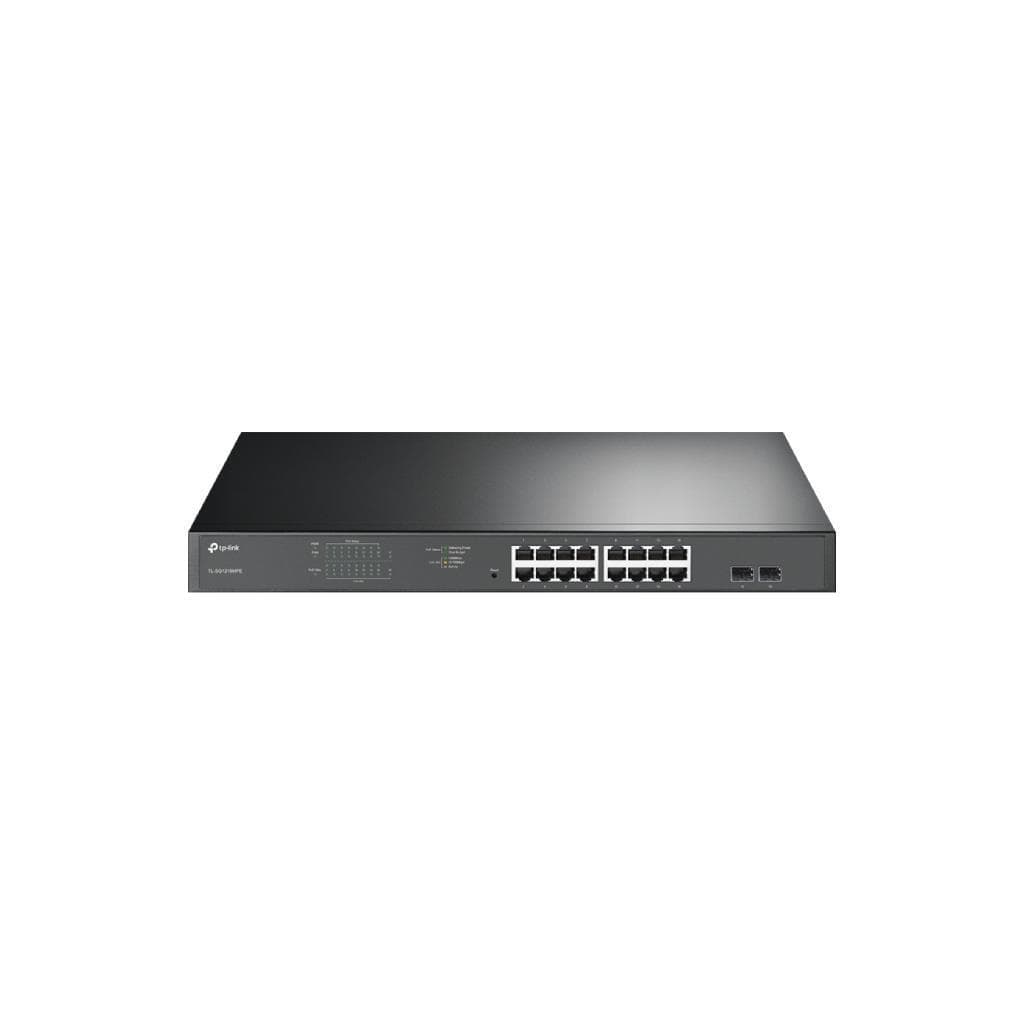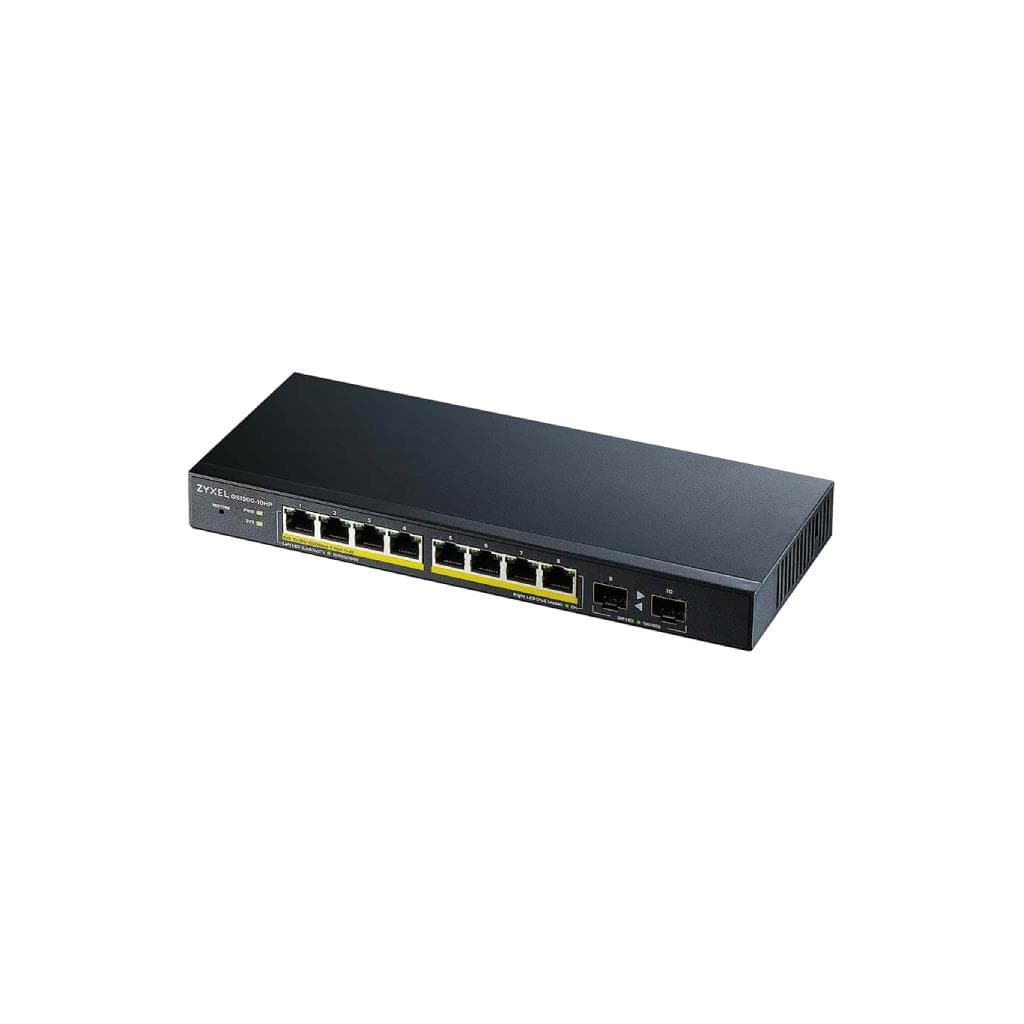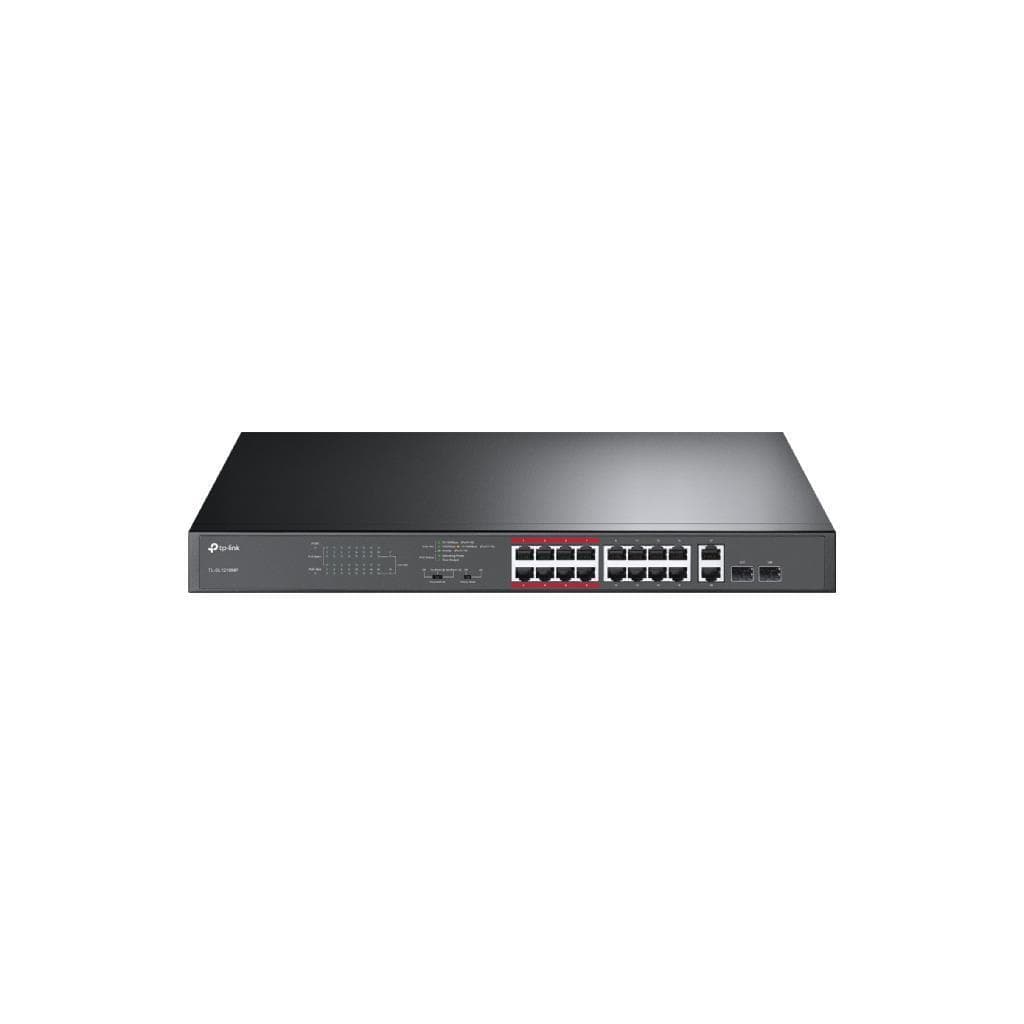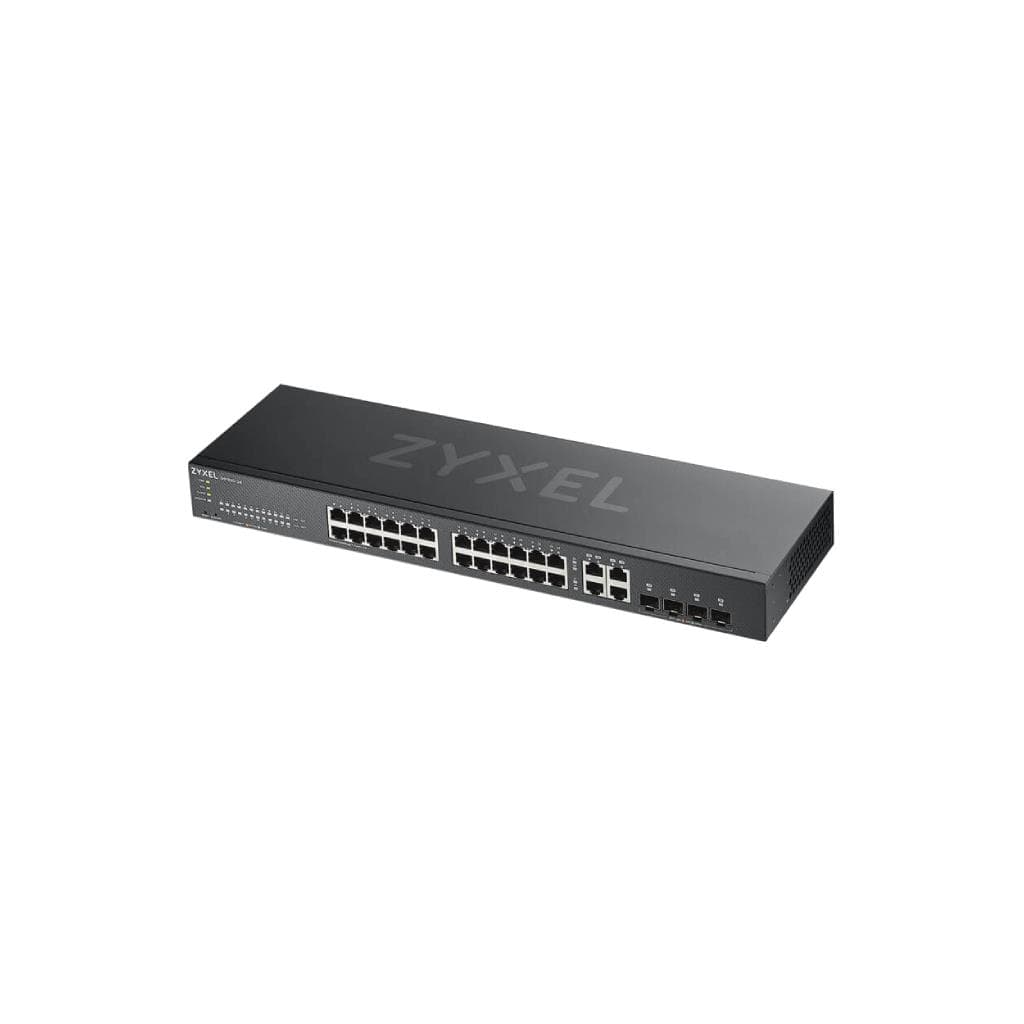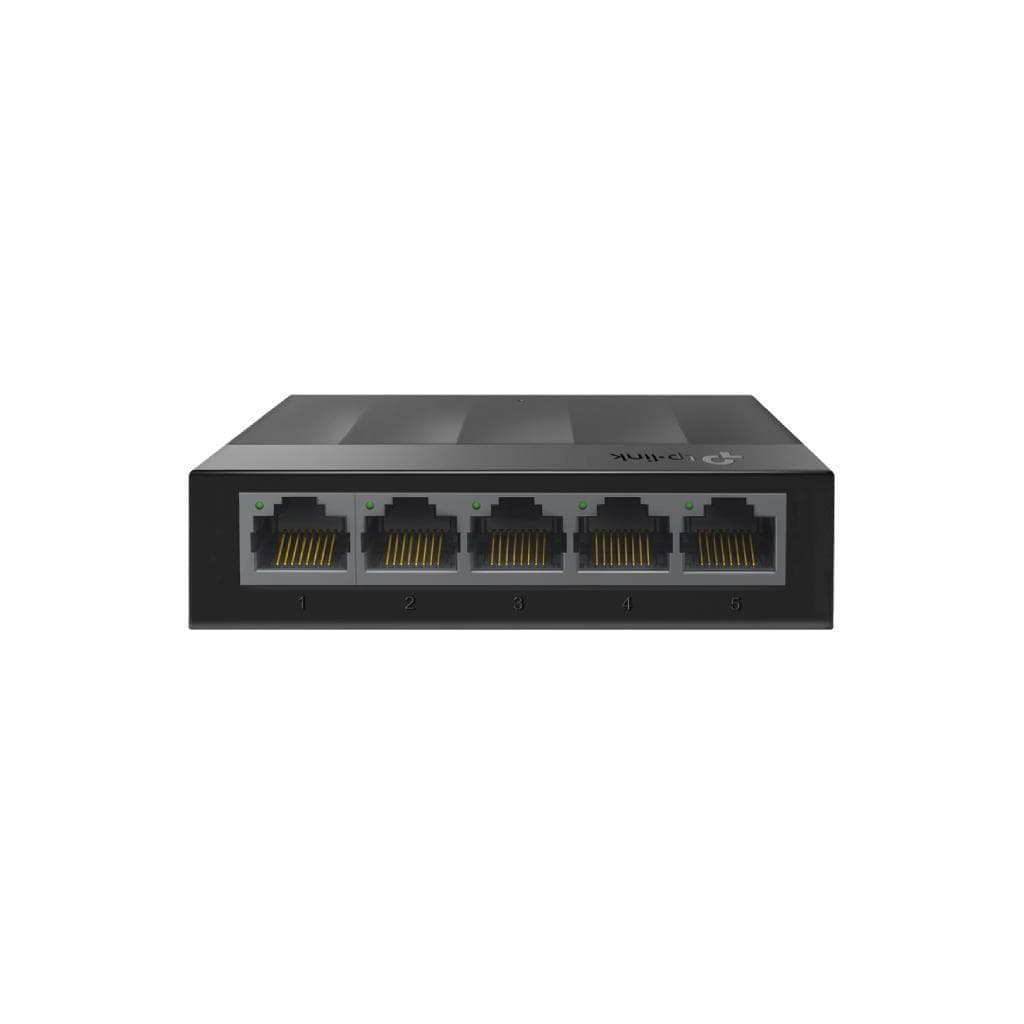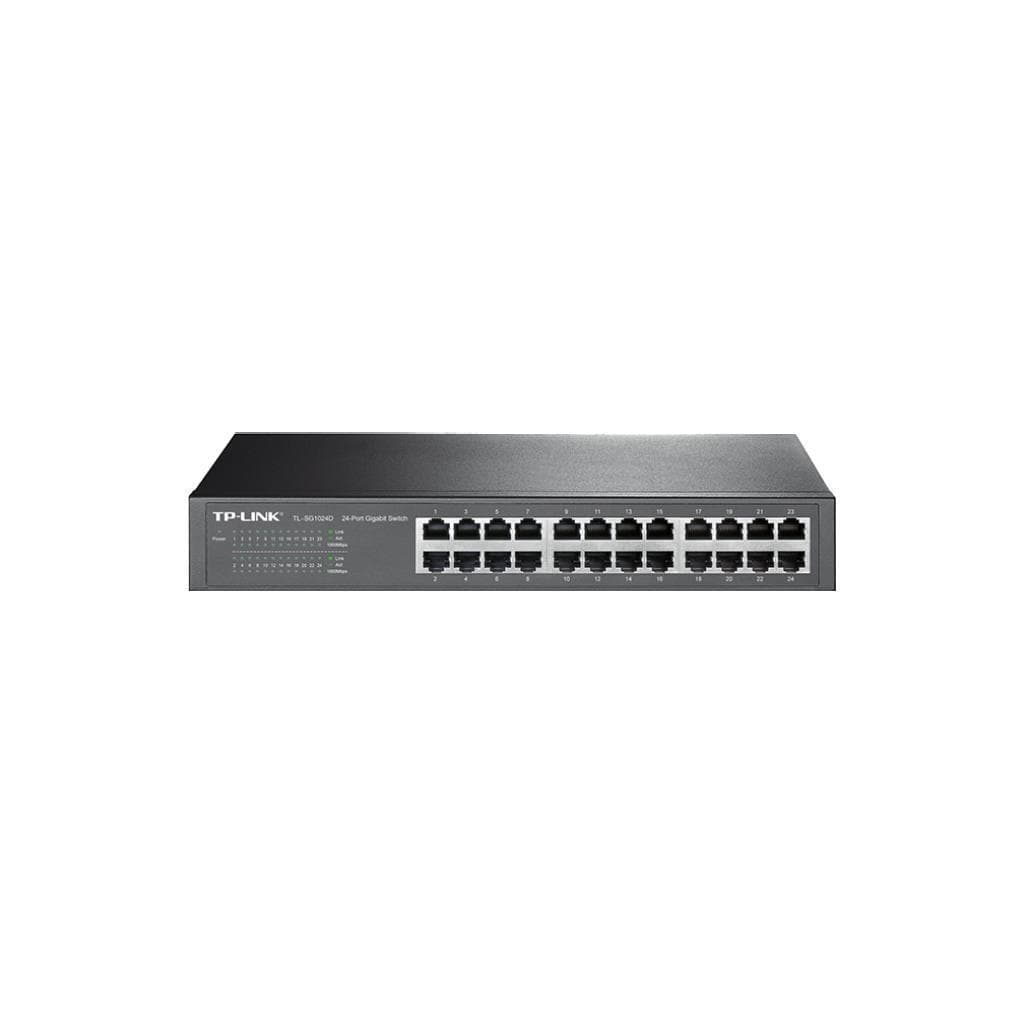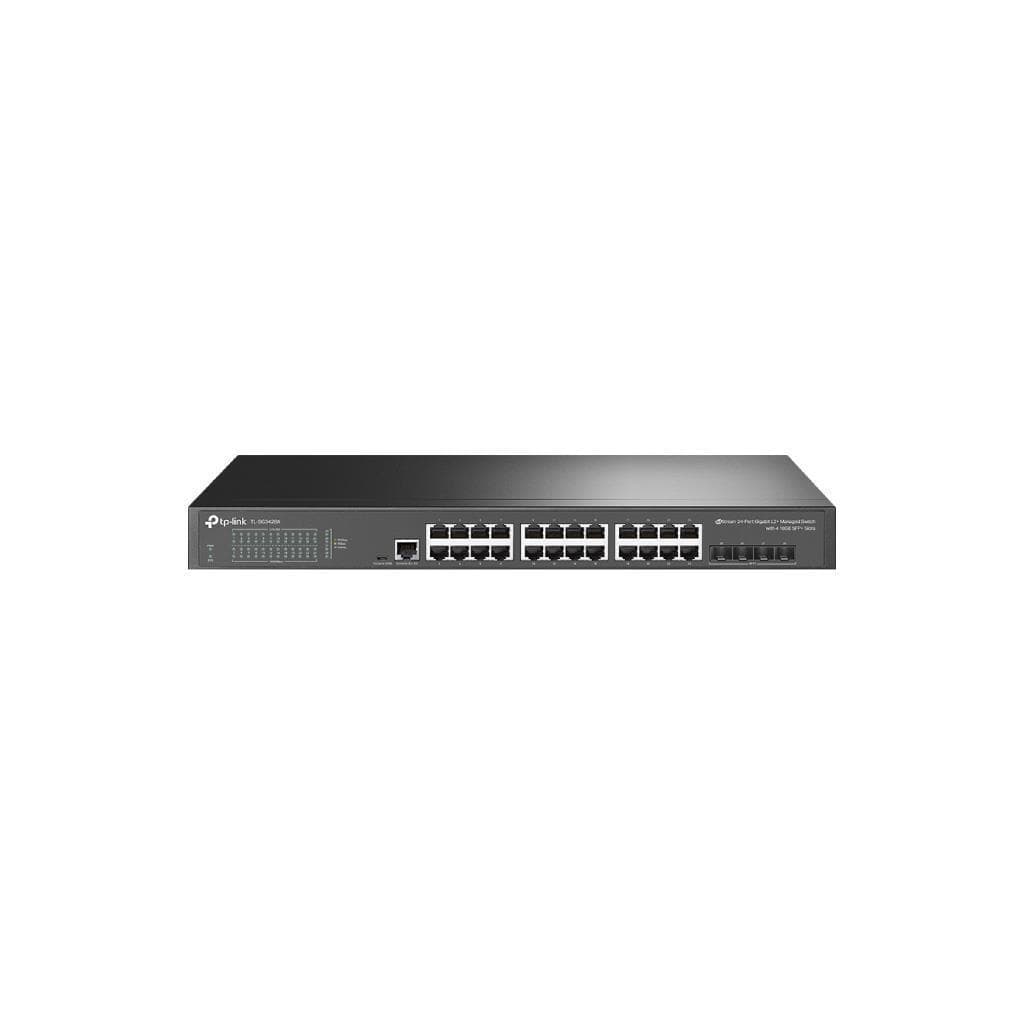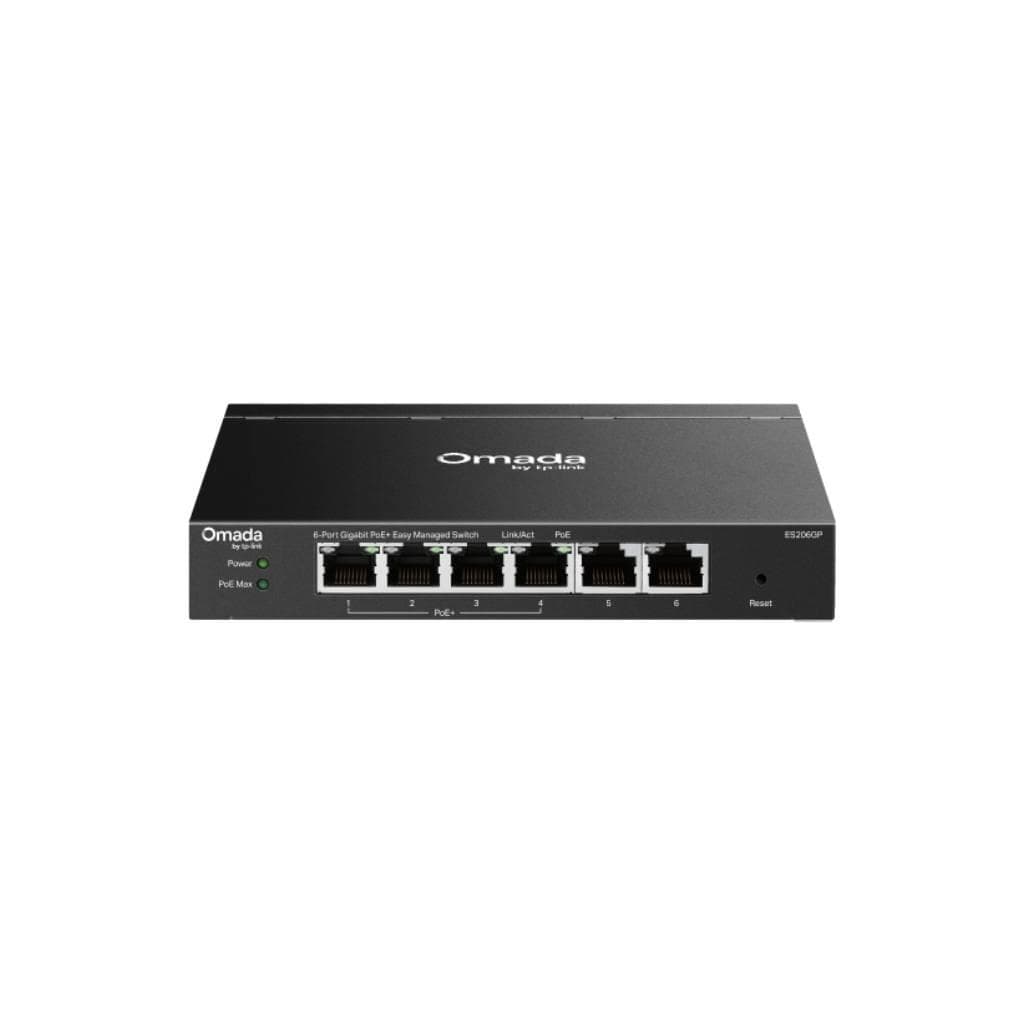


TP-Link Omada ES210GMP 10-Port Gigabit Easy Managed Switch with 8-Port PoE+ V1
SKU: ES210GMP-VER1Networking › Network Switches
Please enquire before ordering
The distributor has not yet confirmed the latest price and availability (last checked Jun 15, 2026)
092-251-4017Awaiting stock confirmationManufacturer's warranty
GenuineFree delivery from ฿5,000Tax invoice
10-port Gigabit switch with 8 PoE+ ports that supports powering network devices such as CCTV cameras or VoIP phones without requiring a separate power outlet. Ideal for small to medium businesses seeking centralized network management through the cloud.
Key features
- Supports 8 PoE+ ports with up to 30W per port
- Instant cloud management with Omada Cloud
- Supports Zero-Touch Provisioning for easy setup without configuring each device individually
- Includes SFP Combo ports for long-range fiber optic connectivity
- Supports centralized management via Omada Controller across Cloud, Hardware, and Software platforms
Product description
The TP-Link Omada ES210GMP V1 switch is a professional networking solution for small to medium businesses that demand high speed, stability, and centralized cloud-based management. It features 8 Gigabit PoE+ ports capable of delivering up to 30W per port, with a total PoE budget of 123W. It supports connecting various devices such as CCTV cameras, VoIP phones, or Access Points without requiring separate power outlets, reducing cable clutter and increasing installation flexibility. It also includes SFP Combo ports for long-distance network expansion using fiber optics. It supports management via Omada Cloud, Hardware Controller, or Software Controller. Key features include Zero-Touch Provisioning, QoS, VLAN, IGMP Snooping, and Loop Prevention to ensure network stability in real-world environments.
More features
- Includes QoS and Bandwidth Control for precise data transmission quality management
- Supports IGMP Snooping and Loop Prevention to prevent network outages
- Fanless design for silent operation without disrupting work
- Supports both desktop and wall mounting
- Includes ±6kV Surge Protection to guard against network line surges
Pros and limitations
Pros
- Supports 8 PoE+ ports, delivering up to 30W per port, suitable for diverse applications.
- Manage your network instantly via the cloud—no need to configure each device individually.
- Supports Zero-Touch Provisioning for easy, time-saving deployment.
- Fanless design ensures quiet operation, minimizing disruption to work environments.
- Supports both desktop and wall mounting for flexible installation.
Limitations
- No USB port available for direct firmware updates.
- Does not support CLI or SNMP management for advanced users
- Weight information not available, which may affect wall mount installation
Who it is for
Ideal for small to medium businesses such as offices, stores, or service centers that require power and network connectivity for devices like CCTV cameras, VoIP phones, or Access Points through a single switch without needing separate power outlets
Connectivity
Ethernet
Specifications (56)
- QoS
- Port-based, 802.1p, DSCP
- LLDP
- 802.1ab
- Mounting
- Desktop, Wall Mount
- Fast Leave
- Yes
- Jumbo Frame
- 15 KB
- Cloud Access
- Yes
- Flow Control
- 802.3x
- PoE Standard
- 802.3af / 802.3at
- Power Supply
- DC Power Adapter (53.5V DC / 2.43A)
- IGMP Snooping
- Yes (v1/v2/v3)
- Security Lock
- Available
- Storm Control
- Broadcast/Multicast/Unknown-Unicast Control
- ESD protection
- Air: ±8kV, Contact: ±4kV
- Number of Fans
- 0 (Fanless)
- Port Mirroring
- Yes
- SFP Combo Port
- 1 × Gigabit SFP/RJ45 Combo Port
- Firmware Update
- Management via Omada Controller
- Loop Prevention
- Yes
- Number of Ports
- 10
- Port Statistics
- Yes
- Total PoE Power
- 123 W
- VLAN Management
- Port-Based VLAN, 802.1Q Tag VLAN (up to 32 groups)
- Internal storage
- 64 Mbit
- PoE Power Supply
- Supports 802.3af PoE and 802.3at PoE+
- Standard Support
- FCC, CE, RoHS
- Surge Protection
- ±6kV
- Bandwidth Control
- Port-Based Rating Limit
- Cable Diagnostics
- Yes
- MAC Address Table
- 8K
- PoE+ Ports (RJ45)
- 8 × 10/100/1000 Mbps PoE+ RJ45 Ports
- Bulk Configuration
- Yes
- Loopback Detection
- Yes
- Management via App
- Yes (Omada App)
- Network Management
- Omada Cloud-Based Controller, Omada Hardware Controller, Omada Software Controller
- PoE Power per Port
- 30 W
- Switching Capacity
- 20 Gbps
- Group Configuration
- Yes
- Transmission Method
- Store-and-Forward
- Connectivity support
- Auto-Negotiation, Auto MDI/MDIX
- Gigabit Ports (RJ45)
- 1 × 10/100/1000 Mbps RJ45 Port
- Number of PoE+ Ports
- 8
- Number of QoS Queues
- 8 queues
- Packet Buffer Memory
- 4 Mbit
- Web-based Management
- Yes (Web-based GUI)
- Queue Scheduling Mode
- WRR (Weighted Round Robin)
- Centralized Management
- Yes
- Packet Forwarding Rate
- 14.88 Mpps
- Firmware update in bulk
- Yes
- Zero-Touch Provisioning
- Yes
- Number of VLANs Supported
- 4K VID
- Automatic device discovery
- Yes
- Queue Weight Configuration
- Yes
- PoE power delivery distance
- Maximum 250 meters
- Firmware update (Min Version)
- 1.0.2 Build 20250414 Rel.73887
- Size (Width x Depth x Height)
- 209 × 126 × 26 mm
- MTBF (Mean Time Between Failures)
- 411,681 hours @ 25°C
Datasheets and manuals straight from the manufacturer — select a document to open or download it.
13 questions
Frequently asked questions about this product
Compiled from manufacturer information
How many PoE devices can this switch support?
Supports up to 8 PoE devices, with each port delivering up to 30W and a total PoE budget of 123W, allowing multiple devices such as CCTV cameras or Access Points to be powered simultaneously.
Do you need an Omada Controller to use it?
No, you don’t need an Omada Controller to operate in basic mode. However, advanced features such as centralized management, group configuration, or Zero-Touch Provisioning require an Omada Cloud, Hardware, or Software Controller.
Can it be used with CCTV cameras?
Yes, it supports PoE+ power delivery directly to CCTV cameras without requiring a separate power adapter, and supports installation up to 250 meters away, making it ideal for wide-area camera installations.
Can it be wall-mounted?
Yes, it supports both wall mount and desktop mounting with included Rubber Feet, offering flexible installation options.
How do I update the firmware?
Firmware can be updated directly through Omada Controller (Cloud, Hardware, or Software) with a minimum firmware version of 1.0.2. If update fails, check your internet connection or download the firmware from the Omada Download Center.
Does it support fiber optic connectivity?
Yes, it supports fiber optic connectivity via SFP Combo ports that support Gigabit SFP, enabling network extension up to 250 meters or farther depending on fiber quality.
Can it be used with a Mesh system?
Yes, especially when used with TP-Link Deco devices, the system operates more efficiently, though it can function normally without Deco.
Does it have surge protection?
Yes, it features ±6kV surge protection in Common Mode for Ethernet ports, helping prevent damage from electrical surges or lightning entering through network cables.
Is it in stock?
We are confirming the latest stock and price of the TP-Link Omada ES210GMP 10-Port Gigabit Easy Managed Switch with 8-Port PoE+ V1 with the distributor. Please contact us before ordering at 092-251-4017 or sales@gist.co.th.
How much does it cost?
The distributor has not yet confirmed the latest price and availability. Please contact us before ordering at 092-251-4017 or sales@gist.co.th.
How long is the warranty?
The warranty follows the manufacturer's terms for each model; ask our sales team for the warranty period of this model. To make a warranty claim, call 092-251-4017 or 065-523-5262, or email sales@gist.co.th (Mon–Fri 9:00–18:00), then send the product with your order number to our head office, or bring it to the head office in person.
How long does delivery take?
Orders placed before 12:00 on a business day are delivered within 1–3 business days (Bangkok and vicinity) or 2–5 business days (other provinces). Free delivery on orders of ฿5,000 or more (a ฿150 delivery fee applies below this amount).
Is it genuine?
Genuine products sourced from distributors in Thailand, covered by the manufacturer's warranty. Full tax invoices are available.
Didn't find the answer you need?
Loading reviews…
Genuine products
Sourced from distributors in Thailand and covered by the manufacturer's warranty
Warranty period
According to the manufacturer's terms for each model
Covered by the manufacturer's warranty; you can make claims through GIST
Claims through GIST
Ship the product to our head office or bring it in person
Warranty conditions
- A receipt or other proof of purchase is required
- The product must not have been modified or altered
- Damage caused by misuse is not covered by the warranty
- To make a warranty claim, call 092-251-4017 or 065-523-5262, or email sales@gist.co.th (Mon–Fri 9:00–18:00), then send the product with your order number to our head office, or bring it to the head office in person.Head office: 554 Sky Nine Center, Floor 12A, Room 554/62, Asok-Din Daeng Road, Din Daeng Subdistrict, Din Daeng District, Bangkok 10400
More in Network Switches