
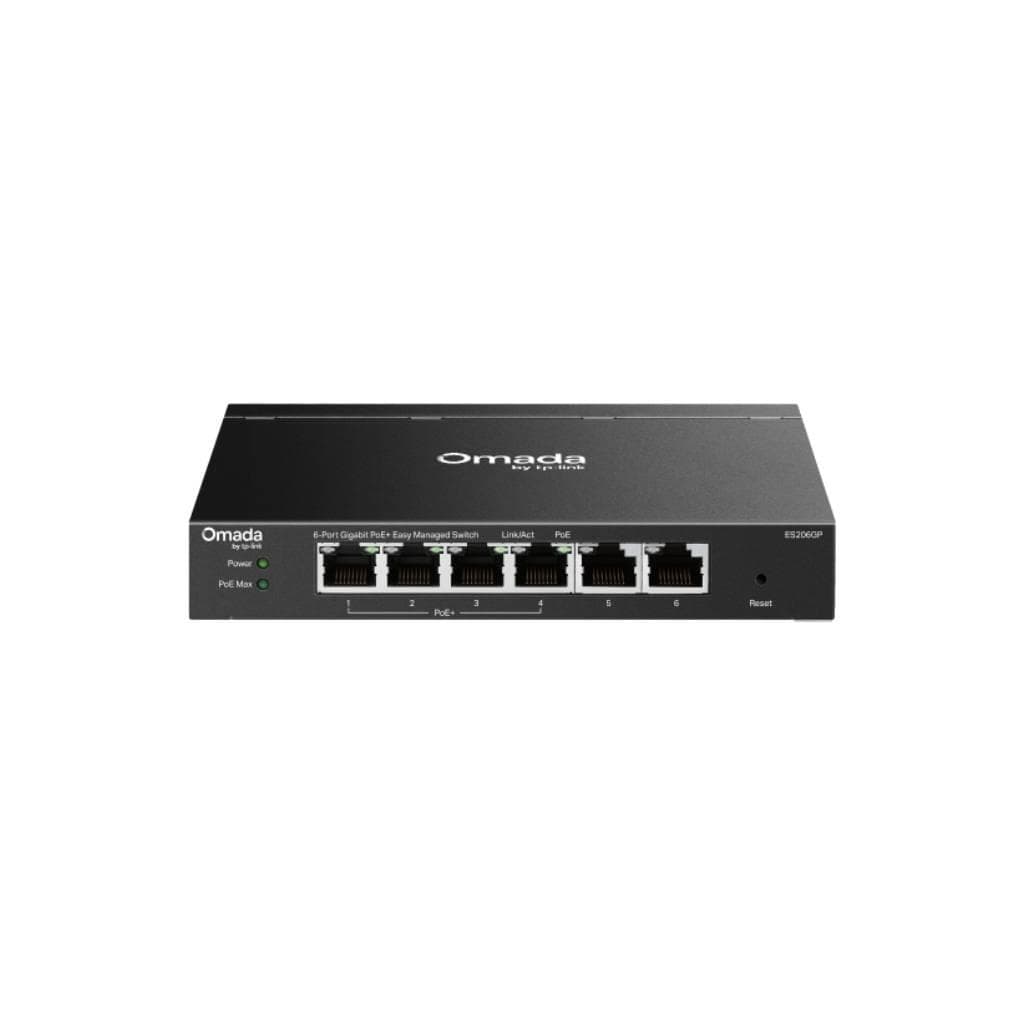
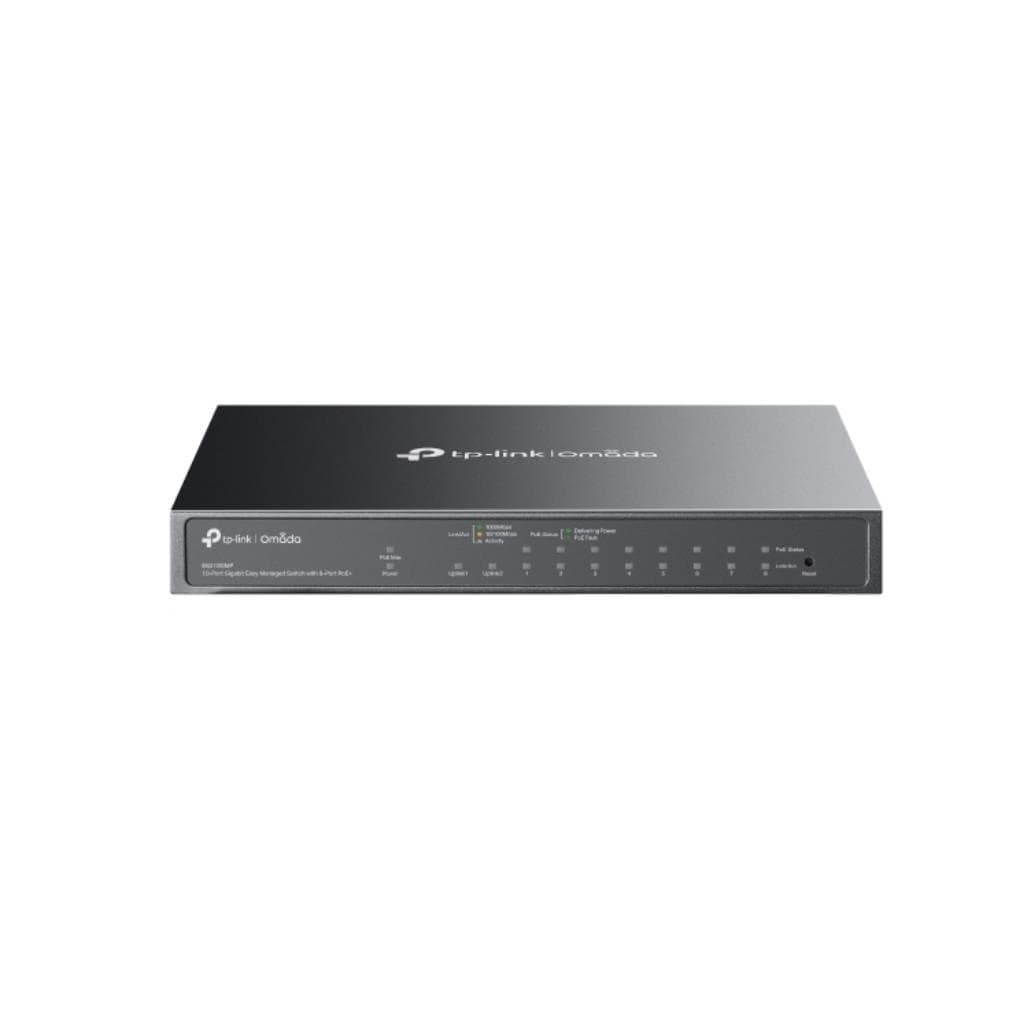

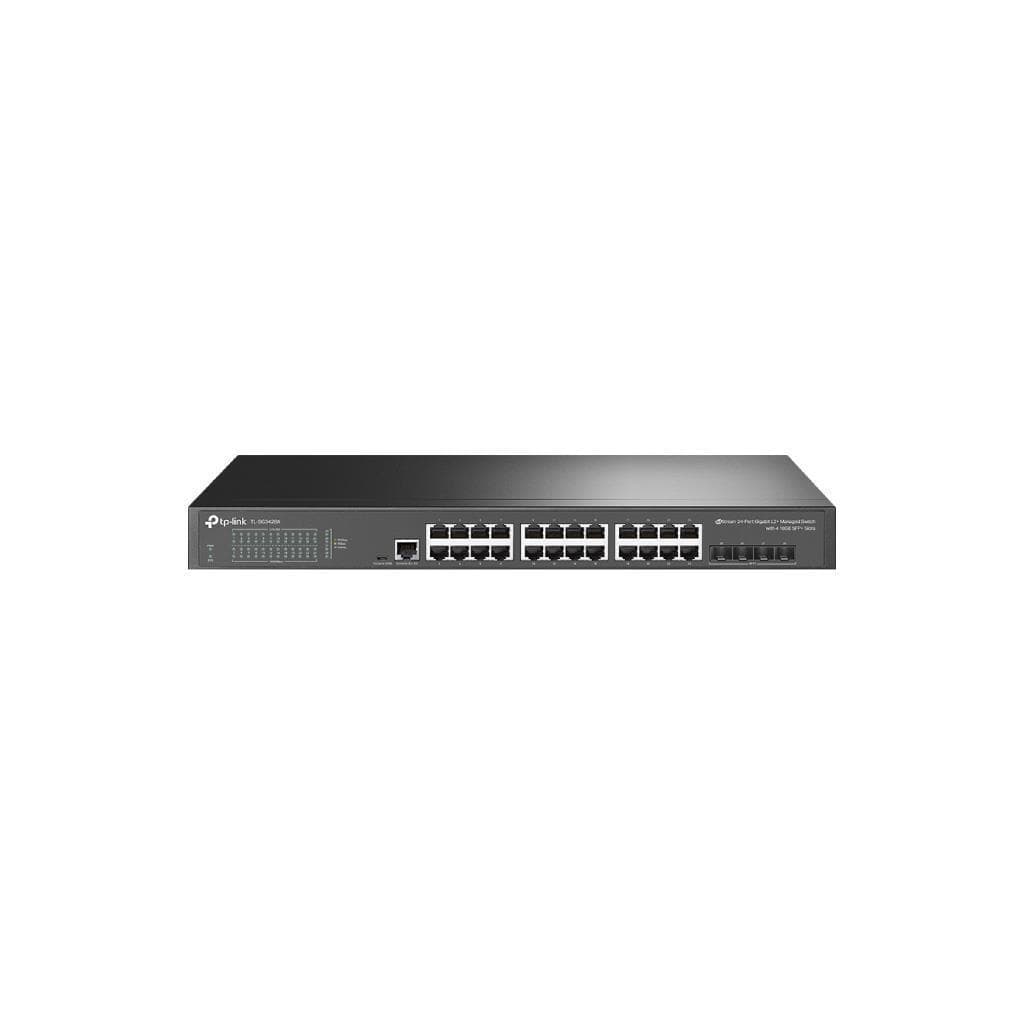
TP-Link Omada ES210GMP V1.2 10-Port Gigabit Switch with 8-Port PoE+
SKU: ES210GMP-VER1.2Networking › Network Switches
฿3,056
Price includes 7% VATPrice updated November 1, 2026
In stock1 unit3 years manufacturer's warranty
For orders placed before 12:00 on a business day; weekends excluded
GenuineFree delivery from ฿5,000Tax invoice
Easy-to-manage Omada series switch with PoE+ support for connecting network devices such as CCTV cameras, laptops, and APs, featuring 10 ports and management via the Omada app for both cloud and hardware-based control
Key features
- 8 PoE+ ports, up to 30W per port
- Supports cloud and hardware-based management
- Fanless design for silent operation
- Supports PoE cable runs up to 250 meters
- Supports QoS and Storm Control for precise bandwidth management
Product description
The TP-Link Omada ES210GMP V1.2 is a 10-port managed switch with 8 PoE+ ports for delivering power and data over a single cable, supporting IEEE 802.3af and 802.3at standards with a maximum total power output of 123W, and supporting PoE cable runs up to 250 meters, making it ideal for installing remote CCTV cameras or APs without requiring additional power supplies. It supports centralized management through Omada Cloud, Hardware Controller, or Software Controller using Zero-Touch Provisioning, and enables real-time device status monitoring via Web GUI or mobile application
More features
- Supports port aggregation (Link Aggregation)
- Supports IGMP Snooping to reduce multicast bandwidth usage
- Supports management via Omada App and Web GUI
- Built-in surge protection of ±6kV
- Can be mounted on desk or wall
Specifications (42)
- Weight
- 1.7 kg
- Dimensions
- 8.2×4.9×1.0 in (209×126×26 mm)
- PoE Budget
- 123W total for all PoE+ ports
- PoE+ ports
- 8 ports
- DHCP Client
- Yes
- L2 Features
- Static Link Aggregation, Loop Prevention, Flow Control (802.3x), Port Mirroring (One-to-One, Many-to-One, Ingress/Egress/Both), Port Statistics, LLDP
- Cloud Access
- Yes
- Fan Quantity
- Fanless
- L2 Multicast
- IGMP Snooping v1/v2/v3, Fast Leave
- PoE standard
- 802.3af and 802.3at PoE+
- Power Supply
- DC Power Adapter (Output: 53.5V DC / 2.43A)
- VLAN Support
- Port-Based VLAN, 802.1Q Tag VLAN (up to 32 VLAN Groups, 4K VID)
- Certification
- FCC, CE, RoHS
- Humidity Range
- 10% to 90% RH (non-condensing)
- Number of ports
- 10
- Hardware Version
- V1.2
- Package Contents
- ES210GMP, Power Adapter, Installation Guide, Rubber Feet
- Surge Protection
- ±6kV
- Cable Diagnostics
- Yes
- Installation Type
- Desktop, Wall Mount
- MAC Address Table
- 8K
- Gigabit RJ45 ports
- 9 ports (8 PoE+ + 1 standard)
- Max Power per Port
- 30W
- Quality of Service
- Port-based, 802.1p, DSCP QoS, 8 Priority Queues, WRR Scheduling, Bandwidth Control, Storm Control (Broadcast/Multicast/Unknown-Unicast)
- Switching Capacity
- 20 Gbps
- Batch Configuration
- Yes
- Jumbo Frame Support
- 15 KB
- Transmission Method
- Store-And-Forward
- Management Interface
- Web-based GUI, Omada App, Omada Cloud Controller, Omada Hardware Controller, Omada Software Controller
- Packet Buffer Memory
- 4 Mbit
- SFP/RJ45 Combo ports
- 1 port
- Operating Temperature
- 0°C to 45°C
- Unified Configuration
- Yes
- Centralized Management
- Omada Cloud-Based Controller, Omada Hardware Controller, Omada Software Controller
- Firmware Update Method
- Through Omada Controller or standalone UI
- Packet Forwarding Rate
- 14.88 Mpps
- Physical Security Lock
- Yes
- Zero-Touch Provisioning
- Yes
- Batch Firmware Upgrading
- Yes
- PoE transmission distance
- Up to 250 meters
- Automatic Device Discovery
- Yes
- Firmware Minimum Update Version
- 1.0.1 Build 20250409 Rel.71868
Datasheets and manuals straight from the manufacturer — select a document to open or download it.
8 questions
Frequently asked questions about this product
Compiled from manufacturer information
How does the TP-Link Omada ES210GMP V1.2 differ from V1 or V1.6?
No hardware differences; V1.6 is simply a different factory production code. V1.2 is the final version of hardware V1, supporting the latest firmware updates
Can the firmware be updated through Omada Controller?
Yes, but requires firmware version at least 1.0.1 Build 20250409 Rel.71868 or later, and Omada Controller version 5.15.20 or newer
How does it support cloud-based management?
It can be connected and managed immediately via Omada Cloud-Based Controller without requiring additional hardware controllers
Is it in stock?
The TP-Link Omada ES210GMP V1.2 10-Port Gigabit Switch with 8-Port PoE+ is in stock and ready to ship. Orders placed before 12:00 on a business day are delivered within 1–3 business days (Bangkok and vicinity) or 2–5 business days (other provinces). Order online at store.gist.co.th or contact our sales team at 092-251-4017.
How much does it cost?
The price is ฿3,056 (including 7% VAT). It is in stock and ready to ship. Business customers can request a quotation at sales@gist.co.th.
How long is the warranty?
Warranty period: 3-year warranty (manufacturer's terms). To make a warranty claim, call 092-251-4017 or 065-523-5262, or email sales@gist.co.th (Mon–Fri 9:00–18:00), then send the product with your order number to our head office, or bring it to the head office in person.
How long does delivery take?
Orders placed before 12:00 on a business day are delivered within 1–3 business days (Bangkok and vicinity) or 2–5 business days (other provinces). Free delivery on orders of ฿5,000 or more (a ฿150 delivery fee applies below this amount).
Is it genuine?
Genuine products sourced from distributors in Thailand, covered by the manufacturer's warranty. Full tax invoices are available.
Didn't find the answer you need?
Loading reviews…
Genuine products
Sourced from distributors in Thailand and covered by the manufacturer's warranty
Warranty period
3-year warranty
Covered by the manufacturer's warranty; you can make claims through GIST
Claims through GIST
Ship the product to our head office or bring it in person
Warranty conditions
- A receipt or other proof of purchase is required
- The product must not have been modified or altered
- Damage caused by misuse is not covered by the warranty
- To make a warranty claim, call 092-251-4017 or 065-523-5262, or email sales@gist.co.th (Mon–Fri 9:00–18:00), then send the product with your order number to our head office, or bring it to the head office in person.Head office: 554 Sky Nine Center, Floor 12A, Room 554/62, Asok-Din Daeng Road, Din Daeng Subdistrict, Din Daeng District, Bangkok 10400
More in Network Switches
Price
฿3,056