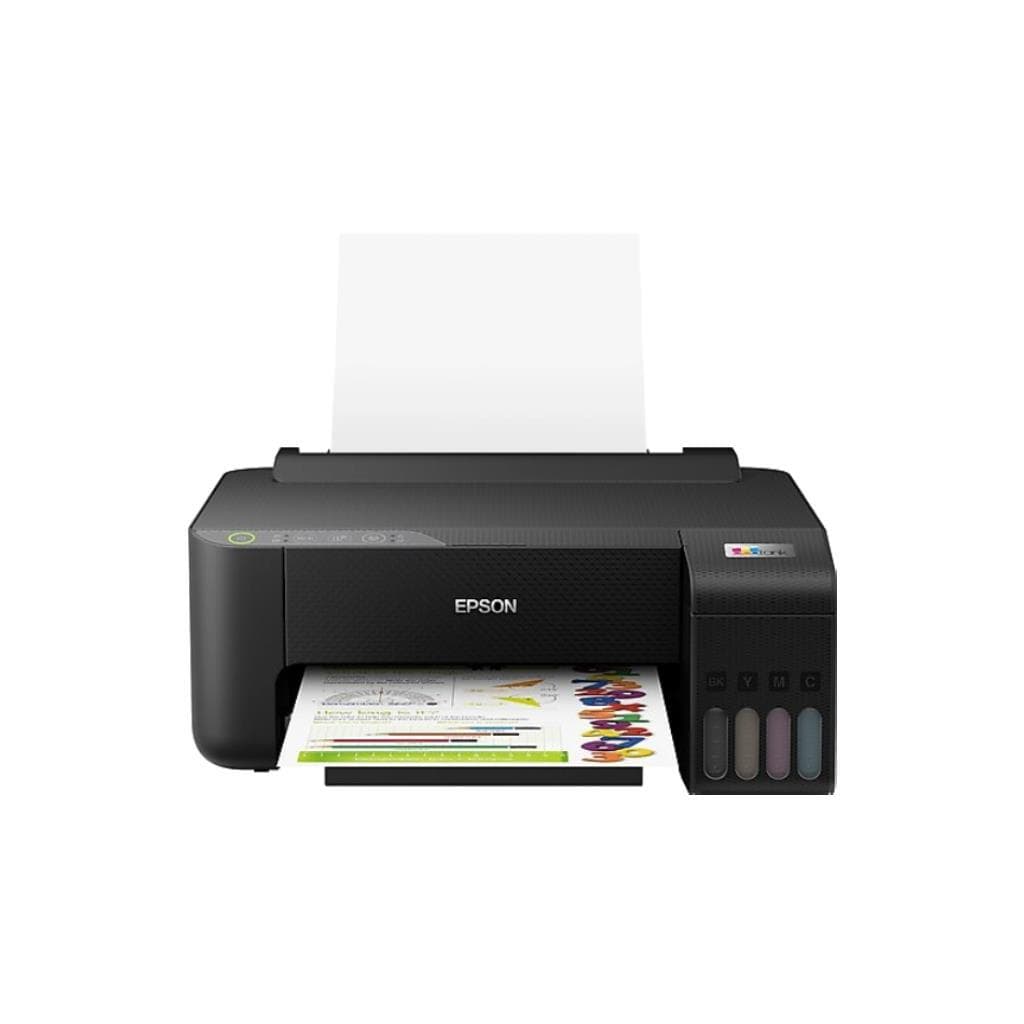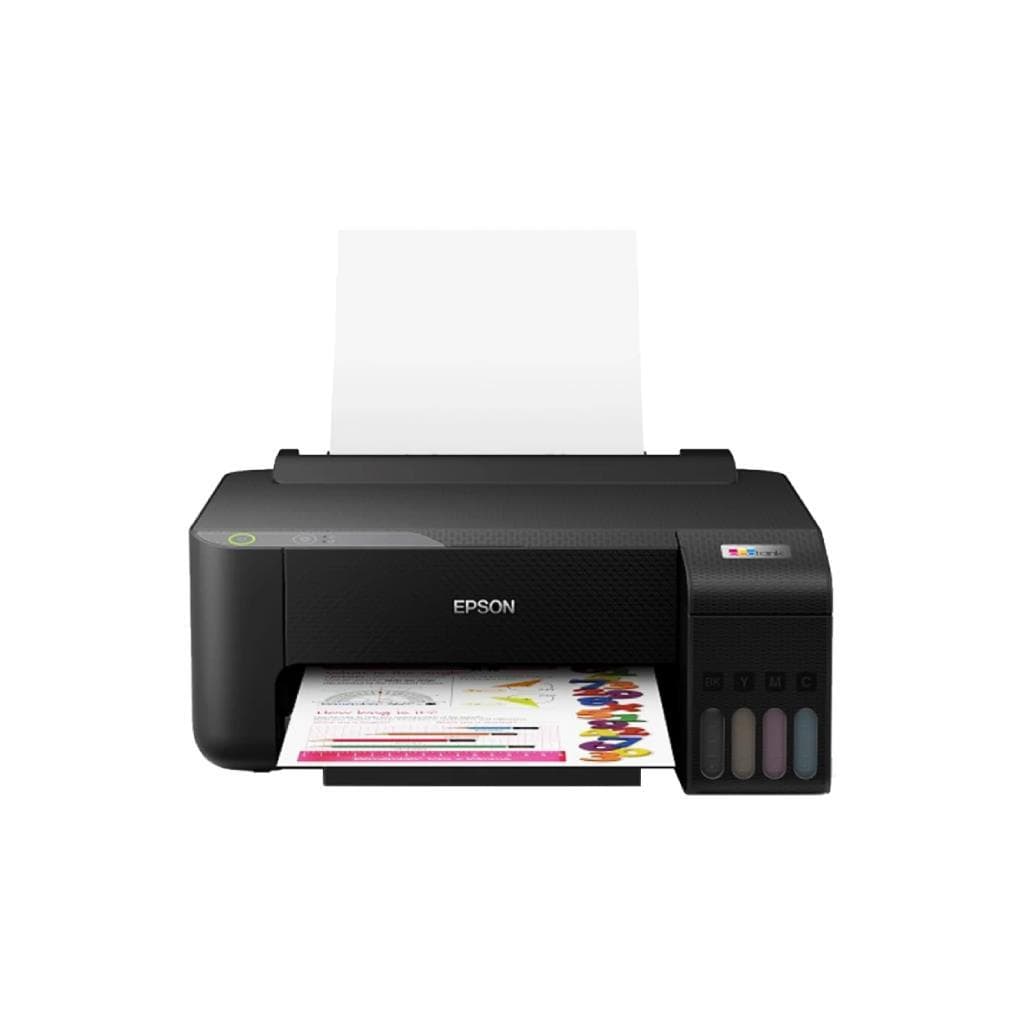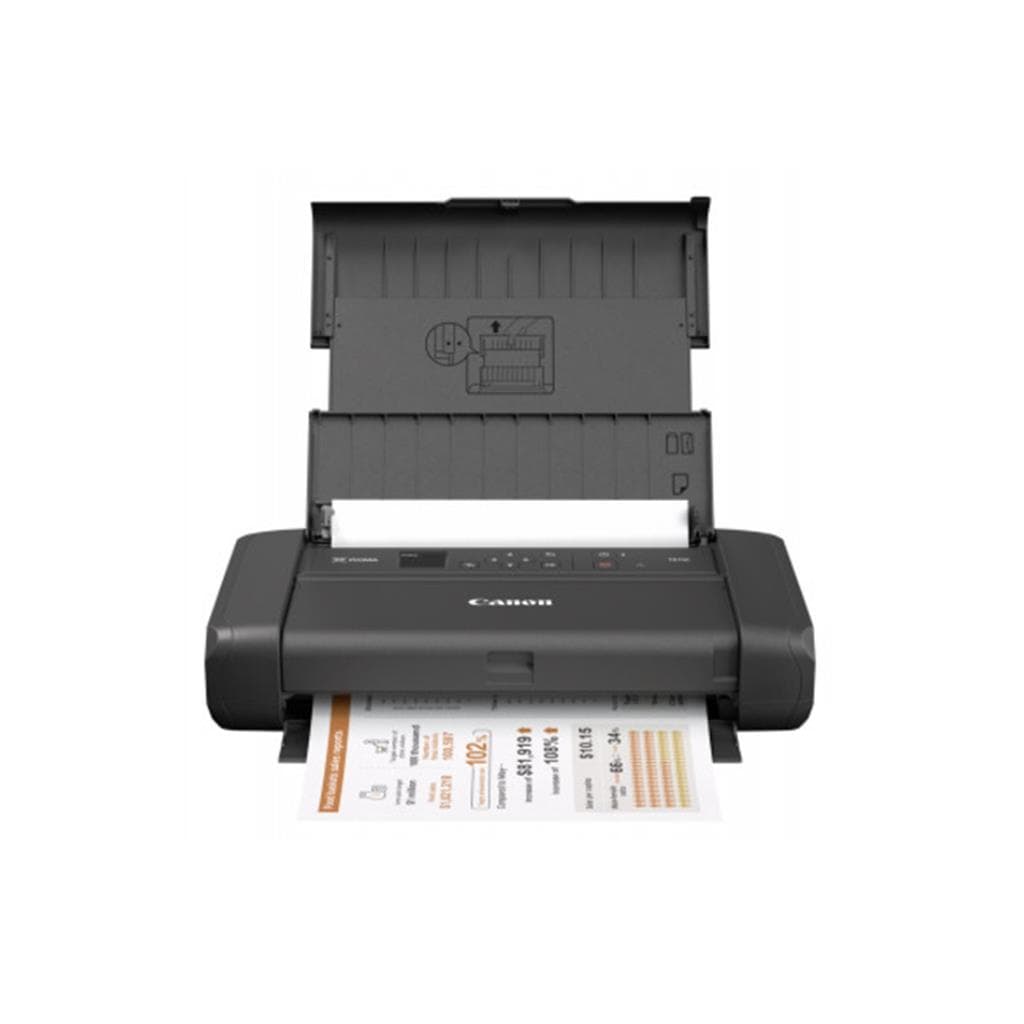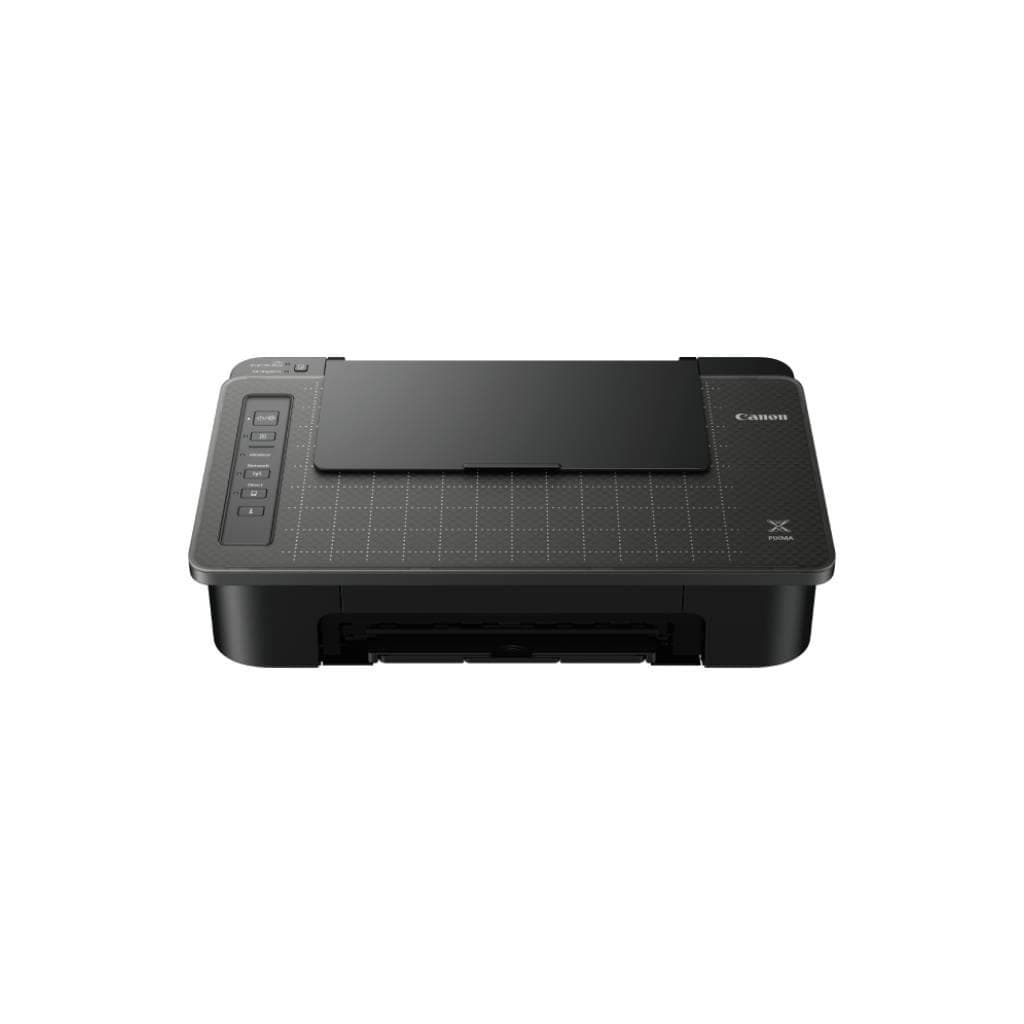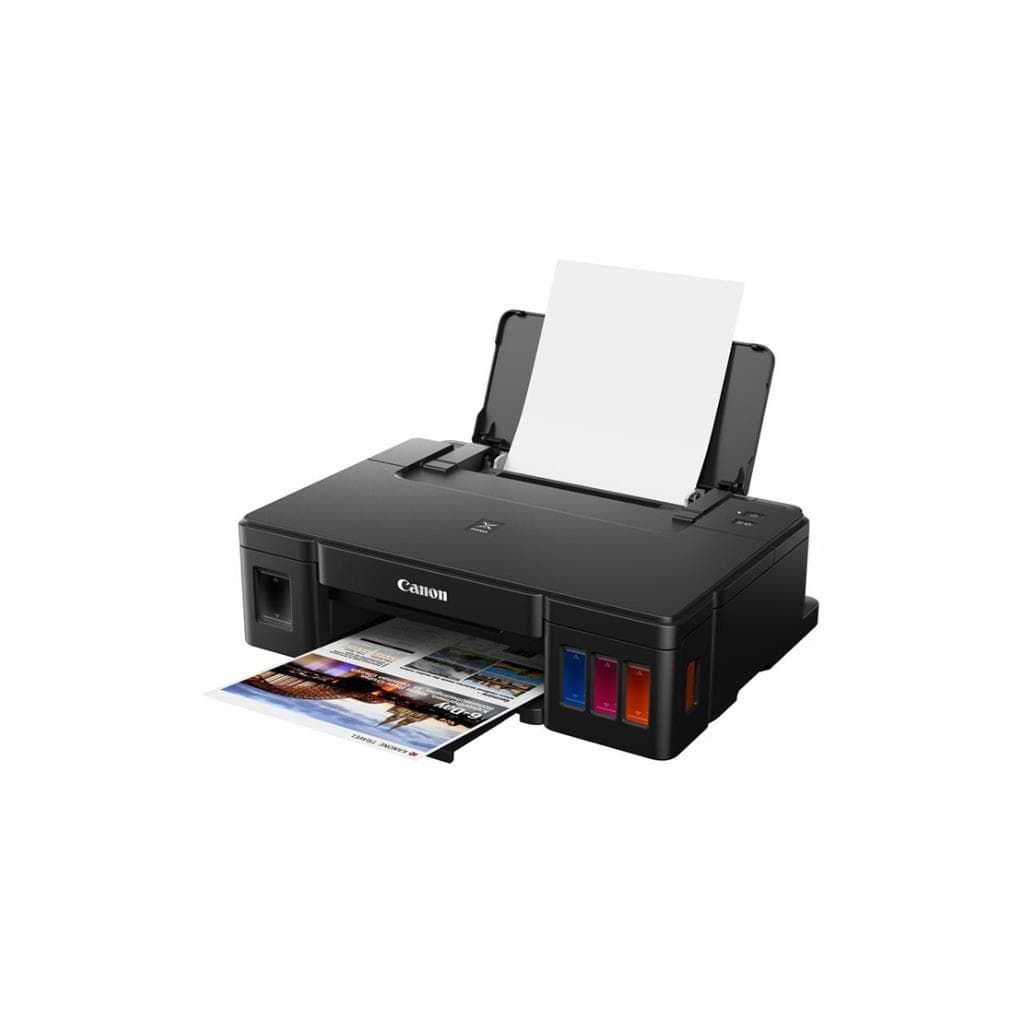


CANON PIXMA G1010 Inkjet Printer (Single Function) - 4800 x 1200 DPI, 8.8 PPM (Black), 5.0 PPM (Color)
SKU: G1010Printers & Supplies › Inkjet Printers
Please enquire before ordering
The distributor has not yet confirmed the latest price and availability (last checked Jun 15, 2026)
092-251-4017Awaiting stock confirmationManufacturer's warranty
GenuineFree delivery from ฿5,000Tax invoice
เครื่องพิมพ์อิงค์เจ็ทสีแบบไม่ซ้อนทับ รองรับการพิมพ์เอกสารและภาพถ่ายคุณภาพสูง ใช้งานง่ายด้วยพอร์ต USB 2.0 สำหรับผู้ใช้ทั่วไปในบ้านหรือออฟฟิศขนาดเล็ก
Key features
- พิมพ์เอกสารและภาพถ่ายความละเอียดสูง 4800 x 1200 DPI
- ความเร็วพิมพ์ดำ 8.8 แผ่น/นาที, สี 5.0 แผ่น/นาที
- รองรับกระดาษหนาสูงสุด 230 gsm
- เชื่อมต่อผ่านพอร์ต USB 2.0
- เหมาะสำหรับใช้งานทั่วไปในบ้านหรือออฟฟิศขนาดเล็ก
Product description
เครื่องพิมพ์ Canon PIXMA G1010 เป็นอิงค์เจ็ทแบบไม่ซ้อนทับที่ออกแบบมาเพื่อประสิทธิภาพการพิมพ์เอกสารและภาพถ่ายคุณภาพสูง โดยรองรับความละเอียดสูงสุด 4800 x 1200 DPI ทำให้ภาพคมชัดและรายละเอียดชัดเจน ความเร็วในการพิมพ์ดำอยู่ที่ 8.8 แผ่นต่อนาที และสีอยู่ที่ 5.0 แผ่นต่อนาที รองรับการพิมพ์บนกระดาษหนาสูงสุด 230 gsm ได้อย่างมั่นคง แม้กระดาษบางอย่างเช่น 65–100 gsm อาจไม่รองรับการพิมพ์ได้ตามปกติ ซึ่งอาจเกิดจากปัญหาการจัดการกระดาษภายในเครื่อง ไม่ใช่ข้อจำกัดของเครื่องพิมพ์โดยตรง
More features
- รองรับการพิมพ์แบบไม่ต้องมีขอบ (borderless) ได้
- ใช้งานง่าย ต่อสาย USB ได้ทันที
- ไม่รองรับระบบปฏิบัติการ macOS ตามข้อมูลจาก Canon USA
Pros and limitations
Pros
- ความละเอียดสูง 4800 x 1200 DPI ให้ภาพคมชัด
- รองรับกระดาษหนาสูงสุด 230 gsm ได้ดี
- พิมพ์ได้เร็วสำหรับเครื่องพิมพ์อิงค์เจ็ททั่วไป
- ใช้งานง่าย ต่อสาย USB ได้ทันที
- รองรับการพิมพ์แบบไม่ต้องมีขอบ (borderless)
Limitations
- ไม่รองรับระบบปฏิบัติการ macOS
- ไม่มีการเชื่อมต่อไร้สาย (Wi-Fi, Bluetooth)
- ไม่รองรับการสแกนหรือฟังก์ชันซ้อนทับ
- ไม่มีไดรเวอร์สำหรับ Mac หรือระบบปฏิบัติการอื่นนอกเหนือจาก Windows
Who it is for
เหมาะสำหรับผู้ใช้ทั่วไปที่ต้องการพิมพ์เอกสารและภาพถ่ายคุณภาพดีในบ้านหรือออฟฟิศขนาดเล็ก โดยเฉพาะผู้ที่ใช้ Windows และต้องการเครื่องพิมพ์แบบไม่ซ้อนทับที่รองรับกระดาษหนา
Connectivity
USB 2.0
Specifications (28)
- ประเภท
- Inkjet Printer
- แบรนด์
- CANON
- รุ่น
- PIXMA G1010
- Wi-Fi
- ไม่รองรับ
- Duplex
- ไม่รองรับ
- ซีรีส์
- PIXMA
- Scanner
- ไม่รองรับ
- Bluetooth
- ไม่รองรับ
- Paper Size
- A4, A5, B5, Letter, Legal, Envelope
- USB Version
- USB 2.0
- Mobile Print
- ไม่รองรับ
- Functionality
- Single Function
- Paper Handling
- Single-sheet feeding
- Ink/Toner (Type)
- Inkjet
- Software Support
- ไม่มีไดรเวอร์สำหรับ macOS
- Borderless Printing
- รองรับ
- Heavy Paper Support
- รองรับกระดาษหนาสูงสุด 230 gsm
- Light Paper Support
- อาจไม่รองรับกระดาษบาง 65–100 gsm
- Network Connectivity
- ไม่รองรับ
- Ink Cartridge (Colors)
- Black, Cyan, Magenta, Yellow
- พอร์ต
- USB 2.0
- ระบบปฏิบัติการที่รองรับ
- Windows only (macOS not supported)
- Heat-Transfer Paper Support
- ไม่รองรับ (ตามข้อมูลจาก Canon Community)
- Ink Cartridge (Part Number)
- PG-250 / CL-251
- Paper Tray (Input Capacity)
- 100 แผ่น
- ความละเอียด
- 4800 x 1200 DPI
- ความเร็วพิมพ์ (A4 Black)
- 8.8 ppm
- ความเร็วพิมพ์ (A4 Color)
- 5.0 ppm
Datasheets and manuals straight from the manufacturer — select a document to open or download it.
13 questions
Frequently asked questions about this product
Compiled from manufacturer information
เครื่องพิมพ์ Canon PIXMA G1010 รองรับ macOS หรือไม่?
ไม่รองรับระบบปฏิบัติการ macOS เนื่องจาก Canon USA ยืนยันว่าไม่มีไดรเวอร์สำหรับ Mac คุณอาจต้องใช้เครื่องพิมพ์รุ่นอื่นที่รองรับ หรือพิมพ์ผ่านคอมพิวเตอร์ Windows แทน
พิมพ์กระดาษบาง 65–100 gsm ได้ไหม?
แม้เครื่องจะรองรับกระดาษหนาสูงสุด 230 gsm แต่ผู้ใช้รายงานว่ากระดาษบาง 65–100 gsm อาจไม่พิมพ์ได้ ซึ่งอาจเกิดจากปัญหาการจัดการกระดาษภายในเครื่อง ไม่ใช่ข้อจำกัดของเครื่องโดยตรง แนะนำให้ตรวจสอบการตั้งค่าหรือลองใช้กระดาษที่หนาขึ้น
พิมพ์กระดาษถ่ายเทความร้อน (Heat-Transfer Paper) ได้ไหม?
ไม่มีข้อมูลยืนยันว่ารองรับการพิมพ์บนกระดาษถ่ายเทความร้อน แม้จะสามารถพิมพ์แบบไม่ต้องมีขอบได้ แต่ Canon Asia ไม่ได้ระบุว่ารองรับ แนะนำให้ติดต่อศูนย์บริการ Canon Asia เพื่อยืนยัน
พิมพ์เอกสารสีได้เร็วแค่ไหน?
เครื่องพิมพ์นี้มีความเร็วในการพิมพ์สี 5.0 แผ่นต่อนาที (A4) ซึ่งถือว่าเร็วสำหรับเครื่องพิมพ์อิงค์เจ็ททั่วไป ใช้ได้ดีสำหรับงานพิมพ์เอกสารทั่วไป
รองรับการพิมพ์แบบไม่ต้องมีขอบ (Borderless) ได้ไหม?
ใช่ รองรับการพิมพ์แบบไม่ต้องมีขอบ (borderless) ได้ ทำให้เหมาะสำหรับการพิมพ์ภาพถ่ายหรืองานออกแบบที่ต้องการพื้นที่พิมพ์เต็ม
มีพอร์ตเชื่อมต่ออะไรบ้าง?
มีเพียงพอร์ต USB 2.0 เท่านั้น ไม่มี Wi-Fi, Bluetooth หรือพอร์ตอื่นใด จึงต้องเชื่อมต่อผ่านสาย USB เท่านั้น
พิมพ์กระดาษหนา 230 gsm ได้ไหม?
ใช่ รองรับการพิมพ์บนกระดาษหนาสูงสุด 230 gsm ได้อย่างมั่นคง ทำให้เหมาะสำหรับการพิมพ์บัตรเชิญ นามบัตร หรืองานพิมพ์ที่ต้องการความทนทาน
มีการรับประกันหรือไม่?
ไม่มีข้อมูลรับประกันในแหล่งข้อมูลที่ให้มา คุณสามารถตรวจสอบกับผู้จัดจำหน่ายหรือศูนย์บริการ Canon ในประเทศไทยเพื่อยืนยันเงื่อนไขการรับประกัน
Is it in stock?
We are confirming the latest stock and price of the CANON PIXMA G1010 Inkjet Printer (Single Function) - 4800 x 1200 DPI, 8.8 PPM (Black), 5.0 PPM (Color) with the distributor. Please contact us before ordering at 092-251-4017 or sales@gist.co.th.
How much does it cost?
The distributor has not yet confirmed the latest price and availability. Please contact us before ordering at 092-251-4017 or sales@gist.co.th.
How long is the warranty?
The warranty follows the manufacturer's terms for each model; ask our sales team for the warranty period of this model. To make a warranty claim, call 092-251-4017 or 065-523-5262, or email sales@gist.co.th (Mon–Fri 9:00–18:00), then send the product with your order number to our head office, or bring it to the head office in person.
How long does delivery take?
Orders placed before 12:00 on a business day are delivered within 1–3 business days (Bangkok and vicinity) or 2–5 business days (other provinces). Free delivery on orders of ฿5,000 or more (a ฿150 delivery fee applies below this amount).
Is it genuine?
Genuine products sourced from distributors in Thailand, covered by the manufacturer's warranty. Full tax invoices are available.
Didn't find the answer you need?
Loading reviews…
Genuine products
Sourced from distributors in Thailand and covered by the manufacturer's warranty
Warranty period
According to the manufacturer's terms for each model
Covered by the manufacturer's warranty; you can make claims through GIST
Claims through GIST
Ship the product to our head office or bring it in person
Warranty conditions
- A receipt or other proof of purchase is required
- The product must not have been modified or altered
- Damage caused by misuse is not covered by the warranty
- To make a warranty claim, call 092-251-4017 or 065-523-5262, or email sales@gist.co.th (Mon–Fri 9:00–18:00), then send the product with your order number to our head office, or bring it to the head office in person.Head office: 554 Sky Nine Center, Floor 12A, Room 554/62, Asok-Din Daeng Road, Din Daeng Subdistrict, Din Daeng District, Bangkok 10400
More in Inkjet Printers