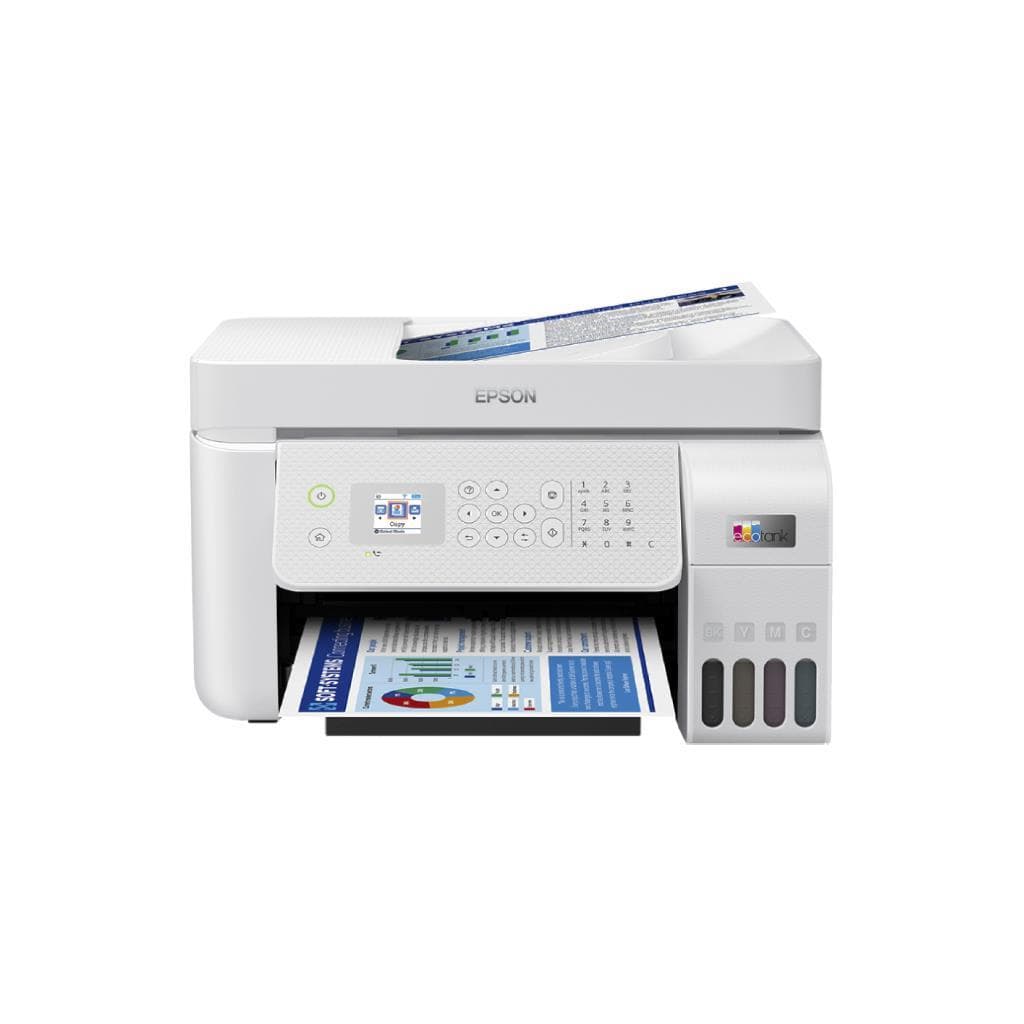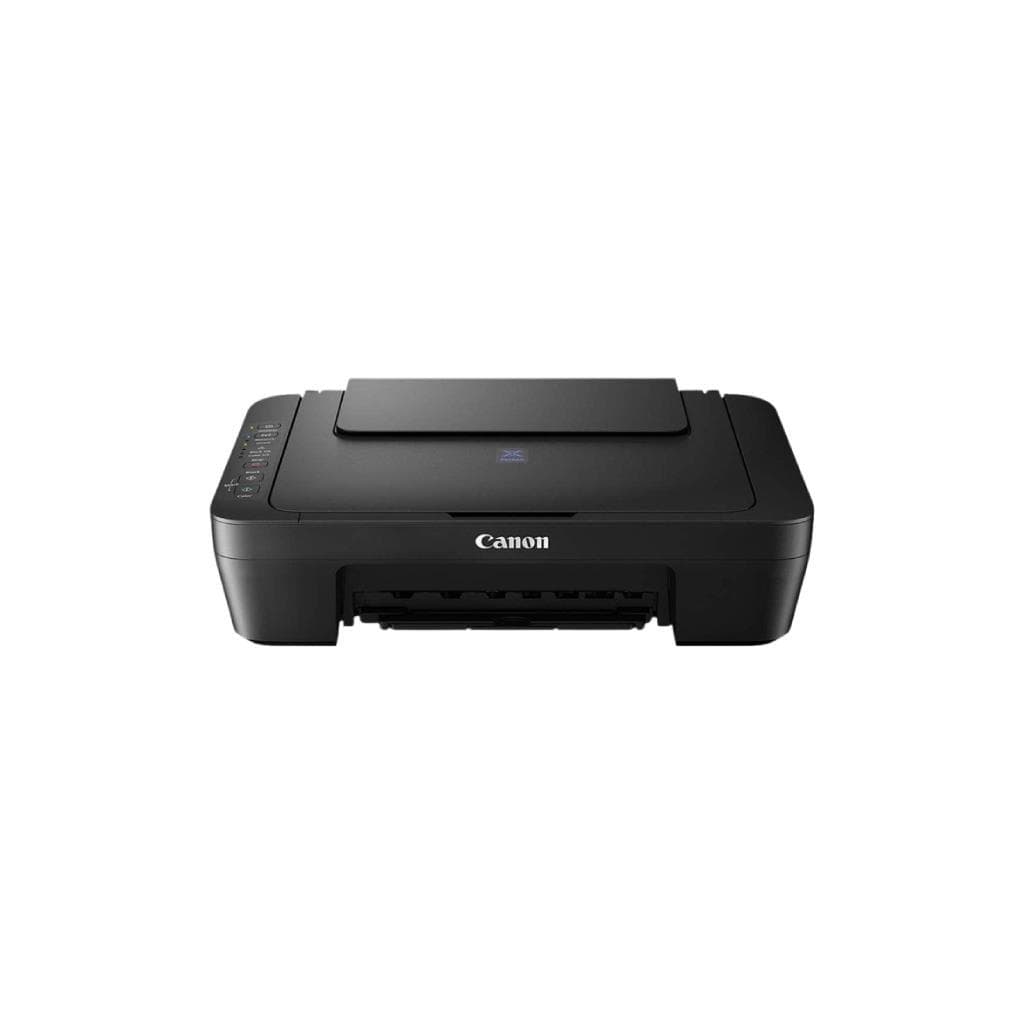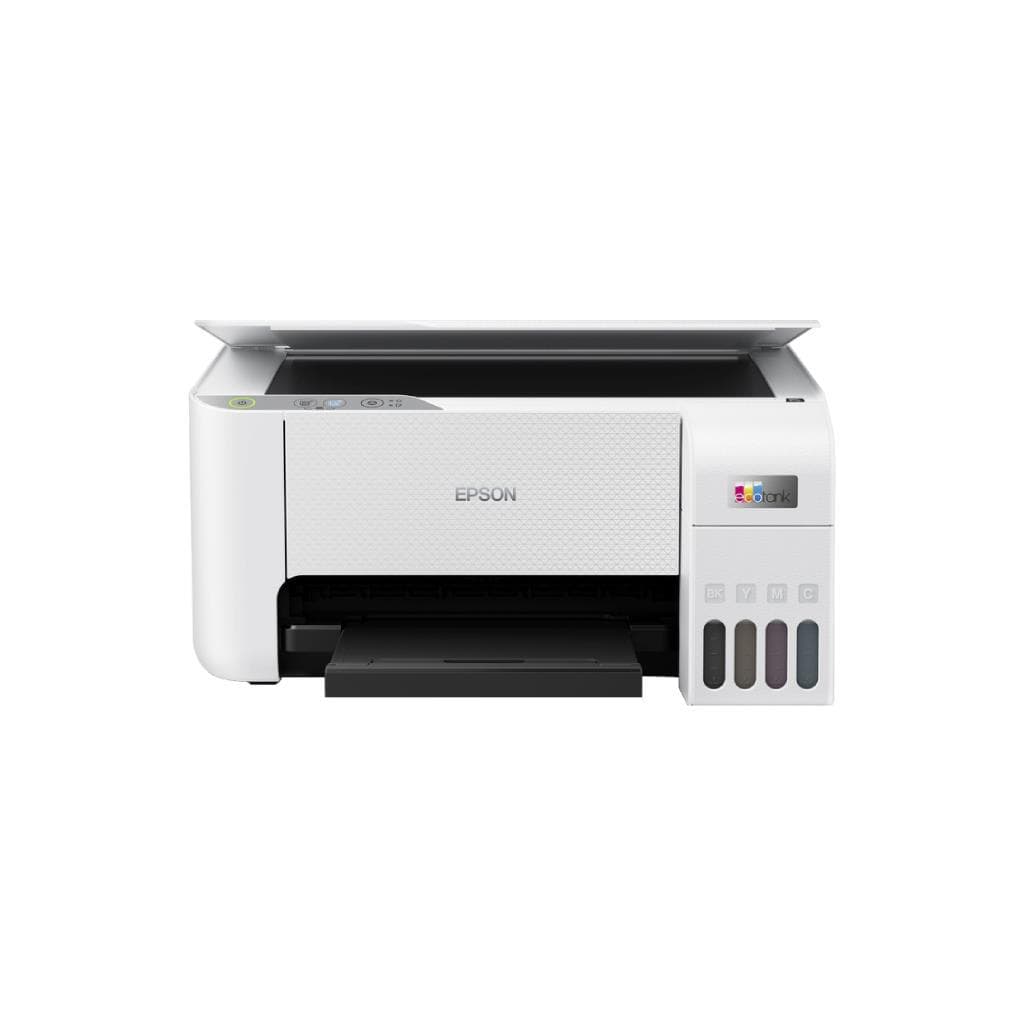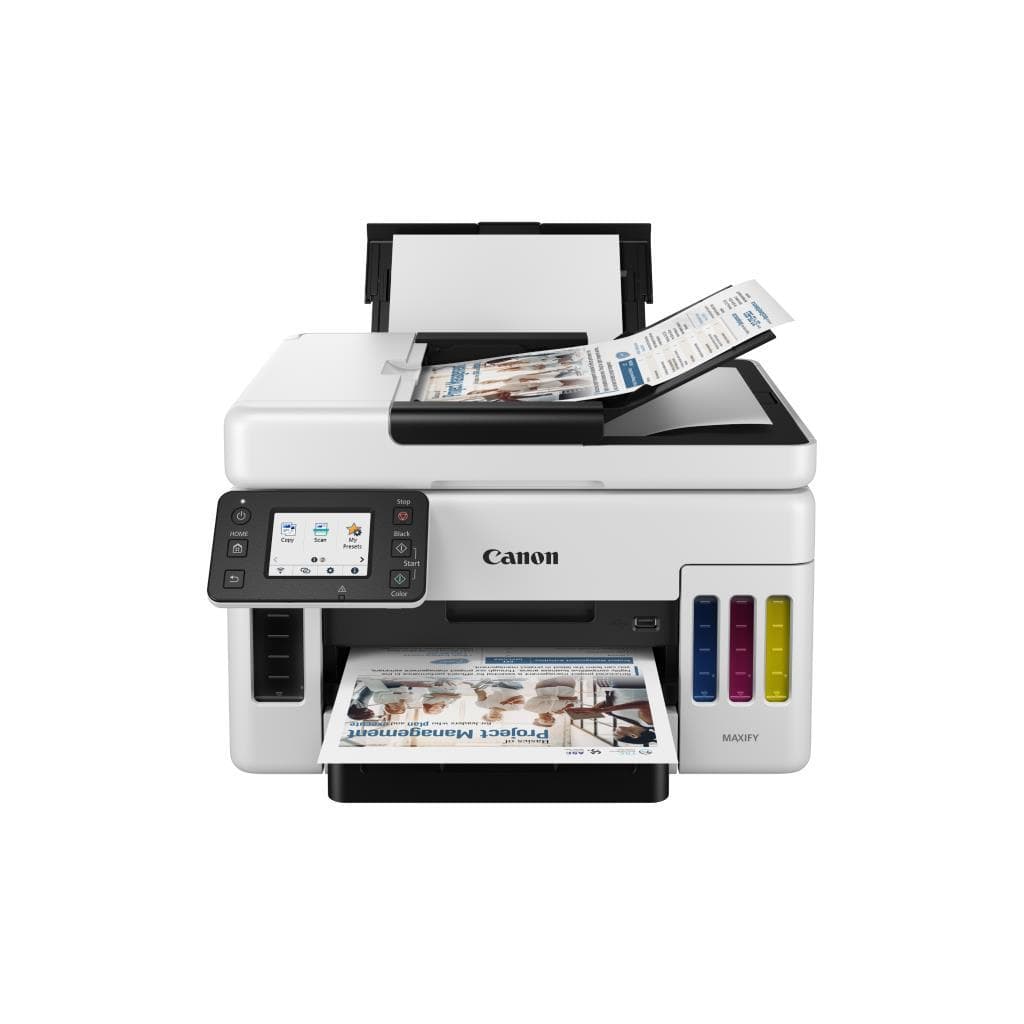


CANON PIXMA G2730 All-in-One Ink Tank Printer - 4800 x 1200 DPI, 11.0 IPM (Black), 6.0 PPM (Color)
SKU: G2730Printers & Supplies › Multifunction Printers
฿4,348
Price includes 7% VATPrice updated October 28, 2026
Out of stock1 year manufacturer's warranty
Temporarily out of stock — ask us about the restock date or an alternative model
Call us 092-251-4017Send a question to salesGenuineFree delivery from ฿5,000Tax invoice
เครื่องพิมพ์อิงค์เจ็ทแทงค์หมึกแบบ All-in-One จาก Canon รุ่น G2730 รองรับการพิมพ์ สแกน และถ่ายเอกสาร พร้อมความละเอียดสูง 4800 x 1200 DPI เหมาะสำหรับใช้งานที่บ้านและสำนักงานขนาดเล็ก
Key features
- พิมพ์ดำ 11.0 IPM, พิมพ์สี 6.0 PPM
- ความละเอียดสูง 4800 x 1200 DPI
- ระบบแทงค์หมึก ลดต้นทุนต่อหน้าพิมพ์
- รองรับการสแกนสองด้าน (Duplex Scan)
- เชื่อมต่อผ่าน Wi-Fi และ USB
Product description
เครื่องพิมพ์ CANON PIXMA G2730 เป็นอีกหนึ่งตัวเลือกยอดนิยมในซีรีส์ Ink Tank ที่เน้นประสิทธิภาพการใช้งานและต้นทุนต่ำต่อหน้าพิมพ์ โดยรองรับความละเอียดการพิมพ์สูงถึง 4800 x 1200 DPI ทำให้ภาพและข้อความคมชัด เหมาะสำหรับงานเอกสารทั่วไป พร้อมความเร็วในการพิมพ์ดำ 11.0 IPM และสี 6.0 PPM อย่างราบรื่น นอกจากนี้ยังรองรับการสแกนเอกสารและภาพแบบสองด้าน (Duplex Scan) ผ่านระบบสแกนเนอร์แบบ Flatbed พร้อมความละเอียดสูง ความเร็วในการสแกนสูง ทำให้สามารถจัดเก็บเอกสารได้อย่างมีประสิทธิภาพ
More features
- พื้นที่วางเอกสารขนาดใหญ่
- ใช้งานง่าย ไม่ต้องเปลี่ยนตลับหมึกบ่อย
- รองรับการพิมพ์จากสมาร์ทโฟนและแท็บเล็ต
Pros and limitations
Pros
- ต้นทุนต่อหน้าพิมพ์ต่ำด้วยระบบแทงค์หมึกใหญ่
- ความเร็วในการพิมพ์และสแกนรวดเร็วสำหรับงานทั่วไป
- รองรับการพิมพ์จากสมาร์ทโฟนผ่านแอป Canon PRINT
- พื้นที่วางเอกสารขนาดใหญ่ รองรับ A4 และ Envelope
- ระบบสแกนสองด้านอัตโนมัติช่วยประหยัดเวลา
Limitations
- ไม่มีพอร์ต Ethernet
- หน่วยความจำ 128 MB อาจจำกัดการประมวลผลงานซับซ้อน
Who it is for
เหมาะสำหรับใช้งานที่บ้านและสำนักงานขนาดเล็ก ต้องการพิมพ์เอกสาร ภาพถ่าย และสแกนเอกสารอย่างมีประสิทธิภาพด้วยต้นทุนต่ำ
Connectivity
USB
Specifications (32)
- หน่วยความจำ (RAM)
- 128 MB
- น้ำหนัก
- 6.9 กก.
- ประเภทหมึก
- Ink Tank (Refillable)
- การรับประกัน
- 1 ปี
- Ink Color
- Black, Cyan, Magenta, Yellow
- Languages
- English, Thai, Japanese, Korean, Chinese (Simplified), Spanish, French, German, Italian, Portuguese
- ขนาด
- 438 x 326 x 158 มม.
- Duty Cycle
- 1,000 หน้า/เดือน
- Paper Size
- A4, A5, Letter, Legal, Envelope
- ความลึกสี
- 24-bit
- Duplex Scan
- Auto
- ADF Capacity
- 35 แผ่น
- Scanner Type
- Flatbed
- Wi-Fi Direct
- รองรับ
- แรงดันไฟฟ้าขาเข้า
- AC 100-240 V, 50/60 Hz
- ความชื้นขณะทำงาน
- 20 - 80% RH (ไม่มีควบแน่น)
- Duplex Printing
- Auto
- การใช้พลังงาน
- 15.0 W (พิมพ์), 3.0 W (สแตนด์บาย)
- Page Yield (Black)
- 4,000 หน้า
- Page Yield (Color)
- 6,500 หน้า
- Scanner Resolution
- 2400 x 2400 DPI
- First Print Out Time
- 10.5 วินาที
- Mobile Print Support
- Canon PRINT Inkjet/SELPHY, AirPrint, Mopria
- อุณหภูมิการทำงาน
- 10 - 35 °C
- Ink Cartridge Capacity
- Large
- พอร์ต
- USB 2.0, Wi-Fi 4 (802.11b/g/n)
- ระบบปฏิบัติการที่รองรับ
- Windows 10/11, macOS 10.15 or later, iOS 11.0+, Android 7.0+
- Recommended Monthly Pages
- 100 - 500 หน้า
- Paper Tray (Input Capacity)
- 100 แผ่น
- ความละเอียด
- 4800 x 1200 DPI
- ความเร็วพิมพ์ (A4 Black)
- 11.0 IPM
- ความเร็วพิมพ์ (A4 Color)
- 6.0 PPM
Datasheets and manuals straight from the manufacturer — select a document to open or download it.
12 questions
Frequently asked questions about this product
Compiled from manufacturer information
เครื่องพิมพ์รุ่น G2730 พิมพ์เอกสาร A4 สีได้กี่หน้าต่อตลับ?
รุ่น G2730 ใช้ระบบแทงค์หมึกที่สามารถพิมพ์ได้สูงถึง 6,500 หน้าสำหรับหมึกสี (Cyan, Magenta, Yellow) และ 4,000 หน้าสำหรับหมึกดำ โดยขึ้นอยู่กับการใช้งานและรูปแบบเอกสาร
พิมพ์จากโทรศัพท์ได้ไหม? ต้องติดตั้งแอปอะไรบ้าง?
ได้ครับ รองรับการพิมพ์จากสมาร์ทโฟนผ่านแอป Canon PRINT Inkjet/SELPHY หรือใช้ AirPrint (iOS) และ Mopria (Android) โดยไม่ต้องติดตั้งไดรเวอร์เพิ่มเติม
รองรับการสแกนเอกสารสองด้านอัตโนมัติไหม?
ใช่ รองรับการสแกนสองด้าน (Duplex Scan) โดยสามารถสแกนเอกสารทั้งสองหน้าได้อัตโนมัติผ่านระบบ ADF ความจุ 35 แผ่น
ใช้ Wi-Fi ได้ไหม? ต้องตั้งค่าอย่างไร?
ใช่ รองรับ Wi-Fi 4 (802.11b/g/n) และสามารถตั้งค่าผ่านแอป Canon PRINT หรือเว็บเบราว์เซอร์ได้ง่าย ไม่จำเป็นต้องใช้สาย LAN
พิมพ์ภาพถ่ายออกมาคมชัดไหม?
คมชัดมากครับ รองรับความละเอียดสูงถึง 4800 x 1200 DPI และใช้เทคโนโลยีการพิมพ์แบบ Piezo ทำให้สีสันสดใส รายละเอียดคมชัด เหมาะสำหรับพิมพ์ภาพถ่ายขนาด A4
ต้องใช้หมึกเฉพาะรุ่นไหม?
ใช่ ต้องใช้หมึกแท้จาก Canon รุ่น PG-580 (ดำ) และ CL-581 (สี) ที่ออกแบบมาเฉพาะกับเครื่อง G2730 เพื่อความเสถียรและคุณภาพการพิมพ์
ใช้พลังงานมากไหม?
ไม่มากครับ ใช้พลังงานเพียง 15.0 วัตต์ขณะพิมพ์ และ 3.0 วัตต์ในโหมดสแตนด์บาย ประหยัดไฟและเป็นมิตรกับสิ่งแวดล้อม
Is it in stock?
The CANON PIXMA G2730 All-in-One Ink Tank Printer - 4800 x 1200 DPI, 11.0 IPM (Black), 6.0 PPM (Color) is temporarily out of stock. Ask us about the restock date or an alternative model at sales@gist.co.th or 092-251-4017.
How much does it cost?
The price is ฿4,348 (including 7% VAT). It is currently out of stock; ask us about the restock date at sales@gist.co.th. Business customers can request a quotation at sales@gist.co.th.
How long is the warranty?
Warranty period: รับประกัน 1 ปี (manufacturer's terms). To make a warranty claim, call 092-251-4017 or 065-523-5262, or email sales@gist.co.th (Mon–Fri 9:00–18:00), then send the product with your order number to our head office, or bring it to the head office in person.
How long does delivery take?
Orders placed before 12:00 on a business day are delivered within 1–3 business days (Bangkok and vicinity) or 2–5 business days (other provinces). Free delivery on orders of ฿5,000 or more (a ฿150 delivery fee applies below this amount).
Is it genuine?
Genuine products sourced from distributors in Thailand, covered by the manufacturer's warranty. Full tax invoices are available.
Didn't find the answer you need?
Loading reviews…
Genuine products
Sourced from distributors in Thailand and covered by the manufacturer's warranty
Warranty period
รับประกัน 1 ปี
Covered by the manufacturer's warranty; you can make claims through GIST
Claims through GIST
Ship the product to our head office or bring it in person
Warranty conditions
- A receipt or other proof of purchase is required
- The product must not have been modified or altered
- Damage caused by misuse is not covered by the warranty
- To make a warranty claim, call 092-251-4017 or 065-523-5262, or email sales@gist.co.th (Mon–Fri 9:00–18:00), then send the product with your order number to our head office, or bring it to the head office in person.Head office: 554 Sky Nine Center, Floor 12A, Room 554/62, Asok-Din Daeng Road, Din Daeng Subdistrict, Din Daeng District, Bangkok 10400
More in Multifunction Printers