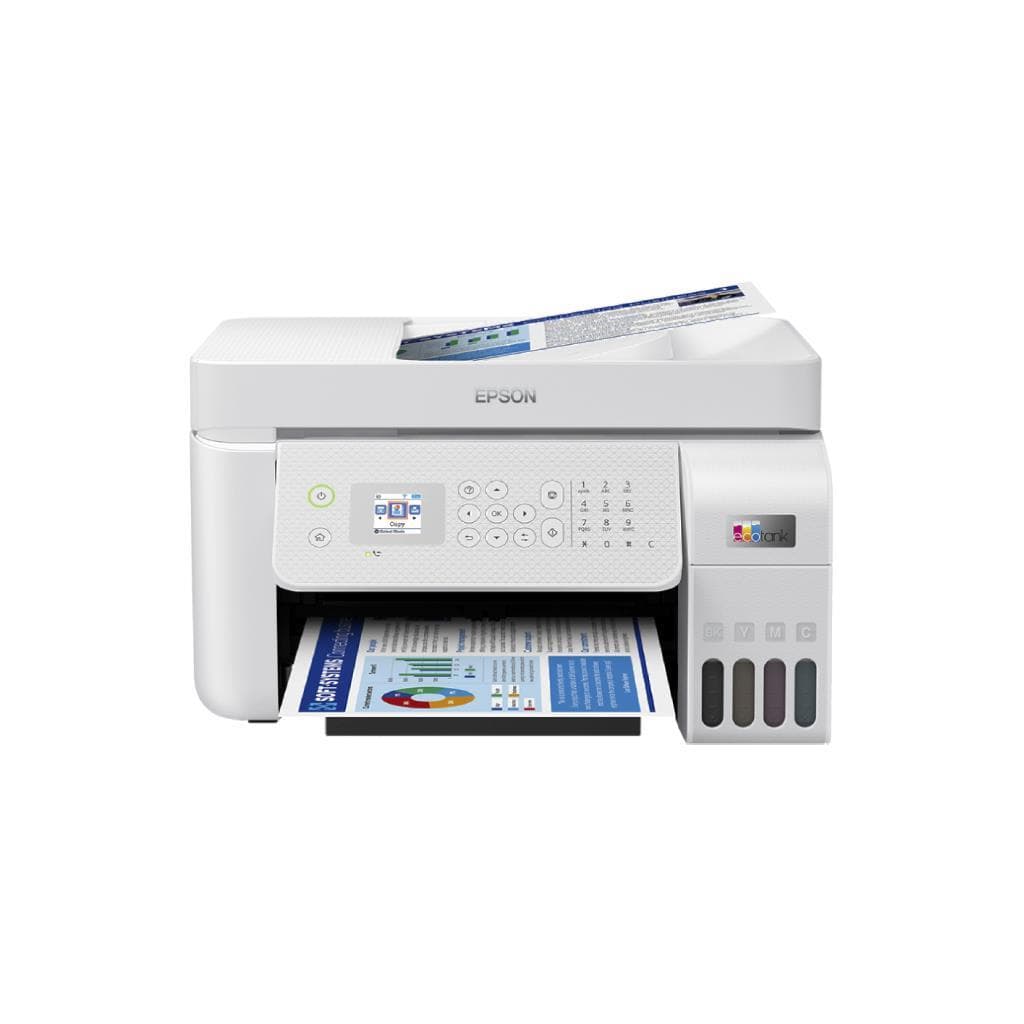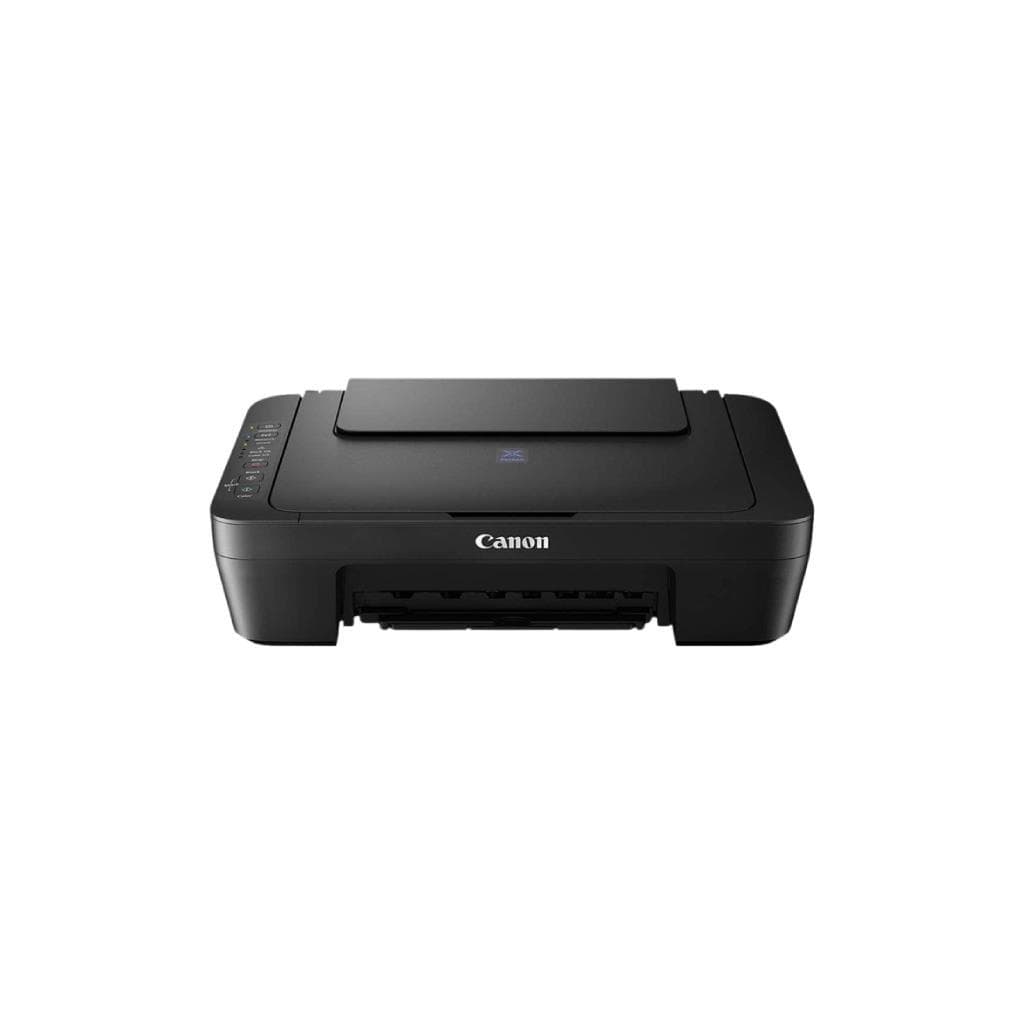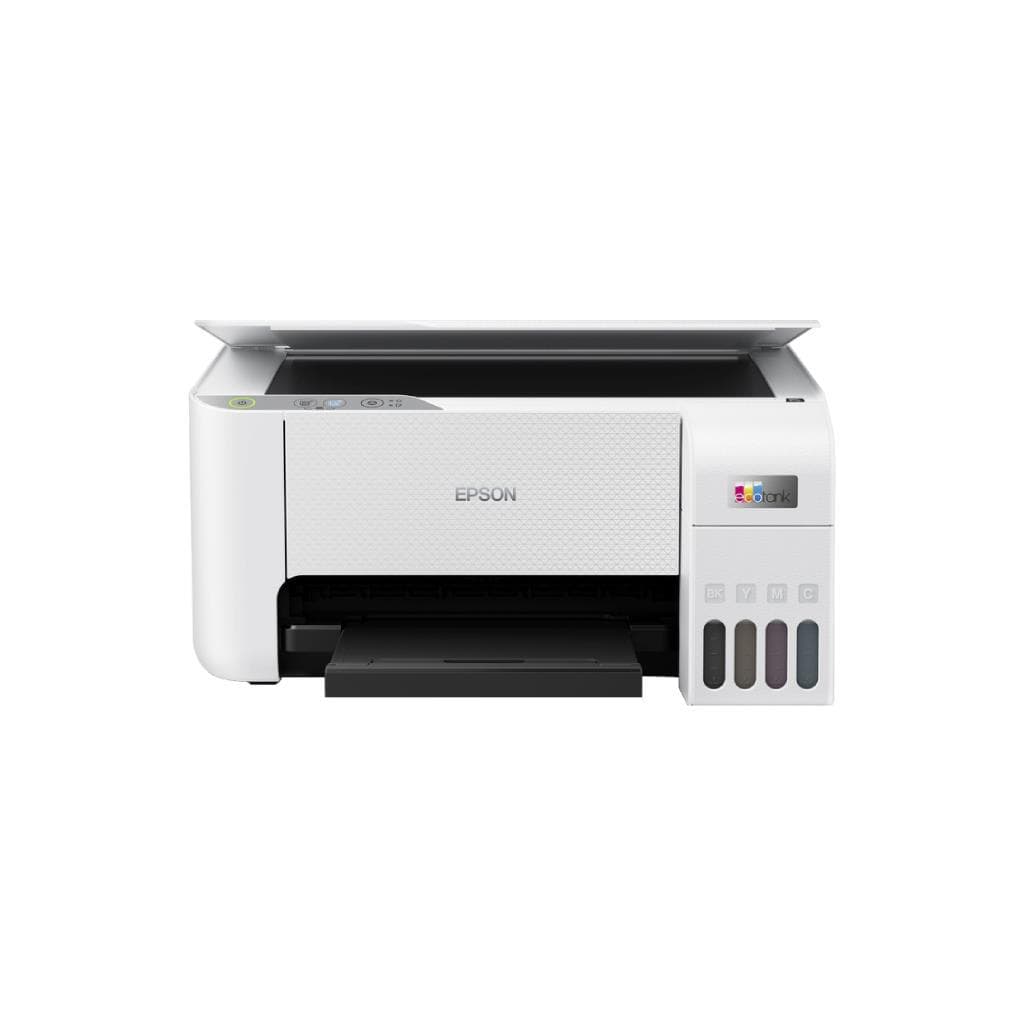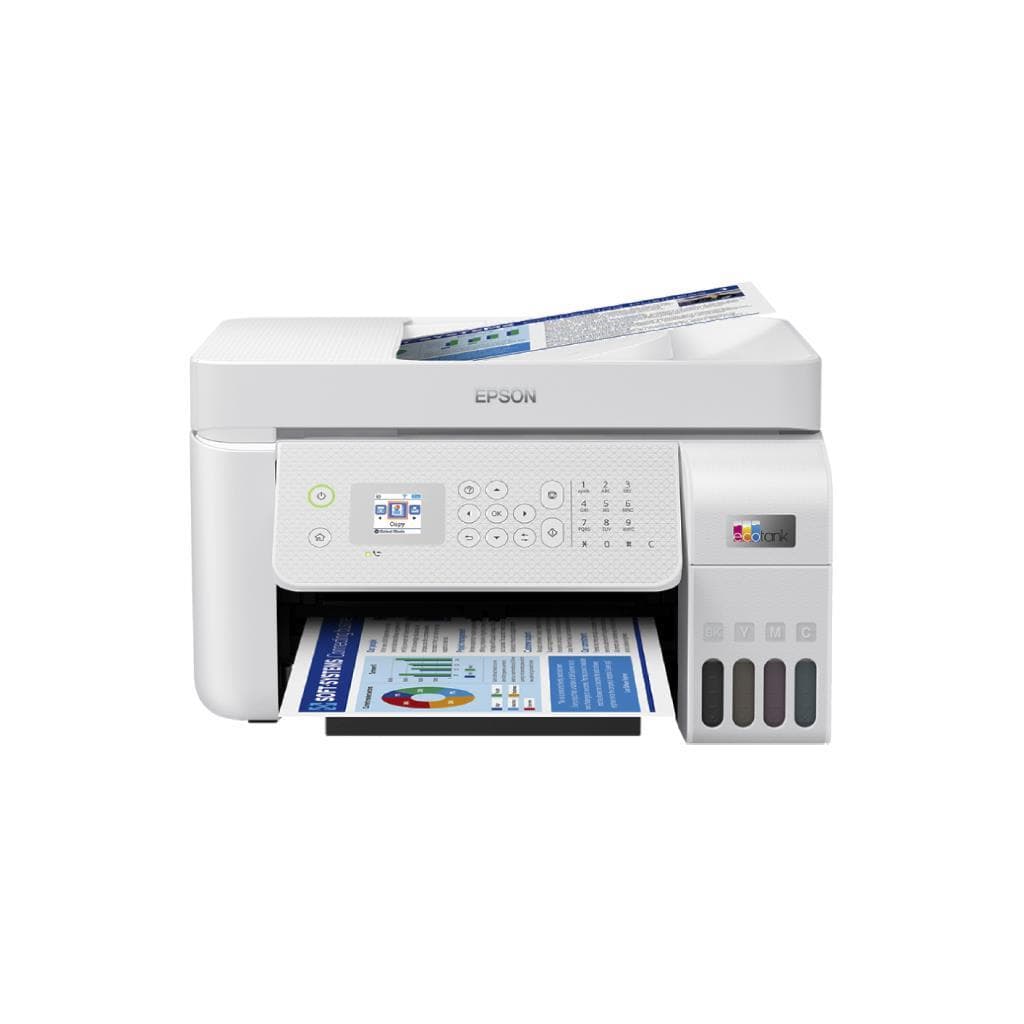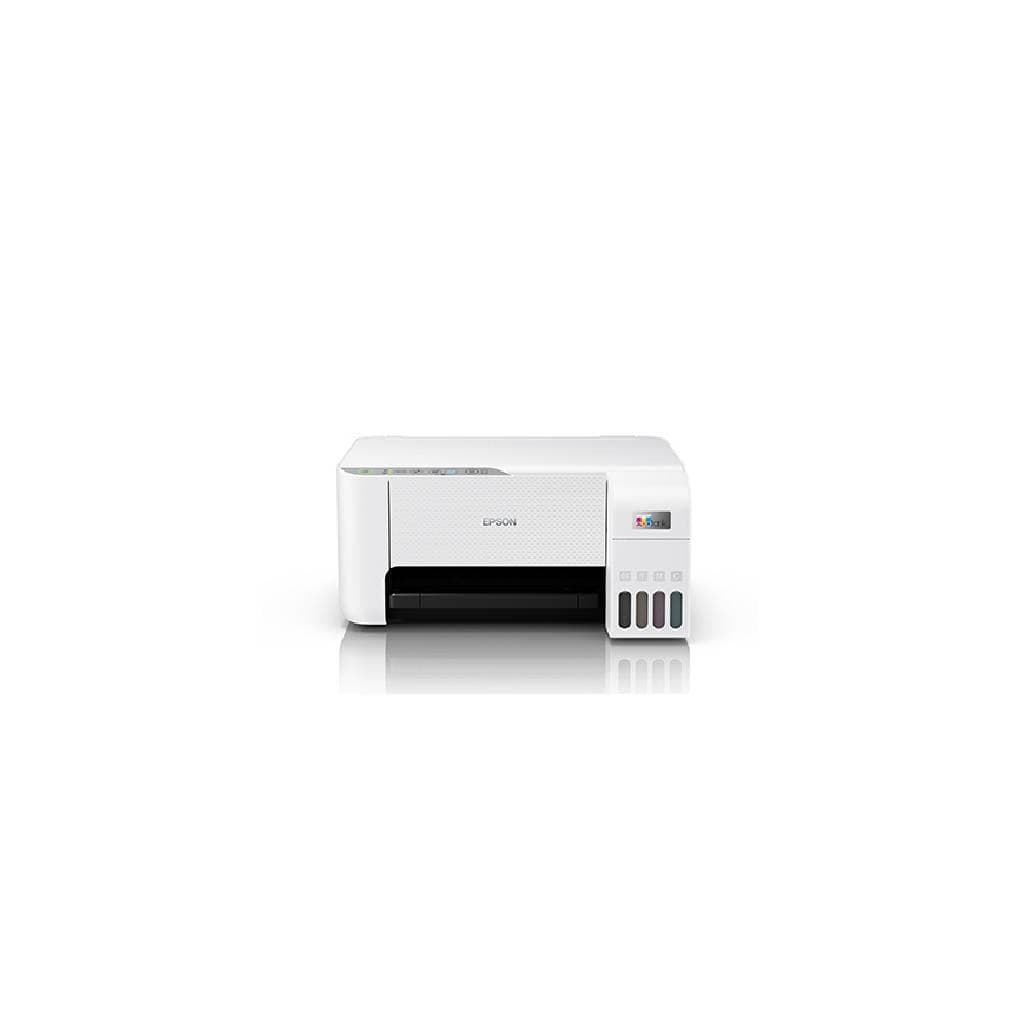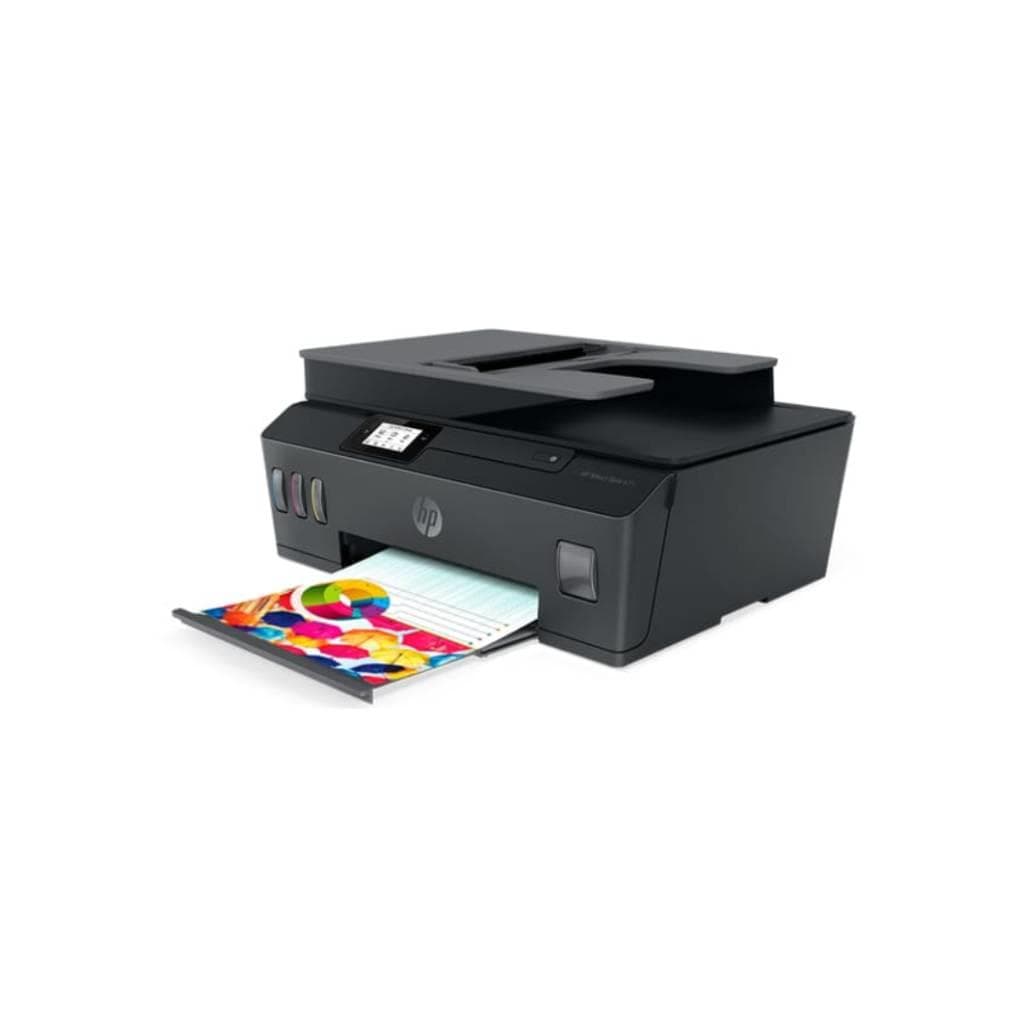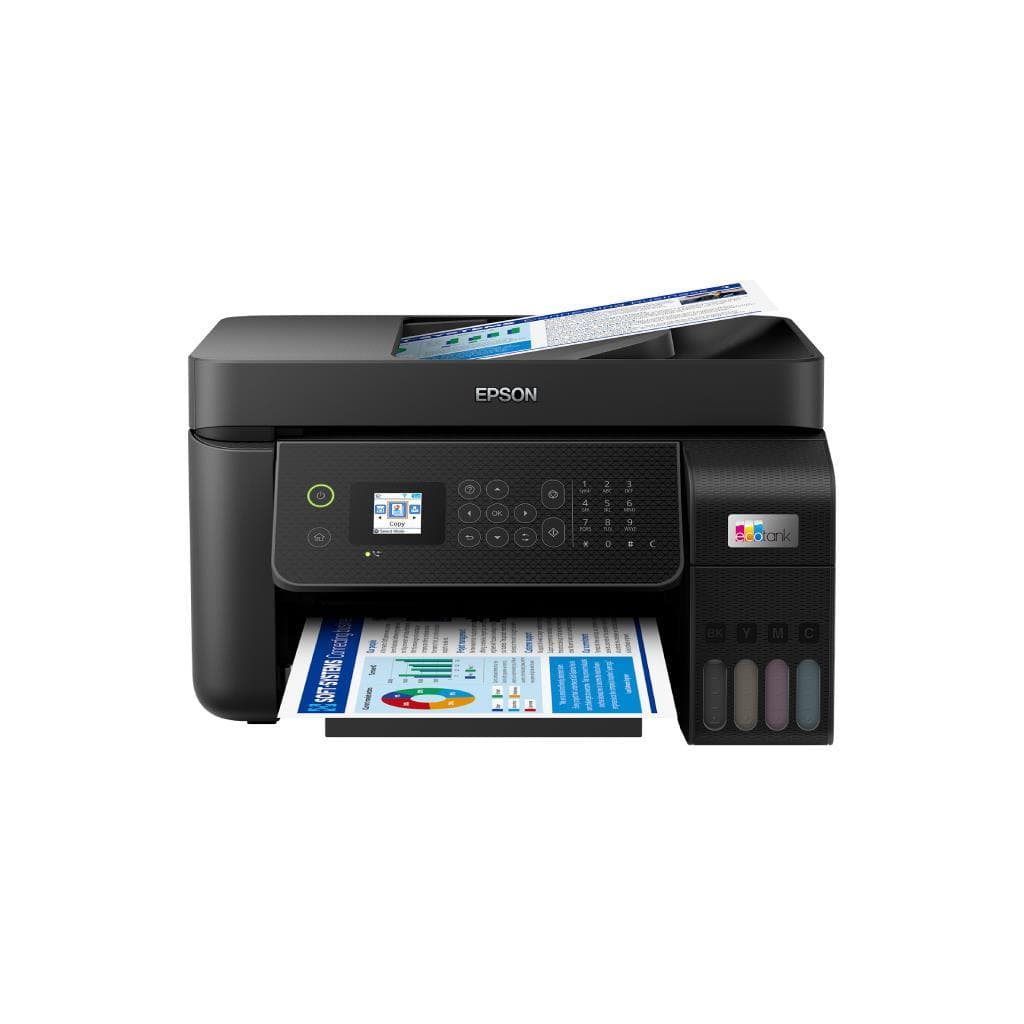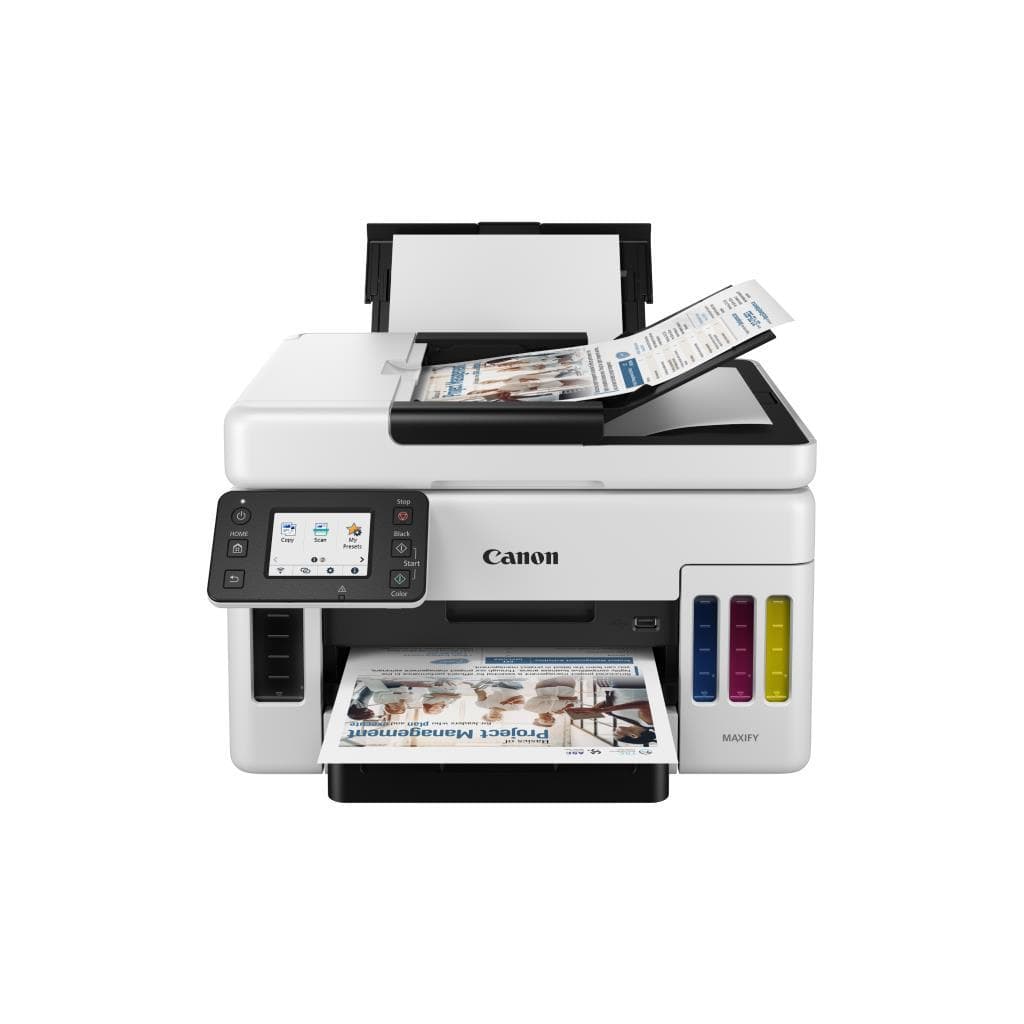


CANON PIXMA G2730 Purple Ink Tank Printer (A4) - Print, Scan, Copy
SKU: G2730/PURPLEPrinters & Supplies › Multifunction Printers· Model: G2730
Please enquire before ordering
The distributor has not yet confirmed the latest price and availability (last checked Jun 15, 2026)
092-251-4017Awaiting stock confirmation1 year manufacturer's warranty
GenuineFree delivery from ฿5,000Tax invoice
เครื่องพิมพ์อิงค์เจ็ทแบบแทงค์หมึกพร้อมระบบสแกนและถ่ายเอกสาร รองรับการพิมพ์ภาพความละเอียดสูง ใช้งานได้ทั้งในบ้านและสำนักงานขนาดเล็ก
Key features
- พิมพ์ขาวดำเร็ว 11.0 แผ่น/นาที
- พิมพ์ภาพสี 6.0 แผ่น/นาที
- ความละเอียดสูงถึง 4800 x 1200 DPI
- ระบบแทงค์หมึกพร้อมหมึกเต็มถัง
- รองรับการสแกนและถ่ายเอกสาร
Product description
เครื่องพิมพ์ CANON PIXMA G2730 สีม่วง เป็นอีกหนึ่งทางเลือกที่ยอดเยี่ยมสำหรับผู้ใช้งานที่ต้องการพิมพ์ภาพและเอกสารคุณภาพสูงในราคาประหยัด โดยรองรับการพิมพ์ความละเอียดสูงถึง 4800 x 1200 DPI และสามารถพิมพ์เอกสารขาวดำได้เร็วถึง 11.0 แผ่นต่อนาที พร้อมพิมพ์ภาพสีได้ 6.0 แผ่นต่อนาที แม้จะมีปัญหาด้านการจัดสีในบางกรณีที่ผู้ใช้รายงานว่าเกิดจากตั้งค่าสีในโปรแกรมหรือการจัดการสีของซอฟต์แวร์ เช่น Photoshop แต่สามารถแก้ไขได้โดยปรับการจัดการสีในไดรเวอร์หรืออัปเดตไดรเวอร์ใหม่ ทำให้เครื่องพิมพ์กลับมาทำงานได้อย่างถูกต้องตามปกติ
More features
- ใช้งานได้ทั้งในบ้านและสำนักงานเล็ก
- ตั้งค่าสีผ่านไดรเวอร์ง่าย
- อัปเดตไดรเวอร์แก้ปัญหาสีผิดได้
Pros and limitations
Pros
- พิมพ์ขาวดำเร็วถึง 11.0 IPM
- ความละเอียดสูง 4800 x 1200 DPI สำหรับภาพคุณภาพสูง
- ระบบแทงค์หมึกเต็มถัง ประหยัดต้นทุนต่อหน้า
- รองรับการพิมพ์ผ่านแอป Canon PRINT และ AirPrint
- ตั้งค่าสีได้ง่ายผ่านไดรเวอร์ แก้ปัญหาสีผิดได้
Limitations
- ไม่มีฟังก์ชันถ่ายเอกสารอัตโนมัติ (ADF)
- ไม่รองรับการพิมพ์สองหน้าอัตโนมัติ
Who it is for
เหมาะสำหรับผู้ใช้งานทั่วไปในบ้านและสำนักงานขนาดเล็กที่ต้องการพิมพ์เอกสารและภาพคุณภาพสูงด้วยระบบแทงค์หมึกประหยัด
Color
ม่วง
Connectivity
USB
Specifications (20)
- แบรนด์
- CANON
- สี
- Purple
- duplex
- ไม่มี
- น้ำหนัก
- 6.0 kg
- ink_type
- Ink Tank
- การรับประกัน
- 1 ปี
- languages
- PCL, PostScript
- ขนาด
- 387 x 294 x 168 mm
- os_support
- Windows 10/11, macOS 10.15 or later
- paper_size
- A4, A5, B5, Letter, Legal, Envelope
- mobile_print
- Canon PRINT Inkjet/SELPHY, AirPrint, Mopria
- พอร์ต
- USB 2.0
- scanner_duplex_scan
- ไม่มี
- ink_cartridge_colors
- Black, Cyan, Magenta, Yellow
- paper_tray_input_capacity
- 100 แผ่น
- scanner_optical_resolution
- 1200 x 2400 DPI
- การเชื่อมต่อ
- Wi-Fi (802.11b/g/n)
- ความละเอียด
- 4800 x 1200 DPI
- ความเร็วพิมพ์ (A4 Black)
- 11.0 IPM
- ความเร็วพิมพ์ (A4 Color)
- 6.0 PPM
Datasheets and manuals straight from the manufacturer — select a document to open or download it.
13 questions
Frequently asked questions about this product
Compiled from manufacturer information
เครื่องพิมพ์ G2730 พิมพ์ภาพออกมาเป็นสีม่วงแทนดำ แก้ไขได้อย่างไร?
ปัญหานี้เกิดจากตั้งค่าการจัดการสีในโปรแกรม เช่น Photoshop หรือไดรเวอร์ที่ไม่ถูกต้อง ควรอัปเดตไดรเวอร์ล่าสุดหรือตั้งค่า No Color Matching ในเมนู Manual Color Settings เพื่อแก้ไขปัญหาได้ทันที
เครื่องพิมพ์ G2730 พิมพ์ภาพสีจาง ควรปรับตั้งค่าอย่างไร?
ตรวจสอบว่าใช้กระดาษและโหมดการพิมพ์ที่เหมาะสม เช่น พิมพ์บนกระดาษเงา (Glossy) จะให้สีสดคมกว่า ควรเลือก Media Type เป็น Glossy Paper และหลีกเลี่ยงการใช้โหมด Matte กับกระดาษธรรมดา
เครื่องพิมพ์ G2730 รองรับการพิมพ์ผ่านมือถือได้ไหม?
ได้ทั้ง iOS และ Android โดยใช้แอป Canon PRINT Inkjet/SELPHY หรือ AirPrint (iOS) และ Mopria (Android) สามารถพิมพ์ภาพจากสมาร์ทโฟนได้ทันทีผ่าน Wi-Fi
เครื่องพิมพ์ G2730 มีระบบสแกนเอกสารหรือไม่?
ใช่ รองรับการสแกนเอกสารและภาพความละเอียดสูงถึง 1200 x 2400 DPI โดยสามารถสแกนผ่านแอป Canon PRINT หรือซอฟต์แวร์ที่มากับเครื่องได้
เครื่องพิมพ์ G2730 พิมพ์เอกสารสองหน้าได้ไหม?
ไม่รองรับการพิมพ์สองหน้าอัตโนมัติ (Duplex) ผู้ใช้ต้องพิมพ์หน้าแรกก่อน แล้วนำกระดาษกลับมาพิมพ์อีกครั้งด้วยตนเอง
เครื่องพิมพ์ G2730 มีระบบ ADF สำหรับสแกนเอกสารหลายหน้าไหม?
ไม่มี ต้องใส่เอกสารทีละแผ่นเพื่อสแกน ไม่รองรับการสแกนเอกสารหลายหน้าพร้อมกัน
เครื่องพิมพ์ G2730 ใช้หมึกแบบไหน?
ใช้ระบบแทงค์หมึก (Ink Tank) พร้อมหมึกสีดำ, ซีเอน, มังก้า, เหลือง โดยสามารถเติมหมึกได้เองจากขวดหมึกแยก ไม่ต้องเปลี่ยนตลับ
เครื่องพิมพ์ G2730 ใช้พลังงานเท่าไร?
ไม่มีข้อมูลในแหล่งข้อมูล แต่โดยทั่วไปเครื่องพิมพ์อิงค์เจ็ทแบบแทงค์หมึกจะใช้พลังงานต่ำกว่าเครื่องเลเซอร์
Is it in stock?
We are confirming the latest stock and price of the CANON PIXMA G2730 Purple Ink Tank Printer (A4) - Print, Scan, Copy with the distributor. Please contact us before ordering at 092-251-4017 or sales@gist.co.th.
How much does it cost?
The distributor has not yet confirmed the latest price and availability. Please contact us before ordering at 092-251-4017 or sales@gist.co.th.
How long is the warranty?
Warranty period: 1 ปี (manufacturer's terms). To make a warranty claim, call 092-251-4017 or 065-523-5262, or email sales@gist.co.th (Mon–Fri 9:00–18:00), then send the product with your order number to our head office, or bring it to the head office in person.
How long does delivery take?
Orders placed before 12:00 on a business day are delivered within 1–3 business days (Bangkok and vicinity) or 2–5 business days (other provinces). Free delivery on orders of ฿5,000 or more (a ฿150 delivery fee applies below this amount).
Is it genuine?
Genuine products sourced from distributors in Thailand, covered by the manufacturer's warranty. Full tax invoices are available.
Didn't find the answer you need?
Loading reviews…
Genuine products
Sourced from distributors in Thailand and covered by the manufacturer's warranty
Warranty period
1 ปี
Covered by the manufacturer's warranty; you can make claims through GIST
Claims through GIST
Ship the product to our head office or bring it in person
Warranty conditions
- A receipt or other proof of purchase is required
- The product must not have been modified or altered
- Damage caused by misuse is not covered by the warranty
- To make a warranty claim, call 092-251-4017 or 065-523-5262, or email sales@gist.co.th (Mon–Fri 9:00–18:00), then send the product with your order number to our head office, or bring it to the head office in person.Head office: 554 Sky Nine Center, Floor 12A, Room 554/62, Asok-Din Daeng Road, Din Daeng Subdistrict, Din Daeng District, Bangkok 10400
More in Multifunction Printers