
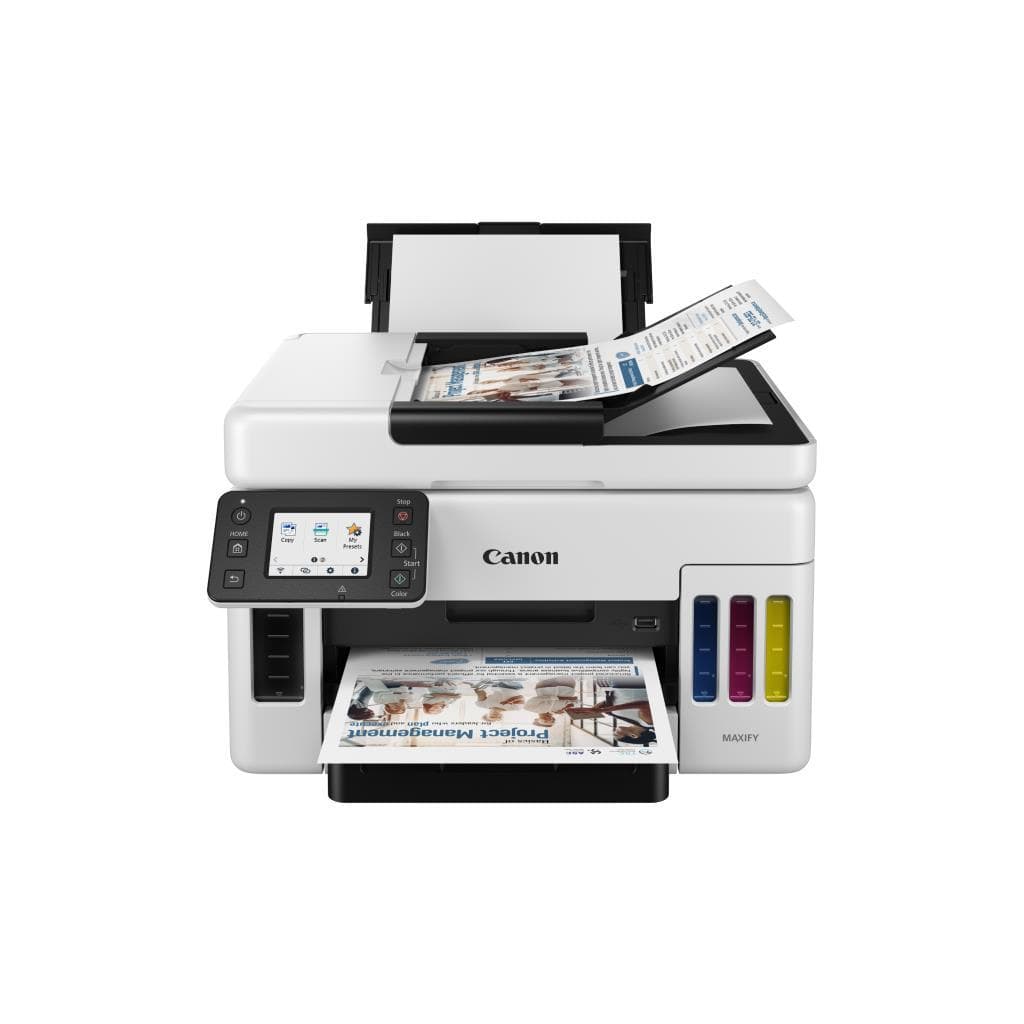


CANON PIXMA G3010 All-in-One Printer (Wireless, USB, Scan)
SKU: G3010Printers & Supplies › Multifunction Printers· Model: Pixma G3010
฿4,957
Price includes 7% VATPrice updated November 2, 2026
In stock2 unitsManufacturer's warranty
For orders placed before 12:00 on a business day; weekends excluded
GenuineFree delivery from ฿5,000Tax invoice
All-in-One inkjet printer with printing, scanning, and copying functions. Supports wireless and USB connectivity. Ideal for home and small office use.
Key features
- Print, scan, and copy in one device.
- Supports Wi-Fi and USB connectivity.
- Prints at 8.8 ppm (black) / 5.0 ppm (color)
- High resolution up to 4800 x 1200 DPI
- Compatible with Windows 10 and Windows 11
Product description
The CANON PIXMA G3010 printer is a versatile All-in-One device designed for convenient use at home and in small offices. It supports high-quality printing of documents and photos, features a flatbed scanning system, and includes automatic document copying. Users can connect the printer via Wi-Fi and USB. When using a USB cable, printer and file sharing must be configured on the computer to allow other network devices to access it. Although Wi-Fi and USB cannot be used simultaneously, the printing speed is 8.8 pages per minute (ppm) for black and 5.0 ppm for color on A4 paper, making it suitable for daily tasks requiring speed and high quality.
More features
- Supports DIY ink refills using G-Series ink
- Printer sharing over network can be set up when using USB
Pros and limitations
Pros
- Prints at 8.8 ppm for black documents—practical speed for everyday use.
- Supports both Wi-Fi and USB connectivity for immediate use
- Up to 4800 x 1200 DPI resolution for sharp print quality
- Compatible with Lide scanners without conflicts
- Supports DIY ink refills using G-Series ink for lower operating costs
Limitations
- Cannot use Wi-Fi and USB simultaneously
- No ADF (single-page) scanning function
- Printer sharing settings must be configured over the network when using USB
Who it is for
Ideal for home and small office users seeking an all-in-one printer with scanning and copying functions, supporting mobile and computer printing via Wi-Fi or USB
Connectivity
Wi-Fi, LAN
Specifications (35)
- Ports
- USB 2.0, Wi-Fi 4 (802.11b/g/n)
- Duplex
- Manual
- Memory
- 64 MB
- Weight
- 6.0 kg
- Languages
- English, Thai
- Duty Cycle
- 1500 sheets/month
- Ink System
- Ink Tank (G-Series Compatible)
- Paper Size
- A4, A5, Letter, Legal, Envelope
- Resolution
- 4800 x 1200 DPI
- ADF Capacity
- 1 page
- Scanner Type
- Flatbed
- Wireless LAN
- Supported
- Input Voltage
- AC 100-240 V, 50/60 Hz
- Wi-Fi Standard
- Wi-Fi 4 (802.11b/g/n)
- Scanner Software
- Canon PRINT Inkjet/SELPHY
- Power Consumption
- 15 W (printing), 1.5 W (standby)
- Ink Cartridge Type
- Separate Black and Color
- Ink Volume (Black)
- 100 ml
- Ink Volume (Color)
- 75 ml
- Optical Resolution
- 1200 x 1200 DPI
- Page Yield (Black)
- 4,000 pages
- Page Yield (Color)
- 6,000 pages
- USB Connection Type
- USB 2.0
- Mobile Print Support
- Canon PRINT Inkjet/SELPHY, AirPrint, Mopria
- Network Setup Method
- Wi-Fi Protected Setup (WPS), Canon PRINT Inkjet/SELPHY app
- Dimensions (W x D x H)
- 375 x 280 x 145 mm
- Print Speed (A4 Black)
- 8.8 ppm
- Print Speed (A4 Color)
- 5.0 ppm
- Printer Driver Support
- Windows, macOS
- Operating System Support
- Windows 10, Windows 11
- Recommended Monthly Pages
- 1500 sheets
- Paper Tray (Input Capacity)
- 100 pages
- Simultaneous USB and Wi-Fi Connection
- Cannot be used simultaneously
- Wireless Printing from Mobile Devices
- Supported via Canon PRINT Inkjet/SELPHY app
- Compatibility with Lide Series Scanners
- Compatible (e.g., Lide210)
Datasheets and manuals straight from the manufacturer — select a document to open or download it.
12 questions
Frequently asked questions about this product
Compiled from manufacturer information
Can the PIXMA G3010 printer use Wi-Fi and USB at the same time?
Wi-Fi and USB cannot be used simultaneously. The printer selects one connection method at a time. When connected via USB, configure printer and file sharing on the computer to allow other network devices to access it.
How many pages can be scanned at once?
The printer supports flatbed scanning with a 1-page ADF only. It does not support automatic multi-page scanning. Users must place documents one page at a time.
What type of ink does the PIXMA G3010 printer use?
Uses a separate ink tank system. Supports G-Series ink, specifically Black 100 ml and Color 75 ml. Refills can be done manually, and non-OEM ink can still be used.
Can I print from a mobile device?
Yes, via the Canon PRINT Inkjet/SELPHY app, or using AirPrint and Mopria features without installing additional drivers.
Is it compatible with Windows 11?
Yes. Compatible with Windows 10 and Windows 11, including version 25H2, which users report works normally.
Can the printer and the Lide210 scanner be used together?
Yes. Users report that the G3010 printer and the Lide210 scanner can be used simultaneously without conflicts.
What should I do if the printer does not work after refilling ink myself?
Check whether genuine G-Series ink is being used. If printing still fails, clean the print head using the driver or Canon PRINT app, and run a nozzle check pattern to verify print head condition.
Is it in stock?
The CANON PIXMA G3010 All-in-One Printer (Wireless, USB, Scan) is in stock and ready to ship. Orders placed before 12:00 on a business day are delivered within 1–3 business days (Bangkok and vicinity) or 2–5 business days (other provinces). Order online at store.gist.co.th or contact our sales team at 092-251-4017.
How much does it cost?
The price is ฿4,957 (including 7% VAT). It is in stock and ready to ship. Business customers can request a quotation at sales@gist.co.th.
How long is the warranty?
The warranty follows the manufacturer's terms for each model; ask our sales team for the warranty period of this model. To make a warranty claim, call 092-251-4017 or 065-523-5262, or email sales@gist.co.th (Mon–Fri 9:00–18:00), then send the product with your order number to our head office, or bring it to the head office in person.
How long does delivery take?
Orders placed before 12:00 on a business day are delivered within 1–3 business days (Bangkok and vicinity) or 2–5 business days (other provinces). Free delivery on orders of ฿5,000 or more (a ฿150 delivery fee applies below this amount).
Is it genuine?
Genuine products sourced from distributors in Thailand, covered by the manufacturer's warranty. Full tax invoices are available.
Didn't find the answer you need?
Loading reviews…
Genuine products
Sourced from distributors in Thailand and covered by the manufacturer's warranty
Warranty period
According to the manufacturer's terms for each model
Covered by the manufacturer's warranty; you can make claims through GIST
Claims through GIST
Ship the product to our head office or bring it in person
Warranty conditions
- A receipt or other proof of purchase is required
- The product must not have been modified or altered
- Damage caused by misuse is not covered by the warranty
- To make a warranty claim, call 092-251-4017 or 065-523-5262, or email sales@gist.co.th (Mon–Fri 9:00–18:00), then send the product with your order number to our head office, or bring it to the head office in person.Head office: 554 Sky Nine Center, Floor 12A, Room 554/62, Asok-Din Daeng Road, Din Daeng Subdistrict, Din Daeng District, Bangkok 10400
More in Multifunction Printers
Price
฿4,957