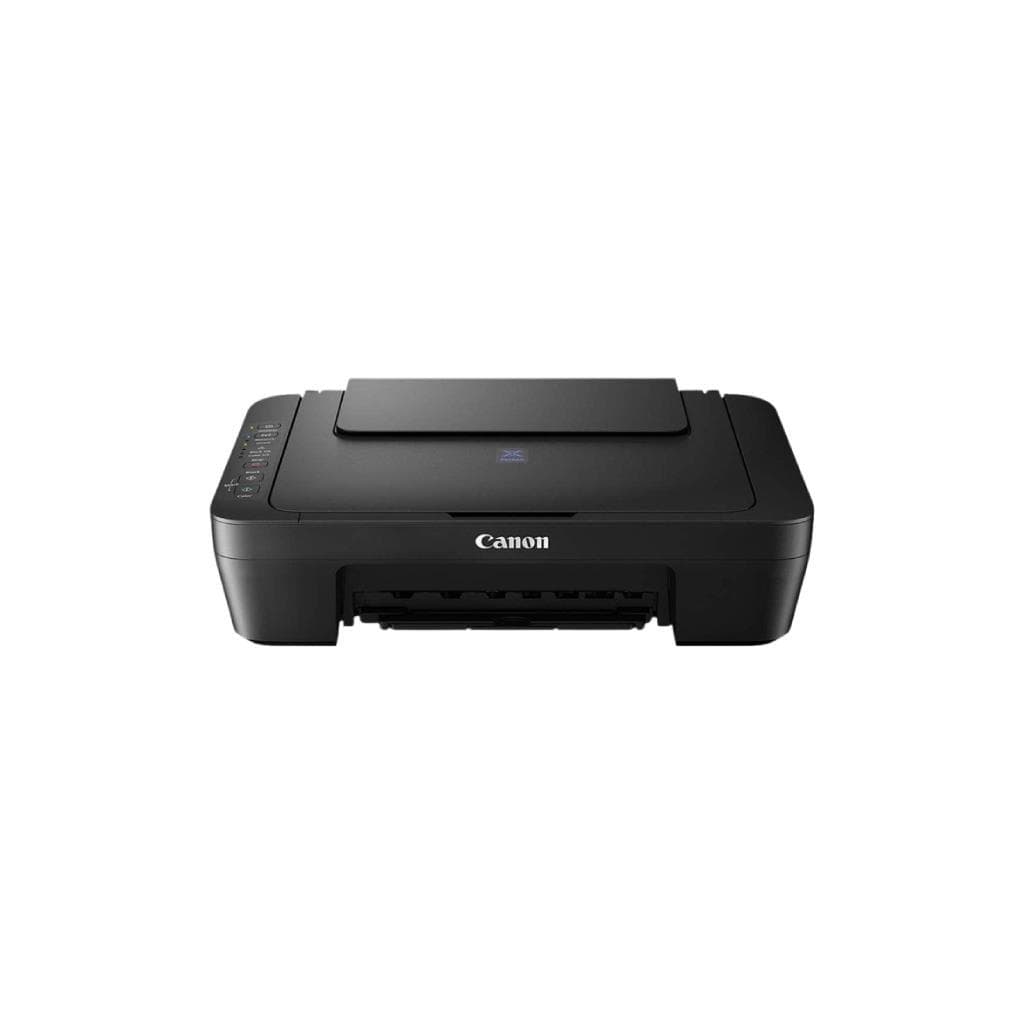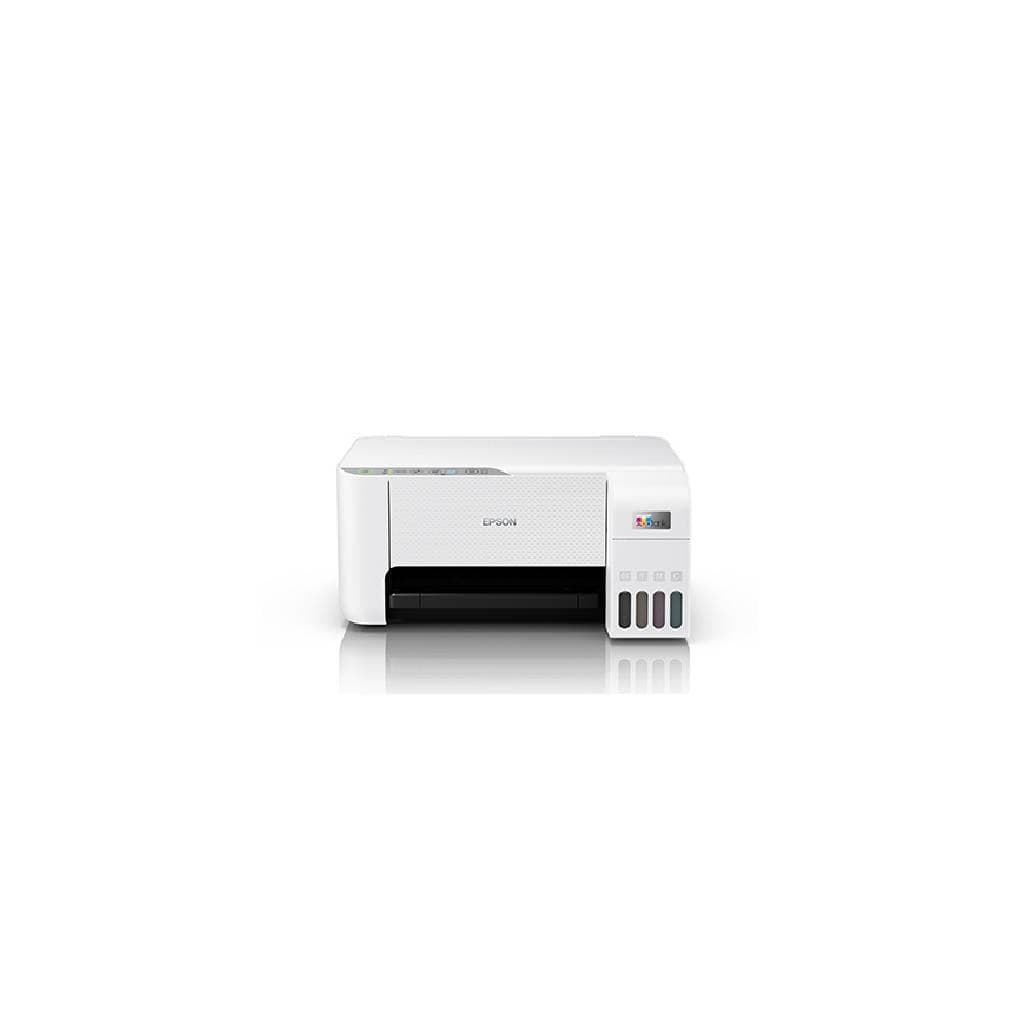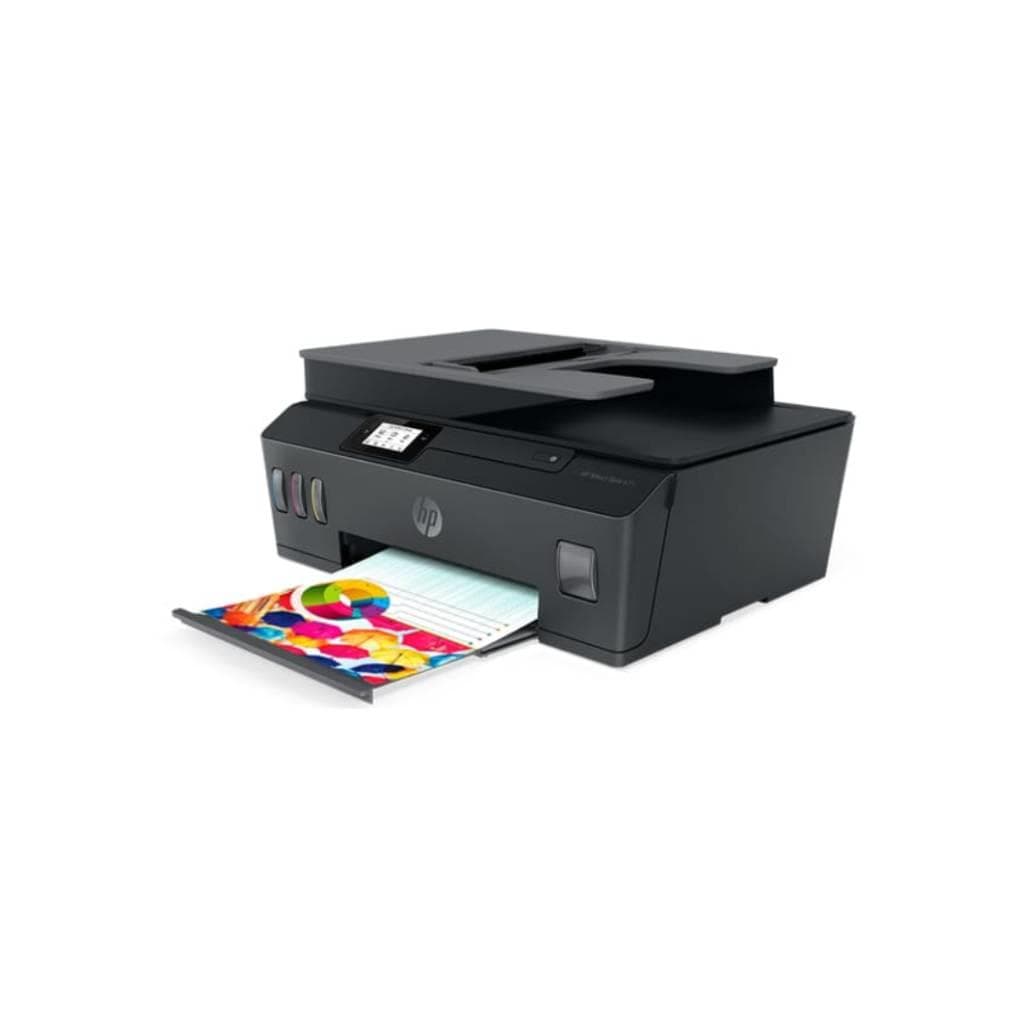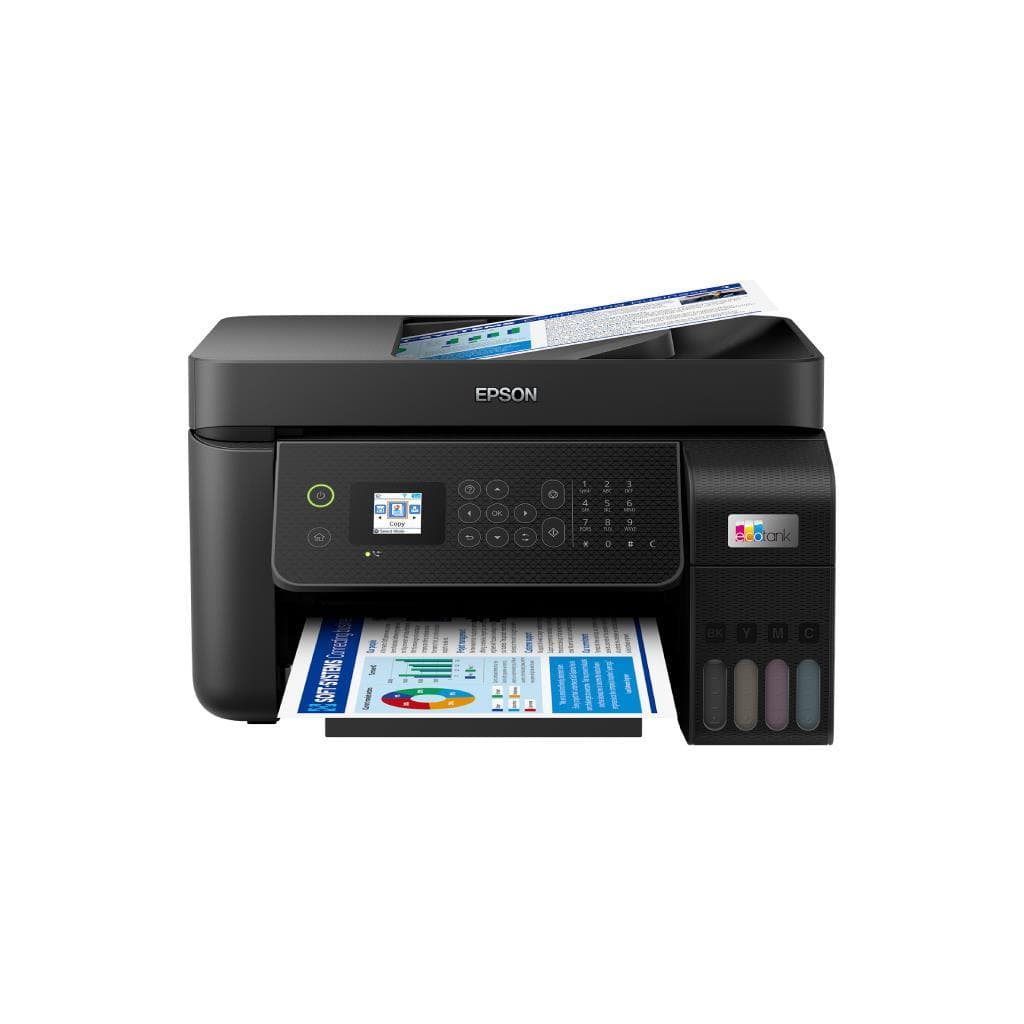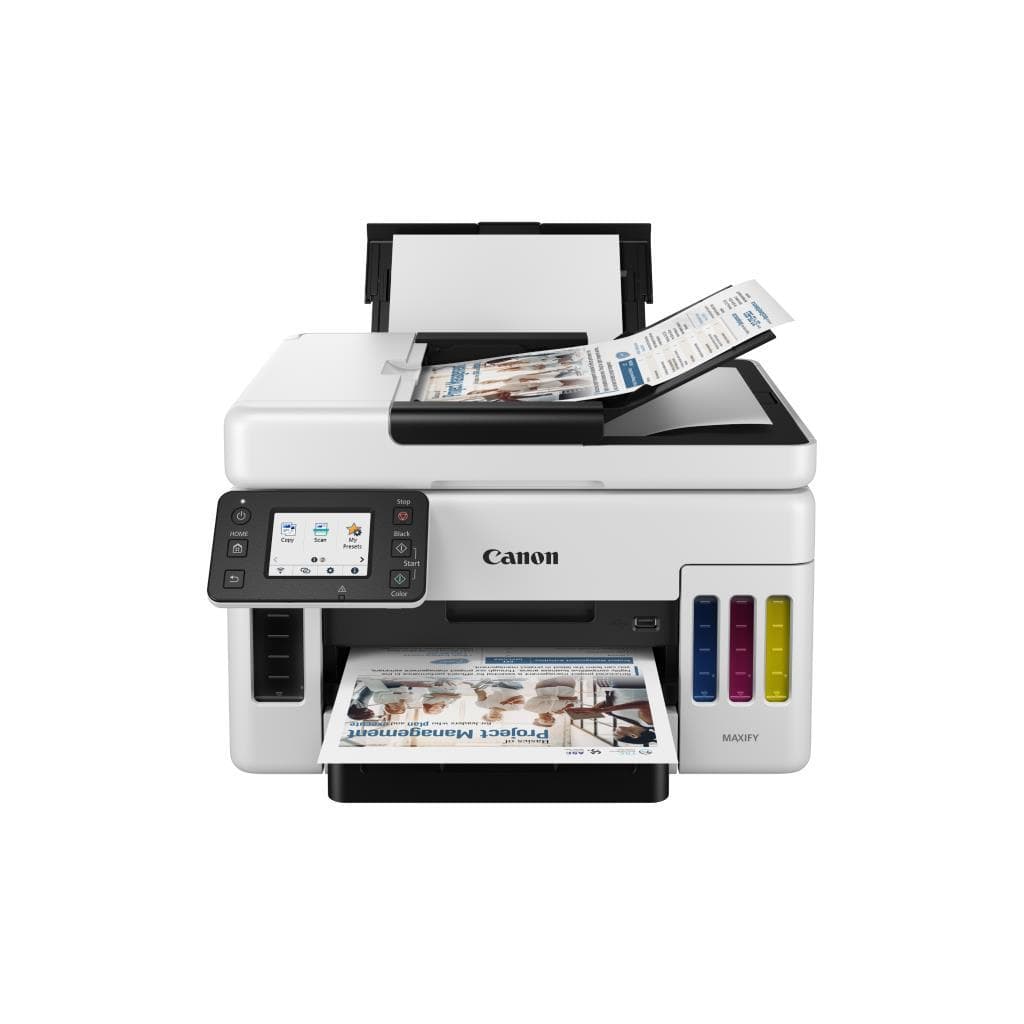


CANON PIXMA G3730 All-in-One Printer (Black/White) - 4800 x 1200 DPI, 11.0 IPM (B/W), 6.0 IPM (Color)
SKU: G3730/YEL-GREENPrinters & Supplies › Multifunction Printers
Please enquire before ordering
The distributor has not yet confirmed the latest price and availability (last checked Sep 7, 2026)
092-251-4017Awaiting stock confirmation1 year manufacturer's warranty
GenuineFree delivery from ฿5,000Tax invoice
เครื่องพิมพ์มัลติฟังก์ชัน Canon PIXMA G3730 รองรับการพิมพ์ สแกน และถ่ายเอกสาร ใช้งานได้ทั้งในบ้านและสำนักงานขนาดเล็ก ให้ความละเอียดสูง 1200 DPI พร้อมระบบอัตโนมัติในการทำความสะอาดหัวพิมพ์
Key features
- พิมพ์ สแกน ถ่ายเอกสาร ครบในเครื่องเดียว
- ความละเอียดสูงสุด 4800 x 1200 DPI
- พิมพ์สี 6.0 IPM, พิมพ์ขาวดำ 11.0 IPM
- รองรับการพิมพ์ผ่านสมาร์ทโฟน
- ระบบทำความสะอาดหัวพิมพ์อัตโนมัติ
Product description
เครื่องพิมพ์มัลติฟังก์ชัน Canon PIXMA G3730 ออกแบบมาเพื่อความสะดวกในการใช้งานทั้งในบ้านและสำนักงานขนาดเล็ก โดยรองรับการพิมพ์ สแกน และถ่ายเอกสารได้อย่างครบถ้วน ด้วยความละเอียดสูงสุด 4800 x 1200 DPI ทำให้ภาพพิมพ์คมชัด รายละเอียดชัดเจน ไม่ว่าจะเป็นเอกสารหรือภาพถ่าย ความเร็วในการพิมพ์สูงถึง 11.0 แผ่นต่อนาที (B/W) และ 6.0 แผ่นต่อนาที (สี) ตอบโจทย์งานพิมพ์ปริมาณน้อยแต่ต้องการคุณภาพสูง พร้อมระบบทำความสะอาดหัวพิมพ์อัตโนมัติ ช่วยรักษาประสิทธิภาพการพิมพ์แม้ใช้งานไม่บ่อย ผู้ใช้สามารถตั้งค่าพิมพ์หรือสแกนผ่านสมาร์ทโฟนได้โดยไม่ต้องเชื่อมต่อคอมพิวเตอร์
More features
- ใช้งานง่าย ต่อสายแค่พอร์ต USB
- เหมาะกับบ้านและออฟฟิศเล็ก
- ประหยัดพื้นที่ด้วยดีไซน์กะทัดรัด
- รองรับการสแกนเอกสารขนาด A4
- ตั้งค่าได้ผ่านแอปพลิเคชัน Canon PRINT
Pros and limitations
Pros
- พิมพ์ความเร็วสูง 11.0 IPM สำหรับเอกสารขาวดำ
- รองรับการพิมพ์ผ่านสมาร์ทโฟนได้ทันที
- ระบบทำความสะอาดหัวพิมพ์อัตโนมัติ ช่วยยืดอายุการใช้งาน
- ขนาดกะทัดรัด ใช้งานในพื้นที่จำกัดได้ดี
- คุณภาพการพิมพ์สูง 4800 x 1200 DPI คมชัดทุกรายละเอียด
Limitations
- ไม่รองรับการพิมพ์แบบ duplex อัตโนมัติ
- ต้องเปลี่ยนตลับหมึกแยกต่างหาก อาจเพิ่มต้นทุนการใช้งาน
Who it is for
เหมาะสำหรับผู้ใช้งานทั่วไปในบ้าน สำนักงานเล็ก หรือผู้ประกอบการรายย่อยที่ต้องการพิมพ์เอกสาร ถ่ายเอกสาร และสแกนงานอย่างรวดเร็ว คุณภาพสูง โดยไม่ต้องใช้คอมพิวเตอร์ตลอดเวลา
Specifications (31)
- แบรนด์
- CANON
- รุ่น
- PIXMA G3730
- น้ำหนัก
- 5.2 kg
- พอร์ต USB
- USB 2.0
- การรับประกัน
- 1 year
- ขนาด
- 430 x 300 x 145 mm
- Ink System
- Separate Ink Cartridges
- ระดับเสียง
- 40 dB (printing)
- แหล่งจ่ายไฟ
- AC 100-240 V, 50/60 Hz
- ประเภทสินค้า
- All-in-One Printer
- Service Code
- Refer to user manual (pages 181–182) for flashing light patterns
- ไฟแสดงสถานะ
- Power, Alarm, Ink
- Copy Resolution
- 4800 x 1200 DPI
- Duplex Printing
- Manual
- Scan Resolution
- 600 x 1200 DPI
- Print Resolution
- 4800 x 1200 DPI
- เทคโนโลยีการพิมพ์
- Inkjet
- การใช้พลังงาน
- 15 W (printing), 3.5 W (standby)
- Ink Cartridge Type
- CLI-521 / PGI-520
- Error Light Pattern
- ON lamp flashes green and Alarm lamp flashes orange alternately
- Paper Tray Capacity
- 100 sheets
- Print Speed (Black)
- 11.0 IPM
- Print Speed (Color)
- 6.0 IPM
- Paper Size Supported
- A4, Letter, Legal, Envelope
- การเชื่อมต่อไร้สาย
- Wi-Fi
- Automatic Head Cleaning
- รองรับ
- Mobile Printing Support
- Canon PRINT Inkjet/SELPHY, AirPrint, Mopria
- ระบบปฏิบัติการที่รองรับ
- Windows, macOS, iOS, Android
- Ink Cartridge Yield (Black)
- Approx. 400 pages
- Ink Cartridge Yield (Color)
- Approx. 300 pages
- Automatic Cleaning During Vacation
- รองรับ, if left on
Datasheets and manuals straight from the manufacturer — select a document to open or download it.
13 questions
Frequently asked questions about this product
Compiled from manufacturer information
เครื่องพิมพ์ Canon PIXMA G3730 ใช้ตลับหมึกแบบไหน?
เครื่องพิมพ์รุ่นนี้ใช้ตลับหมึกแยกประเภท CLI-521 (สี) และ PGI-520 (ดำ) โดยสามารถซื้อเพิ่มเติมได้ทั่วไป หรือใช้ตลับหมึกแท้จาก Canon เพื่อประสิทธิภาพสูงสุด
พิมพ์งานได้เร็วแค่ไหน?
เครื่องพิมพ์นี้พิมพ์เอกสารขาวดำได้เร็วสุด 11.0 แผ่นต่อนาที และพิมพ์สีได้ 6.0 แผ่นต่อนาที ถือว่าเร็วสำหรับเครื่องพิมพ์มัลติฟังก์ชันในระดับนี้
เครื่องพิมพ์มีระบบทำความสะอาดหัวพิมพ์อัตโนมัติไหม?
ใช่ ระบบทำความสะอาดหัวพิมพ์อัตโนมัติทำงานได้เมื่อเครื่องถูกเปิดทิ้งไว้เป็นเวลานาน เช่น ขณะเดินทางท่องเที่ยว 3 สัปดาห์ ซึ่งช่วยรักษาคุณภาพการพิมพ์ให้คงที่
ถ้าไฟสีเขียวและสีส้มกระพริบสลับกัน ต้องทำอย่างไร?
ไฟสีเขียวและสีส้มกระพริบสลับกันหมายถึงมีข้อผิดพลาดที่ต้องติดต่อศูนย์บริการ Canon โดยดูเพิ่มเติมในคู่มือผู้ใช้ หน้า 181–182 สำหรับรหัสไฟกระพริบเพิ่มเติม
พิมพ์งานผ่านมือถือได้ไหม?
ได้ทั้ง iOS และ Android ผ่านแอป Canon PRINT Inkjet/SELPHY หรือใช้ AirPrint และ Mopria ได้โดยไม่ต้องติดตั้งไดรเวอร์เพิ่มเติม
รองรับการสแกนเอกสารขนาด A4 ได้ไหม?
ใช่ รองรับการสแกนเอกสารขนาด A4 ได้เต็มรูปแบบ พร้อมความละเอียดสูงสุด 600 x 1200 DPI สำหรับงานเอกสารและภาพถ่าย
เครื่องพิมพ์นี้มีระบบพิมพ์สองหน้าอัตโนมัติไหม?
ไม่มี รองรับการพิมพ์สองหน้าแบบแมนนวลเท่านั้น ผู้ใช้ต้องกลับด้านกระดาษเองหลังพิมพ์หน้าแรก
ใช้พลังงานเท่าไหร่?
ใช้พลังงาน 15 วัตต์ขณะพิมพ์ และ 3.5 วัตต์ในโหมดสแตนด์บาย ประหยัดไฟ ใช้งานได้ทั้งในบ้านและออฟฟิศเล็ก
Is it in stock?
We are confirming the latest stock and price of the CANON PIXMA G3730 All-in-One Printer (Black/White) - 4800 x 1200 DPI, 11.0 IPM (B/W), 6.0 IPM (Color) with the distributor. Please contact us before ordering at 092-251-4017 or sales@gist.co.th.
How much does it cost?
The distributor has not yet confirmed the latest price and availability. Please contact us before ordering at 092-251-4017 or sales@gist.co.th.
How long is the warranty?
Warranty period: 1 ปี (manufacturer's terms). To make a warranty claim, call 092-251-4017 or 065-523-5262, or email sales@gist.co.th (Mon–Fri 9:00–18:00), then send the product with your order number to our head office, or bring it to the head office in person.
How long does delivery take?
Orders placed before 12:00 on a business day are delivered within 1–3 business days (Bangkok and vicinity) or 2–5 business days (other provinces). Free delivery on orders of ฿5,000 or more (a ฿150 delivery fee applies below this amount).
Is it genuine?
Genuine products sourced from distributors in Thailand, covered by the manufacturer's warranty. Full tax invoices are available.
Didn't find the answer you need?
Loading reviews…
Genuine products
Sourced from distributors in Thailand and covered by the manufacturer's warranty
Warranty period
1 ปี
Covered by the manufacturer's warranty; you can make claims through GIST
Claims through GIST
Ship the product to our head office or bring it in person
Warranty conditions
- A receipt or other proof of purchase is required
- The product must not have been modified or altered
- Damage caused by misuse is not covered by the warranty
- To make a warranty claim, call 092-251-4017 or 065-523-5262, or email sales@gist.co.th (Mon–Fri 9:00–18:00), then send the product with your order number to our head office, or bring it to the head office in person.Head office: 554 Sky Nine Center, Floor 12A, Room 554/62, Asok-Din Daeng Road, Din Daeng Subdistrict, Din Daeng District, Bangkok 10400
More in Multifunction Printers