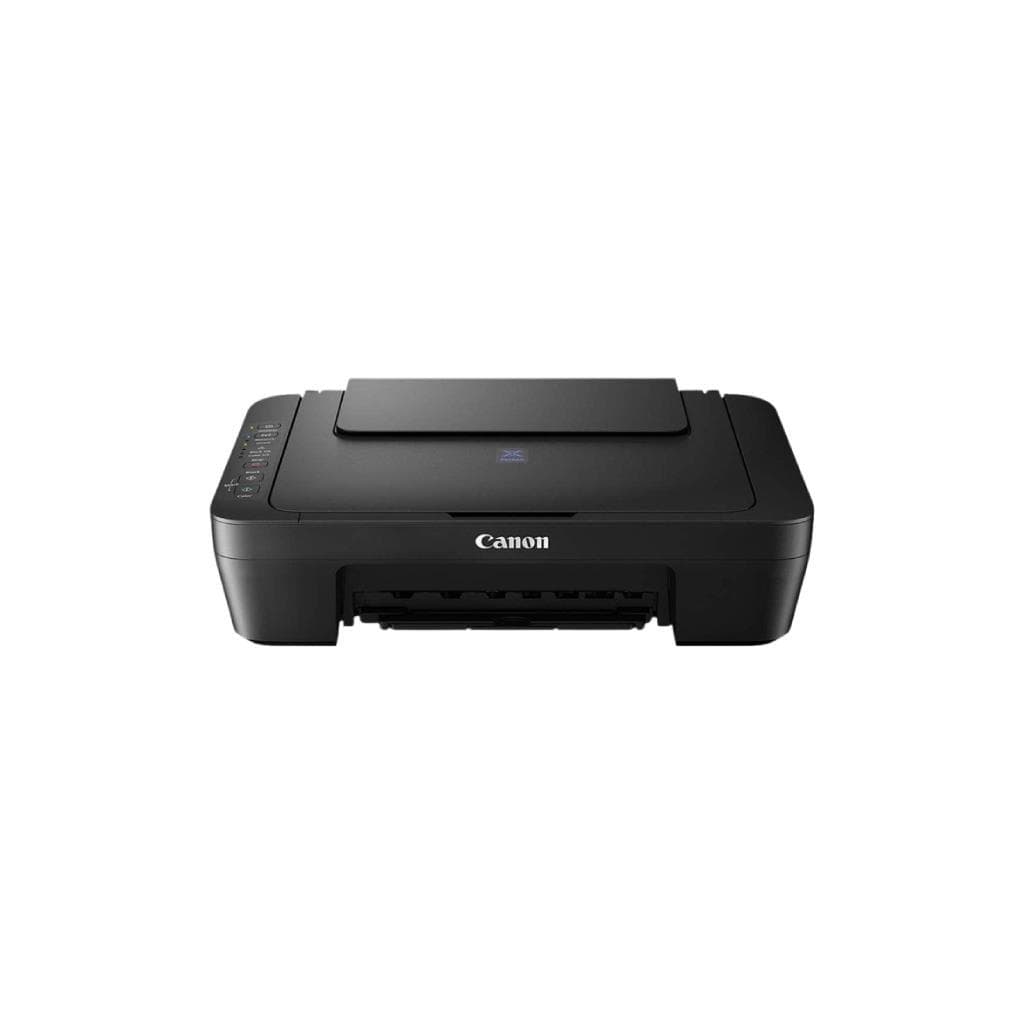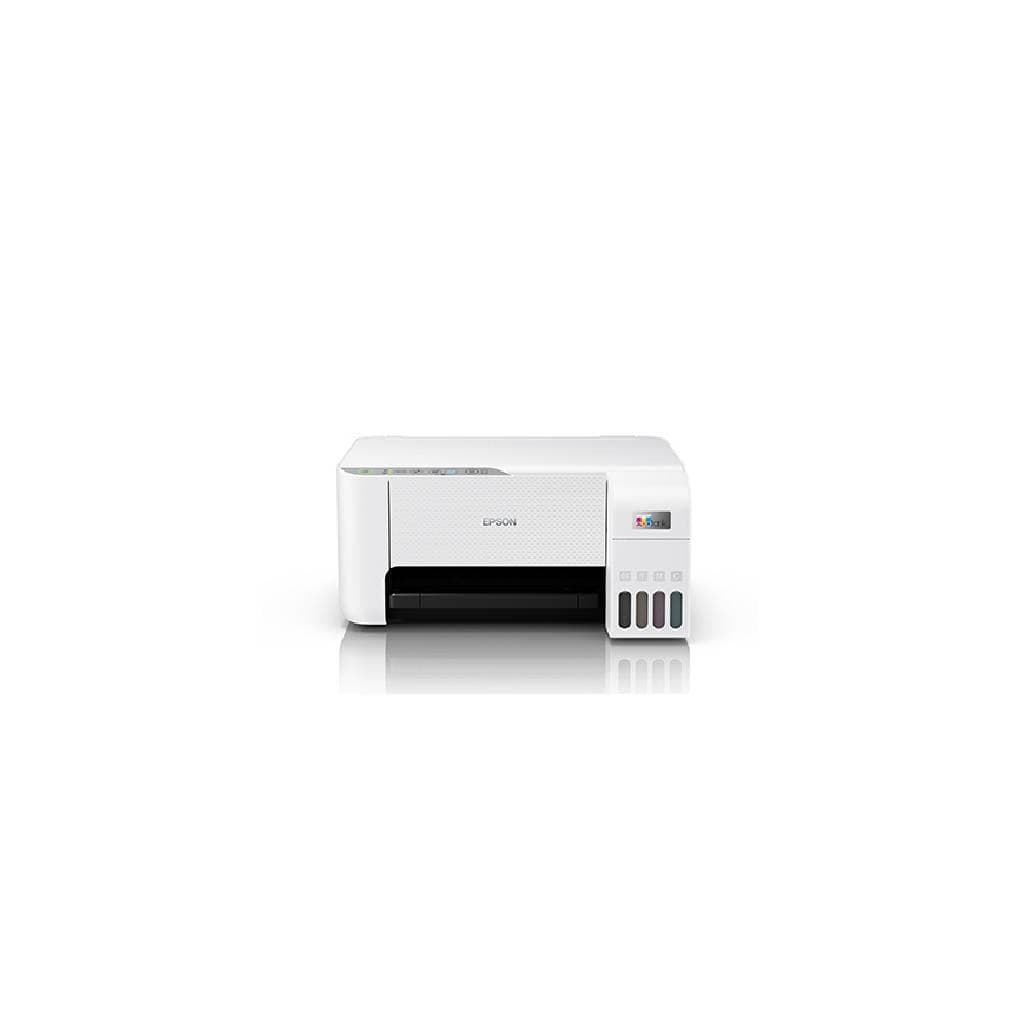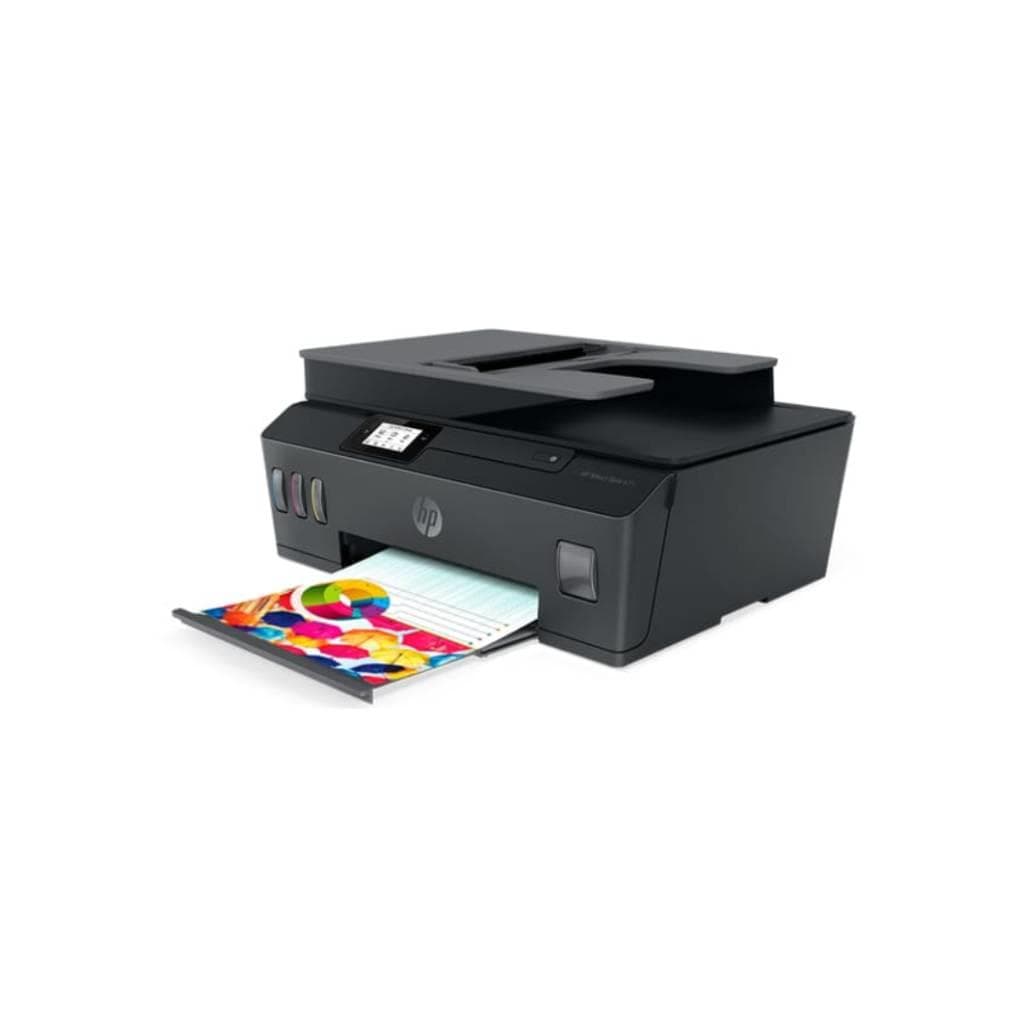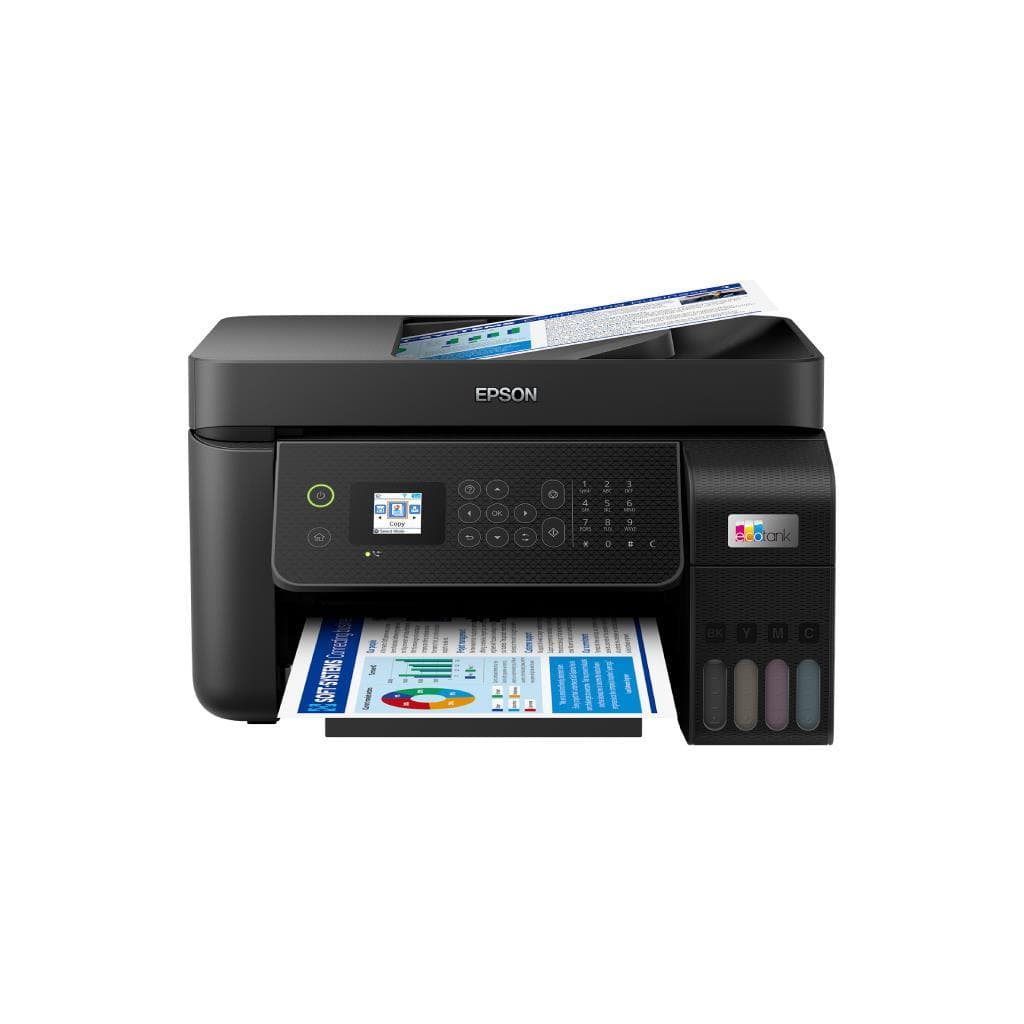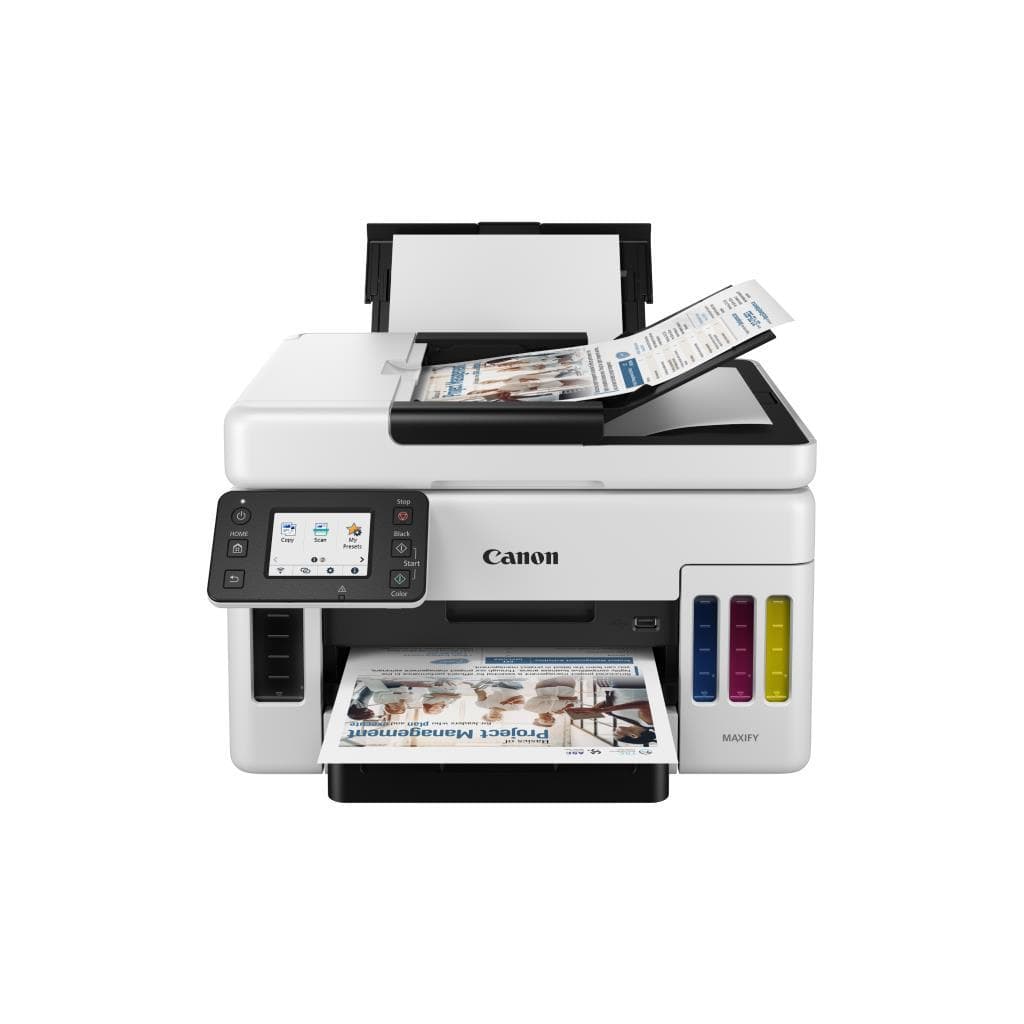


CANON PIXMA G3000 InkTank Printer (Black & Color) - 4800 x 1200 DPI
SKU: G3780Printers & Supplies › Multifunction Printers· Model: PIXMA
฿8,230
Price includes 7% VATPrice updated October 14, 2026
Out of stock1 year manufacturer's warranty
Temporarily out of stock — ask us about the restock date or an alternative model
Call us 092-251-4017Send a question to salesGenuineFree delivery from ฿5,000Tax invoice
เครื่องพิมพ์อิงค์เจ็ทแท็งค์แบบออลอินวันจาก Canon รองรับการพิมพ์ สแกน และถ่ายเอกสาร พร้อมความละเอียดสูง 4800 x 1200 DPI เหมาะสำหรับใช้งานในบ้านและสำนักงานขนาดเล็ก
Key features
- พิมพ์ สแกน และถ่ายเอกสาร ครบวงจรในเครื่องเดียว
- ความละเอียดสูงสุด 4800 x 1200 DPI
- พิมพ์ดำได้เร็วสูงสุด 11.0 IPM
- พิมพ์สีได้เร็วสูงสุด 6.0 PPM
- รองรับระบบอิงค์เจ็ทแท็งค์ประหยัดต้นทุน
Product description
เครื่องพิมพ์ Canon PIXMA G3000 เป็นอุปกรณ์พิมพ์อิงค์เจ็ทแท็งค์ที่ออกแบบมาเพื่อประสิทธิภาพสูงในงานพิมพ์เอกสารและภาพถ่าย รองรับความละเอียดสูงสุด 4800 x 1200 DPI ทำให้ได้ภาพคมชัดและข้อความชัดเจน พร้อมอัตราการพิมพ์สูงสุด 11.0 แผ่นต่อนาที (หน้าดำ) และ 6.0 แผ่นต่อนาที (สี) สำหรับงานเอกสารทั่วไป รวมถึงการสแกนและถ่ายเอกสารแบบสองด้านอัตโนมัติ แม้จะมีข้อจำกัดด้านฮาร์ดแวร์ Wi-Fi ที่อาจทำให้การเชื่อมต่อผ่าน USB หรือฟังก์ชันสแกนไม่สามารถใช้งานได้หากโมดูล Wi-Fi เกิดความเสียหาย แต่เครื่องยังคงทำงานได้ในโหมดพื้นฐานเมื่อไม่มีปัญหาด้านระบบไร้สาย
More features
- เชื่อมต่อผ่าน USB และ Wi-Fi (มีข้อจำกัดด้านฮาร์ดแวร์)
- สแกนเอกสารสองด้านอัตโนมัติ
- รองรับการพิมพ์จากสมาร์ทโฟนและแท็บเล็ต
- ออกแบบมาเพื่อใช้งานในบ้านและสำนักงานขนาดเล็ก
- ระบบอิงค์เจ็ทแท็งค์ช่วยลดต้นทุนการพิมพ์ต่อหน้า
Pros and limitations
Pros
- พิมพ์ความละเอียดสูง 4800 x 1200 DPI คมชัดทุกหน้า
- อัตราการพิมพ์เร็วสำหรับเครื่องอิงค์เจ็ทแท็งค์ในระดับราคาเดียวกัน
- รองรับการสแกนสองด้านอัตโนมัติ ประหยัดเวลา
- ระบบอิงค์เจ็ทแท็งค์ช่วยลดต้นทุนการพิมพ์ต่อหน้าอย่างมาก
- เชื่อมต่อได้ทั้ง USB และ Wi-Fi รองรับการพิมพ์จากมือถือ
Limitations
- หากโมดูล Wi-Fi เสีย อาจทำให้ฟังก์ชัน USB และสแกนไม่สามารถใช้งานได้
- ไม่มีพอร์ต LAN สำหรับการเชื่อมต่อเครือข่ายแบบมีสาย
- น้ำหนักค่อนข้างมาก (6.5 กก.) จึงย้ายยาก
Who it is for
เหมาะสำหรับผู้ใช้งานทั่วไปในบ้านและสำนักงานขนาดเล็กที่ต้องการเครื่องพิมพ์ครบวงจร พร้อมความละเอียดสูงและต้นทุนต่อหน้าต่ำ
Specifications (34)
- แบรนด์
- CANON
- รุ่น
- PIXMA G3000
- ซีรีส์
- PIXMA G Series
- น้ำหนัก
- 6.5 kg
- การรับประกัน
- 1 year
- อินเทอร์เฟซ
- USB 2.0, Wi-Fi (802.11b/g/n)
- Ink System
- InkTank
- ความลึกสี
- 24-bit
- ADF Capacity
- 30 sheets
- ประเภทสินค้า
- InkTank Printer
- Scanner Type
- Flatbed
- Functionality
- Print, Scan, Copy
- Duplex Printing
- Auto
- Duplex Scanning
- Auto
- Connection Types
- USB 2.0, Wi-Fi (802.11b/g/n)
- Network Protocols
- HTTP, IPP, SNMP, UPnP
- คุณสมบัติด้านความปลอดภัย
- ไม่รองรับ
- Wireless Features
- Wi-Fi Direct, AirPrint, Mopria Print Service
- Ink Cartridge Type
- Separate black and color tanks
- Resolution (Print)
- 4800 x 1200 DPI
- Paper Tray Capacity
- 100 sheets
- Print Speed (Black)
- 11.0 IPM
- Print Speed (Color)
- 6.0 PPM
- Scanning Resolution
- 1200 x 1200 dpi
- Supported Languages
- Thai, English, Japanese, Korean, Chinese, Spanish, French, German, Italian, Portuguese
- Output Tray Capacity
- 100 sheets
- Paper Size Supported
- A4, Letter, Legal, Envelope
- ขนาด (กว้าง x ลึก x สูง)
- 372 x 340 x 158 mm
- Noise Level (Printing)
- 46 dB
- Mobile Printing Support
- Canon PRINT Inkjet/SELPHY
- Power Consumption (Idle)
- 5 W
- Power Consumption (Sleep)
- 0.5 W
- Supported Operating Systems
- Windows 10/11, macOS 10.15 or later, iOS, Android
- Power Consumption (Printing)
- 18 W
Datasheets and manuals straight from the manufacturer — select a document to open or download it.
13 questions
Frequently asked questions about this product
Compiled from manufacturer information
ถ้าโมดูล Wi-Fi เสีย ใช้พิมพ์ผ่าน USB ได้ไหม?
ตามรายงานจาก Canon Support และประสบการณ์ผู้ใช้ หากโมดูล Wi-Fi เกิดความเสียหาย อาจทำให้เครื่องไม่สามารถเริ่มต้นระบบได้เต็มรูปแบบ ซึ่งส่งผลให้พอร์ต USB และฟังก์ชันสแกนไม่สามารถใช้งานได้ เนื่องจาก Wi-Fi ถูกผสานกับบอร์ดหลักโดยตรง
เครื่องพิมพ์นี้รองรับการพิมพ์สองด้านอัตโนมัติไหม?
ใช่ เครื่องพิมพ์ CANON PIXMA G3000 รองรับการพิมพ์สองด้านอัตโนมัติ (Duplex Printing) และการสแกนสองด้านอัตโนมัติ (Auto Duplex Scanning) พร้อมถาดใส่กระดาษ 100 แผ่น
พิมพ์เอกสารสีได้เร็วแค่ไหน?
เครื่องพิมพ์นี้สามารถพิมพ์เอกสารสีได้สูงสุด 6.0 แผ่นต่อนาที (PPM) สำหรับเอกสาร A4 ขาวดำ ความละเอียดมาตรฐาน
รองรับการพิมพ์จากสมาร์ทโฟนได้ไหม?
ใช่ เครื่องพิมพ์นี้รองรับการพิมพ์จากสมาร์ทโฟนและแท็บเล็ตผ่านแอป Canon PRINT Inkjet/SELPHY รวมถึง AirPrint และ Mopria Print Service
ใช้หมึกแบบไหน? ประหยัดไหม?
เครื่องพิมพ์นี้ใช้ระบบอิงค์เจ็ทแท็งค์ (InkTank) ซึ่งช่วยลดต้นทุนการพิมพ์ต่อหน้าได้อย่างมากเมื่อเทียบกับตลับหมึกแบบเดิม โดยสามารถพิมพ์ได้หลายพันแผ่นต่อชุด
มีระบบสแกนสองด้านอัตโนมัติไหม?
ใช่ เครื่องพิมพ์นี้รองรับการสแกนสองด้านอัตโนมัติ (Auto Duplex Scanning) พร้อมถาดใส่เอกสาร ADF สูงสุด 30 แผ่น
ใช้พลังงานเท่าไร?
เครื่องพิมพ์นี้ใช้พลังงานประมาณ 18 วัตต์เมื่อพิมพ์ 5 วัตต์ในโหมดรอ และ 0.5 วัตต์ในโหมดสลีป จึงถือว่าประหยัดไฟ
สามารถเชื่อมต่อผ่านเครือข่าย LAN ได้ไหม?
ไม่รองรับพอร์ต LAN โดยตรง เครื่องเชื่อมต่อผ่าน Wi-Fi (802.11b/g/n) หรือ USB เท่านั้น หากต้องการใช้งานในเครือข่ายมีสาย อาจต้องใช้เราเตอร์หรือฮับเพิ่มเติม
Is it in stock?
The CANON PIXMA G3000 InkTank Printer (Black & Color) - 4800 x 1200 DPI is temporarily out of stock. Ask us about the restock date or an alternative model at sales@gist.co.th or 092-251-4017.
How much does it cost?
The price is ฿8,230 (including 7% VAT). It is currently out of stock; ask us about the restock date at sales@gist.co.th. Business customers can request a quotation at sales@gist.co.th.
How long is the warranty?
Warranty period: 1 ปี (manufacturer's terms). To make a warranty claim, call 092-251-4017 or 065-523-5262, or email sales@gist.co.th (Mon–Fri 9:00–18:00), then send the product with your order number to our head office, or bring it to the head office in person.
How long does delivery take?
Orders placed before 12:00 on a business day are delivered within 1–3 business days (Bangkok and vicinity) or 2–5 business days (other provinces). Free delivery on orders of ฿5,000 or more (a ฿150 delivery fee applies below this amount).
Is it genuine?
Genuine products sourced from distributors in Thailand, covered by the manufacturer's warranty. Full tax invoices are available.
Didn't find the answer you need?
Loading reviews…
Genuine products
Sourced from distributors in Thailand and covered by the manufacturer's warranty
Warranty period
1 ปี
Covered by the manufacturer's warranty; you can make claims through GIST
Claims through GIST
Ship the product to our head office or bring it in person
Warranty conditions
- A receipt or other proof of purchase is required
- The product must not have been modified or altered
- Damage caused by misuse is not covered by the warranty
- To make a warranty claim, call 092-251-4017 or 065-523-5262, or email sales@gist.co.th (Mon–Fri 9:00–18:00), then send the product with your order number to our head office, or bring it to the head office in person.Head office: 554 Sky Nine Center, Floor 12A, Room 554/62, Asok-Din Daeng Road, Din Daeng Subdistrict, Din Daeng District, Bangkok 10400
More in Multifunction Printers