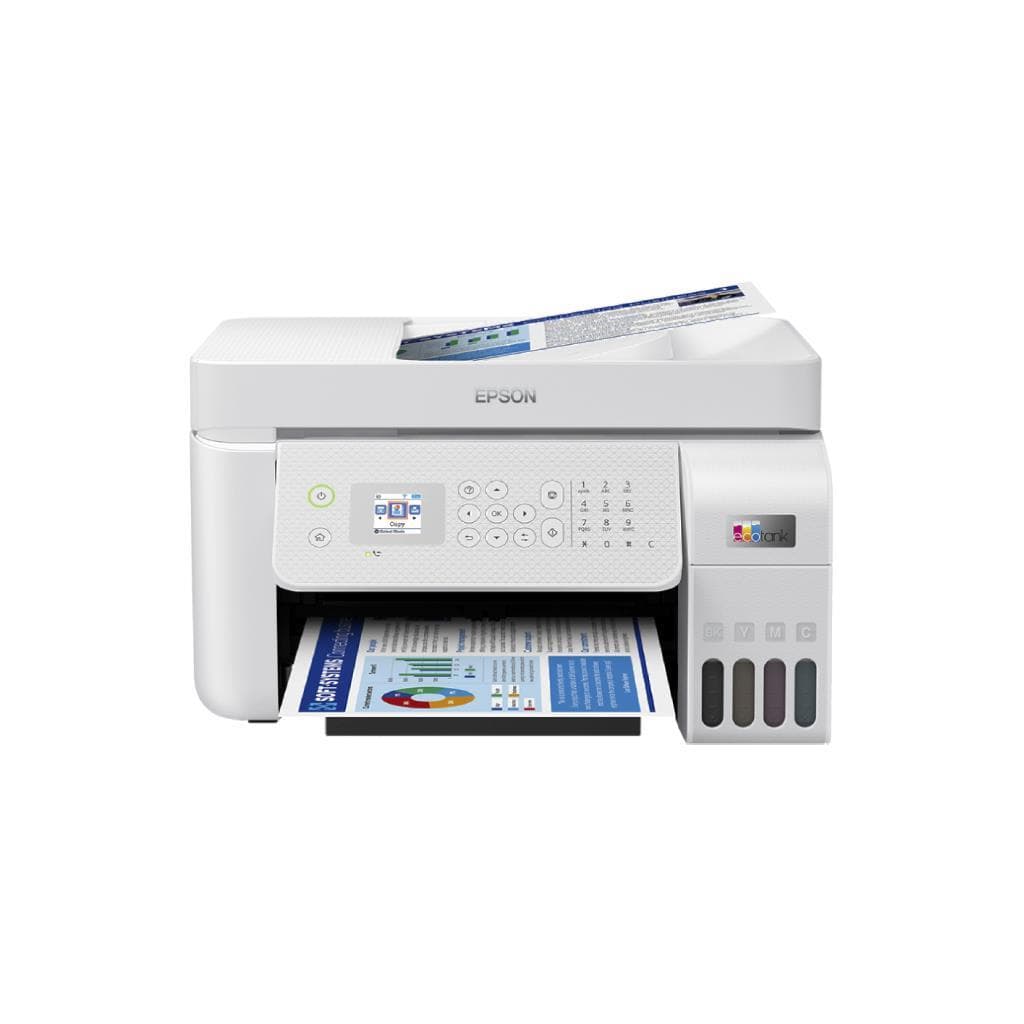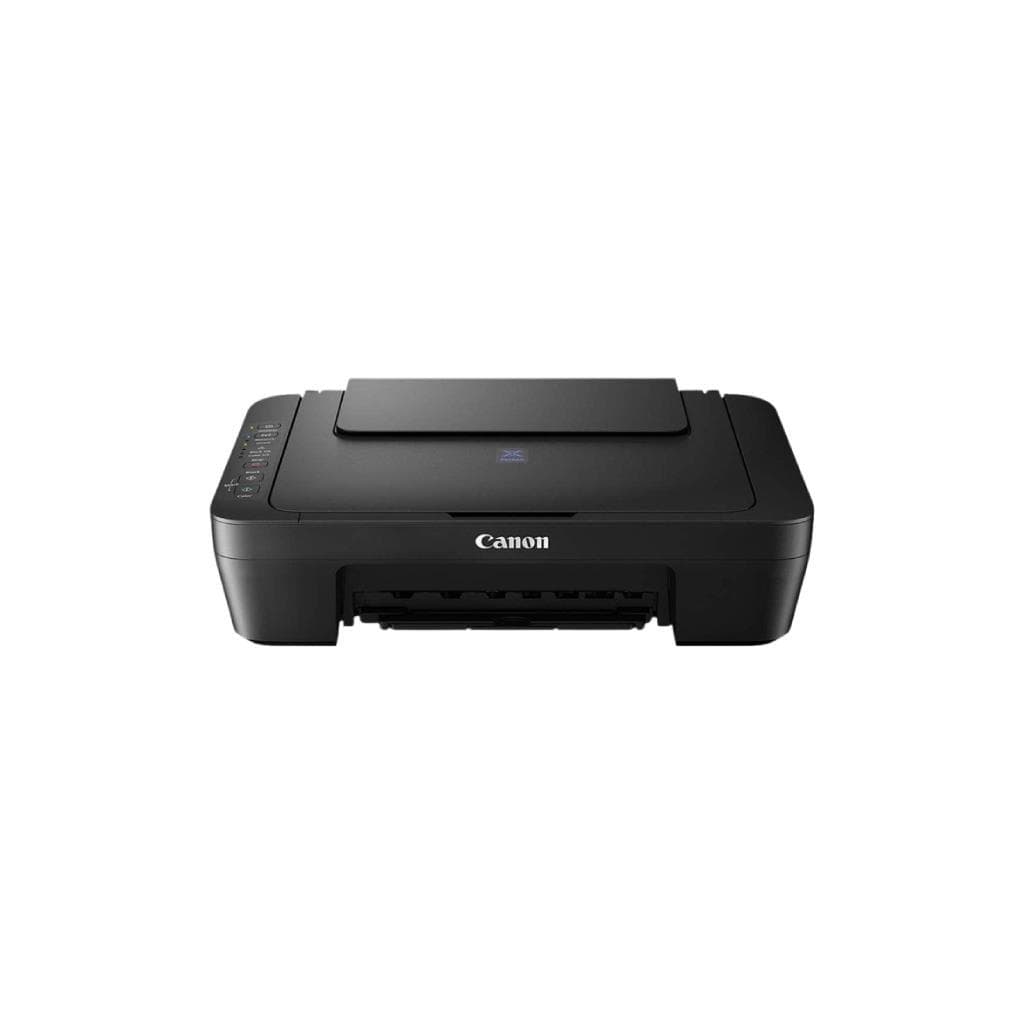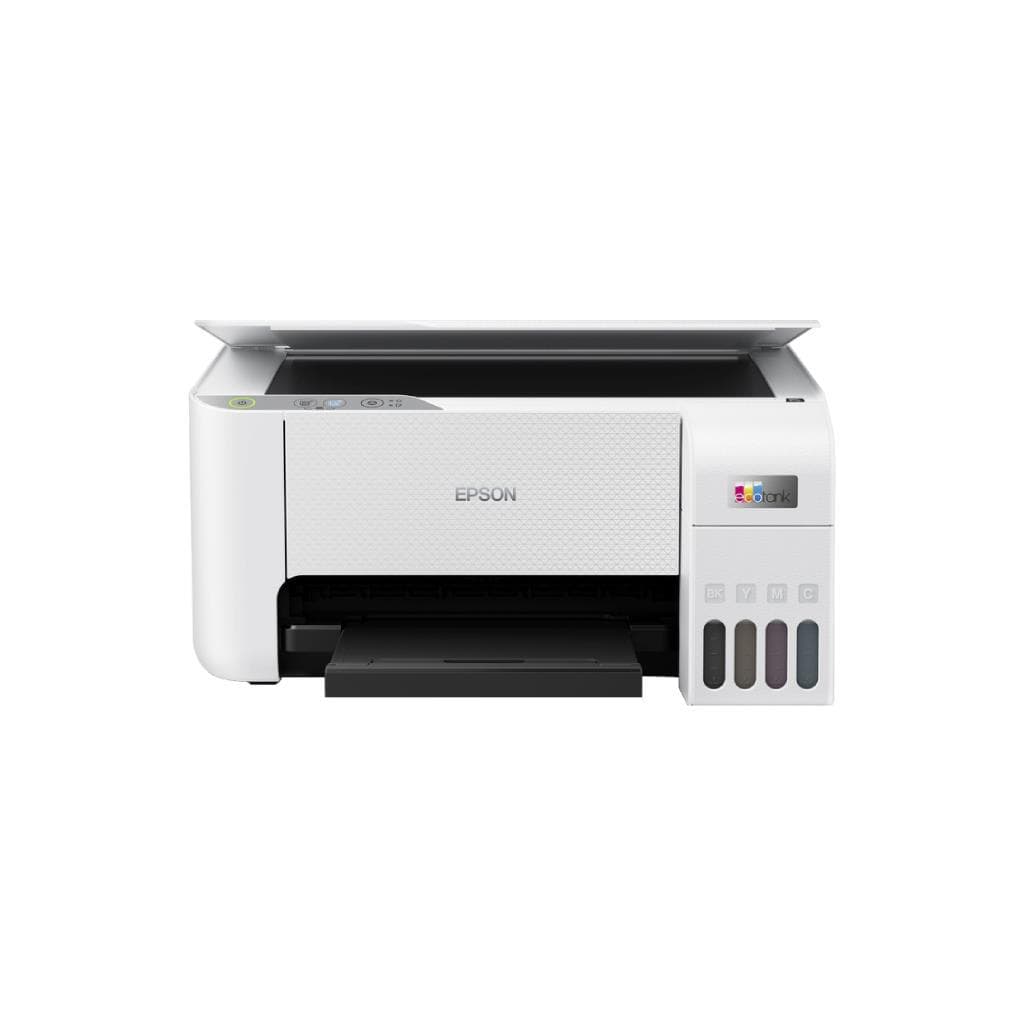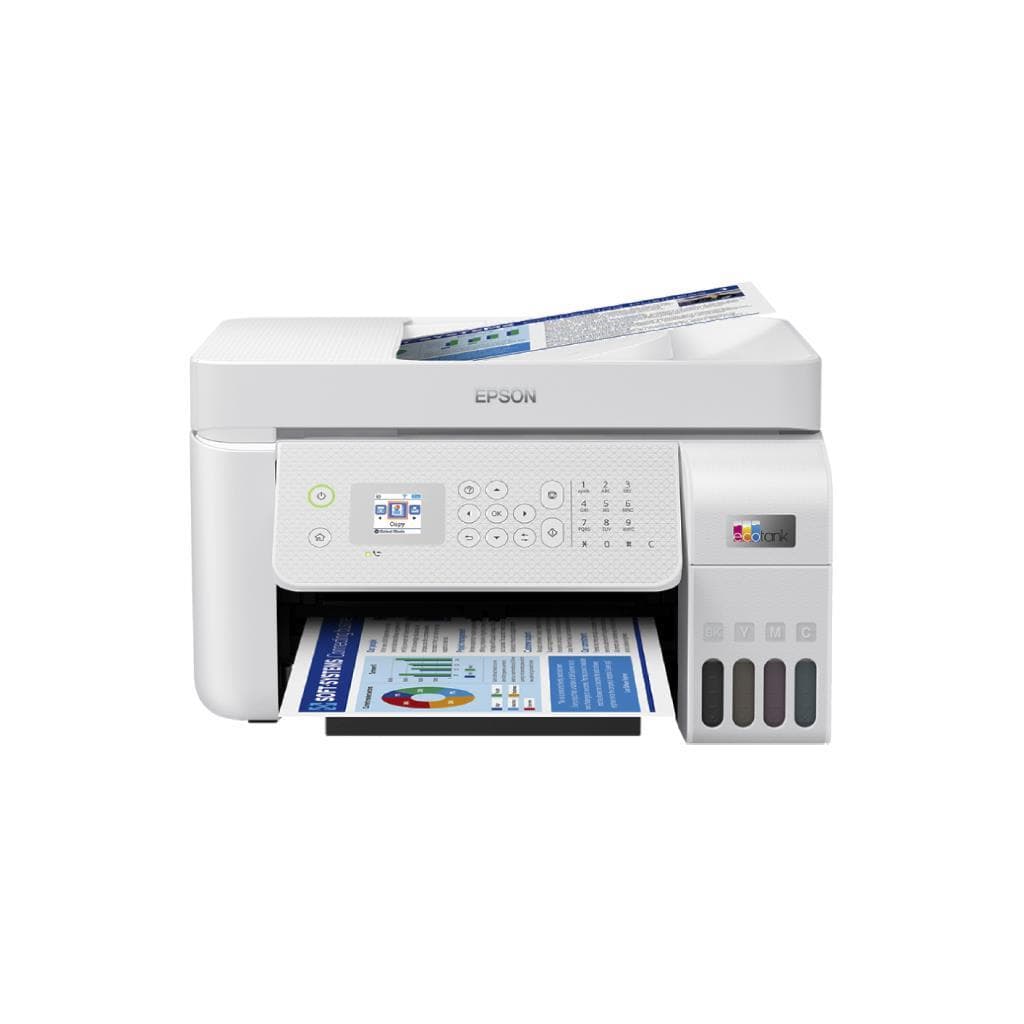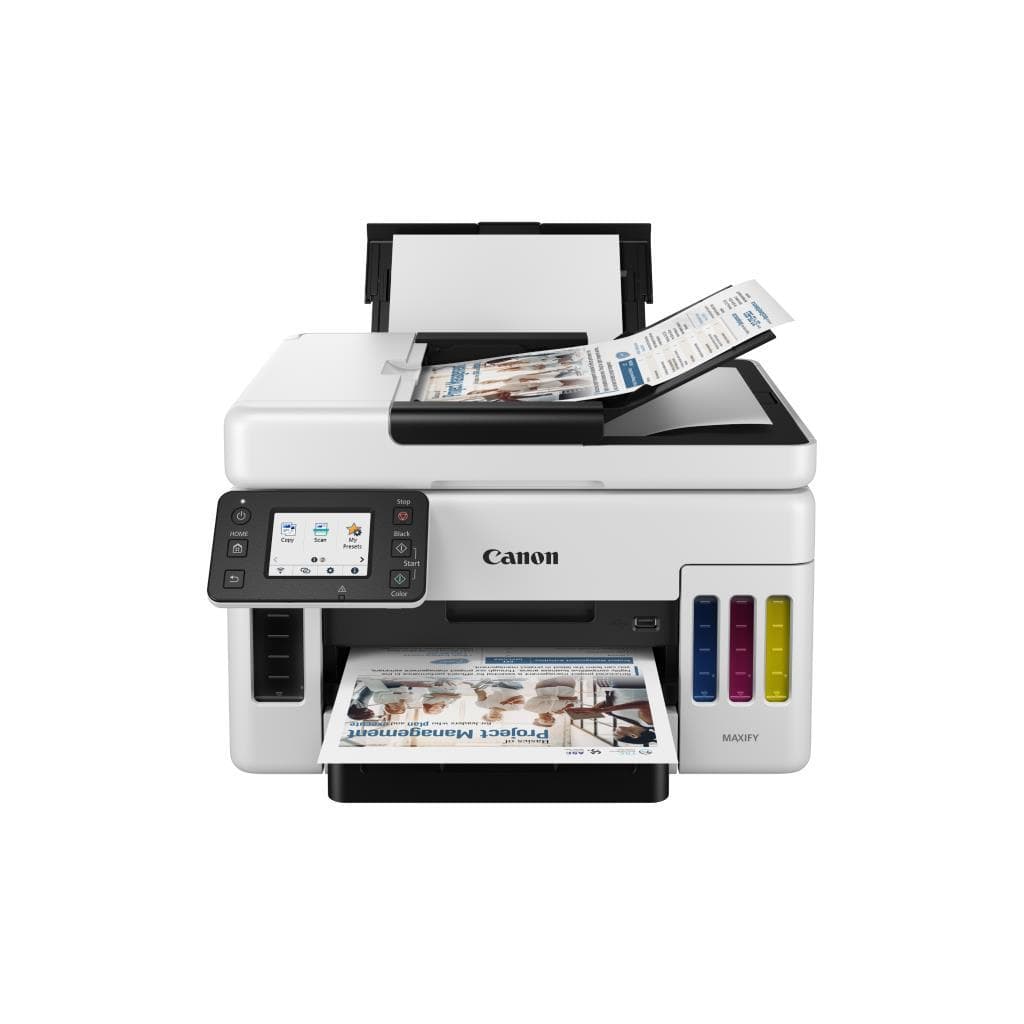


CANON PIXMA G4770 All-in-One Printer (Black & White 8.8 PPM, Color 5.0 PPM)
SKU: G4770Printers & Supplies › Multifunction Printers
฿8,505
Price includes 7% VATPrice updated October 26, 2026
Out of stock1 year manufacturer's warranty
Temporarily out of stock — ask us about the restock date or an alternative model
Call us 092-251-4017Send a question to salesGenuineFree delivery from ฿5,000Tax invoice
เครื่องพิมพ์มัลติฟังก์ชัน Canon PIXMA G4770 รองรับการพิมพ์ สแกน ถ่ายเอกสาร และแฟกซ์ พร้อมเชื่อมต่อไร้สายและ LAN ใช้งานได้ทั้งในบ้านและสำนักงานขนาดเล็ก
Key features
- พิมพ์ขาวดำ 8.8 แผ่น/นาที, พิมพ์สี 5.0 แผ่น/นาที
- ความละเอียดสูงสุด 4800 x 1200 DPI
- รองรับการพิมพ์ สแกน ถ่ายเอกสาร และแฟกซ์
- เชื่อมต่อไร้สาย (Wi-Fi) และ LAN
- รองรับการเชื่อมต่อ USB
Product description
เครื่องพิมพ์มัลติฟังก์ชัน Canon PIXMA G4770 ออกแบบมาเพื่อประสิทธิภาพในการทำงานทั้งในบ้านและสำนักงานขนาดเล็ก โดยรองรับการพิมพ์เอกสารขาวดำได้สูงสุด 8.8 แผ่นต่อนาที และพิมพ์สีได้ 5.0 แผ่นต่อนาที ความละเอียดสูงสุด 4800 x 1200 DPI ทำให้ได้ภาพคมชัดและรายละเอียดละเอียด พร้อมระบบสแกนเอกสารอัตโนมัติที่สามารถจัดการเอกสารหลายหน้าได้อย่างราบรื่น แม้จะมีปัญหาการดึงกระดาษไม่ต่อเนื่อง ผู้ใช้สามารถทำความสะอาดโรลเลอร์ด้วยผ้าชุบน้ำเพื่อแก้ไขปัญหาได้ด้วยตนเอง รองรับการเชื่อมต่อผ่าน Wi-Fi, LAN และ USB ทำให้ใช้งานได้หลากหลายรูปแบบ
More features
- ทำความสะอาดโรลเลอร์ด้วยผ้าชุบน้ำได้
- ใช้งานได้ทั้งในบ้านและสำนักงานขนาดเล็ก
- อัปเดตเฟิร์มแวร์ผ่านเว็บไซต์ Canon
- มีโหมดดาวน์โหลด USB สำหรับการตั้งค่าเริ่มต้น
- สามารถติดตั้งได้ผ่าน Windows 7 ขึ้นไป
Pros and limitations
Pros
- พิมพ์ขาวดำเร็ว 8.8 แผ่นต่อนาที ประหยัดเวลาทำงาน
- รองรับการพิมพ์สีความละเอียดสูง 4800 x 1200 DPI
- มีระบบสแกน ADF จัดการเอกสารหลายหน้าได้สะดวก
- เชื่อมต่อไร้สายและ LAN ใช้งานได้หลากหลายสถานที่
- อัปเดตเฟิร์มแวร์ได้ผ่านเว็บไซต์ Canon ง่ายต่อการดูแลรักษา
Limitations
- ไม่รองรับการพิมพ์แบบ duplex อัตโนมัติ
- ต้องทำความสะอาดโรลเลอร์เป็นระยะเพื่อป้องกันปัญหาการดึงกระดาษ
- ไม่รองรับ AirPrint และ Mopria สำหรับการพิมพ์จากมือถือโดยตรง
Who it is for
เหมาะสำหรับผู้ใช้งานทั่วไปในบ้านหรือสำนักงานขนาดเล็กที่ต้องการเครื่องพิมพ์มัลติฟังก์ชันครบวงจร รองรับการพิมพ์เอกสาร ถ่ายเอกสาร สแกน และแฟกซ์ พร้อมเชื่อมต่อไร้สายและ LAN
Connectivity
Wi-Fi, LAN, USB
Specifications (41)
- หน่วยความจำ (RAM)
- 128 MB
- น้ำหนัก
- 10.5 kg
- ประเภทหมึก
- Ink Tank
- พอร์ต USB
- USB 2.0
- การรับประกัน
- 1 year
- ขนาด
- 440 x 370 x 220 mm
- ความลึกสี
- 48-bit
- ระดับเสียง
- 40 dB (printing)
- ADF Capacity
- 35 sheets
- ขนาดหน้าจอ
- 2.5 inches
- Display Type
- Monochrome
- Paper Weight
- 60–163 g/m²
- Scanner Type
- Flatbed + ADF
- Control Panel
- LCD Display
- แรงดันไฟฟ้าขาเข้า
- 100–240 V AC
- Warranty Type
- On-site
- Duplex Printing
- Manual
- ช่วงความถี่
- 50–60 Hz
- Reset Procedure
- Hold Stop button during power-on
- Service Options
- Available via Canon support
- Support Contact
- 1-800-652-2666
- Print Resolution
- 4800 x 1200 DPI
- Download Mode USB
- Available
- การใช้พลังงาน
- 15 W (printing), 3.5 W (standby)
- Monthly Duty Cycle
- 1,500 pages
- Optical Resolution
- 4800 x 4800 DPI
- Ink Cartridge Model
- PG-545XL, CL-546XL
- Paper Tray Capacity
- 150 sheets
- Print Speed (Black)
- 8.8 ppm
- Print Speed (Color)
- 5.0 ppm
- Scanning Resolution
- 4800 x 4800 DPI
- First Print Out Time
- 10 seconds
- Network Connectivity
- Ethernet (LAN)
- Supported Paper Sizes
- A4, Letter, Legal, Envelope
- การเชื่อมต่อไร้สาย
- Wi-Fi
- Firmware Update Support
- รองรับ
- Mobile Printing Support
- Canon PRINT Inkjet/SELPHY
- ระบบปฏิบัติการที่รองรับ
- Windows 10/11, macOS 10.15 or later
- Recommended Monthly Pages
- 100–500 pages
- Ink Cartridge Yield (Black)
- 4,000 pages
- Ink Cartridge Yield (Color)
- 6,000 pages
Compatibility
Windows, macOS
Datasheets and manuals straight from the manufacturer — select a document to open or download it.
13 questions
Frequently asked questions about this product
Compiled from manufacturer information
เครื่องพิมพ์ Canon PIXMA G4770 พิมพ์ไม่ออก แก้ไขอย่างไร?
หากเครื่องพิมพ์ไม่พิมพ์ออก ให้ตรวจสอบว่าได้ติดตั้งไดรเวอร์ถูกต้องหรือไม่ หากยังไม่ได้ ให้ลองถอนไดรเวอร์ USB Printing Support ออกจาก Device Manager แล้วติดตั้งใหม่ โดยไม่ต่อสาย USB ขณะติดตั้ง หรือสอบถามทีมขายเพื่อขอความช่วยเหลือเพิ่มเติม
เครื่องพิมพ์ขึ้นข้อความ Download Mode USB Available แก้ไขได้ไหม?
ใช่ สามารถแก้ไขได้โดยกดปุ่ม Stop ค้างไว้ขณะเปิดเครื่องใหม่ หรืออัปเดตเฟิร์มแวร์ผ่านเว็บไซต์ Canon หากยังไม่ได้ ให้ติดต่อศูนย์บริการ Canon ที่ 1-800-652-2666
เครื่องพิมพ์ดึงกระดาษไม่ต่อเนื่อง แก้ไขได้หรือไม่?
ใช่ โรลเลอร์ที่แห้งอาจทำให้ดึงกระดาษไม่ต่อเนื่อง ให้เปิดช่องใส่กระดาษ แล้วใช้ผ้าชุบน้ำเช็ดโรลเลอร์ที่มองเห็นได้ แล้วลองสแกนใหม่ หากยังไม่ดีขึ้น อาจต้องส่งซ่อม
เครื่องพิมพ์นี้รองรับการพิมพ์จากมือถือได้ไหม?
รองรับผ่านแอป Canon PRINT Inkjet/SELPHY สำหรับมือถือ แต่ไม่รองรับ AirPrint หรือ Mopria โดยตรง ต้องใช้แอปเฉพาะของ Canon
เครื่องพิมพ์นี้มีระบบพิมพ์สองหน้าอัตโนมัติไหม?
ไม่รองรับการพิมพ์สองหน้าอัตโนมัติ ต้องพิมพ์หน้าแรก แล้วนำกระดาษกลับมาพิมพ์อีกครั้งด้วยมือ
เครื่องพิมพ์นี้ใช้หมึกแบบไหน?
ใช้หมึกแบบ Ink Tank รุ่น PG-545XL (ดำ) และ CL-546XL (สี) รองรับการพิมพ์ได้สูงสุด 4,000 หน้า (ดำ) และ 6,000 หน้า (สี)
เครื่องพิมพ์นี้สามารถเชื่อมต่อ LAN ได้ไหม?
ใช่ รองรับการเชื่อมต่อผ่าน Ethernet (LAN) ทำให้สามารถใช้งานได้ทั้งในเครือข่ายภายในสำนักงานหรือบ้าน
เครื่องพิมพ์นี้มีหน้าจอแสดงผลไหม?
มี หน้าจอแสดงผลขนาด 2.5 นิ้ว แบบ Monochrome ใช้สำหรับตั้งค่าและตรวจสอบสถานะเครื่อง
Is it in stock?
The CANON PIXMA G4770 All-in-One Printer (Black & White 8.8 PPM, Color 5.0 PPM) is temporarily out of stock. Ask us about the restock date or an alternative model at sales@gist.co.th or 092-251-4017.
How much does it cost?
The price is ฿8,505 (including 7% VAT). It is currently out of stock; ask us about the restock date at sales@gist.co.th. Business customers can request a quotation at sales@gist.co.th.
How long is the warranty?
Warranty period: 1 ปี รับประกันศูนย์ พร้อมบริการซ่อมถึงที่ (manufacturer's terms). To make a warranty claim, call 092-251-4017 or 065-523-5262, or email sales@gist.co.th (Mon–Fri 9:00–18:00), then send the product with your order number to our head office, or bring it to the head office in person.
How long does delivery take?
Orders placed before 12:00 on a business day are delivered within 1–3 business days (Bangkok and vicinity) or 2–5 business days (other provinces). Free delivery on orders of ฿5,000 or more (a ฿150 delivery fee applies below this amount).
Is it genuine?
Genuine products sourced from distributors in Thailand, covered by the manufacturer's warranty. Full tax invoices are available.
Didn't find the answer you need?
Loading reviews…
Genuine products
Sourced from distributors in Thailand and covered by the manufacturer's warranty
Warranty period
1 ปี รับประกันศูนย์ พร้อมบริการซ่อมถึงที่
Covered by the manufacturer's warranty; you can make claims through GIST
Claims through GIST
Ship the product to our head office or bring it in person
Warranty conditions
- A receipt or other proof of purchase is required
- The product must not have been modified or altered
- Damage caused by misuse is not covered by the warranty
- To make a warranty claim, call 092-251-4017 or 065-523-5262, or email sales@gist.co.th (Mon–Fri 9:00–18:00), then send the product with your order number to our head office, or bring it to the head office in person.Head office: 554 Sky Nine Center, Floor 12A, Room 554/62, Asok-Din Daeng Road, Din Daeng Subdistrict, Din Daeng District, Bangkok 10400
More in Multifunction Printers