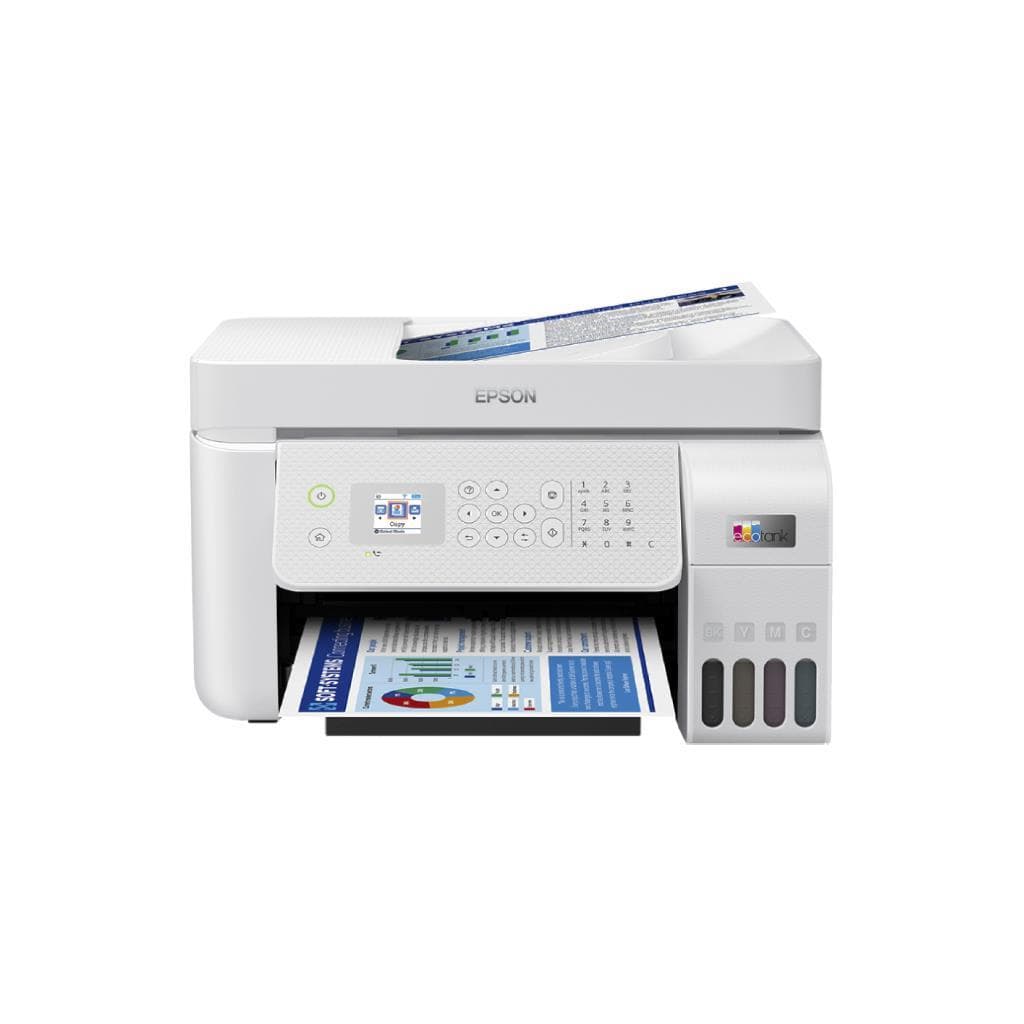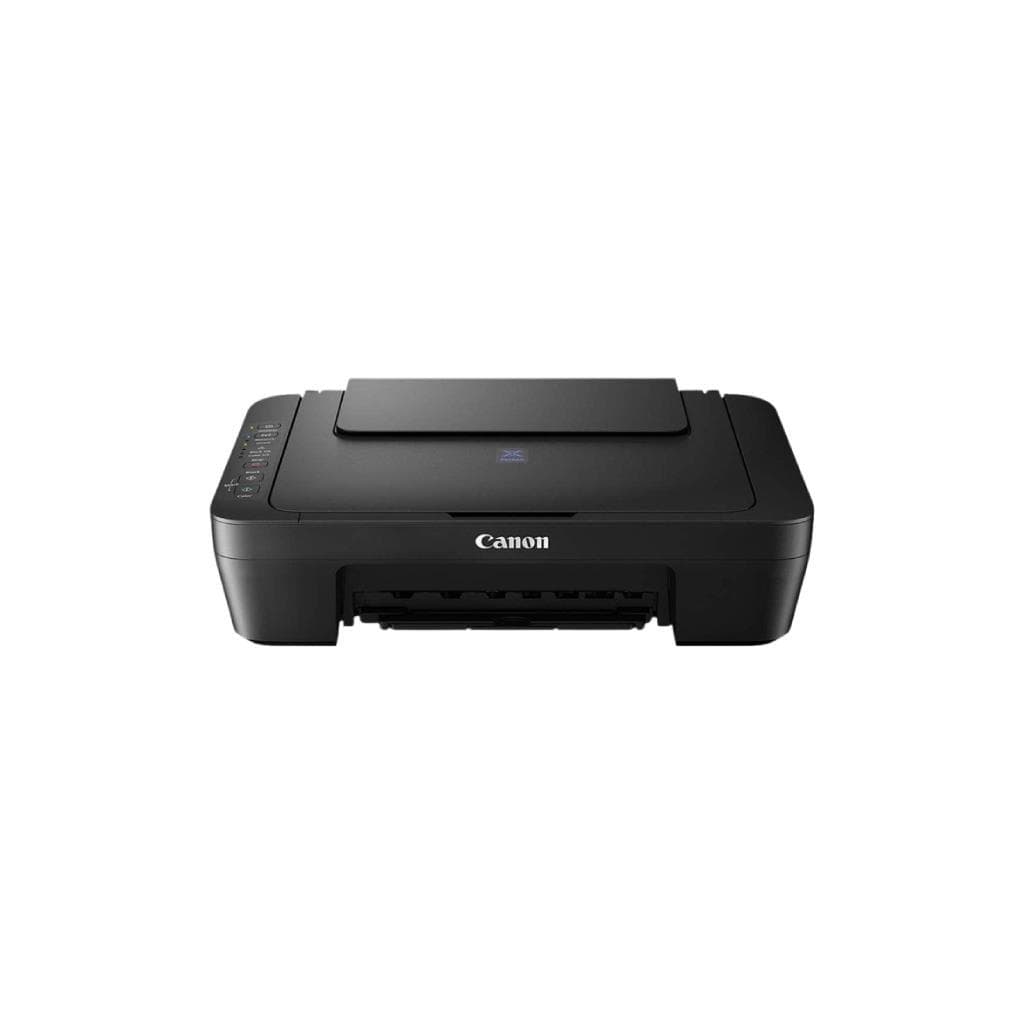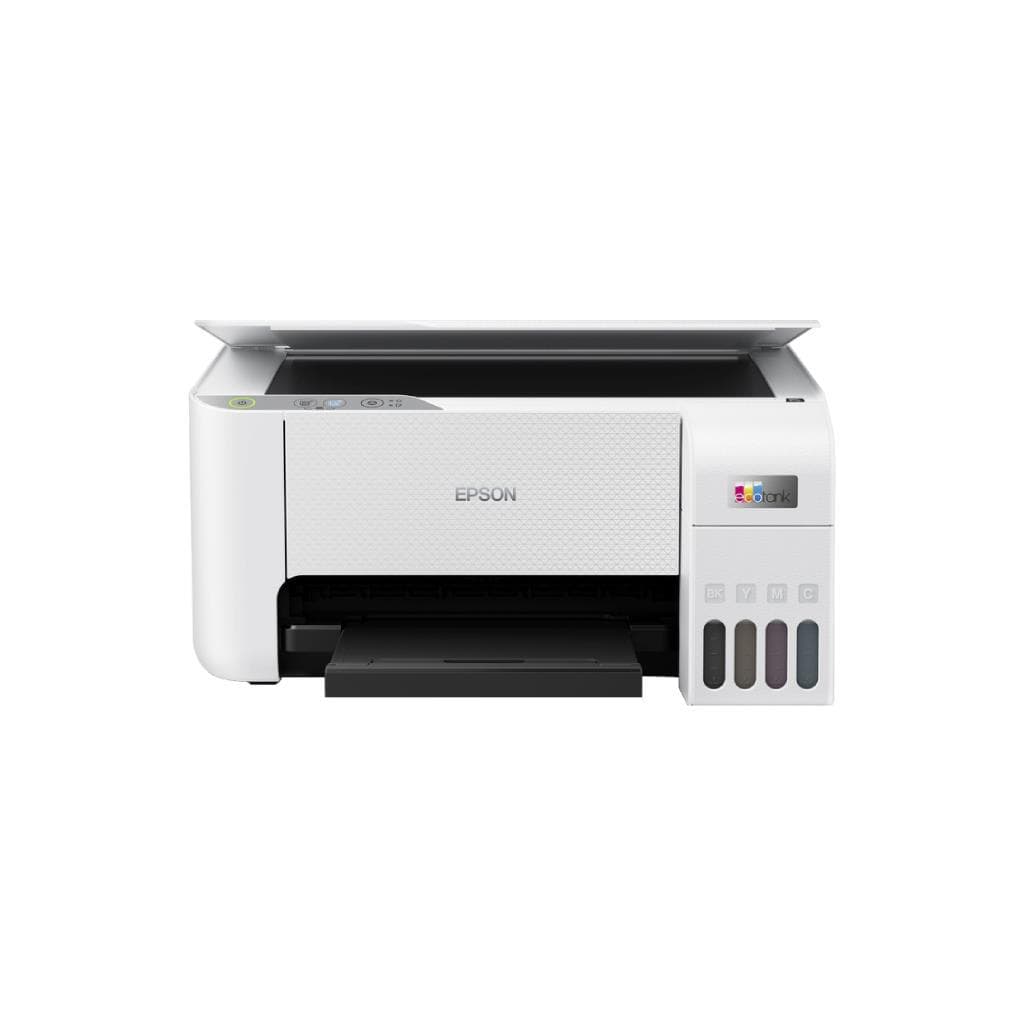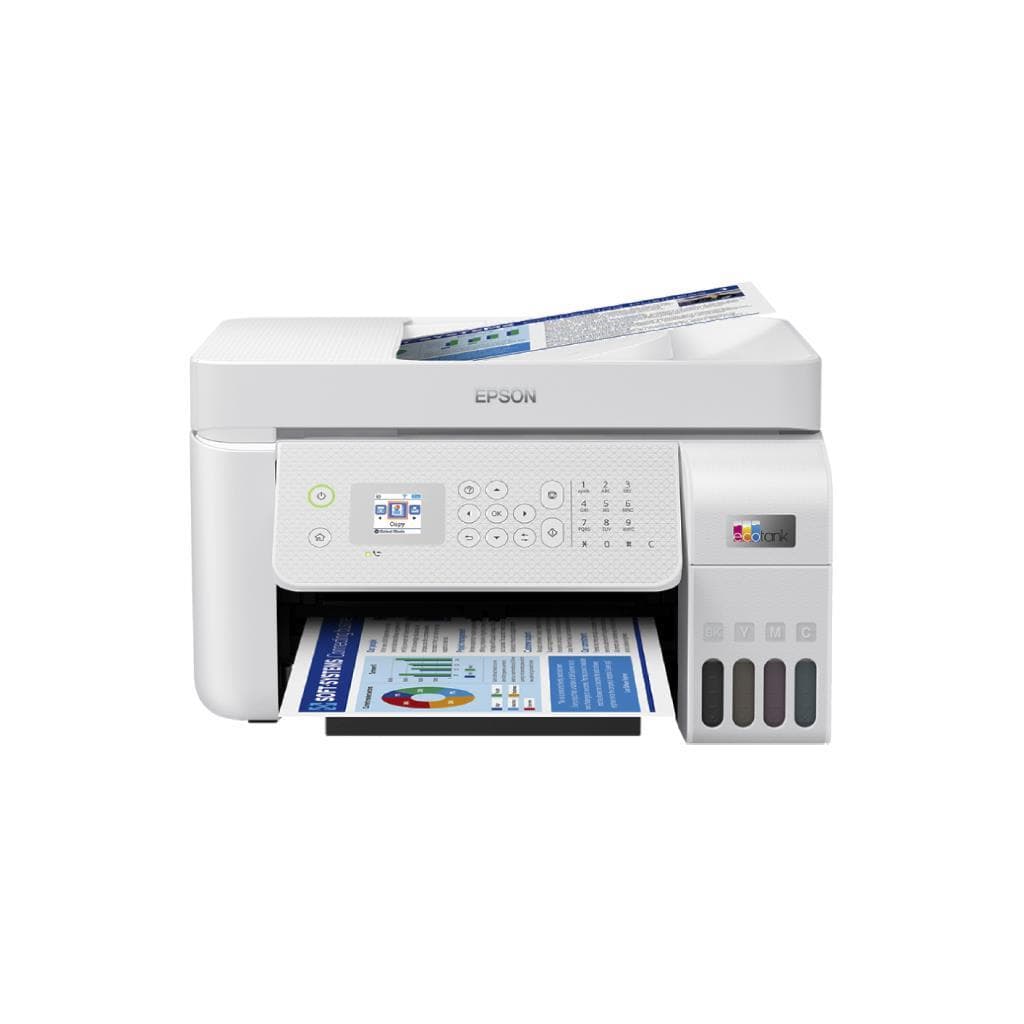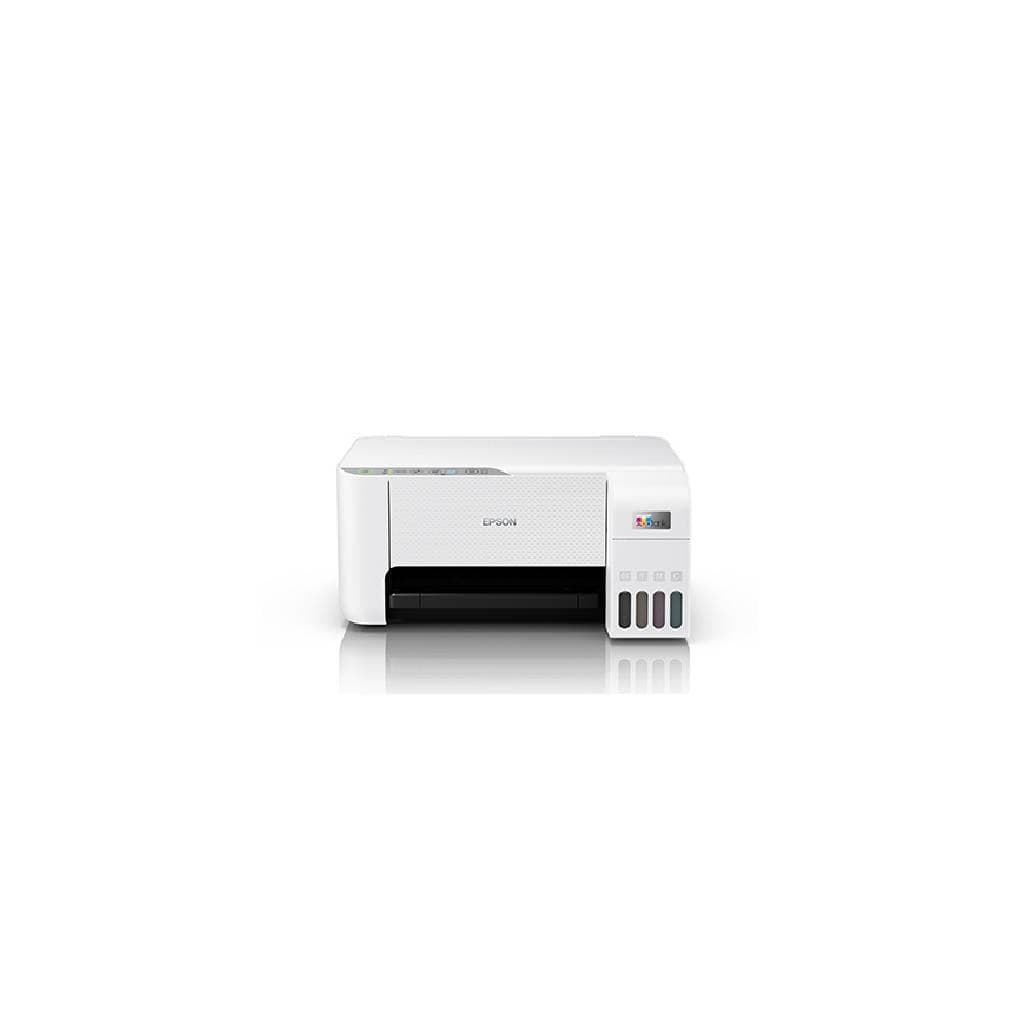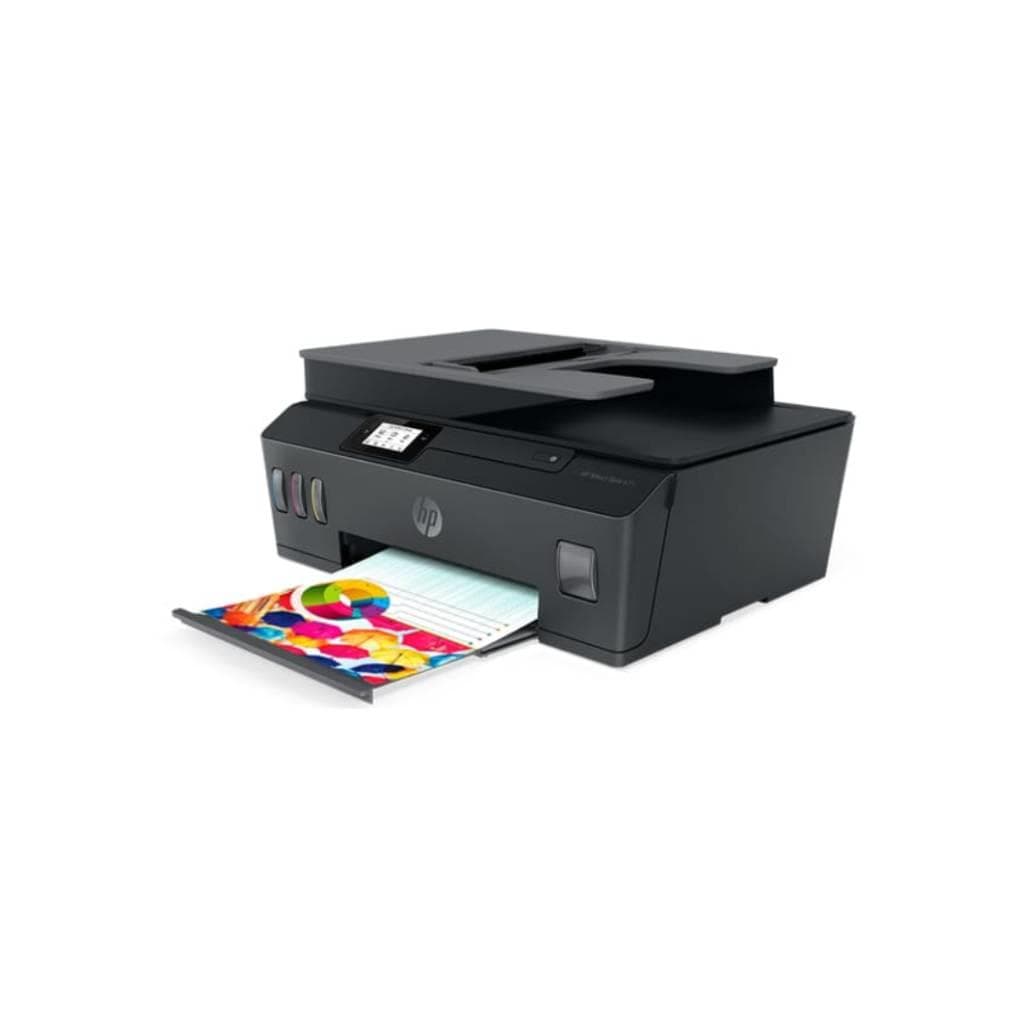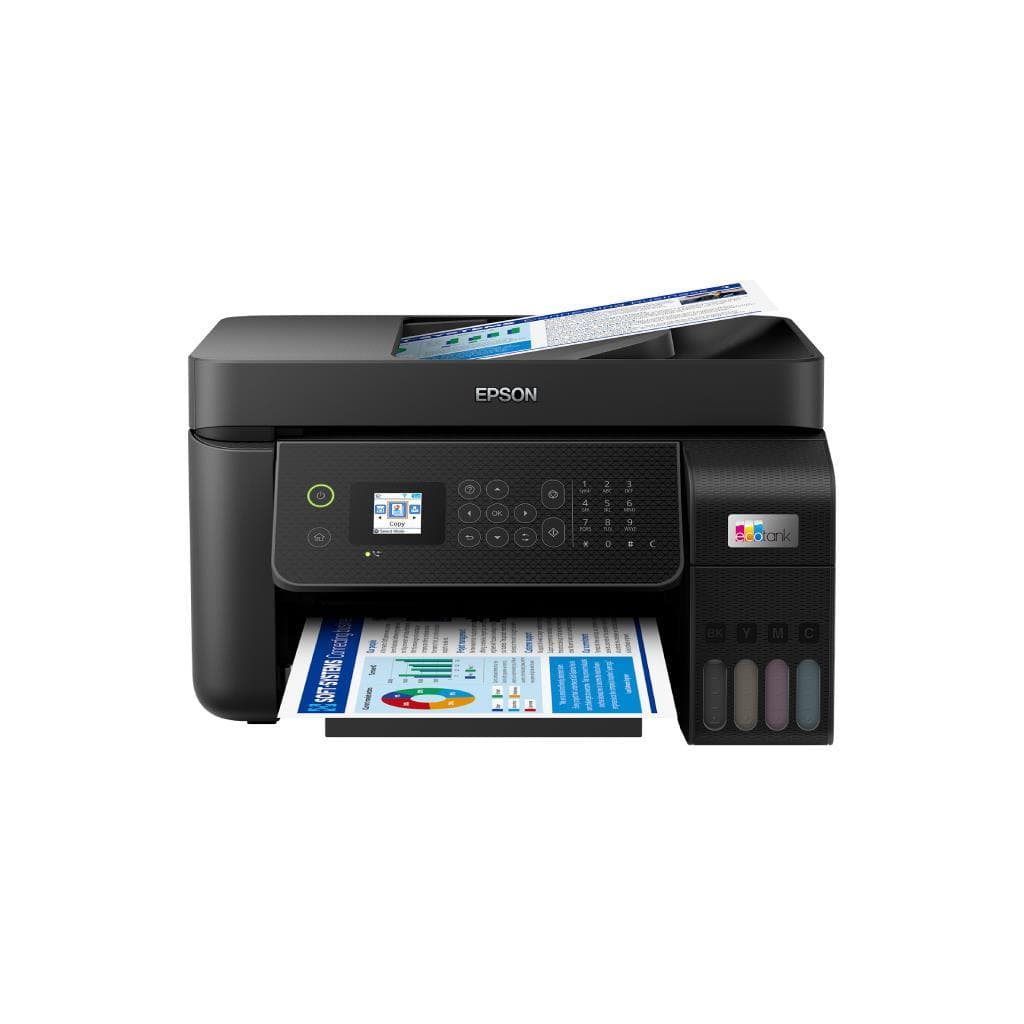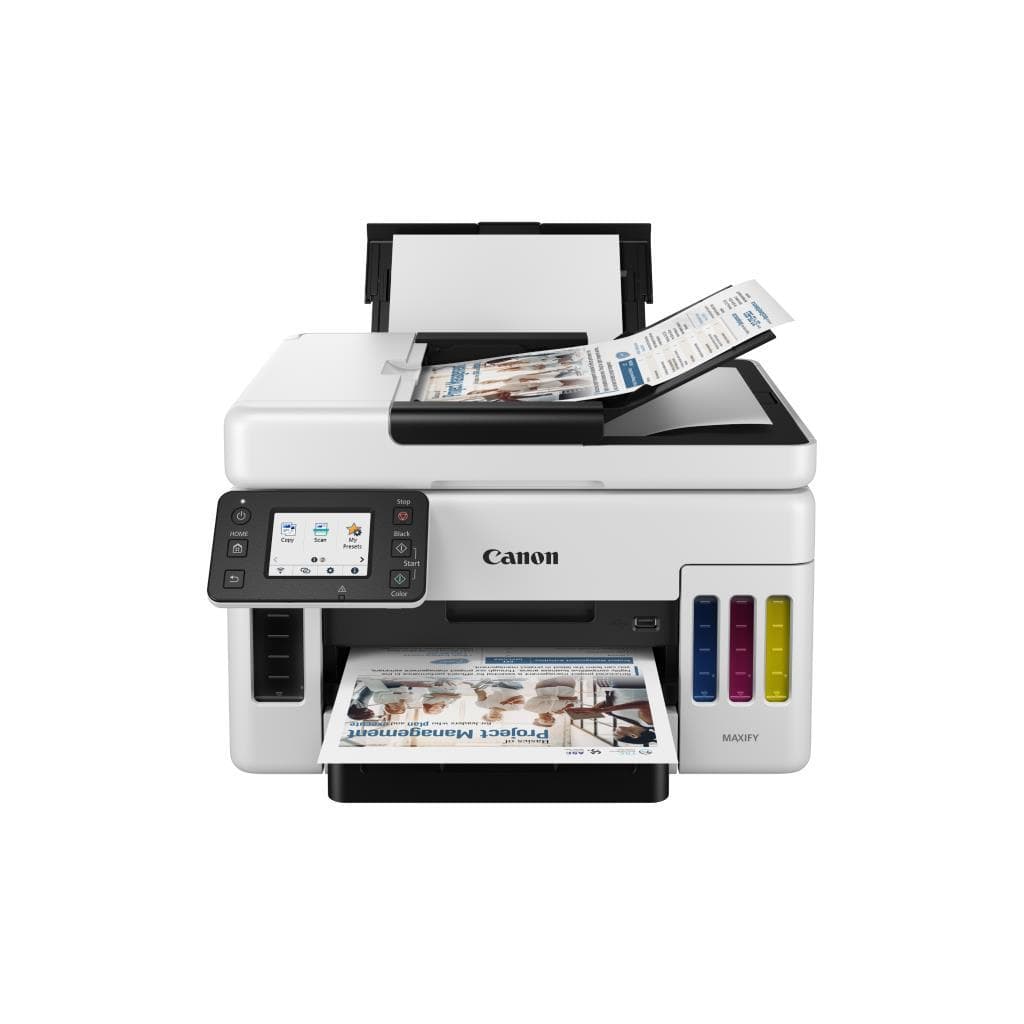


CANON PIXMA MF4780 All-in-One Printer (InkTank) - Black & White 11.0 IPM, Color 6.0 PPM
SKU: G4780Printers & Supplies › Multifunction Printers· Model: PIXMA
฿8,819
Price includes 7% VATPrice updated October 22, 2026
Out of stock1 year manufacturer's warranty
Temporarily out of stock — ask us about the restock date or an alternative model
Call us 092-251-4017Send a question to salesGenuineFree delivery from ฿5,000Tax invoice
เครื่องพิมพ์อิงค์เจ็ทแท็งค์แบบครบวงจรจาก CANON รองรับการพิมพ์ สแกน และถ่ายเอกสาร พร้อมความเร็วสูงสำหรับงานประจำวันในสำนักงานขนาดเล็ก
Key features
- พิมพ์ขาวดำเร็ว 11.0 IPM, สี 6.0 PPM
- ความละเอียดสูง 4800 x 1200 DPI
- ระบบ Inktank ลดต้นทุนการพิมพ์
- รองรับการสแกนและถ่ายเอกสาร
- เชื่อมต่อผ่าน USB, Wi-Fi และ LAN
Product description
เครื่องพิมพ์ CANON PIXMA MF4780 เป็นอีกหนึ่งทางเลือกที่ยอดเยี่ยมสำหรับธุรกิจขนาดเล็กและบ้านที่ต้องการประสิทธิภาพสูงในราคาที่คุ้มค่า ด้วยระบบ Inktank ที่ช่วยลดต้นทุนการพิมพ์อย่างมาก โดยสามารถพิมพ์เอกสารขาวดำได้เร็วถึง 11.0 IPM และสีได้ 6.0 PPM อย่างราบรื่น พร้อมความละเอียดสูงถึง 4800 x 1200 DPI ทำให้ภาพและข้อความคมชัดแม้ในขนาดเล็ก นอกจากนี้ยังรองรับการสแกนเอกสารและถ่ายเอกสารได้อย่างมีประสิทธิภาพ ผ่านระบบเชื่อมต่อที่หลากหลาย ไม่ว่าจะเป็น USB, Wi-Fi และ LAN ทำให้สามารถใช้งานร่วมกับคอมพิวเตอร์หลายเครื่องในเครือข่ายได้อย่างสะดวก
More features
- ใช้งานได้กับ Windows 7
- รองรับการอัปเดตเฟิร์มแวร์จากเว็บไซต์ CANON
- เหมาะสำหรับงานประจำวันในสำนักงานเล็ก
Pros and limitations
Pros
- พิมพ์ขาวดำเร็วถึง 11.0 IPM ช่วยประหยัดเวลาในการทำงาน
- ระบบ Inktank ลดต้นทุนการพิมพ์ได้อย่างมากเมื่อเทียบกับตลับหมึกทั่วไป
- รองรับการเชื่อมต่อหลายทาง เช่น Wi-Fi และ Ethernet ใช้งานร่วมกับเครือข่ายได้ดี
- ความละเอียดสูง 4800 x 1200 DPI ให้คุณภาพงานพิมพ์คมชัด
- รองรับการอัปเดตเฟิร์มแวร์จากเว็บไซต์ CANON เพื่อรักษาความปลอดภัยและเสถียรภาพ
Limitations
- ไม่รองรับการพิมพ์แบบ duplex อัตโนมัติ
- รองรับระบบปฏิบัติการเฉพาะ Windows 7 อาจไม่เข้ากันกับระบบใหม่
- ขนาดตัวเครื่องใหญ่ ใช้พื้นที่มาก
Who it is for
เหมาะสำหรับธุรกิจขนาดเล็ก สำนักงานย่อย และบ้านที่ต้องการเครื่องพิมพ์ครบวงจรในราคาประหยัด พร้อมประสิทธิภาพสูงในการพิมพ์เอกสารและสแกนงาน
Specifications (38)
- แบรนด์
- CANON
- รุ่น
- MF4780
- หน่วยความจำ (RAM)
- 64 MB
- น้ำหนัก
- 7.5 kg
- การรับประกัน
- 1 year
- อินเทอร์เฟซ
- USB 2.0, Ethernet
- Ink System
- Inktank
- ความลึกสี
- 24-bit
- ADF Capacity
- 1 sheet
- แหล่งจ่ายไฟ
- AC 100-240 V, 50/60 Hz
- ประเภทสินค้า
- All-in-One Printer
- Scanner Type
- Flatbed
- Control Panel
- LCD Display
- ไฟแสดงสถานะ
- รองรับ
- Paper Handling
- Single-sheet feeding
- การเชื่อมต่อ
- USB, Wi-Fi, Ethernet (RJ-45)
- Duplex Printing
- Manual
- เทคโนโลยีการพิมพ์
- Inkjet
- Network Interface
- Ethernet LAN
- ความชื้นขณะทำงาน
- 20% to 80%
- Copy Functionality
- รองรับ
- Dimensions (WxDxH)
- 376 x 390 x 200 mm
- Ink Cartridge Type
- Separate Black and Color
- Maximum Paper Size
- A4
- Resolution (Print)
- 4800 x 1200 DPI
- Scan Functionality
- รองรับ
- มาตรฐาน Wi-Fi
- Wi-Fi 802.11b/g/n
- Paper Tray Capacity
- 150 sheets
- Print Speed (Black)
- 11.0 IPM
- Print Speed (Color)
- 6.0 PPM
- Scanning Resolution
- 1200 x 1200 dpi
- อุณหภูมิการทำงาน
- 10°C to 35°C
- Supported Paper Types
- Plain, Photo, Envelope
- Noise Level (Printing)
- 40 dB
- Firmware Update Support
- รองรับ
- Operating Systems Supported
- Windows 7
- Power Consumption (Standby)
- 5.5 W
- Power Consumption (Printing)
- 18 W
Datasheets and manuals straight from the manufacturer — select a document to open or download it.
13 questions
Frequently asked questions about this product
Compiled from manufacturer information
เครื่องพิมพ์ CANON MF4780 รองรับการพิมพ์แบบ duplex อัตโนมัติไหม?
ไม่รองรับการพิมพ์ duplex อัตโนมัติ ต้องพิมพ์หน้าละ 1 แผ่นแล้วกลับด้านเองเพื่อพิมพ์อีกหน้า จึงเหมาะสำหรับงานที่ไม่ต้องการพิมพ์เอกสารจำนวนมาก
สามารถใช้งานร่วมกับ Windows 10 ได้ไหม?
จากข้อมูลในแหล่งข้อมูล รองรับเฉพาะ Windows 7 เท่านั้น หากต้องการใช้กับ Windows 10 อาจต้องตรวจสอบความเข้ากันได้เพิ่มเติมหรือสอบถามทีมขาย
สามารถอัปเดตเฟิร์มแวร์ได้ไหม?
ได้ รองรับการอัปเดตเฟิร์มแวร์ผ่านเว็บไซต์ CANON โดยต้องใช้หมายเลขซีเรียลของเครื่องในการดาวน์โหลด
พิมพ์เอกสารสีได้กี่แผ่นต่อนาที?
พิมพ์เอกสารสีได้ 6.0 PPM (หน้าต่อนาที) ซึ่งถือว่าเร็วสำหรับเครื่องพิมพ์ Inktank ระดับกลาง
รองรับการเชื่อมต่อผ่าน Wi-Fi ได้ไหม?
ได้ เครื่องพิมพ์รองรับ Wi-Fi 802.11b/g/n และสามารถเชื่อมต่อกับเครือข่ายไร้สายได้โดยตรง ใช้งานร่วมกับคอมพิวเตอร์หลายเครื่องในสำนักงานได้อย่างสะดวก
มีระบบสแกนเอกสารหรือไม่?
มี เครื่องพิมพ์รองรับการสแกนเอกสารผ่านระบบ Flatbed ความละเอียดสูงถึง 1200 x 1200 dpi และสามารถสแกนได้ทั้งแบบขาวดำและสี
ใช้พลังงานเท่าไรเมื่อพิมพ์?
ใช้พลังงานประมาณ 18 วัตต์ขณะพิมพ์ และ 5.5 วัตต์ในโหมดสแตนด์บาย ถือว่าประหยัดไฟเมื่อเทียบกับเครื่องพิมพ์ทั่วไป
สามารถใช้กับ Mac OS ได้ไหม?
จากข้อมูลในแหล่งข้อมูล ไม่มีการระบุว่ารองรับ Mac OS โดยตรง จึงแนะนำให้ตรวจสอบเว็บไซต์ CANON เพื่อดูว่ามีไดรเวอร์สำหรับ Mac หรือไม่
Is it in stock?
The CANON PIXMA MF4780 All-in-One Printer (InkTank) - Black & White 11.0 IPM, Color 6.0 PPM is temporarily out of stock. Ask us about the restock date or an alternative model at sales@gist.co.th or 092-251-4017.
How much does it cost?
The price is ฿8,819 (including 7% VAT). It is currently out of stock; ask us about the restock date at sales@gist.co.th. Business customers can request a quotation at sales@gist.co.th.
How long is the warranty?
Warranty period: รับประกัน 1 ปี ตามเงื่อนไขผู้ผลิต (manufacturer's terms). To make a warranty claim, call 092-251-4017 or 065-523-5262, or email sales@gist.co.th (Mon–Fri 9:00–18:00), then send the product with your order number to our head office, or bring it to the head office in person.
How long does delivery take?
Orders placed before 12:00 on a business day are delivered within 1–3 business days (Bangkok and vicinity) or 2–5 business days (other provinces). Free delivery on orders of ฿5,000 or more (a ฿150 delivery fee applies below this amount).
Is it genuine?
Genuine products sourced from distributors in Thailand, covered by the manufacturer's warranty. Full tax invoices are available.
Didn't find the answer you need?
Loading reviews…
Genuine products
Sourced from distributors in Thailand and covered by the manufacturer's warranty
Warranty period
รับประกัน 1 ปี ตามเงื่อนไขผู้ผลิต
Covered by the manufacturer's warranty; you can make claims through GIST
Claims through GIST
Ship the product to our head office or bring it in person
Warranty conditions
- A receipt or other proof of purchase is required
- The product must not have been modified or altered
- Damage caused by misuse is not covered by the warranty
- To make a warranty claim, call 092-251-4017 or 065-523-5262, or email sales@gist.co.th (Mon–Fri 9:00–18:00), then send the product with your order number to our head office, or bring it to the head office in person.Head office: 554 Sky Nine Center, Floor 12A, Room 554/62, Asok-Din Daeng Road, Din Daeng Subdistrict, Din Daeng District, Bangkok 10400
More in Multifunction Printers