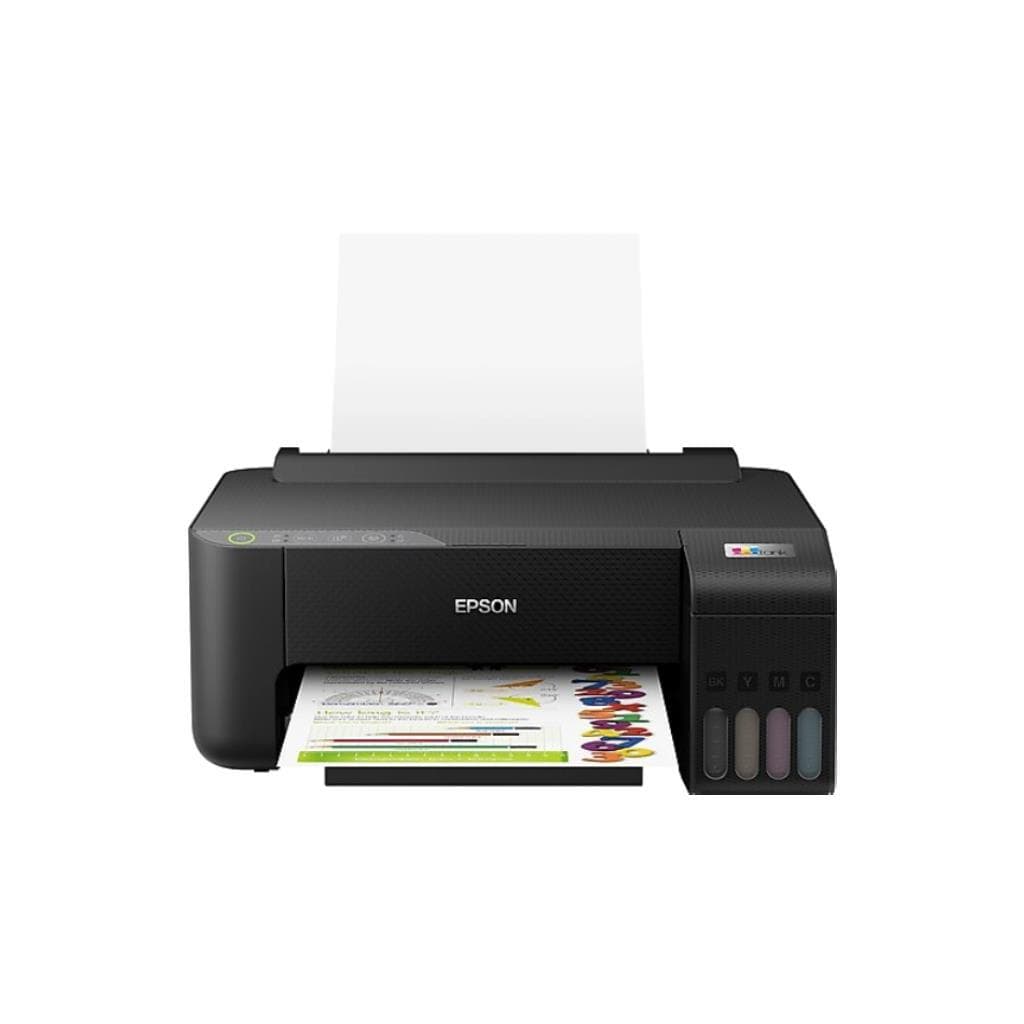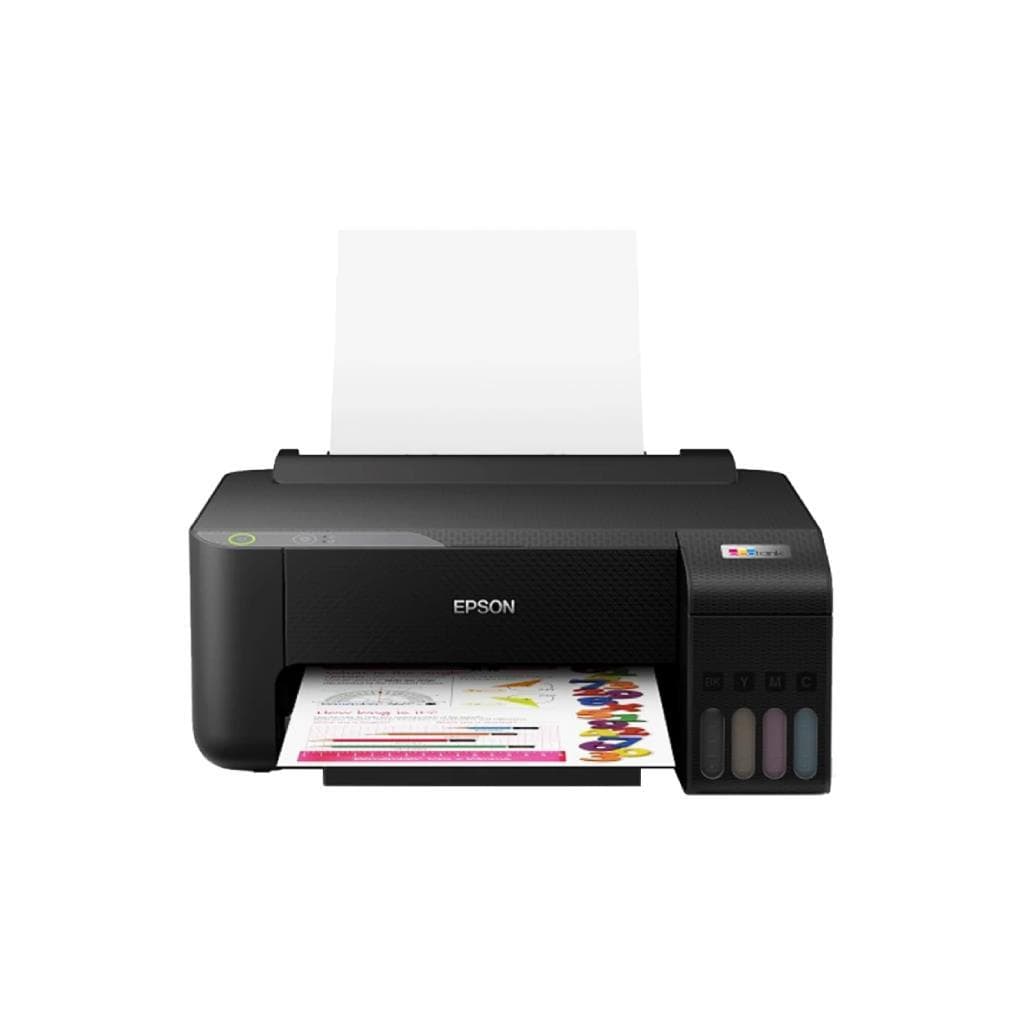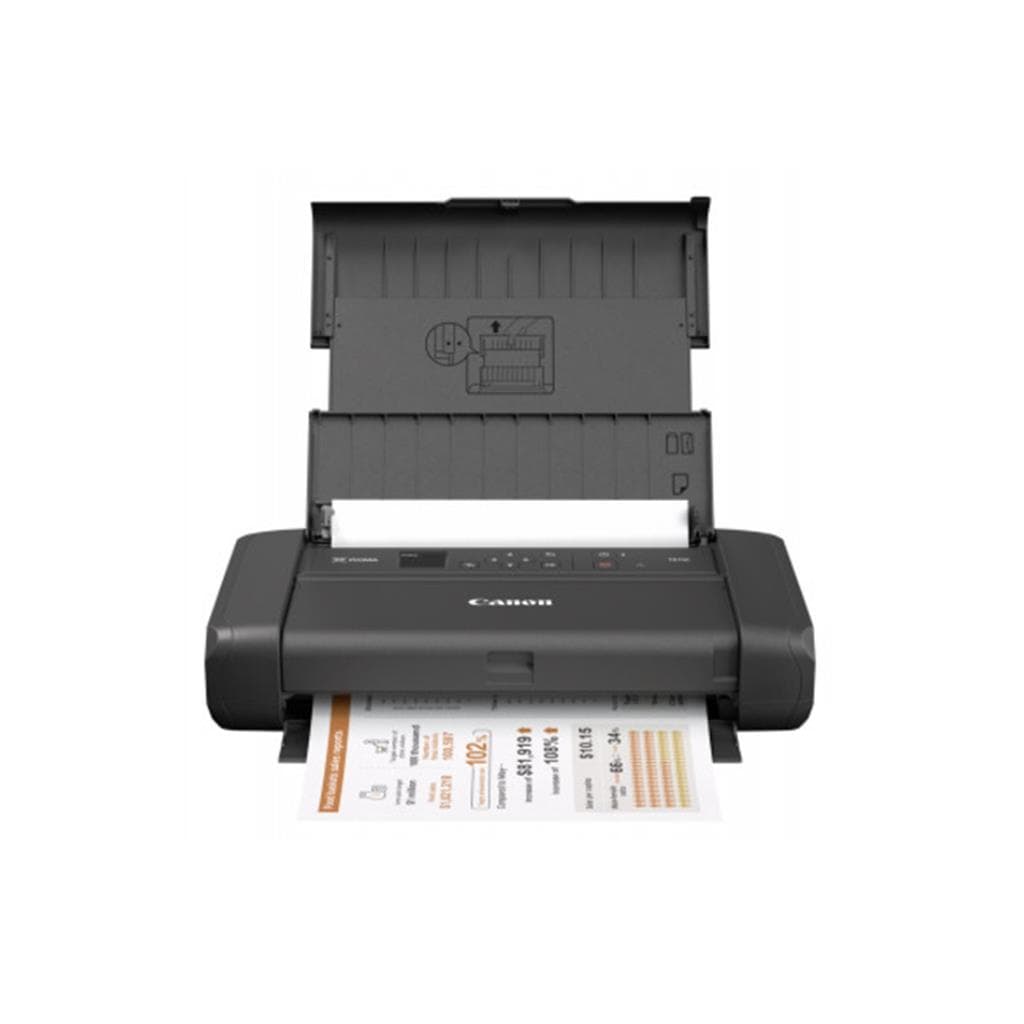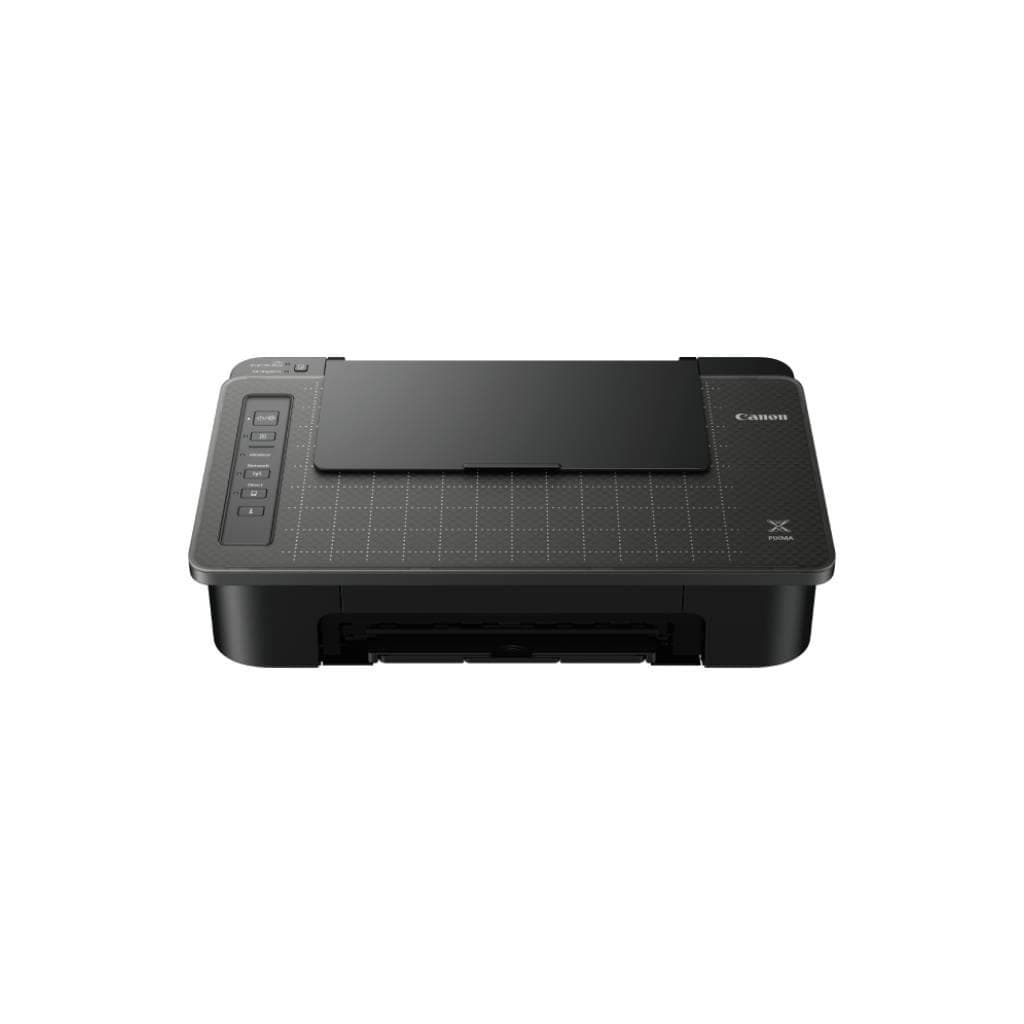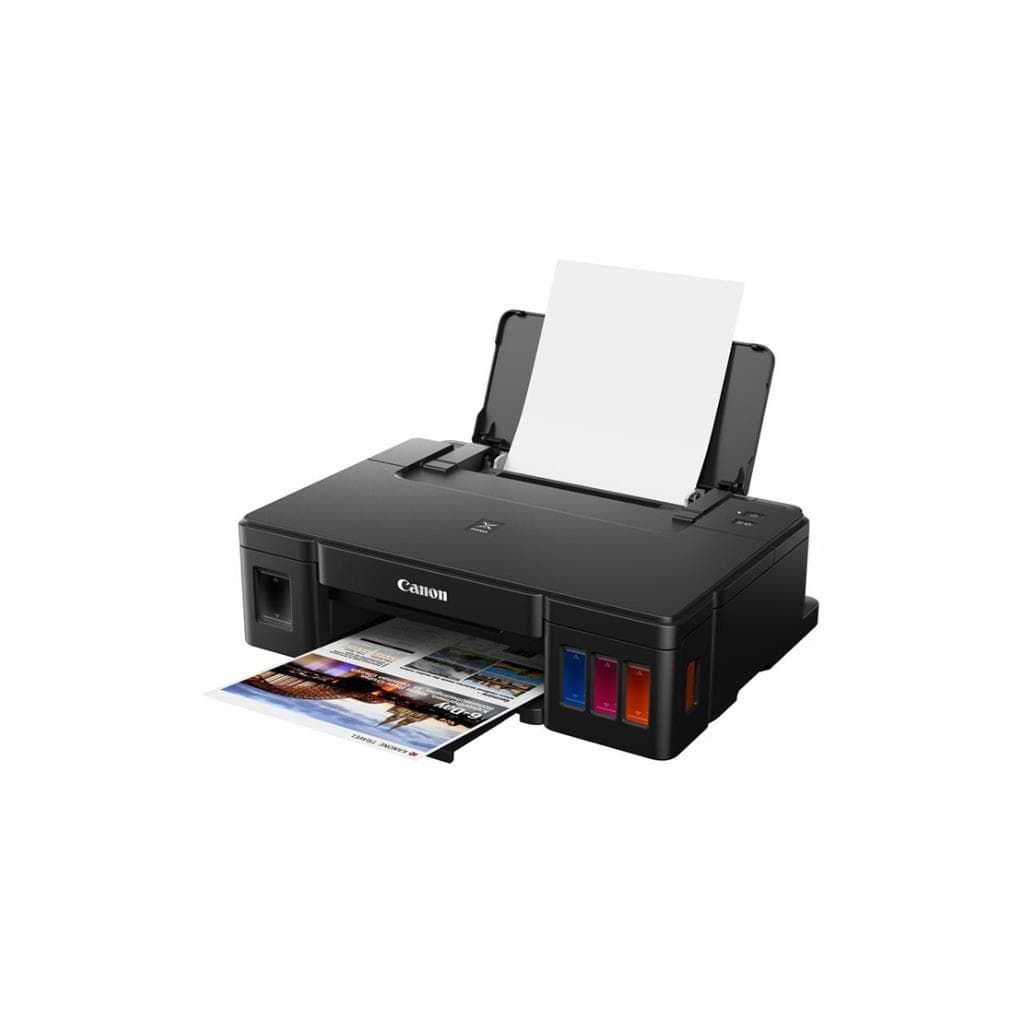


CANON PIXMA G Series GM4070 Inkjet Printer - Wireless, Duplex, 600 x 1200 dpi
SKU: GM4070Printers & Supplies › Inkjet Printers
Please enquire before ordering
The distributor has not yet confirmed the latest price and availability (last checked Aug 4, 2026)
092-251-4017Awaiting stock confirmation1 year manufacturer's warranty
GenuineFree delivery from ฿5,000Tax invoice
เครื่องพิมพ์อิงค์เจ็ท Canon GM4070 รองรับการพิมพ์ สแกน และถ่ายเอกสาร พร้อมเชื่อมต่อ Wi-Fi และเครือข่ายไร้สาย เหมาะสำหรับใช้งานทั้งในบ้านและสำนักงาน
Key features
- พิมพ์ สแกน และถ่ายเอกสารได้ครบวงจรในเครื่องเดียว
- รองรับ Wi-Fi และเครือข่ายไร้สาย
- ความละเอียดสูง 600 x 1200 dpi
- พิมพ์สองหน้าอัตโนมัติ (Duplex)
- เชื่อมต่อผ่านแอปพลิเคชัน Canon PRINT
Product description
Canon GM4070 เป็นเครื่องพิมพ์อิงค์เจ็ทแบบออลอินวัน (All-in-One) ที่ออกแบบมาเพื่อประสิทธิภาพในการใช้งานทั้งในบ้านและสำนักงาน โดยรองรับการพิมพ์ สแกน และถ่ายเอกสารได้อย่างครบครัน พร้อมระบบเชื่อมต่อไร้สายผ่าน Wi-Fi และเครือข่ายภายในสำนักงาน ทำให้สามารถใช้งานร่วมกับอุปกรณ์หลายเครื่องได้ทันที โดยไม่ต้องเสียบสาย ความละเอียดการพิมพ์สูงถึง 600 x 1200 dpi ช่วยให้ภาพและข้อความคมชัด เหมาะสำหรับงานเอกสารทั่วไปและงานพิมพ์ภาพคุณภาพสูง นอกจากนี้ยังรองรับการพิมพ์แบบสองหน้าอัตโนมัติ (Duplex) เพื่อลดการใช้กระดาษและเพิ่มประสิทธิภาพในการทำงาน
More features
- รองรับการพิมพ์จากสมาร์ทโฟนและแท็บเล็ต
- ใช้งานง่าย ติดตั้งเร็ว ไม่ต้องเสียบสาย
- ประหยัดต้นทุนด้วยระบบหมึกแยกสี
Pros and limitations
Pros
- พิมพ์ สแกน และถ่ายเอกสารครบวงจรในเครื่องเดียว
- รองรับการเชื่อมต่อ Wi-Fi และเครือข่ายไร้สาย
- พิมพ์สองหน้าอัตโนมัติ ช่วยประหยัดกระดาษ
- ใช้งานง่าย ติดตั้งเร็ว ไม่ต้องเสียบสาย
- รองรับการพิมพ์จากสมาร์ทโฟนและแท็บเล็ตผ่านแอป Canon PRINT
Limitations
- ไม่มีพอร์ต USB-C
- ความจุถาดกระดาษ 100 แผ่น อาจจำกัดสำหรับงานปริ้นต่อเนื่อง
- ไม่รองรับการพิมพ์แบบไร้ขอบ (Borderless) บนกระดาษ A4
Who it is for
เหมาะสำหรับผู้ใช้งานทั่วไปในบ้านและสำนักงานขนาดเล็กที่ต้องการเครื่องพิมพ์ครบวงจร รองรับการเชื่อมต่อไร้สายและพิมพ์จากอุปกรณ์มือถือ
Connectivity
Network, Wi-Fi
Specifications (28)
- Duplex
- Auto
- หน่วยความจำ (RAM)
- 64 MB
- น้ำหนัก
- 7.9 kg
- การรับประกัน
- 1 ปี
- Languages
- PCL, PostScript (รองรับบางฟังก์ชัน)
- ขนาด
- 438 x 376 x 152 mm
- Duty Cycle
- 1,500 หน้า/เดือน
- Ink System
- แยกสี (Separate Ink Cartridges)
- OS Support
- Windows 10/11, macOS 10.15 or later, iOS, Android
- Paper Size
- A4, A5, B5, Letter, Legal, Envelope
- Duplex Scan
- Support
- ADF Capacity
- 35 แผ่น
- Mobile Print
- Canon PRINT Inkjet/SELPHY, AirPrint, Mopria
- แรงดันไฟฟ้าขาเข้า
- AC 100-240 V, 50/60 Hz
- พอร์ต
- Wi-Fi, Ethernet (LAN), USB 2.0
- การใช้พลังงาน
- 20 W (พิมพ์), 1.5 W (สแตนด์บาย)
- Ink Cartridge Type
- PG-570 / CL-571
- Scanner Resolution
- 1200 x 1200 dpi
- Page Yield (สี)
- 300 หน้า
- Recommended Monthly Pages
- 100 - 300 หน้า
- Paper Tray (Input Capacity)
- 100 แผ่น
- Page Yield (ขาวดำ)
- 400 หน้า
- First Print Out Time (สี)
- 12 วินาที
- การเชื่อมต่อ
- Wi-Fi 4 (802.11b/g/n), Bluetooth 4.2
- First Print Out Time (ขาวดำ)
- 8 วินาที
- ความละเอียด (DPI)
- 600 x 1200 dpi
- ความเร็วพิมพ์ (A4, สี)
- 15 ppm
- ความเร็วพิมพ์ (A4, ขาวดำ)
- 30 ppm
Datasheets and manuals straight from the manufacturer — select a document to open or download it.
13 questions
Frequently asked questions about this product
Compiled from manufacturer information
เครื่องพิมพ์ Canon GM4070 พิมพ์สองหน้าอัตโนมัติได้ไหม?
ใช่ รองรับการพิมพ์สองหน้าอัตโนมัติ (Auto Duplex) ช่วยประหยัดกระดาษและเพิ่มประสิทธิภาพในการทำงาน โดยเฉพาะสำหรับงานเอกสารที่ต้องพิมพ์หลายหน้า
พิมพ์สีเร็วแค่ไหน?
ความเร็วการพิมพ์สี A4 อยู่ที่ 15 แผ่นต่อนาที และเวลาพิมพ์หน้าแรก (First Print Out Time) ใช้เวลาเพียง 12 วินาที ถือว่าเร็วสำหรับเครื่องอิงค์เจ็ททั่วไป
รองรับการพิมพ์จากมือถือได้ไหม?
ใช่ รองรับการพิมพ์จากสมาร์ทโฟนและแท็บเล็ตผ่านแอป Canon PRINT Inkjet/SELPHY, AirPrint และ Mopria โดยไม่จำเป็นต้องต่อสายหรือตั้งค่าซับซ้อน
ใช้หมึกอะไร? หมึกหมดแล้วเปลี่ยนได้ไหม?
ใช้หมึก PG-570 (ขาวดำ) และ CL-571 (สี) โดยสามารถเปลี่ยนหมึกแยกสีได้ตามต้องการ ช่วยลดต้นทุนและไม่ต้องเปลี่ยนหมึกทั้งหมดเมื่อหมึกใดหมึกหนึ่งหมด
พิมพ์งานเอกสารหนาๆ ได้ไหม?
รองรับการพิมพ์บนกระดาษทั่วไปและกระดาษหนาถึง 256 gsm โดยสามารถตั้งค่าในเมนูเครื่องเพื่อปรับความเร็วและแรงดันหมึกให้เหมาะสม
ต้องใช้โปรแกรมอะไรในการพิมพ์?
รองรับการพิมพ์โดยตรงจาก Windows, macOS, iOS และ Android โดยไม่จำเป็นต้องติดตั้งไดรเวอร์เพิ่มเติม สามารถใช้งานผ่านแอป Canon PRINT หรือระบบพิมพ์มาตรฐานของระบบปฏิบัติการ
เครื่องนี้ใช้พลังงานเท่าไหร่?
เมื่อพิมพ์ใช้ไฟประมาณ 20 วัตต์ และในโหมดสแตนด์บายใช้เพียง 1.5 วัตต์ ช่วยประหยัดไฟและลดค่าใช้จ่ายในระยะยาว
มีพอร์ตอะไรบ้าง?
มีพอร์ต USB 2.0, Wi-Fi และ Ethernet (LAN) รองรับการเชื่อมต่อทั้งแบบมีสายและไร้สาย ใช้งานได้หลากหลายสภาพแวดล้อม
Is it in stock?
We are confirming the latest stock and price of the CANON PIXMA G Series GM4070 Inkjet Printer - Wireless, Duplex, 600 x 1200 dpi with the distributor. Please contact us before ordering at 092-251-4017 or sales@gist.co.th.
How much does it cost?
The distributor has not yet confirmed the latest price and availability. Please contact us before ordering at 092-251-4017 or sales@gist.co.th.
How long is the warranty?
Warranty period: รับประกัน 1 ปี (manufacturer's terms). To make a warranty claim, call 092-251-4017 or 065-523-5262, or email sales@gist.co.th (Mon–Fri 9:00–18:00), then send the product with your order number to our head office, or bring it to the head office in person.
How long does delivery take?
Orders placed before 12:00 on a business day are delivered within 1–3 business days (Bangkok and vicinity) or 2–5 business days (other provinces). Free delivery on orders of ฿5,000 or more (a ฿150 delivery fee applies below this amount).
Is it genuine?
Genuine products sourced from distributors in Thailand, covered by the manufacturer's warranty. Full tax invoices are available.
Didn't find the answer you need?
Loading reviews…
Genuine products
Sourced from distributors in Thailand and covered by the manufacturer's warranty
Warranty period
รับประกัน 1 ปี
Covered by the manufacturer's warranty; you can make claims through GIST
Claims through GIST
Ship the product to our head office or bring it in person
Warranty conditions
- A receipt or other proof of purchase is required
- The product must not have been modified or altered
- Damage caused by misuse is not covered by the warranty
- To make a warranty claim, call 092-251-4017 or 065-523-5262, or email sales@gist.co.th (Mon–Fri 9:00–18:00), then send the product with your order number to our head office, or bring it to the head office in person.Head office: 554 Sky Nine Center, Floor 12A, Room 554/62, Asok-Din Daeng Road, Din Daeng Subdistrict, Din Daeng District, Bangkok 10400
More in Inkjet Printers