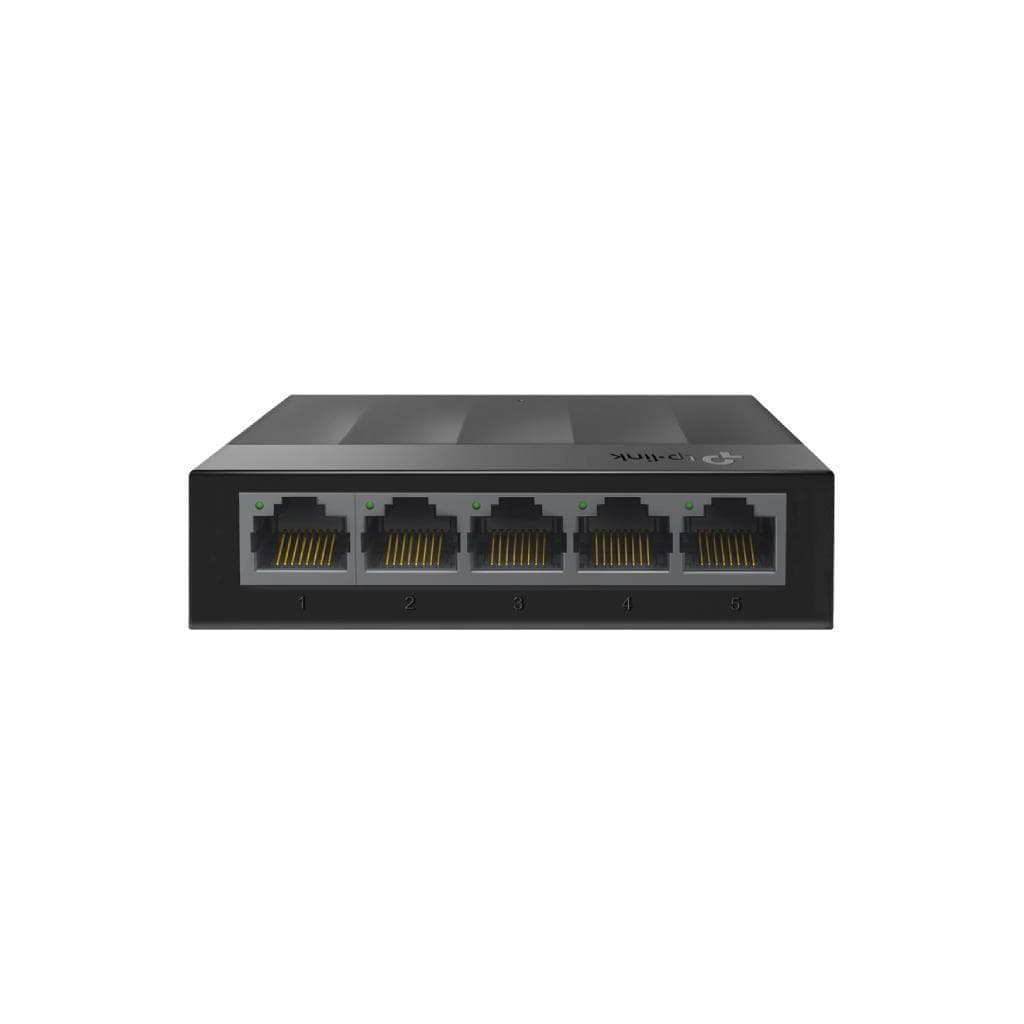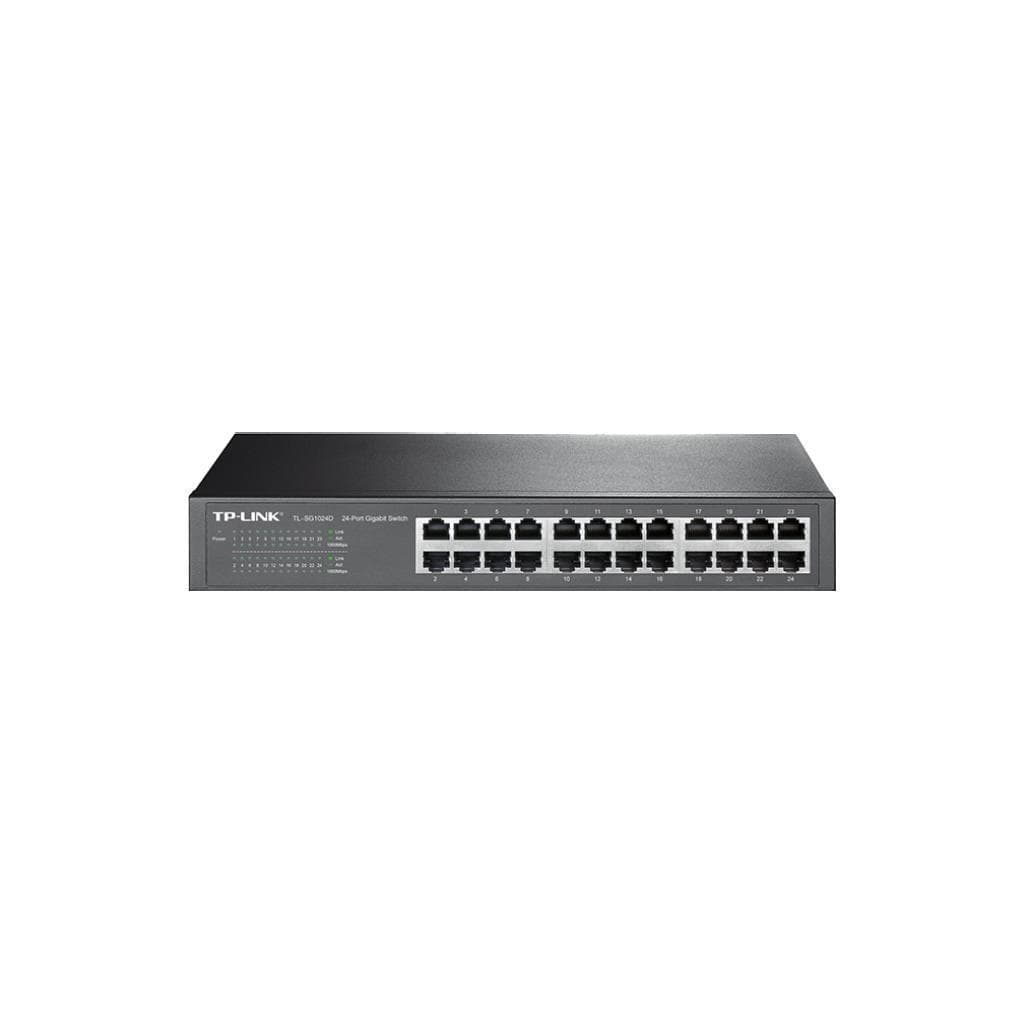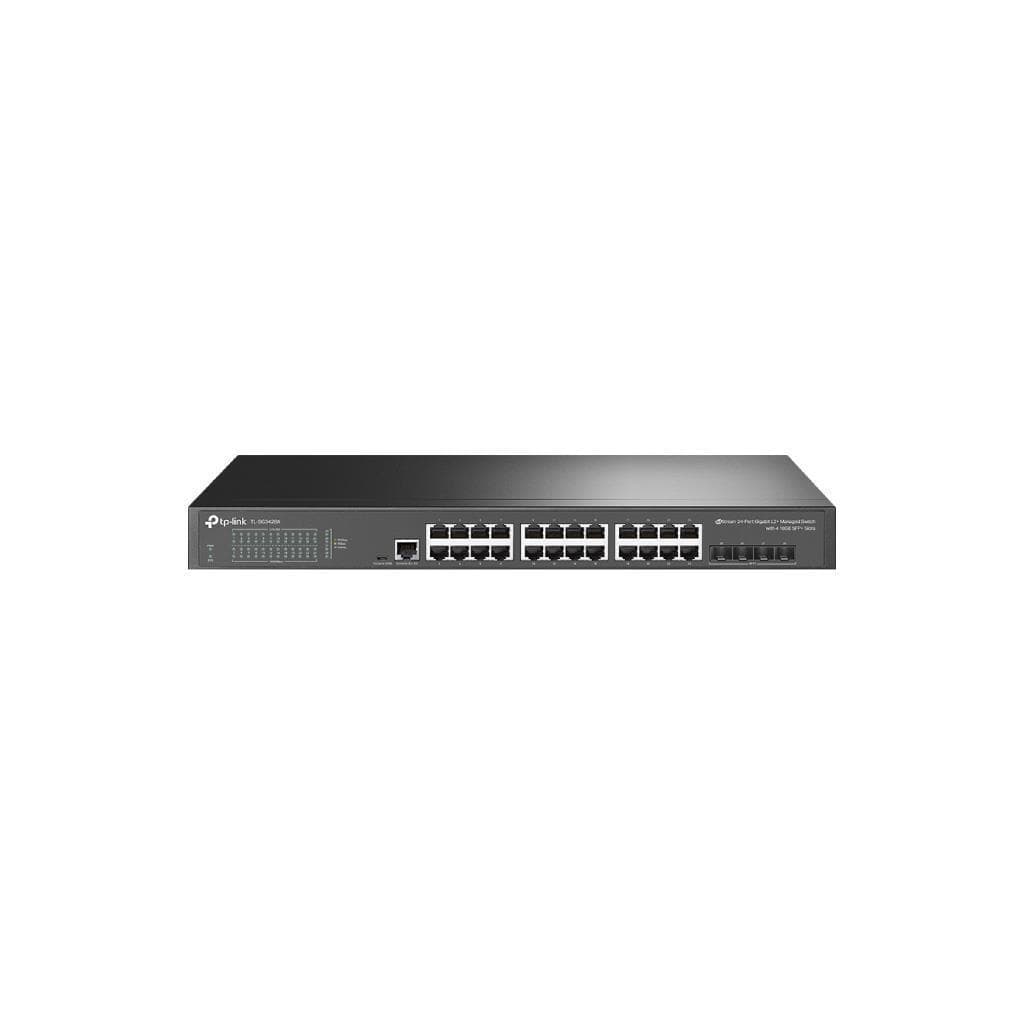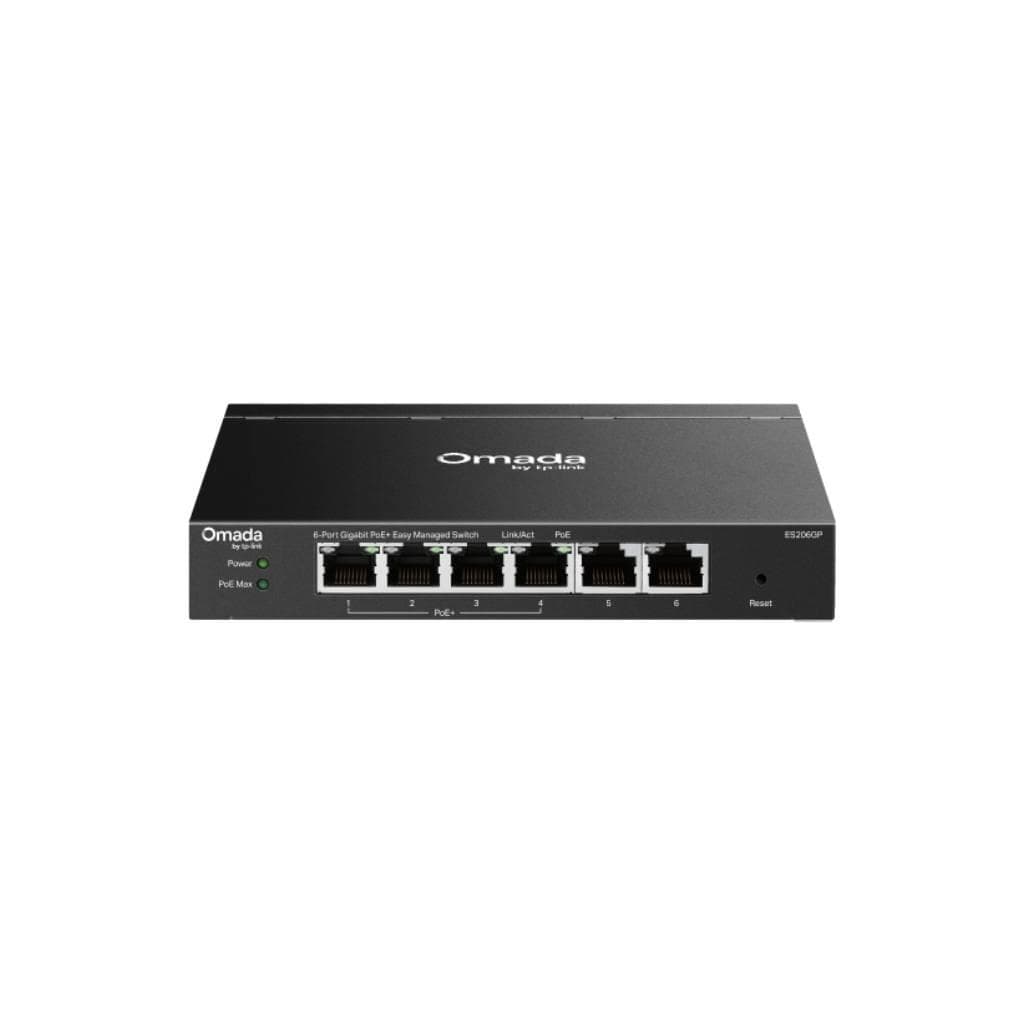


ZYXEL GS1900-8 8-Port GbE Smart Managed Switch, Fanless, Desktop
SKU: GS1900-8Networking › Network Switches
฿2,170
Price includes 7% VATPrice updated October 16, 2026
Out of stockManufacturer's warranty
Temporarily out of stock — ask us about the restock date or an alternative model
Call us 092-251-4017Send a question to salesGenuineFree delivery from ฿5,000Tax invoice
Smart Managed 8-port Gigabit Ethernet switch for small offices, fanless, silent operation, supports VLAN, LAG/LACP, and PoE configuration
Key features
- 8 Gigabit Ethernet ports supporting non-blocking data transfer up to 16 Gbps
- Fanless design for silent operation at 0 dBA
- Supports Smart Managed-level management via web browser
- Supports VLAN and LAG/LACP configuration for simple and efficient connectivity
- Supports PoE management up to 77 watts (for GS1900-8HP model)
Product description
The ZYXEL GS1900-8 switch is designed for small offices and medium-sized businesses (SMB) requiring high speed and stable network connectivity. It features 8 Gigabit Ethernet ports supporting non-blocking data transfer up to 16 Gbps, along with Smart Managed-level management that enables efficient configuration of VLAN, Link Aggregation (LAG/LACP), QoS, and PoE management. The fanless design ensures silent operation at 0 dBA, making it ideal for noise-sensitive work environments. It supports web-based management through an easy-to-use interface, allowing even beginners to configure settings within minutes.
More features
- Supports Jumbo Frame configuration up to 9 KB
- Supports IEEE 802.3at PoE+ up to 30 watts per port
- Supports immediate web-based configuration
- Compact size and lightweight, ready to place on a desk
- Supports IP configuration via DHCP or default IP 192.168.1.1
Pros and limitations
Pros
- Operates completely silent with a fanless design, producing 0 dBA of noise.
- Supports Smart Managed level management via web browser immediately.
- Supports VLAN and LAG/LACP configuration for efficient network connectivity.
- Compact size and lightweight, ready to place on a desk.
- Supports IP configuration via DHCP or use default settings immediately.
Limitations
- Not supported for PoE or PoE+.
- No SFP port for fiber optic connectivity.
- No SNMP support for advanced remote management.
Who it is for
Ideal for small offices or medium-sized businesses that need a Smart Managed level switch that operates silently, supports VLAN and LAG configuration for efficient network connectivity.
Connectivity
Ethernet
Specifications (29)
- Layer
- L2
- Management
- Web Configurator; Smart Managed
- DHCP Client
- Supported
- DHCP Server
- Supported
- QoS Support
- Supported
- Power Supply
- Built-in
- VLAN Support
- Supported
- Default Login
- admin / 1234
- Desktop Mount
- Supported
- IGMP Snooping
- Supported
- Input Voltage
- 100 - 240 V AC, 50/60 Hz
- Web Interface
- HTTP/HTTPS
- Number of ports
- 8
- Weight (kg/lb.)
- 0.65 / 1.43
- LAG/LACP Support
- Supported
- Link Aggregation
- Supported
- 802.3at PoE ports
- 0
- MAC Address Table
- 8 K
- Default IP Address
- 192.168.1.1
- Jumbo Frame (byte)
- 9 K
- Packet Buffer (byte)
- 525 K
- 10/100/1000 Mbps ports
- 8
- Forwarding Rate (Mpps)
- 11.9
- Total PoE budget (Watts)
- 0
- Switching Capacity (Gbps)
- 16
- 10/100/1000 Mbps SFP ports
- 0
- Dimensions (WxDxH) (mm/in.)
- 250 x 104 x 27 / 9.84 x 4.10 x 1.06
- Acoustic noise (min/max, dBA)
- 0
- Max. power consumption (watt)
- 5.0
Datasheets and manuals straight from the manufacturer — select a document to open or download it.
13 questions
Frequently asked questions about this product
Compiled from manufacturer information
Does the GS1900-8 support PoE or PoE+?
Does not support PoE or PoE+ because the GS1900-8 model does not have IEEE 802.3at or PoE+ compatible ports. However, if PoE functionality is required, consider the GS1900-8HP model, which supports up to 77 watts of PoE
Can VLAN be configured on the GS1900-8?
Yes, VLAN configuration is supported, including trunk and access modes, via the web browser interface. This allows effective network segmentation, such as separating internal networks, guest networks, and smart device networks
Does the GS1900-8 have SFP ports for fiber optic connection?
No, the GS1900-8 does not have SFP ports for fiber optic connectivity. If fiber is required, consider the GS1900-10HP or GS1900-24EP models, which include SFP ports
How many ports can be used for LAG on the GS1900-8?
Supports Link Aggregation (LAG) configuration on up to 8 ports. Any combination of ports can be grouped together to increase bandwidth and improve connection stability
Does the GS1900-8 support SNMP management?
Does not support SNMP as stated in the user manual, so it cannot be managed directly using advanced network management tools such as SolarWinds or PRTG. Management must be performed via the web browser only
How many watts does the GS1900-8 consume?
Consumes up to 5.0 W, which is very low, making it ideal for office environments that prioritize energy efficiency and minimal heat generation.
Can the GS1900-8 be mounted on a rack?
Not supported for direct rack mounting as it lacks a rack mounting slot or rack mounting feet, but it can be placed on a desk or mounted horizontally.
Can I configure the IP address of the GS1900-8 myself?
Yes, you can set a static IP address via a web browser. By default, it is accessible at 192.168.1.1 or can automatically obtain an IP via DHCP, with default username and password admin / 1234.
Is it in stock?
The ZYXEL GS1900-8 8-Port GbE Smart Managed Switch, Fanless, Desktop is temporarily out of stock. Ask us about the restock date or an alternative model at sales@gist.co.th or 092-251-4017.
How much does it cost?
The price is ฿2,170 (including 7% VAT). It is currently out of stock; ask us about the restock date at sales@gist.co.th. Business customers can request a quotation at sales@gist.co.th.
How long is the warranty?
The warranty follows the manufacturer's terms for each model; ask our sales team for the warranty period of this model. To make a warranty claim, call 092-251-4017 or 065-523-5262, or email sales@gist.co.th (Mon–Fri 9:00–18:00), then send the product with your order number to our head office, or bring it to the head office in person.
How long does delivery take?
Orders placed before 12:00 on a business day are delivered within 1–3 business days (Bangkok and vicinity) or 2–5 business days (other provinces). Free delivery on orders of ฿5,000 or more (a ฿150 delivery fee applies below this amount).
Is it genuine?
Genuine products sourced from distributors in Thailand, covered by the manufacturer's warranty. Full tax invoices are available.
Didn't find the answer you need?
Loading reviews…
Genuine products
Sourced from distributors in Thailand and covered by the manufacturer's warranty
Warranty period
According to the manufacturer's terms for each model
Covered by the manufacturer's warranty; you can make claims through GIST
Claims through GIST
Ship the product to our head office or bring it in person
Warranty conditions
- A receipt or other proof of purchase is required
- The product must not have been modified or altered
- Damage caused by misuse is not covered by the warranty
- To make a warranty claim, call 092-251-4017 or 065-523-5262, or email sales@gist.co.th (Mon–Fri 9:00–18:00), then send the product with your order number to our head office, or bring it to the head office in person.Head office: 554 Sky Nine Center, Floor 12A, Room 554/62, Asok-Din Daeng Road, Din Daeng Subdistrict, Din Daeng District, Bangkok 10400
More in Network Switches