
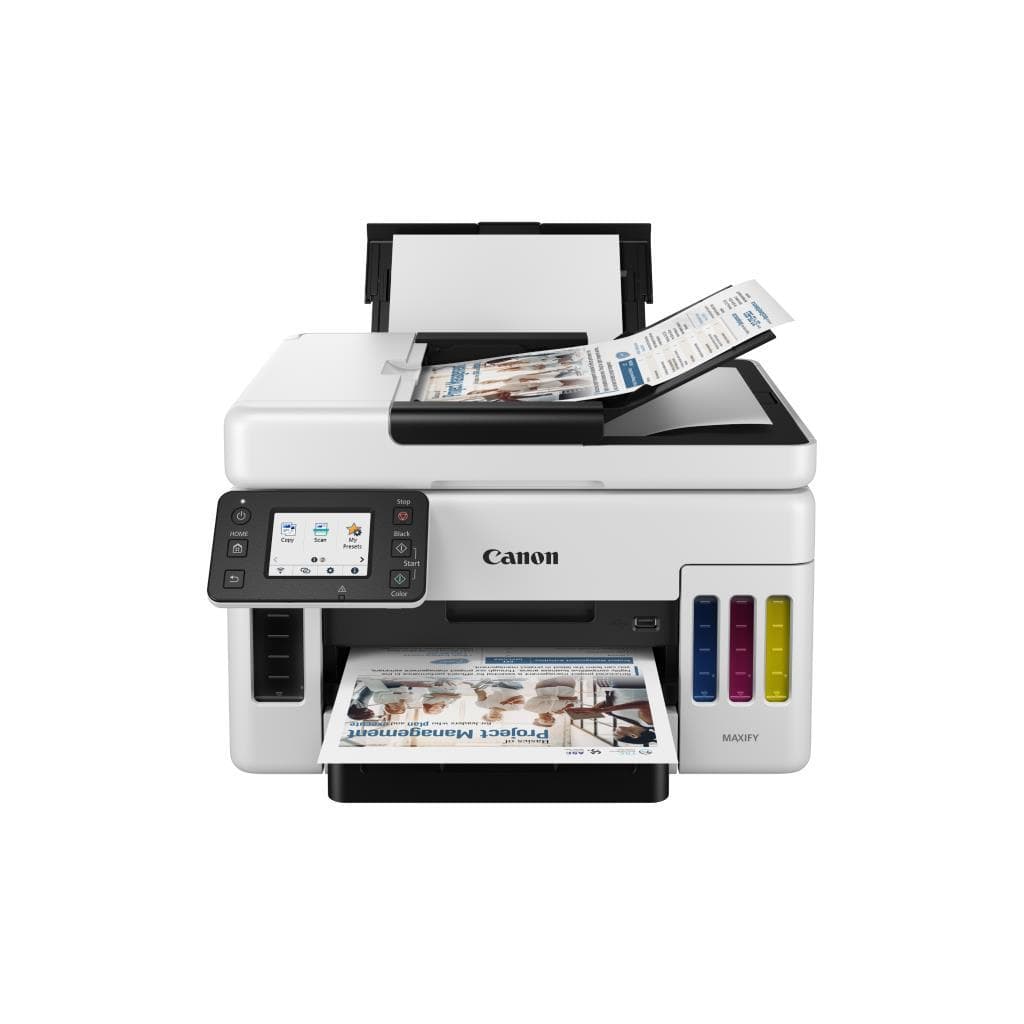
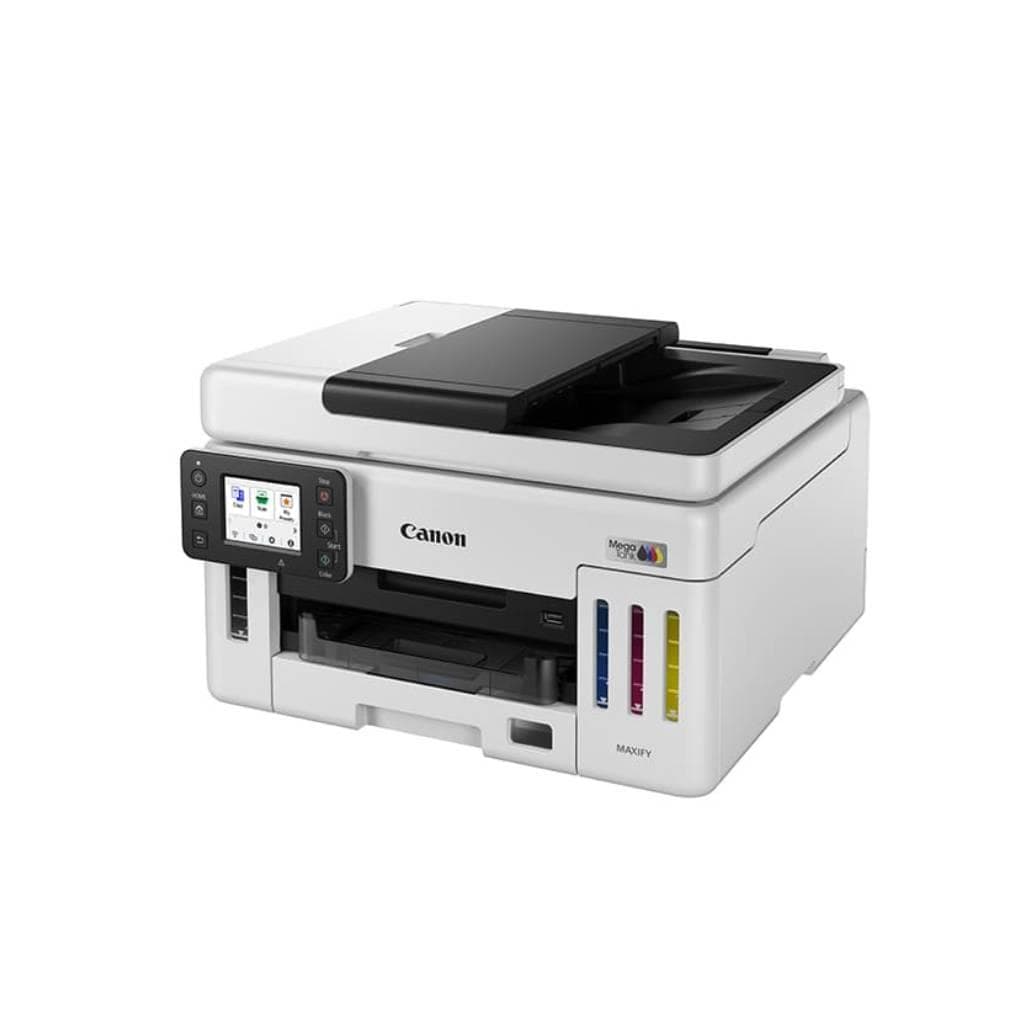

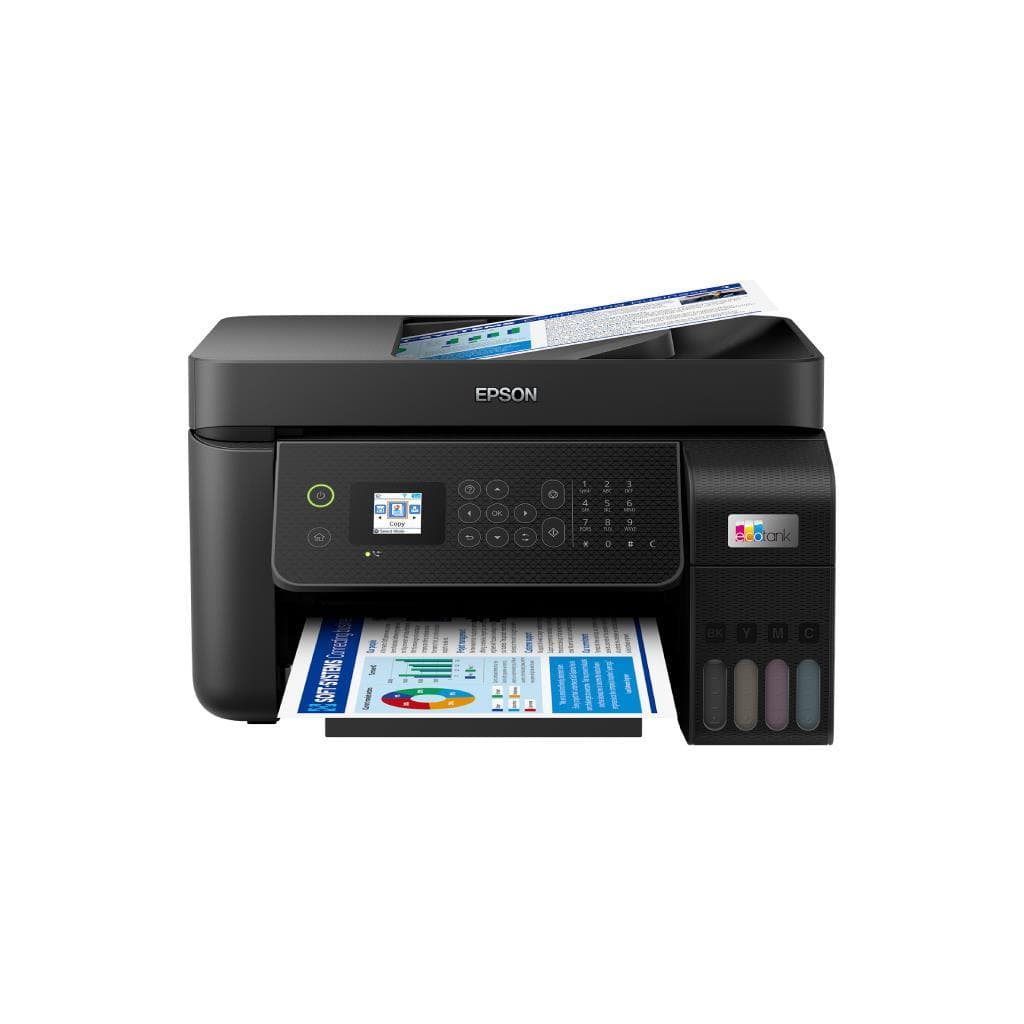
CANON imageCLASS MF455dw 24 ppm (ดำ) / 15.5 ppm (สี) MFP Printer
SKU: GX6170Printers & Supplies › Multifunction Printers
฿12,350
Price includes 7% VATPrice updated November 1, 2026
In stock2 units1 year manufacturer's warranty
For orders placed before 12:00 on a business day; weekends excluded
GenuineFree delivery from ฿5,000Tax invoice
เครื่องพิมพ์อัลล์อินวัน พร้อมฟังก์ชันสแกนและแฟกซ์ รองรับการพิมพ์ไร้สายจากมือถือ ใช้งานได้ทั้งในออฟฟิศเล็กและสำนักงานขนาดกลาง
Key features
- พิมพ์เร็ว 24 ppm (ดำ), 15.5 ppm (สี)
- ความละเอียด 600 x 1,200 dpi
- รองรับ Wi-Fi และ Canon PRINT Inkjet
- สแกนเอกสารอัตโนมัติผ่านหน้าจอสัมผัส
- แฟกซ์แบบไร้สาย (Wireless Fax)
Product description
เครื่องพิมพ์อัลล์อินวันรุ่น imageCLASS MF455dw รองรับการพิมพ์ความเร็วสูง 24 แผ่นต่อนาที (ดำ) และ 15.5 แผ่นต่อนาที (สี) พร้อมความละเอียดสูงถึง 600 x 1,200 dpi ให้ภาพคมชัดแม้ในเอกสารที่มีข้อความหนาแน่นหรือกราฟิกละเอียด รองรับการเชื่อมต่อ Wi-Fi และแอปพลิเคชัน Canon PRINT Inkjet สำหรับพิมพ์จากสมาร์ทโฟนและแท็บเล็ตได้ทุกที่ พร้อมระบบสแกนเอกสารอัตโนมัติและแฟกซ์แบบไร้สาย ใช้งานง่ายในสภาพแวดล้อมทำงานร่วมกัน (collaborative workspace) ได้อย่างมีประสิทธิภาพ
More features
- ถาดใส่กระดาษ 250 แผ่น
- รองรับการพิมพ์จากมือถือและแท็บเล็ต
- หน้าจอสัมผัส 4.3 นิ้ว
- รองรับระบบปฏิบัติการ Windows, macOS, iOS, Android
Pros and limitations
Pros
- พิมพ์เร็วและประหยัดเวลาในงานประจำวัน
- สแกนเอกสารอัตโนมัติพร้อม ADF 50 แผ่น
- รองรับการพิมพ์จากมือถือได้ทุกแพลตฟอร์ม
- ถาดใส่กระดาษ 250 แผ่น ลดการเติมกระดาษบ่อย
- หน้าจอสัมผัส 4.3 นิ้ว ใช้งานง่าย
Limitations
- ไม่มีพอร์ต USB-C
- ไม่รองรับ Bluetooth
- ความเร็วพิมพ์สียังไม่สูงเท่าเครื่องระดับพรีเมียม
Who it is for
เหมาะสำหรับสำนักงานขนาดเล็กถึงกลางที่ต้องการเครื่องพิมพ์ครบวงจร พร้อมฟังก์ชันสแกนและแฟกซ์แบบไร้สาย ใช้พิมพ์เอกสารประจำวัน งานนำเสนอ และจัดการเอกสารด้วยมือถือ
Specifications (34)
- หน่วยความจำ (RAM)
- 128 MB
- น้ำหนัก
- 10.8 กก.
- Display
- หน้าจอสัมผัส 4.3 นิ้ว
- การรับประกัน
- 1 ปี
- Bluetooth
- ไม่รองรับ
- Languages
- PCL, PostScript 3
- ขนาด
- 397 x 362 x 278 มม.
- Paper Size
- A4, A5, Letter, Legal, Executive, Envelope
- -duty_cycle
- สูงสุด 30,000 แผ่น/เดือน
- Duplex Scan
- Auto
- ระดับเสียง
- 40 dB (พิมพ์), 35 dB (สแตนด์บาย)
- ADF Capacity
- 50 แผ่น
- แหล่งจ่ายไฟ
- AC 220–240 V, 50/60 Hz
- Control Panel
- ปุ่มหมุน + สัมผัส
- ความชื้นขณะทำงาน
- 20 - 80% RH (ไม่มีควบแน่น)
- Duplex Printing
- Auto
- Wi-Fi Standards
- Wi-Fi 802.11b/g/n
- พอร์ต
- USB 2.0, Ethernet (RJ-45), Wi-Fi 802.11b/g/n
- Ink Yield (Black)
- สูงสุด 3,000 หน้า
- Ink Yield (Color)
- สูงสุด 2,000 หน้า
- การใช้พลังงาน
- 1,050 W (พิมพ์), 4.8 W (สแตนด์บาย)
- Scanner Interface
- TWAIN, ISIS
- คุณสมบัติด้านความปลอดภัย
- PIN-protected printing, secure network protocols
- Ink Cartridge Type
- PG-570 (ดำ), CL-571 (สี)
- First Print Out Time
- 10.5 วินาที
- Mobile Print Support
- Canon PRINT Inkjet, AirPrint, Mopria
- อุณหภูมิการทำงาน
- 10 - 35 °C
- Recommended Monthly Pages
- 500 - 1,500 แผ่น
- Operating Systems Supported
- Windows 10/11, macOS 10.14–12.x, iOS 11+, Android 6.0+
- Paper Tray (Input Capacity)
- 250 แผ่น
- Scanner Resolution (Optical)
- 600 x 600 dpi
- ความละเอียด (DPI)
- 600 x 1,200 dpi
- ความเร็วพิมพ์ (A4 ดำ)
- 24 ppm
- ความเร็วพิมพ์ (A4 สี)
- 15.5 ppm
Datasheets and manuals straight from the manufacturer — select a document to open or download it.
13 questions
Frequently asked questions about this product
Compiled from manufacturer information
เครื่องนี้พิมพ์งานสีได้เร็วแค่ไหน?
เครื่องพิมพ์นี้มีความเร็วในการพิมพ์งานสีที่ 15.5 แผ่นต่อนาที (ppm) บนกระดาษ A4 ซึ่งถือว่าเร็วสำหรับเครื่อง MFP ระดับกลาง
รองรับการพิมพ์จากมือถือได้กี่ระบบ?
รองรับการพิมพ์จากมือถือผ่านแอป Canon PRINT Inkjet, AirPrint (iOS), และ Mopria (Android) ใช้งานได้ทั้งบน iPhone, iPad และสมาร์ทโฟนแอนดรอยด์
ถาดใส่กระดาษรองรับกี่แผ่น?
ถาดใส่กระดาษรองรับได้สูงสุด 250 แผ่น ช่วยลดการเติมกระดาษบ่อยครั้งในงานพิมพ์ปริมาณมาก
ใช้หมึกแบบไหน และพิมพ์ได้กี่หน้า?
ใช้หมึก PG-570 (ดำ) ได้สูงสุด 3,000 หน้า และ CL-571 (สี) ได้สูงสุด 2,000 หน้า ตามมาตรฐาน ISO/IEC 24711
ต้องการอุปกรณ์เสริมอะไรเพิ่มเติมไหม?
ไม่จำเป็นต้องใช้อุปกรณ์เสริมใดๆ เพิ่มเติม แค่มีเครือข่าย Wi-Fi และหมึกพร้อมใช้งานก็สามารถเริ่มพิมพ์ได้ทันที
สแกนเอกสารแบบไหนที่รองรับ?
รองรับการสแกนเอกสารแบบ ADF อัตโนมัติ 50 แผ่น และสามารถสแกนแบบสองด้านได้โดยอัตโนมัติ
ใช้งานในสภาพแวดล้อมที่มีอุณหภูมิสูงได้ไหม?
ใช้งานได้ในอุณหภูมิ 10 - 35 °C และความชื้นสัมพัทธ์ 20 - 80% (ไม่มีควบแน่น) จึงเหมาะกับสำนักงานทั่วไป
มีระบบความปลอดภัยอะไรบ้าง?
มีระบบ PIN-protected printing และรองรับโปรโตคอลเครือข่ายที่ปลอดภัย เช่น HTTPS และ IPsec เพื่อป้องกันการเข้าถึงข้อมูลโดยไม่ได้รับอนุญาต
Is it in stock?
The CANON imageCLASS MF455dw 24 ppm (ดำ) / 15.5 ppm (สี) MFP Printer is in stock and ready to ship. Orders placed before 12:00 on a business day are delivered within 1–3 business days (Bangkok and vicinity) or 2–5 business days (other provinces). Order online at store.gist.co.th or contact our sales team at 092-251-4017.
How much does it cost?
The price is ฿12,350 (including 7% VAT). It is in stock and ready to ship. Business customers can request a quotation at sales@gist.co.th.
How long is the warranty?
Warranty period: รับประกัน 1 ปี (manufacturer's terms). To make a warranty claim, call 092-251-4017 or 065-523-5262, or email sales@gist.co.th (Mon–Fri 9:00–18:00), then send the product with your order number to our head office, or bring it to the head office in person.
How long does delivery take?
Orders placed before 12:00 on a business day are delivered within 1–3 business days (Bangkok and vicinity) or 2–5 business days (other provinces). Free delivery on orders of ฿5,000 or more (a ฿150 delivery fee applies below this amount).
Is it genuine?
Genuine products sourced from distributors in Thailand, covered by the manufacturer's warranty. Full tax invoices are available.
Didn't find the answer you need?
Loading reviews…
Genuine products
Sourced from distributors in Thailand and covered by the manufacturer's warranty
Warranty period
รับประกัน 1 ปี
Covered by the manufacturer's warranty; you can make claims through GIST
Claims through GIST
Ship the product to our head office or bring it in person
Warranty conditions
- A receipt or other proof of purchase is required
- The product must not have been modified or altered
- Damage caused by misuse is not covered by the warranty
- To make a warranty claim, call 092-251-4017 or 065-523-5262, or email sales@gist.co.th (Mon–Fri 9:00–18:00), then send the product with your order number to our head office, or bring it to the head office in person.Head office: 554 Sky Nine Center, Floor 12A, Room 554/62, Asok-Din Daeng Road, Din Daeng Subdistrict, Din Daeng District, Bangkok 10400
More in Multifunction Printers
Price
฿12,350