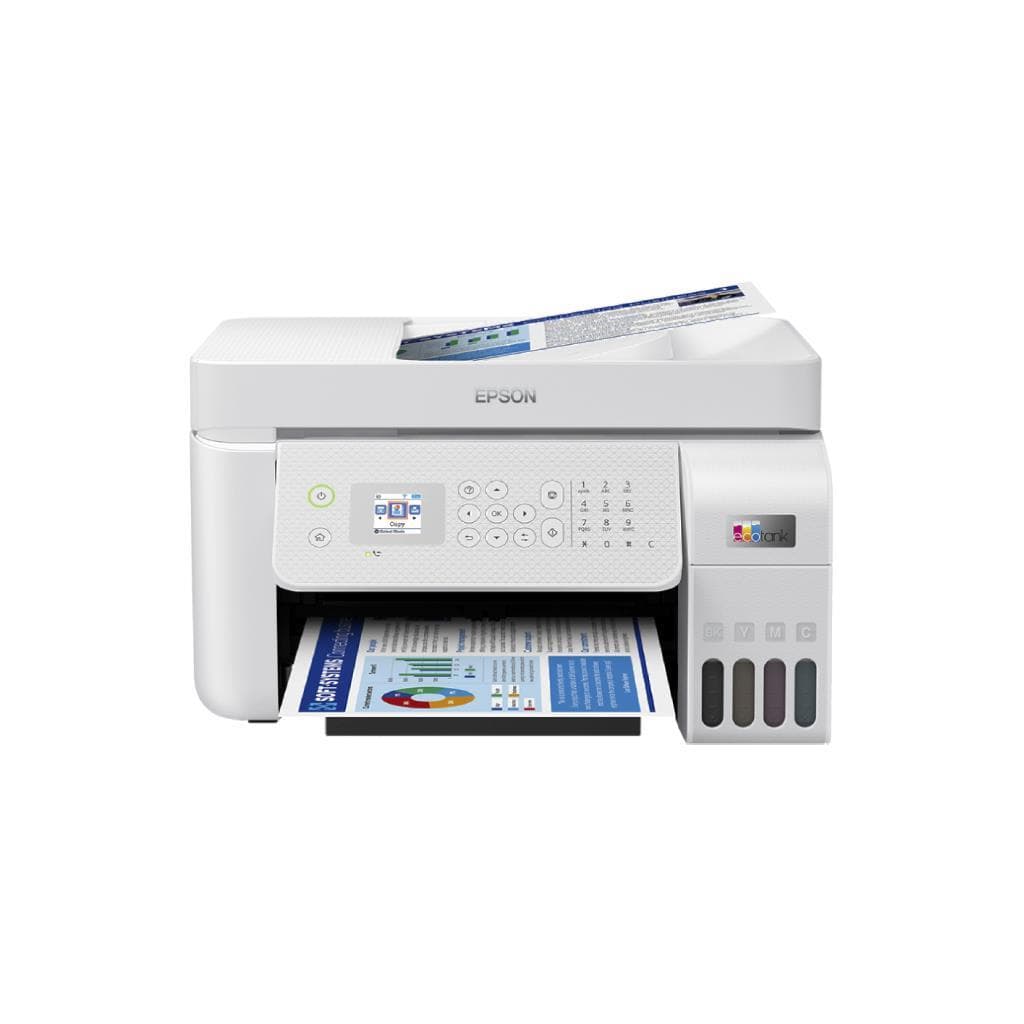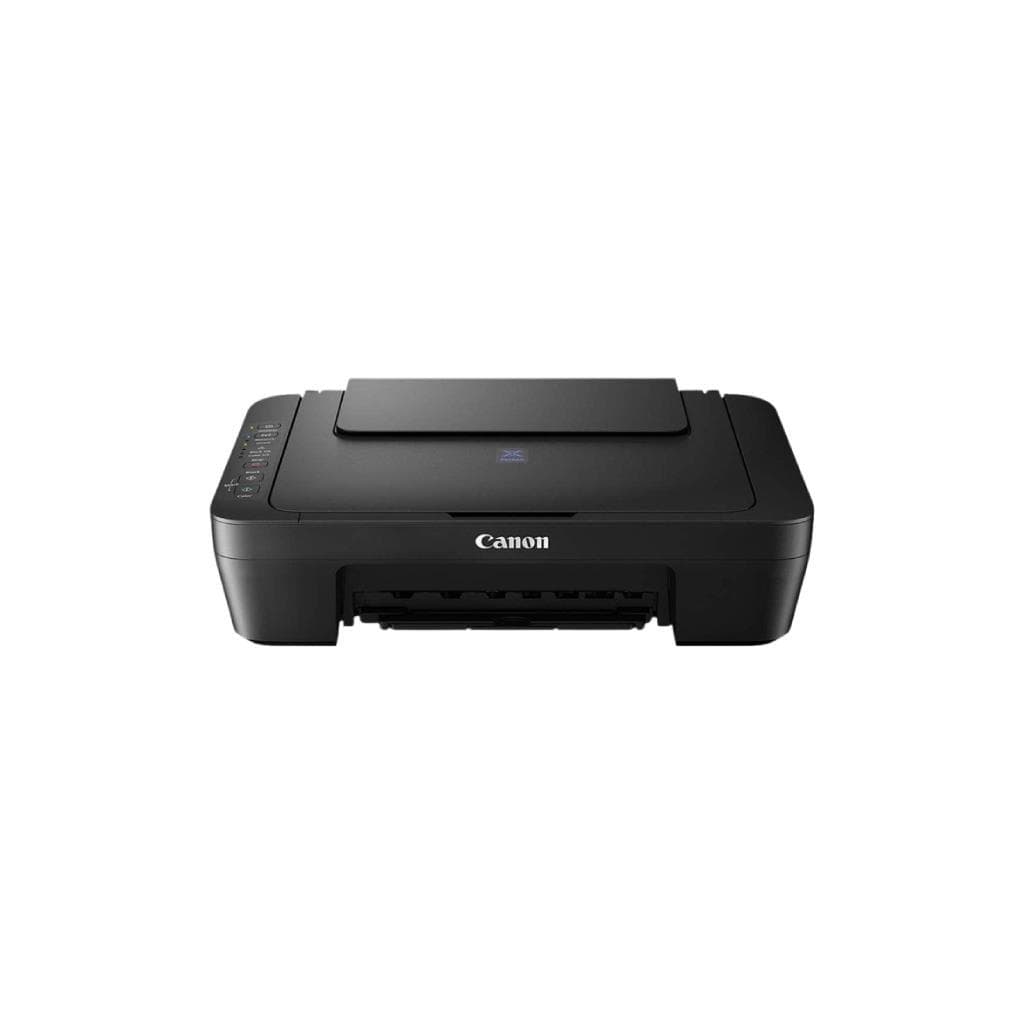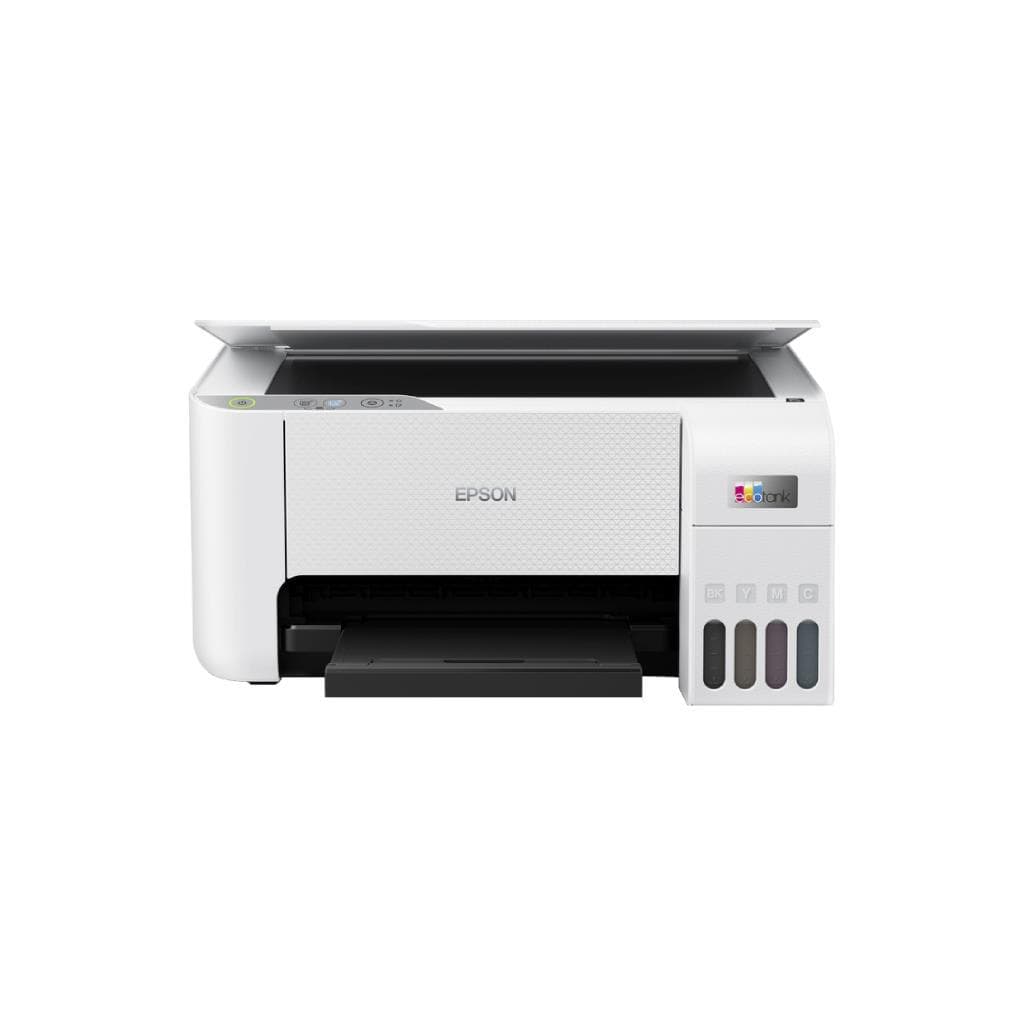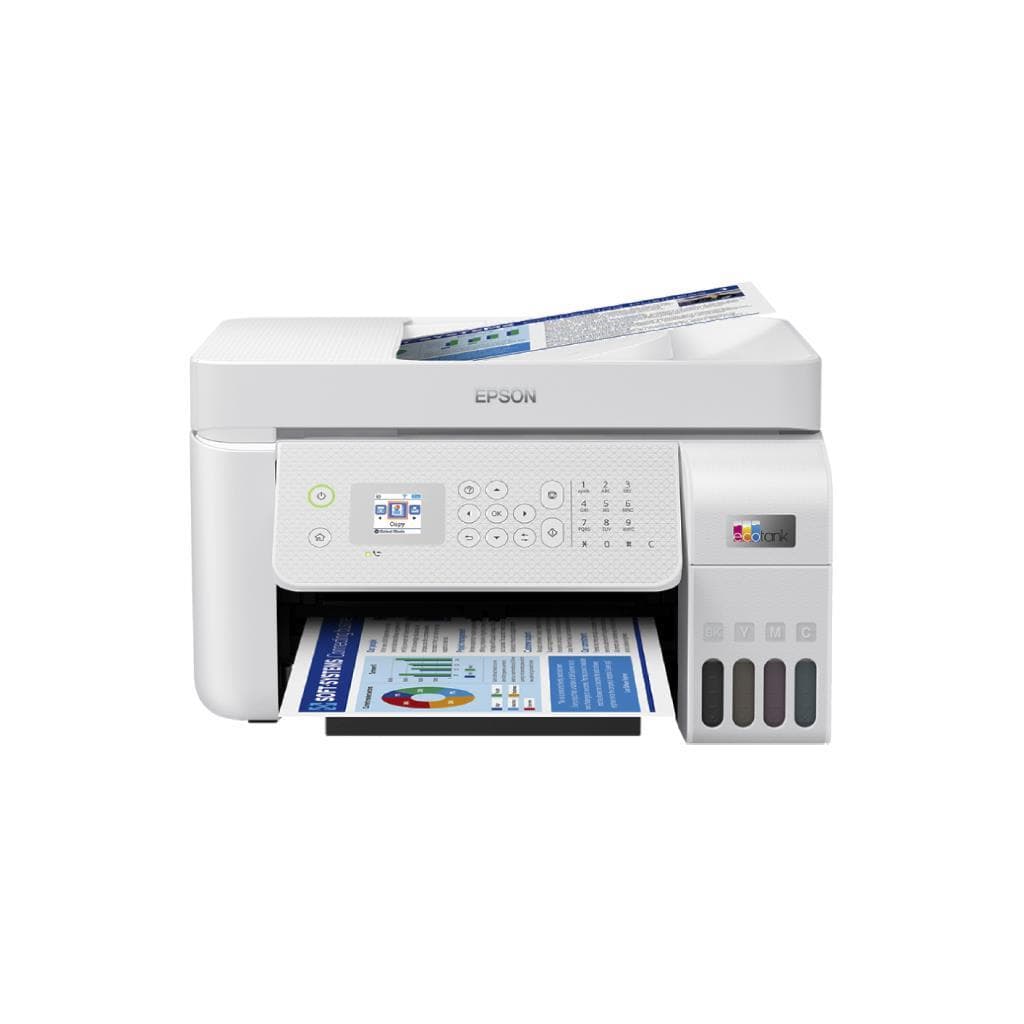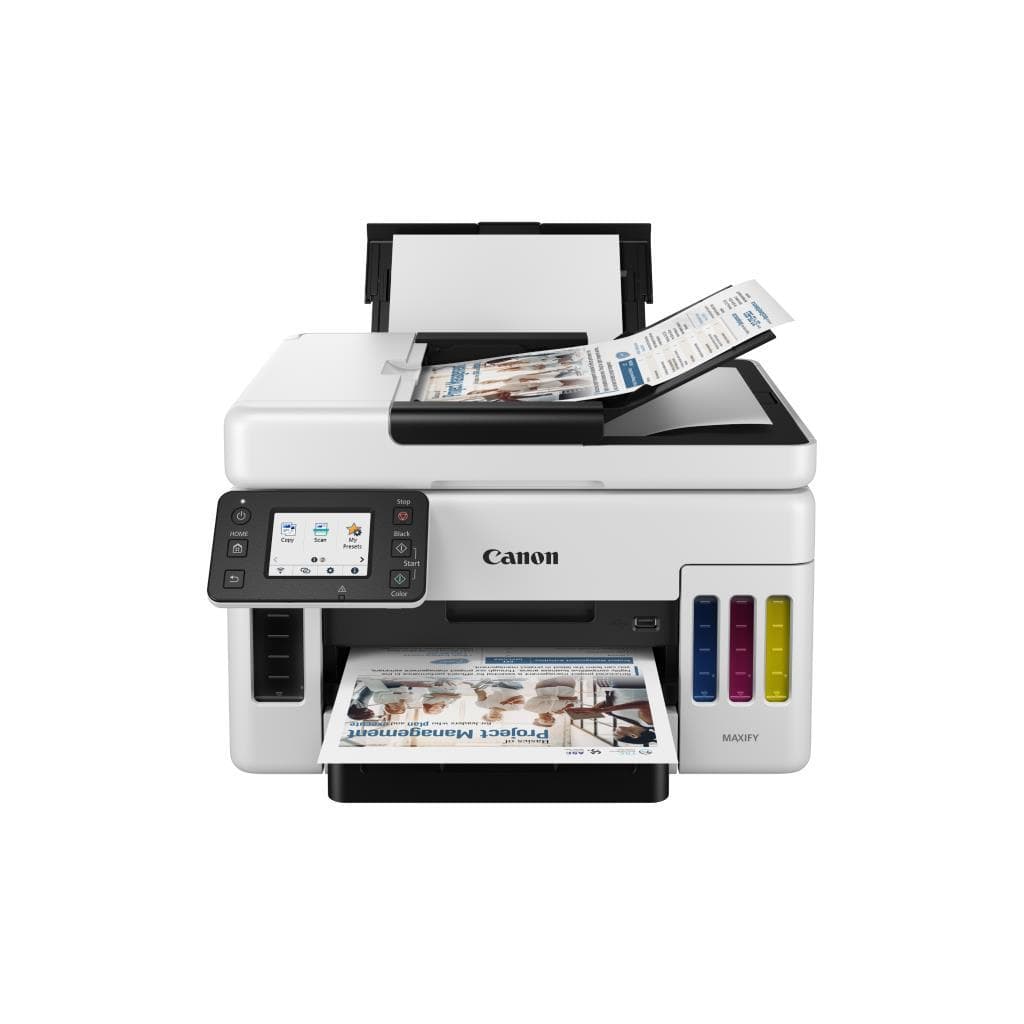


CANON MAXIFY GX6570 All-in-One Color Inkjet Printer (600 x 1200 dpi) USB 2.0
SKU: GX6570Printers & Supplies › Multifunction Printers
Please enquire before ordering
The distributor has not yet confirmed the latest price and availability (last checked Aug 13, 2026)
092-251-4017Awaiting stock confirmation1 year manufacturer's warranty
GenuineFree delivery from ฿5,000Tax invoice
เครื่องพิมพ์อิงค์เจ็ทแบบ All-in-One รุ่น GX6570 จาก Canon รองรับการพิมพ์ สแกน และถ่ายเอกสาร ความละเอียดสูง 600 x 1200 dpi เหมาะสำหรับใช้งานในสำนักงานขนาดเล็กและบ้าน
Key features
- พิมพ์ สแกน ถ่ายเอกสาร ครบในเครื่องเดียว
- ความละเอียดสูง 600 x 1200 dpi
- รองรับการพิมพ์สองด้านอัตโนมัติ
- เชื่อมต่อผ่าน USB 2.0 และ Wi-Fi
- เหมาะสำหรับงานสำนักงานขนาดเล็ก
Product description
Canon MAXIFY GX6570 เป็นเครื่องพิมพ์อิงค์เจ็ทแบบ All-in-One ที่ออกแบบมาเพื่อประสิทธิภาพสูงในงานสำนักงานขนาดเล็กและผู้ใช้งานทั่วไป โดยรองรับการพิมพ์เอกสารสีและขาวดำได้อย่างรวดเร็ว พร้อมความละเอียดสูงถึง 600 x 1200 dpi ทำให้ภาพและข้อความคมชัด เหมาะสำหรับงานที่ต้องการคุณภาพสูง เช่น โปสเตอร์ ใบเสนอราคา และเอกสารนำเสนอ นอกจากนี้ยังรองรับการสแกนและถ่ายเอกสารแบบสองด้านอัตโนมัติ (Duplex) ช่วยประหยัดเวลาและกระดาษได้อย่างมีประสิทธิภาพ เครื่องใช้ระบบ USB 2.0 สำหรับการเชื่อมต่อที่เสถียร และรองรับการพิมพ์ผ่าน Wi-Fi สำหรับความสะดวกในการใช้งานจากอุปกรณ์หลายเครื่อง
More features
- ใช้หมึกอิงค์เจ็ทประหยัดต้นทุน
- พิมพ์เอกสารสีได้เร็ว 15 ppm
- รองรับกระดาษ A4, Letter และขนาดพิเศษ
- หน้าจอแสดงผลแบบสัมผัส 3.0 นิ้ว
- รองรับการพิมพ์จากสมาร์ทโฟนและแท็บเล็ต
Pros and limitations
Pros
- พิมพ์เอกสารสีได้เร็ว 15 ppm
- รองรับการพิมพ์สองด้านอัตโนมัติ ประหยัดกระดาษ
- หน้าจอสัมผัส 3.0 นิ้ว ใช้งานง่าย
- รองรับการพิมพ์จากสมาร์ทโฟนและแท็บเล็ต
- ใช้หมึกอิงค์เจ็ทที่มีประสิทธิภาพสูง ประหยัดต้นทุน
Limitations
- ไม่มีพอร์ต USB-C
- ไม่รองรับ Bluetooth
- หน่วยความจำ 256 MB อาจจำกัดการประมวลผลงานซับซ้อน
Who it is for
เหมาะสำหรับสำนักงานขนาดเล็ก ร้านค้าออนไลน์ หรือผู้ใช้งานทั่วไปที่ต้องการเครื่องพิมพ์ครบวงจร รองรับการพิมพ์เอกสาร สแกน และถ่ายเอกสารได้อย่างรวดเร็วและมีคุณภาพสูง
Color
สี
Connectivity
USB 2.0
Specifications (34)
- หน่วยความจำ (RAM)
- 256 MB
- น้ำหนัก
- 8.0 kg
- Display
- จอสัมผัส 3.0 นิ้ว
- ลำโพง
- ไม่มี
- ประเภทหมึก
- อิงค์เจ็ท
- การรับประกัน
- 1 ปี
- ขนาด
- 428 x 376 x 195 mm
- Paper Size
- A4, Letter, Legal, Envelope (DL), Photo (4x6")
- -duty cycle
- 1,000 หน้า/เดือน
- ขอบเขตสี
- สีเต็มรูปแบบ
- ADF Capacity
- 35 แผ่น
- Mobile Print
- AirPrint, Mopria, Canon PRINT Inkjet/SELPHY
- Scanner Type
- Flatbed + ADF
- แรงดันไฟฟ้าขาเข้า
- AC 100-240 V, 50/60 Hz
- มาตรฐาน Wi-Fi
- Wi-Fi 4 (802.11b/g/n)
- Duplex Printing
- Auto
- พอร์ต
- USB 2.0, LAN (RJ-45)
- เวอร์ชัน Bluetooth
- ไม่รองรับ
- การใช้พลังงาน
- 15 W (พิมพ์), 3.5 W (สแตนด์บาย)
- คุณสมบัติด้านความปลอดภัย
- ไม่รองรับ
- ความชื้นขณะทำงาน
- 20 - 80 % RH
- Page Yield (Black)
- 1,000 หน้า
- Page Yield (Color)
- 700 หน้า
- Scanner Resolution
- 1,200 x 1,200 dpi
- Ink Cartridge Model
- PG-545 (ดำ), CL-546 (สี)
- Languages Supported
- ภาษาไทย, อังกฤษ, ญี่ปุ่น, เกาหลี, จีน (ตัวเต็ม/ตัวย่อ)
- อุณหภูมิการทำงาน
- 10 - 35 °C
- ระบบปฏิบัติการที่รองรับ
- Windows 10/11, macOS 10.15+, iOS, Android
- Recommended Monthly Pages
- 500-1,000 หน้า
- Wireless Printing Support
- Canon PRINT Inkjet/SELPHY, AirPrint, Mopria
- Paper Tray Capacity (Input)
- 150 แผ่น
- ความละเอียด (DPI)
- 600 x 1200 dpi
- ความเร็วพิมพ์ (A4 สี)
- 15 ppm
- ความเร็วพิมพ์ (A4 ขาวดำ)
- 30 ppm
Datasheets and manuals straight from the manufacturer — select a document to open or download it.
13 questions
Frequently asked questions about this product
Compiled from manufacturer information
เครื่องพิมพ์ MAXIFY GX6570 พิมพ์เอกสารสีได้เร็วแค่ไหน?
เครื่องพิมพ์นี้สามารถพิมพ์เอกสารสี A4 ได้เร็วถึง 15 แผ่นต่อนาที ทำให้เหมาะกับงานพิมพ์จำนวนมากในช่วงเวลาสั้น ๆ
รองรับการพิมพ์จากสมาร์ทโฟนได้ไหม?
ใช่ รองรับการพิมพ์ผ่านแอป Canon PRINT Inkjet/SELPHY, AirPrint และ Mopria สามารถส่งงานพิมพ์จาก iPhone, iPad หรือ Android ได้ทันที
ใช้หมึกแบบไหน และพิมพ์ได้กี่หน้า?
ใช้หมึก PG-545 (ดำ) พิมพ์ได้ประมาณ 1,000 หน้า และ CL-546 (สี) พิมพ์ได้ประมาณ 700 หน้า ตามมาตรฐาน ISO/IEC 24734
สามารถสแกนเอกสารสองด้านได้ไหม?
ใช่ เครื่องรองรับการสแกนผ่าน ADF (Automatic Document Feeder) พร้อมความสามารถสแกนสองด้านอัตโนมัติ ช่วยประหยัดเวลาในการจัดการเอกสาร
พิมพ์งานขนาดใหญ่ได้ไหม เช่น A3?
ไม่รองรับการพิมพ์ขนาด A3 โดยเครื่องนี้รองรับเฉพาะกระดาษ A4, Letter, Legal และ Photo 4x6 นิ้วเท่านั้น
ต้องใช้ซอฟต์แวร์อะไรในการติดตั้ง?
สามารถติดตั้งผ่านเว็บไซต์ Canon หรือใช้แอป Canon PRINT Inkjet/SELPHY รองรับทั้ง Windows, macOS, iOS และ Android
มีระบบชาร์จไร้สายหรือไม่?
ไม่มี ตัวเครื่องใช้ไฟฟ้าผ่านปลั๊กไฟ AC เท่านั้น ไม่มีแบตเตอรี่หรือระบบชาร์จไร้สาย
รองรับการเชื่อมต่อ LAN ได้ไหม?
ใช่ เครื่องมีพอร์ต LAN (RJ-45) รองรับการเชื่อมต่อผ่านสายเครือข่ายในสำนักงาน
Is it in stock?
We are confirming the latest stock and price of the CANON MAXIFY GX6570 All-in-One Color Inkjet Printer (600 x 1200 dpi) USB 2.0 with the distributor. Please contact us before ordering at 092-251-4017 or sales@gist.co.th.
How much does it cost?
The distributor has not yet confirmed the latest price and availability. Please contact us before ordering at 092-251-4017 or sales@gist.co.th.
How long is the warranty?
Warranty period: รับประกัน 1 ปี (manufacturer's terms). To make a warranty claim, call 092-251-4017 or 065-523-5262, or email sales@gist.co.th (Mon–Fri 9:00–18:00), then send the product with your order number to our head office, or bring it to the head office in person.
How long does delivery take?
Orders placed before 12:00 on a business day are delivered within 1–3 business days (Bangkok and vicinity) or 2–5 business days (other provinces). Free delivery on orders of ฿5,000 or more (a ฿150 delivery fee applies below this amount).
Is it genuine?
Genuine products sourced from distributors in Thailand, covered by the manufacturer's warranty. Full tax invoices are available.
Didn't find the answer you need?
Loading reviews…
Genuine products
Sourced from distributors in Thailand and covered by the manufacturer's warranty
Warranty period
รับประกัน 1 ปี
Covered by the manufacturer's warranty; you can make claims through GIST
Claims through GIST
Ship the product to our head office or bring it in person
Warranty conditions
- A receipt or other proof of purchase is required
- The product must not have been modified or altered
- Damage caused by misuse is not covered by the warranty
- To make a warranty claim, call 092-251-4017 or 065-523-5262, or email sales@gist.co.th (Mon–Fri 9:00–18:00), then send the product with your order number to our head office, or bring it to the head office in person.Head office: 554 Sky Nine Center, Floor 12A, Room 554/62, Asok-Din Daeng Road, Din Daeng Subdistrict, Din Daeng District, Bangkok 10400
More in Multifunction Printers