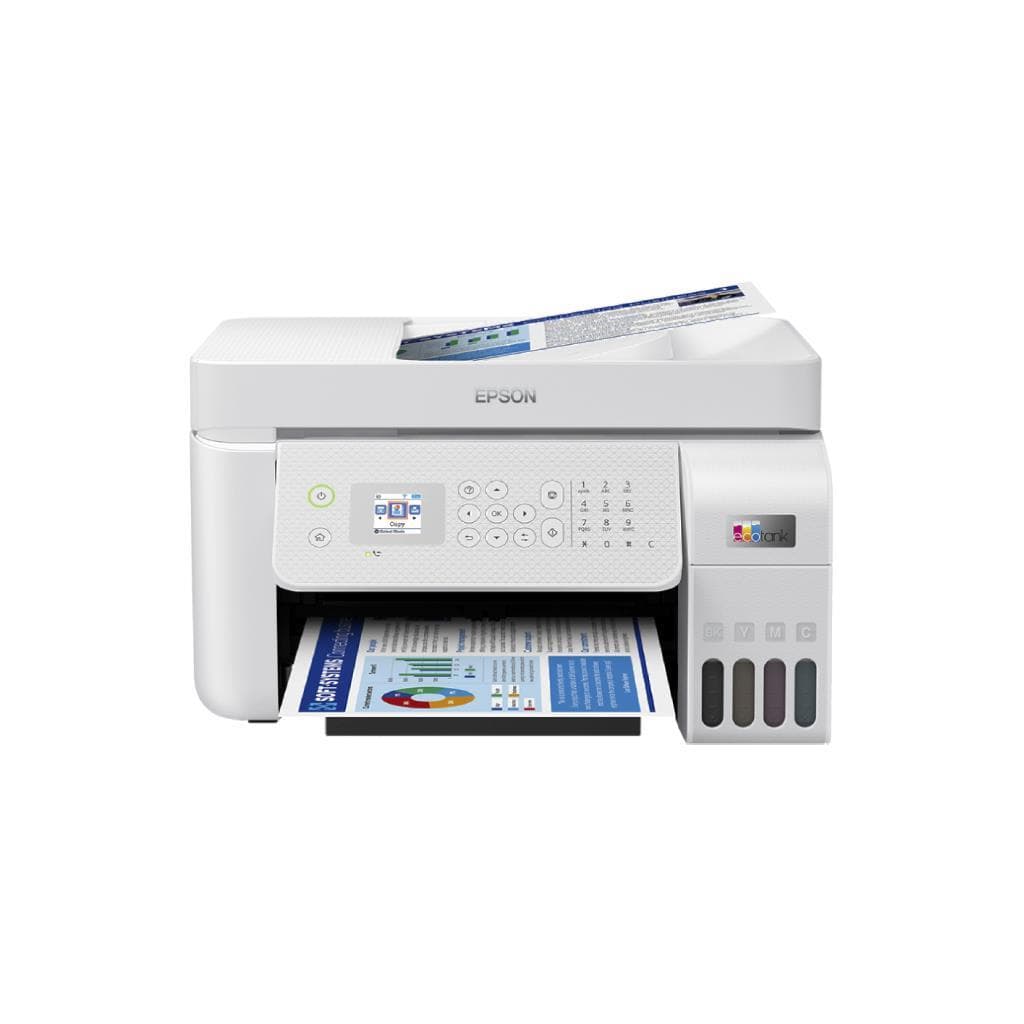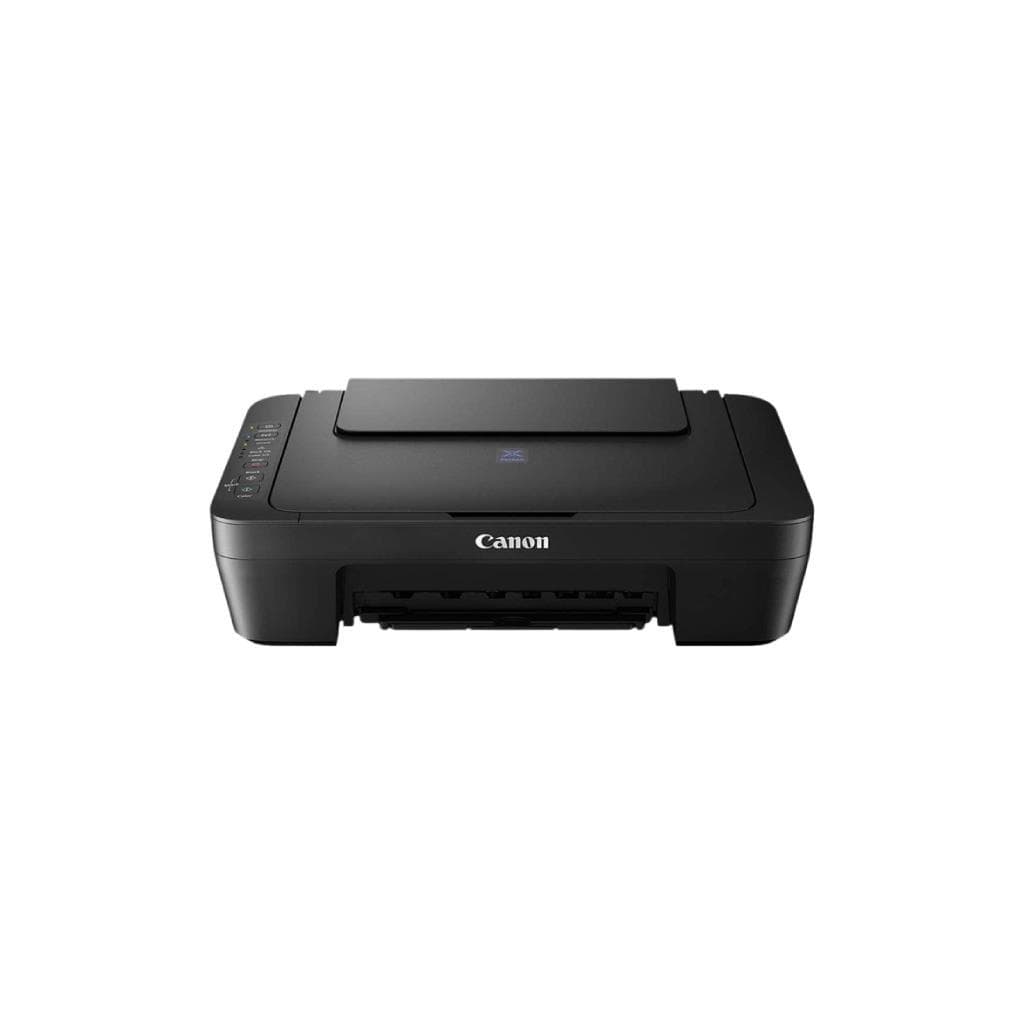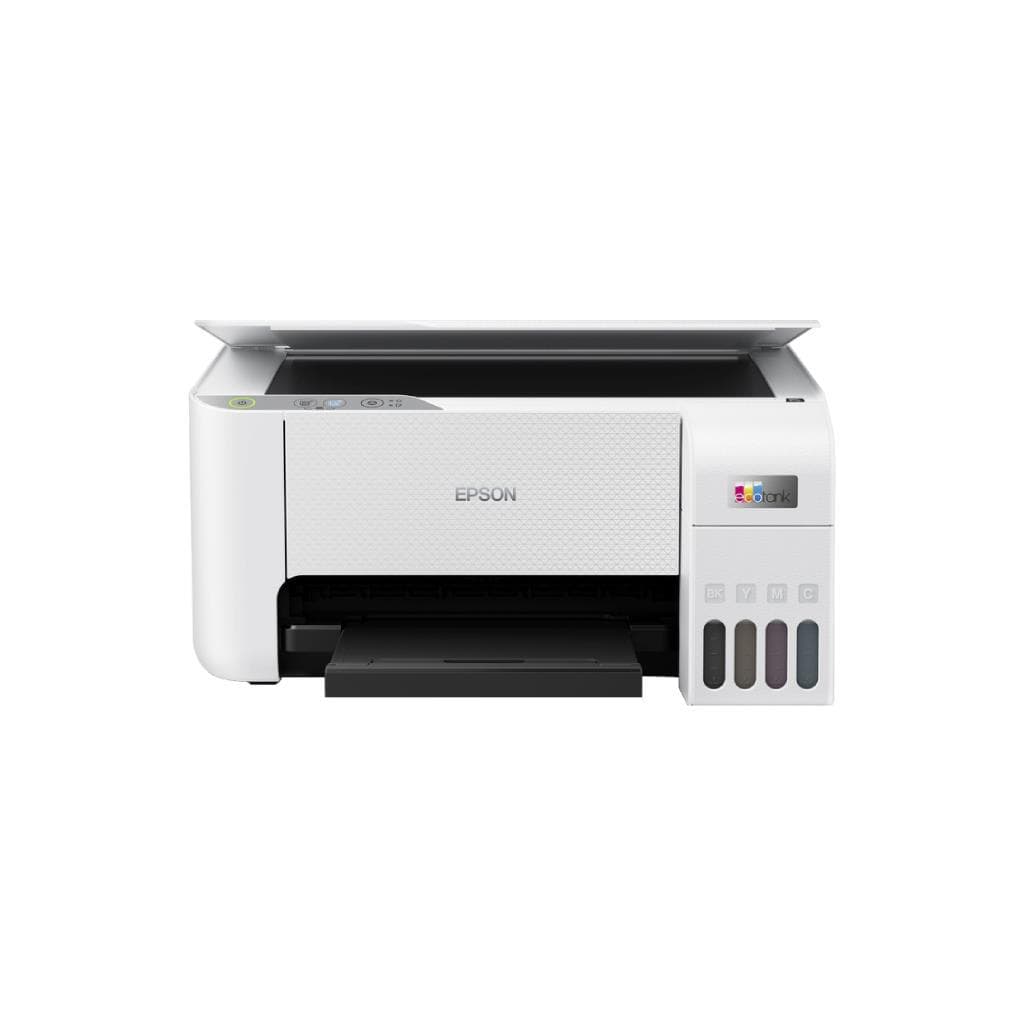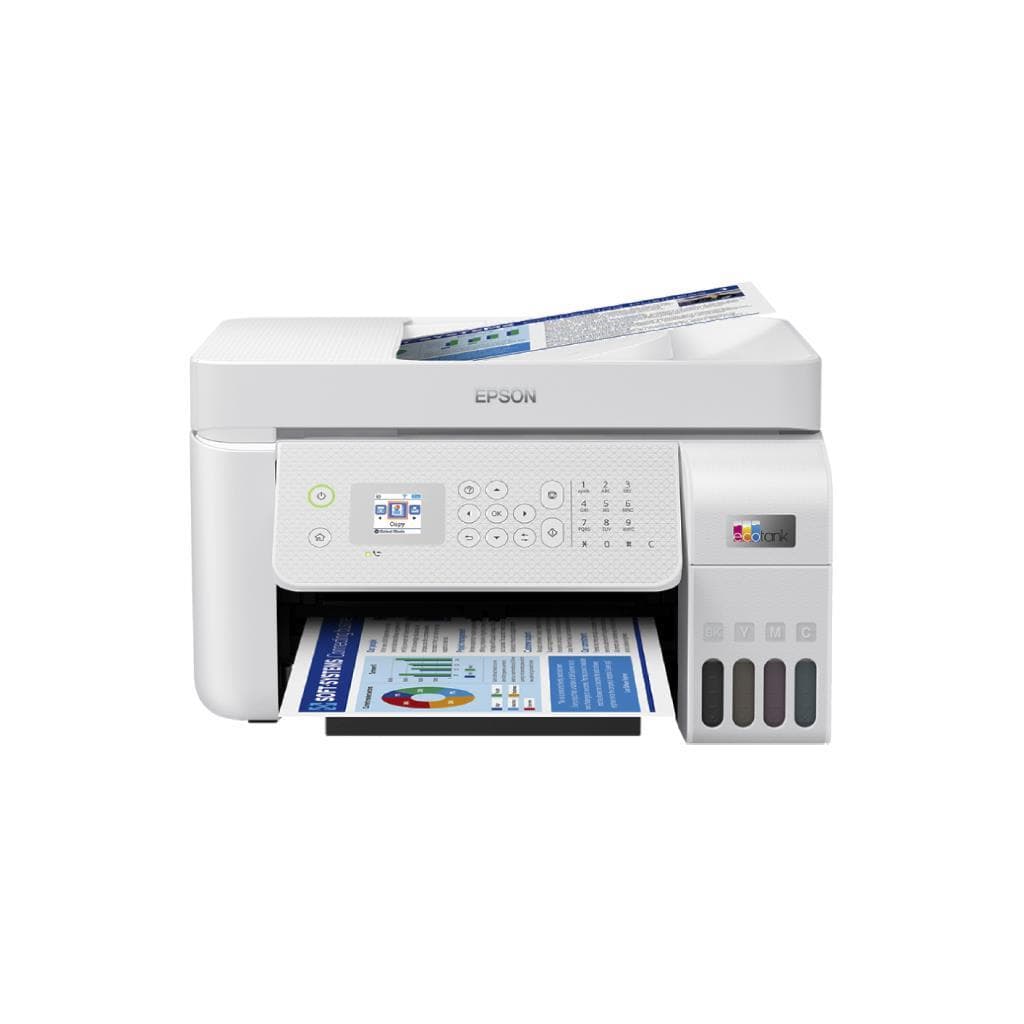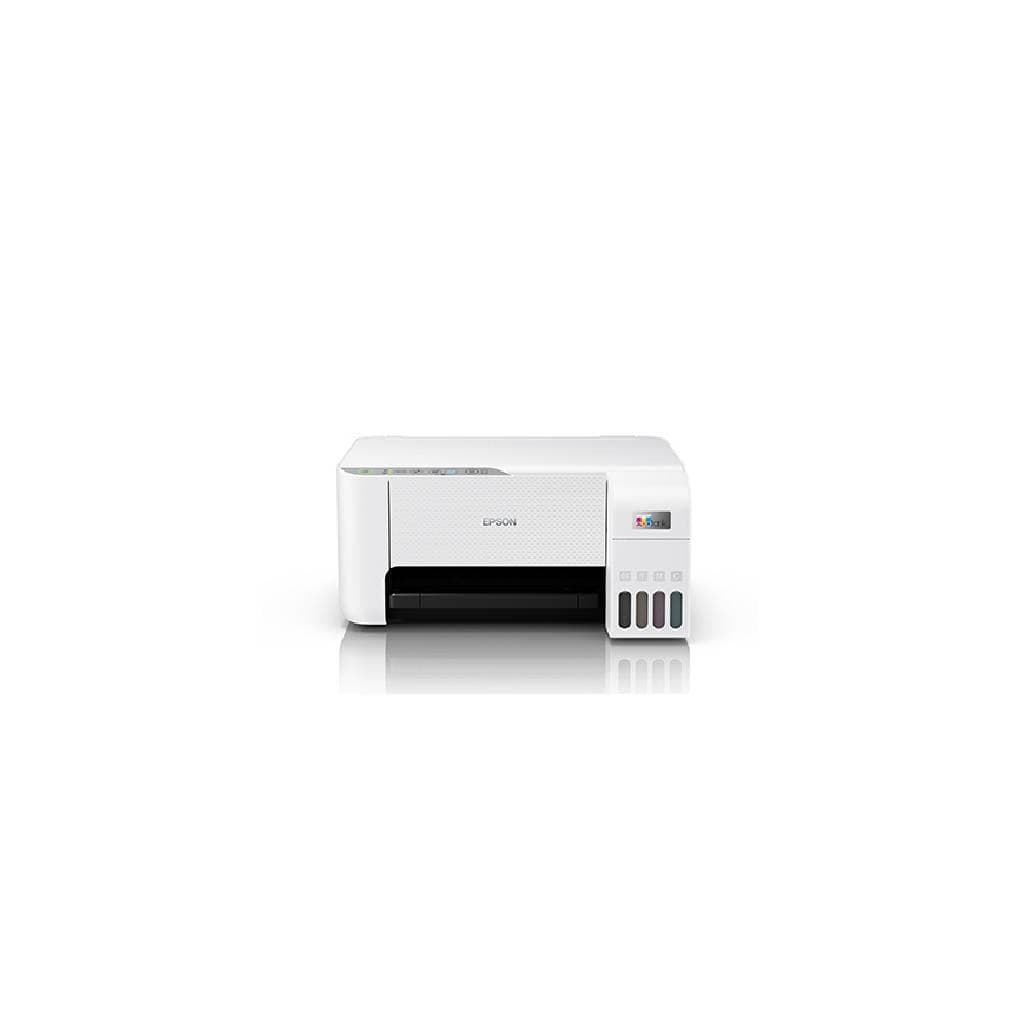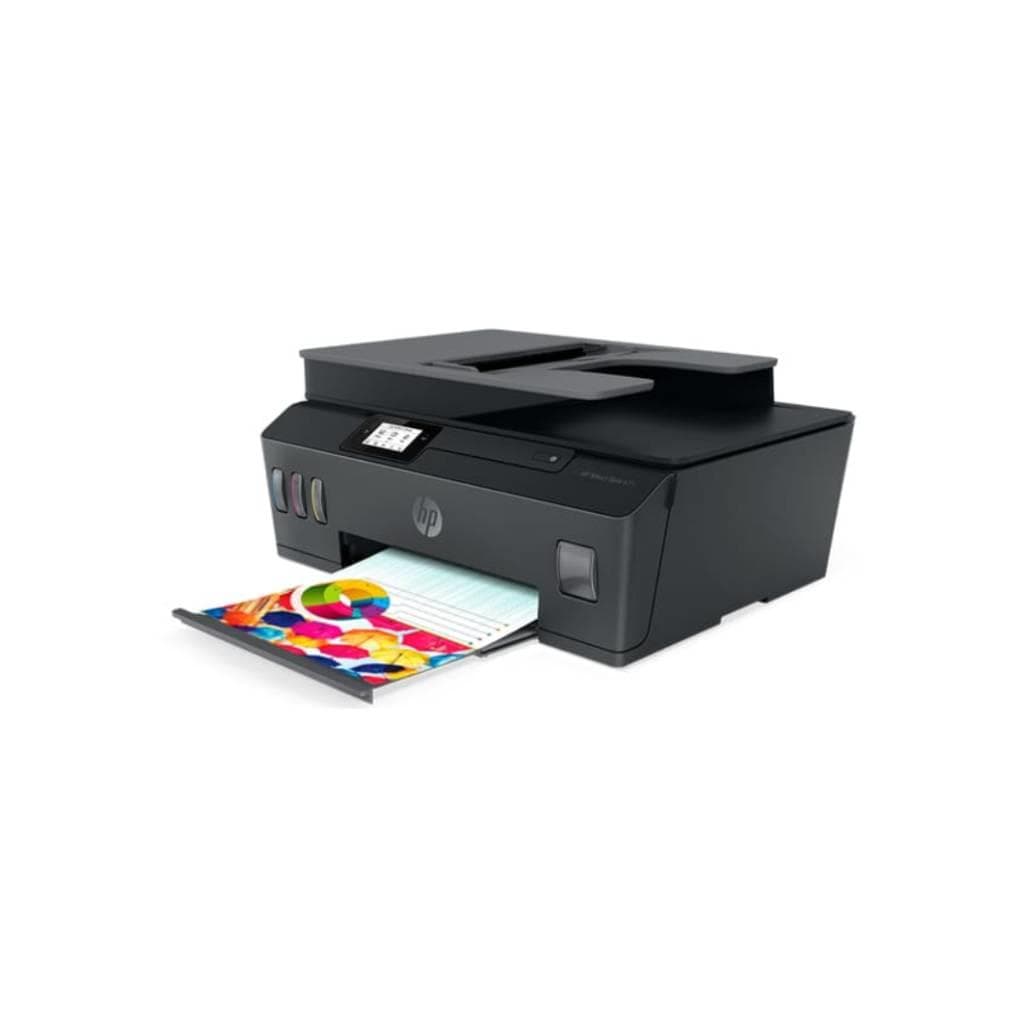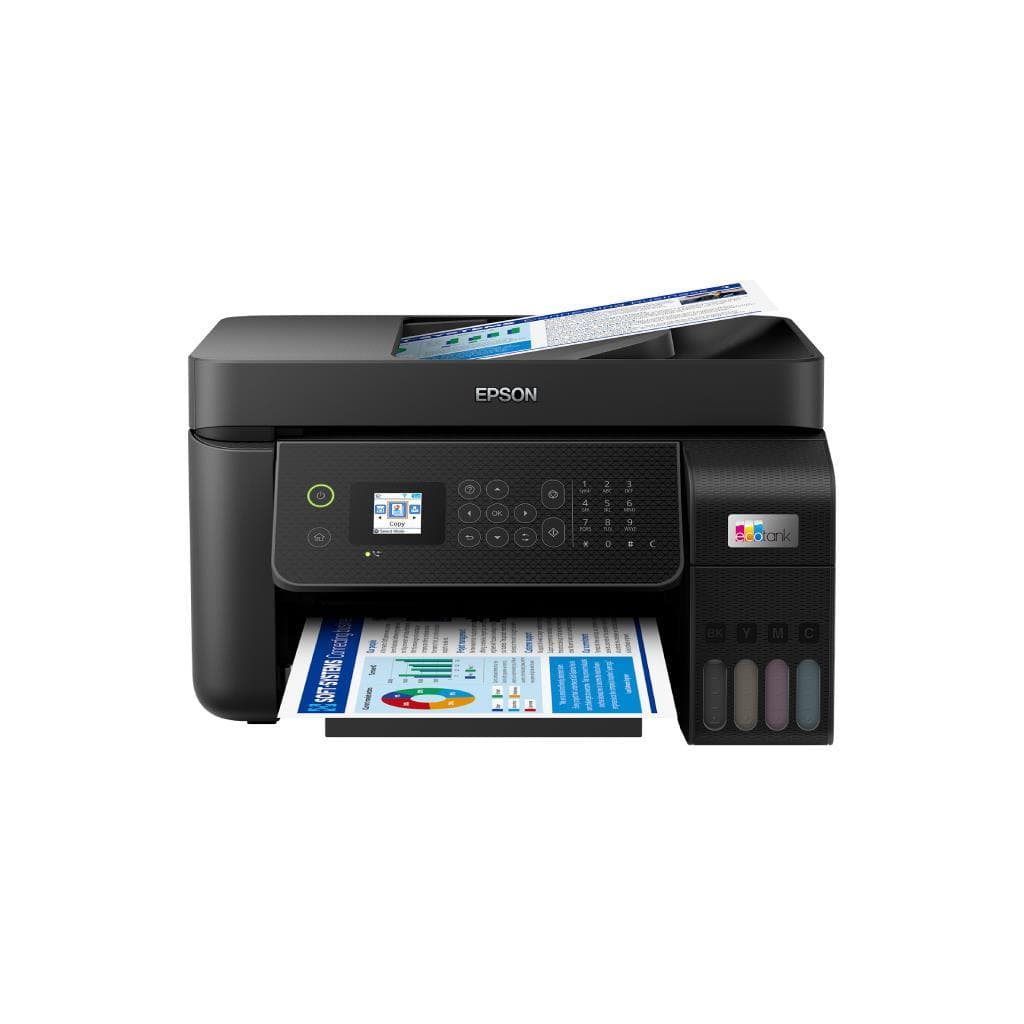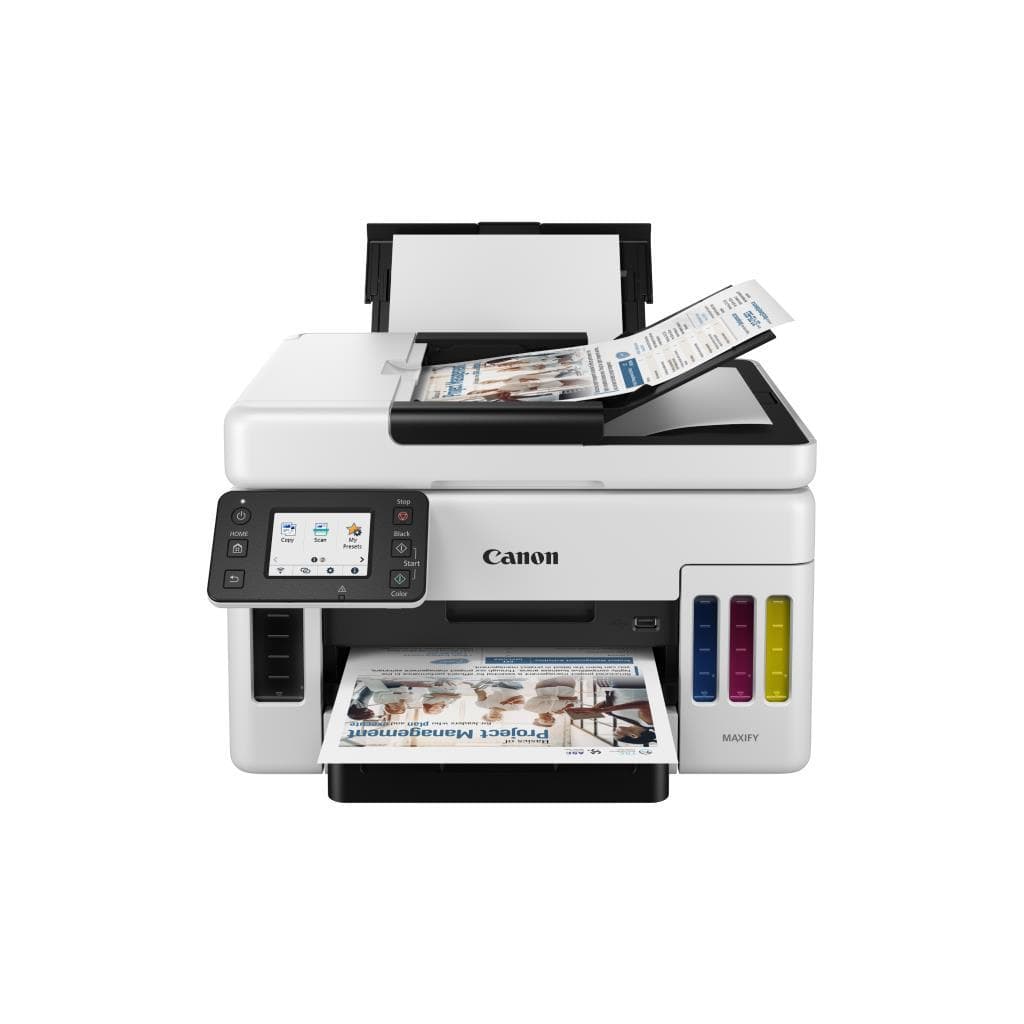


HP DeskJet Ink Advantage 2337 A4 All-in-One Printer (Black)
SKU: HP-DJK2337Printers & Supplies › Multifunction Printers
Please enquire before ordering
The distributor has not yet confirmed the latest price and availability (last checked Jun 15, 2026)
092-251-4017Awaiting stock confirmation1 year manufacturer's warranty
GenuineFree delivery from ฿5,000Tax invoice
เครื่องพิมพ์อัลล์อินวันรุ่น HP DeskJet Ink Advantage 2337 รองรับการพิมพ์ สแกน และแฟกซ์ พร้อมระบบเชื่อมต่อไร้สายสำหรับใช้งานที่บ้านหรือออฟฟิศเล็กๆ
Key features
- พิมพ์ขาวดำ 20 ppm, พิมพ์สี 16 ppm
- ความละเอียดสูงสุด 1200 x 1200 dpi
- รองรับการพิมพ์ผ่าน Wi-Fi และ HP Smart App
- สแกนเอกสารสองด้านอัตโนมัติ (Duplex)
- ถาดใส่กระดาษ 100 แผ่น
Product description
HP DeskJet Ink Advantage 2337 เป็นเครื่องพิมพ์อัลล์อินวันขนาดกะทัดรัดที่ออกแบบมาเพื่อประสิทธิภาพในการใช้งานที่บ้านหรือสำนักงานขนาดเล็ก โดยรองรับการพิมพ์เอกสารขาวดำความเร็วสูงสุด 20 แผ่นต่อนาที และพิมพ์สีได้ 16 แผ่นต่อนาที พร้อมความละเอียดสูงถึง 1200 x 1200 dpi สำหรับงานเอกสารและภาพถ่ายคุณภาพสูง การเชื่อมต่อไร้สายผ่าน Wi-Fi และแอป HP Smart ช่วยให้พิมพ์จากสมาร์ทโฟน แท็บเล็ต หรือแล็ปท็อปได้อย่างสะดวก รองรับการสแกนเอกสารและแฟกซ์แบบสองด้านอัตโนมัติ (Duplex) พร้อมถาดใส่กระดาษขนาด 100 แผ่น ใช้งานได้ยาวนานด้วยตลับหมึก HP ที่ให้ความจุสูงและประหยัดพลังงาน
More features
- ใช้ตลับหมึก HP ประหยัดพลังงาน
- รองรับการแฟกซ์ผ่านเครือข่าย
- ออกแบบกะทัดรัด เหมาะสำหรับพื้นที่จำกัด
Pros and limitations
Pros
- พิมพ์เร็วทั้งขาวดำและสี พร้อมความละเอียดสูง
- รองรับการพิมพ์ผ่านสมาร์ทโฟนด้วย HP Smart App
- สแกนเอกสารสองด้านอัตโนมัติ ประหยัดเวลา
- ใช้ตลับหมึก HP ที่ให้ความจุสูงและประหยัดพลังงาน
- ออกแบบกะทัดรัด เหมาะกับพื้นที่จำกัด
Limitations
- ไม่รองรับ Bluetooth
- ถาดใส่กระดาษขนาดเล็ก (100 แผ่น)
- ไม่มีพอร์ต Ethernet
Who it is for
เหมาะสำหรับบ้านหรือออฟฟิศเล็กๆ ที่ต้องการพิมพ์เอกสาร ภาพถ่าย และสแกนงานแบบสองด้านอัตโนมัติ โดยไม่ต้องใช้พื้นที่มาก
Specifications (35)
- Wi-Fi
- 802.11b/g/n
- หน่วยความจำ (RAM)
- 64 MB
- น้ำหนัก
- 5.2 kg
- ประเภทหมึก
- Inkjet
- การรับประกัน
- 1 year limited warranty
- Bluetooth
- ไม่รองรับ
- Languages
- English, Spanish, French, German, Italian, Portuguese, Japanese, Korean, Simplified Chinese, Traditional Chinese
- Duty Cycle
- 200 pages per month
- Paper Size
- A4, A5, Letter, Legal, Executive, Envelope (DL, Monarch)
- Duplex Scan
- รองรับ
- ADF Capacity
- 35 pages
- Wi-Fi Direct
- รองรับ
- ความชื้นขณะทำงาน
- 20% to 80% RH (non-condensing)
- Duplex Printing
- Automatic
- พอร์ต
- USB 2.0
- การใช้พลังงาน
- Up to 15 W
- คุณสมบัติด้านความปลอดภัย
- HP Sure Start, HP Secure Print
- Page Yield (Black)
- 200 pages
- Scanner Resolution
- 1200 x 1200 dpi
- Ink Cartridge Model
- HP 305 Black, HP 305 Tri-color
- Management Software
- HP Smart App, HP Web Jetadmin (for IT admins)
- Mobile Print Support
- HP Smart App, Apple AirPrint, Mopria Print Service
- อุณหภูมิการทำงาน
- 10°C to 35°C
- ขนาด (กว้าง x ลึก x สูง)
- 384 x 369 x 150 mm
- Noise Level (Printing)
- Below 45 dB
- Noise Level (Scanning)
- Below 40 dB
- Page Yield (Tri-color)
- 180 pages
- ระบบปฏิบัติการที่รองรับ
- Windows 10/11, macOS 10.15 or later, iOS 12+, Android 7+
- Paper Tray Input Capacity
- 100 sheets
- Recommended Monthly Pages
- 50 - 200 pages
- Standby Power Consumption
- Up to 2.5 W
- ความละเอียด (B)
- 1200 x 1200 dpi
- ความละเอียด (C)
- 4800 x 1200 dpi
- ความเร็วพิมพ์ (B)
- 20 ppm
- ความเร็วพิมพ์ (C)
- 16 ppm
Datasheets and manuals straight from the manufacturer — select a document to open or download it.
13 questions
Frequently asked questions about this product
Compiled from manufacturer information
HP DeskJet Ink Advantage 2337 พิมพ์เอกสารสองหน้าได้ไหม?
ใช่ รองรับการพิมพ์สองด้านอัตโนมัติ (Duplex Printing) โดยสามารถตั้งค่าผ่านแอป HP Smart หรือไดรเวอร์เครื่องพิมพ์ เพื่อประหยัดกระดาษและเพิ่มประสิทธิภาพการทำงาน
ใช้ตลับหมึกแบบไหนกับ HP DeskJet Ink Advantage 2337?
รองรับตลับหมึก HP 305 Black และ HP 305 Tri-color โดยแต่ละตลับให้ความจุประมาณ 200 หน้า (ดำ) และ 180 หน้า (สี) ตามมาตรฐาน ISO/IEC 24711
พิมพ์จากมือถือได้ไหม?
ได้ทั้ง iPhone และ Android โดยใช้แอป HP Smart หรือรองรับ Apple AirPrint และ Mopria Print Service ช่วยให้พิมพ์เอกสารหรือภาพจากสมาร์ทโฟนได้ทันทีผ่าน Wi-Fi
สแกนเอกสารสองด้านอัตโนมัติได้ไหม?
ใช่ เครื่องรองรับการสแกนสองด้านอัตโนมัติ (Duplex Scan) พร้อม ADF รองรับเอกสารได้ถึง 35 แผ่น ช่วยลดขั้นตอนการจัดเรียงกระดาษ
ใช้กับเครือข่าย LAN ได้ไหม?
ไม่รองรับพอร์ต Ethernet โดยตรง แต่สามารถเชื่อมต่อผ่าน Wi-Fi หรือ Wi-Fi Direct ได้ทันที ไม่จำเป็นต้องใช้สาย LAN
ใช้พลังงานมากไหม?
ประหยัดพลังงานมาก โดยใช้ไฟฟ้าสูงสุดเพียง 15 วัตต์ในโหมดพิมพ์ และอยู่ที่ 2.5 วัตต์ในโหมดซ่อมบำรุง ทำให้เหมาะกับการใช้งานทั่วไปในบ้านหรือออฟฟิศเล็ก
รองรับระบบปฏิบัติการอะไรบ้าง?
รองรับ Windows 10/11, macOS 10.15 ขึ้นไป, iOS 12+, และ Android 7+ โดยสามารถติดตั้งได้ผ่านเว็บไซต์ HP หรือแอป HP Smart
มีระบบความปลอดภัยอะไรบ้าง?
มีระบบ HP Sure Start ที่ตรวจจับและกู้คืนการตั้งค่าระบบหากถูกโจมตี และ HP Secure Print เพื่อป้องกันการพิมพ์เอกสารโดยไม่ได้รับอนุญาต
Is it in stock?
We are confirming the latest stock and price of the HP DeskJet Ink Advantage 2337 A4 All-in-One Printer (Black) with the distributor. Please contact us before ordering at 092-251-4017 or sales@gist.co.th.
How much does it cost?
The distributor has not yet confirmed the latest price and availability. Please contact us before ordering at 092-251-4017 or sales@gist.co.th.
How long is the warranty?
Warranty period: รับประกัน 1 ปี ตามเงื่อนไขผู้ผลิต (manufacturer's terms). To make a warranty claim, call 092-251-4017 or 065-523-5262, or email sales@gist.co.th (Mon–Fri 9:00–18:00), then send the product with your order number to our head office, or bring it to the head office in person.
How long does delivery take?
Orders placed before 12:00 on a business day are delivered within 1–3 business days (Bangkok and vicinity) or 2–5 business days (other provinces). Free delivery on orders of ฿5,000 or more (a ฿150 delivery fee applies below this amount).
Is it genuine?
Genuine products sourced from distributors in Thailand, covered by the manufacturer's warranty. Full tax invoices are available.
Didn't find the answer you need?
Loading reviews…
Genuine products
Sourced from distributors in Thailand and covered by the manufacturer's warranty
Warranty period
รับประกัน 1 ปี ตามเงื่อนไขผู้ผลิต
Covered by the manufacturer's warranty; you can make claims through GIST
Claims through GIST
Ship the product to our head office or bring it in person
Warranty conditions
- A receipt or other proof of purchase is required
- The product must not have been modified or altered
- Damage caused by misuse is not covered by the warranty
- To make a warranty claim, call 092-251-4017 or 065-523-5262, or email sales@gist.co.th (Mon–Fri 9:00–18:00), then send the product with your order number to our head office, or bring it to the head office in person.Head office: 554 Sky Nine Center, Floor 12A, Room 554/62, Asok-Din Daeng Road, Din Daeng Subdistrict, Din Daeng District, Bangkok 10400
More in Multifunction Printers