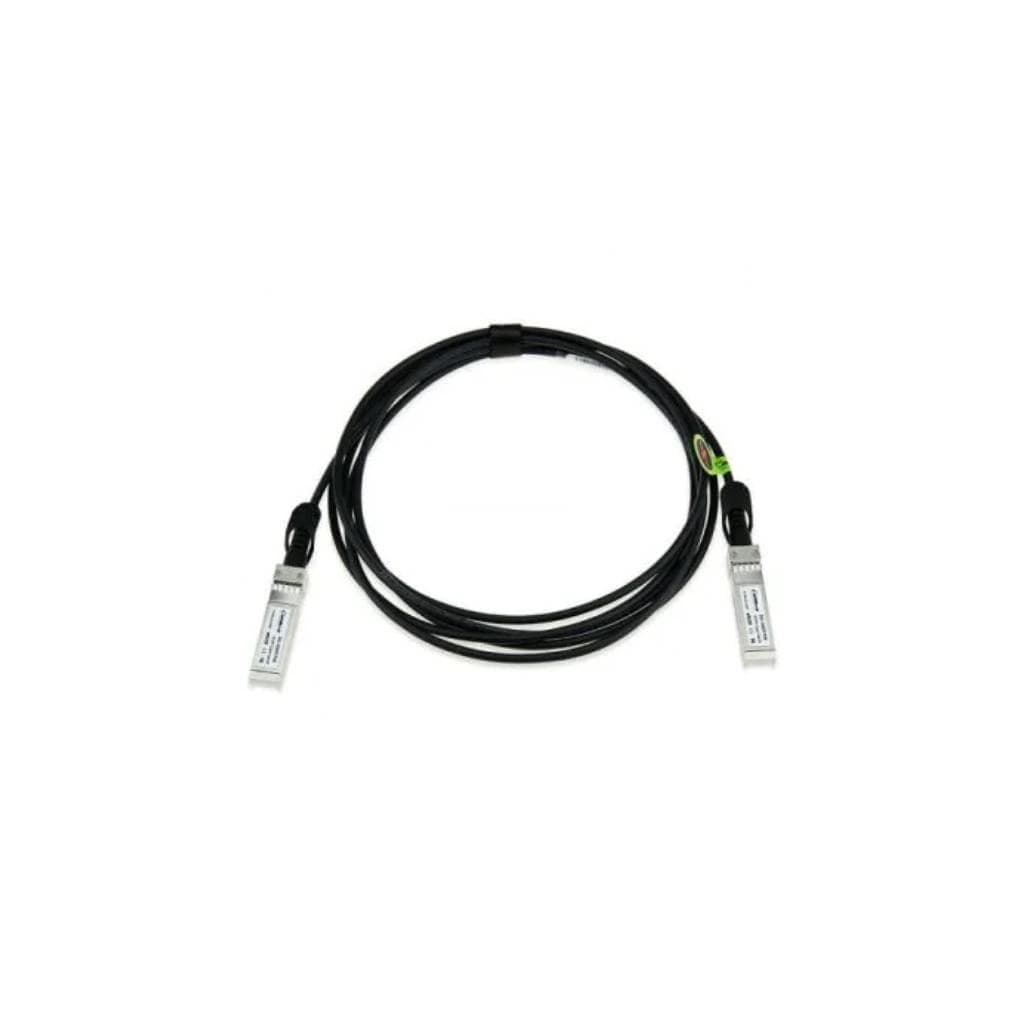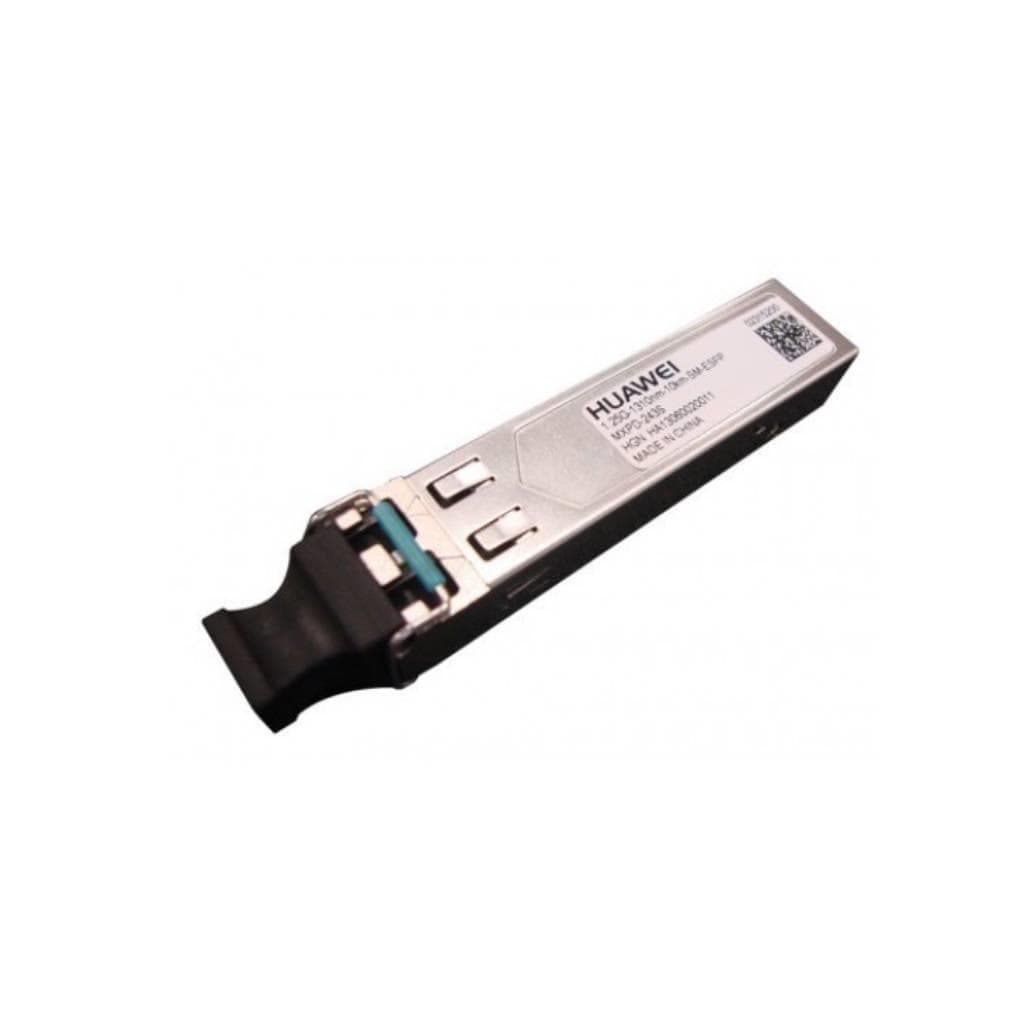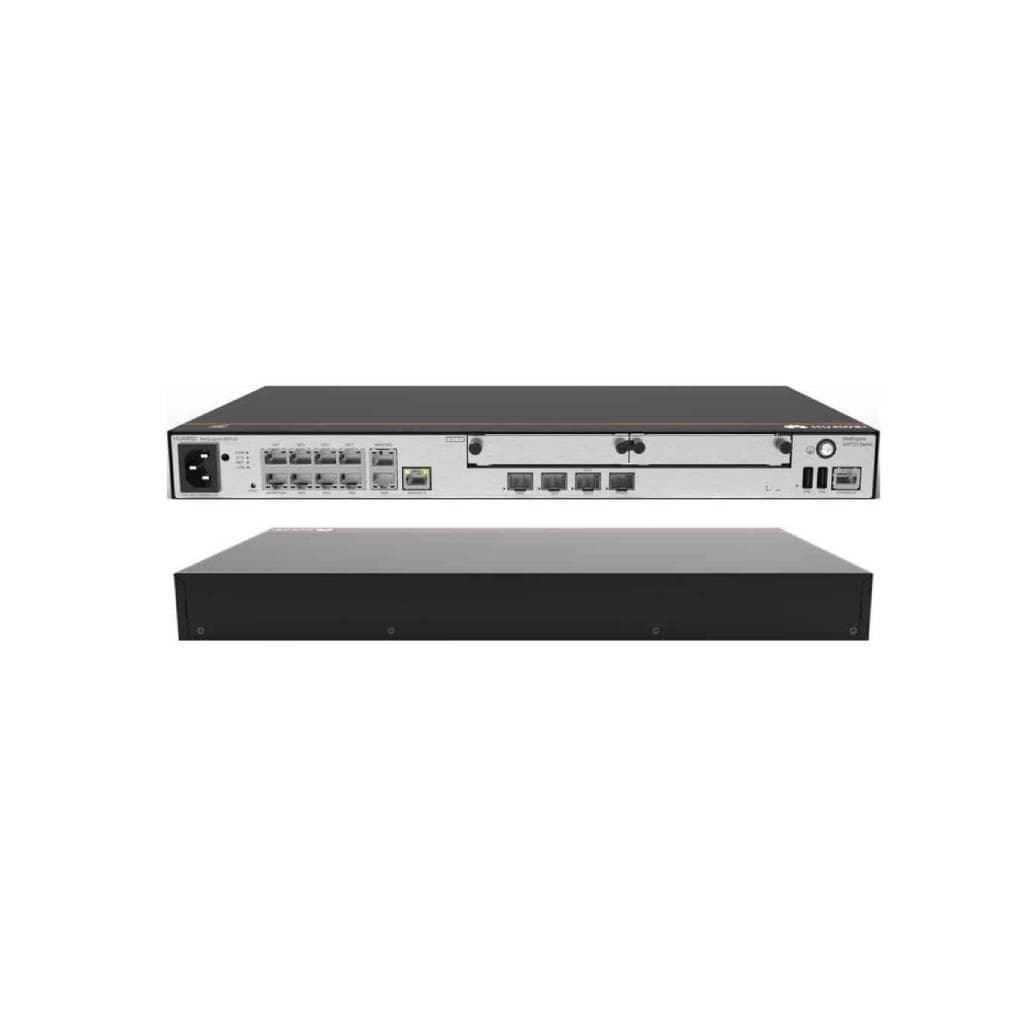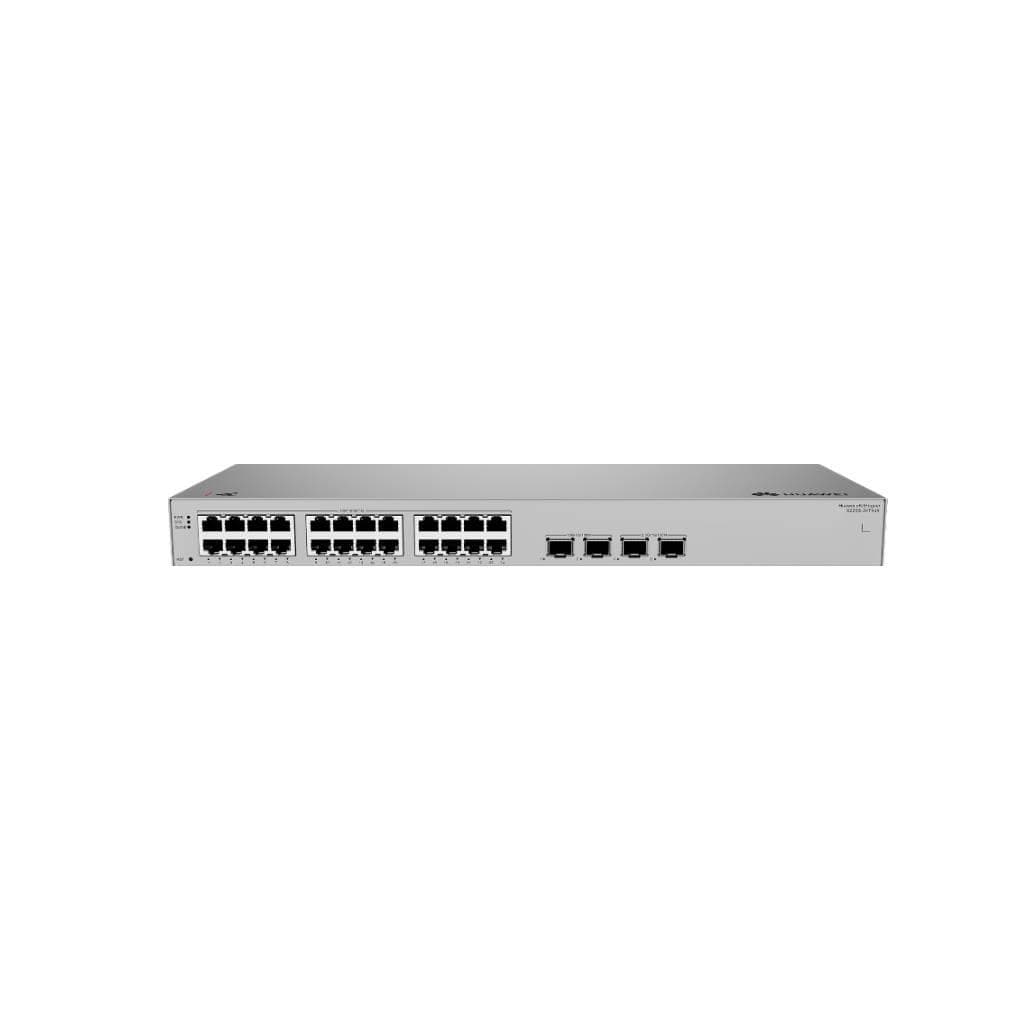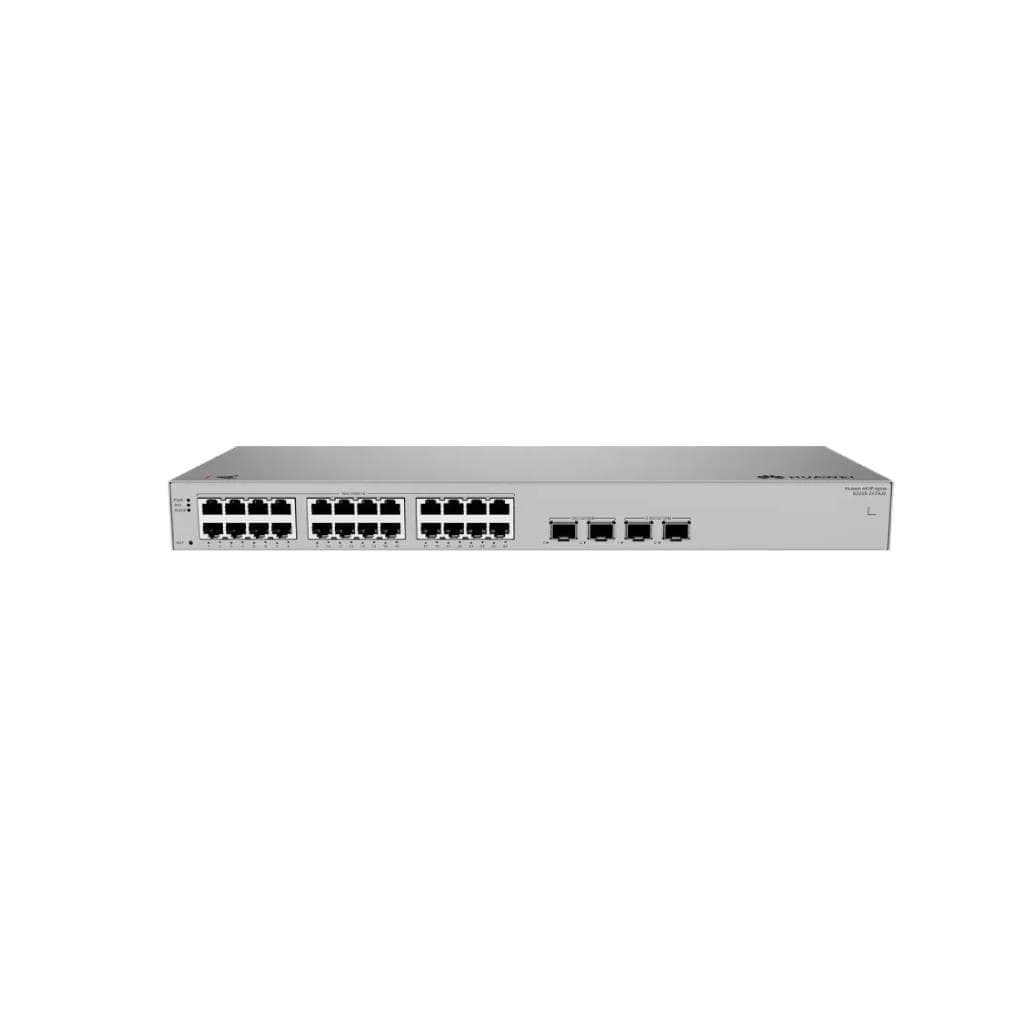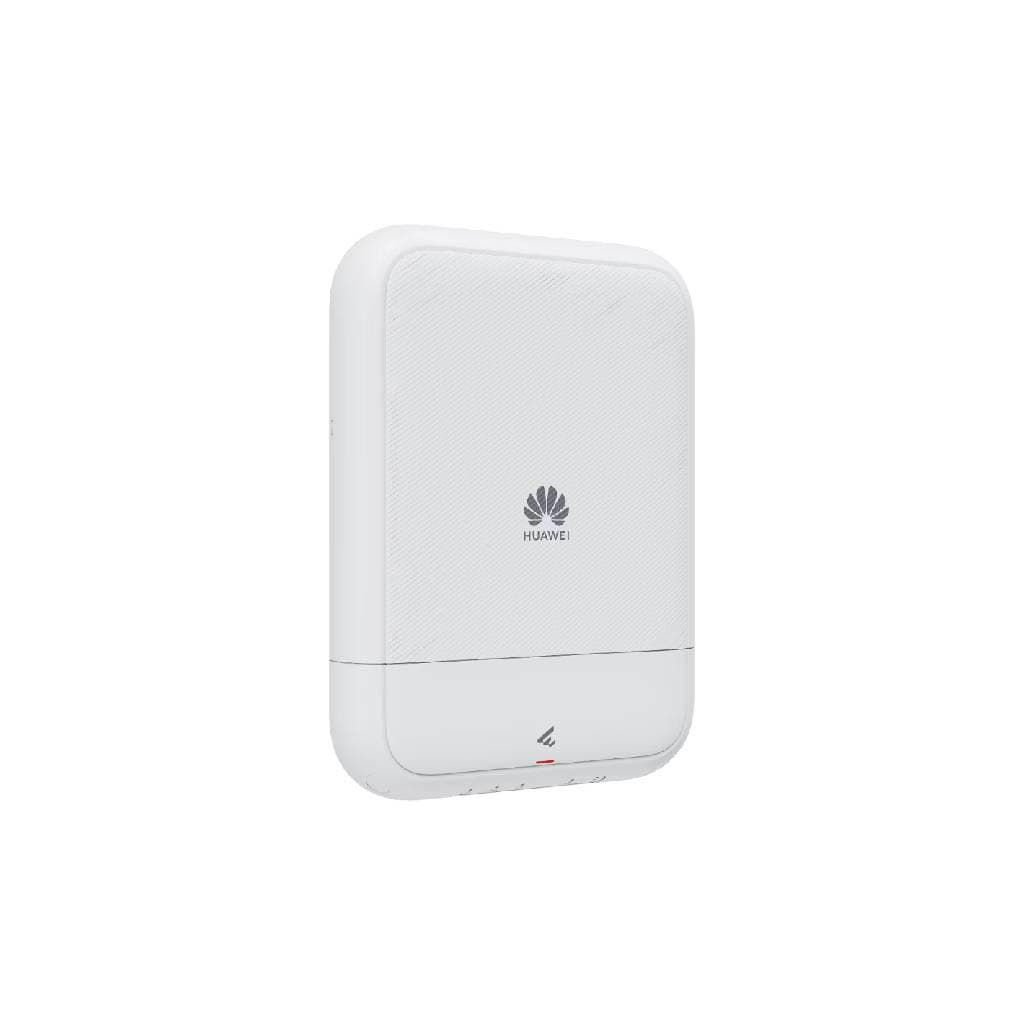


HUAWEI S380-L4P1T 4-Port Gigabit PoE+ Switch 2Gbps Forwarding Performance
SKU: HW-DATACOM-S380-L4P1THuawei › Huawei Routers & Switches· Model: S380-L4P1T
Please enquire before ordering
The distributor has not yet confirmed the latest price and availability (last checked Jul 25, 2026)
092-251-4017Awaiting stock confirmation3 years manufacturer's warranty
GenuineFree delivery from ฿5,000Tax invoice
Small business and office router with 4 LAN ports supporting PoE+ for CCTV cameras or IP phones, and 1 WAN port, suitable for organizations with up to 150 users
Key features
- Supports up to 50 W PoE+, powering CCTV cameras or IP phones immediately
- Delivers up to 2 Gbps data throughput, supporting up to 150 users
- Features 1 WAN port and 4 LAN ports for primary network connectivity
- Designed for small to medium businesses, easy to use and quick to install
- Supports web browser-based management, ready to use without additional software installation
Product description
The HUAWEI S380-L4P1T router is designed for small to medium offices, delivering up to 2 Gbps data throughput and supporting up to 150 users. With 1 WAN port and 4 LAN ports supporting PoE+ up to 50 W, it can power devices such as CCTV cameras or IP phones directly through the LAN cable, eliminating the need for additional power outlets. This reduces cable clutter and increases installation flexibility. It supports web browser-based management and includes basic security features such as ACL and QoS for efficient network usage control
Pros and limitations
Pros
- Supports up to 50 W PoE+, powering devices immediately without requiring additional power outlets
- Features web browser-based management, easy to use without installing additional software
- Supports up to 150 concurrent users with 2 Gbps data throughput performance
- Designed for office use, easy to install and ready to use immediately
- Supports basic security features such as ACL and QoS for effective network usage control
Limitations
- No SFP port available for long-distance network connectivity
- Not supported for management via CLI or SNMP
Who it is for
Ideal for small to medium offices requiring PoE power and network connectivity for devices such as CCTV cameras or IP phones without the need for additional power outlets
Connectivity
Ethernet
Specifications (29)
- Weight
- 1.2 kg
- PoE Type
- PoE+ (802.3at)
- WAN Port
- 1 x Gigabit Ethernet
- Warranty
- 3 years
- LAN Ports
- 4 x Gigabit Ethernet
- Dimensions
- 220 x 160 x 45 mm
- Port Count
- 5
- Rack Mount
- Yes
- ACL Support
- Yes
- DHCP Server
- Yes
- PoE Support
- Yes
- Power Input
- 100-240 V AC
- QoS Support
- Yes
- VLAN Support
- Yes
- IGMP Snooping
- Yes
- Certifications
- CE, FCC, RoHS
- Humidity Range
- 10% to 90% (non-condensing)
- LED Indicators
- Power, Link/Act, PoE
- Link Aggregation
- Yes
- STP/RSTP Support
- Yes
- Power Consumption
- 15 W
- Max Power per Port
- 30 W
- Switching Capacity
- 8 Gbps
- Storage Temperature
- -20°C to 70°C
- Management Interface
- Web-based
- Max PoE Power Budget
- 50 W
- Operating Temperature
- 0°C to 45°C
- Forwarding Performance
- 2 Gbps
- Packet Forwarding Rate
- 5.9 Mpps
Datasheets and manuals straight from the manufacturer — select a document to open or download it.
13 questions
Frequently asked questions about this product
Compiled from manufacturer information
How many PoE+ CCTV cameras can the S380-L4P1T support?
Supports up to 4 PoE+ devices with a maximum shared power of 50 W. For example, a CCTV camera that uses 30 W can be connected up to 1 unit, or a camera that uses 15 W can be connected up to 3 units
How many users can this router support?
This router supports up to 150 users, with data throughput of up to 2 Gbps, enabling smooth simultaneous usage
Do I need an extra power outlet?
Not necessary. The router supports PoE+ and can deliver power directly through the LAN cable, so it can be used with CCTV cameras or IP phones immediately without requiring additional power outlets
Can it be mounted on a rack?
Yes, the router supports mounting on standard 19-inch racks, features side mounting brackets, and weighs only 1.2 kg
Does it support CLI or SNMP management?
Does not support direct CLI or SNMP management, but can be managed via web browser, supporting basic features such as ACL, QoS, and IGMP Snooping
How much power does it consume?
Uses up to 15 W of power, supports AC 100–240 V, enabling global use without power conversion
Do I need additional setup?
No additional configuration is required—ready to use immediately after connecting power and LAN cable. However, network usage can be controlled, such as bandwidth limiting or VLAN setup, via the web browser
What network systems can it be used with?
Works with standard office LAN networks, supports connection via standard Ethernet cables, and can be used immediately with other routers or modems
Is it in stock?
We are confirming the latest stock and price of the HUAWEI S380-L4P1T 4-Port Gigabit PoE+ Switch 2Gbps Forwarding Performance with the distributor. Please contact us before ordering at 092-251-4017 or sales@gist.co.th.
How much does it cost?
The distributor has not yet confirmed the latest price and availability. Please contact us before ordering at 092-251-4017 or sales@gist.co.th.
How long is the warranty?
Warranty period: 3-year warranty (manufacturer's terms). To make a warranty claim, call 092-251-4017 or 065-523-5262, or email sales@gist.co.th (Mon–Fri 9:00–18:00), then send the product with your order number to our head office, or bring it to the head office in person.
How long does delivery take?
Orders placed before 12:00 on a business day are delivered within 1–3 business days (Bangkok and vicinity) or 2–5 business days (other provinces). Free delivery on orders of ฿5,000 or more (a ฿150 delivery fee applies below this amount).
Is it genuine?
Genuine products sourced from distributors in Thailand, covered by the manufacturer's warranty. Full tax invoices are available.
Didn't find the answer you need?
Loading reviews…
Genuine products
Sourced from distributors in Thailand and covered by the manufacturer's warranty
Warranty period
3-year warranty
Covered by the manufacturer's warranty; you can make claims through GIST
Claims through GIST
Ship the product to our head office or bring it in person
Warranty conditions
- A receipt or other proof of purchase is required
- The product must not have been modified or altered
- Damage caused by misuse is not covered by the warranty
- To make a warranty claim, call 092-251-4017 or 065-523-5262, or email sales@gist.co.th (Mon–Fri 9:00–18:00), then send the product with your order number to our head office, or bring it to the head office in person.Head office: 554 Sky Nine Center, Floor 12A, Room 554/62, Asok-Din Daeng Road, Din Daeng Subdistrict, Din Daeng District, Bangkok 10400
More in Huawei Routers & Switches