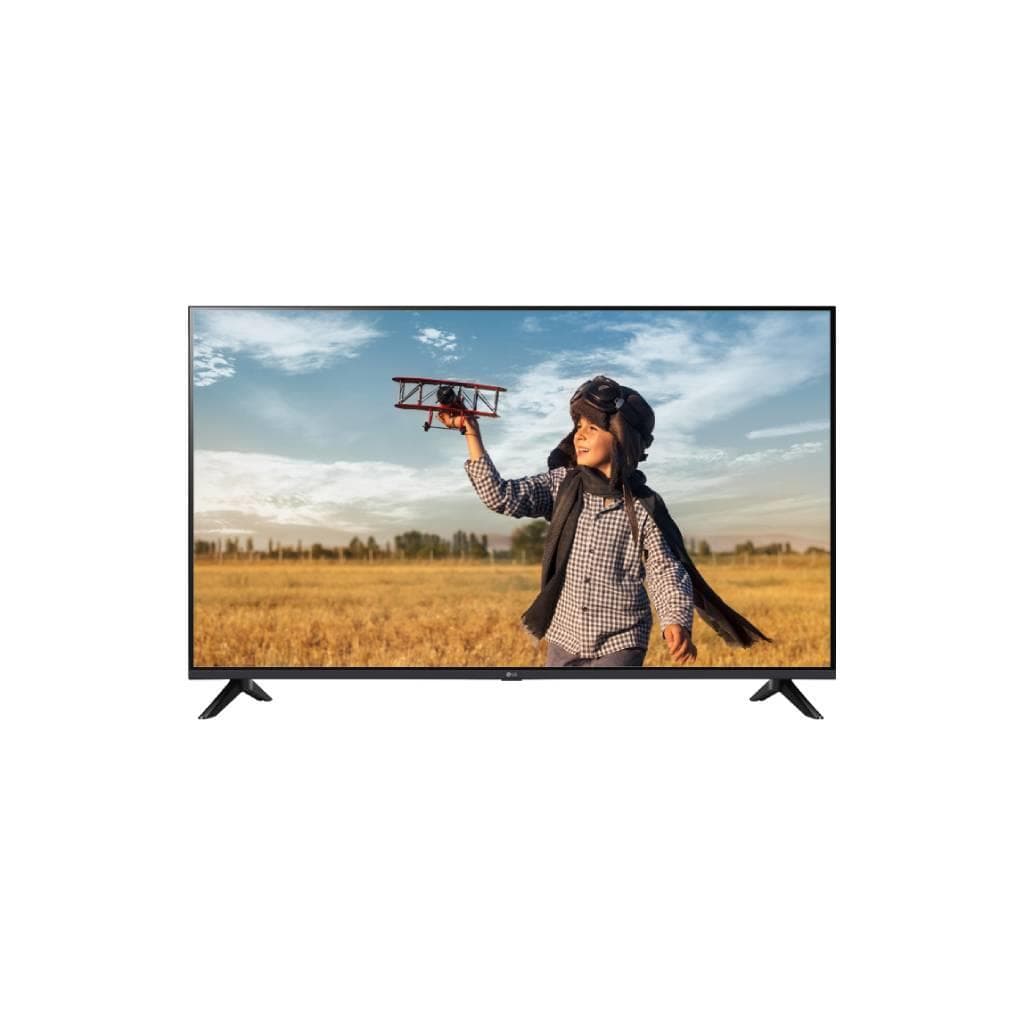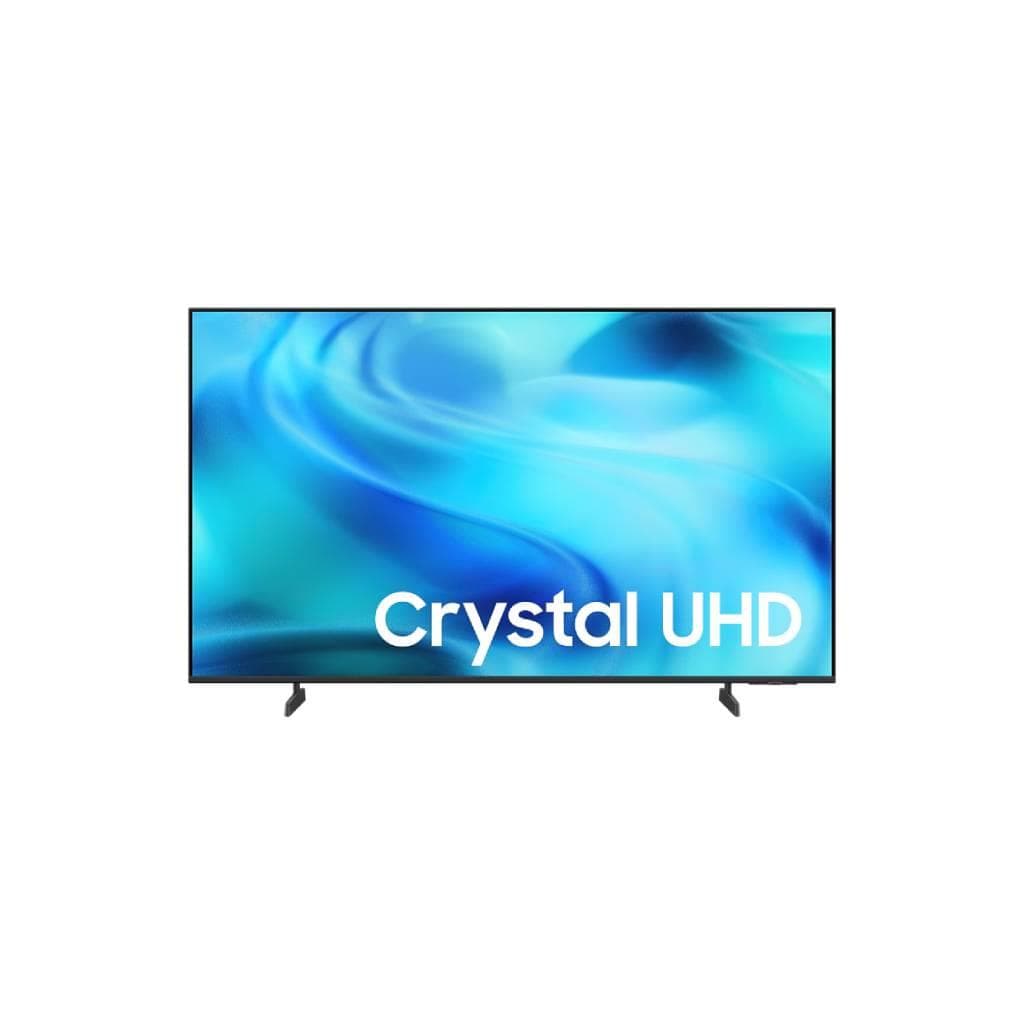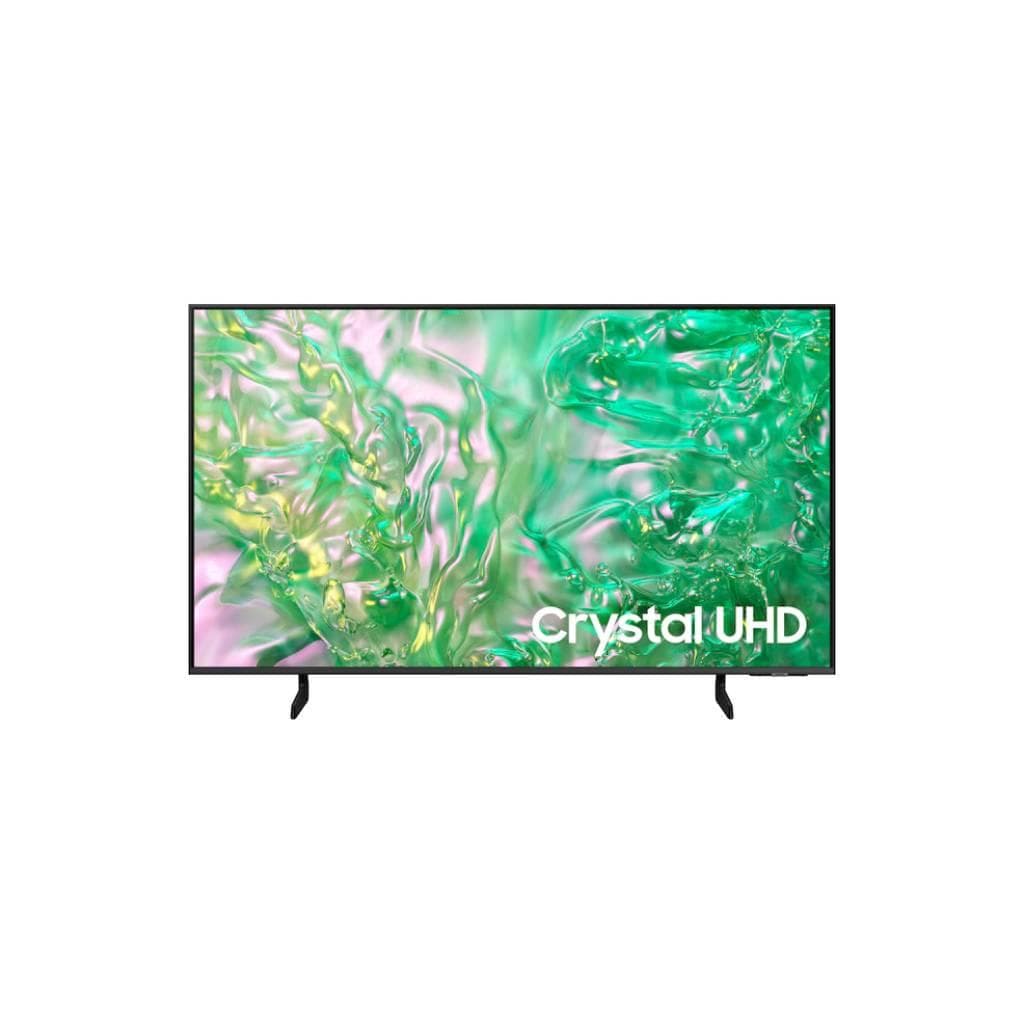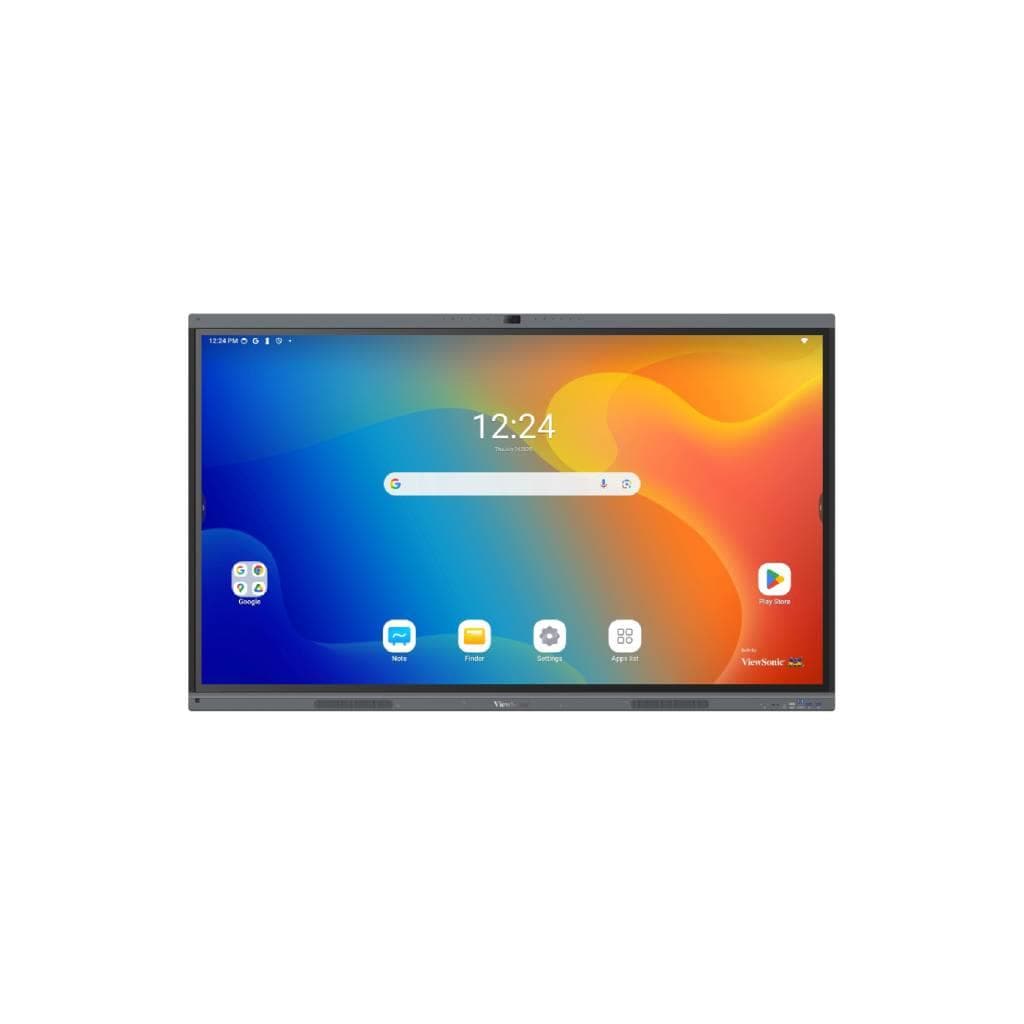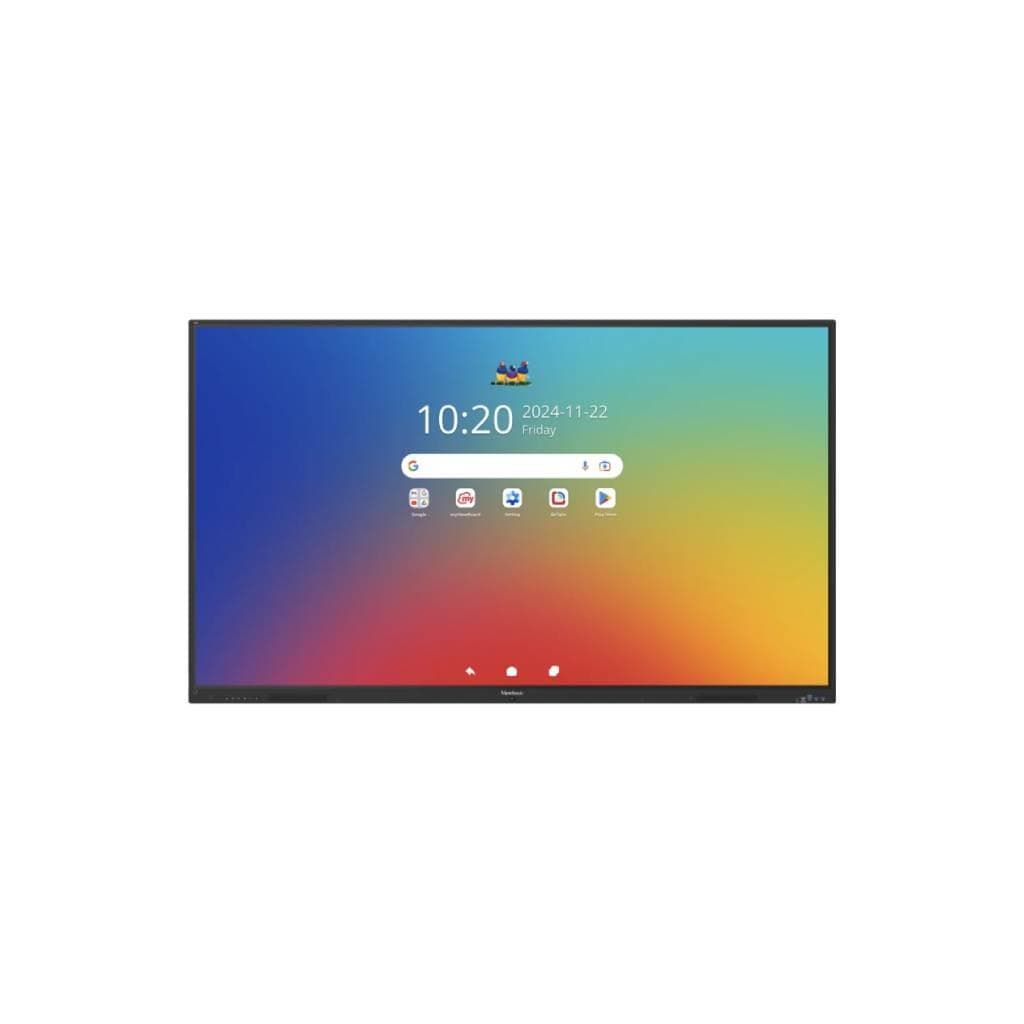


VIEWSONIC IFP6534 65" 4K Interactive Display with Android 14 EDLA-Certified
SKU: IFP6534Displays & Projectors › TVs
Please enquire before ordering
The distributor has not yet confirmed the latest price and availability (last checked Jun 15, 2026)
092-251-4017Awaiting stock confirmationManufacturer's warranty
GenuineFree delivery from ฿5,000Tax invoice
จอแอลซีดีขนาด 65 นิ้ว ความละเอียด 4K รองรับการสัมผัส 40 จุด พร้อมระบบปฏิบัติการ Android 14 รับรอง EDLA ใช้ได้ทั้งในห้องเรียน ห้องประชุม และสำนักงาน เพื่อการนำเสนอและทำงานร่วมกันอย่างมีประสิทธิภาพ
Key features
- จอ 65" ความละเอียด 4K UHD 3840x2160
- รองรับการสัมผัส 40 จุดพร้อม Palm Rejection
- ระบบปฏิบัติการ Android 14 รับรอง EDLA
- มี USB-C หน้าจอ 65W PD + DisplayPort 1.2
- รองรับการเชื่อมต่อไร้สาย AirSync
Product description
ViewSonic IFP6534 คือจอแสดงผลแบบ Interactive Flat Panel ขนาด 65 นิ้ว ความละเอียด UHD 3840x2160 รองรับการสัมผัสพร้อมกัน 40 จุด พร้อมเทคโนโลยี Ultra Fine Touch ที่มีความละเอียดสัมผัส 32767 x 32767 และรองรับการปฏิเสธการสัมผัสจากฝ่ามือ (Palm Rejection) ทำให้การเขียนหรือวาดบนจอแม่นยำและราบรื่น จอรุ่นนี้มาพร้อมระบบปฏิบัติการ Android 14 ที่ได้รับการรับรอง EDLA ซึ่งมีความปลอดภัยระดับองค์กร เช่น การอัปเดตอัตโนมัติจาก Google Play Protect การเข้ารหัสข้อมูล และการยืนยันตัวตนแบบสองชั้น ผู้ใช้สามารถเข้าถึงแอปพลิเคชันการศึกษาจาก Google Play Store รวมถึงใช้งาน Google Workspace และ Microsoft 365 ได้ทันที พร้อมเครื่องมือช่วยสอนอย่าง myViewBoard และ AirSync สำหรับการแชร์เนื้อหาแบบไร้สาย ผู้ดูแลระบบสามารถจัดการจอได้จากระยะไกลผ่าน ViewSonic Manager™ ได้อย่างสะดวก
More features
- มีระบบจัดการระยะไกล ViewSonic Manager™
- รองรับการเชื่อมต่อ LAN แบบง่ายระหว่าง Android และ slot-in PC
- มีเซ็นเซอร์ตรวจจับแสงอัตโนมัติ
- ใช้พลังงาน 78.26W ขณะทำงาน
- รองรับการติดตั้งแบบ VESA ขนาด 600x400 มม.
Pros and limitations
Pros
- ระบบปฏิบัติการ Android 14 รับรอง EDLA ความปลอดภัยระดับองค์กร
- รองรับการสัมผัส 40 จุดพร้อม Palm Rejection ใช้งานได้แม่นยำ
- มีพอร์ต USB-C หน้าจอ 65W PD พร้อม DisplayPort 1.2 ใช้งานได้ทั้งเชื่อมต่อหน้าจอและชาร์จแบต
- รองรับการเชื่อมต่อไร้สาย AirSync และจัดการระยะไกลผ่าน ViewSonic Manager™
- มีเซ็นเซอร์แสงอัตโนมัติ ปรับความสว่างอัตโนมัติได้ตามสภาพแวดล้อม
Limitations
- ต้องซื้ออุปกรณ์เสริม Wi-Fi เพิ่มเติมหากต้องการใช้งานไร้สาย
Who it is for
เหมาะสำหรับโรงเรียน ห้องเรียนดิจิทัล ห้องประชุมองค์กร และศูนย์ฝึกอบรม ที่ต้องการจอโต้ตอบได้พร้อมระบบปฏิบัติการที่ปลอดภัยและรองรับการเชื่อมต่อหลายรูปแบบ
Specifications (48)
- OPS
- x1 (Optional Intel Standard OPS)
- หน่วยความจำ (RAM)
- 8GB DDR4
- VGA
- x1
- HDMI
- x3 (Front x1: HDMI2.0/HDCP 2.2/CEC; Rear x 2:HDMI2.0/HDCP 2.2/CEC/ARC for HDMI 2)
- RJ45
- x2
- เสียง
- x1
- RS232
- x1
- SPDIF
- x1
- Wi-Fi
- x1 (Optional VB-WIFI-004/VB-WIFI-006/VSB-050)
- Colors
- 1.07B colors
- SD/SDHC
- x1
- พื้นที่จัดเก็บข้อมูล
- 128 GB
- Voltage
- 100-240V AC
- ซีพียู (CPU)
- Quad-core
- ความสว่าง
- 350 nits
- ขนาดหน้าจอ
- 65"
- ประเภทจอ
- TFT LCD Module with DLED Backlight
- ความละเอียด
- UHD 3840x2160(Pixels)
- USB Type A
- x4 (Front x2; Rear x2)
- USB Type B
- x2 (Rear x1 + Front x1)
- USB Type C
- Front*1 [PD65W(15W with OPS, 65W without OPS) + DP1.2 + Data + 10M/100M sharing] Rear*1 (PD15W + Data)
- DisplayPort
- x1
- Orientation
- Landscape
- Touch Point
- 40 points touch
- Weight (kg)
- 36.4
- อัตราส่วนภาพ
- 16:9
- Light Sensor
- รองรับ
- เวลาตอบสนอง
- 8ms
- Backlight Life
- 50,000 Hours (8 hours of use per day)
- อัตราส่วนคอนทราสต์
- 5000:1 (max. with DCR enabled)
- Palm Rejection
- รองรับ
- Viewing Angles
- H=178, V=178
- Dimensions (mm)
- 1482.2 x 891.4 x 87.7
- Touch Resolution
- 32767 x 32767
- Touch Technology
- Ultra Fine Touch Technology
- Device Management
- Manager
- Gross Weight (kg)
- 45.9
- การใช้พลังงาน
- On:78.26W ; Off: ≤ 0.5W
- Surface Treatment
- Hardness: 7H Anti-glare coating
- ความชื้นขณะทำงาน
- 20% ~ 80% RH non-condensing
- Simple LAN sharing
- 10/100M for Android & Slot-in PC
- ViewSonic Launcher
- รองรับ
- All-in-one USB port
- (combine slot-in PC/Android/HDMI USB port) Front “SmartPort™ USB” to all channels
- Wall Mount (VESA®)
- 600*400
- อุณหภูมิการทำงาน
- 0°C to 40°C
- Wireless Presentation
- AirSync
- Pro Annotation Software
- myViewBoard for Windows (Embedded in optional Windows Slot-in PC)
- Basic Annotation Software
- myViewBoard
Datasheets and manuals straight from the manufacturer — select a document to open or download it.
13 questions
Frequently asked questions about this product
Compiled from manufacturer information
จอ IFP6534 รองรับการเชื่อมต่อหน้าจอจากแล็ปท็อปผ่าน USB-C ได้ไหม?
ได้ครับ จอรุ่นนี้มีพอร์ต USB-C ด้านหน้าที่รองรับการส่งสัญญาณ DisplayPort 1.2 และชาร์จไฟได้สูงสุด 65W โดยไม่ต้องใช้เครื่องขยายสัญญาณเพิ่มเติม
สามารถใช้ร่วมกับ Windows PC แบบ slot-in ได้หรือไม่?
ได้ครับ จอรุ่นนี้รองรับการติดตั้ง Intel Standard OPS แบบ optional ซึ่งสามารถติดตั้ง Windows PC ภายในจอได้ เพื่อใช้งาน myViewBoard for Windows ได้อย่างเต็มประสิทธิภาพ
ใช้จอรุ่นนี้ในห้องเรียนได้กี่คนพร้อมกัน?
จอรองรับการสัมผัสพร้อมกันได้สูงสุด 40 จุด จึงสามารถใช้งานร่วมกันได้หลายคนพร้อมกัน เช่น นักเรียน 40 คน สามารถเขียนหรือวาดบนจอพร้อมกันได้โดยไม่ขัดข้อง
จอรุ่นนี้มีระบบจัดการระยะไกลได้ไหม?
ได้ครับ ผู้ดูแลระบบสามารถจัดการจอหลายเครื่องพร้อมกันได้ผ่านแอปพลิเคชัน ViewSonic Manager™ ซึ่งรองรับการอัปเดตซอฟต์แวร์ การตั้งค่า และตรวจสอบสถานะจอจากระยะไกล
จอรุ่นนี้ใช้พลังงานเท่าไร?
จอรุ่นนี้ใช้พลังงานประมาณ 78.26 วัตต์ขณะทำงาน และต่ำกว่า 0.5 วัตต์เมื่ออยู่ในโหมดพัก จึงถือว่าประหยัดไฟและเหมาะกับการใช้งานต่อเนื่องในห้องเรียนหรือห้องประชุม
สามารถติดตั้งบนผนังได้หรือไม่?
ได้ครับ จอรองรับการติดตั้งแบบ VESA ขนาด 600x400 มม. จึงสามารถติดตั้งบนผนังหรือขาตั้งได้ตามต้องการ โดยต้องใช้ขาตั้งหรืออุปกรณ์ติดตั้งที่รองรับขนาดนี้
จอรุ่นนี้รองรับการใช้งานกับ Google Workspace และ Microsoft 365 ได้ไหม?
ได้ครับ จอรุ่นนี้ใช้ระบบปฏิบัติการ Android 14 ที่รองรับการติดตั้งแอปพลิเคชันจาก Google Play Store ทำให้สามารถใช้งาน Google Workspace และ Microsoft 365 ได้ทันที เช่น Google Docs, PowerPoint, Teams ฯลฯ
จอรุ่นนี้มีระบบชาร์จแบตเตอรี่หรือไม่?
ไม่มีครับ จอรุ่นนี้เป็นจอแบบต่อไฟฟ้าตลอดเวลา ไม่มีแบตเตอรี่ในตัว แต่มีพอร์ต USB-C ด้านหน้าที่สามารถชาร์จอุปกรณ์อื่นได้สูงสุด 65W
Is it in stock?
We are confirming the latest stock and price of the VIEWSONIC IFP6534 65" 4K Interactive Display with Android 14 EDLA-Certified with the distributor. Please contact us before ordering at 092-251-4017 or sales@gist.co.th.
How much does it cost?
The distributor has not yet confirmed the latest price and availability. Please contact us before ordering at 092-251-4017 or sales@gist.co.th.
How long is the warranty?
Warranty period: null (manufacturer's terms). To make a warranty claim, call 092-251-4017 or 065-523-5262, or email sales@gist.co.th (Mon–Fri 9:00–18:00), then send the product with your order number to our head office, or bring it to the head office in person.
How long does delivery take?
Orders placed before 12:00 on a business day are delivered within 1–3 business days (Bangkok and vicinity) or 2–5 business days (other provinces). Free delivery on orders of ฿5,000 or more (a ฿150 delivery fee applies below this amount).
Is it genuine?
Genuine products sourced from distributors in Thailand, covered by the manufacturer's warranty. Full tax invoices are available.
Didn't find the answer you need?
Loading reviews…
Genuine products
Sourced from distributors in Thailand and covered by the manufacturer's warranty
Warranty period
According to the manufacturer's terms for each model
Covered by the manufacturer's warranty; you can make claims through GIST
Claims through GIST
Ship the product to our head office or bring it in person
Warranty conditions
- A receipt or other proof of purchase is required
- The product must not have been modified or altered
- Damage caused by misuse is not covered by the warranty
- To make a warranty claim, call 092-251-4017 or 065-523-5262, or email sales@gist.co.th (Mon–Fri 9:00–18:00), then send the product with your order number to our head office, or bring it to the head office in person.Head office: 554 Sky Nine Center, Floor 12A, Room 554/62, Asok-Din Daeng Road, Din Daeng Subdistrict, Din Daeng District, Bangkok 10400
More in TVs