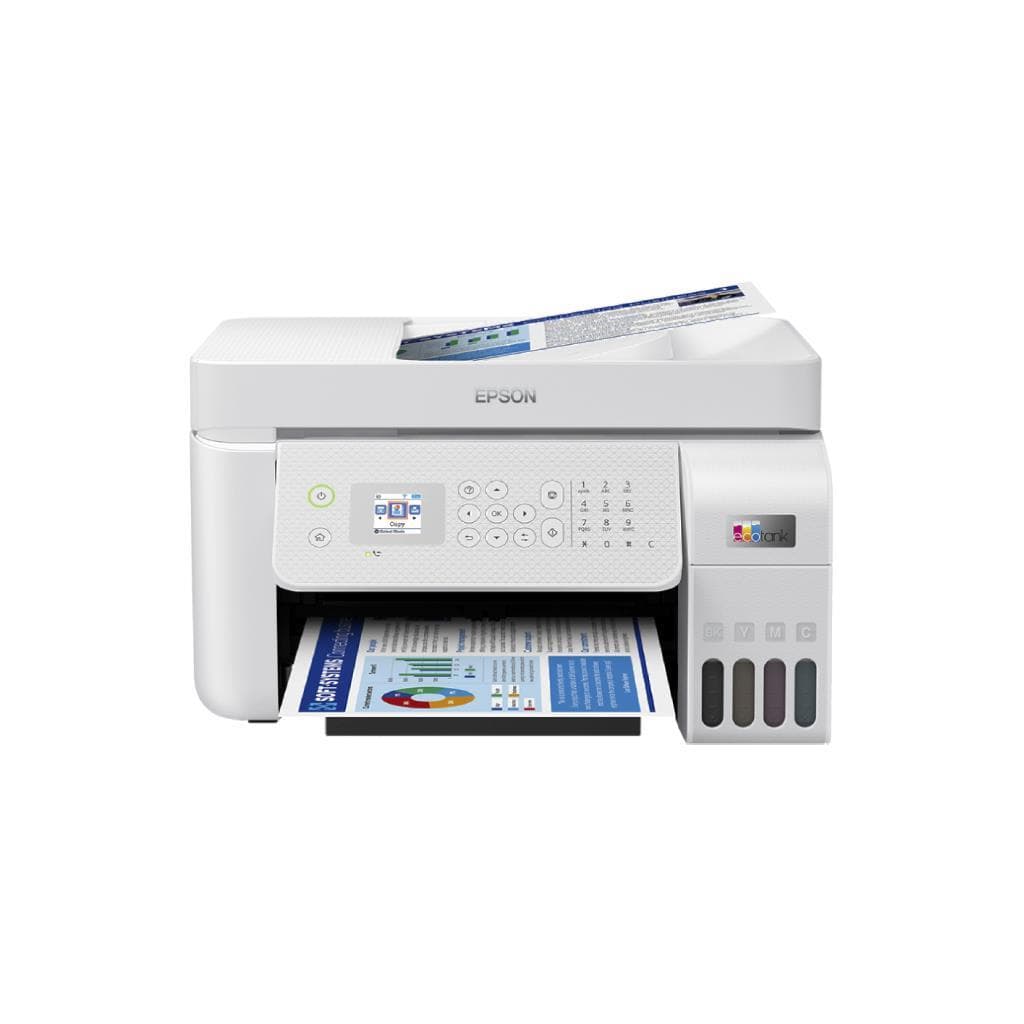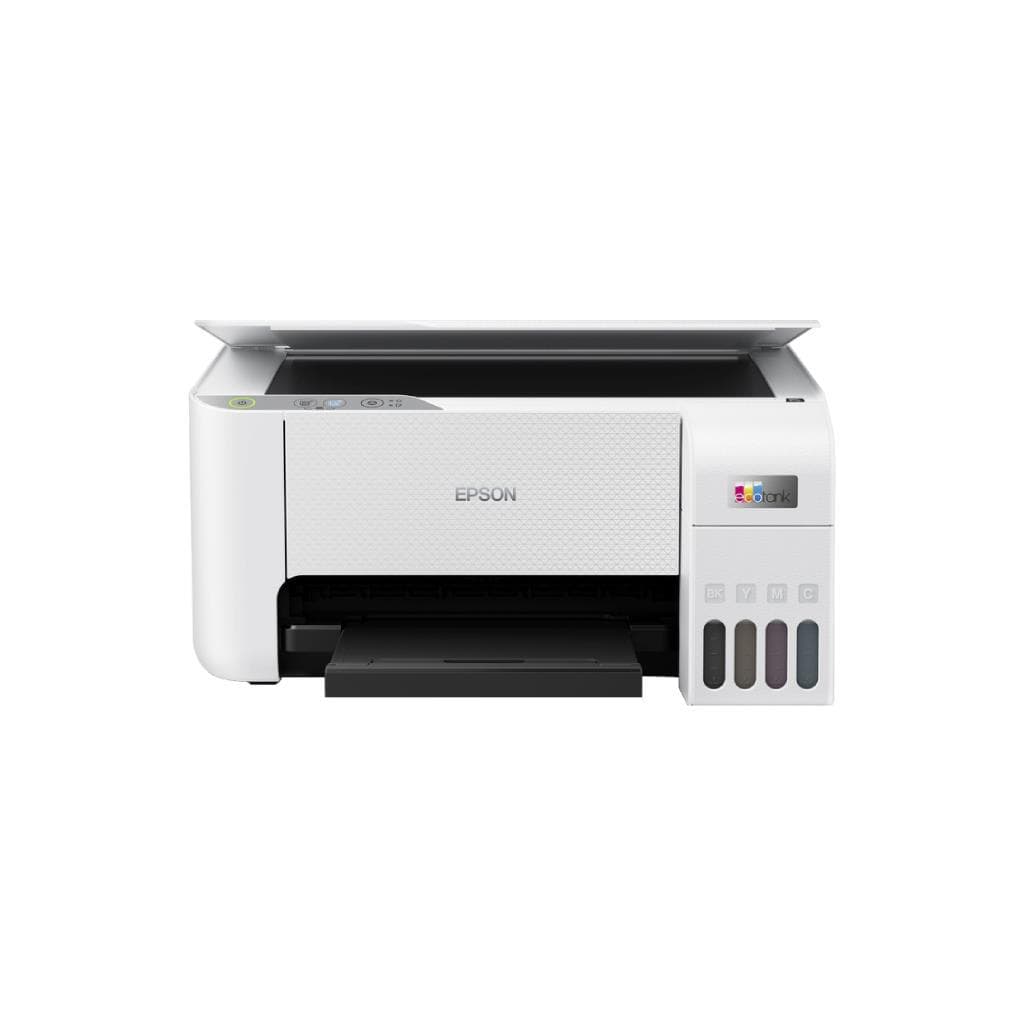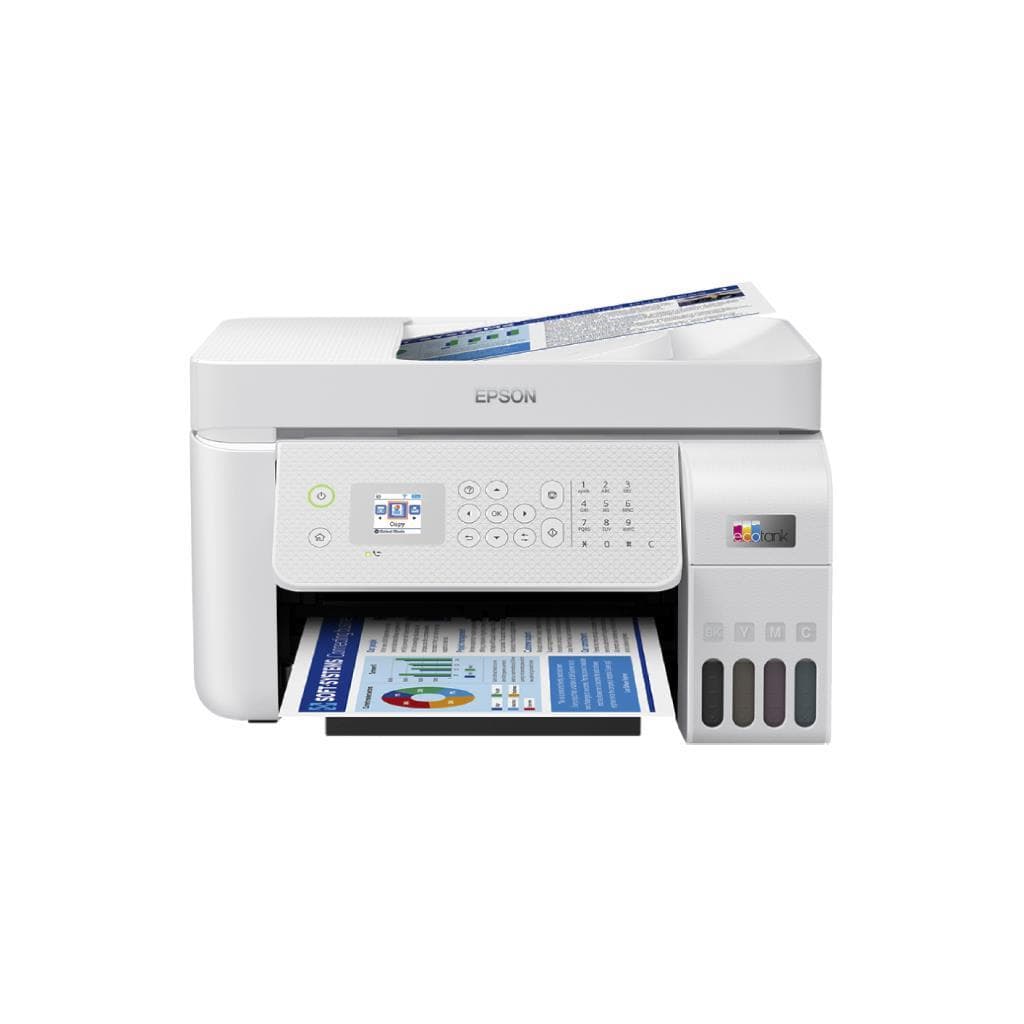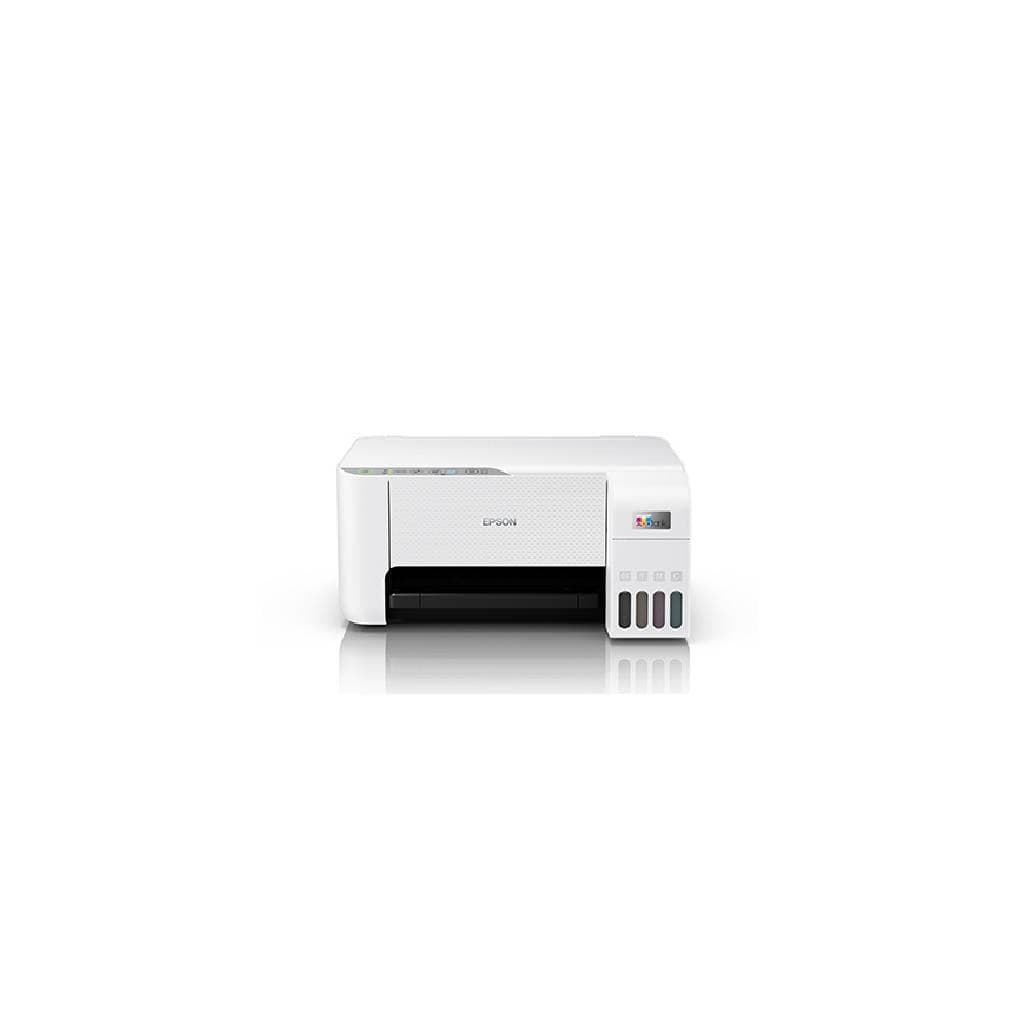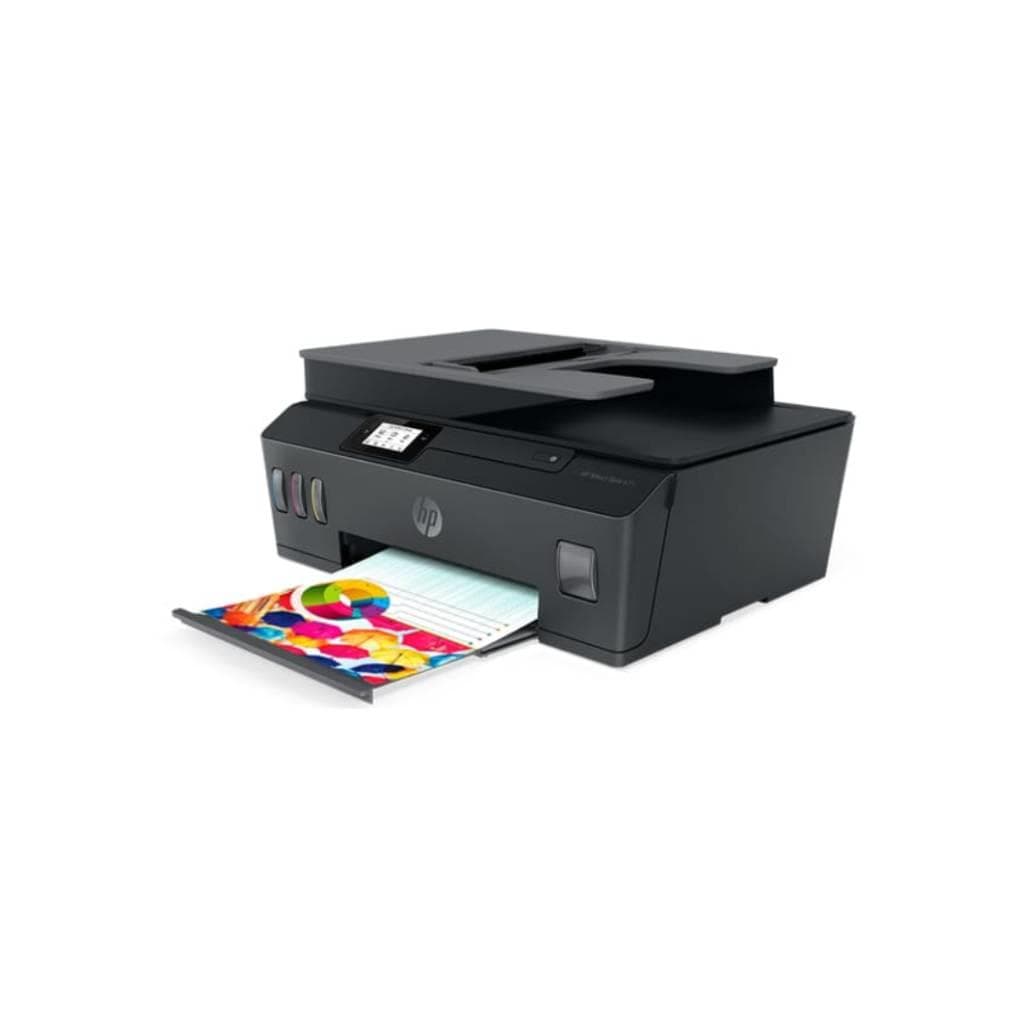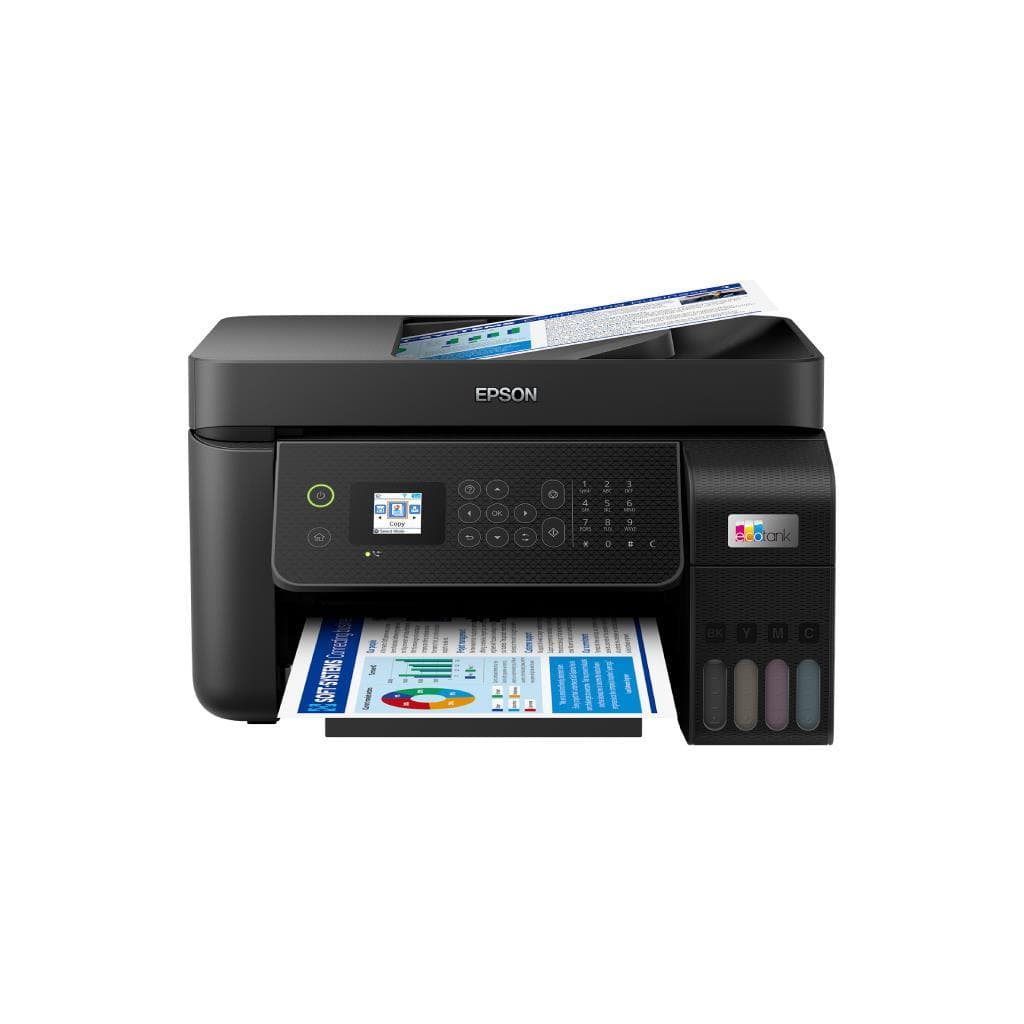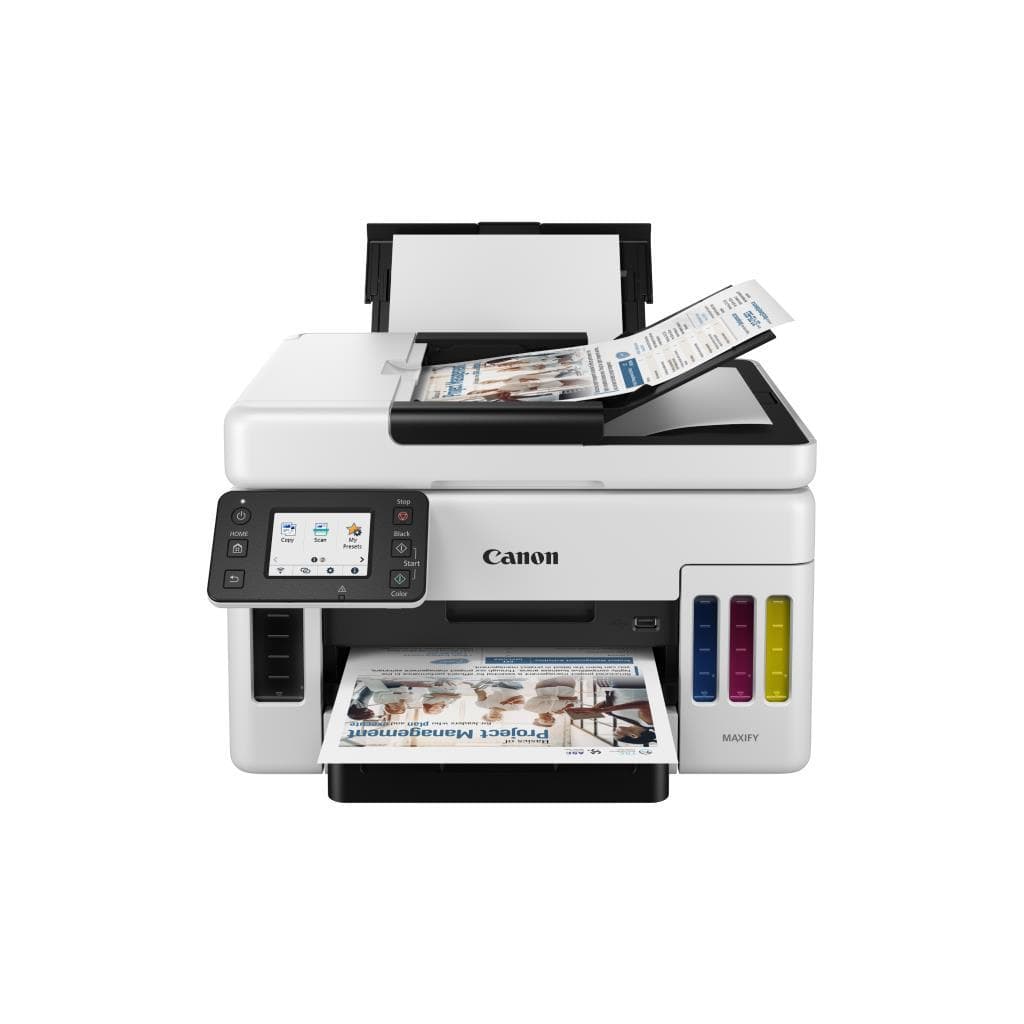


EPSON L3250 All-in-One Printer (Ink Tank) - 7.7 ipm Black / 3.8 ipm Color
SKU: L3250/2YEARSPrinters & Supplies › Multifunction Printers· Model: L3250
Please enquire before ordering
The distributor has not yet confirmed the latest price and availability (last checked Aug 31, 2026)
092-251-4017Awaiting stock confirmation2 years manufacturer's warranty
GenuineFree delivery from ฿5,000Tax invoice
เครื่องพิมพ์อิงค์เจ็ทแท็งค์แบบออลอินวัน (All-in-One) จาก EPSON รองรับการพิมพ์ สแกน และถ่ายเอกสาร พร้อมระบบหมึกแท็งค์ใหญ่ ลดต้นทุนการพิมพ์ต่อหน้าอย่างมาก
Key features
- พิมพ์ขาวดำเร็วสุด 7.7 ipm, สี 3.8 ipm
- ระบบหมึกแท็งค์ใหญ่ รองรับการพิมพ์ได้มากกว่า 4,500 หน้าต่อชุด
- เชื่อมต่อ Wi-Fi และ Wi-Fi Direct ได้ทันที
- สแกนและถ่ายเอกสารด้วยระบบกล้องสแกนแบบกระจก
- ไฟแสดงสถานะช่วยระบุปัญหาได้แม่นยำ เช่น หมึก, กระดาษ, เครือข่าย
Product description
EPSON L3250 เป็นเครื่องพิมพ์อิงค์เจ็ทแท็งค์แบบออลอินวัน (All-in-One) ที่ออกแบบมาเพื่อประสิทธิภาพสูงในงานพิมพ์ทั่วไปทั้งบ้านและสำนักงานขนาดเล็ก โดยรองรับการพิมพ์ความเร็วสูงสุด 7.7 แผ่นต่อนาที (ipm) สำหรับเอกสารขาวดำ และ 3.8 ipm สำหรับเอกสารสี พร้อมระบบหมึกแท็งค์ขนาดใหญ่ที่สามารถพิมพ์ได้มากกว่า 4,500 หน้าต่อชุด (ตามมาตรฐาน ISO/IEC24712) โดยไม่ต้องเปลี่ยนตลับหมึกบ่อยครั้ง ลดต้นทุนการพิมพ์อย่างมีนัยสำคัญ เครื่องรองรับการเชื่อมต่อ Wi-Fi และ Wi-Fi Direct ทำให้สามารถพิมพ์จากอุปกรณ์มือถือหรือแท็บเล็ตได้อย่างสะดวก พร้อมหน้าจอควบคุมแบบสัมผัสและไฟแสดงสถานะที่ช่วยระบุปัญหาได้แม่นยำ เช่น หมึกใกล้หมด กระดาษติดขัด หรือปัญหาการเชื่อมต่อเครือข่าย
More features
- ใช้พลังงานต่ำ โหมดพร้อมใช้งานเพียง 4.5 วัตต์
- รองรับการพิมพ์แบบไม่มีขอบ (borderless)
- ออกแบบมาเพื่อใช้งานต่อเนื่องในสำนักงานขนาดเล็ก
Pros and limitations
Pros
- ต้นทุนการพิมพ์ต่อหน้าต่ำมากด้วยระบบหมึกแท็งค์ใหญ่
- รองรับการพิมพ์ความเร็วสูง 7.7 ipm สำหรับเอกสารขาวดำ
- เชื่อมต่อ Wi-Fi และ Wi-Fi Direct ได้โดยไม่ต้องใช้สาย
- หน้าจอควบคุมแบบสัมผัสพร้อมไฟแสดงสถานะช่วยระบุปัญหาได้แม่นยำ
- รองรับการพิมพ์แบบไม่มีขอบ (borderless) สำหรับงานภาพถ่าย
Limitations
- ไม่รองรับการพิมพ์สองด้านอัตโนมัติ (Manual Duplex)
- ไม่มีพอร์ต Bluetooth
- ขนาดเครื่องค่อนข้างใหญ่ ใช้พื้นที่มาก
Who it is for
เหมาะสำหรับผู้ใช้งานทั่วไปในบ้านและสำนักงานขนาดเล็กที่ต้องการพิมพ์ สแกน และถ่ายเอกสารอย่างต่อเนื่อง โดยเฉพาะผู้ที่ต้องการลดต้นทุนการพิมพ์ต่อหน้า
Connectivity
USB
Specifications (49)
- หน่วยความจำ (RAM)
- 64 MB
- น้ำหนัก
- 5.5 kg
- Bluetooth
- ไม่รองรับ
- ขนาด
- 386 x 318 x 149 mm
- Duty Cycle
- Up to 1,000 pages per month
- Ink System
- Ink Tank (Refillable)
- Paper Size
- A4, A5, Letter, Legal, Envelope (DL, Monarch), Custom (up to 216 x 356 mm)
- ADF Capacity
- Up to 35 sheets
- การเชื่อมต่อ
- Wi-Fi, Wi-Fi Direct, USB 2.0
- Scanner Type
- Flatbed
- Control Panel
- Touch panel with LED indicators
- Rated Current
- 0.4 to 0.2 A
- ไฟแสดงสถานะ
- Power, Wi-Fi, Wi-Fi Direct, Ink, Paper
- ADF Duplex Scan
- รองรับ
- Duplex Printing
- Manual
- Operating Systems
- Windows 10/11, macOS 10.15 or later, iOS 12 or later, Android 6.0 or later
- Software Included
- Epson Printer Setup, Epson Smart Panel, Epson iPrint
- Color Depth (Scan)
- 24-bit
- Copy Speed (Black)
- Up to 7.7 ipm
- Copy Speed (Color)
- Up to 3.8 ipm
- Ink Cartridge Type
- Integrated ink tanks (Black, Cyan, Magenta, Yellow)
- ความชื้นขณะทำงาน
- 20% to 80% RH
- Page Yield (Black)
- Approximately 4,500 pages
- Page Yield (Color)
- Approximately 4,500 pages
- Resolution (Print)
- 4800 x 1200 dpi
- มาตรฐาน Wi-Fi
- IEEE 802.11b/g/n
- Borderless Printing
- รองรับ (with supported paper sizes)
- แรงดันไฟฟ้าขาเข้า
- 90 to 264 V
- Paper Tray Capacity
- 100 sheets
- Power Supply Rating
- 100 to 240 V
- Print Speed (Black)
- Up to 7.7 ipm
- Print Speed (Color)
- Up to 3.8 ipm
- Supported Languages
- English, Thai, Japanese, Korean, Chinese (Simplified/Traditional), French, German, Spanish, Italian, Portuguese, Russian
- Ink Pad Service Life
- Near end or end of life indicated by flashing ink and paper lights
- Output Tray Capacity
- 100 sheets
- Input Frequency Range
- 49.5/60.5 Hz
- อุณหภูมิการทำงาน
- 10°C to 35°C
- Rated Frequency Range
- 50/60 Hz
- Noise Level (Printing)
- Approximately 48 dB(A)
- Noise Level (Scanning)
- Approximately 42 dB(A)
- Mobile Printing Support
- Epson Smart Panel, Epson iPrint, Apple AirPrint, Mopria Print Service
- Optical Resolution (Scan)
- 4800 x 4800 dpi
- Recommended Monthly Pages
- Up to 1,000 pages
- First Print Out Time (Black)
- Approximately 10 seconds
- First Print Out Time (Color)
- Approximately 15 seconds
- Power Consumption (Ready Mode)
- Approximately 4.5 W
- Power Consumption (Sleep Mode)
- Approximately 0.7 W
- Power Consumption (Power Off Mode)
- Approximately 0.2 W
- Power Consumption (Standalone Copying)
- Approximately 12 W (ISO/IEC24712)
Compatibility
Windows, macOS
Datasheets and manuals straight from the manufacturer — select a document to open or download it.
13 questions
Frequently asked questions about this product
Compiled from manufacturer information
EPSON L3250 พิมพ์ได้กี่หน้าต่อชุดหมึก?
เครื่องพิมพ์ EPSON L3250 รองรับการพิมพ์ได้ประมาณ 4,500 หน้าต่อชุดหมึก (ตามมาตรฐาน ISO/IEC24712) สำหรับทั้งสีและขาวดำ โดยใช้ระบบหมึกแท็งค์ที่เติมเองได้ ช่วยลดต้นทุนการพิมพ์อย่างมาก
เครื่องพิมพ์รุ่นนี้รองรับการพิมพ์สองด้านอัตโนมัติไหม?
ไม่รองรับการพิมพ์สองด้านอัตโนมัติ (Auto Duplex) แต่รองรับการพิมพ์สองด้านแบบแมนนวล โดยผู้ใช้ต้องกลับกระดาษเองหลังพิมพ์ด้านแรก
สามารถพิมพ์จากมือถือได้ไหม?
ได้แน่นอน รองรับการพิมพ์จากมือถือผ่านแอป Epson Smart Panel, Epson iPrint, Apple AirPrint และ Mopria Print Service โดยเชื่อมต่อผ่าน Wi-Fi หรือ Wi-Fi Direct
ไฟแสดงสถานะของเครื่องหมายถึงอะไร?
ไฟแสดงสถานะช่วยระบุปัญหาได้ เช่น ไฟหมึกกระพริบ หมายถึงหมึกใกล้หมดหรือต้องชาร์จหมึกใหม่ ไฟกระดาษกระพริบ หมายถึงมีกระดาษติดขัด หรือไม่มีกระดาษ ไฟ Wi-Fi กระพริบ หมายถึงปัญหาการเชื่อมต่อเครือข่าย
ใช้พลังงานเท่าไหร่ในโหมดพร้อมใช้งาน?
ในโหมดพร้อมใช้งาน (Ready Mode) เครื่องใช้พลังงานเพียงประมาณ 4.5 วัตต์ ประหยัดไฟมาก และในโหมดสแตนด์บายใช้เพียง 0.7 วัตต์
รองรับการสแกนเอกสารแบบ ADF ได้กี่แผ่น?
รองรับการสแกนเอกสารผ่าน ADF สูงสุด 35 แผ่นต่อรอบ โดยสามารถสแกนสองด้านได้อัตโนมัติ (Duplex Scan)
เครื่องพิมพ์รุ่นนี้ใช้กับกระดาษขนาดไหนได้บ้าง?
รองรับกระดาษขนาด A4, A5, Letter, Legal, ซองจดหมาย (DL, Monarch) และกระดาษแบบกำหนดเองสูงสุด 216 x 356 มม. พร้อมรองรับการพิมพ์แบบไม่มีขอบสำหรับขนาดที่เหมาะสม
ต้องใช้ซอฟต์แวร์อะไรบ้างในการใช้งาน?
สามารถใช้งานได้ทันทีหลังติดตั้งผ่าน Epson Printer Setup หรือ Epson Smart Panel โดยรองรับระบบปฏิบัติการ Windows, macOS, iOS และ Android พร้อมแอป Epson iPrint สำหรับพิมพ์จากมือถือ
Is it in stock?
We are confirming the latest stock and price of the EPSON L3250 All-in-One Printer (Ink Tank) - 7.7 ipm Black / 3.8 ipm Color with the distributor. Please contact us before ordering at 092-251-4017 or sales@gist.co.th.
How much does it cost?
The distributor has not yet confirmed the latest price and availability. Please contact us before ordering at 092-251-4017 or sales@gist.co.th.
How long is the warranty?
Warranty period: 2 ปี (manufacturer's terms). To make a warranty claim, call 092-251-4017 or 065-523-5262, or email sales@gist.co.th (Mon–Fri 9:00–18:00), then send the product with your order number to our head office, or bring it to the head office in person.
How long does delivery take?
Orders placed before 12:00 on a business day are delivered within 1–3 business days (Bangkok and vicinity) or 2–5 business days (other provinces). Free delivery on orders of ฿5,000 or more (a ฿150 delivery fee applies below this amount).
Is it genuine?
Genuine products sourced from distributors in Thailand, covered by the manufacturer's warranty. Full tax invoices are available.
Didn't find the answer you need?
Loading reviews…
Genuine products
Sourced from distributors in Thailand and covered by the manufacturer's warranty
Warranty period
2 ปี
Covered by the manufacturer's warranty; you can make claims through GIST
Claims through GIST
Ship the product to our head office or bring it in person
Warranty conditions
- A receipt or other proof of purchase is required
- The product must not have been modified or altered
- Damage caused by misuse is not covered by the warranty
- To make a warranty claim, call 092-251-4017 or 065-523-5262, or email sales@gist.co.th (Mon–Fri 9:00–18:00), then send the product with your order number to our head office, or bring it to the head office in person.Head office: 554 Sky Nine Center, Floor 12A, Room 554/62, Asok-Din Daeng Road, Din Daeng Subdistrict, Din Daeng District, Bangkok 10400
More in Multifunction Printers