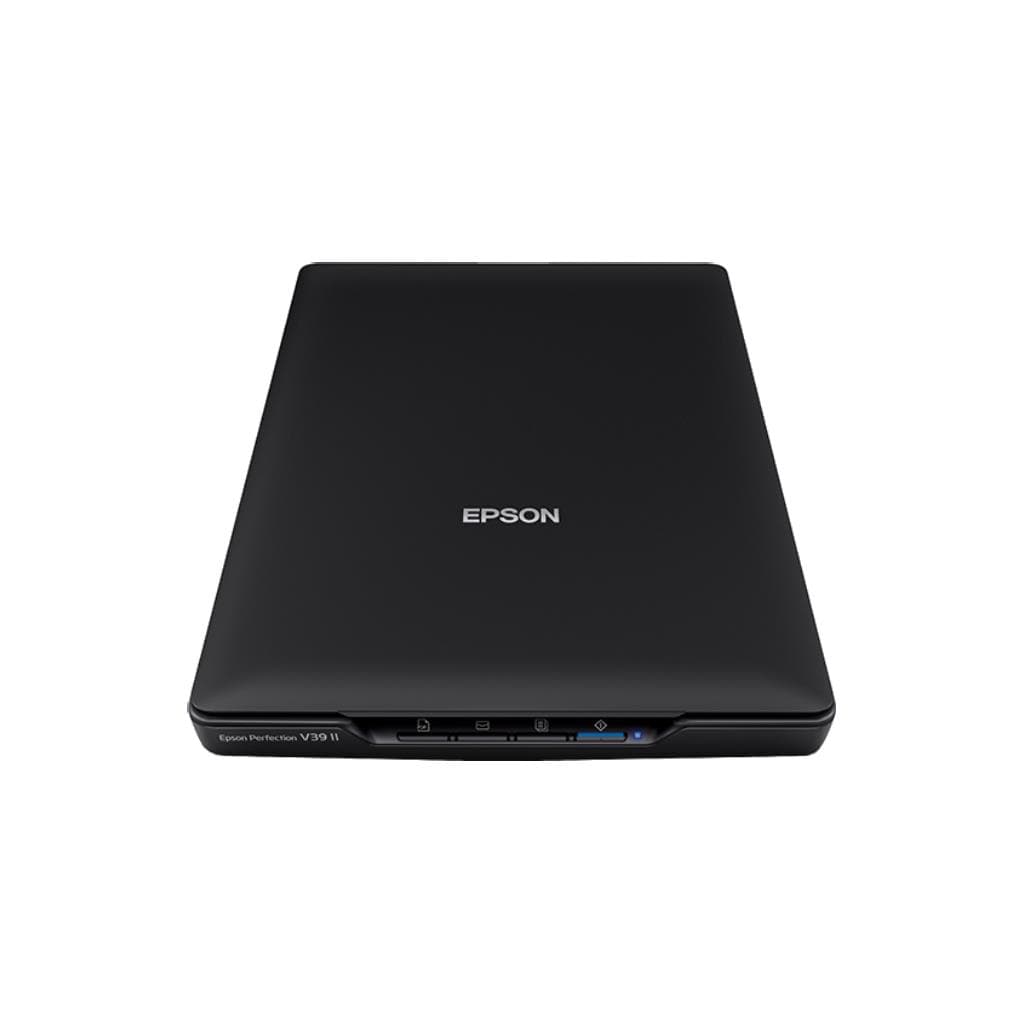


CANON CanoScan LiDE 400 Flatbed Scanner - 4800 x 4800 DPI Optical, 19200 DPI Interpolated
SKU: LIDE400Printers & Supplies › Scanners
Please enquire before ordering
The distributor has not yet confirmed the latest price and availability (last checked Jun 15, 2026)
092-251-4017Awaiting stock confirmation1 year manufacturer's warranty
GenuineFree delivery from ฿5,000Tax invoice
เครื่องสแกนเอกสารแบบแบนด์แบน รองรับความละเอียดสูงสุด 4800 x 4800 DPI แบบออปติคอล และ 19200 DPI แบบอินเตอร์โพเลท ใช้สแกนเอกสาร รูปภาพ หรืองานศิลปะขนาดเล็กได้คมชัด
Key features
- ความละเอียดออปติคอลสูงสุด 4800 x 4800 DPI
- รองรับการสแกนแบบ Interpolated ถึง 19200 DPI
- สแกนเอกสาร A4 ความละเอียด 300 DPI ใช้เวลาเพียง 10 วินาที
- รองรับระบบปฏิบัติการ Windows และ macOS
- ติดตั้งง่าย ใช้พอร์ต USB สำหรับเชื่อมต่อ
Product description
เครื่องสแกน CANON CanoScan LiDE 400 ออกแบบมาเพื่อความสะดวกในการใช้งานทั้งในบ้านและสำนักงานขนาดเล็ก โดยรองรับความละเอียดออปติคอลสูงสุด 4800 x 4800 DPI ซึ่งเหมาะอย่างยิ่งสำหรับการสแกนงานศิลปะ รูปภาพ หรือเอกสารที่ต้องการความละเอียดสูง โดยเฉพาะงานมินิมอลหรืองานมือเขียนที่มีรายละเอียดเล็กน้อย แม้จะมีข้อจำกัดในการตั้งค่าผ่านซอฟต์แวร์ IJ Scan Utility Lite ที่จำกัดการเลือกความละเอียดสูงสุดที่ 600 DPI โดยทั่วไป แต่สามารถตั้งค่าความละเอียดสูงสุดได้ผ่าน ScanGear หรือการตั้งค่าแบบ Custom ที่รองรับการสแกนที่ 1200 DPI และสามารถใช้เทคนิค Interpolated ถึง 19200 DPI ได้ แม้จะต้องพิจารณาเรื่องหน่วยความจำและขนาดไฟล์ที่เพิ่มขึ้น
More features
- ออกแบบมาเพื่อสแกนเอกสาร รูปภาพ งานศิลปะขนาดเล็ก
- รองรับการสแกนแบบ AutoScan พร้อมตั้งค่าได้ผ่านซอฟต์แวร์
- รองรับการสแกนแบบ Crop และปรับขนาดไฟล์ได้
Pros and limitations
Pros
- ความละเอียดออปติคอลสูงถึง 4800 x 4800 DPI ให้ภาพคมชัดแม้สแกนงานศิลปะขนาดเล็ก
- รองรับการสแกนแบบ Interpolated ถึง 19200 DPI สำหรับงานที่ต้องการความละเอียดสูงสุด
- สแกนเอกสาร A4 ความละเอียด 300 DPI ใช้เวลาเพียง 10 วินาที รวดเร็วและมีประสิทธิภาพ
- ติดตั้งง่าย ใช้พอร์ต USB 2.0 ไม่ต้องใช้อาหารไฟเพิ่มเติม
- รองรับทั้งระบบ Windows และ macOS ใช้งานได้หลากหลายสภาพแวดล้อม
Limitations
- ฟีเจอร์ AutoScan ตั้งค่าเริ่มต้นบันทึกเป็น PDF เท่านั้น ต้องปรับผ่านซอฟต์แวร์
- การตั้งค่าความละเอียดสูงสุดผ่าน IJ Scan Utility Lite ถูกจำกัดที่ 600 DPI
- ต้องใช้ ScanGear หรือตั้งค่า Custom เพื่อเข้าถึงความละเอียดสูงสุด
Who it is for
เหมาะสำหรับผู้ใช้ทั่วไป นักเรียน หรือเจ้าของกิจการขนาดเล็กที่ต้องการสแกนเอกสาร รูปภาพ หรืองานศิลปะขนาดเล็กด้วยความละเอียดสูง
Specifications (33)
- ประเภท
- Flatbed Scanner
- แบรนด์
- CANON
- รุ่น
- CanoScan LiDE 400
- พอร์ต
- USB 2.0
- น้ำหนัก
- 1.2 kg
- หมวดหมู่
- SCANNER
- การรับประกัน
- 1 year
- อินเทอร์เฟซ
- USB 2.0
- ขนาด
- 280 x 160 x 45 mm
- ความลึกสี
- 48-bit
- Sensor Type
- CCD
- ADF Capacity
- 0 sheets
- แหล่งพลังงาน
- USB bus-powered
- ความเข้ากันได้
- Works with Windows and macOS
- Scanning Mode
- Flatbed
- Output Formats
- PDF, JPEG, TIFF, PNG
- Paper Handling
- Manual feed
- Duplex Scanning
- ไม่รองรับ
- Cropping Support
- รองรับ
- Maximum Scan Size
- A4
- Software Features
- AutoScan, Custom resolution, Crop, Save format selection
- Software Included
- IJ Scan Utility Lite, ScanGear
- Memory Requirement
- High for 19200 DPI scans
- Optical Resolution
- 4800 x 4800 DPI
- Driver Requirements
- Administrator account for installation
- File Size Management
- Recommended to reduce output size when using high DPI
- AutoScan Functionality
- Saves scans as PDF by default
- Interpolated Resolution
- 19200 DPI
- Scan Speed (A4, 300 DPI)
- 10 seconds
- Custom Resolution Setting
- Available via ScanGear or IJ Scan Utility Lite (Custom option)
- Supported Operating Systems
- Windows 10, Windows 11, macOS
- Maximum Resolution in ScanGear
- 1200 DPI
- Maximum Resolution in IJ Scan Utility Lite
- 600 DPI
Datasheets and manuals straight from the manufacturer — select a document to open or download it.
13 questions
Frequently asked questions about this product
Compiled from manufacturer information
สแกนงานศิลปะขนาดเล็กด้วยความละเอียด 4800 DPI ได้ไหม?
ได้ครับ ตัวเครื่องรองรับความละเอียดออปติคอลสูงสุด 4800 x 4800 DPI โดยสามารถตั้งค่าผ่านซอฟต์แวร์ ScanGear หรือ IJ Scan Utility Lite ในโหมด Custom เพื่อสแกนได้ตามต้องการ
ทำไมสแกนแล้วได้แค่ 600 DPI แม้ตั้งค่าไว้สูง?
เนื่องจาก IJ Scan Utility Lite จำกัดการเลือกความละเอียดสูงสุดที่ 600 DPI โดยทั่วไป แต่สามารถตั้งค่าความละเอียดสูงสุดได้ผ่าน ScanGear หรือโหมด Custom ที่รองรับการตั้งค่าแบบ Manual
สแกนแบบ Interpolated 19200 DPI ได้ไหม?
ได้ครับ ตัวเครื่องรองรับความละเอียด Interpolated สูงสุด 19200 DPI แต่ต้องลดขนาดไฟล์หรือพื้นที่สแกนเพื่อจัดการกับหน่วยความจำที่ใช้สูง
ติดตั้งได้ไหมถ้าไม่ใช่ผู้ดูแลระบบ?
ติดตั้งได้เฉพาะผู้ใช้ที่มีสิทธิ์ Administrator เท่านั้น แต่หากติดตั้งผิดพลาด สามารถแก้ไขไฟล์ msetup4.ini เพื่อเลี่ยงการตรวจสอบสิทธิ์ได้
สแกนเอกสาร A4 ความละเอียด 300 DPI ใช้เวลานานไหม?
ไม่ครับ ใช้เวลาเพียง 10 วินาทีต่อหนึ่งแผ่น ถือว่ารวดเร็วมากสำหรับเครื่องสแกนแบบแบนด์แบนทั่วไป
รองรับการสแกนแบบ ADF ไหม?
ไม่รองรับครับ เครื่องนี้เป็นแบบ Flatbed ต้องวางเอกสารทีละแผ่น ไม่มีถาดสแกนอัตโนมัติ (ADF)
สามารถสแกนเป็นไฟล์ JPG ได้ไหม?
ได้ครับ รองรับการบันทึกไฟล์ในรูปแบบ JPG, TIFF, PNG และ PDF โดยสามารถเปลี่ยนรูปแบบได้ผ่านซอฟต์แวร์ ScanGear หรือ IJ Scan Utility Lite
ต้องใช้ซอฟต์แวร์อะไรบ้างในการสแกน?
ต้องใช้ซอฟต์แวร์ IJ Scan Utility Lite หรือ ScanGear สำหรับตั้งค่าการสแกน ควบคุมความละเอียด และบันทึกไฟล์ แนะนำให้ติดตั้งทั้งสองตัวเพื่อความยืดหยุ่น
Is it in stock?
We are confirming the latest stock and price of the CANON CanoScan LiDE 400 Flatbed Scanner - 4800 x 4800 DPI Optical, 19200 DPI Interpolated with the distributor. Please contact us before ordering at 092-251-4017 or sales@gist.co.th.
How much does it cost?
The distributor has not yet confirmed the latest price and availability. Please contact us before ordering at 092-251-4017 or sales@gist.co.th.
How long is the warranty?
Warranty period: 1 ปี (manufacturer's terms). To make a warranty claim, call 092-251-4017 or 065-523-5262, or email sales@gist.co.th (Mon–Fri 9:00–18:00), then send the product with your order number to our head office, or bring it to the head office in person.
How long does delivery take?
Orders placed before 12:00 on a business day are delivered within 1–3 business days (Bangkok and vicinity) or 2–5 business days (other provinces). Free delivery on orders of ฿5,000 or more (a ฿150 delivery fee applies below this amount).
Is it genuine?
Genuine products sourced from distributors in Thailand, covered by the manufacturer's warranty. Full tax invoices are available.
Didn't find the answer you need?
Loading reviews…
Genuine products
Sourced from distributors in Thailand and covered by the manufacturer's warranty
Warranty period
1 ปี
Covered by the manufacturer's warranty; you can make claims through GIST
Claims through GIST
Ship the product to our head office or bring it in person
Warranty conditions
- A receipt or other proof of purchase is required
- The product must not have been modified or altered
- Damage caused by misuse is not covered by the warranty
- To make a warranty claim, call 092-251-4017 or 065-523-5262, or email sales@gist.co.th (Mon–Fri 9:00–18:00), then send the product with your order number to our head office, or bring it to the head office in person.Head office: 554 Sky Nine Center, Floor 12A, Room 554/62, Asok-Din Daeng Road, Din Daeng Subdistrict, Din Daeng District, Bangkok 10400
More in Scanners