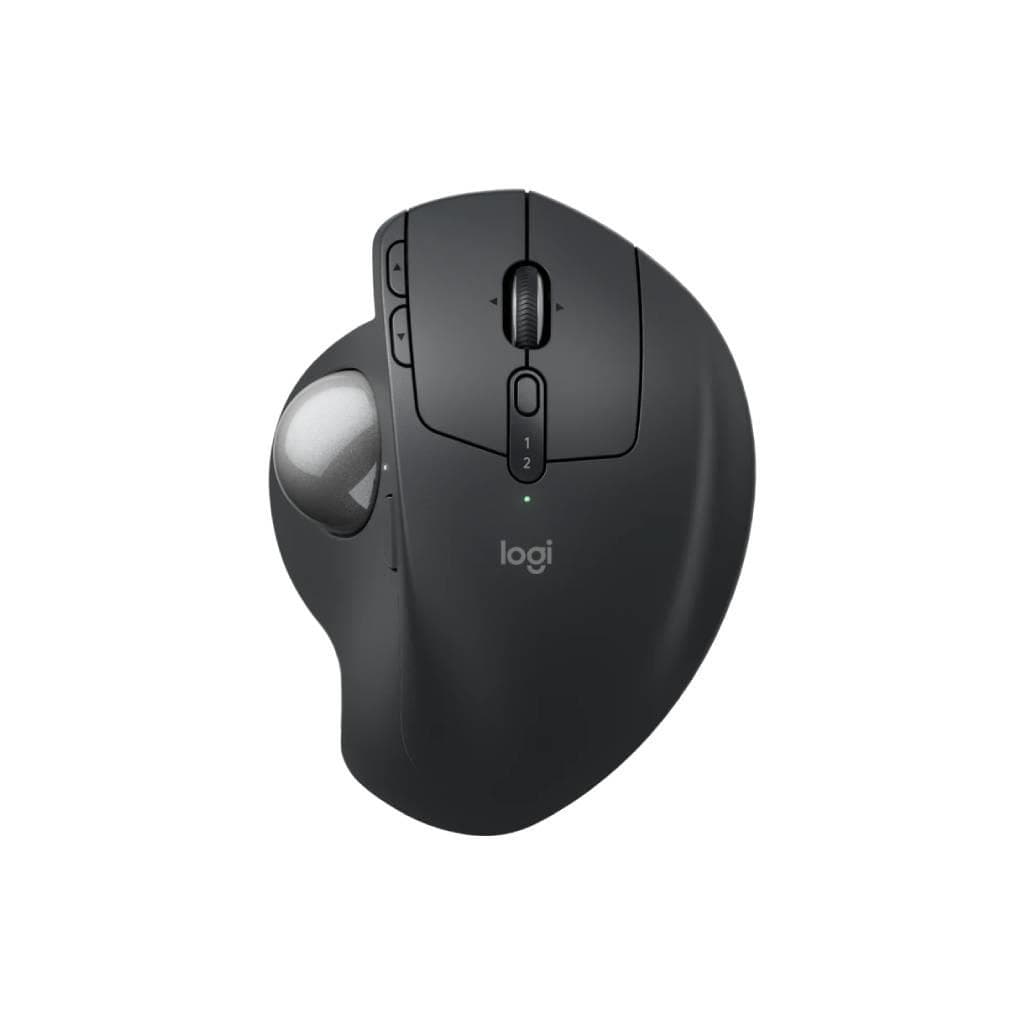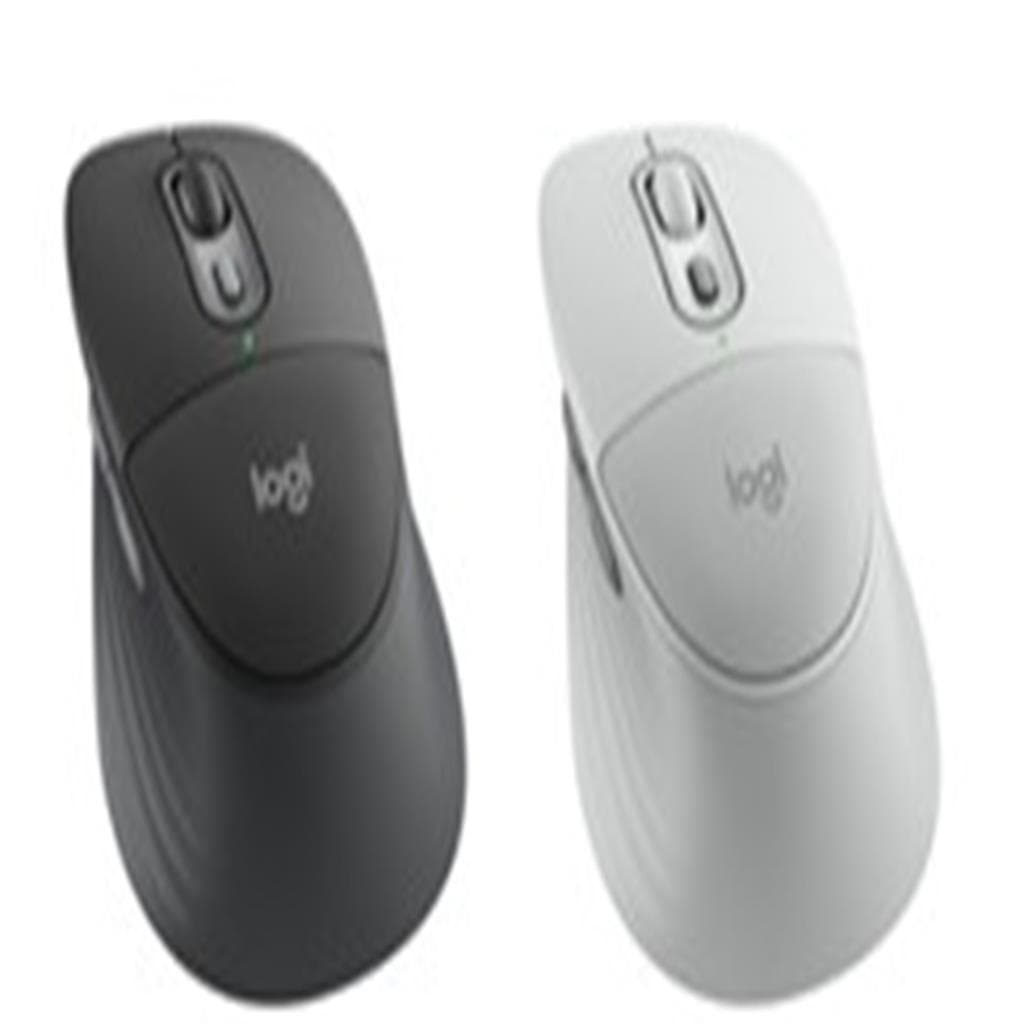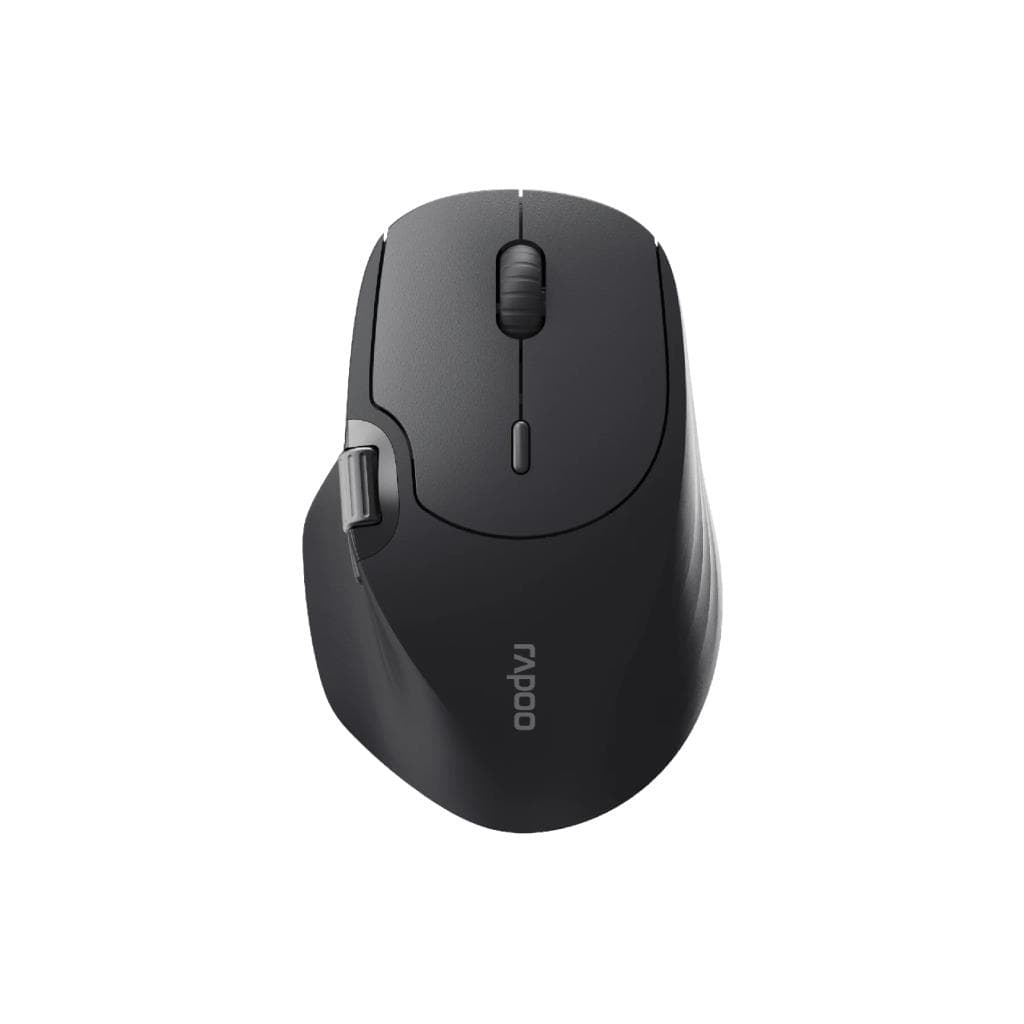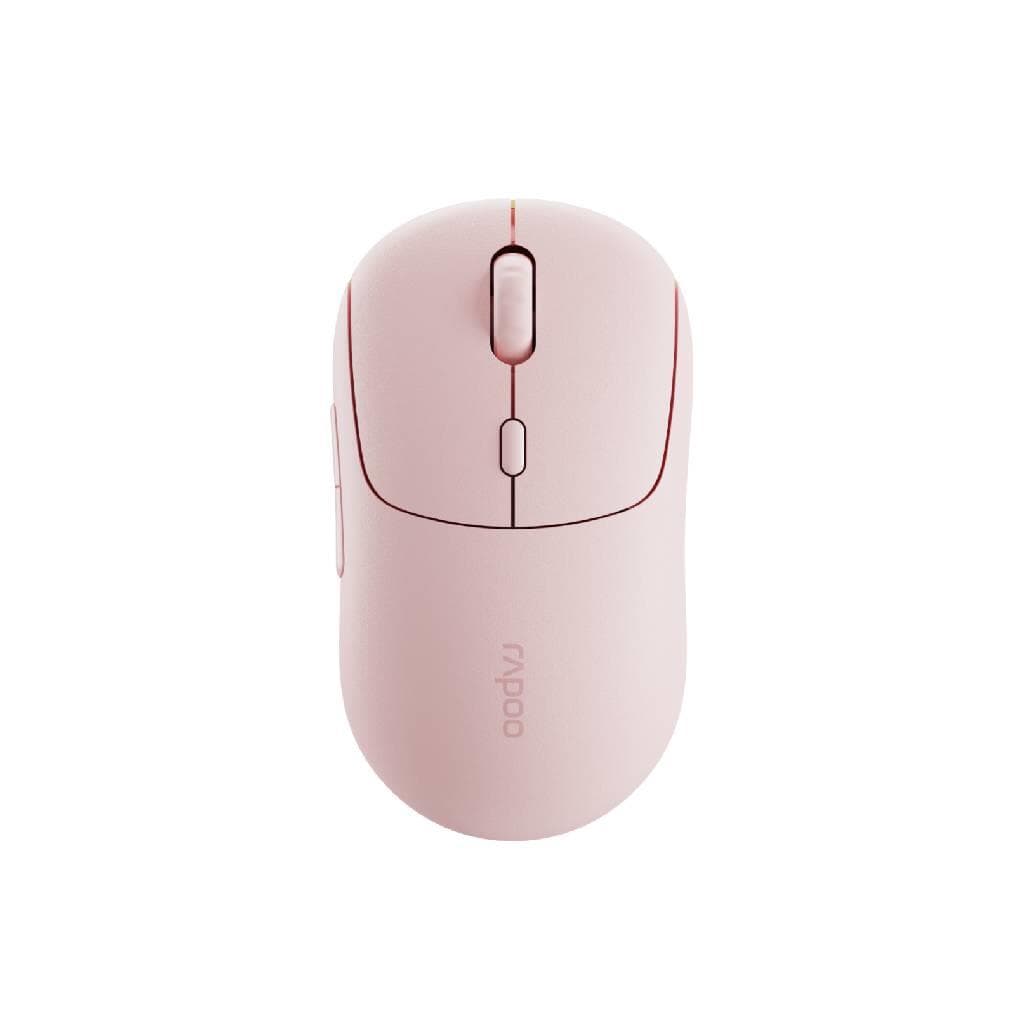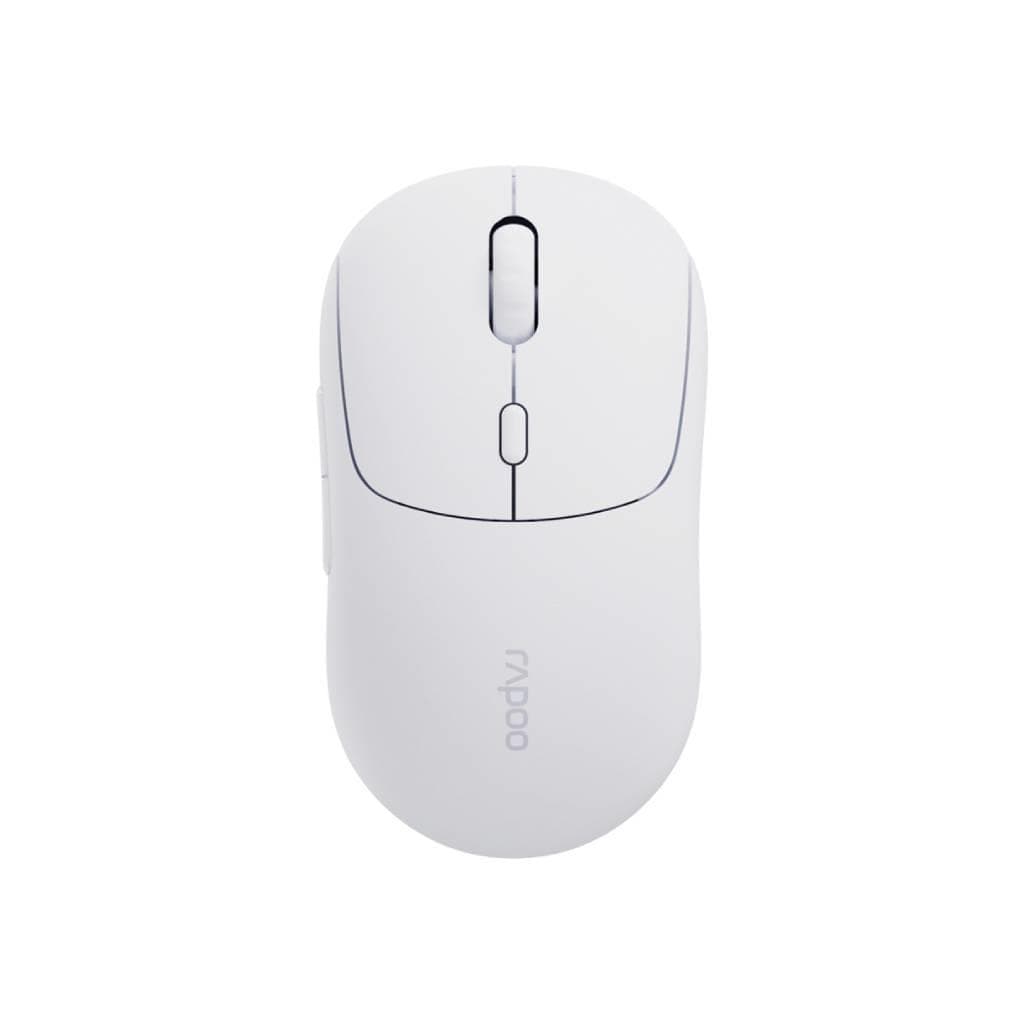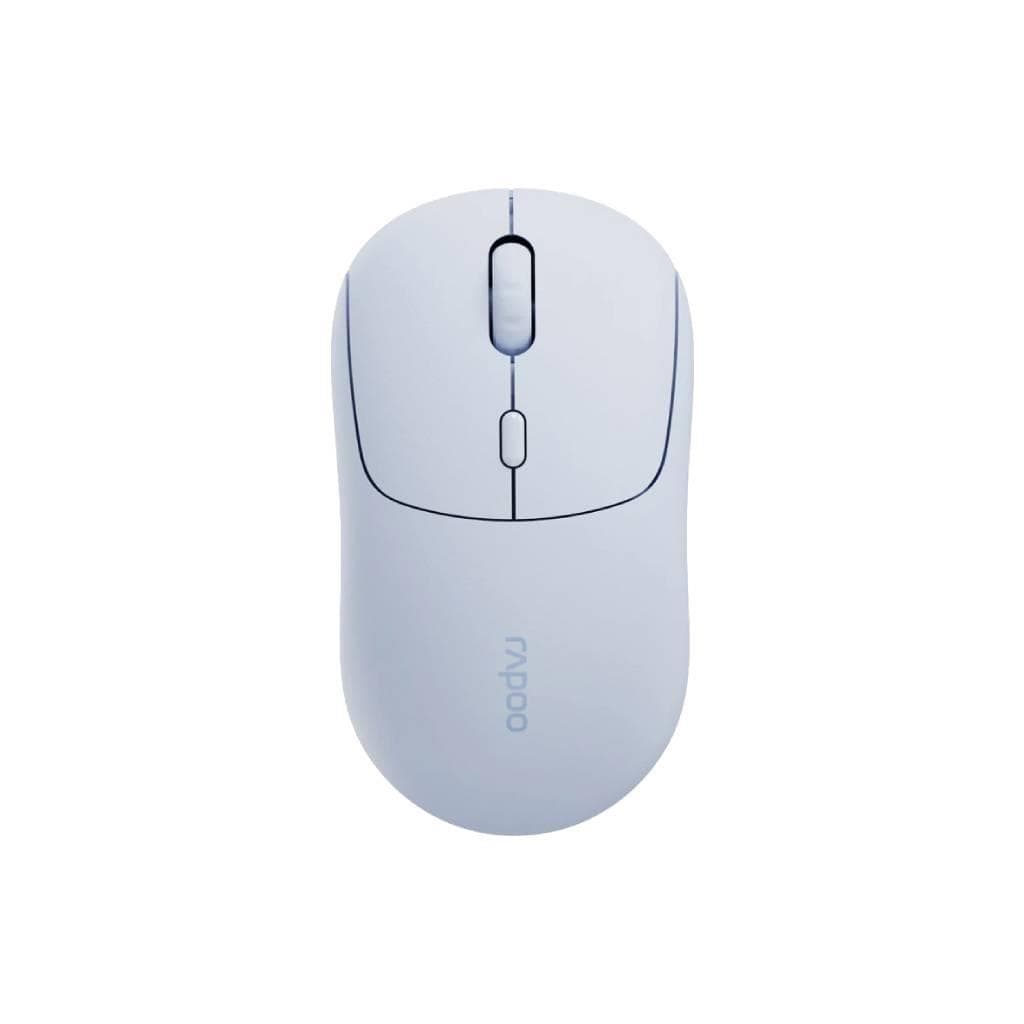
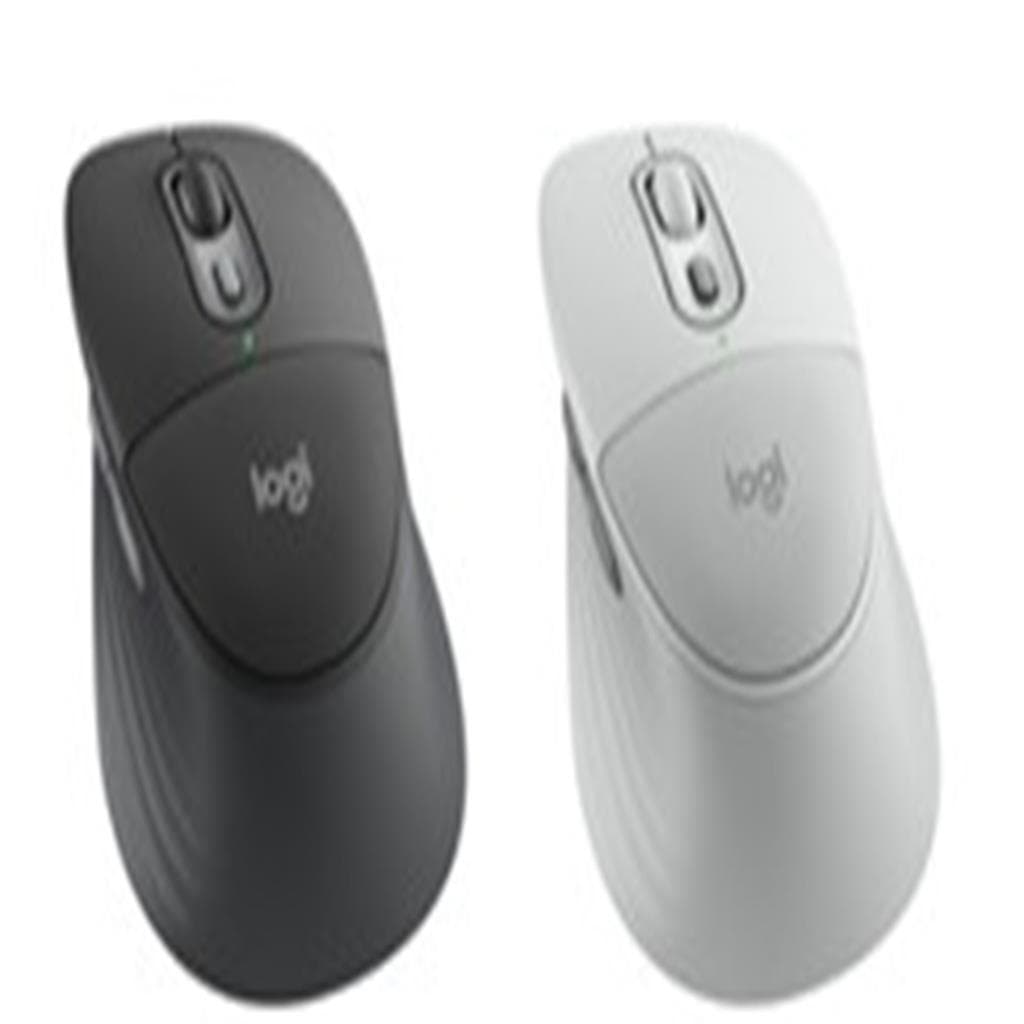

Logitech Signature Comfort Plus M850L Wireless Mouse (Graphite & Off-White) - 3-Device Bluetooth
SKU: M850L-MS-OFFWHITEGadgets & Accessories › Mice
Please enquire before ordering
The distributor has not yet confirmed the latest price and availability (last checked Sep 28, 2026)
092-251-4017Awaiting stock confirmation2 years manufacturer's warranty
GenuineFree delivery from ฿5,000Tax invoice
เมาส์ไร้สาย Logitech รุ่น M850L ดีไซน์โค้งมน พร้อมเบาะรองฝ่ามือ ใช้งานได้ยาวนาน รองรับการสลับอุปกรณ์ได้สูงสุด 3 เครื่องผ่าน Bluetooth
Key features
- เบาะรองฝ่ามือ ช่วยลดแรงกดในมือขณะใช้งานยาวนาน
- รองรับสลับอุปกรณ์ได้สูงสุด 3 เครื่องผ่าน Bluetooth
- SmartWheel เลื่อนหน้าได้ลื่นไหล ทั้งแบบเลื่อนทีละหน้าหรือเร็ว
- ปุ่มคลิกเงียบ ลดเสียงรบกวนในที่ทำงาน
- รูปทรงโค้งมนพอดีมือ จับกระชับ ควบคุมแม่นยำ
Product description
เมาส์ไร้สาย M850L จาก Logitech ออกแบบมาเพื่อความสบายทุกการใช้งาน ด้วยเบาะรองฝ่ามือที่ช่วยลดแรงกดขณะใช้งานเป็นเวลานาน ผู้ใช้ 93% รู้สึกสบายแม้ใช้งานต่อเนื่องตลอดวัน ตามผลการศึกษาของ Logitech (2025) ด้วยรูปทรงที่โค้งมนพอดีมือ พร้อมพื้นที่จับด้านข้างยางยืดหยุ่น ช่วยให้ควบคุมได้อย่างมั่นใจ พร้อมเทคโนโลยี SmartWheel สำหรับเลื่อนหน้าได้อย่างลื่นไหล ทั้งแบบเลื่อนทีละหน้าหรือเลื่อนเร็ว พร้อมปุ่มคลิกที่เงียบ ลดเสียงรบกวนในที่ทำงาน สามารถสลับระหว่างอุปกรณ์ได้สูงสุด 3 เครื่องผ่าน Bluetooth ใช้งานได้ทั้งบน Windows และ macOS
More features
- ใช้งานได้ยาวนานด้วยแบตเตอรี่ภายใน
- รองรับการตั้งค่าผ่านแอป Logi Options+
- ดีไซน์เรียบหรู โทน Graphite & Off-White
Pros and limitations
Pros
- เบาะรองฝ่ามือช่วยลดความเมื่อยล้าในมือ
- รองรับการสลับอุปกรณ์ได้ 3 เครื่องผ่าน Bluetooth
- SmartWheel เลื่อนหน้าได้ลื่นไหล แม้ในเอกสารยาว
- ปุ่มคลิกเงียบ ไม่รบกวนเพื่อนร่วมงาน
- แบตเตอรี่ใช้งานได้นานถึง 24 เดือน
Limitations
- ไม่รองรับการเชื่อมต่อแบบ USB receiver
- ไม่มีปุ่มปรับ DPI แบบฟิสิกส์
Who it is for
เหมาะสำหรับพนักงานออฟฟิศ นักเรียน หรือผู้ใช้งานที่ต้องใช้เมาส์เป็นเวลานาน ต้องการความสบายและประสิทธิภาพในการทำงาน
Specifications (35)
- สี
- Graphite & Off-White
- เซ็นเซอร์
- Optical
- น้ำหนัก
- 105 g
- จำนวนปุ่ม
- 6
- วัสดุ
- Plastic with soft-touch finish
- ซอฟต์แวร์
- Logi Options+ App
- การรับประกัน
- 2 years
- ความละเอียด DPI
- 1000 to 4000
- อินเทอร์เฟซ
- Wireless (Bluetooth)
- ประเภทพอร์ต
- USB-C
- Side Grip
- Extended rubber side grip
- การเชื่อมต่อ
- Wireless Bluetooth
- ขนาด
- 125 x 70 x 40 mm
- การจัดการ
- Logitech Sync (for enterprise)
- Thumb Rest
- รองรับ
- Click Sound
- Quiet
- Scroll Mode
- Line-by-line or fast scrolling
- อายุการใช้งานแบตเตอรี่
- Up to 24 months
- ประเภทแบตเตอรี่
- Rechargeable lithium-ion
- Palm Cushion
- รองรับ
- Polling Rate
- 1000 Hz
- ล้อเลื่อน
- SmartWheel
- พอร์ตชาร์จ
- USB-C
- ระยะเวลาชาร์จ
- Approx. 2 hours
- ความเข้ากันได้
- Windows, macOS
- เวลาตอบสนอง
- 1 ms
- การรับรอง
- CE, FCC, RoHS
- Device Pairing
- Bluetooth 5.0
- Ergonomic Design
- รองรับ
- เวอร์ชัน Bluetooth
- Bluetooth 5.0
- Number of Devices
- Up to 3
- การใช้พลังงาน
- Low power mode
- ความต้องการของระบบ
- USB port for initial setup (if using USB receiver)
- อุปกรณ์ในกล่อง
- USB-C charging cable
- ระบบปฏิบัติการที่รองรับ
- Windows 10/11, macOS 11 or later
Datasheets and manuals straight from the manufacturer — select a document to open or download it.
13 questions
Frequently asked questions about this product
Compiled from manufacturer information
เมาส์รุ่น M850L รองรับการสลับอุปกรณ์ได้กี่เครื่อง?
เมาส์ M850L รองรับการสลับระหว่างอุปกรณ์ได้สูงสุด 3 เครื่องผ่าน Bluetooth โดยสามารถสลับได้ทันทีด้วยปุ่มด้านล่างตัวเมาส์ ใช้งานได้ทั้งบน Windows และ macOS
ใช้งานเมาส์ M850L ได้นานแค่ไหนก่อนต้องชาร์จ?
เมาส์ M850L ใช้งานได้นานสูงสุดถึง 24 เดือนต่อการชาร์จหนึ่งครั้ง ด้วยแบตเตอรี่ลิเธียมไอออนที่มีประสิทธิภาพสูง ชาร์จไฟเพียง 2 ชั่วโมงก็เต็มได้
เมาส์รุ่นนี้มีปุ่มปรับ DPI ไหม?
เมาส์ M850L ไม่มีปุ่มปรับ DPI แบบฟิสิกส์ แต่สามารถปรับระดับความไวของเมาส์ผ่านแอป Logi Options+ ได้ โดยมีช่วง DPI ตั้งแต่ 1000 ถึง 4000
สามารถใช้งานกับ Mac ได้ไหม?
ได้แน่นอน เมาส์ M850L รองรับระบบปฏิบัติการ macOS 11 ขึ้นไป และสามารถตั้งค่าปุ่มต่าง ๆ ผ่านแอป Logi Options+ ได้เต็มรูปแบบ
ต้องใช้แอปอะไรในการตั้งค่า?
สามารถตั้งค่าเมาส์ผ่านแอป Logi Options+ ได้ทั้งบน Windows และ macOS แอปนี้ช่วยให้ปรับปุ่ม ตั้งค่า SmartWheel และจัดการการเชื่อมต่อได้สะดวก
เมาส์รุ่นนี้มีระบบชาร์จไร้สายไหม?
ไม่มีระบบชาร์จไร้สาย แต่มาพร้อมพอร์ต USB-C สำหรับชาร์จไฟ ใช้สายชาร์จทั่วไปได้ทันที ชาร์จเพียง 2 ชั่วโมงก็ใช้งานได้ยาวนานถึง 24 เดือน
เมาส์รุ่นนี้เหมาะกับมือใหญ่ไหม?
ใช่ เมาส์ M850L มีรูปทรงโค้งมนพอดีมือ พร้อมเบาะรองฝ่ามือและพื้นที่จับด้านข้างยางยืดหยุ่น ผู้ใช้ 93% รู้สึกสบายแม้ใช้งานต่อเนื่องทั้งวัน แม้มือใหญ่ก็ใช้งานได้สบาย
สามารถใช้กับระบบ Linux ได้ไหม?
รองรับการใช้งานพื้นฐานได้ แต่การตั้งค่าปุ่มหรือฟีเจอร์เฉพาะต้องใช้แอป Logi Options+ ซึ่งยังไม่รองรับ Linux โดยตรง แนะนำให้ใช้กับ Windows หรือ macOS เพื่อประสิทธิภาพสูงสุด
Is it in stock?
We are confirming the latest stock and price of the Logitech Signature Comfort Plus M850L Wireless Mouse (Graphite & Off-White) - 3-Device Bluetooth with the distributor. Please contact us before ordering at 092-251-4017 or sales@gist.co.th.
How much does it cost?
The distributor has not yet confirmed the latest price and availability. Please contact us before ordering at 092-251-4017 or sales@gist.co.th.
How long is the warranty?
Warranty period: 2 ปี (manufacturer's terms). To make a warranty claim, call 092-251-4017 or 065-523-5262, or email sales@gist.co.th (Mon–Fri 9:00–18:00), then send the product with your order number to our head office, or bring it to the head office in person.
How long does delivery take?
Orders placed before 12:00 on a business day are delivered within 1–3 business days (Bangkok and vicinity) or 2–5 business days (other provinces). Free delivery on orders of ฿5,000 or more (a ฿150 delivery fee applies below this amount).
Is it genuine?
Genuine products sourced from distributors in Thailand, covered by the manufacturer's warranty. Full tax invoices are available.
Didn't find the answer you need?
Loading reviews…
Genuine products
Sourced from distributors in Thailand and covered by the manufacturer's warranty
Warranty period
2 ปี
Covered by the manufacturer's warranty; you can make claims through GIST
Claims through GIST
Ship the product to our head office or bring it in person
Warranty conditions
- A receipt or other proof of purchase is required
- The product must not have been modified or altered
- Damage caused by misuse is not covered by the warranty
- To make a warranty claim, call 092-251-4017 or 065-523-5262, or email sales@gist.co.th (Mon–Fri 9:00–18:00), then send the product with your order number to our head office, or bring it to the head office in person.Head office: 554 Sky Nine Center, Floor 12A, Room 554/62, Asok-Din Daeng Road, Din Daeng Subdistrict, Din Daeng District, Bangkok 10400
More in Mice