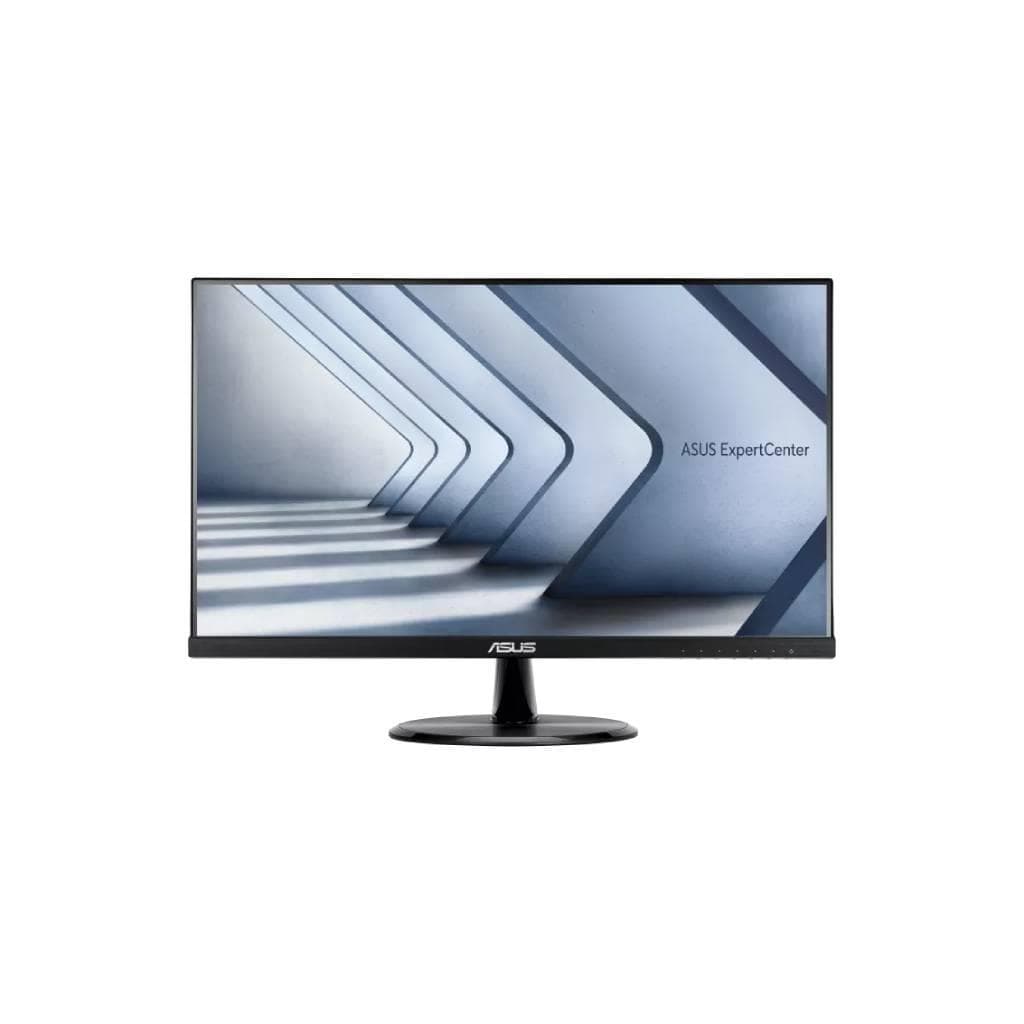


ASUS ZenScreen MB169CK Portable Monitor 15.6" FHD IPS 1920x1080 60Hz USB-C Dual x2
SKU: MB169CKDisplays & Projectors › Business Monitors
Please enquire before ordering
The distributor has not yet confirmed the latest price and availability (last checked Jun 15, 2026)
092-251-4017Awaiting stock confirmation2 years manufacturer's warranty
GenuineFree delivery from ฿5,000Tax invoice
จอภาพพกพาขนาด 15.6 นิ้ว พร้อมพอร์ต USB-C สองช่องและ mini-HDMI ใช้งานร่วมกับแล็ปท็อปได้ทันทีด้วยสายเดียว รองรับการต่อขยายหน้าจอหรือซ้ำหน้าจอได้ทันที
Key features
- จอภาพพกพา 15.6 นิ้ว ความละเอียด FHD 1920x1080
- รองรับการต่อผ่าน USB-C สองพอร์ต หรือ HDMI ได้ทันที
- น้ำหนักเบาเพียง 0.78 กก. พกพาสะดวก
- มุมมองกว้าง 178° ดูภาพได้ชัดแม้จากมุมเฉียง
- รองรับการหมุนแนวตั้ง-แนวนอนอัตโนมัติด้วย DisplayWidget Center
Product description
ASUS ZenScreen MB169CK คือจอภาพพกพาที่ออกแบบมาเพื่อความคล่องตัวสูงสุด ด้วยน้ำหนักเพียง 0.78 กิโลกรัม และขนาดบางเพียง 1.2 ซม. จึงพกพาไปได้ทุกที่ ไม่ว่าจะทำงานจากคาเฟ่ ห้องประชุม หรือเดินทางต่างประเทศ จอ IPS ขนาด 15.6 นิ้ว ความละเอียด FHD (1920 x 1080) ให้ภาพคมชัด พร้อมมุมมองกว้าง 178° แม้ดูจากมุมเฉียง ความสว่าง 250 cd/m² และอัตราการรีเฟรช 60Hz ทำให้ภาพนิ่ง ไม่กระพริบ พร้อมเทคโนโลยี ASUS Eye Care ทั้ง Flicker-free และ Low Blue Light ช่วยลดความเมื่อยล้าของสายตาในช่วงใช้งานยาวนาน
More features
- ติดตั้งบนขาตั้งแบบ 360° หรือติดกับขาตั้งกล้องได้
- ใช้พลังงานต่ำเพียง 7.64 วัตต์
- ทำจากพลาสติกรีไซเคิล 85% ด้านสิ่งแวดล้อม
- รองรับ HDCP 1.4 สำหรับการรับชมวิดีโอที่มีลิขสิทธิ์
- มีฟีเจอร์ QuickFit สำหรับจัดวางภาพและเอกสาร
Pros and limitations
Pros
- ต่อใช้งานกับแล็ปท็อปได้ทันทีด้วยสายเดียวผ่าน USB-C
- มุมมองกว้าง 178° ดูภาพได้ชัดแม้จากมุมเฉียง
- น้ำหนักเบาเพียง 0.78 กก. พกพาสะดวก
- รองรับการหมุนแนวตั้ง-แนวนอนอัตโนมัติ
- ทำจากพลาสติกรีไซเคิล 85% ด้านสิ่งแวดล้อม
Limitations
- ไม่มีลำโพงในตัว
- ไม่สามารถปรับความสูงหรือเอียงจอได้
- ต้องใช้สาย USB-C หรือ HDMI เพิ่มเติมหากไม่รองรับ DP Alt Mode
Who it is for
เหมาะสำหรับนักเดินทาง นักออกแบบ หรือพนักงานที่ต้องการขยายพื้นที่หน้าจอขณะทำงานนอกสำนักงาน หรือนำเสนอผลงานในที่ประชุม
Color
ดำ
Weight
0.88 กก.
Connectivity
USB-C
Specifications (38)
- HDCP
- รองรับ, 1.4
- พอร์ต
- USB-C x2 (DP Alt Mode), Mini HDMI x1
- ลำโพง
- ไม่รองรับ
- QuickFit
- รองรับ (Photo/Alignment Grid)
- การรับประกัน
- 2 years
- ขนาดหน้าจอ
- 15.6
- ประเภทจอ
- IPS
- ความละเอียด
- 1920 x 1080
- การติดตั้ง VESA
- รองรับ (1/4" socket)
- ระยะห่างพิกเซล
- 0.179 mm
- อัตราส่วนภาพ
- 16:9
- Flicker-free
- รองรับ
- Gross Weight
- 1.70 kg (3.75 lbs)
- การปรับตั้ง
- 360° Kickstand
- Auto Rotation
- รองรับ, supported by DisplayWidget Center
- DisplayWidget
- รองรับ, DisplayWidget Center
- แรงดันไฟฟ้าขาเข้า
- 100-240 V, 50/60 Hz
- เวลาตอบสนอง
- 5 ms (GTG)
- Backlight Type
- LED
- การรับรอง
- FSC MIX, TÜV Low Blue Light, TÜV Flicker-free
- Display Colors
- 16.7M
- Low Blue Light
- รองรับ
- Power Off Mode
- <0.3 W
- Display Surface
- Anti-Glare
- Brightness (Typ.)
- 250 cd/m²
- Energy Efficiency
- ENERGY STAR® Certified
- การใช้พลังงาน
- 7.64 W
- Power Saving Mode
- <0.5 W
- 1/4" Tripod Socket
- รองรับ
- Dimensions (Esti.)
- 36.0 x 22.6 x 1.2 cm (14.17" x 8.90" x 0.47")
- Refresh Rate (Max)
- 60 Hz
- SPLENDID Technology
- รองรับ
- Color Temp. Selection
- รองรับ (4 modes)
- Contrast Ratio (Typ.)
- 800:1
- Trace Free Technology
- รองรับ
- Eco-friendly Materials
- 85% post-consumer recycled (PCR) plastics
- Net Weight without Stand
- 0.78 kg (1.72 lbs)
- Viewing Angle (CR≧10, H/V)
- 178° / 178°
Datasheets and manuals straight from the manufacturer — select a document to open or download it.
13 questions
Frequently asked questions about this product
Compiled from manufacturer information
จอ ASUS ZenScreen MB169CK รองรับการต่อผ่าน USB-C ได้ไหม?
ใช่ รองรับการต่อผ่าน USB-C สองพอร์ต โดยต้องตรวจสอบว่าพอร์ต USB-C บนแล็ปท็อปของคุณรองรับ DP Alt Mode หรือไม่ หากไม่รองรับ สามารถใช้ HDMI ร่วมกับ USB-C สำหรับจ่ายไฟแทนได้
ใช้ MB169CK ทำงานพร้อมกับแล็ปท็อปได้กี่หน้าจอ?
สามารถใช้งานร่วมกับแล็ปท็อปได้สูงสุด 2 หน้าจอ คือจอหลักของแล็ปท็อปและ MB169CK ต่อเป็นหน้าจอขยายหรือซ้ำได้ทันที ขึ้นอยู่กับความสามารถของแล็ปท็อป
MB169CK ใช้พลังงานเท่าไหร่?
ใช้พลังงานเพียง 7.64 วัตต์ ขณะทำงาน และต่ำกว่า 0.5 วัตต์ในโหมดประหยัดพลังงาน จึงไม่กินไฟมากแม้ใช้งานต่อเนื่อง
ติดตั้ง MB169CK บนขาตั้งกล้องได้ไหม?
ได้ ตัวจอมาพร้อมช่อง 1/4" สำหรับติดตั้งบนขาตั้งกล้องหรือขาตั้งแบบตั้งโต๊ะได้ทันที พร้อมด้วยขาตั้งแบบ 360° ที่สามารถปรับมุมได้ตามต้องการ
MB169CK รองรับการหมุนแนวตั้งอัตโนมัติไหม?
ใช่ รองรับการหมุนแนวตั้ง-แนวนอนอัตโนมัติผ่านซอฟต์แวร์ ASUS DisplayWidget Center ซึ่งจะตรวจจับทิศทางการวางจอและปรับมุมภาพอัตโนมัติ
ใช้ MB169CK ดูหนังหรือเล่นเกมได้ไหม?
ได้ จอความละเอียด FHD 1920x1080 พร้อมรีเฟรชเรท 60Hz และ response time 5ms ทำให้ภาพนิ่ง ไม่กระพริบ ใช้ดูหนังหรือเล่นเกมพื้นฐานได้ดี แต่ไม่เหมาะกับเกมแข่งขันสูง
MB169CK ต้องใช้ซอฟต์แวร์เพิ่มไหม?
ใช่ ต้องติดตั้ง ASUS DisplayWidget Center เพื่อใช้ฟีเจอร์หมุนแนวตั้งอัตโนมัติ หรือ QuickFit สำหรับจัดวางภาพ แต่การใช้งานพื้นฐานสามารถทำได้โดยไม่ต้องติดตั้ง
MB169CK ใช้กับแล็ปท็อปทุกรุ่นได้ไหม?
ไม่ใช่ทุกรุ่น ต้องตรวจสอบว่าพอร์ต USB-C บนแล็ปท็อปของคุณรองรับ DP Alt Mode หรือไม่ หากไม่รองรับ ให้ใช้ HDMI ร่วมกับ USB-C สำหรับจ่ายไฟแทน
Is it in stock?
We are confirming the latest stock and price of the ASUS ZenScreen MB169CK Portable Monitor 15.6" FHD IPS 1920x1080 60Hz USB-C Dual x2 with the distributor. Please contact us before ordering at 092-251-4017 or sales@gist.co.th.
How much does it cost?
The distributor has not yet confirmed the latest price and availability. Please contact us before ordering at 092-251-4017 or sales@gist.co.th.
How long is the warranty?
Warranty period: 2 ปี (manufacturer's terms). To make a warranty claim, call 092-251-4017 or 065-523-5262, or email sales@gist.co.th (Mon–Fri 9:00–18:00), then send the product with your order number to our head office, or bring it to the head office in person.
How long does delivery take?
Orders placed before 12:00 on a business day are delivered within 1–3 business days (Bangkok and vicinity) or 2–5 business days (other provinces). Free delivery on orders of ฿5,000 or more (a ฿150 delivery fee applies below this amount).
Is it genuine?
Genuine products sourced from distributors in Thailand, covered by the manufacturer's warranty. Full tax invoices are available.
Didn't find the answer you need?
Loading reviews…
Genuine products
Sourced from distributors in Thailand and covered by the manufacturer's warranty
Warranty period
2 ปี
Covered by the manufacturer's warranty; you can make claims through GIST
Claims through GIST
Ship the product to our head office or bring it in person
Warranty conditions
- A receipt or other proof of purchase is required
- The product must not have been modified or altered
- Damage caused by misuse is not covered by the warranty
- To make a warranty claim, call 092-251-4017 or 065-523-5262, or email sales@gist.co.th (Mon–Fri 9:00–18:00), then send the product with your order number to our head office, or bring it to the head office in person.Head office: 554 Sky Nine Center, Floor 12A, Room 554/62, Asok-Din Daeng Road, Din Daeng Subdistrict, Din Daeng District, Bangkok 10400
More in Business Monitors