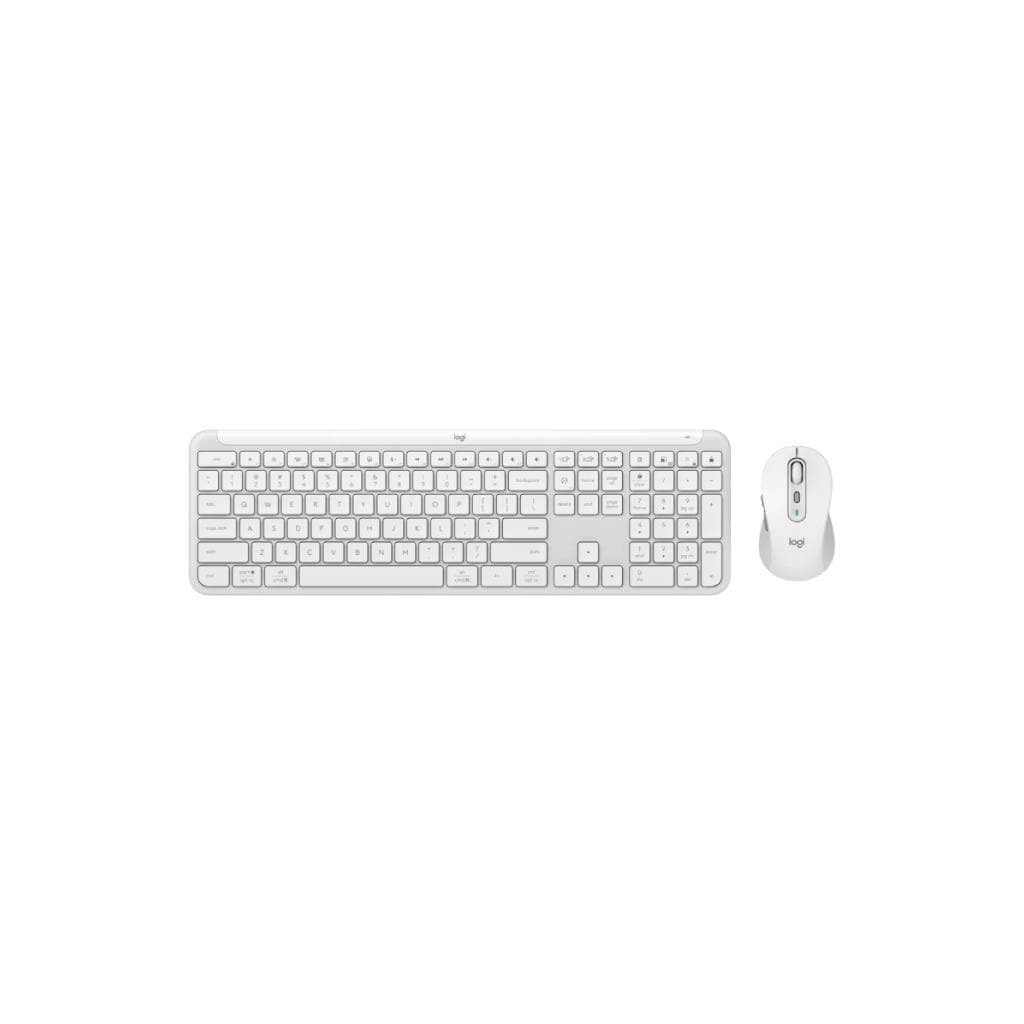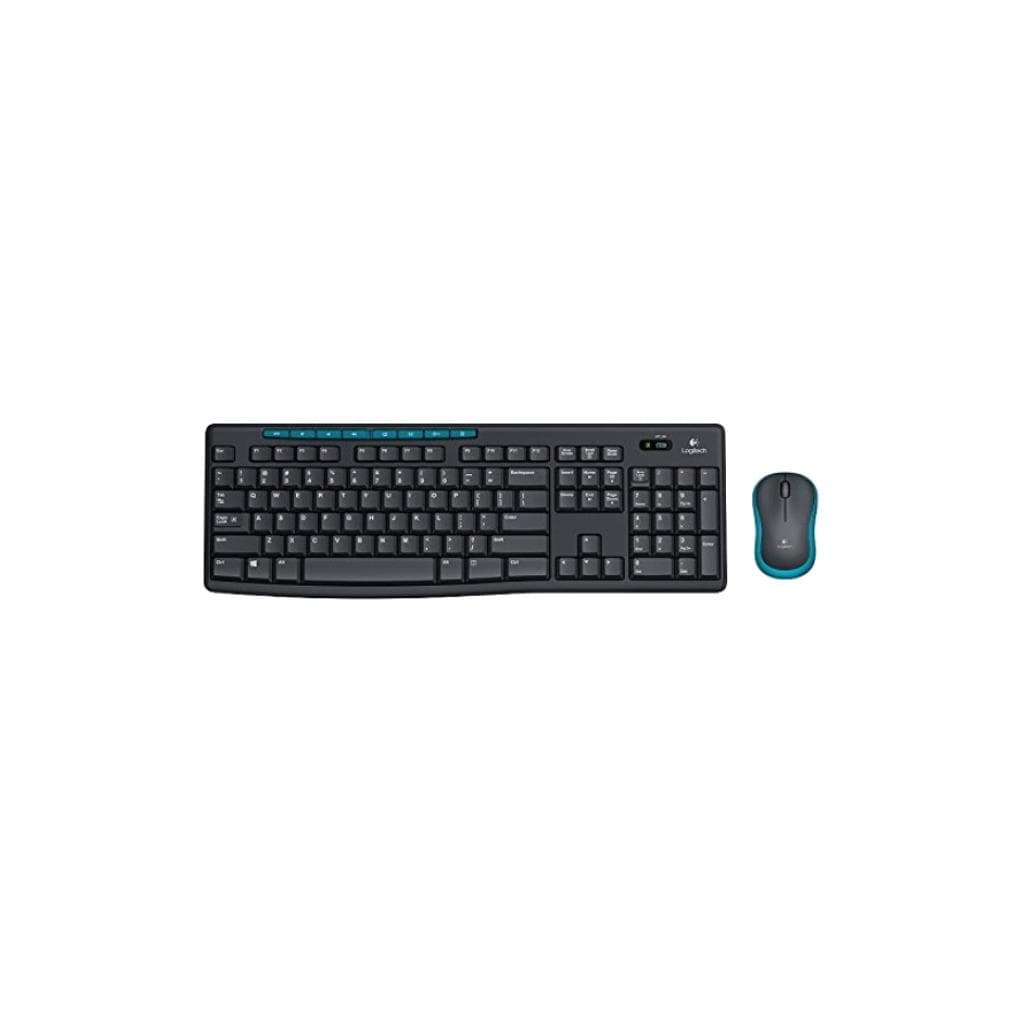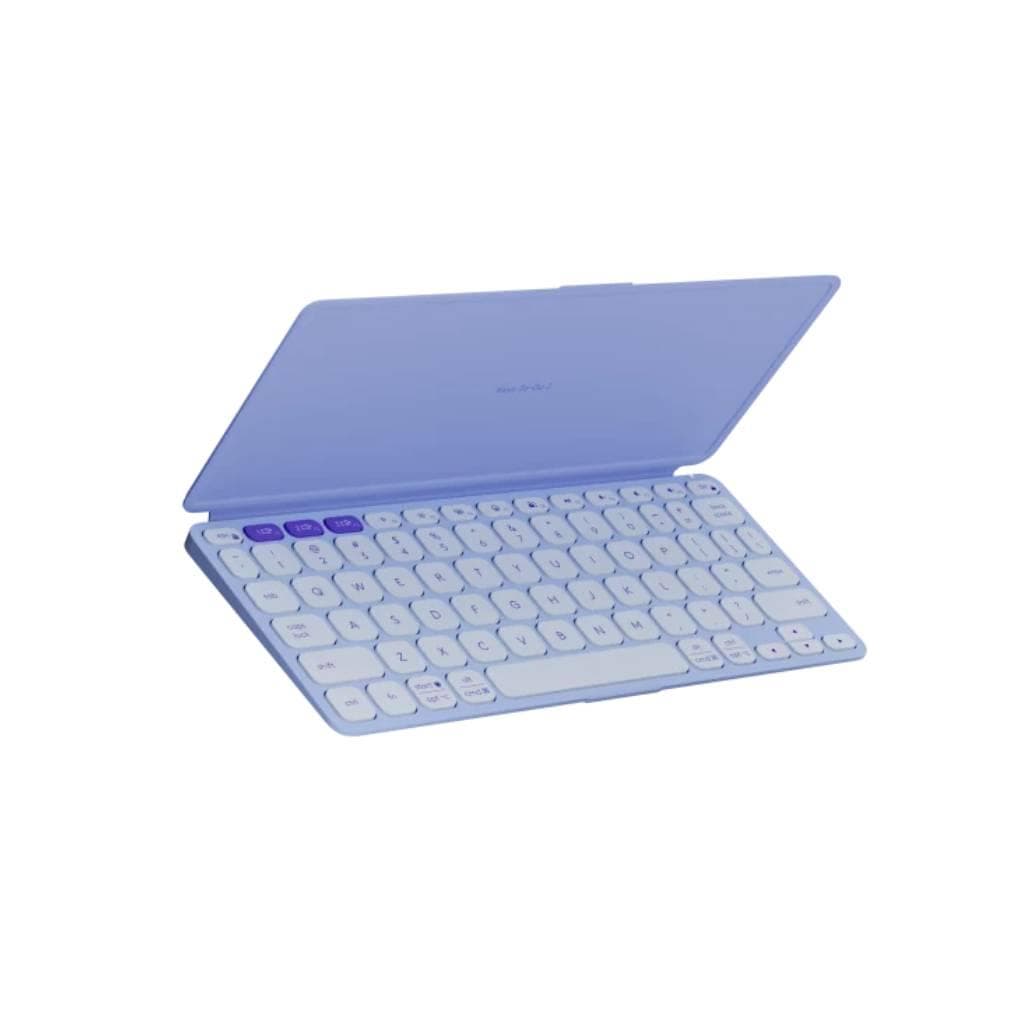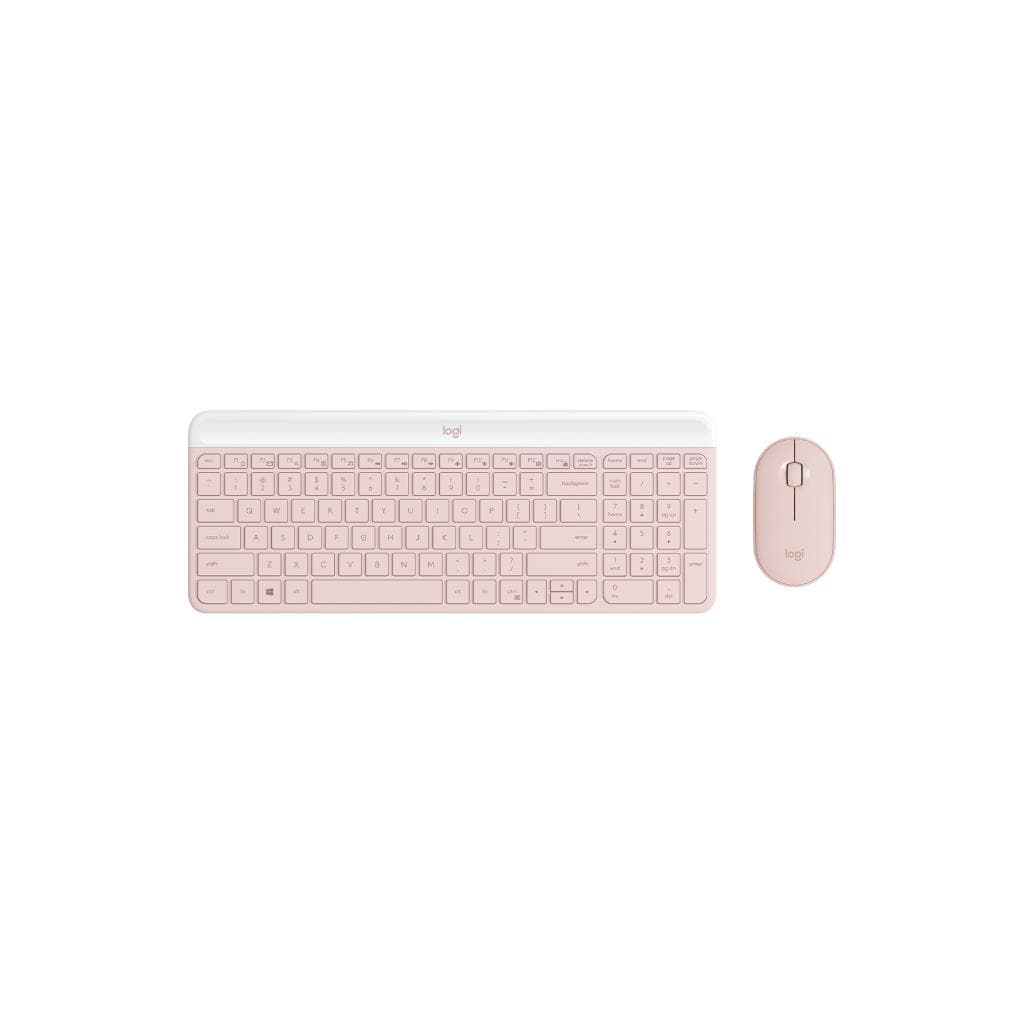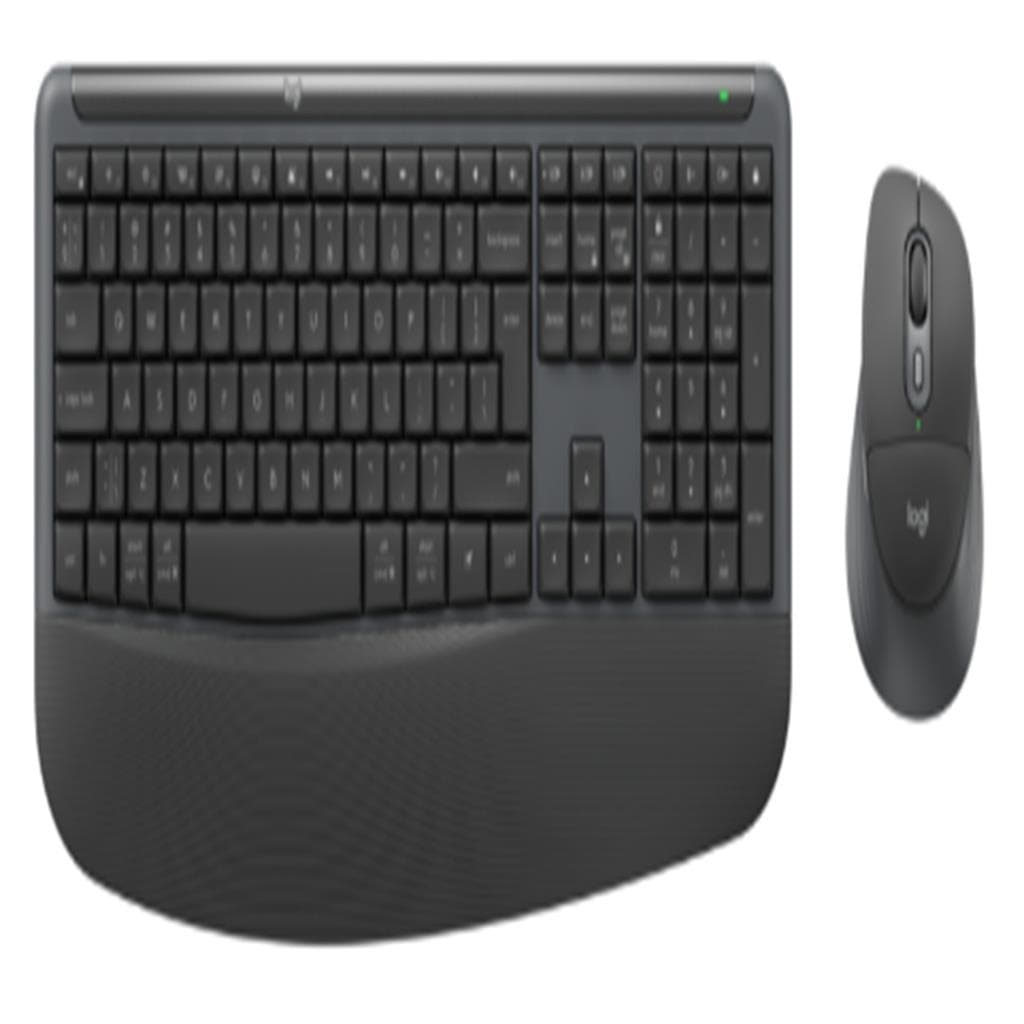

Logitech Signature Comfort Plus MK880 Combo Graphite (Wireless Keyboard & Mouse) - 3-Device Bluetooth
SKU: MK880-COMBO-GRAPHITE-USGadgets & Accessories › Keyboards
Please enquire before ordering
The distributor has not yet confirmed the latest price and availability (last checked Sep 21, 2026)
092-251-4017Awaiting stock confirmation2 years manufacturer's warranty
GenuineFree delivery from ฿5,000Tax invoice
ชุดคีย์บอร์ดและเมาส์ไร้สายรุ่น Signature Comfort Plus พร้อมพัลล์มเรสต์และพัลล์มคันทรี ออกแบบมาเพื่อความสบายตลอดวัน รองรับการสลับอุปกรณ์ได้สูงสุด 3 เครื่องผ่าน Bluetooth
Key features
- พัลล์มเรสต์สองชั้น ลดความเมื่อยล้าของมือ
- เมาส์มีพัลล์มคันทรีนุ่ม รองรับการใช้งานยาวนาน
- รองรับการสลับอุปกรณ์ได้ 3 เครื่องผ่าน Bluetooth
- ออกแบบโค้งตามสรีระมือ ลดแรงกดทับ
- ใช้งานได้ยาวนานด้วยแบตเตอรี่ที่ประหยัดพลังงาน
Product description
ชุดคีย์บอร์ดและเมาส์ไร้สาย Logitech Signature Comfort Plus MK880 รุ่น Graphite ถูกออกแบบมาเพื่อเพิ่มความสบายให้กับผู้ใช้งานทุกช่วงเวลาที่นั่งทำงาน ด้วยโครงสร้างคีย์บอร์ดที่โค้งมนตามสรีระมือ พร้อมพัลล์มเรสต์สองชั้นที่ให้การรองรับมือได้ 70% มากกว่ารุ่น K650 ตามการศึกษาจาก Logitech ErgoLab โดยใช้เทคโนโลยีภาพความร้อนสูงระดับ 20 ผู้เข้าร่วมการทดลองภายในบริษัท ช่วยลดความเมื่อยล้าของมือและข้อมือในช่วงเวลาทำงานยาวนาน พร้อมเมาส์ที่มีพัลล์มคันทรีนุ่ม ทำให้ 93% ของผู้ใช้รู้สึกสบายแม้หลังใช้งานครบ 5 วันติดต่อกัน ตามการสำรวจจาก Logitech (2025) ที่มีผู้เข้าร่วม 105 คน ทั้งยังรองรับการเชื่อมต่อแบบ Bluetooth และ Easy-Switch เพื่อสลับระหว่างอุปกรณ์ได้สูงสุด 3 เครื่องโดยไม่ต้องใช้ตัวรับสัญญาณ (dongle) เพียงแตะปุ่มเดียว ช่วยเพิ่มประสิทธิภาพในการทำงานข้ามอุปกรณ์อย่างราบรื่น
More features
- ควบคุมได้ด้วยแอป Logi Options+
- เหมาะกับทั้งพนักงานออฟฟิศและผู้ใช้งานทั่วไป
- พื้นผิวสัมผัสเรียบ ทนต่อรอยขีดข่วน
- ติดตั้งง่าย ไม่ต้องต่อสาย
- สี Graphite ดูหรูหรา เหมาะกับสำนักงาน
Pros and limitations
Pros
- พัลล์มเรสต์สองชั้นช่วยลดแรงกดทับมือได้อย่างมีประสิทธิภาพ
- เมาส์มีพัลล์มคันทรีนุ่ม ใช้งานได้นานโดยไม่เมื่อย
- รองรับการสลับอุปกรณ์ได้ 3 เครื่อง ใช้งานข้ามเครื่องได้สะดวก
- แบตเตอรี่ใช้งานได้นานถึง 36 เดือน ลดการเปลี่ยนแบตบ่อย
- ออกแบบตามสรีระมือ ช่วยลดอาการปวดข้อมือในระยะยาว
Limitations
- ไม่มีไฟพื้นหลัง (Backlight)
- ไม่รองรับการปรับระดับความสูงของคีย์บอร์ด
- ใช้แบตเตอรี่ AA ทั่วไป ต้องเปลี่ยนเมื่อหมด
Who it is for
เหมาะสำหรับพนักงานออฟฟิศ นักเรียน หรือผู้ใช้งานทั่วไปที่ต้องใช้งานคอมพิวเตอร์เป็นเวลานาน ต้องการความสบายของมือและลดอาการเมื่อยล้า
Specifications (39)
- สี
- Graphite
- Key Type
- Deep-cushioned keys
- การรับประกัน
- 2 years
- Materials
- Plastic with soft-touch finish
- Mouse DPI
- 1000
- ประเภทพอร์ต
- USB-A (dongle)
- การเชื่อมต่อ
- Wireless (Bluetooth + Easy-Switch)
- Easy-Switch
- รองรับ (3-device switching)
- Mouse Shape
- Sculpted to fit hand
- Mouse Weight
- 110 g
- Polling Rate
- 125 Hz
- แหล่งพลังงาน
- 2 x AA batteries (included)
- การรับรอง
- RoHS, CE, FCC
- ความเข้ากันได้
- All major operating systems
- Customization
- รองรับ (via Logi Options+ App)
- การติดตั้ง
- Desktop use only
- Mouse Buttons
- 3 buttons + scroll wheel
- ความชื้นขณะทำงาน
- 10% to 90% non-condensing
- Sustainability
- Recyclable materials
- Drop Resistance
- รองรับ
- Key Switch Type
- Membrane
- Keyboard Layout
- Standard QWERTY
- Keyboard Weight
- 750 g
- Ergonomic Design
- รองรับ
- Mouse Dimensions
- 115 x 70 x 40 mm
- ความทนทานต่อแรงกระแทก
- รองรับ
- เวอร์ชัน Bluetooth
- Bluetooth 5.0
- ซอฟต์แวร์
- Logi Options+
- Operating Systems
- Windows, macOS, Chrome OS, Linux, Android, iOS
- Keyboard Palm Rest
- Dual-foam curved palm rest
- Mouse Palm Cushion
- Soft built-in palm cushion
- Keyboard Dimensions
- 450 x 140 x 25 mm
- อุณหภูมิในการจัดเก็บ
- -20°C to 60°C
- Battery Life (Mouse)
- Up to 36 months
- อุปกรณ์ในกล่อง
- USB receiver (dongle) for Bluetooth pairing
- อุณหภูมิการทำงาน
- 0°C to 35°C
- Software Compatibility
- Logi Options+ App
- Battery Life (Keyboard)
- Up to 36 months
- Number of Devices Supported
- Up to 3 devices
Datasheets and manuals straight from the manufacturer — select a document to open or download it.
11 questions
Frequently asked questions about this product
Compiled from manufacturer information
MK880 รองรับการเชื่อมต่อพร้อมกันกี่เครื่อง?
รองรับการเชื่อมต่อพร้อมกันได้สูงสุด 3 เครื่อง โดยสามารถสลับระหว่างอุปกรณ์ได้ทันทีด้วยปุ่ม Easy-Switch ผ่าน Bluetooth โดยไม่ต้องใช้ตัวรับสัญญาณเพิ่มเติม
แบตเตอรี่ใช้งานได้นานแค่ไหน?
แบตเตอรี่คีย์บอร์ดและเมาส์สามารถใช้งานได้นานถึง 36 เดือน ตามการทดสอบจาก Logitech ซึ่งช่วยลดความถี่ในการเปลี่ยนแบตเตอรี่และเพิ่มความสะดวกในการใช้งานระยะยาว
สามารถใช้กับ Mac ได้ไหม?
ได้แน่นอน ชุด MK880 รองรับระบบปฏิบัติการทั้ง Windows, macOS, Chrome OS, Linux, Android และ iOS จึงใช้งานได้ทั้งบน Mac และอุปกรณ์อื่นๆ ได้อย่างราบรื่น
ใช้กับ iPad ได้หรือไม่?
ใช้ได้ ชุด MK880 รองรับ iPad ผ่าน Bluetooth โดยสามารถเชื่อมต่อและสลับอุปกรณ์ได้ 3 เครื่อง รวมถึง iPad ได้ทันที พร้อมใช้งานได้ทันทีโดยไม่ต้องติดตั้งไดรเวอร์เพิ่มเติม
มีแอปควบคุมหรือปรับแต่งปุ่มไหม?
มี สามารถดาวน์โหลดแอป Logi Options+ ได้ฟรี เพื่อปรับแต่งปุ่ม ตั้งค่า Easy-Switch และจัดการการเชื่อมต่ออุปกรณ์ได้อย่างสะดวก
เมาส์มีพัลล์มคันทรีหรือไม่?
ใช่ เมาส์รุ่นนี้เป็นเมาส์รุ่นแรกของ Logitech ที่มาพร้อมพัลล์มคันทรีนุ่ม ช่วยให้มือวางได้สบาย ลดความเมื่อยล้า โดยมีผู้ใช้ 93% รู้สึกสบายแม้หลังใช้งาน 5 วันติดต่อกัน
Is it in stock?
We are confirming the latest stock and price of the Logitech Signature Comfort Plus MK880 Combo Graphite (Wireless Keyboard & Mouse) - 3-Device Bluetooth with the distributor. Please contact us before ordering at 092-251-4017 or sales@gist.co.th.
How much does it cost?
The distributor has not yet confirmed the latest price and availability. Please contact us before ordering at 092-251-4017 or sales@gist.co.th.
How long is the warranty?
Warranty period: 2 ปี (manufacturer's terms). To make a warranty claim, call 092-251-4017 or 065-523-5262, or email sales@gist.co.th (Mon–Fri 9:00–18:00), then send the product with your order number to our head office, or bring it to the head office in person.
How long does delivery take?
Orders placed before 12:00 on a business day are delivered within 1–3 business days (Bangkok and vicinity) or 2–5 business days (other provinces). Free delivery on orders of ฿5,000 or more (a ฿150 delivery fee applies below this amount).
Is it genuine?
Genuine products sourced from distributors in Thailand, covered by the manufacturer's warranty. Full tax invoices are available.
Didn't find the answer you need?
Loading reviews…
Genuine products
Sourced from distributors in Thailand and covered by the manufacturer's warranty
Warranty period
2 ปี
Covered by the manufacturer's warranty; you can make claims through GIST
Claims through GIST
Ship the product to our head office or bring it in person
Warranty conditions
- A receipt or other proof of purchase is required
- The product must not have been modified or altered
- Damage caused by misuse is not covered by the warranty
- To make a warranty claim, call 092-251-4017 or 065-523-5262, or email sales@gist.co.th (Mon–Fri 9:00–18:00), then send the product with your order number to our head office, or bring it to the head office in person.Head office: 554 Sky Nine Center, Floor 12A, Room 554/62, Asok-Din Daeng Road, Din Daeng Subdistrict, Din Daeng District, Bangkok 10400
More in Keyboards