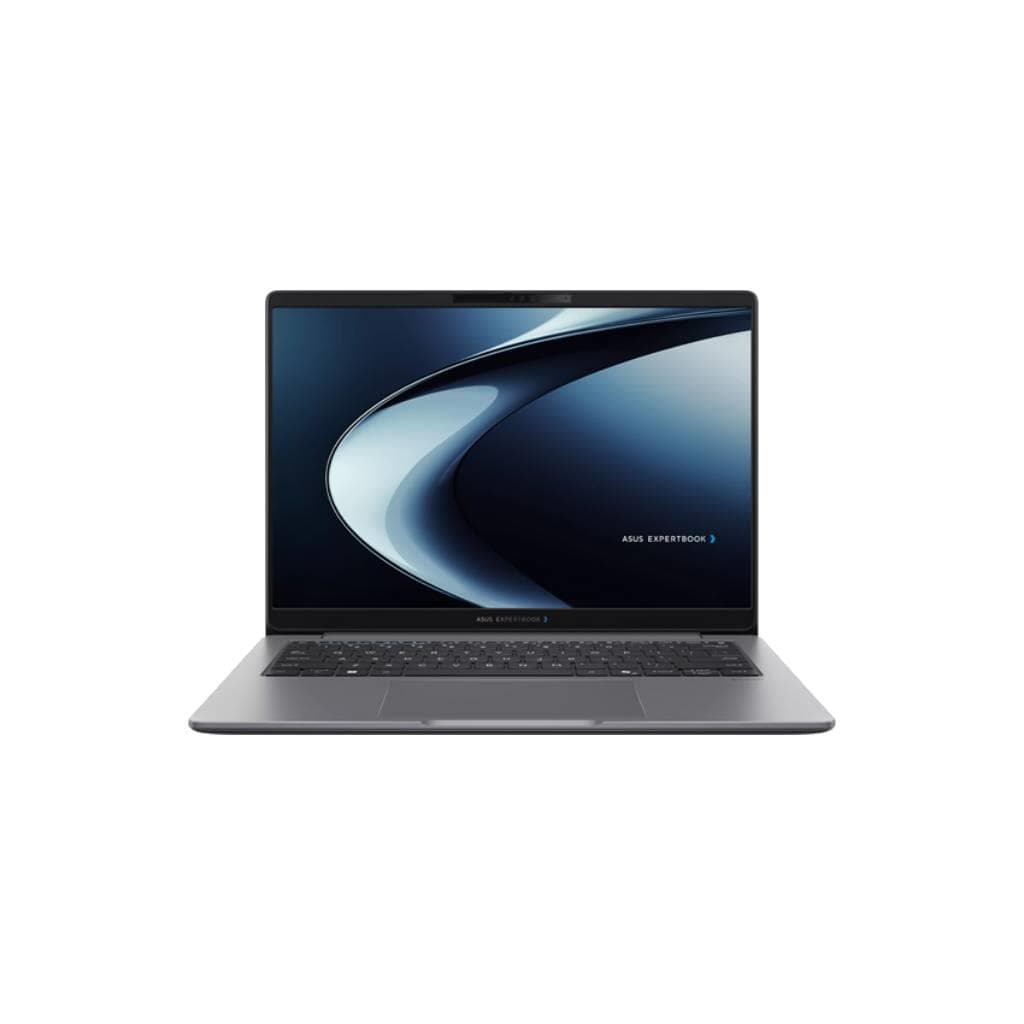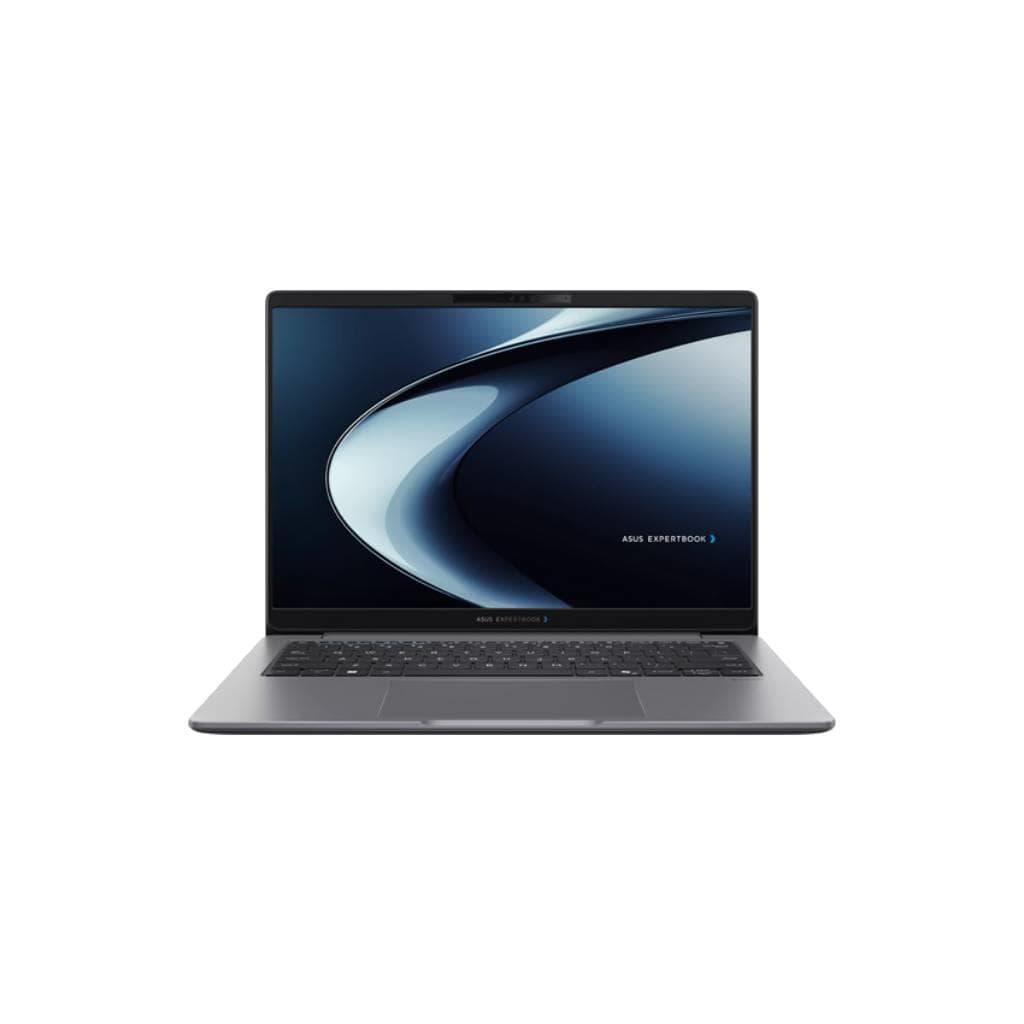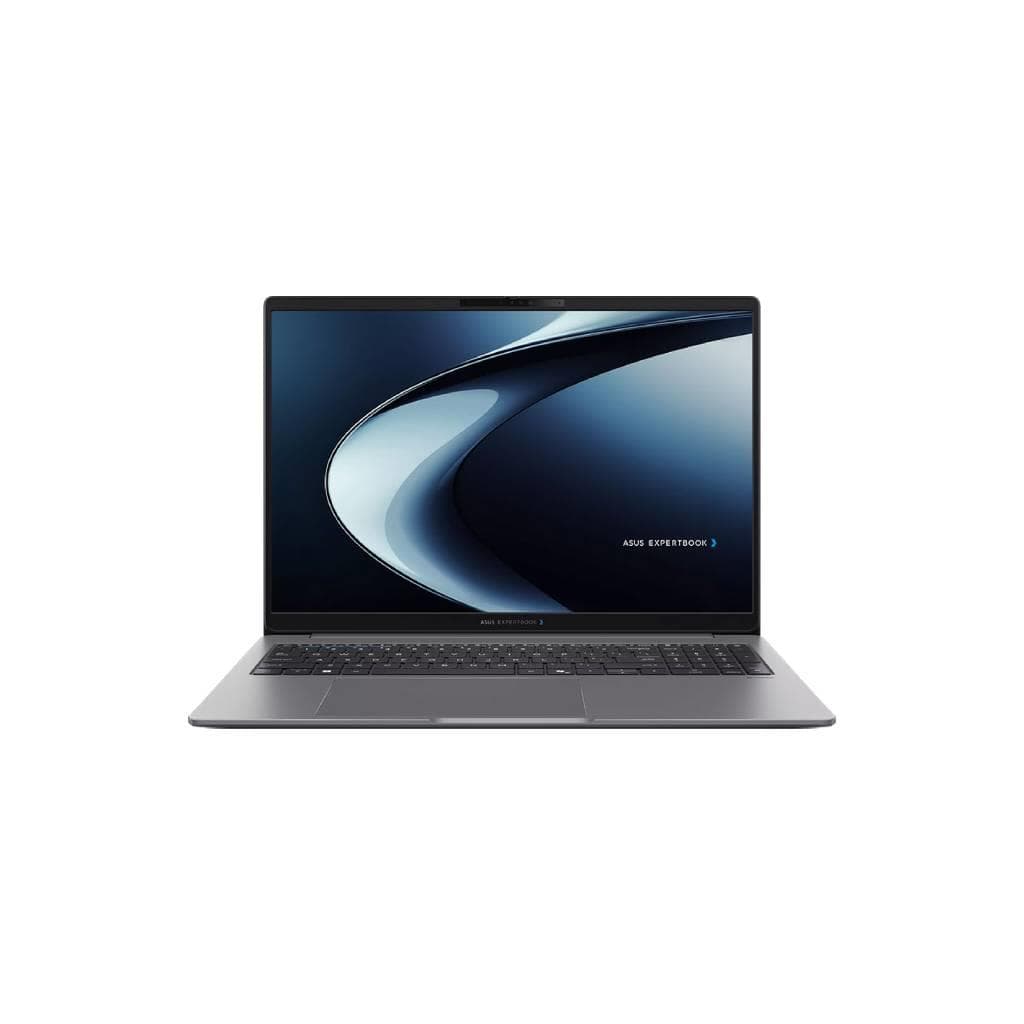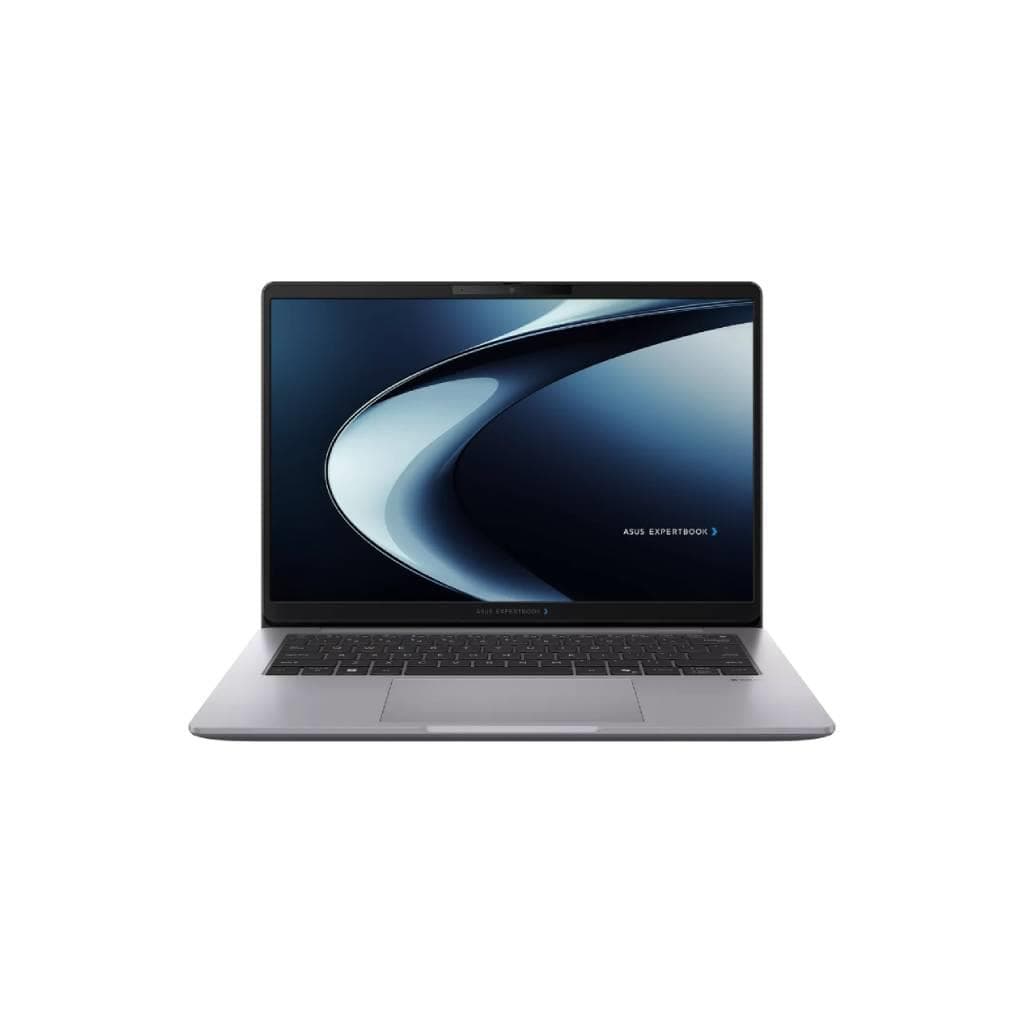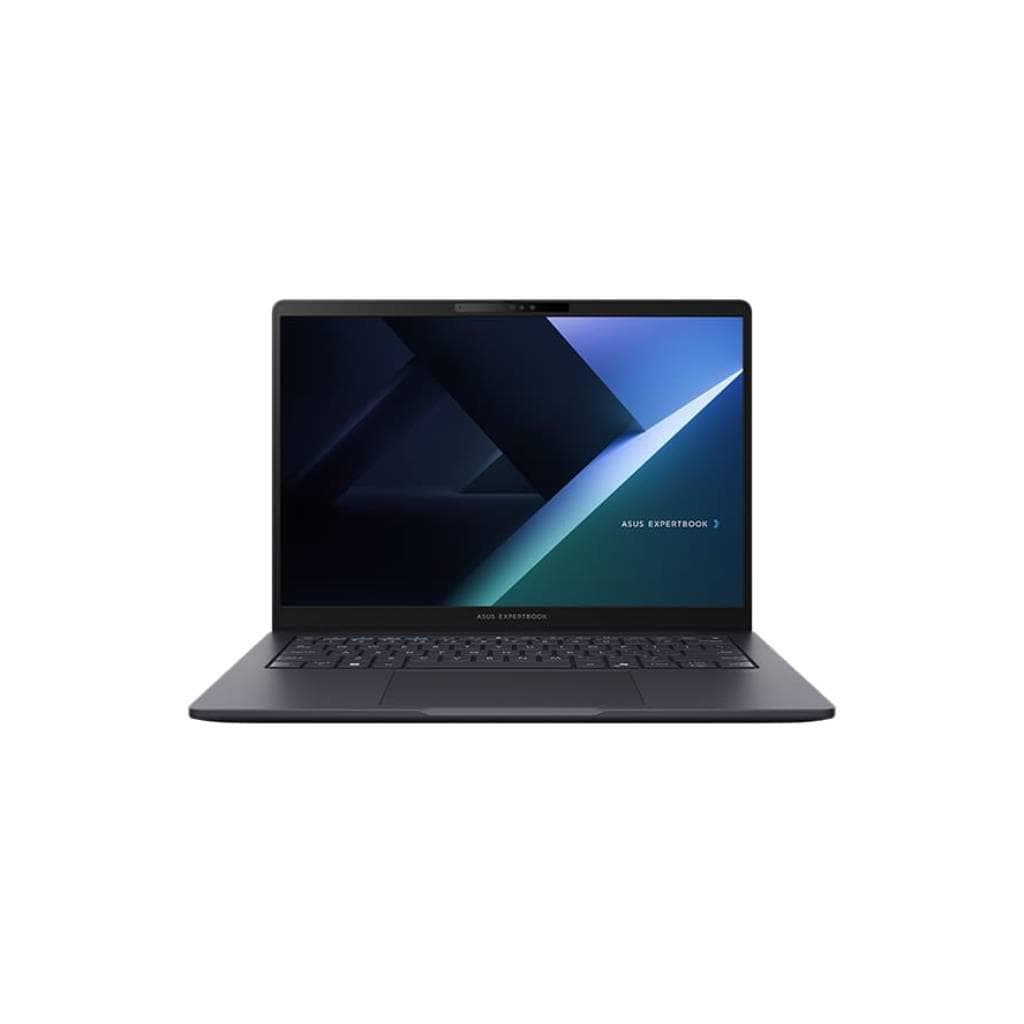
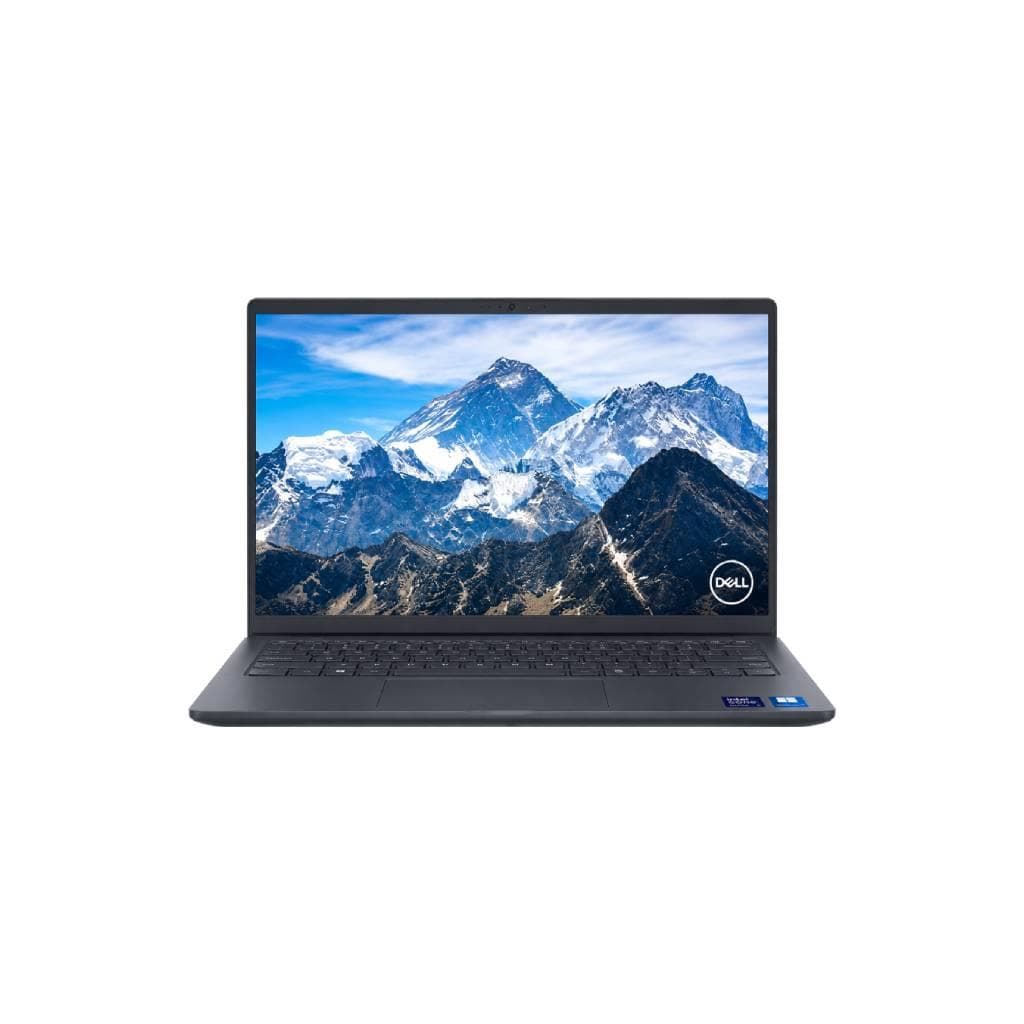


ACER TMP414-53 Intel Celeron 16GB 512GB SSD Windows 11 Pro 14" Commercial Notebook
SKU: NX.B71ST.002#SPJ+BAG+MOUSENotebooks › Business Notebooks· Model: TMP414-53-G2-56LS· P/N: NX.B71ST.002
Please enquire before ordering
The distributor has not yet confirmed the latest price and availability (last checked Jun 15, 2026)
092-251-4017Awaiting stock confirmation3 years manufacturer's warranty
GenuineFree delivery from ฿5,000Tax invoice
Acer TMP414 notebook for small business featuring a high-speed Intel Celeron processor with 16GB RAM and 512GB SSD for smooth performance, supporting Windows 11 Pro for general office use
Key features
- Intel Celeron processor for office tasks
- 16GB DDR4 RAM supports multitasking across multiple apps
- 512GB high-speed SSD for smooth and responsive operation
- Windows 11 Pro operating system for business
- 14-inch display, compact and portable size
Product description
The Acer TMP414-53 notebook is designed for small to mid-sized business users, equipped with an Intel Celeron processor that delivers stable performance for document processing, web browsing, and online meetings. The 16GB DDR4 memory allows seamless multitasking across multiple applications, while the 512GB SSD provides fast program launching and file access. It comes with the Windows 11 Pro operating system, offering enhanced security and efficient remote management capabilities. The 14-inch display offers a wider viewing angle, reducing eye strain during extended use
More features
- Includes a shoulder bag and wireless mouse
- Designed for durability in office environments
Pros and limitations
Pros
- 16GB memory supports smooth multitasking across multiple applications
- 512GB SSD delivers fast program startup and file access speeds
- Battery lasts up to 10 hours per charge
- Windows 11 Pro operating system supports remote management and enhanced security
- Full range of ports enables immediate connection to external monitors or printers
Limitations
- Uses Intel Celeron processor, not suitable for heavy graphics work or gaming
- No Thunderbolt 3/4 port for connecting high-speed peripherals
Who it is for
Ideal for office employees, system administrators, or small business owners seeking a reliable, energy-efficient, and easy-to-use productivity tool
Specifications (26)
- CPU
- Intel Celeron 5120U
- RAM
- 16 GB DDR4-3200 MHz
- Color
- Black
- Ports
- USB-A x2, USB-C x1 (supporting DisplayPort), HDMI x1, RJ-45 Ethernet port, 3.5mm audio jack
- Webcam
- 720p HD webcam
- Weight
- 1.4 kg
- Charger
- 65 W AC adapter
- Storage
- 512 GB SSD SATA III
- Keyboard
- Backlit keyboard
- Security
- TPM 2.0, Kensington lock slot
- Touchpad
- Precision touchpad
- Warranty
- 3 years on-site service
- Brightness
- 250 cd/m²
- Dimensions
- 322 x 227 x 19.9 mm
- Panel Type
- IPS
- Resolution
- 1920 x 1080
- Color Gamut
- sRGB 100%
- Fingerprint
- Integrated fingerprint sensor
- Aspect Ratio
- 16:9
- Display Size
- 14 inches
- Refresh Rate
- 60 Hz
- Response Time
- 6 ms
- Battery Capacity
- 48 Whr
- Operating System
- Windows 11 Pro 64-bit
- Wireless Connectivity
- Wi-Fi 5 (802.11ac) + Bluetooth 5.1
- Estimated Battery Life
- Up to 10 hours
Datasheets and manuals straight from the manufacturer — select a document to open or download it.
10 questions
Frequently asked questions about this product
Compiled from manufacturer information
How many external displays does this notebook support?
Supports up to 2 external monitors via HDMI and USB-C (DisplayPort Alt Mode), enabling simultaneous use of both displays
Can this machine handle Excel work alongside multiple browser tabs?
Yes, thanks to 16GB RAM and high-speed SSD, it can smoothly run large Excel files alongside multiple browser tabs without lag or freezing
How long does the battery last when performing general office tasks?
48 Whr battery provides up to 10 hours of battery life per charge for typical office tasks such as document work, web browsing, and online meetings
Do I need additional software to connect to Wi-Fi networks?
No, the device supports Wi-Fi 5 (802.11ac) standard out of the box, allowing immediate network connection without additional driver installation
Does the included wireless mouse work immediately with the notebook?
Yes, the included wireless mouse comes with a USB receiver and reset button, enabling immediate plug-and-play functionality upon connecting to a USB-A port without requiring driver installation
Is it in stock?
We are confirming the latest stock and price of the ACER TMP414-53 Intel Celeron 16GB 512GB SSD Windows 11 Pro 14" Commercial Notebook with the distributor. Please contact us before ordering at 092-251-4017 or sales@gist.co.th.
How much does it cost?
The distributor has not yet confirmed the latest price and availability. Please contact us before ordering at 092-251-4017 or sales@gist.co.th.
How long is the warranty?
Warranty period: 3-year on-site service warranty (manufacturer's terms). To make a warranty claim, call 092-251-4017 or 065-523-5262, or email sales@gist.co.th (Mon–Fri 9:00–18:00), then send the product with your order number to our head office, or bring it to the head office in person.
How long does delivery take?
Orders placed before 12:00 on a business day are delivered within 1–3 business days (Bangkok and vicinity) or 2–5 business days (other provinces). Free delivery on orders of ฿5,000 or more (a ฿150 delivery fee applies below this amount).
Is it genuine?
Genuine products sourced from distributors in Thailand, covered by the manufacturer's warranty. Full tax invoices are available.
Didn't find the answer you need?
Loading reviews…
Genuine products
Sourced from distributors in Thailand and covered by the manufacturer's warranty
Warranty period
3-year on-site service warranty
Covered by the manufacturer's warranty; you can make claims through GIST
Claims through GIST
Ship the product to our head office or bring it in person
Warranty conditions
- A receipt or other proof of purchase is required
- The product must not have been modified or altered
- Damage caused by misuse is not covered by the warranty
- To make a warranty claim, call 092-251-4017 or 065-523-5262, or email sales@gist.co.th (Mon–Fri 9:00–18:00), then send the product with your order number to our head office, or bring it to the head office in person.Head office: 554 Sky Nine Center, Floor 12A, Room 554/62, Asok-Din Daeng Road, Din Daeng Subdistrict, Din Daeng District, Bangkok 10400
More in Business Notebooks