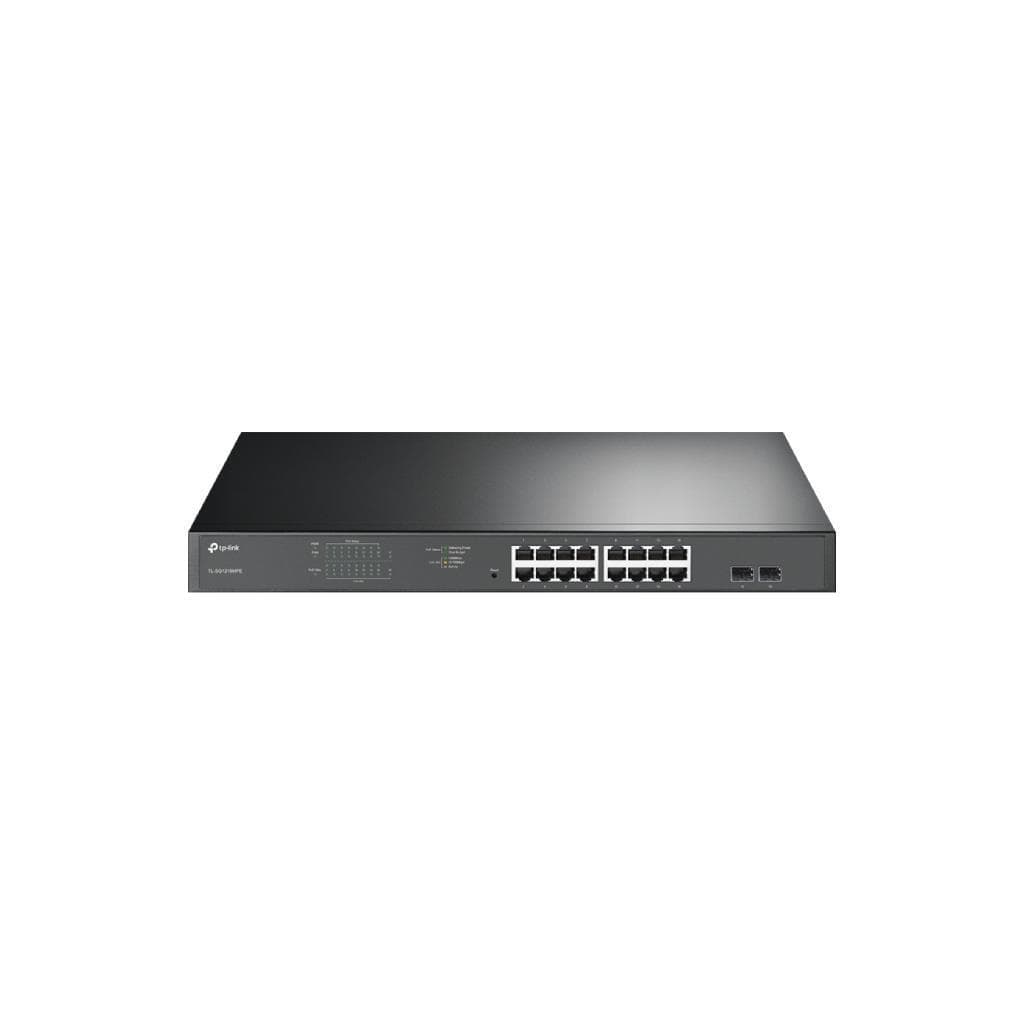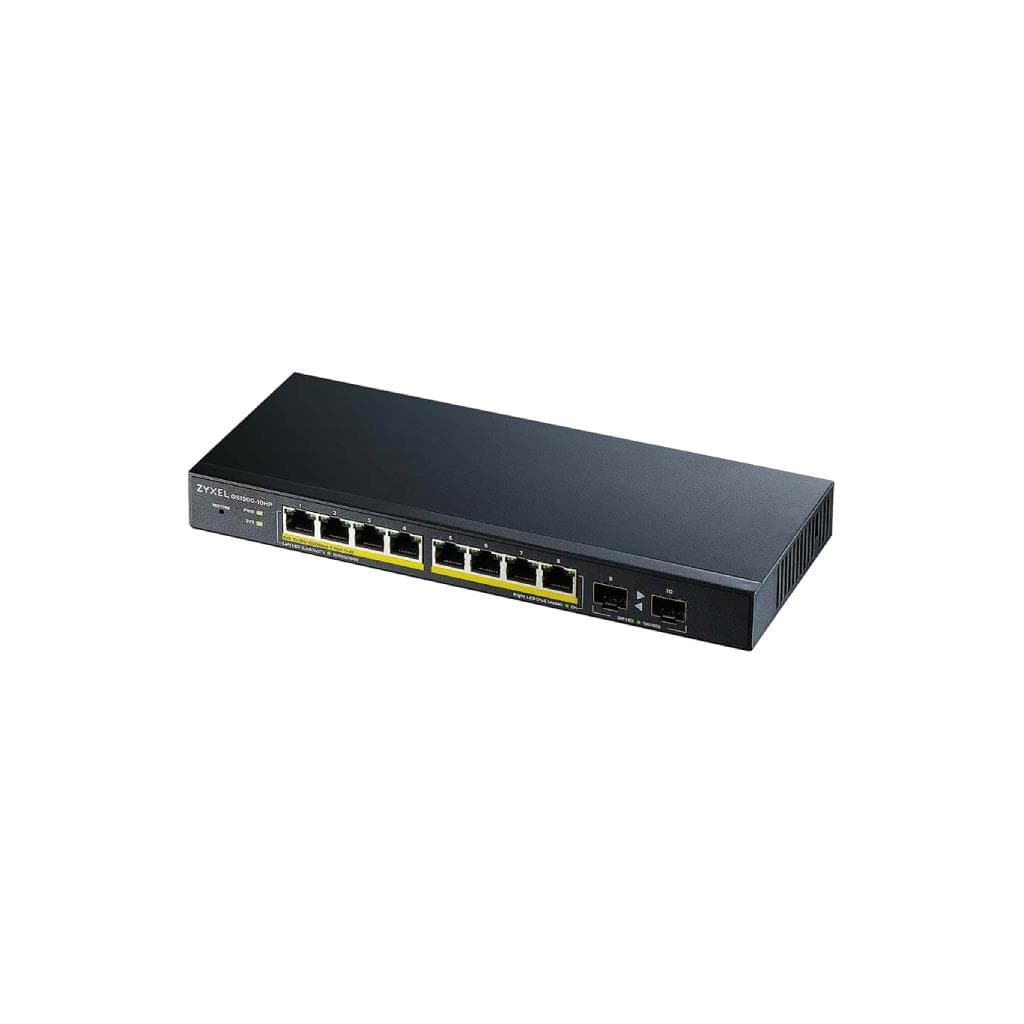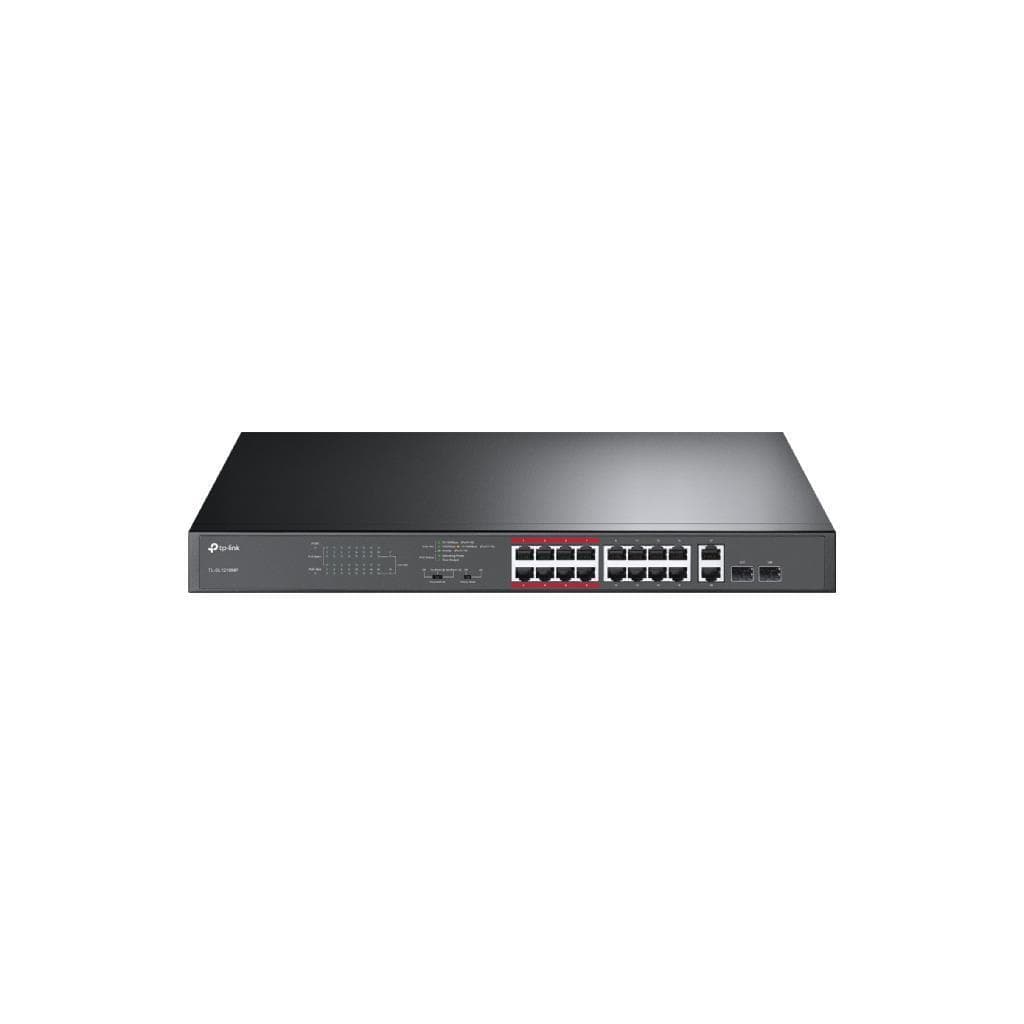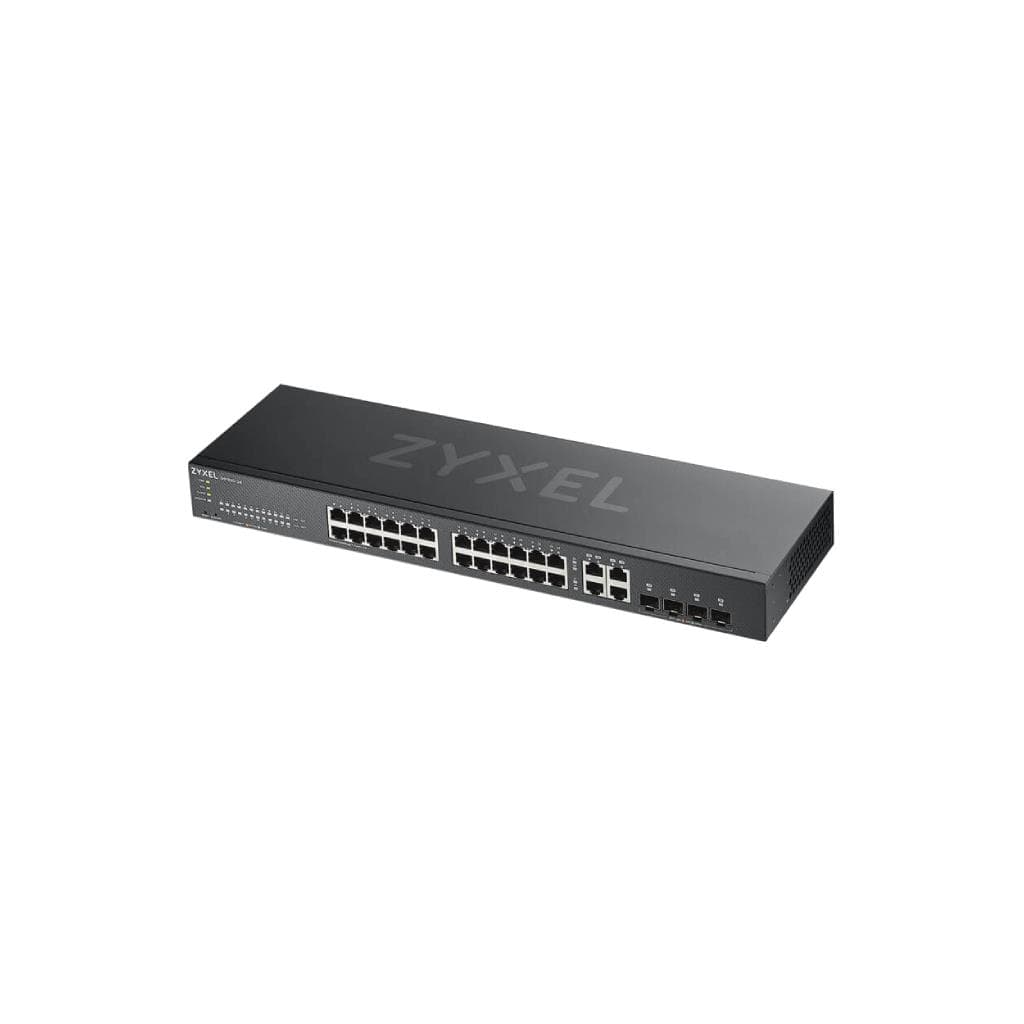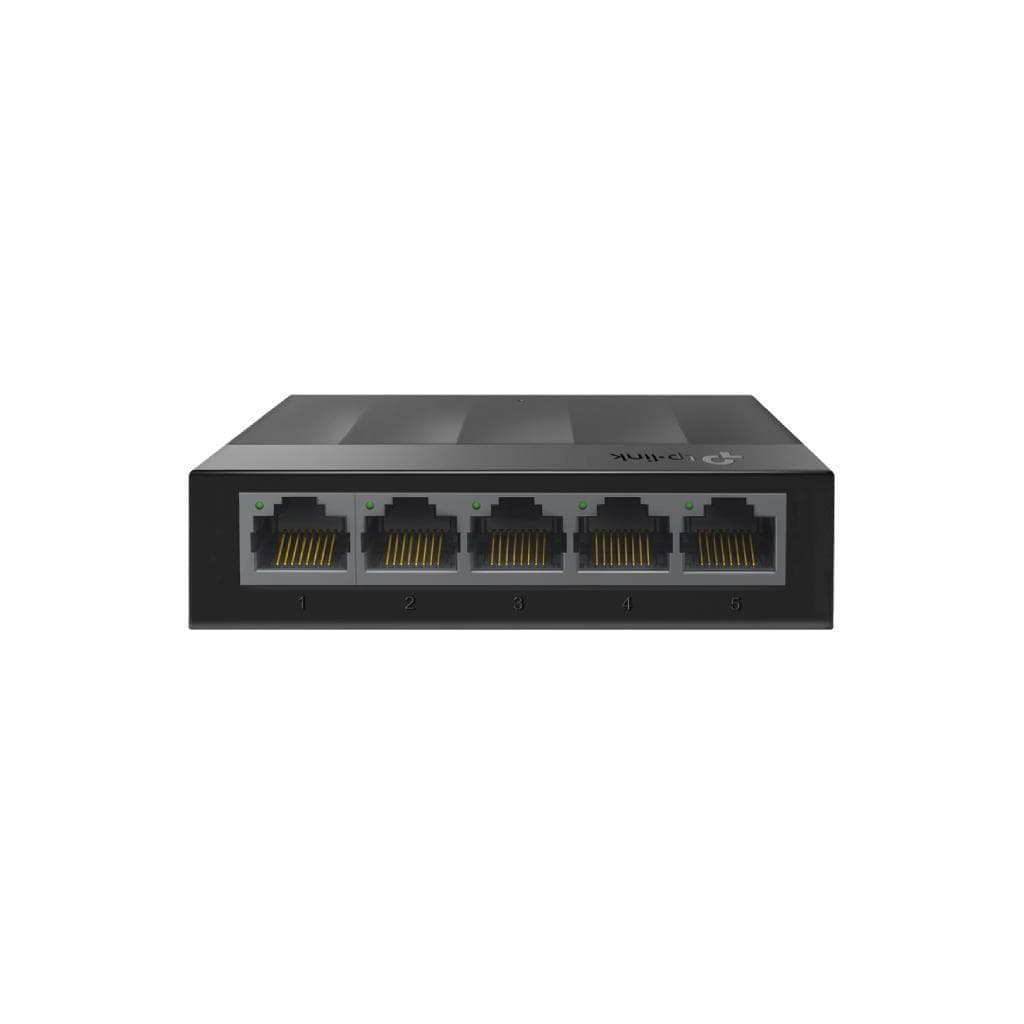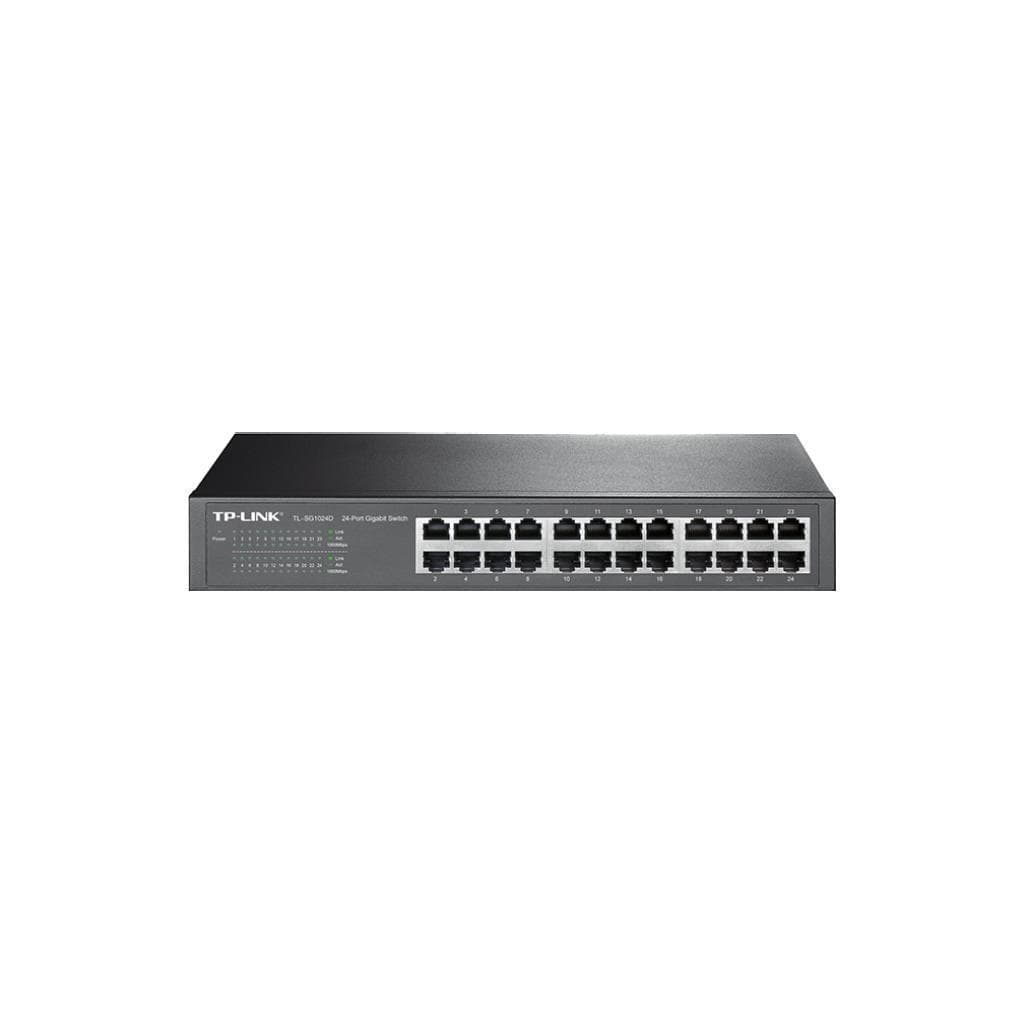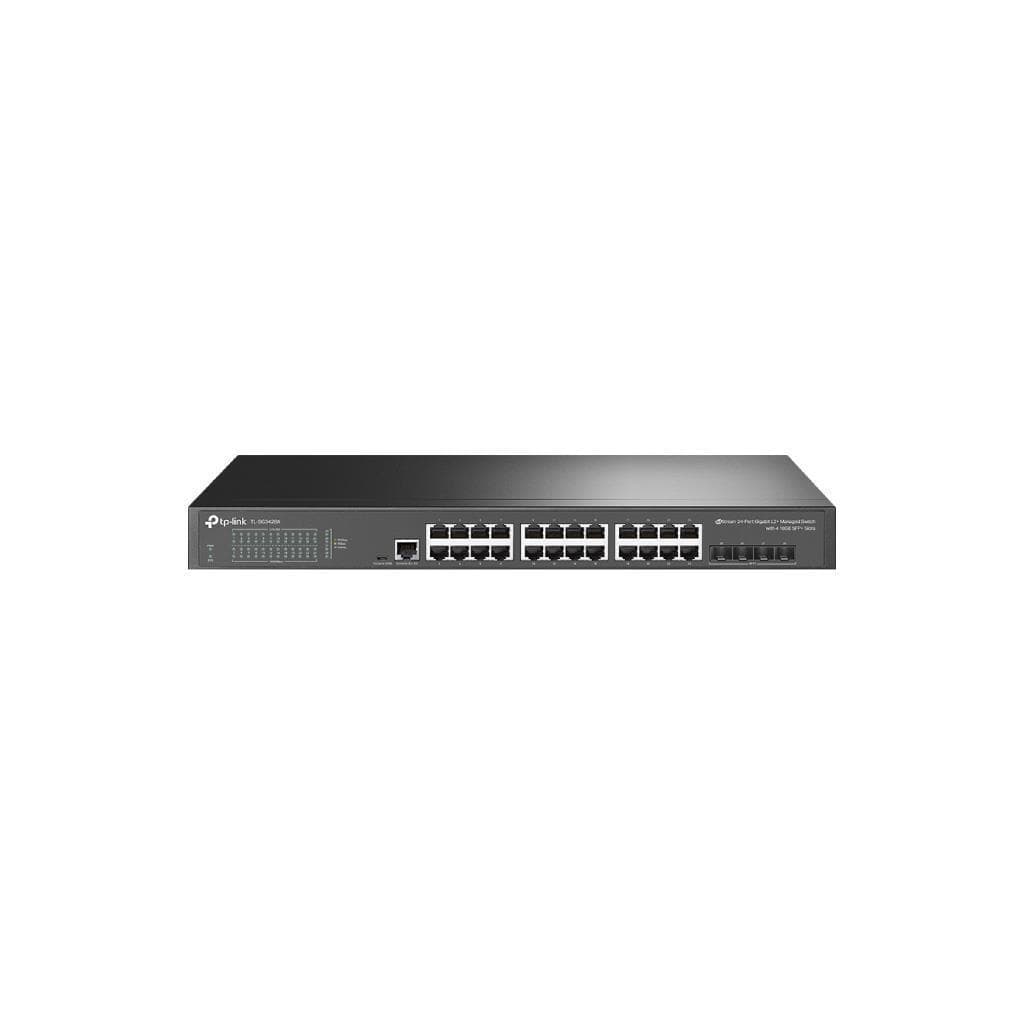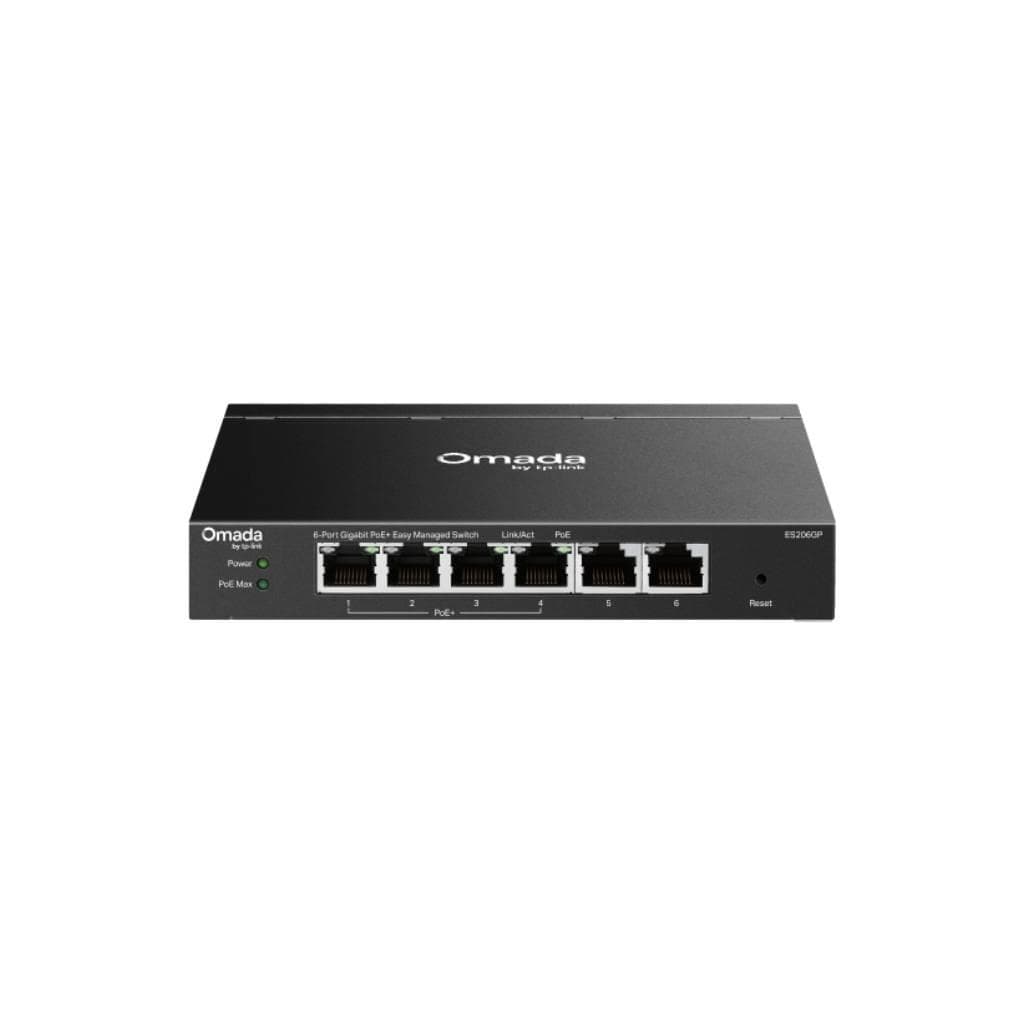


TP-Link SG2210P 8-Port Gigabit Smart PoE+ Switch with 2 SFP Slots (V5)
SKU: SG2210P-VER5.2Networking › Network Switches
Please enquire before ordering
The distributor has not yet confirmed the latest price and availability (last checked Sep 2, 2026)
092-251-4017Awaiting stock confirmation1 year manufacturer's warranty
GenuineFree delivery from ฿5,000Tax invoice
Professional network switch from TP-Link with 8 PoE+ ports and 2 SFP slots, ideal for managing networks for CCTV cameras, audio systems, or IoT devices requiring power over LAN for efficient operation
Key features
- Supports PoE+ on 8 ports, delivering up to 61 watts
- Features 2 SFP slots supporting fiber optic connectivity
- Supports management through Omada Controller in both centralized and standalone modes
- Supports LACP and Link Aggregation for increased bandwidth
- Supports IGMP Snooping and Multicast VLAN Registration to reduce bandwidth usage
Product description
The TP-Link SG2210P V5 switch is an enterprise-grade networking solution designed for real-world deployment in environments requiring high stability and performance. It supports PoE+ on all 8 RJ45 ports, delivering up to 61 watts of power, enabling simultaneous power supply to multiple CCTV cameras or Access Points without additional power outlets. It features 2 SFP slots supporting fiber optic connections for long-distance network expansion or reduced signal loss. Full management support via Omada Controller is included, along with advanced features such as VLAN, LACP, IGMP Snooping, and QoS for precise network traffic control, making it ideal for medium to large-scale business, office, or CCTV systems
More features
- Supports 8-level QoS with SP/WRR for priority queuing
- Supports port-specific VLAN configuration and RSPAN
- Fanless design for silent, cool operation
- Supports cloud-based firmware updates
- Supports DHCP Option 43 and Static IP Binding with MAC Wildcard
Pros and limitations
Pros
- Supports PoE+ on all 8 ports, delivering up to 61 W of power, reducing electrical complexity.
- Features 2 SFP ports for fiber optic connectivity, enabling extended network reach.
- Supports management via Omada Controller in both centralized and standalone modes.
- Fanless design for quiet, reliable operation in various environments.
- Supports LACP and Link Aggregation to increase bandwidth and improve stability.
Limitations
- Experiences disconnection issues when updating firmware to v5.20.13—verify compatibility before use.
- Does not include 10G ports for high-speed connectivity.
- Requires Omada Controller or WebUI for management only; no CLI available for initial configuration.
Who it is for
Ideal for businesses, offices, or CCTV systems requiring power and data delivery over LAN cables, with long-distance connectivity via fiber optics.
Connectivity
Ethernet, Fiber
Specifications (58)
- QoS
- 8 priority queues, SP/WRR scheduling
- LLDP
- Enabled by default
- SNMP
- lldpRemTimeMark field added
- Layer
- L2 / L2+
- Weight
- 1.2 kg
- SSL/TLS
- OpenSSL library updated
- Mounting
- Desktop / Wall-Mounting
- SFP Type
- 1000BASE-X (MMF/SMF)
- Port Type
- 10/100/1000Mbps RJ45
- Proxy ARP
- Yes
- SFP Slots
- 2
- Standards
- IEEE 802.3i, 802.3u, 802.3z, 802.3ab, 802.3ad, 802.3af, 802.3at, 802.3x, 802.1d, 802.1s, 802.1w, 802.1q, 802.1p, 802.1x
- DHCP Relay
- Yes
- Dimensions
- 209 x 126 x 26 mm
- Management
- WebUI, CLI, Omada Controller
- Port Count
- 8
- SSH Access
- Enabled when controller state is abnormal
- Static ARP
- Yes
- DHCP Server
- Yes
- HTTP Access
- Disabled by default
- PoE Support
- 802.3af/at compliant
- Fan Quantity
- 0
- IPv6 Support
- Yes
- LACP Support
- Yes
- PoE Per Port
- Up to 30 W
- Power Supply
- 100~240VAC, 50/60Hz
- SNMP Support
- Yes
- VLAN Support
- Up to 4094 VLANs
- Auto MDI/MDIX
- Yes
- IGMP Snooping
- Yes
- Network Media
- UTP Cat 3/4/5/5e/6, MMF/SMF
- RSPAN Support
- Yes
- Storm Control
- Broadcast/Multicast/Unknown Unicast
- DHCP Option 43
- Yes
- Gratuitous ARP
- Yes
- Static Routing
- 32 IPv4/IPv6 routes
- VLAN Isolation
- Port-specific isolation
- Auto-Negotiation
- Yes
- Firmware Upgrade
- Cloud firmware check and upgrade (standalone)
- Firmware Version
- V5.20.13
- Hardware Version
- V5
- Link Aggregation
- Up to 8 groups
- PoE Power Budget
- 61 W
- MAC Address Table
- 8K
- Static DNS Server
- Yes
- Cluster Deployment
- Yes
- Loopback Detection
- Yes
- Switching Capacity
- 20 Gbps
- Jumbo Frame Support
- 9 KB
- Max Heat Dissipation
- 265.3 BTU/hr (110 V/60 Hz, with 61 W PD connected)
- Packet Buffer Memory
- 4.1 Mbit
- Max Power Consumption
- 77.8 W (110 V/60 Hz, with 61 W PD connected)
- External Power Adapter
- 53.5VDC / 1.31A
- Packet Forwarding Rate
- 14.88 Mpps
- Physical Security Lock
- Yes
- Spanning Tree Protocol
- IEEE 802.1d, 1s, 1w
- Multicast VLAN Registration
- Yes
- MAC Address Wildcard Binding
- Yes
Datasheets and manuals straight from the manufacturer — select a document to open or download it.
13 questions
Frequently asked questions about this product
Compiled from manufacturer information
How many CCTV cameras can this switch power simultaneously?
Supports up to 61 watts of PoE+ power per unit, allowing simultaneous power supply to multiple CCTV cameras, depending on each camera's power requirement—for example, up to 4 cameras requiring 15 watts each
Can this switch connect CCTV cameras via fiber optic?
Yes, it supports 2 SFP slots for fiber optic (MMF/SMF) connections, allowing connection to distant cameras without signal loss, suitable for long-range CCTV systems
Is Omada Controller required?
No, it can be managed in both standalone (via WebUI or CLI) and centralized (via Omada Controller) modes. However, advanced features such as VLAN, LACP, or cloud-based firmware updates require Omada Controller
What issues have been reported after updating to firmware v5.20.13?
Yes, there have been reports that after updating to firmware version v5.20.13, the switch may disconnect and fail to reconnect until manually restarted. It is recommended to check the firmware version before updating and back up configurations in advance
Does it support port-specific VLAN configuration?
Yes, it supports port-specific VLAN configuration and can be set up via Omada Controller or WebUI to effectively segment internal networks
Can it manage office networks?
Yes, it supports centralized and standalone management via Omada Controller, with features such as QoS, VLAN, and IGMP Snooping to effectively control network usage in office environments.
Does it support LACP connectivity?
Yes, it supports static Link Aggregation and LACP (802.3ad), allowing multiple ports to be combined into a single channel to increase bandwidth and improve stability.
Can it be used with IoT systems?
Yes, it supports 8 PoE+ ports to power IoT devices such as CCTV cameras, Access Points, or sensors without requiring additional power outlets, and supports management via Omada Controller for medium to large-scale IoT systems.
Is it in stock?
We are confirming the latest stock and price of the TP-Link SG2210P 8-Port Gigabit Smart PoE+ Switch with 2 SFP Slots (V5) with the distributor. Please contact us before ordering at 092-251-4017 or sales@gist.co.th.
How much does it cost?
The distributor has not yet confirmed the latest price and availability. Please contact us before ordering at 092-251-4017 or sales@gist.co.th.
How long is the warranty?
Warranty period: 1 year (manufacturer's terms). To make a warranty claim, call 092-251-4017 or 065-523-5262, or email sales@gist.co.th (Mon–Fri 9:00–18:00), then send the product with your order number to our head office, or bring it to the head office in person.
How long does delivery take?
Orders placed before 12:00 on a business day are delivered within 1–3 business days (Bangkok and vicinity) or 2–5 business days (other provinces). Free delivery on orders of ฿5,000 or more (a ฿150 delivery fee applies below this amount).
Is it genuine?
Genuine products sourced from distributors in Thailand, covered by the manufacturer's warranty. Full tax invoices are available.
Didn't find the answer you need?
Loading reviews…
Genuine products
Sourced from distributors in Thailand and covered by the manufacturer's warranty
Warranty period
1 year
Covered by the manufacturer's warranty; you can make claims through GIST
Claims through GIST
Ship the product to our head office or bring it in person
Warranty conditions
- A receipt or other proof of purchase is required
- The product must not have been modified or altered
- Damage caused by misuse is not covered by the warranty
- To make a warranty claim, call 092-251-4017 or 065-523-5262, or email sales@gist.co.th (Mon–Fri 9:00–18:00), then send the product with your order number to our head office, or bring it to the head office in person.Head office: 554 Sky Nine Center, Floor 12A, Room 554/62, Asok-Din Daeng Road, Din Daeng Subdistrict, Din Daeng District, Bangkok 10400
More in Network Switches