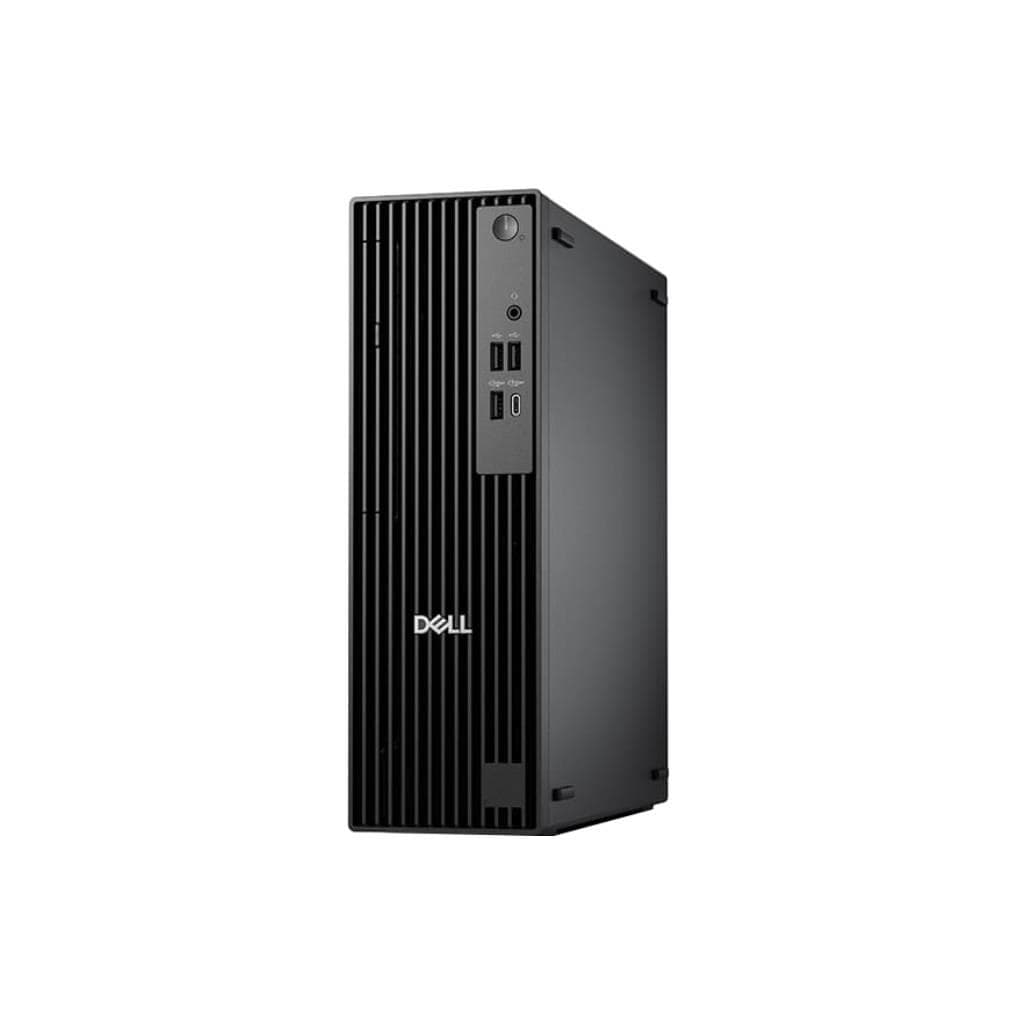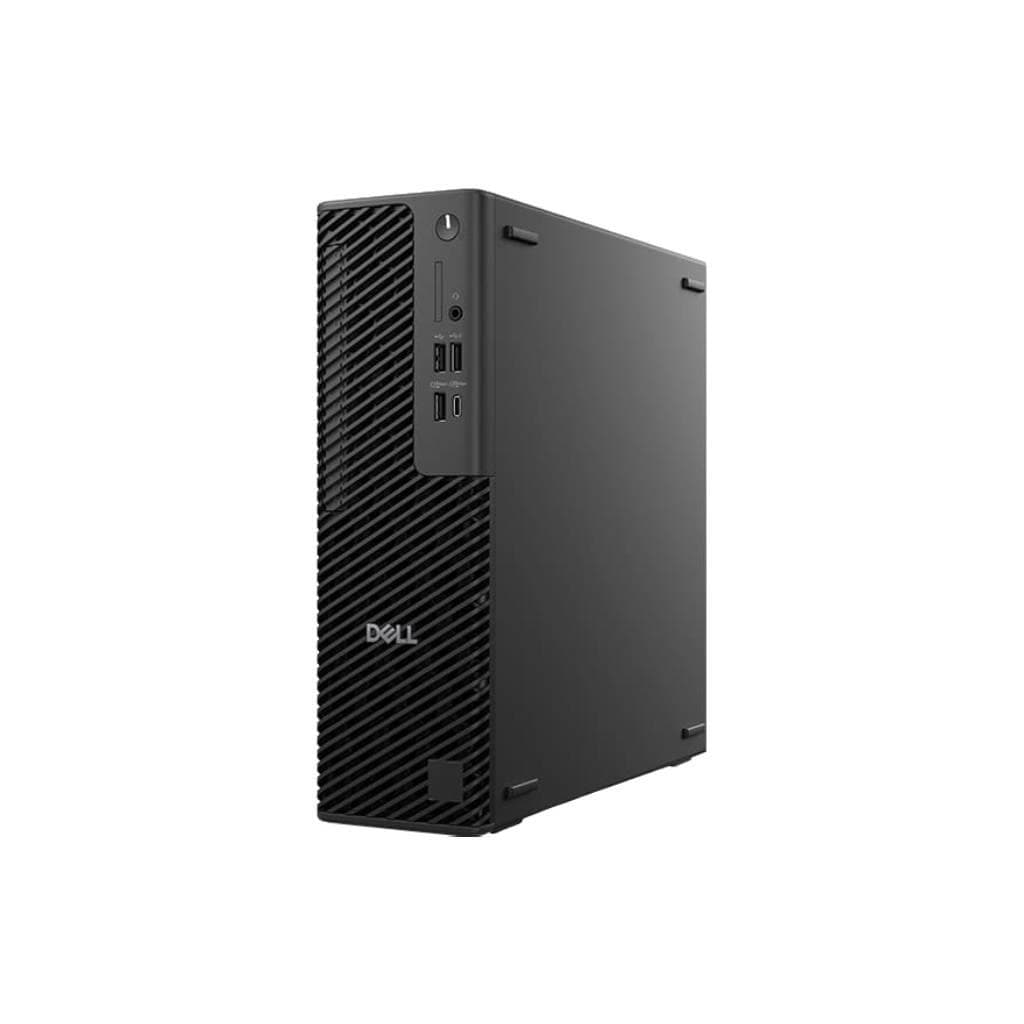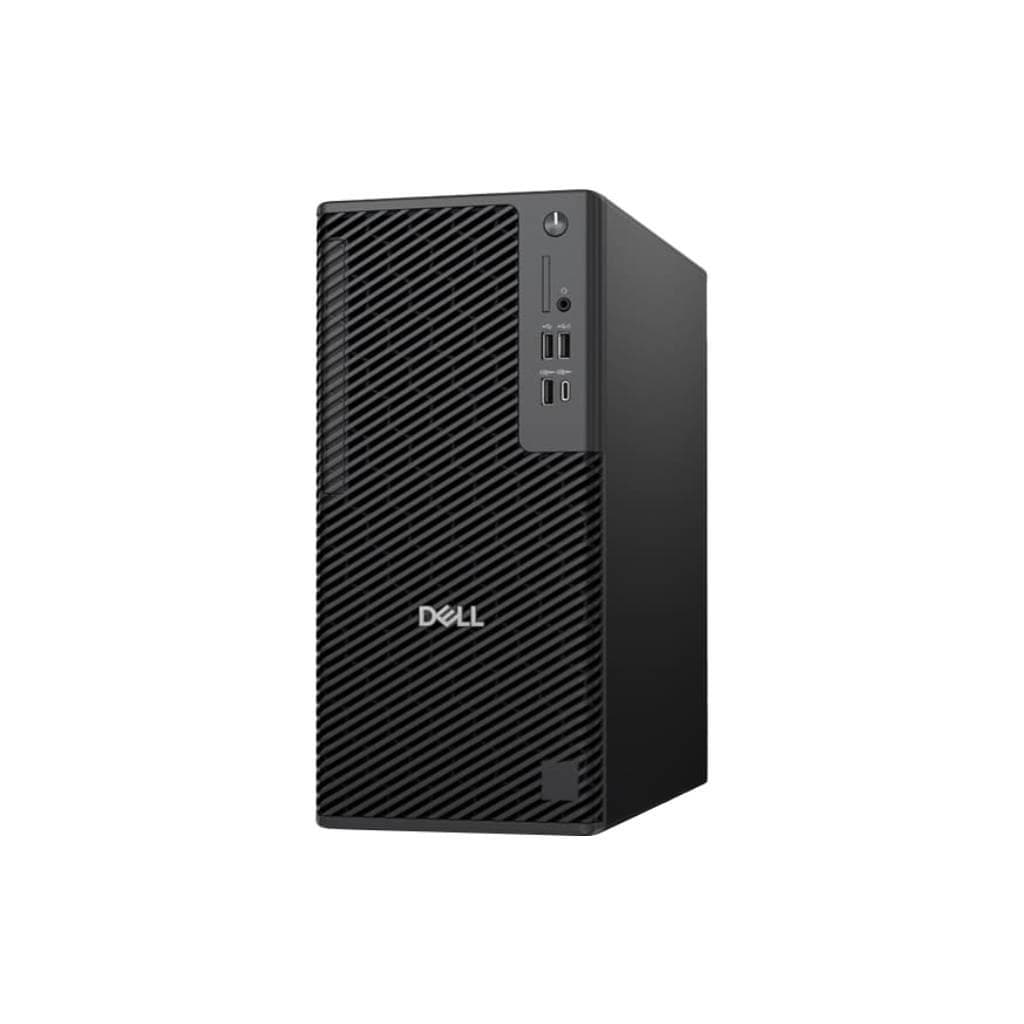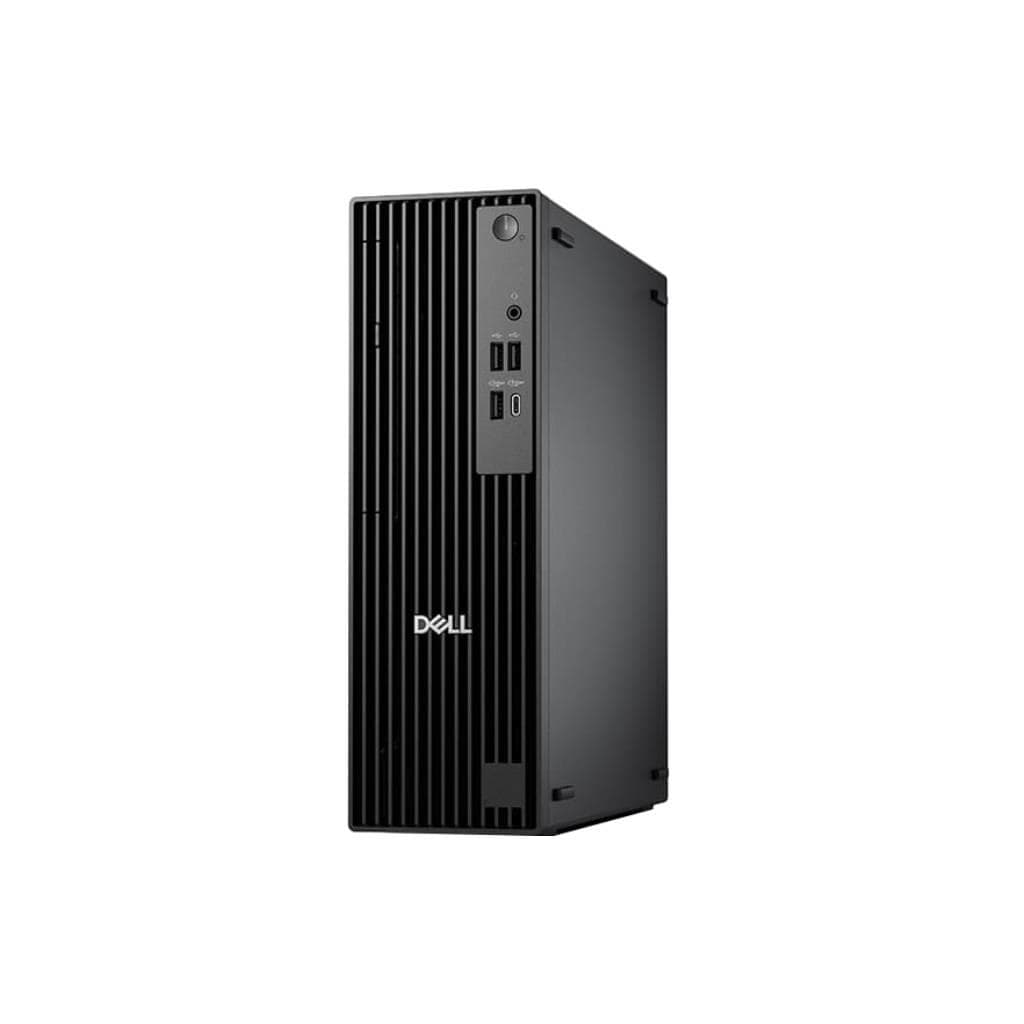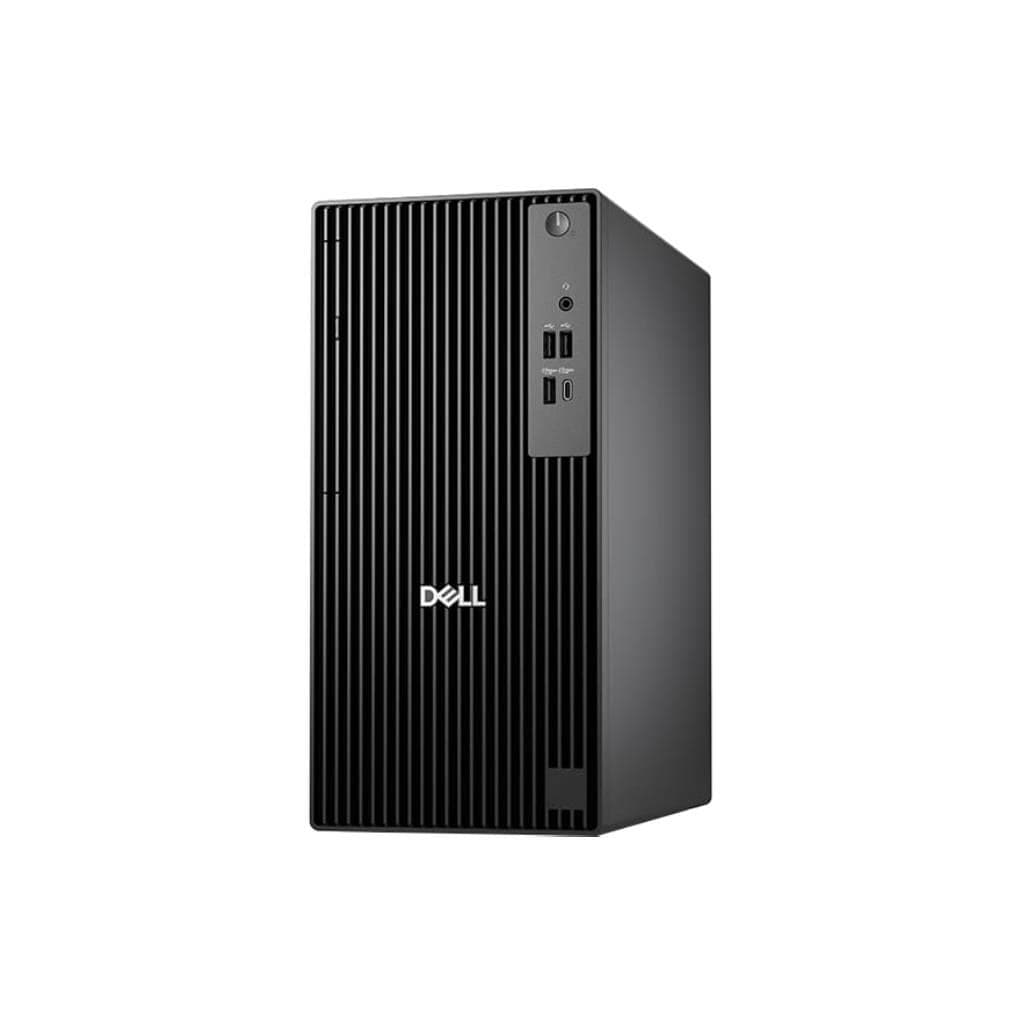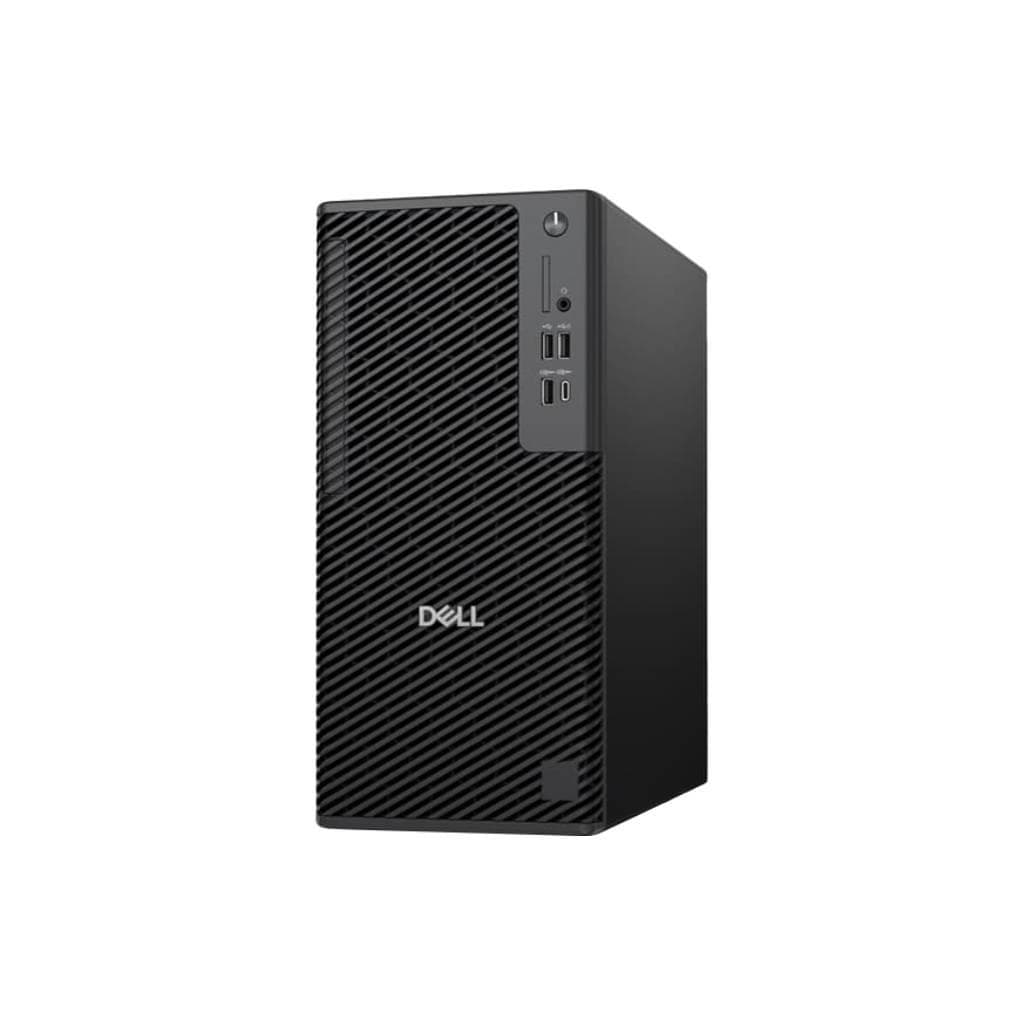


Dell Pro Max Slim FCS1250 Core Ultra5 235 / 16GB / 512GB SSD / A400 4GB
SKU: SNSFCS125001Computers › Business Desktop PCs· Model: FCS1250
Please enquire before ordering
The distributor has not yet confirmed the latest price and availability (last checked Sep 22, 2026)
092-251-4017Awaiting stock confirmation3 years manufacturer's warranty
GenuineFree delivery from ฿5,000Tax invoice
เดสก์ท็อปสำหรับธุรกิจจาก Dell รุ่น Pro Max Slim พร้อมซีพียู Core Ultra5 235, แรม 16GB และ SSD 512GB สำหรับการทำงานเร็วและเสถียรในสภาพแวดล้อมสำนักงาน
Key features
- ซีพียู Intel Core Ultra5 235 ประสิทธิภาพสูงสำหรับงานธุรกิจ
- แรม 16GB DDR5 ความเร็วสูง รองรับการใช้งานพร้อมกันหลายโปรแกรม
- SSD 512GB NVMe Gen4 ความเร็วในการอ่าน/เขียนสูง
- การ์ดจอ Intel Arc A400 4GB สำหรับกราฟิกระดับกลาง
- ออกแบบแบบ Slim ประหยัดพื้นที่วางบนโต๊ะทำงาน
Product description
Dell Pro Max Slim FCS1250 เป็นคอมพิวเตอร์เดสก์ท็อปสำหรับธุรกิจที่ออกแบบมาเพื่อประสิทธิภาพและความทนทาน โดยใช้ซีพียู Intel Core Ultra5 235 ที่ให้พลังประมวลผลสูงและรองรับงานหลายเธรดได้อย่างราบรื่น พร้อมแรม 16GB และ SSD ความจุ 512GB สำหรับการเริ่มต้นระบบและเปิดโปรแกรมอย่างรวดเร็ว ด้วยการ์ดจอ Intel Arc A400 4GB ที่รองรับงานกราฟิกระดับกลางได้อย่างมีประสิทธิภาพ ทำให้เหมาะกับการใช้งานสำนักงาน เช่น การประมวลผลเอกสาร การจัดการฐานข้อมูล และการประชุมออนไลน์ผ่านระบบวิดีโอคอลอย่างราบรื่น
More features
- รองรับการอัปเกรดแรมและสตอเรจในอนาคต
- ระบบระบายความร้อนที่เงียบและมีประสิทธิภาพ
- เชื่อมต่อ Wi-Fi 6 และพอร์ตครบครันสำหรับการทำงาน
- เหมาะกับการใช้งานในสำนักงาน ร้านค้า หรือศูนย์บริการลูกค้า
- รองรับการจัดการจากระยะไกลผ่านระบบ IT Management
Pros and limitations
Pros
- ซีพียู Core Ultra5 235 ให้ประสิทธิภาพสูงในระดับธุรกิจ
- SSD NVMe Gen4 ความเร็วสูง ลดเวลาเปิดโปรแกรม
- แรม 16GB รองรับการทำงานพร้อมกันหลายแอปพลิเคชัน
- การ์ดจอ Intel Arc A400 4GB รองรับกราฟิกระดับกลางได้ดี
- ออกแบบแบบ Slim ประหยัดพื้นที่ใช้งานบนโต๊ะ
Limitations
- ไม่มีพอร์ต Thunderbolt
- ไม่รองรับการติดตั้งการ์ดจอแยกเพิ่มเติม
- ไม่มีฟังก์ชัน VESA Mount
Who it is for
เหมาะสำหรับพนักงานออฟฟิศ ผู้ดูแลระบบ IT และเจ้าของร้านค้าที่ต้องการคอมพิวเตอร์ประสิทธิภาพสูง ใช้งานได้หลากหลาย เช่น จัดการข้อมูล ประมวลผลเอกสาร และทำงานออนไลน์อย่างมีเสถียรภาพ
Connectivity
Wi-Fi
Specifications (37)
- ซีพียู (CPU)
- Intel Core Ultra5 235
- หน่วยความจำ (RAM)
- 16 GB DDR5
- ความลึก
- 270 mm
- ความกว้าง
- 350 mm
- ความสูง
- 180 mm
- น้ำหนัก
- 6.5 kg
- การรับประกัน
- 3 ปี On-Site Service
- HDMI Port
- 1
- ช่องเสียบหูฟัง
- 1
- การติดตั้ง VESA
- ไม่รองรับ
- DisplayPort
- 1
- รูปทรง
- Slim Desktop
- ระดับเสียง
- 25 dB(A)
- แหล่งจ่ายไฟ
- Internal 300W
- ประเภทหน่วยเก็บข้อมูล
- SSD
- การปรับตั้ง
- ไม่ปรับได้
- พอร์ต Ethernet
- 1
- Graphics Card
- Intel Arc A400 4GB
- แรงดันไฟฟ้าขาเข้า
- 100-240 V AC
- ไฟแสดงสถานะ
- Power, HDD Activity
- Optical Drive
- DVD+/-RW
- การรับรอง
- Energy Star, RoHS, CE, FCC
- มาตรฐาน Wi-Fi
- Wi-Fi 6
- ช่วงความถี่
- 50/60 Hz
- ระบบปฏิบัติการ
- Windows 11 Pro
- ความจุ
- 512 GB
- USB Type-A Ports
- 6
- USB Type-C Ports
- 2
- เวอร์ชัน Bluetooth
- 5.3
- การใช้พลังงาน
- 45 W (typical)
- ความชื้นขณะทำงาน
- 10% to 80% non-condensing
- Remote Management
- Dell Remote Access Controller (DRAC) - ติดตั้งเพิ่มเติม
- คุณสมบัติด้านความปลอดภัย
- TPM 2.0, Kensington Lock Slot
- อินเทอร์เฟซจัดเก็บข้อมูล
- NVMe PCIe Gen4
- Number of USB Ports
- 8
- อินเทอร์เฟซการจัดการ
- Dell Command | Power Manager
- อุณหภูมิการทำงาน
- 5°C to 35°C
Datasheets and manuals straight from the manufacturer — select a document to open or download it.
13 questions
Frequently asked questions about this product
Compiled from manufacturer information
Dell Pro Max Slim FCS1250 รองรับการอัปเกรดแรมได้ไหม?
ใช่ รองรับการอัปเกรดแรมได้สูงสุดถึง 64GB โดยใช้ DDR5 SODIMM ความเร็ว 5600 MT/s ตามข้อมูลจากแหล่งข้อมูล Dell
สามารถต่อจอภาพหลายหน้าจอได้หรือไม่?
ได้ โดยมีพอร์ต HDMI และ DisplayPort รองรับการเชื่อมต่อจอภาพได้สูงสุด 2 หน้าจอพร้อมกัน
ความเร็วในการอ่าน/เขียนของ SSD คือเท่าไหร่?
SSD 512GB เป็นแบบ NVMe PCIe Gen4 ซึ่งมีความเร็วในการอ่านสูงสุดประมาณ 7,000 MB/s และเขียน 6,000 MB/s ตามมาตรฐานของ Gen4
ใช้พลังงานเท่าไหร่เมื่อทำงานปกติ?
ใช้พลังงานเฉลี่ยประมาณ 45 วัตต์ ขณะทำงานปกติ ซึ่งถือว่าประหยัดไฟและมีประสิทธิภาพสูง
ติดตั้งระบบปฏิบัติการ Windows 11 Pro ได้หรือไม่?
ใช่ รุ่นนี้มาพร้อมกับ Windows 11 Pro ตั้งแต่โรงงาน และรองรับการอัปเกรดหรือติดตั้งใหม่ได้ทันที
มีพอร์ต USB-C สำหรับเชื่อมต่อหน้าจอหรืออุปกรณ์ภายนอกไหม?
ใช่ มีพอร์ต USB-C จำนวน 2 พอร์ต รองรับการเชื่อมต่อหน้าจอผ่าน DisplayPort Alt Mode และการชาร์จไฟได้
สามารถใช้งานในสภาพแวดล้อมที่มีอุณหภูมิสูงได้หรือไม่?
ได้ โดยรองรับอุณหภูมิการทำงานระหว่าง 5°C ถึง 35°C และความชื้นสัมพัทธ์ 10% ถึง 80% ไม่มีการควบแน่น
มีระบบจัดการจากระยะไกลหรือไม่?
ใช่ รองรับการจัดการจากระยะไกลผ่าน Dell Command | Power Manager และสามารถติดตั้ง DRAC เพิ่มเติมได้สำหรับการควบคุมระยะไกลในองค์กร
Is it in stock?
We are confirming the latest stock and price of the Dell Pro Max Slim FCS1250 Core Ultra5 235 / 16GB / 512GB SSD / A400 4GB with the distributor. Please contact us before ordering at 092-251-4017 or sales@gist.co.th.
How much does it cost?
The distributor has not yet confirmed the latest price and availability. Please contact us before ordering at 092-251-4017 or sales@gist.co.th.
How long is the warranty?
Warranty period: 3 ปี On-Site Service (manufacturer's terms). To make a warranty claim, call 092-251-4017 or 065-523-5262, or email sales@gist.co.th (Mon–Fri 9:00–18:00), then send the product with your order number to our head office, or bring it to the head office in person.
How long does delivery take?
Orders placed before 12:00 on a business day are delivered within 1–3 business days (Bangkok and vicinity) or 2–5 business days (other provinces). Free delivery on orders of ฿5,000 or more (a ฿150 delivery fee applies below this amount).
Is it genuine?
Genuine products sourced from distributors in Thailand, covered by the manufacturer's warranty. Full tax invoices are available.
Didn't find the answer you need?
Loading reviews…
Genuine products
Sourced from distributors in Thailand and covered by the manufacturer's warranty
Warranty period
3 ปี On-Site Service
Covered by the manufacturer's warranty; you can make claims through GIST
Claims through GIST
Ship the product to our head office or bring it in person
Warranty conditions
- A receipt or other proof of purchase is required
- The product must not have been modified or altered
- Damage caused by misuse is not covered by the warranty
- To make a warranty claim, call 092-251-4017 or 065-523-5262, or email sales@gist.co.th (Mon–Fri 9:00–18:00), then send the product with your order number to our head office, or bring it to the head office in person.Head office: 554 Sky Nine Center, Floor 12A, Room 554/62, Asok-Din Daeng Road, Din Daeng Subdistrict, Din Daeng District, Bangkok 10400
More in Business Desktop PCs