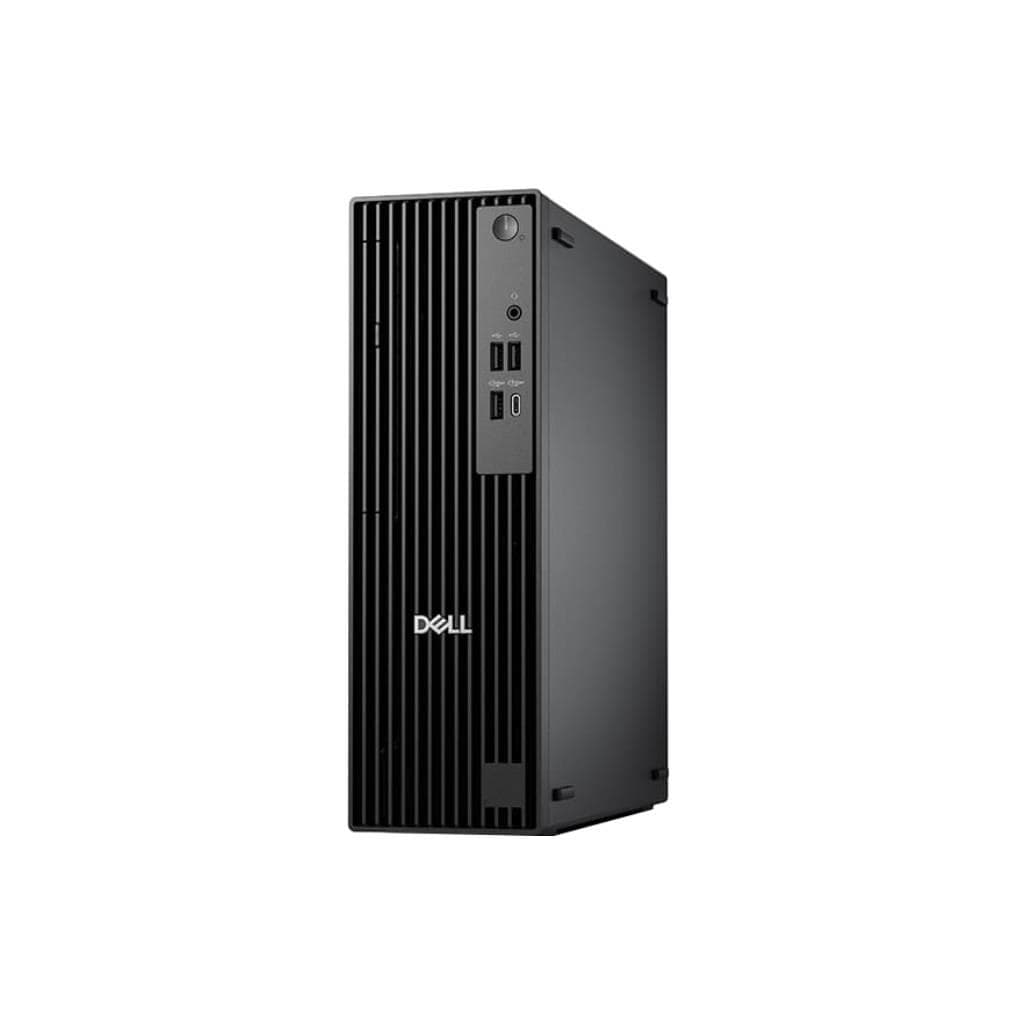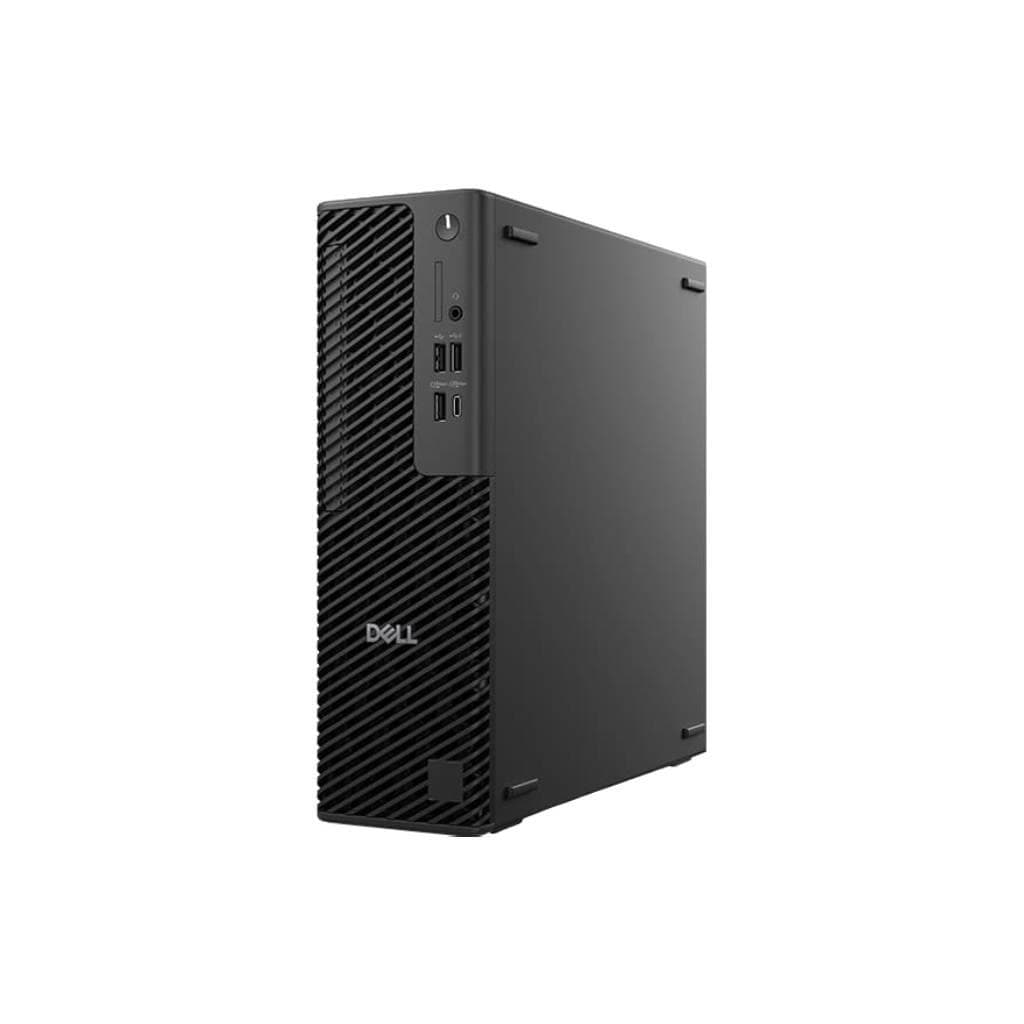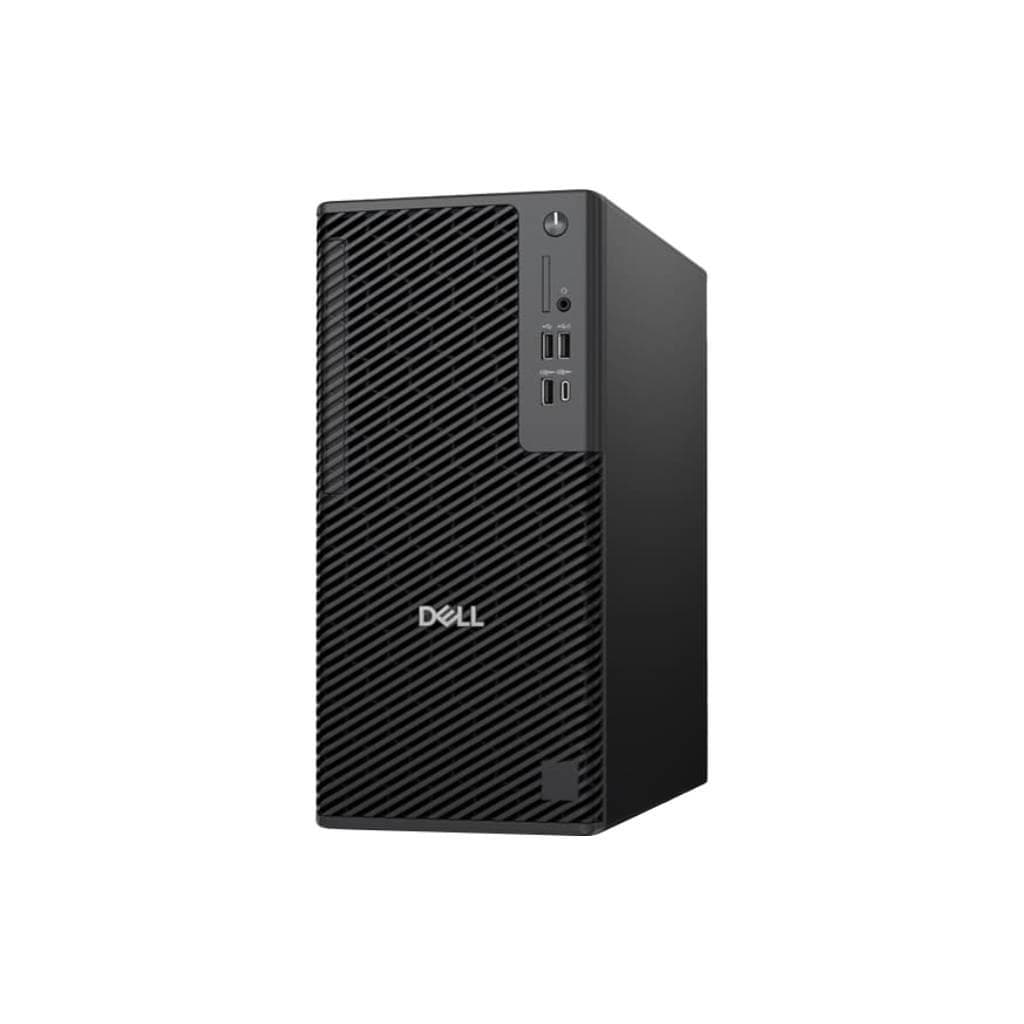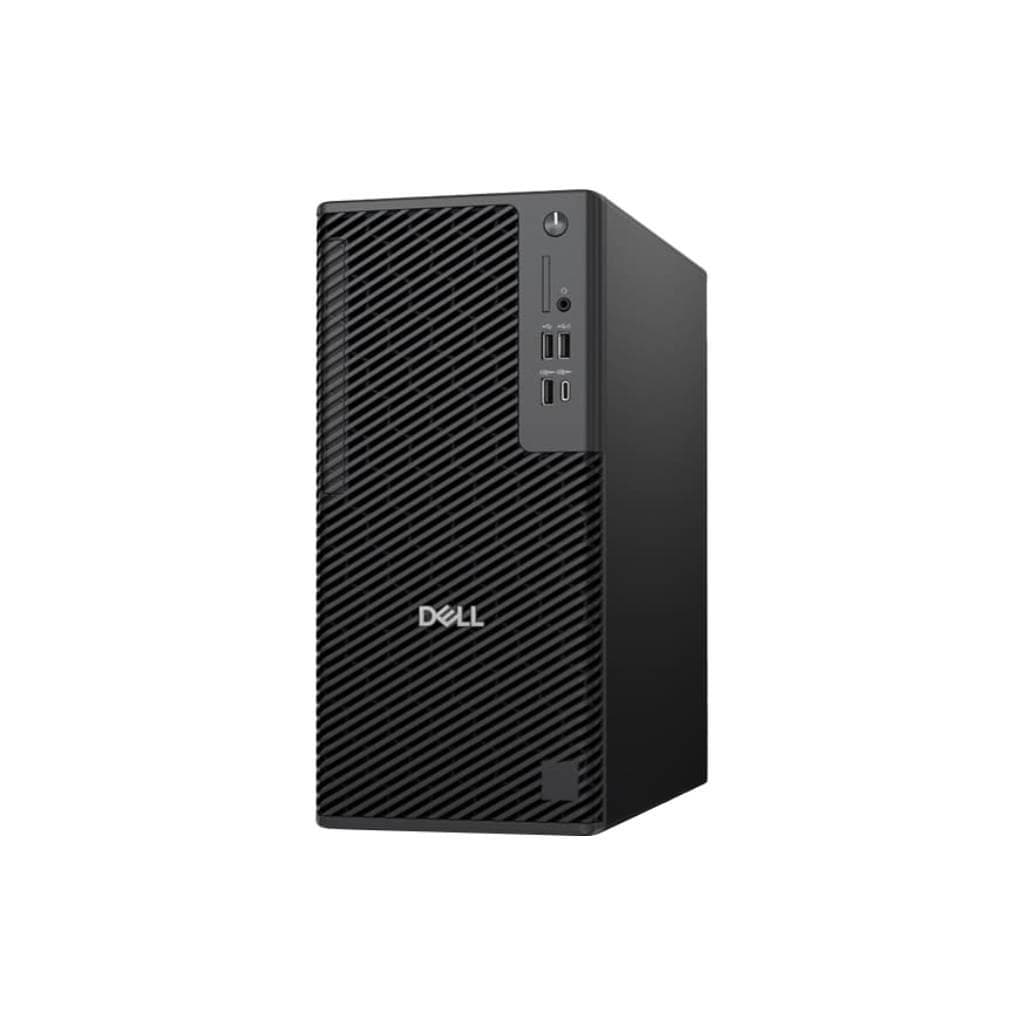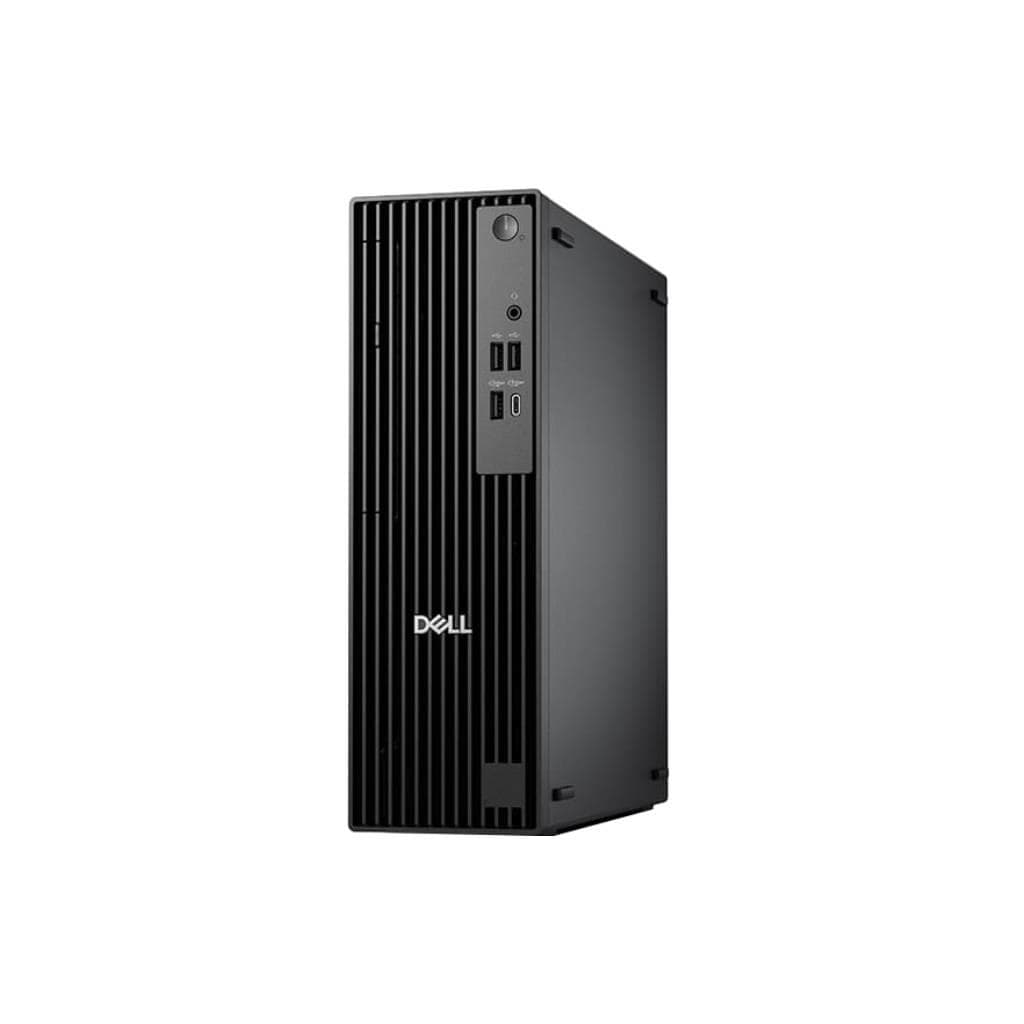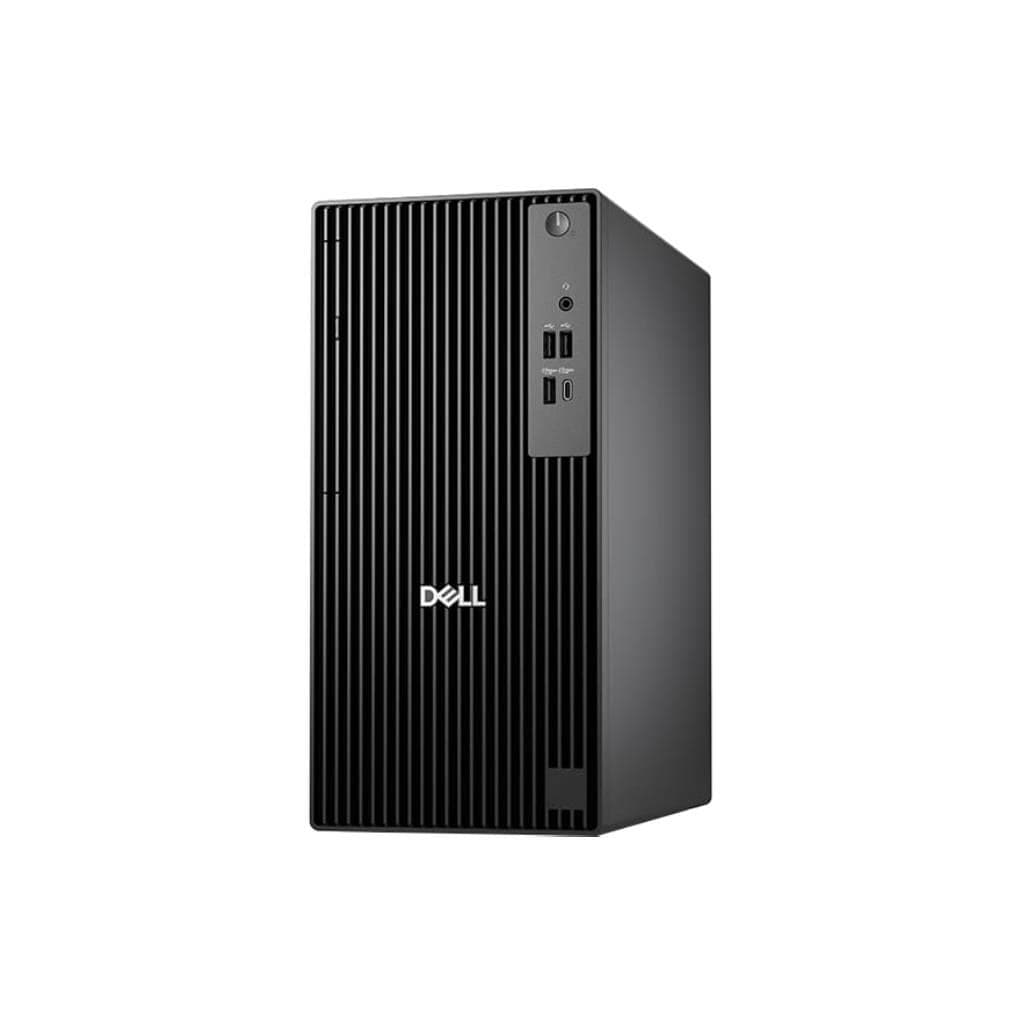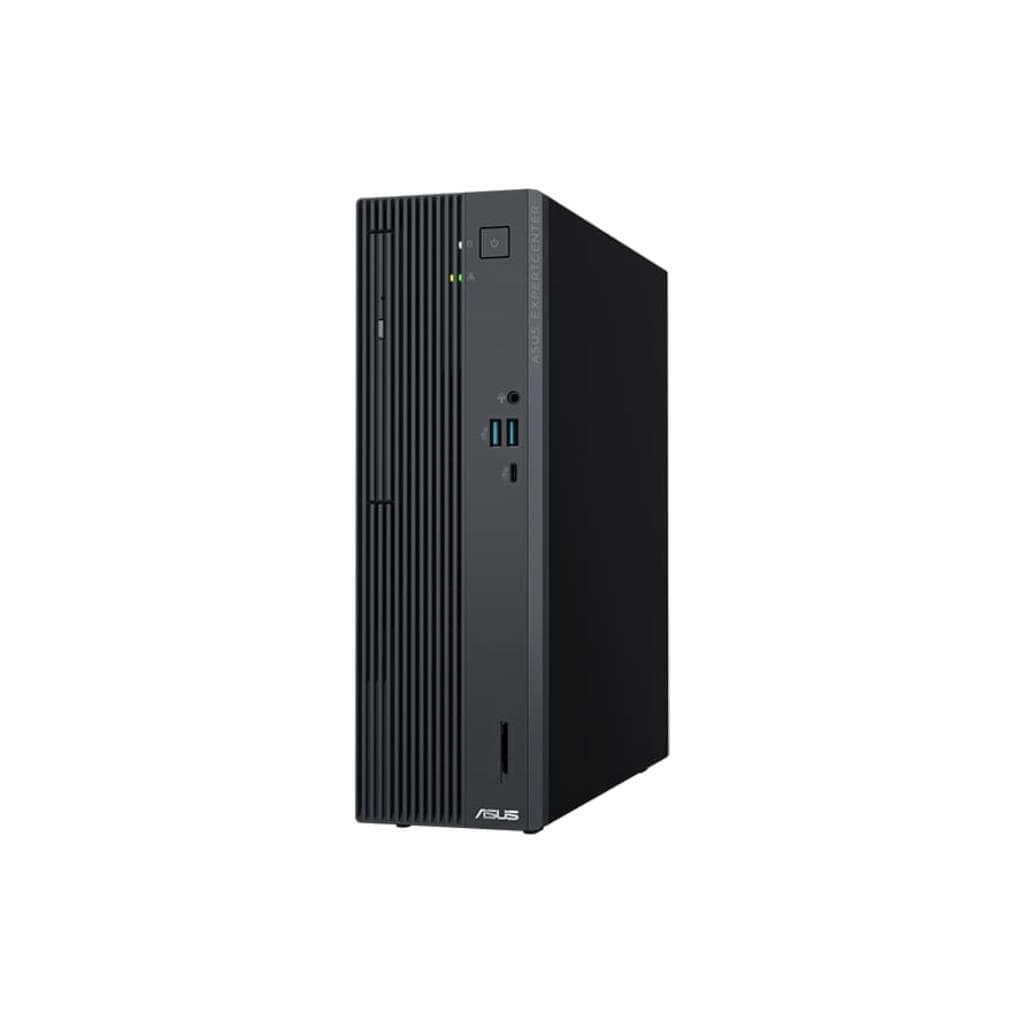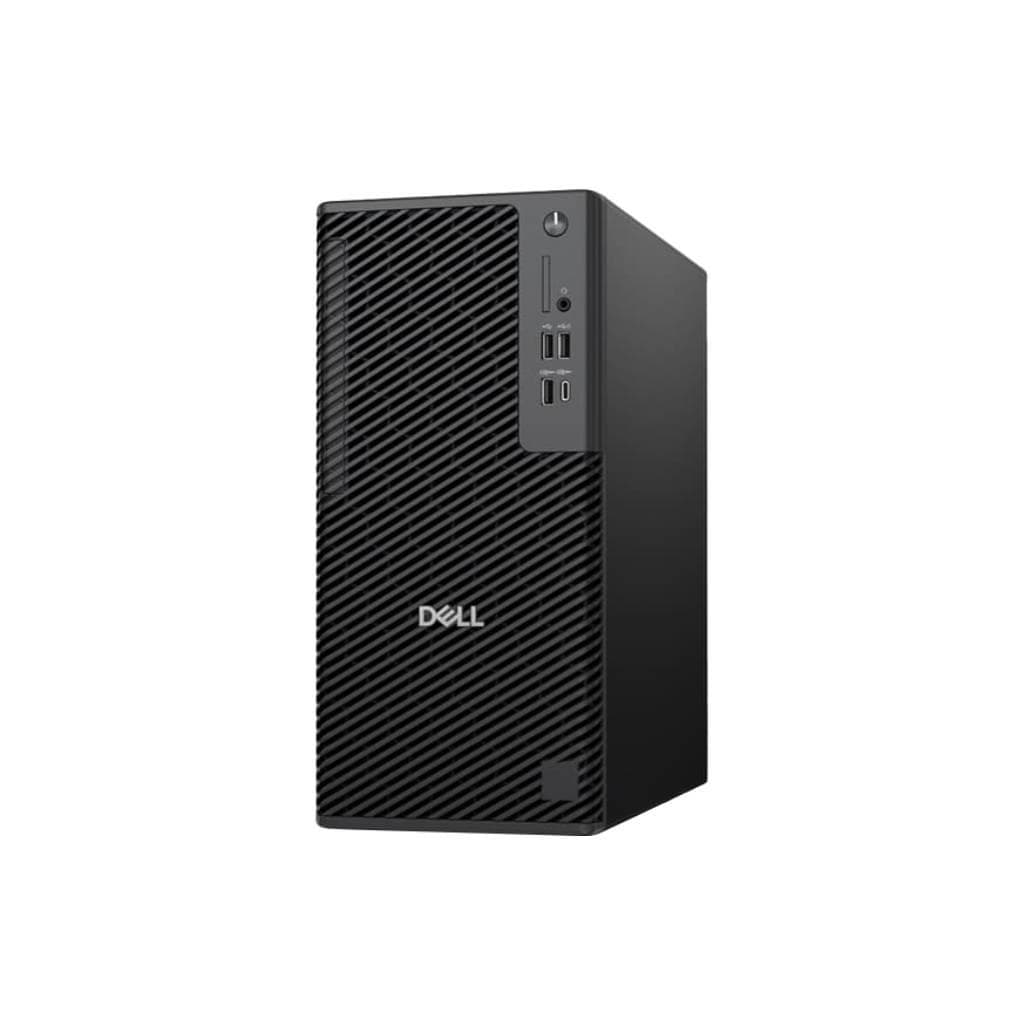
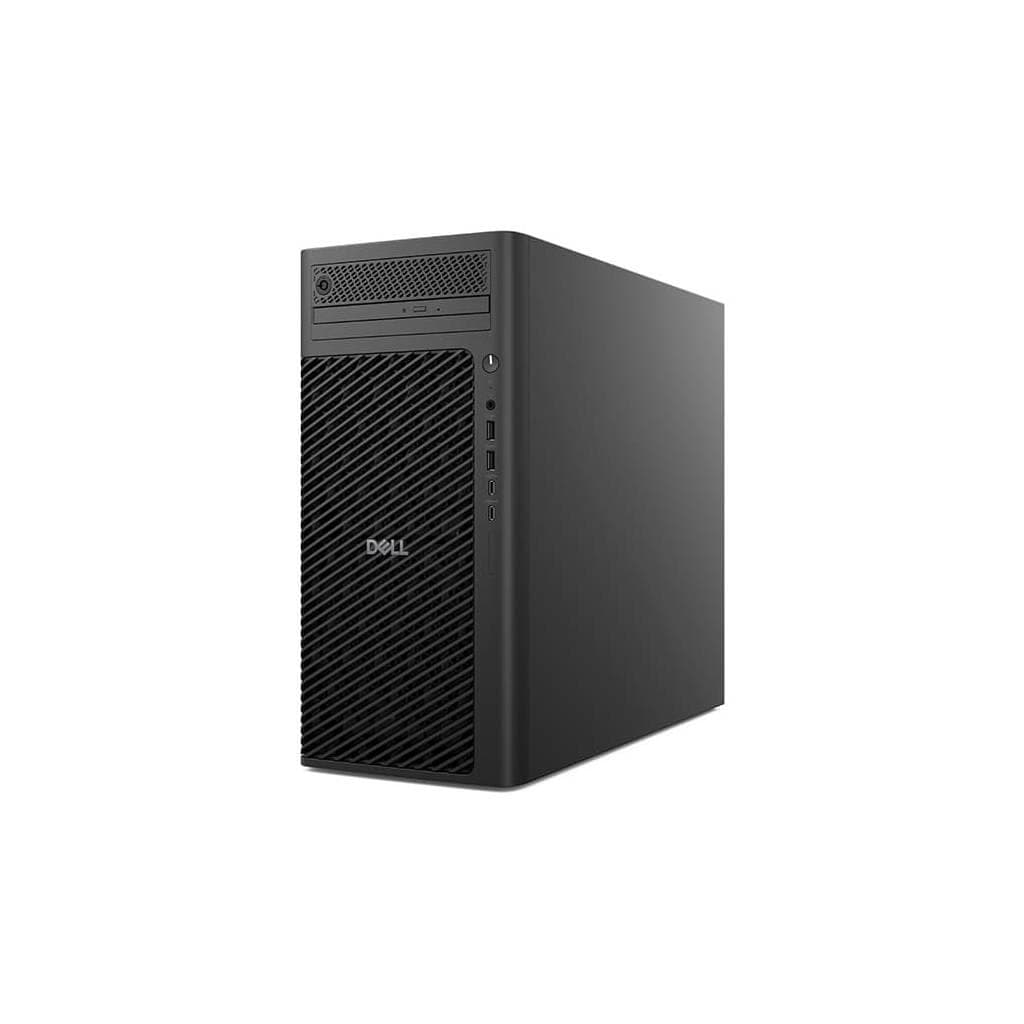

DELL Pro Max Tower T2 FCT2250 Core Ultra5 245K 16GB 512GB SSD + 2TB SATA
SKU: SNSFCT225002Computers › Business Desktop PCs
฿103,693
Price includes 7% VATPrice updated October 22, 2026
Out of stock3 years manufacturer's warranty
Temporarily out of stock — ask us about the restock date or an alternative model
Call us 092-251-4017Send a question to salesGenuineFree delivery from ฿5,000Tax invoice
เดลล์ โปรแมกซ์ ทาวเวอร์ รุ่น T2 FCT2250 พร้อมโปรเซสเซอร์ Core Ultra5 245K หน่วยความจำ 16GB และ SSD 512GB พร้อมฮาร์ดดิสก์เพิ่มเติม 2TB SATA เหมาะสำหรับงานสำนักงานระดับองค์กรที่ต้องการประสิทธิภาพสูงและพื้นที่จัดเก็บข้อมูลมาก
Key features
- โปรเซสเซอร์ Intel Core Ultra5 245K ประสิทธิภาพสูง
- หน่วยความจำ 16GB DDR5 รองรับการใช้งานพร้อมกันหลายแอป
- SSD 512GB + HDD 2TB SATA จัดเก็บข้อมูลได้มาก
- ออกแบบมาเพื่องานองค์กร ทนทานต่อการใช้งานหนัก
- รองรับการอัปเกรดฮาร์ดแวร์ในอนาคต
Product description
เดลล์ โปรแมกซ์ ทาวเวอร์ รุ่น T2 FCT2250 ถูกออกแบบมาเพื่อรองรับภาระงานหนักในสภาพแวดล้อมธุรกิจ โดยมาพร้อมโปรเซสเซอร์ Intel Core Ultra5 245K ที่ให้ประสิทธิภาพการประมวลผลสูง พร้อมหน่วยความจำ DDR5 ขนาด 16GB และ SSD ความจุ 512GB สำหรับระบบปฏิบัติการและแอปพลิเคชันหลัก พร้อมฮาร์ดดิสก์ SATA ความจุ 2TB เพิ่มเติมสำหรับจัดเก็บข้อมูลองค์กรอย่างมีประสิทธิภาพ รองรับการใช้งานพร้อมกันหลายแอปพลิเคชัน ไม่ว่าจะเป็นการประมวลผลข้อมูลขนาดใหญ่ การวิเคราะห์ข้อมูล หรือการใช้งานคลาวด์อย่างราบรื่น โครงสร้างตัวเครื่องแข็งแรง รองรับการอัปเกรดได้ในอนาคต และออกแบบมาเพื่อความทนทานในสภาพแวดล้อมสำนักงานจริง
More features
- โครงสร้างตัวเครื่องแข็งแรง ใช้งานได้นาน
- ประสิทธิภาพการประมวลผลสูง รองรับงานหนัก
- รองรับการเชื่อมต่ออุปกรณ์ภายนอกได้หลากหลาย
- เหมาะกับผู้ใช้ระดับองค์กรที่ต้องการความเสถียร
- ออกแบบมาเพื่อใช้งานในสำนักงานจริง
Pros and limitations
Pros
- โปรเซสเซอร์ Core Ultra5 245K ให้ประสิทธิภาพสูงในระดับองค์กร
- หน่วยความจำ 16GB DDR5 รองรับการใช้งานพร้อมกันหลายแอป
- มีพื้นที่จัดเก็บข้อมูลมากด้วย SSD + HDD รวม 2.5TB
- รองรับการอัปเกรดฮาร์ดแวร์ในอนาคตได้
- ออกแบบมาเพื่อความทนทานในสภาพแวดล้อมสำนักงานจริง
Limitations
- น้ำหนัก 12.5 กก. ต้องใช้พื้นที่วางที่แข็งแรง
- ไม่มีพอร์ต Thunderbolt 5 สำหรับอุปกรณ์เชื่อมต่อเร็วสุด
Who it is for
เหมาะสำหรับพนักงานฝ่ายบัญชี ฝ่ายทรัพยากรบุคคล หรือผู้ใช้งานทั่วไปในองค์กรที่ต้องการเครื่องพีซีประสิทธิภาพสูง รองรับการใช้งานพร้อมกันหลายแอป และจัดเก็บข้อมูลจำนวนมาก
Specifications (28)
- ซีพียู (CPU)
- Intel Core Ultra5 245K
- HDD
- 2 TB SATA 7200 rpm
- หน่วยความจำ (RAM)
- 16 GB DDR5
- SSD
- 512 GB NVMe PCIe Gen4
- เสียง
- Realtek ALC3234 Audio Codec
- พอร์ต
- USB-A x4, USB-C x2, HDMI x1, DisplayPort x1, Ethernet RJ45 x1, Audio Jack x1
- น้ำหนัก
- 12.5 kg
- การ์ดจอ (GPU)
- Intel Iris Xe Graphics
- การรับประกัน
- 3 Years On-Site Service
- ขนาด
- 430 x 190 x 430 mm
- การจัดการ
- Dell Command | Power Manager, Dell Client Command Suite
- รูปทรง
- Tower
- Boot Options
- UEFI Secure Boot
- ช่องใส่หน่วยความจำ
- 2 slots (up to 64GB)
- แหล่งจ่ายไฟ
- 500W 80 Plus Bronze
- ประเภทหน่วยเก็บข้อมูล
- SSD + HDD
- แรงดันไฟฟ้าขาเข้า
- 100-240 VAC
- การรับรอง
- CE, FCC, RoHS, ENERGY STAR
- ระบบระบายความร้อน
- Dual 120mm Fans
- ไฟแสดงสถานะ
- Power, HDD, USB, Network
- ช่องขยาย
- PCIe x16 (1), PCIe x1 (2)
- ช่วงความถี่
- 50-60 Hz
- Chassis Material
- Steel and Plastic
- ระบบปฏิบัติการ
- Windows 11 Pro
- ความชื้นขณะทำงาน
- 10% to 80% non-condensing
- คุณสมบัติด้านความปลอดภัย
- TPM 2.0, Kensington Lock Slot
- อุณหภูมิการทำงาน
- 5°C to 35°C
- การเชื่อมต่อไร้สาย
- Wi-Fi 6E, Bluetooth 5.3
Datasheets and manuals straight from the manufacturer — select a document to open or download it.
13 questions
Frequently asked questions about this product
Compiled from manufacturer information
รุ่นนี้รองรับการอัปเกรด RAM ได้สูงสุดเท่าไหร่?
รองรับการอัปเกรด RAM สูงสุดได้ถึง 64GB โดยมีช่องเสียบหน่วยความจำ 2 ช่อง พร้อมรองรับ DDR5 ความเร็วสูง
ใช้ฮาร์ดดิสก์ SATA ขนาดไหนได้บ้าง?
รองรับฮาร์ดดิสก์ SATA ขนาด 3.5 นิ้ว ความเร็ว 7200 รอบต่อนาที ความจุสูงสุด 4TB สำหรับการติดตั้งเพิ่มเติม
มีพอร์ต Thunderbolt ไหม?
ไม่มีพอร์ต Thunderbolt 5 แต่มีพอร์ต USB-C 2 ช่องที่รองรับ DisplayPort และ Power Delivery
ใช้กับจอภาพได้กี่จอพร้อมกัน?
รองรับการเชื่อมต่อจอภาพได้สูงสุด 3 จอ ผ่าน HDMI, DisplayPort และ USB-C DP-Alt Mode
ติดตั้ง Windows 11 ได้ไหม?
ติดตั้งได้แน่นอน เครื่องมาพร้อม Windows 11 Pro ตั้งแต่ต้น รองรับการอัปเดตระบบและซอฟต์แวร์ได้อย่างเต็มที่
ใช้พลังงานเท่าไหร่ต่อชั่วโมง?
ใช้พลังงานเฉลี่ยประมาณ 150W ขณะทำงานหนัก และลดลงเหลือ 30W ในโหมดประหยัดพลังงาน
ต้องการอุปกรณ์เสริมอะไรเพิ่มเติมไหม?
ไม่จำเป็นต้องใช้อุปกรณ์เสริมเพิ่มเติม แต่แนะนำการใช้เคสตั้งหรือขาตั้งเพื่อความปลอดภัยและระบายความร้อนได้ดีขึ้น
รองรับการเชื่อมต่อเครือข่ายไร้สายได้กี่แกน?
รองรับ Wi-Fi 6E ที่มีความเร็วสูงสุด 2.4 GHz และ 5 GHz พร้อม Bluetooth 5.3 สำหรับการเชื่อมต่ออุปกรณ์ไร้สาย
Is it in stock?
The DELL Pro Max Tower T2 FCT2250 Core Ultra5 245K 16GB 512GB SSD + 2TB SATA is temporarily out of stock. Ask us about the restock date or an alternative model at sales@gist.co.th or 092-251-4017.
How much does it cost?
The price is ฿103,693 (including 7% VAT). It is currently out of stock; ask us about the restock date at sales@gist.co.th. Business customers can request a quotation at sales@gist.co.th.
How long is the warranty?
Warranty period: รับประกัน 3 ปี ตามเงื่อนไขผู้ผลิต (manufacturer's terms). To make a warranty claim, call 092-251-4017 or 065-523-5262, or email sales@gist.co.th (Mon–Fri 9:00–18:00), then send the product with your order number to our head office, or bring it to the head office in person.
How long does delivery take?
Orders placed before 12:00 on a business day are delivered within 1–3 business days (Bangkok and vicinity) or 2–5 business days (other provinces). Free delivery on orders of ฿5,000 or more (a ฿150 delivery fee applies below this amount).
Is it genuine?
Genuine products sourced from distributors in Thailand, covered by the manufacturer's warranty. Full tax invoices are available.
Didn't find the answer you need?
Loading reviews…
Genuine products
Sourced from distributors in Thailand and covered by the manufacturer's warranty
Warranty period
รับประกัน 3 ปี ตามเงื่อนไขผู้ผลิต
Covered by the manufacturer's warranty; you can make claims through GIST
Claims through GIST
Ship the product to our head office or bring it in person
Warranty conditions
- A receipt or other proof of purchase is required
- The product must not have been modified or altered
- Damage caused by misuse is not covered by the warranty
- To make a warranty claim, call 092-251-4017 or 065-523-5262, or email sales@gist.co.th (Mon–Fri 9:00–18:00), then send the product with your order number to our head office, or bring it to the head office in person.Head office: 554 Sky Nine Center, Floor 12A, Room 554/62, Asok-Din Daeng Road, Din Daeng Subdistrict, Din Daeng District, Bangkok 10400
More in Business Desktop PCs