
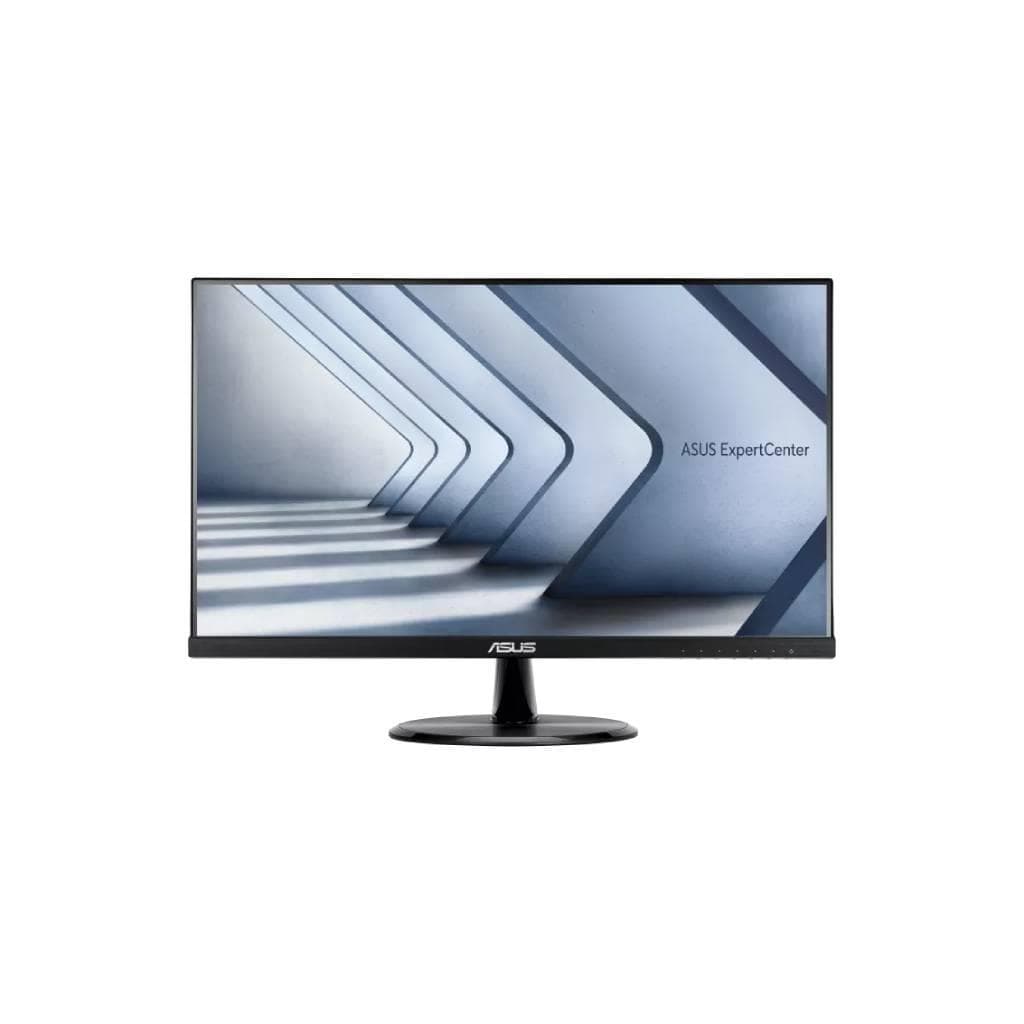


DELL P2424HT 23.8" Touch USB-C Hub Monitor (1920 x 1080 IPS 60Hz)
SKU: SNSP2424HTDisplays & Projectors › Business Monitors· Model: P2424HT
฿10,782
Price includes 7% VATPrice updated November 1, 2026
In stock3 years manufacturer's warranty
For orders placed before 12:00 on a business day; weekends excluded
GenuineFree delivery from ฿5,000Tax invoice
หน้าจอสัมผัส 23.8 นิ้ว ความละเอียด Full HD พร้อมพอร์ต USB-C รองรับ Power Delivery สูงสุด 90W และเชื่อมต่ออุปกรณ์ได้หลากหลาย ใช้งานได้ทั้งสำนักงานและงานนำเสนอ
Key features
- หน้าจอสัมผัส 10 จุด รองรับการควบคุมแบบลาก-แตะ
- USB-C 3.2 Gen 1 ชาร์จได้สูงสุด 90W
- รองรับการเชื่อมต่อหลายอุปกรณ์ผ่านพอร์ตเดียว
- ขาตั้งปรับระดับสูง-ต่ำ หมุน และเอียงได้
- เทคโนโลยีลดแสงสีฟ้าและป้องกันภาพกระพริบ
Product description
Dell P2424HT เป็นหน้าจอสัมผัสขนาด 23.8 นิ้ว ความละเอียด Full HD (1920 x 1080) ที่ให้ภาพคมชัดและสีสันแม่นยำด้วยเทคโนโลยี IPS พร้อมรีเฟรชเรท 60 Hz ทำให้การใช้งานลื่นไหลไม่มีกระตุก โดยเฉพาะในงานกราฟิกหรือการนำเสนอข้อมูล หน้าจอรองรับการสัมผัส 10 จุด ช่วยเพิ่มประสิทธิภาพในการควบคุมและโต้ตอบกับระบบได้อย่างรวดเร็ว พร้อมพอร์ต USB-C 3.2 Gen 1 ที่ให้พลังงานสูงถึง 90W ทำให้สามารถชาร์จแล็ปท็อปหรือแท็บเล็ตได้โดยตรงผ่านสายเดียว นอกจากนี้ยังมีพอร์ต HDMI, DisplayPort 1.2, และ RJ45 Ethernet สำหรับการเชื่อมต่อเครือข่ายและอุปกรณ์ภายนอกอย่างครบครัน ดีไซน์ขาตั้งปรับระดับสูง-ต่ำ หมุน และเอียงได้ ช่วยให้ผู้ใช้จัดตำแหน่งจอตามท่าทางการทำงานอย่างเหมาะสม พร้อมเทคโนโลยีลดแสงสีฟ้าและป้องกันภาพกระพริบเพื่อถนอมสายตาในระยะยาว
More features
- ความละเอียด Full HD (1920 x 1080) บนจอ IPS คมชัด
- รองรับ Ethernet แบบมีสายผ่านพอร์ต RJ45
- ออกแบบมาเพื่อใช้งานในสำนักงานและงานนำเสนอ
Pros and limitations
Pros
- พอร์ต USB-C ชาร์จได้สูงสุด 90W ลดความยุ่งเหยิงของสายไฟ
- รองรับการสัมผัส 10 จุด ใช้งานง่ายในงานนำเสนอและแชร์หน้าจอ
- ขาตั้งปรับระดับสูง-ต่ำ หมุน และเอียงได้ ช่วยลดอาการเมื่อยล้า
- เทคโนโลยีลดแสงสีฟ้าและป้องกันภาพกระพริบ ถนอมสายตาในระยะยาว
- มีพอร์ต Ethernet ในตัว ใช้งานเครือข่ายมั่นคงโดยไม่ต้องใช้ฮับเพิ่ม
Limitations
- ไม่มีพอร์ต Thunderbolt รองรับการเชื่อมต่ออุปกรณ์ความเร็วสูง
- ไม่รองรับ HDR หรือสีสันที่กว้างขึ้นกว่า NTSC 83%
Who it is for
เหมาะสำหรับพนักงานออฟฟิศ ผู้จัดการทีม หรือผู้ใช้งานที่ต้องการหน้าจอสัมผัสเพื่อควบคุมงานนำเสนอ หรือทำงานร่วมกันแบบแชร์หน้าจอในห้องประชุม
Connectivity
USB-C, HDMI, DisplayPort
Specifications (34)
- น้ำหนัก
- 9.99 lbs
- ลำโพง
- Stereo speakers
- ขนาด
- 21.2 in x 8.2 in x 14.9 in (with stand, lowest position)
- Tilt Angle
- -5° to +21°
- การติดตั้ง VESA
- รองรับ (100 x 100 mm)
- ขอบเขตสี
- 72% NTSC (CIE 1931), 83% NTSC (CIE 1976)
- ComfortView
- รองรับ
- ระยะห่างพิกเซล
- 0.2745 mm
- อัตราส่วนภาพ
- 16:9
- Output Power
- 1 Watt per channel
- Swivel Angle
- ±30°
- Touch Screen
- รองรับ (10-point multi-touch)
- การปรับตั้ง
- Height, swivel, tilt
- Color Support
- 16.7 million colors
- แรงดันไฟฟ้าขาเข้า
- 100-240 V AC, 50/60 Hz
- เวลาตอบสนอง
- 5 ms (gray-to-gray fast)
- มุมมองภาพ
- 178° horizontal, 178° vertical
- อัตราส่วนคอนทราสต์
- 3000:1 (dynamic)
- Pixel Per Inch
- 93
- Power Delivery
- 90W via USB-C downstream port
- Screen Coating
- Anti-glare
- Cables Included
- 1 x DisplayPort cable - DisplayPort to DisplayPort - 1.8 m, 1 x HDMI cable - 1.8 m
- พอร์ต
- HDMI (HDCP 1.4), DisplayPort 1.2 (HDCP 1.4), USB-C 3.2 Gen 1 (power up to 90W), 2 x USB 3.2 Gen 1 downstream, USB-C 3.2 Gen 1 downstream (power up to 15W), USB 3.2 Gen 1 downstream with Battery Charging 1.2 (power up to 10W), RJ45 Ethernet port, 1GbE, Audio line-out (mini-jack)
- ประเภทจอ
- IPS
- Built-in Ethernet
- RJ45 Ethernet port, 1GbE
- Height Adjustment
- Up to 140 mm
- การใช้พลังงาน
- 25 W (typical)
- ขนาดหน้าจอ
- 23.8"
- Backlight Technology
- LED backlight
- Flicker-Less Technology
- รองรับ
- Low Blue Light Technology
- รองรับ
- ความสว่าง
- 250 cd/m²
- อัตราการรีเฟรช
- 60 Hz
- ความละเอียด
- 1920 x 1080
Datasheets and manuals straight from the manufacturer — select a document to open or download it.
13 questions
Frequently asked questions about this product
Compiled from manufacturer information
หน้าจอ P2424HT ชาร์จแล็ปท็อปได้กี่วัตต์?
รองรับ Power Delivery สูงสุด 90W ผ่านพอร์ต USB-C ทำให้สามารถชาร์จแล็ปท็อปหรือแท็บเล็ตได้อย่างมีประสิทธิภาพ โดยเฉพาะกับอุปกรณ์ที่รองรับ USB-C 90W
ใช้ P2424HT กับแล็ปท็อปที่ไม่มีพอร์ต USB-C ได้ไหม?
ได้ครับ โดยสามารถเชื่อมต่อผ่าน HDMI หรือ DisplayPort ได้ทันที แต่หากต้องการใช้ฟังก์ชันชาร์จหรือเชื่อมต่ออุปกรณ์หลายตัวผ่าน USB-C แนะนำให้ใช้แล็ปท็อปที่มีพอร์ต USB-C
หน้าจอ P2424HT รองรับการตั้งค่าในแนวตั้ง (Portrait) ได้ไหม?
ไม่รองรับการหมุนแนวตั้งโดยตรงจากขาตั้ง แต่สามารถติดตั้งบน VESA Mount แล้วปรับแนวตั้งได้ หากต้องการใช้งานในโหมดแนวตั้ง
หน้าจอ P2424HT มีลำโพงในตัวไหม?
มีครับ รองรับลำโพงสเตอริโอ กำลังขับ 1 วัตต์ต่อช่อง ใช้ได้สำหรับฟังเสียงพื้นฐาน เช่น ประชุมออนไลน์หรือดูวิดีโอเบื้องต้น
หน้าจอ P2424HT ใช้กับ Mac mini ได้ไหม?
ได้แน่นอน โดยเฉพาะ Mac mini รุ่นที่รองรับ USB-C และสามารถเชื่อมต่อผ่าน USB-C เพื่อแสดงผลและชาร์จได้พร้อมกัน ทำให้งานเป็นไปอย่างราบรื่น
หน้าจอ P2424HT รองรับการใช้งานในห้องประชุมหรือห้องเรียนไหม?
ใช่ครับ เหมาะสำหรับห้องประชุมหรือห้องเรียน เพราะมีหน้าจอสัมผัส 10 จุด รองรับการควบคุมแบบลาก-แตะ และมีพอร์ต Ethernet ในตัว ทำให้เชื่อมต่อเครือข่ายได้โดยไม่ต้องใช้อุปกรณ์เพิ่มเติม
หน้าจอ P2424HT มีฟังก์ชันลดแสงสีฟ้าไหม?
มีครับ รองรับเทคโนโลยี Low Blue Light และ Flicker-Less เพื่อลดความเมื่อยล้าของสายตาในระยะยาว โดยเฉพาะผู้ใช้งานที่ต้องนั่งหน้าจอหลายชั่วโมง
หน้าจอ P2424HT ติดตั้งบนผนังได้ไหม?
ได้ครับ โดยรองรับการติดตั้งผ่าน VESA Mount ขนาด 100 x 100 มม. สามารถติดตั้งบนผนังหรือขาตั้งเสริมได้ตามต้องการ
Is it in stock?
The DELL P2424HT 23.8" Touch USB-C Hub Monitor (1920 x 1080 IPS 60Hz) is in stock and ready to ship. Orders placed before 12:00 on a business day are delivered within 1–3 business days (Bangkok and vicinity) or 2–5 business days (other provinces). Order online at store.gist.co.th or contact our sales team at 092-251-4017.
How much does it cost?
The price is ฿10,782 (including 7% VAT). It is in stock and ready to ship. Business customers can request a quotation at sales@gist.co.th.
How long is the warranty?
Warranty period: รับประกัน 3 ปี ตามเงื่อนไขผู้ผลิต (manufacturer's terms). To make a warranty claim, call 092-251-4017 or 065-523-5262, or email sales@gist.co.th (Mon–Fri 9:00–18:00), then send the product with your order number to our head office, or bring it to the head office in person.
How long does delivery take?
Orders placed before 12:00 on a business day are delivered within 1–3 business days (Bangkok and vicinity) or 2–5 business days (other provinces). Free delivery on orders of ฿5,000 or more (a ฿150 delivery fee applies below this amount).
Is it genuine?
Genuine products sourced from distributors in Thailand, covered by the manufacturer's warranty. Full tax invoices are available.
Didn't find the answer you need?
Loading reviews…
Genuine products
Sourced from distributors in Thailand and covered by the manufacturer's warranty
Warranty period
รับประกัน 3 ปี ตามเงื่อนไขผู้ผลิต
Covered by the manufacturer's warranty; you can make claims through GIST
Claims through GIST
Ship the product to our head office or bring it in person
Warranty conditions
- A receipt or other proof of purchase is required
- The product must not have been modified or altered
- Damage caused by misuse is not covered by the warranty
- To make a warranty claim, call 092-251-4017 or 065-523-5262, or email sales@gist.co.th (Mon–Fri 9:00–18:00), then send the product with your order number to our head office, or bring it to the head office in person.Head office: 554 Sky Nine Center, Floor 12A, Room 554/62, Asok-Din Daeng Road, Din Daeng Subdistrict, Din Daeng District, Bangkok 10400
More in Business Monitors
Price
฿10,782