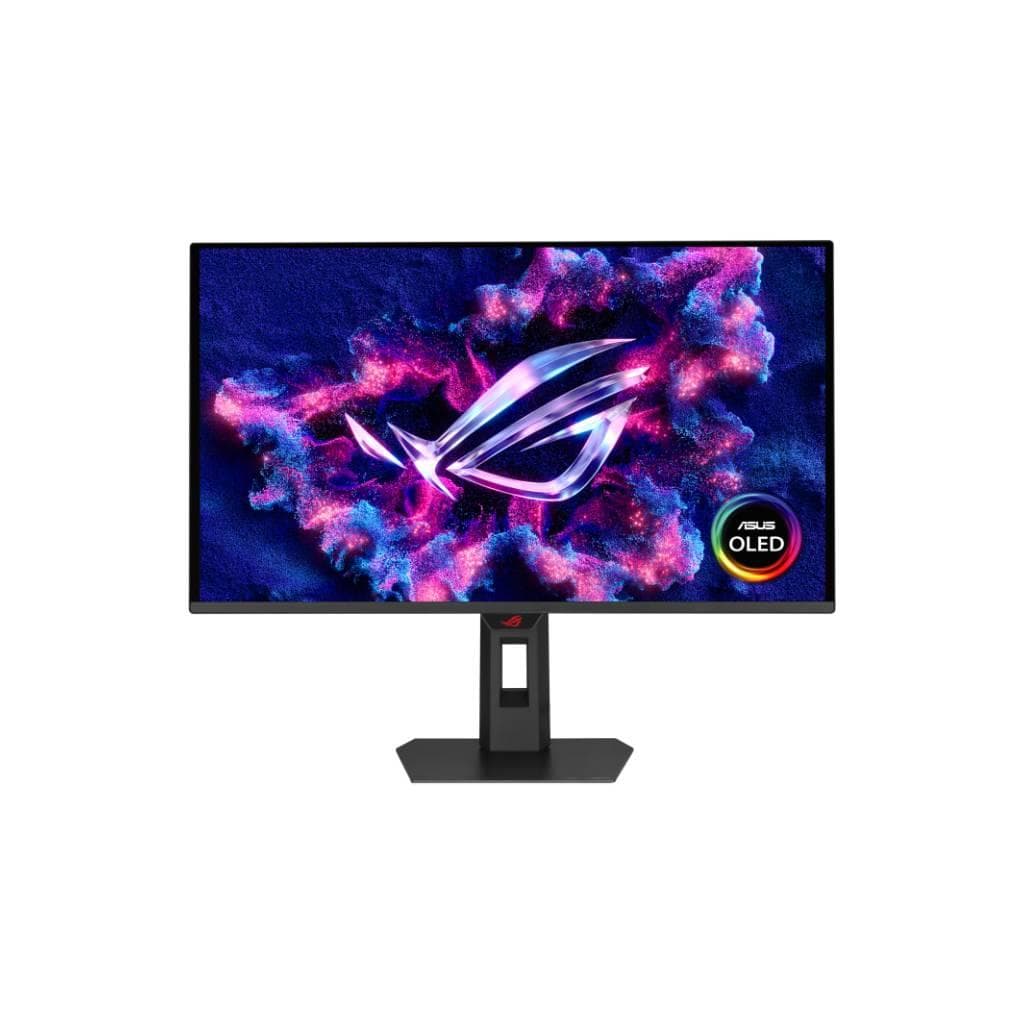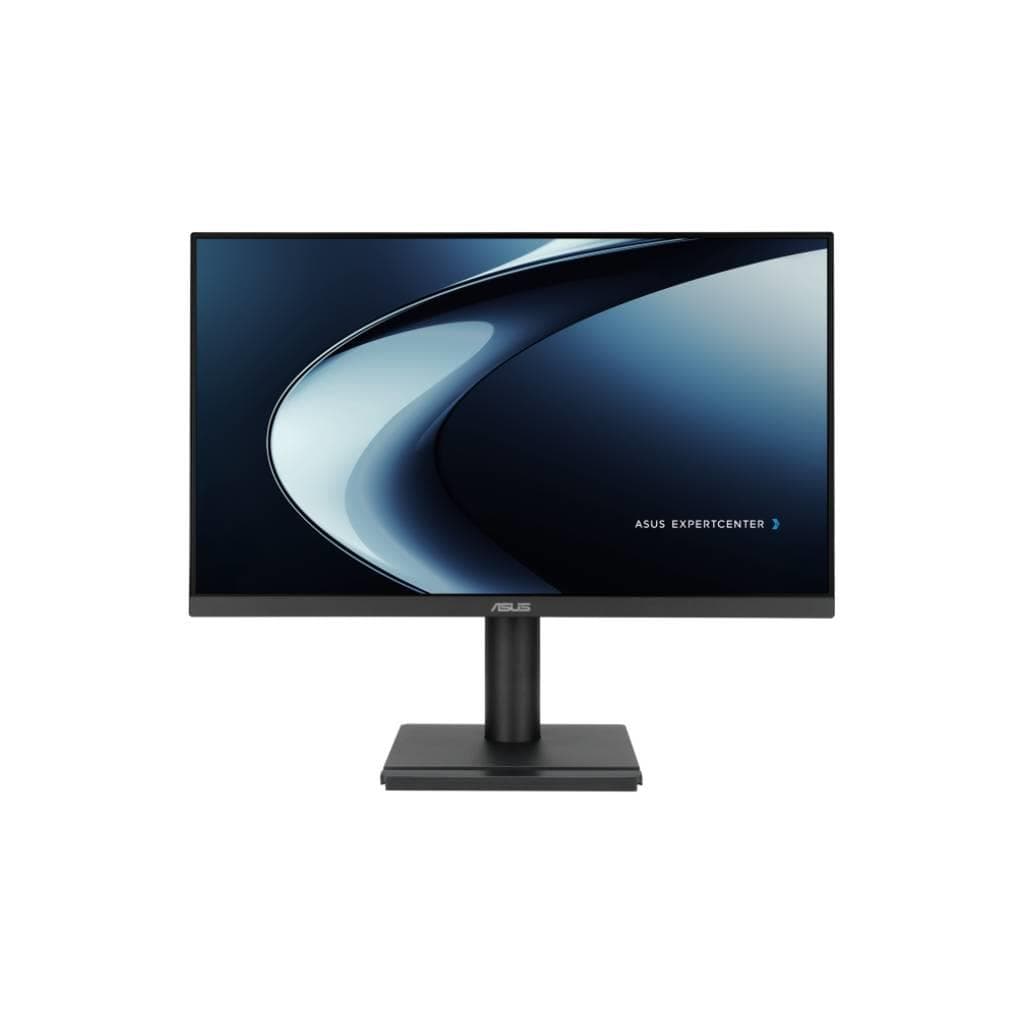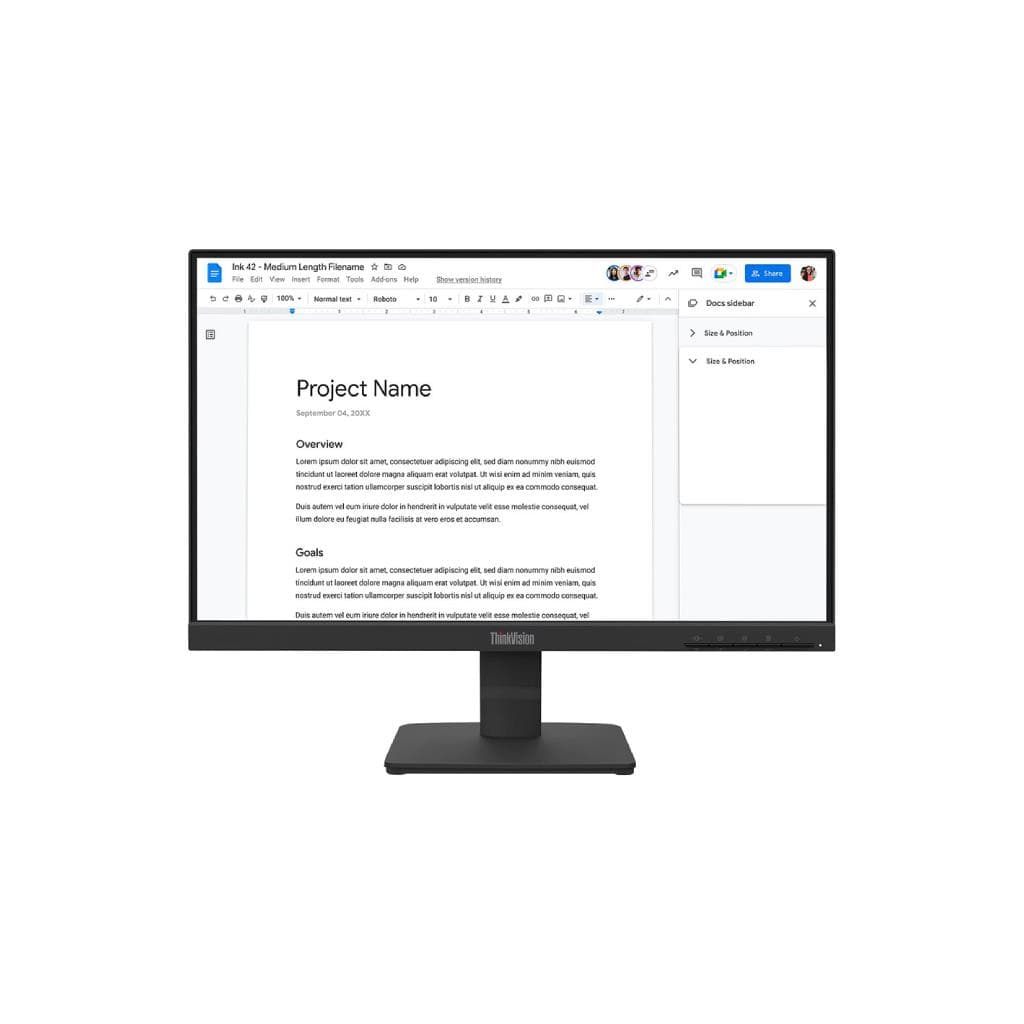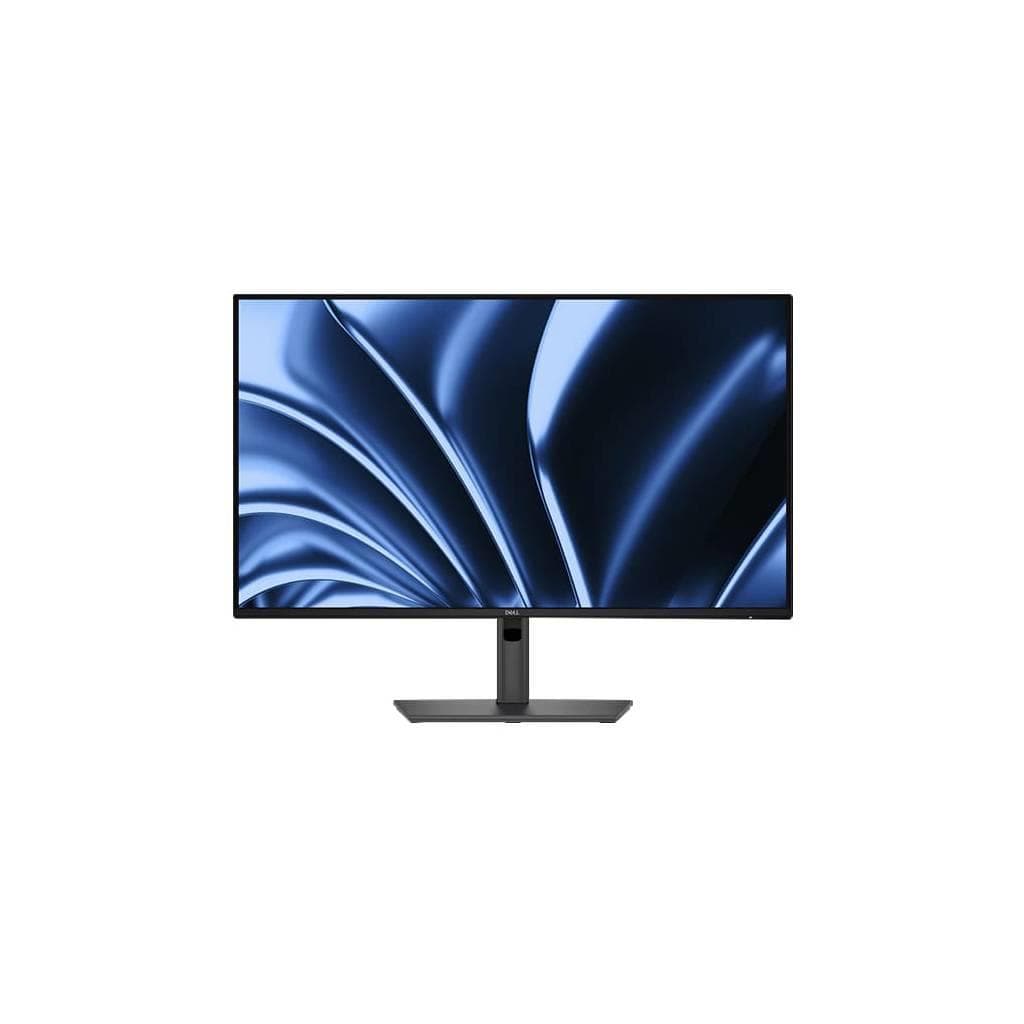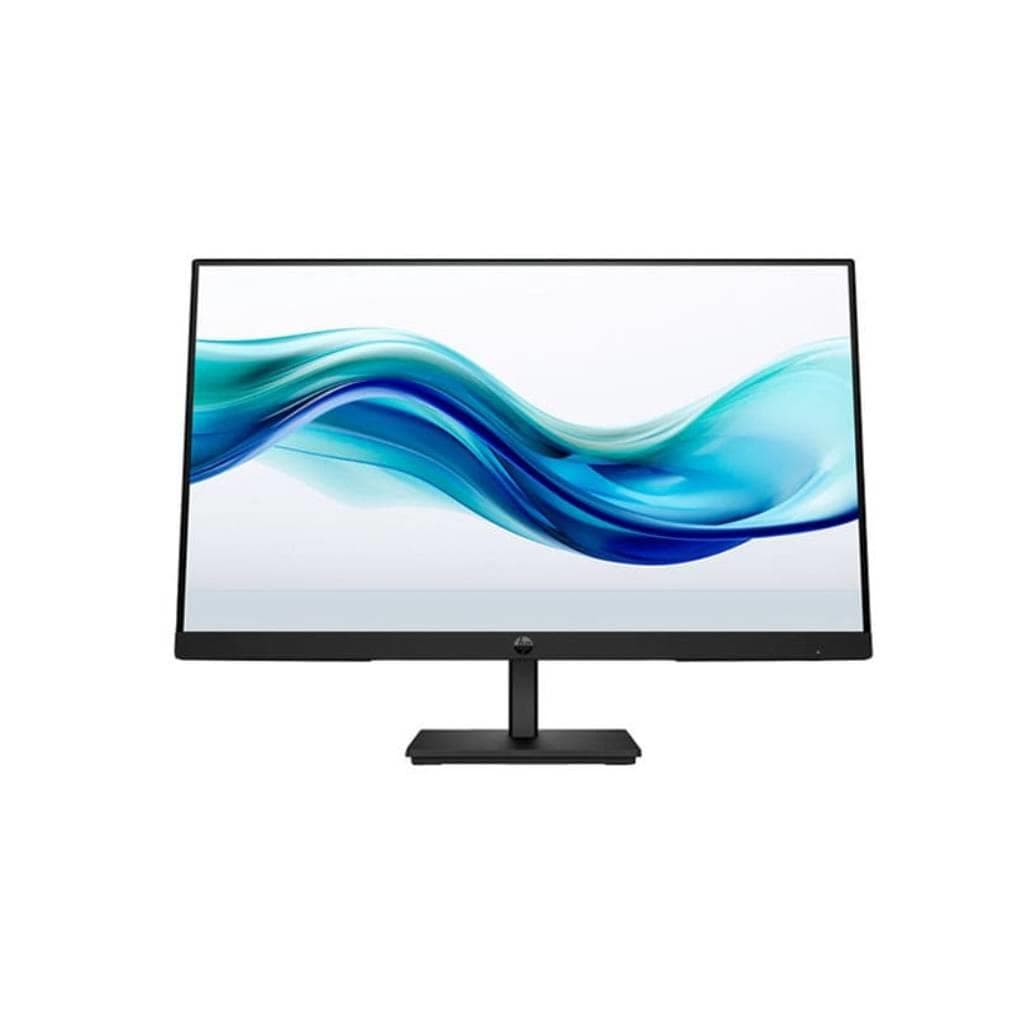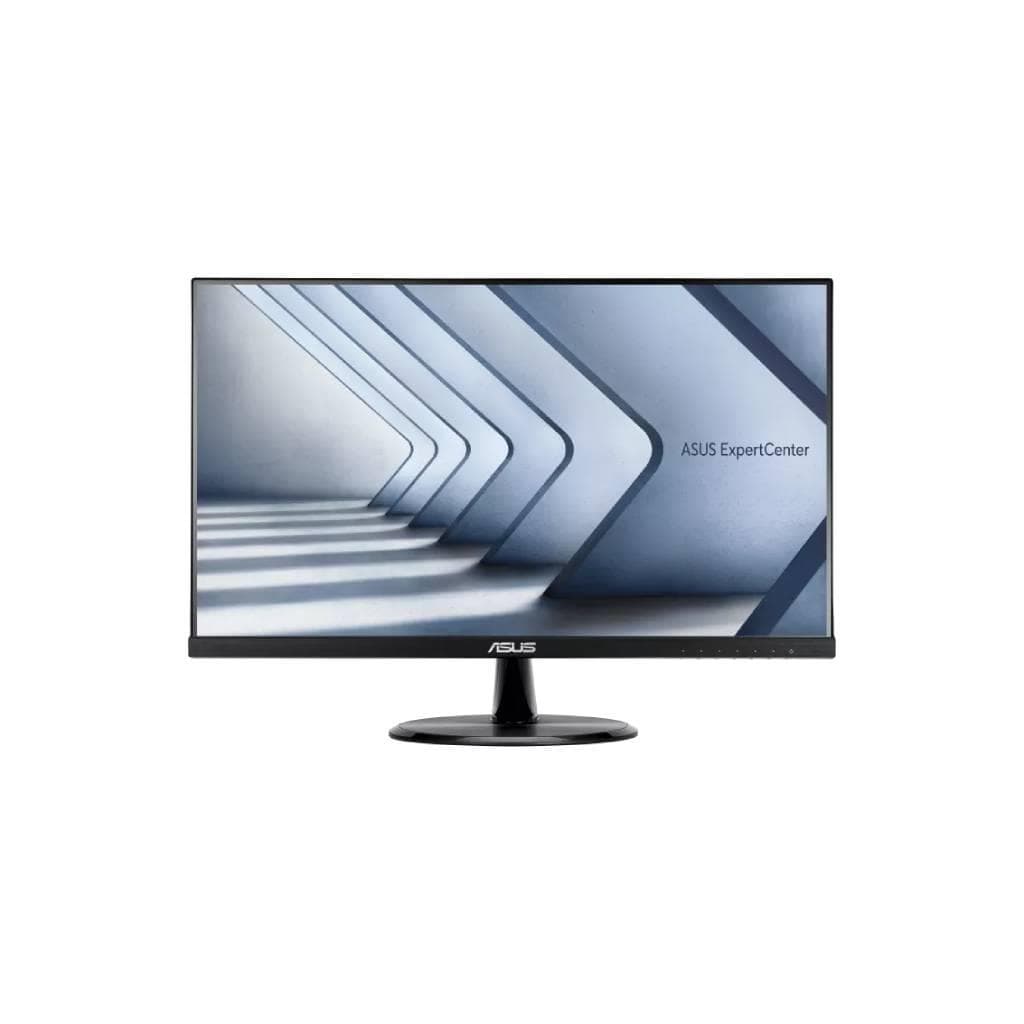


DELL P2425H Monitor 23.8" FHD IPS 1920x1080 60Hz HDMI/DP/VGA 3Yrs Advance
SKU: SNSP2425HDisplays & Projectors › Business Monitors· Model: P2425H
Please enquire before ordering
The distributor has not yet confirmed the latest price and availability (last checked Jun 15, 2026)
092-251-4017Awaiting stock confirmation3 years manufacturer's warranty
GenuineFree delivery from ฿5,000Tax invoice
จอภาพ Dell P2425H ขนาด 23.8 นิ้ว ความละเอียด Full HD (1920 x 1080) พื้นผิว IPS รองรับการเชื่อมต่อหลายพอร์ต เหมาะสำหรับงานสำนักงาน ใช้งานทั่วไป และผู้ที่ต้องการจอภาพมุมมองกว้างพร้อมการปรับระดับได้
Key features
- จอ IPS ขนาด 23.8" ความละเอียด Full HD 1920x1080
- รองรับการเชื่อมต่อ HDMI, DP, VGA และ USB-C 15W PD
- ปรับระดับได้ทั้งสูง-ต่ำ, โน้ม, หมุน และหมุนแนวตั้ง
- ได้รับการรับรอง TÜV Eye Comfort 4 ดาว
- พอร์ต USB 3.2 Gen1 พร้อม Hub สำหรับเชื่อมต่ออุปกรณ์หลายชิ้น
Product description
Dell P2425H เป็นจอภาพขนาด 23.8 นิ้ว ความละเอียด Full HD (1920 x 1080) ที่ใช้เทคโนโลยี IPS ให้มุมมองกว้างและสีสันแม่นยำ รองรับการเชื่อมต่อหลายพอร์ต เช่น HDMI, DisplayPort และ VGA พร้อมพอร์ต USB 3.2 Gen1 สำหรับการเชื่อมต่ออุปกรณ์เสริมอย่างรวดเร็ว โดยเฉพาะพอร์ต USB-C รองรับ Power Delivery สูงสุด 15W ใช้งานได้กับโน้ตบุ๊กที่รองรับ USB-C เช่น MacBook หรือ Dell Latitude ได้โดยตรง จอภาพนี้ได้รับการรับรอง TÜV สำหรับความสบายตาระดับ 4 ดาว ช่วยลดแสงสีฟ้าและ flicker ทำให้ใช้งานต่อเนื่องได้นานโดยไม่เมื่อยล้าตา พร้อมระบบปรับระดับจอได้ทั้งความสูง โน้ม หมุน และหมุนแนวตั้ง (Pivot) เพื่อความสะดวกในการใช้งานทุกมุมมอง
More features
- ออกแบบเพื่อใช้งานในสำนักงานและที่ทำงานระยะยาว
- รองรับการใช้งานกับโน้ตบุ๊กที่มีพอร์ต USB-C
- มีระบบเชื่อมต่อ Ethernet แบบ RJ45 ภายในตัวจอ
- ใช้งานได้ทั้งในสำนักงานและที่บ้าน
Pros and limitations
Pros
- จอ IPS ให้มุมมองกว้างและสีสันแม่นยำ
- รองรับ USB-C PD 15W ชาร์จโน้ตบุ๊กได้โดยตรง
- มีพอร์ตเชื่อมต่อหลากหลาย รวมถึง HDMI, DP, VGA และ USB Hub
- ปรับระดับได้ทั้งความสูง โน้ม หมุน และหมุนแนวตั้ง
- ได้รับการรับรอง TÜV Eye Comfort 4 ดาว ลดเมื่อยล้าตา
Limitations
- ไม่มีลำโพงในตัว
- รีเฟรชเรท 60Hz ไม่เหมาะกับเกมส์หรือวิดีโอความเร็วสูง
Who it is for
เหมาะสำหรับพนักงานออฟฟิศ ผู้ใช้งานทั่วไป และผู้ที่ต้องการจอภาพขนาดกลางที่มีความละเอียดสูง รองรับการเชื่อมต่อหลายอุปกรณ์พร้อมระบบปรับระดับได้
Connectivity
HDMI, DisplayPort, VGA
Specifications (21)
- HDR
- ไม่รองรับ
- ลำโพง
- ไม่มี
- การติดตั้ง VESA
- รองรับ (100 x 100 mm)
- ขอบเขตสี
- sRGB 99%
- ระยะห่างพิกเซล
- 0.276 mm
- อัตราส่วนภาพ
- 16:9
- ขนาด
- 548.3 x 409.7 x 188.5 mm
- การปรับตั้ง
- Height, Tilt, Swivel, Pivot
- แรงดันไฟฟ้าขาเข้า
- 100-240 V AC, 50/60 Hz
- เวลาตอบสนอง
- 5 ms (GTG)
- มุมมองภาพ
- 178° (H) / 178° (V)
- อัตราส่วนคอนทราสต์
- 1000:1
- พอร์ต
- 1x HDMI 1.4 (HDCP 1.4), 1x DisplayPort 1.2 (HDCP 1.4), 1x VGA, 1x USB 3.2 Gen1 Type-B upstream, 3x USB 3.2 Gen1 Type-A downstream, 1x USB 3.2 Gen1 Type-C downstream with up to 15W PD
- ประเภทจอ
- In-Plane Switching (IPS) technology
- การใช้พลังงาน
- 25 W (typical), 0.5 W (standby)
- ขนาดหน้าจอ
- 23.8"
- น้ำหนัก
- 4.7 kg
- ความสว่าง
- 250 cd/m²
- อัตราการรีเฟรช
- 60 Hz
- ความละเอียด
- 1920 x 1080
- การรับประกัน
- 3 ปี Advance Replacement
Datasheets and manuals straight from the manufacturer — select a document to open or download it.
12 questions
Frequently asked questions about this product
Compiled from manufacturer information
จอ Dell P2425H รองรับการเชื่อมต่อโน้ตบุ๊กที่ใช้พอร์ต USB-C ได้ไหม?
ได้ครับ จอรุ่นนี้มีพอร์ต USB-C รองรับ Power Delivery สูงสุด 15W สามารถเชื่อมต่อและชาร์จโน้ตบุ๊กที่ใช้พอร์ต USB-C ได้โดยตรง เช่น MacBook หรือ Dell Latitude
จอ P2425H ใช้กับจอภาพแบบพิมพ์หน้าจอ (touchscreen) ได้ไหม?
ไม่รองรับครับ จอรุ่นนี้ไม่มีฟังก์ชันสัมผัส (Touch Screen) จึงไม่สามารถใช้งานเป็นจอสัมผัสได้
จอ P2425H ต่อเข้ากับเครื่อง Mac ได้ไหม?
ได้แน่นอนครับ รองรับการเชื่อมต่อผ่าน HDMI, DP หรือ USB-C โดยเฉพาะพอร์ต USB-C ที่ช่วยชาร์จและส่งภาพไปยัง MacBook ได้พร้อมกัน
จอ P2425H มีลำโพงในตัวไหม?
ไม่มีครับ จอรุ่นนี้ไม่มีลำโพงในตัว แต่สามารถเชื่อมต่อลำโพงภายนอกผ่านพอร์ต Audio Line-out (mini-jack) ได้
จอ P2425H ปรับระดับได้แค่ไหน?
ปรับระดับได้ทั้งความสูง (Height), โน้ม (Tilt), หมุน (Swivel) และหมุนแนวตั้ง (Pivot) ช่วยให้ใช้งานในมุมต่าง ๆ ได้อย่างสะดวก
จอ P2425H ใช้พลังงานเท่าไหร่?
ใช้พลังงานประมาณ 25 วัตต์ (typical) และอยู่ในโหมดสแตนด์บายใช้เพียง 0.5 วัตต์ ประหยัดไฟและเหมาะกับการใช้งานทั่วไป
จอ P2425H รับประกันกี่ปี?
รับประกันศูนย์แบบ Advance Replacement เป็นเวลา 3 ปี หมายถึง หากมีปัญหาจะได้รับจอใหม่ส่งมาแทนก่อนที่จะส่งจอเดิมกลับ
Is it in stock?
We are confirming the latest stock and price of the DELL P2425H Monitor 23.8" FHD IPS 1920x1080 60Hz HDMI/DP/VGA 3Yrs Advance with the distributor. Please contact us before ordering at 092-251-4017 or sales@gist.co.th.
How much does it cost?
The distributor has not yet confirmed the latest price and availability. Please contact us before ordering at 092-251-4017 or sales@gist.co.th.
How long is the warranty?
Warranty period: 3 ปี Advance Replacement (manufacturer's terms). To make a warranty claim, call 092-251-4017 or 065-523-5262, or email sales@gist.co.th (Mon–Fri 9:00–18:00), then send the product with your order number to our head office, or bring it to the head office in person.
How long does delivery take?
Orders placed before 12:00 on a business day are delivered within 1–3 business days (Bangkok and vicinity) or 2–5 business days (other provinces). Free delivery on orders of ฿5,000 or more (a ฿150 delivery fee applies below this amount).
Is it genuine?
Genuine products sourced from distributors in Thailand, covered by the manufacturer's warranty. Full tax invoices are available.
Didn't find the answer you need?
Loading reviews…
Genuine products
Sourced from distributors in Thailand and covered by the manufacturer's warranty
Warranty period
3 ปี Advance Replacement
Covered by the manufacturer's warranty; you can make claims through GIST
Claims through GIST
Ship the product to our head office or bring it in person
Warranty conditions
- A receipt or other proof of purchase is required
- The product must not have been modified or altered
- Damage caused by misuse is not covered by the warranty
- To make a warranty claim, call 092-251-4017 or 065-523-5262, or email sales@gist.co.th (Mon–Fri 9:00–18:00), then send the product with your order number to our head office, or bring it to the head office in person.Head office: 554 Sky Nine Center, Floor 12A, Room 554/62, Asok-Din Daeng Road, Din Daeng Subdistrict, Din Daeng District, Bangkok 10400
More in Business Monitors