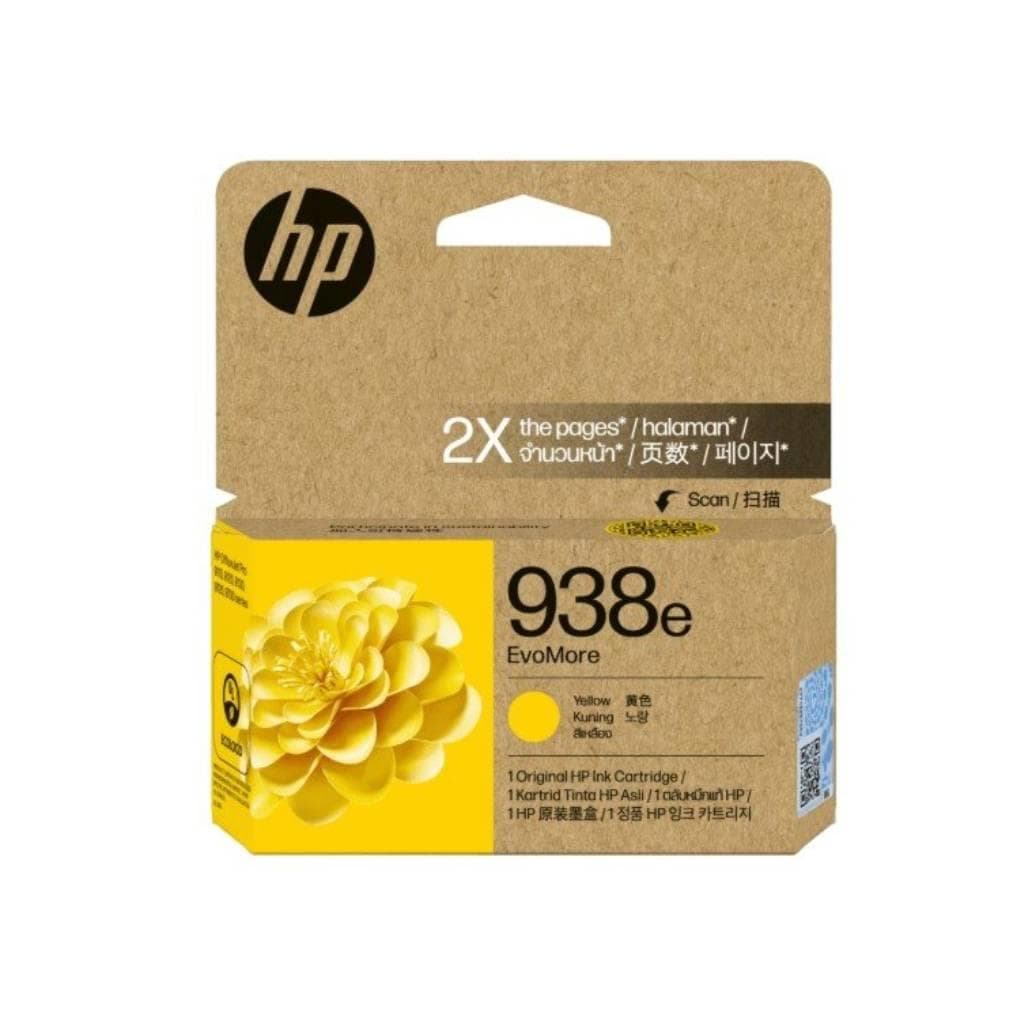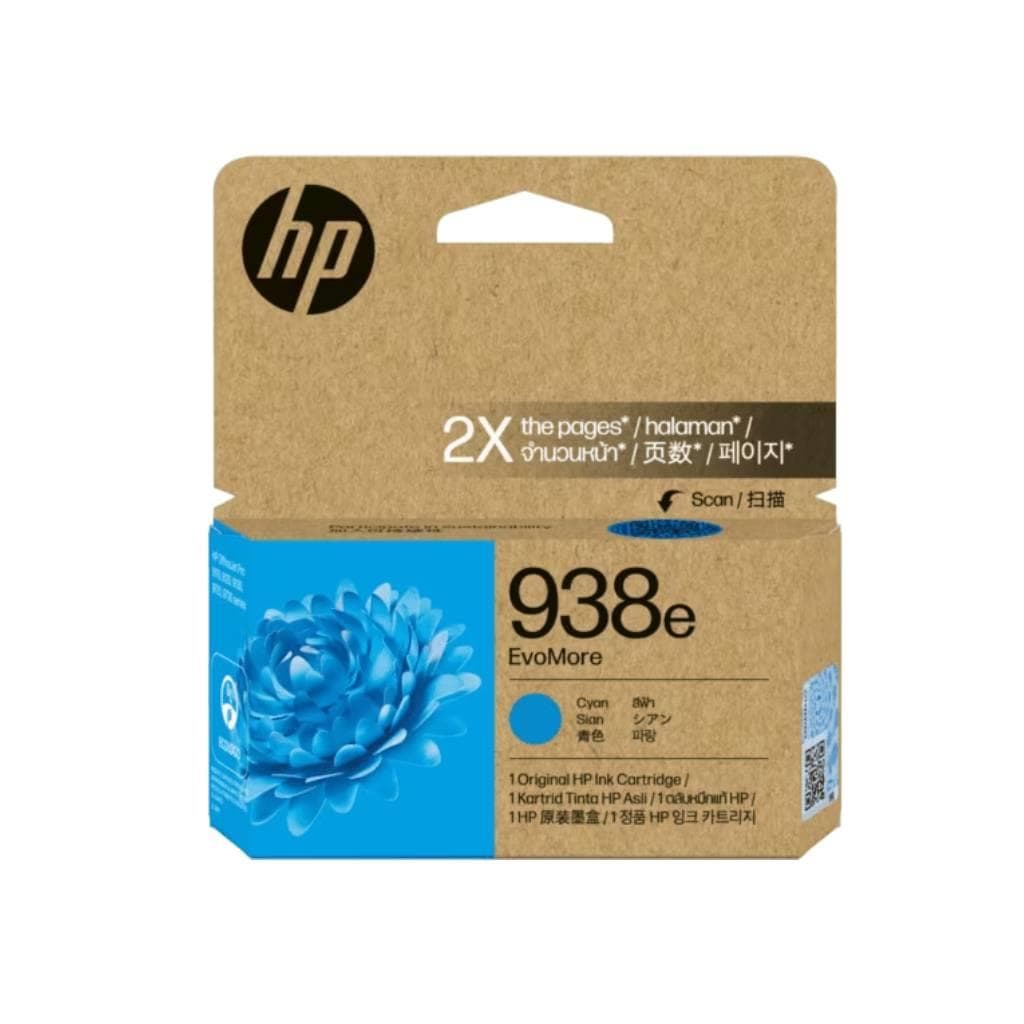
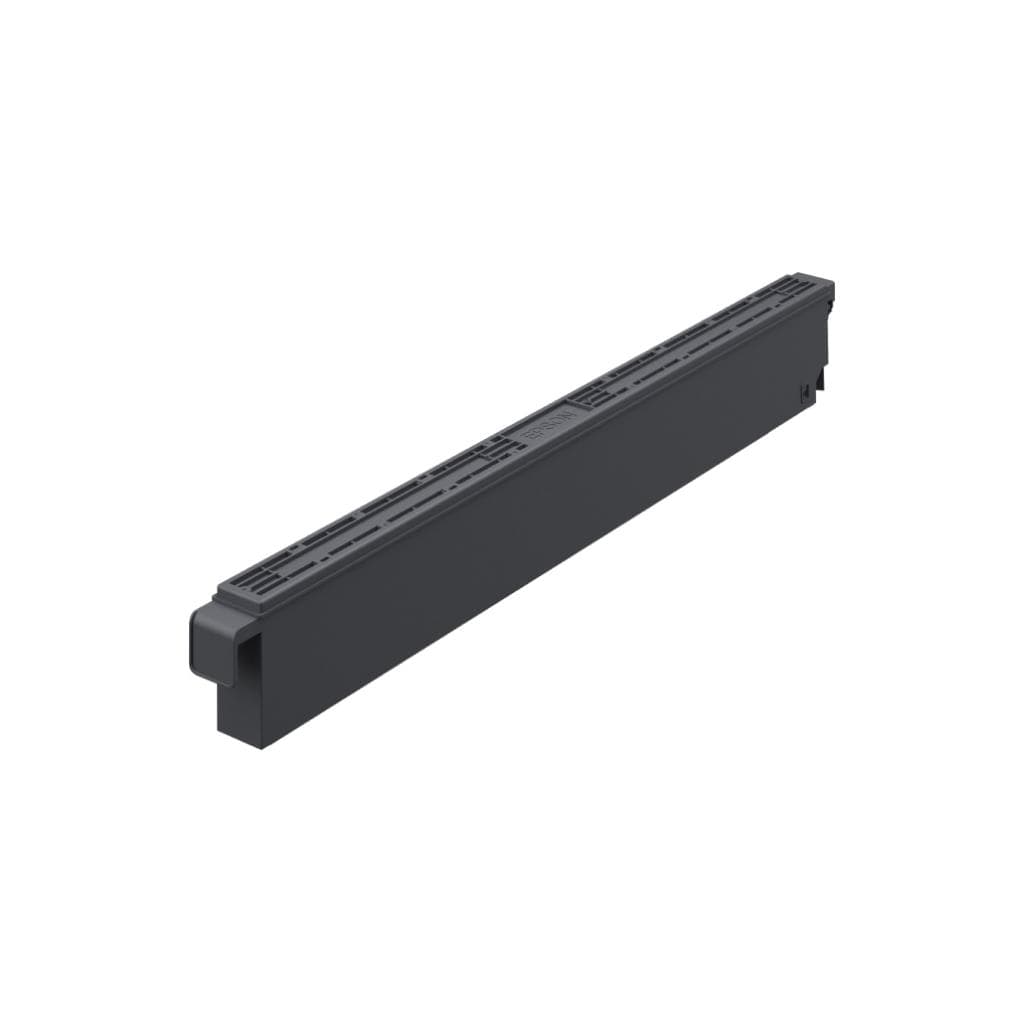


EPSON T902 Cyan Ink Pack (Standard Capacity) for WF-C5790/5290
SKU: T948200Printers & Supplies › Ink Cartridges· Model: WF-C5790/5290
Please enquire before ordering
The distributor has not yet confirmed the latest price and availability (last checked Jun 15, 2026)
092-251-4017Awaiting stock confirmationManufacturer's warranty
GenuineFree delivery from ฿5,000Tax invoice
Standard cyan ink for Epson WorkForce Pro WF-C5790 and WF-C5290 printers using the Replaceable Ink Pack System, delivering vibrant, sharp colors and fast drying for professional-quality print results.
Key features
- Standard-capacity cyan ink for WF-C5790/5290
- Uses Replaceable Ink Pack System
- DURABrite Ultra formula with fast drying and scratch resistance
- Delivers vibrant, sharp colors ideal for professional business printing
- Supports Epson WorkForce Pro WF-C5790 and WF-C5290 printers
Product description
EPSON T902 Cyan Ink Pack is a standard-capacity cyan ink cartridge designed exclusively for Epson WorkForce Pro WF-C5790 and WF-C5290 printers using the Replaceable Ink Pack System. This ink is formulated with DURABrite Ultra technology, offering fast drying, scratch resistance, and smudge-proof performance, ensuring sharp, detailed documents even at high print speeds. All ink colors work seamlessly with the printer for optimal performance, without concerns about leakage or ink management issues, making it ideal for office environments requiring precision and high-quality output.
Pros and limitations
Pros
- DURABrite Ultra ink formula dries quickly and is smudge-resistant.
- Directly supports Epson WF-C5790 and WF-C5290 printers.
- Replaceable ink system for easy, no-refill operation.
- Delivers vibrant, sharp colors with print quality comparable to professional printing shops.
- Supports wireless and mobile printing.
Limitations
- Higher price than standard ink.
- Designed exclusively for Epson WF-C5790/5290 printers.
Who it is for
Ideal for offices requiring high-quality document printing, presentations, or basic graphic work, especially Epson WF-C5790 and WF-C5290 users seeking high-quality, quick-drying, smudge-resistant ink.
Specifications (32)
- Color
- Cyan
- Usage
- Business, document printing, office use
- Weight
- 5.2 kg
- Capacity
- Standard Capacity
- Ink System
- Replaceable Ink Pack System
- Print Mode
- Bidirectional
- Resolution
- Up to 2880 x 1440 dpi
- Connectivity
- Wi-Fi, Ethernet, USB
- Ink Features
- Fast-drying pigment ink, DURABrite Ultra
- Memory (RAM)
- 32 MB
- Internal Memory
- 32 MB
- Paper Feed Rate
- 215 ± 10 mm/sec per 1/4 inch
- Scan Resolution
- Up to 1200 x 2400 dpi
- Ink Model Number
- T902
- Power Consumption
- Up to 18 W
- Print Noise Level
- Below 45 dB
- Print Speed (ppm)
- Up to 18 ppm (A4 Color)
- Product Code (SKU)
- T902220
- Supported Printers
- WorkForce Pro WF-C5790 Network Multifunction Color Printer with Replaceable Ink Pack System, WorkForce Pro WF-C5290 Network Color Printer with Replaceable Ink Pack System, WorkForce Pro WF-C5790 Color MFP Supertank Printer, WorkForce Pro WF-C5710 Network Multifunction Color Printer with Replaceable Ink Pack System, WorkForce Pro WF-C5210 Network Color Printer with Replaceable Ink Pack
- Printing Technology
- On-demand ink jet
- Supported Paper Size
- A4, A3, Legal, Letter, Custom
- Double-Sided Printing
- Auto Duplex
- Supports ADF Scanning
- Yes
- Supports Cloud Printing
- Yes
- Supports Mobile Printing
- AirPrint, Mopria, Epson Smart Panel
- Supports Mobile Scanning
- Yes
- Supports Operating System
- Windows, macOS, Linux, Android, iOS
- Supports Wireless Printing
- Yes
- Supports Double-Sided Scanning
- Yes
- Supports Wi-Fi Direct Printing
- Yes
- Number of Print Heads (Nozzles)
- 96 nozzles x 5 (cyan, magenta, yellow, light cyan, light magenta)
- Printer Size (Width x Depth x Height)
- 600 x 480 x 300 mm
Compatibility
Epson WF-C5790, Epson WF-C5290
Datasheets and manuals straight from the manufacturer — select a document to open or download it.
13 questions
Frequently asked questions about this product
Compiled from manufacturer information
Which printer models is the T902 Cyan ink compatible with?
The T902 Cyan ink is compatible with Epson WorkForce Pro WF-C5790 Network Multifunction Color Printer, WF-C5290 Network Color Printer, and other models supporting the Replaceable Ink Pack System, particularly those using T902 ink cartridges.
How many pages can the T902 Cyan ink print?
The T902 Cyan ink has standard capacity and can print approximately 3,000 A4 color pages, based on ISO/IEC 24734 standards, depending on print settings and color usage.
Can T902 Cyan ink be used as a replacement for T924 Cyan ink?
Not interchangeable. The T902 is designed for the Replaceable Ink Pack System in WF-C5790/5290 models, while the T924 is used in WF-C4310/4810 models with the traditional ink system. Always verify your printer model.
Does the printed color smudge or bleed?
No smudging or bleeding. The T902 ink uses DURABrite Ultra technology with fast drying and scratch resistance, ensuring durable color prints that remain intact even when touched or stacked.
Can I print from my mobile device?
Yes, the T902 Cyan ink supports mobile printing via the Epson Smart Panel app, AirPrint, and Mopria without needing a computer.
Do I need to use special ink?
Only genuine Epson ink must be used, as the WF-C5790/5290 printers are designed to support only Epson genuine ink to prevent damage and maintain print quality.
Is this ink compatible with the WF-C5710 printer?
Yes, the WF-C5710 Network Multifunction Color Printer supports the T902 Cyan ink specifically within the Replaceable Ink Pack System, designed for easy and quick ink replacement.
Will printed color work have streaks or gaps?
No, due to the printer having 96 nozzles per color and a bidirectional printing system, ink distribution is uniform, so there are no streaks or gaps.
Is it in stock?
We are confirming the latest stock and price of the EPSON T902 Cyan Ink Pack (Standard Capacity) for WF-C5790/5290 with the distributor. Please contact us before ordering at 092-251-4017 or sales@gist.co.th.
How much does it cost?
The distributor has not yet confirmed the latest price and availability. Please contact us before ordering at 092-251-4017 or sales@gist.co.th.
How long is the warranty?
The warranty follows the manufacturer's terms for each model; ask our sales team for the warranty period of this model. To make a warranty claim, call 092-251-4017 or 065-523-5262, or email sales@gist.co.th (Mon–Fri 9:00–18:00), then send the product with your order number to our head office, or bring it to the head office in person.
How long does delivery take?
Orders placed before 12:00 on a business day are delivered within 1–3 business days (Bangkok and vicinity) or 2–5 business days (other provinces). Free delivery on orders of ฿5,000 or more (a ฿150 delivery fee applies below this amount).
Is it genuine?
Genuine products sourced from distributors in Thailand, covered by the manufacturer's warranty. Full tax invoices are available.
Didn't find the answer you need?
Loading reviews…
Genuine products
Sourced from distributors in Thailand and covered by the manufacturer's warranty
Warranty period
According to the manufacturer's terms for each model
Covered by the manufacturer's warranty; you can make claims through GIST
Claims through GIST
Ship the product to our head office or bring it in person
Warranty conditions
- A receipt or other proof of purchase is required
- The product must not have been modified or altered
- Damage caused by misuse is not covered by the warranty
- To make a warranty claim, call 092-251-4017 or 065-523-5262, or email sales@gist.co.th (Mon–Fri 9:00–18:00), then send the product with your order number to our head office, or bring it to the head office in person.Head office: 554 Sky Nine Center, Floor 12A, Room 554/62, Asok-Din Daeng Road, Din Daeng Subdistrict, Din Daeng District, Bangkok 10400
More in Ink Cartridges