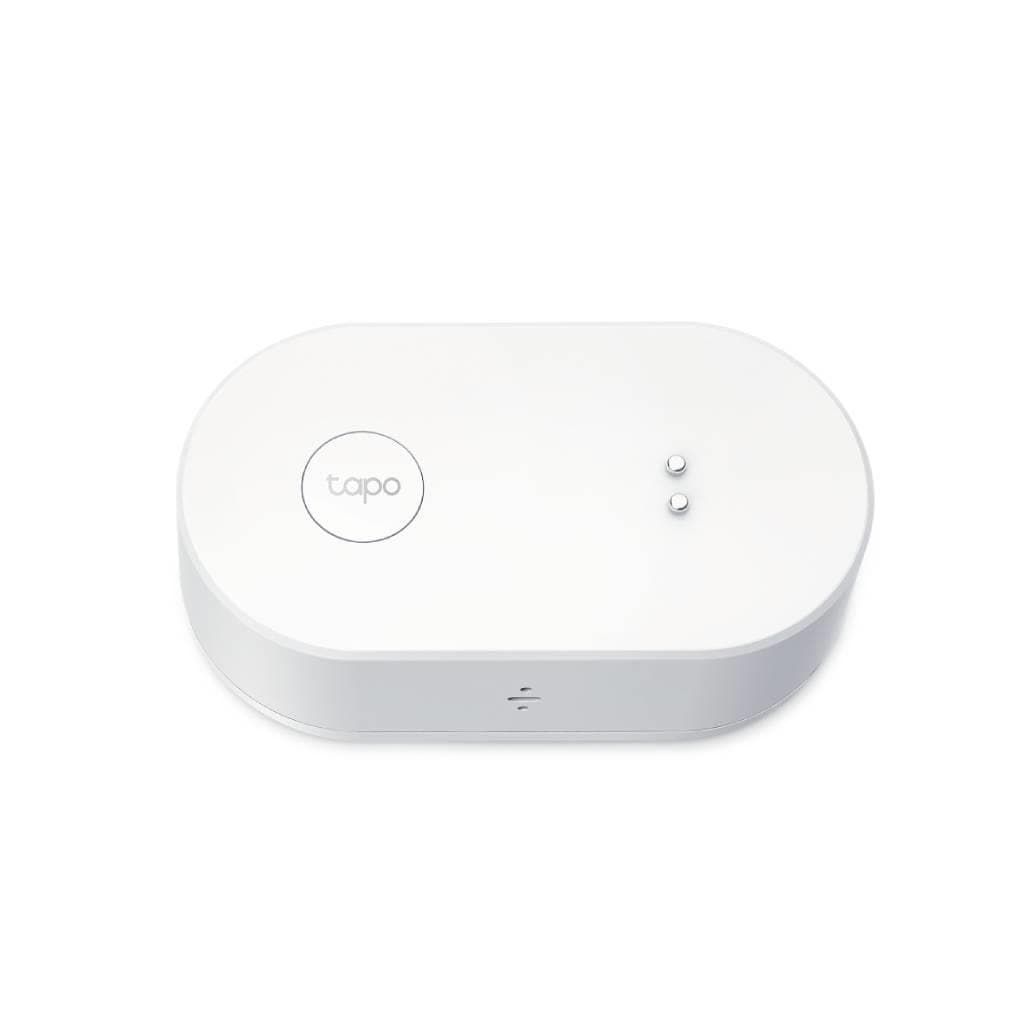


TP-Link Tapo H100 Smart IoT Hub with Chime (2.4GHz Wi-Fi, 868/922MHz)
SKU: TAPO-H100Networking › Network Accessories
Please enquire before ordering
The distributor has not yet confirmed the latest price and availability (last checked Jul 3, 2026)
092-251-4017Awaiting stock confirmationManufacturer's warranty
GenuineFree delivery from ฿5,000Tax invoice
Tapo H100 is a central controller for smart home systems, supporting up to 64 IoT devices, with chime notification functionality and automation settings via sensors.
Key features
- Supports up to 64 IoT devices
- Connects via 2.4GHz Wi-Fi and 868/922MHz protocol
- Chime notification with 19 available tones
- Supports Smart Alarm from motion sensors
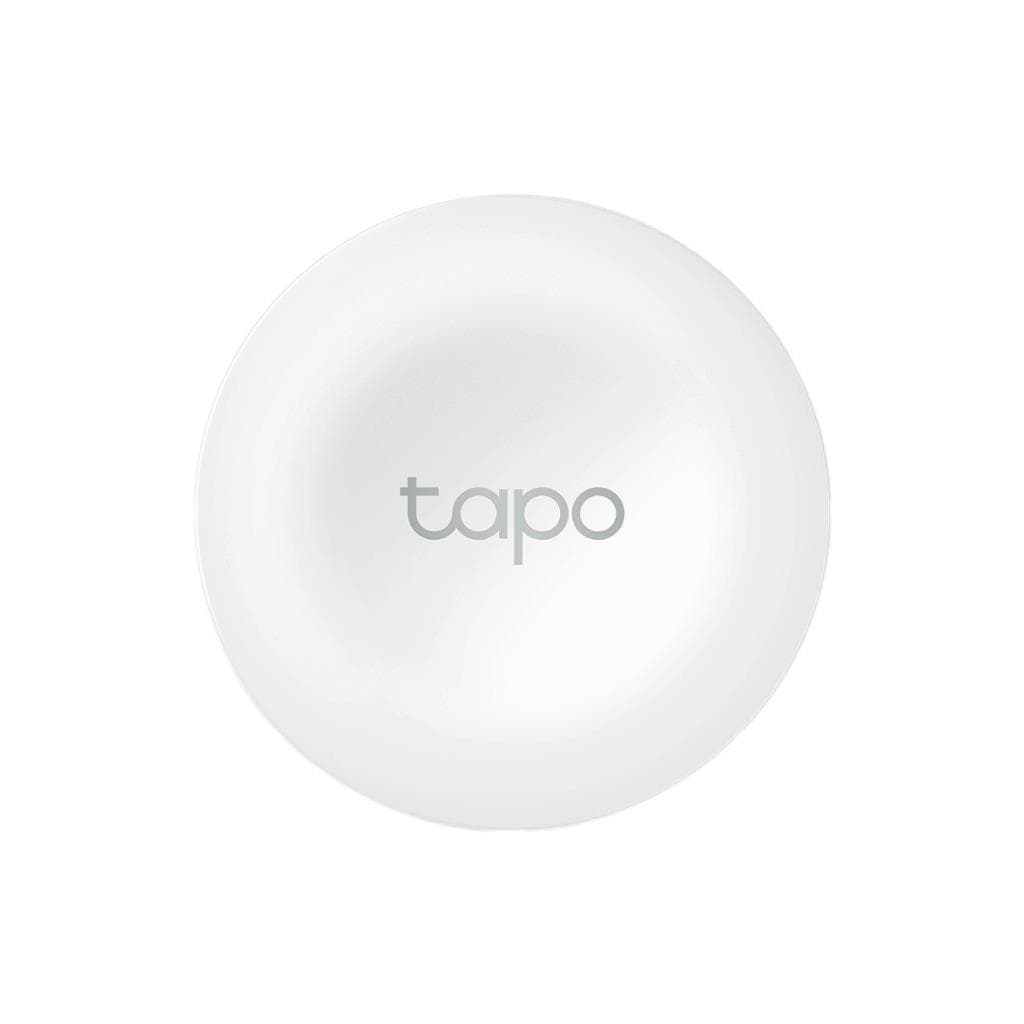
- Instant automation setup via Tapo Smart Button
Product description
Tapo H100 is an intelligent connectivity hub designed to create a seamless smart home ecosystem, supporting up to 64 IoT devices through low-frequency wireless protocols at 868/922 MHz, offering long-range signal transmission and reduced interference. This enables efficient and energy-saving operation of devices such as sensors, push buttons, and switches. Thanks to the Low-Power Wireless Protocol technology, battery life is extended up to 10 times. Additionally, Tapo H100 supports Smart Alarm and Smart Doorbell functions that trigger alerts upon motion detection or door knocking, with 19 customizable chime tones for use, allowing you to monitor your home anytime, anywhere.
More features
- Uses 100–240V AC power
- UL94-V0 fire-resistant material
- Plug-in design for easy setup
- Supports Matter Bridge for Tapo T100, T110, T310, T315 devices
- Supports Local Smart Actions for automation
Pros and limitations
Pros
- Supports up to 64 IoT devices connected simultaneously
- Uses 868/922MHz protocol for long-range signal transmission and reduced interference
- 90 dB loud alarm with 19 different alert sounds
- Supports Matter Bridge for newer Tapo devices
- Set up Local Smart Actions automatically without connecting to the Cloud
Limitations
- No port for storing video data (does not support microSD or HDD)
- Requires continuous power supply through a wall outlet
Who it is for
Suitable for those who want to create a complete smart home system, connecting up to 64 sensors, push buttons, and IoT devices, with instant alerts and automated settings
Connectivity
Wi-Fi 2.4 GHz, 922 MHz
Specifications (24)
- Buttons
- SYNC/Mute Button
- Material
- UL94-V0 Flame Ratardant
- Protocol
- 868 / 922 MHz
- Form Factor
- Wall Plug-In
- Connectivity
- Wi-Fi, Sub-G
- Adapter Input
- 100-240V, AC, 50/60 Hz
- Smart Actions
- Local Smart Actions
- Wireless Type
- 2.4GHz Wi-Fi
- AI Empowerment
- ✔️
- Maximum Devices
- 64
- Alarm Sound Level
- 90 dB
- Camera Connection
- ✔️
- Plug & Play Setup
- Yes
- Facial Recognition
- ✔️
- Power Requirements
- AC, 100~240V, 50/60Hz
- Local Smart Actions
- ✔️
- Whole-Home Coverage
- Yes
- Sensor Compatibility
- ✔️
- Operating Temperature
- 0~40°C
- Battery Life Extension
- Up to 10 times longer
- Dimensions (H x W x D)
- 72 x 62.5 x 51 mm (2.8 x 2.5 x 2 inch)
- Low-Power Wireless Protocol
- Yes
- Matter Bridge Compatibility
- Tapo T100, T110, T310, T315
- Matter Controller Compatibility
- Lights, Light Strips, and Plugs Only
Datasheets and manuals straight from the manufacturer — select a document to open or download it.
13 questions
Frequently asked questions about this product
Compiled from manufacturer information
How many sensors and push buttons can Tapo H100 support?
Tapo H100 supports up to 64 IoT devices, including sensors, push buttons, and smart switches, enabling comprehensive home security and automation systems.
Can Tapo H100 be used to set up a Smart Doorbell?
Yes, the Tapo H100 can function as a Smart Doorbell by connecting to a Tapo Smart Button installed at the door. When someone knocks, the system will play one of 19 preset alerts you selected, even when you are away from the door.
Can Tapo H100 be mounted on a wall or table?
The Tapo H100 is a Plug-In wall device, so it can be installed on a wall or table without requiring a stand or special mounting.
Does Tapo H100 support video recording from cameras?
Tapo H100 does not have a microSD or HDD port, so it cannot directly record video from cameras. However, it can connect to Tapo cameras via the Cloud system.
What is the power requirement for Tapo H100?
Tapo H100 uses 100–240V AC, 50/60Hz power, enabling global use without requiring an additional power adapter.
Does Tapo H100 support Matter?
Tapo H100 supports Matter Bridge for Tapo T100, T110, T310, and T315 devices, allowing direct control of these devices through the Matter ecosystem.
How many chime levels does Tapo H100 support?
Tapo H100 offers 19 chime tones with a maximum volume of 90 dB, ensuring clear alerts even in noisy environments.
Does the Tapo H100 require setup through an app?
Yes, Tapo H100 must be configured through the Tapo mobile app, which allows immediate setup of device connections, automation rules, and notification management.
Is it in stock?
We are confirming the latest stock and price of the TP-Link Tapo H100 Smart IoT Hub with Chime (2.4GHz Wi-Fi, 868/922MHz) with the distributor. Please contact us before ordering at 092-251-4017 or sales@gist.co.th.
How much does it cost?
The distributor has not yet confirmed the latest price and availability. Please contact us before ordering at 092-251-4017 or sales@gist.co.th.
How long is the warranty?
The warranty follows the manufacturer's terms for each model; ask our sales team for the warranty period of this model. To make a warranty claim, call 092-251-4017 or 065-523-5262, or email sales@gist.co.th (Mon–Fri 9:00–18:00), then send the product with your order number to our head office, or bring it to the head office in person.
How long does delivery take?
Orders placed before 12:00 on a business day are delivered within 1–3 business days (Bangkok and vicinity) or 2–5 business days (other provinces). Free delivery on orders of ฿5,000 or more (a ฿150 delivery fee applies below this amount).
Is it genuine?
Genuine products sourced from distributors in Thailand, covered by the manufacturer's warranty. Full tax invoices are available.
Didn't find the answer you need?
Loading reviews…
Genuine products
Sourced from distributors in Thailand and covered by the manufacturer's warranty
Warranty period
According to the manufacturer's terms for each model
Covered by the manufacturer's warranty; you can make claims through GIST
Claims through GIST
Ship the product to our head office or bring it in person
Warranty conditions
- A receipt or other proof of purchase is required
- The product must not have been modified or altered
- Damage caused by misuse is not covered by the warranty
- To make a warranty claim, call 092-251-4017 or 065-523-5262, or email sales@gist.co.th (Mon–Fri 9:00–18:00), then send the product with your order number to our head office, or bring it to the head office in person.Head office: 554 Sky Nine Center, Floor 12A, Room 554/62, Asok-Din Daeng Road, Din Daeng Subdistrict, Din Daeng District, Bangkok 10400
More in Network Accessories