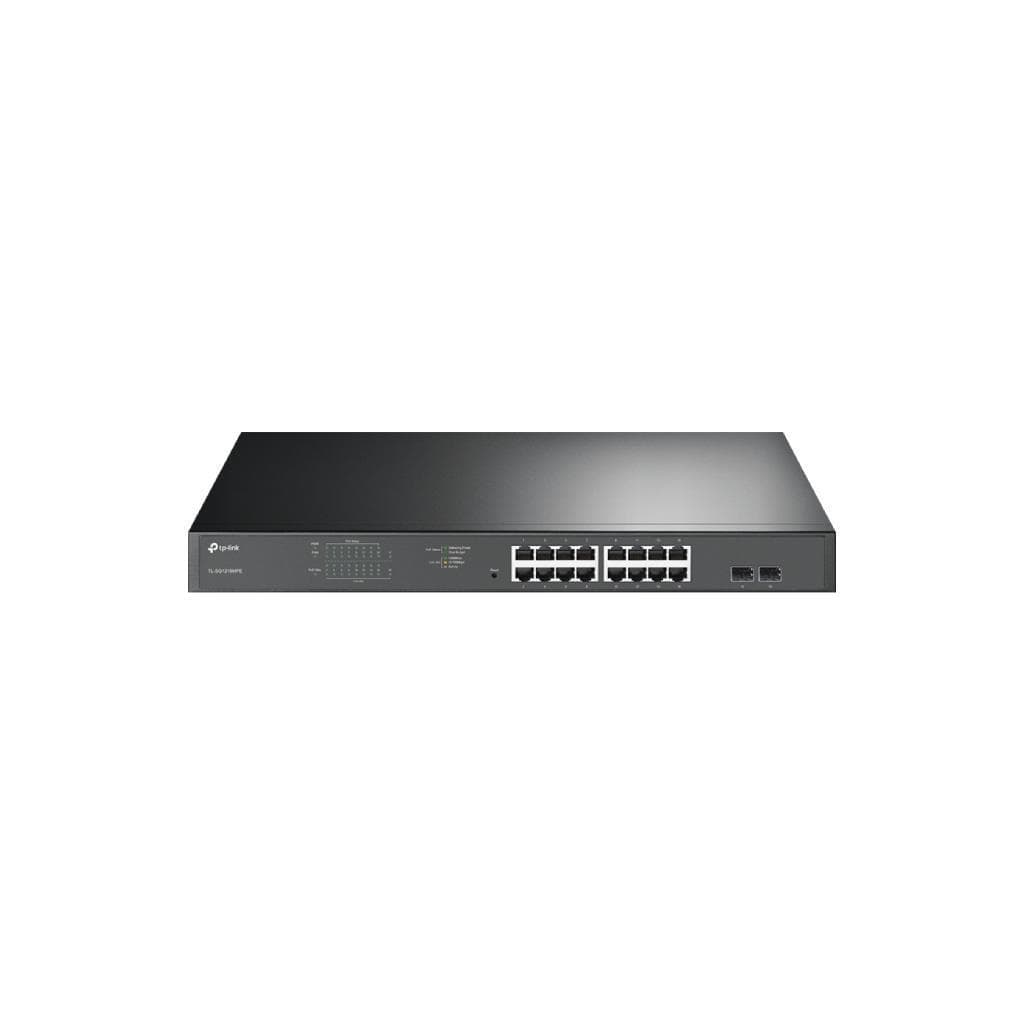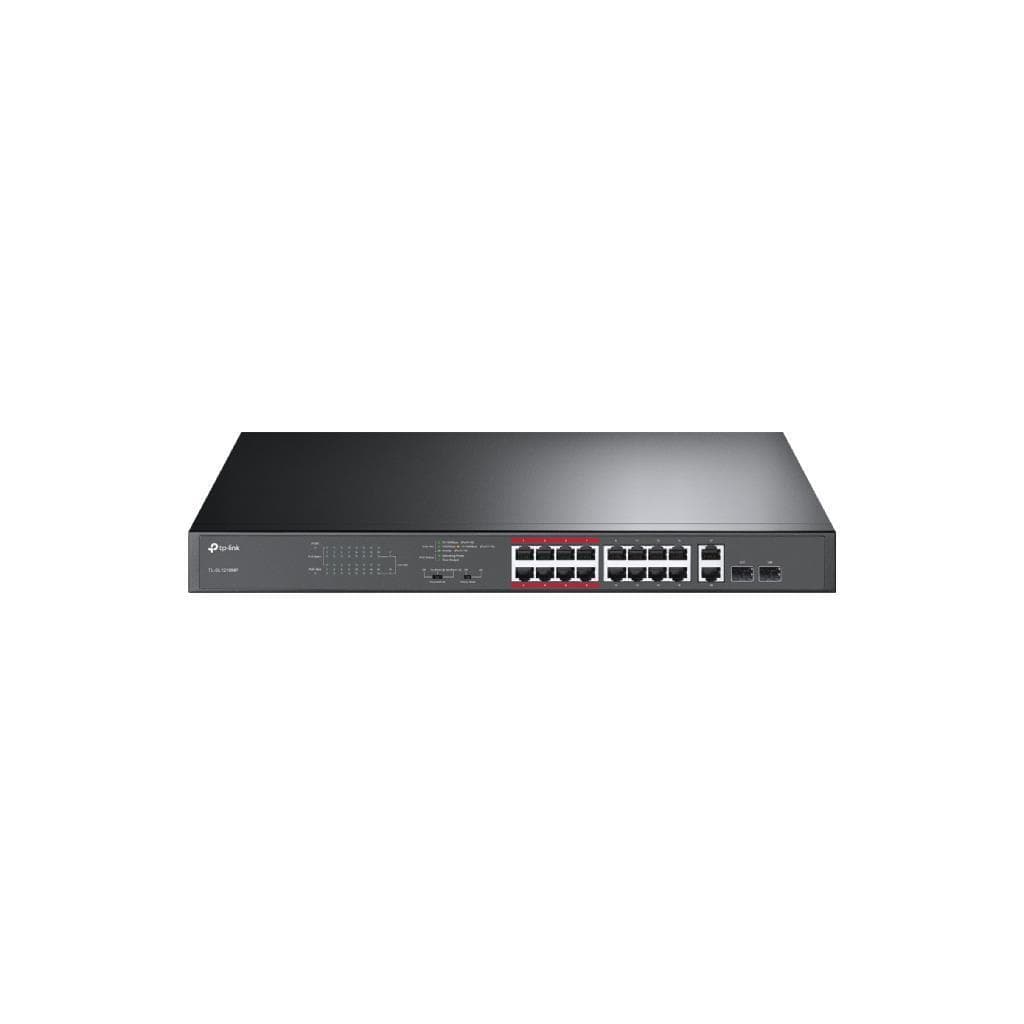


TP-Link TL-SF1016DS V4 16-Port 10/100M Unmanaged Switch
SKU: TL-SF1016DS-VER4Networking › Network Switches
Please enquire before ordering
The distributor has not yet confirmed the latest price and availability (last checked Jun 15, 2026)
092-251-4017Awaiting stock confirmation3 years manufacturer's warranty
GenuineFree delivery from ฿5,000Tax invoice
16-port 10/100Mbps unmanaged switch, suitable for desktop or rack mounting, supports energy saving and physical security
Key features
- 16 x 10/100Mbps RJ45 ports with Auto MDI/MDIX support
- Fanless design for silent and cool operation
- Energy efficient with Green Ethernet technology
- Supports standard 13-inch rack mounting
- Includes physical security lock slot
Product description
The TP-Link TL-SF1016DS V4 is a 16-port network switch supporting 10/100 Mbps speeds with no configuration required (Unmanaged). Ideal for office, classroom, or small to medium-sized work environments. Its fanless design ensures quiet operation and long lifespan. Supports UTP cable types 3, 4, 5, and 5e with a maximum cable length of 100 meters. Features Green Technology for up to 75% power reduction. Includes an 8K MAC Address Table and 2Mb Buffer Memory for continuous, efficient data transmission.
More features
- Supports UTP cable connection up to 100 meters
- Easy to use, no configuration required (Unmanaged)
- Supports IEEE 802.3i, 802.3u, and 802.3x
- 8K MAC Address Table memory
- Maximum power consumption of 2.1W
Pros and limitations
Pros
- Fanless design for quiet and durable operation.
- Energy-saving with Green Ethernet technology.
- Supports mounting in standard 13-inch racks.
- Features a physical security lock slot.
- Easy to use, no configuration required.
Limitations
- Supports a maximum speed of only 100 Mbps.
- No Gigabit ports.
Who it is for
Ideal for use in offices, classrooms, or small to medium-sized workplaces that need to add network ports without configuration.
Specifications (30)
- Port
- RJ45 x16
- Weight
- 1.7 kg
- Management
- Unmanaged
- Port speed
- 10/100 Mbps
- Connectivity
- 16 x 10/100Mbps RJ45 ports (Auto Negotiation/Auto MDI/MDIX)
- Flow control
- IEEE 802.3x Flow Control
- Installation
- Rack mountable
- Power supply
- 100-240VAC, 50/60Hz
- Buffer Memory
- 2 Mb
- Certification
- FCC, RoHS
- Number of fans
- 0 (Fanless)
- Number of ports
- 16
- Maximum distance
- 100 meters
- Package Contents
- Switch, power cable, installation guide, rack kit, rubber feet
- Storage humidity
- 5% ~ 90% (non-condensing)
- Operating humidity
- 10% ~ 90% (non-condensing)
- Switching capacity
- 3.2 Gbps
- Storage temperature
- -40℃ ~ 70℃ (-40℉ ~ 158℉)
- Transmission method
- Store-and-Forward
- Supported cable type
- UTP Category 3, 4, 5, 5e
- Maximum energy saving
- 75%
- Operating temperature
- 0℃ ~ 40℃ (32℉ ~ 104℉)
- Communication standard
- IEEE 802.3i, IEEE 802.3u, IEEE 802.3x
- MAC Address Table size
- 8K
- Packet forwarding rate
- 2.38 Mpps
- Physical security lock
- Yes
- Energy saving technology
- Green Technology
- Maximum heat dissipation
- 7.03 BTU/h
- Maximum power consumption
- 2.1 W
- Size (Width x Depth x Height)
- 294 x 180 x 44 mm
Datasheets and manuals straight from the manufacturer — select a document to open or download it.
13 questions
Frequently asked questions about this product
Compiled from manufacturer information
What types of LAN cable does the TL-SF1016DS support?
Supports UTP cable types 3, 4, 5, and 5e with a maximum connection distance of 100 meters, ideal for general office or classroom use
How much power does this switch consume?
The maximum power consumption of this switch is 2.1 watts, which is very low compared to typical switches, and supports up to 75% power savings with Green Technology
Can it be mounted in a rack?
Yes, it supports standard 13-inch rack mounting and comes with a rack kit and rubber feet for desktop use
Does it have a security lock system?
Yes, the switch features a physical security lock slot to prevent unauthorized tampering or theft
Does it support PoE connectivity?
Not supported. This switch is unmanaged and does not have PoE capability
Can it be used with a Gigabit network?
No, because this switch supports a maximum speed of only 100 Mbps, so it cannot be used with a Gigabit network.
What is the operating temperature range?
It can operate in temperatures from 0℃ to 40℃ and be stored at -40℃ to 70℃, making it suitable for typical office or classroom environments.
How many MAC Address Table entries does it have?
Supports storing up to 8,000 MAC addresses, enabling efficient management of a large number of network devices.
Is it in stock?
We are confirming the latest stock and price of the TP-Link TL-SF1016DS V4 16-Port 10/100M Unmanaged Switch with the distributor. Please contact us before ordering at 092-251-4017 or sales@gist.co.th.
How much does it cost?
The distributor has not yet confirmed the latest price and availability. Please contact us before ordering at 092-251-4017 or sales@gist.co.th.
How long is the warranty?
Warranty period: 3-year warranty. (manufacturer's terms). To make a warranty claim, call 092-251-4017 or 065-523-5262, or email sales@gist.co.th (Mon–Fri 9:00–18:00), then send the product with your order number to our head office, or bring it to the head office in person.
How long does delivery take?
Orders placed before 12:00 on a business day are delivered within 1–3 business days (Bangkok and vicinity) or 2–5 business days (other provinces). Free delivery on orders of ฿5,000 or more (a ฿150 delivery fee applies below this amount).
Is it genuine?
Genuine products sourced from distributors in Thailand, covered by the manufacturer's warranty. Full tax invoices are available.
Didn't find the answer you need?
Loading reviews…
Genuine products
Sourced from distributors in Thailand and covered by the manufacturer's warranty
Warranty period
3-year warranty.
Covered by the manufacturer's warranty; you can make claims through GIST
Claims through GIST
Ship the product to our head office or bring it in person
Warranty conditions
- A receipt or other proof of purchase is required
- The product must not have been modified or altered
- Damage caused by misuse is not covered by the warranty
- To make a warranty claim, call 092-251-4017 or 065-523-5262, or email sales@gist.co.th (Mon–Fri 9:00–18:00), then send the product with your order number to our head office, or bring it to the head office in person.Head office: 554 Sky Nine Center, Floor 12A, Room 554/62, Asok-Din Daeng Road, Din Daeng Subdistrict, Din Daeng District, Bangkok 10400
More in Network Switches