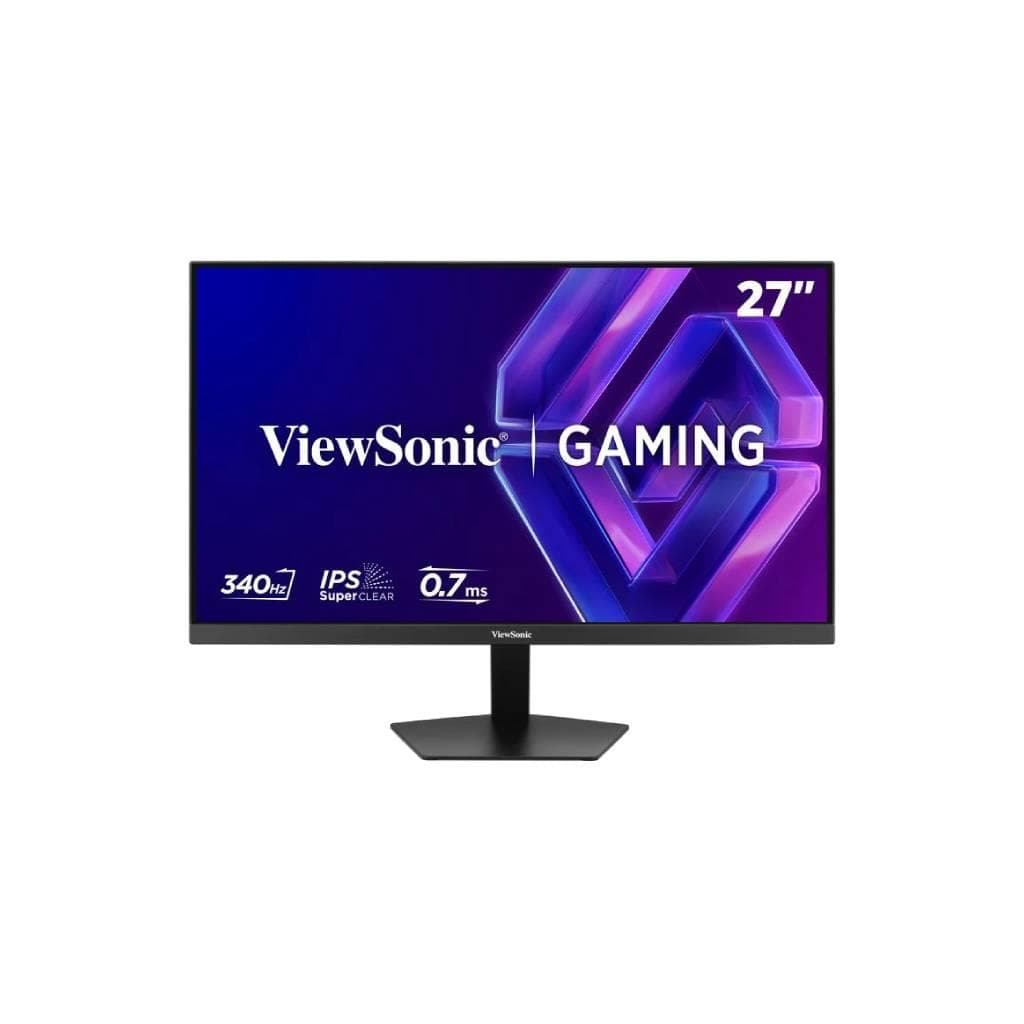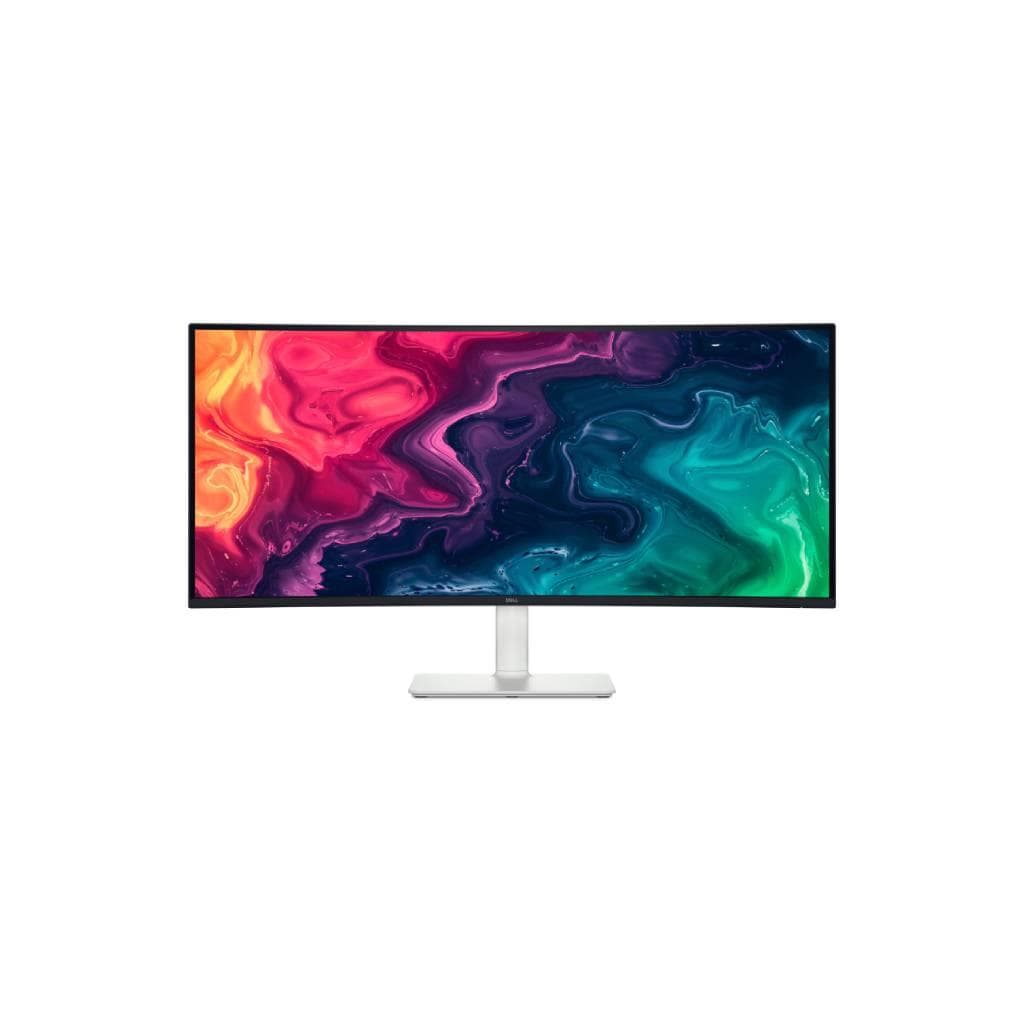


VIEWSONIC VG3456 34" WQHD Ultra-wide Docking Monitor - 3440x1440 VA Panel
SKU: V-VG3456Displays & Projectors › Monitors· Model: VG3456
Please enquire before ordering
The distributor has not yet confirmed the latest price and availability (last checked Jun 15, 2026)
092-251-4017Awaiting stock confirmationManufacturer's warranty
GenuineFree delivery from ฿5,000Tax invoice
34.1" Ultra-wide monitor with WQHD 3440 x 1440 resolution and 21:9 aspect ratio, ideal for graphic design, programming, and efficient multitasking, featuring USB-C port with up to 100W charging
Key features
- Ultra-wide 34.1" display with 3440x1440 WQHD resolution
- Supports up to 100W charging via USB-C
- Full range of ports: HDMI x2, DisplayPort x1, USB-C x1, LAN (RJ45)
- Supports single-cable connectivity using USB-C
- Includes cable management system and Quick Release stand
Product description
The ViewSonic VG3456 34.1" monitor uses VA Panel technology with WQHD 3440 x 1440 resolution and a 21:9 aspect ratio, offering 35% more screen space than Full HD, enhancing productivity for tasks such as comparing documents or running multiple applications simultaneously, especially beneficial for graphic design and data-intensive software. Supports FreeSync to reduce screen tearing and features a 5ms GTG response time for smooth visuals during gaming or high-resolution video playback
More features
- Accurate colors with 100% sRGB and Delta E <2
- Supports FreeSync to reduce screen tearing during gaming
- Includes Eye Care mode with low blue light and flicker-free technology
- Supports multiple preset configurations via vDisplayManager
- Designed for comfortable use in both sitting and standing positions
Pros and limitations
Pros
- 34.1" Ultra-wide display offers 35% more screen space than Full HD
- Supports 100W charging via USB-C to reduce cable clutter
- Features full ports to support multiple devices simultaneously
- Supports FreeSync and Eye Care mode to reduce eye strain
- Designed with Quick Release stand and cable management system
Limitations
- Not supported HDR
Who it is for
Ideal for graphic designers, programmers, multitaskers working with multiple windows, and users wanting to reduce cable clutter with single-cable docking
Connectivity
HDMI, DisplayPort, USB Type-C, USB
Specifications (38)
- Size
- 115 x 115 x 2.6 mm (Interface Pad)
- Panel
- VA Technology
- Ports
- HDMI x2, DisplayPort x1, USB-C x1 (90W power delivery), USB-A x2 (downstream), USB-B x1 (upstream), LAN (RJ45) x1
- Weight
- 14 kg
- Speaker
- 3 Watts x2
- Brightness
- 300 cd/m² (typ)
- Resolution
- 3440 x 1440
- VESA Mount
- 100 x 100 mm
- Color Depth
- 10 bit (8 bit + FRC)
- Color Gamut
- sRGB 95% coverage
- Pixel Pitch
- 0.233 mm (H) x 0.233 mm (V)
- Screen Size
- 34.1 inches
- Supports PC
- 3440x1440 (max)
- Aspect Ratio
- 21:9
- Flicker-Free
- yes
- Refresh Rate
- 60 Hz
- Supports Mac
- 3440x1440 (min)
- Adjustability
- Tilt ±40°, Swivel ±60°, Height adjustment
- Input Voltage
- AC 100-240V
- Response Time
- 5 ms (GTG)
- Security Slot
- Kensington Lock Slot x1
- Standby Power
- 0.3W
- Viewing Angle
- 178º horizontal, 178º vertical
- Contrast Ratio
- 50M:1 (dynamic)
- Low Blue Light
- Software solution
- Cable Management
- Yes
- Color Gamut NTSC
- 72% size (typ)
- Eco Mode (spare)
- 30W
- Software Support
- vDisplayManager
- Power Consumption
- Typical 35W, Max 46W
- Supports FreeSync
- yes
- Eco Mode (typical)
- 35W
- Eco Mode (optimized)
- 32W
- Color Gamut Adobe RGB
- 79% size / 74% coverage (typ)
- Lifespan of Backlight
- 40,000 hours (min)
- Static Contrast Ratio
- 3,000:1 (typ)
- Oberflächenbehandlung
- Anti-Glare, Hard Coating (3H)
- Supports operating system
- Windows 7/8/8.1/10 certified; macOS tested
Datasheets and manuals straight from the manufacturer — select a document to open or download it.
13 questions
Frequently asked questions about this product
Compiled from manufacturer information
Does this monitor support connecting a MacBook Pro?
Yes, it supports connecting MacBook Pro via USB-C, enabling video, data transfer, and up to 100W charging, with additional ports available for immediate use without requiring a dock
Can you use two monitors at the same time?
Yes, this monitor supports connecting two devices simultaneously via HDMI x2 and DisplayPort x1, allowing use as a primary and secondary display for efficient multi-monitor setups
How fast does the MacBook battery charge using USB-C?
Supports up to 100W charging, which is sufficient for newer MacBook Pro models, enabling faster battery charging, especially when used with USB-C ports supporting PD
Is this monitor suitable for gaming?
Yes, due to its WQHD resolution, FreeSync support to reduce tearing, and 5ms GTG response time, it delivers smooth visuals ideal for general gaming and FPS games
Does it have an eye-care mode?
Yes, it features Low Blue Light and Flicker-Free modes that reduce blue light and eliminate screen flicker, allowing extended use without eye strain
How much can the screen be adjusted?
The screen can be adjusted as follows: tilt forward and backward by ±40 degrees, rotate by ±60 degrees, and adjust height, making it suitable for both sitting and standing work
Does it have a cable management system?
Yes, it includes a cable management system and Quick Release stand, helping keep the workspace clean and free from cable clutter
Can it be used with Windows and macOS?
Yes, it supports Windows 7/8/8.1/10 and has been tested with macOS, delivering up to 3440x1440 resolution on both PC and Mac
Is it in stock?
We are confirming the latest stock and price of the VIEWSONIC VG3456 34" WQHD Ultra-wide Docking Monitor - 3440x1440 VA Panel with the distributor. Please contact us before ordering at 092-251-4017 or sales@gist.co.th.
How much does it cost?
The distributor has not yet confirmed the latest price and availability. Please contact us before ordering at 092-251-4017 or sales@gist.co.th.
How long is the warranty?
Warranty period: null (manufacturer's terms). To make a warranty claim, call 092-251-4017 or 065-523-5262, or email sales@gist.co.th (Mon–Fri 9:00–18:00), then send the product with your order number to our head office, or bring it to the head office in person.
How long does delivery take?
Orders placed before 12:00 on a business day are delivered within 1–3 business days (Bangkok and vicinity) or 2–5 business days (other provinces). Free delivery on orders of ฿5,000 or more (a ฿150 delivery fee applies below this amount).
Is it genuine?
Genuine products sourced from distributors in Thailand, covered by the manufacturer's warranty. Full tax invoices are available.
Didn't find the answer you need?
Loading reviews…
Genuine products
Sourced from distributors in Thailand and covered by the manufacturer's warranty
Warranty period
According to the manufacturer's terms for each model
Covered by the manufacturer's warranty; you can make claims through GIST
Claims through GIST
Ship the product to our head office or bring it in person
Warranty conditions
- A receipt or other proof of purchase is required
- The product must not have been modified or altered
- Damage caused by misuse is not covered by the warranty
- To make a warranty claim, call 092-251-4017 or 065-523-5262, or email sales@gist.co.th (Mon–Fri 9:00–18:00), then send the product with your order number to our head office, or bring it to the head office in person.Head office: 554 Sky Nine Center, Floor 12A, Room 554/62, Asok-Din Daeng Road, Din Daeng Subdistrict, Din Daeng District, Bangkok 10400
More in Monitors