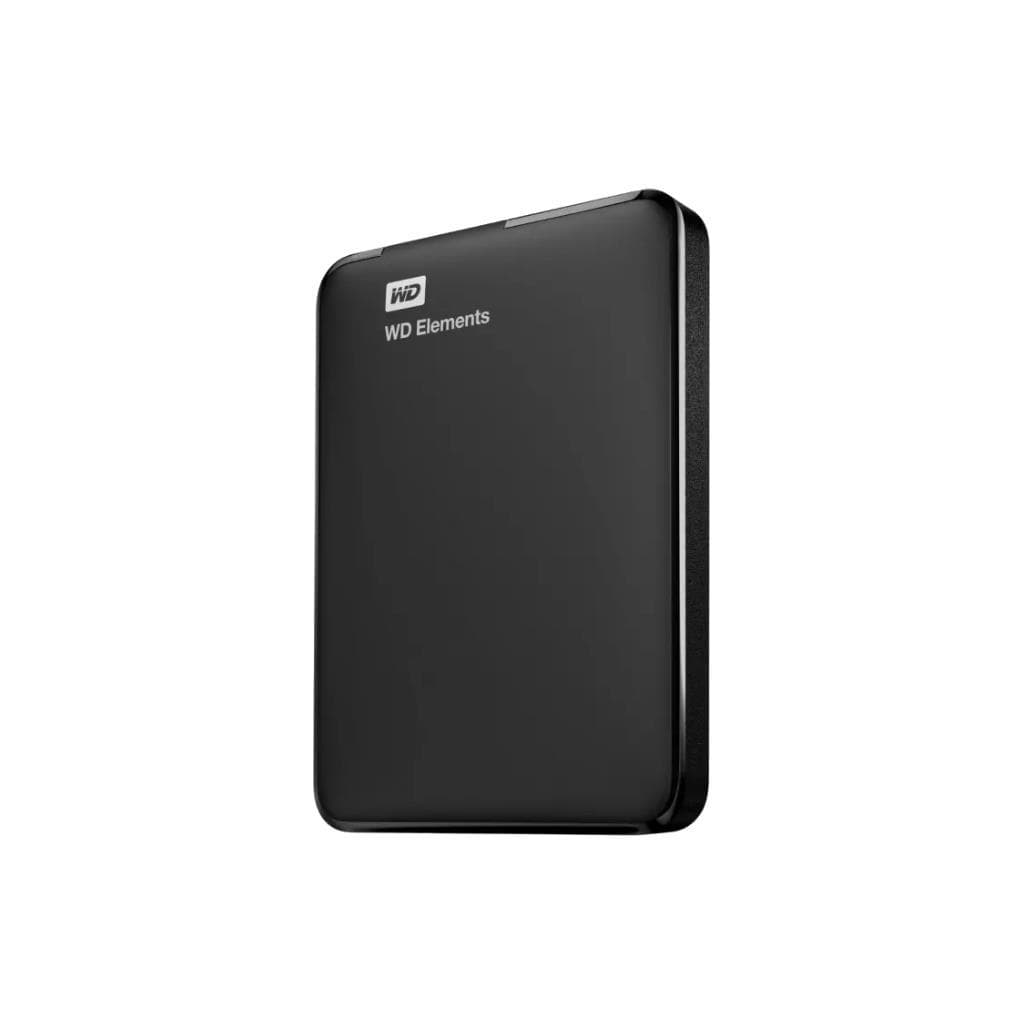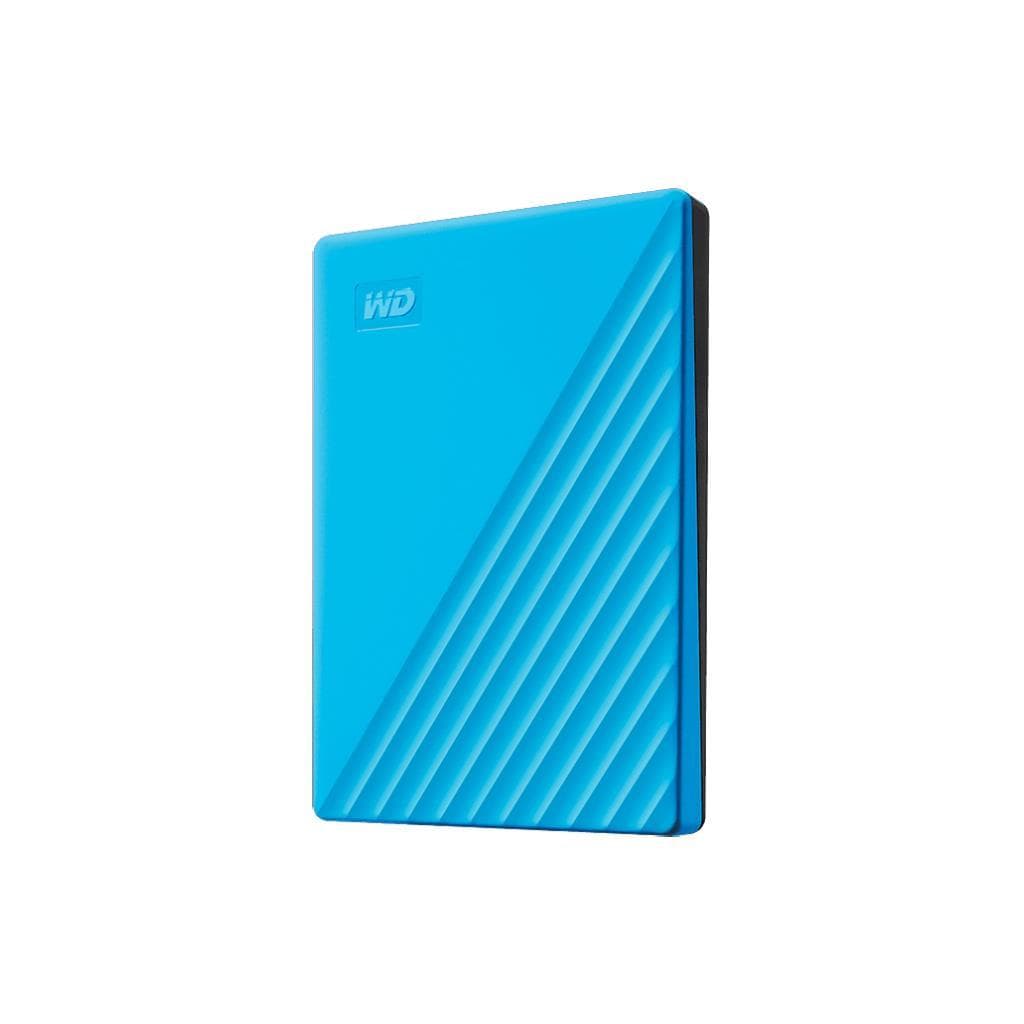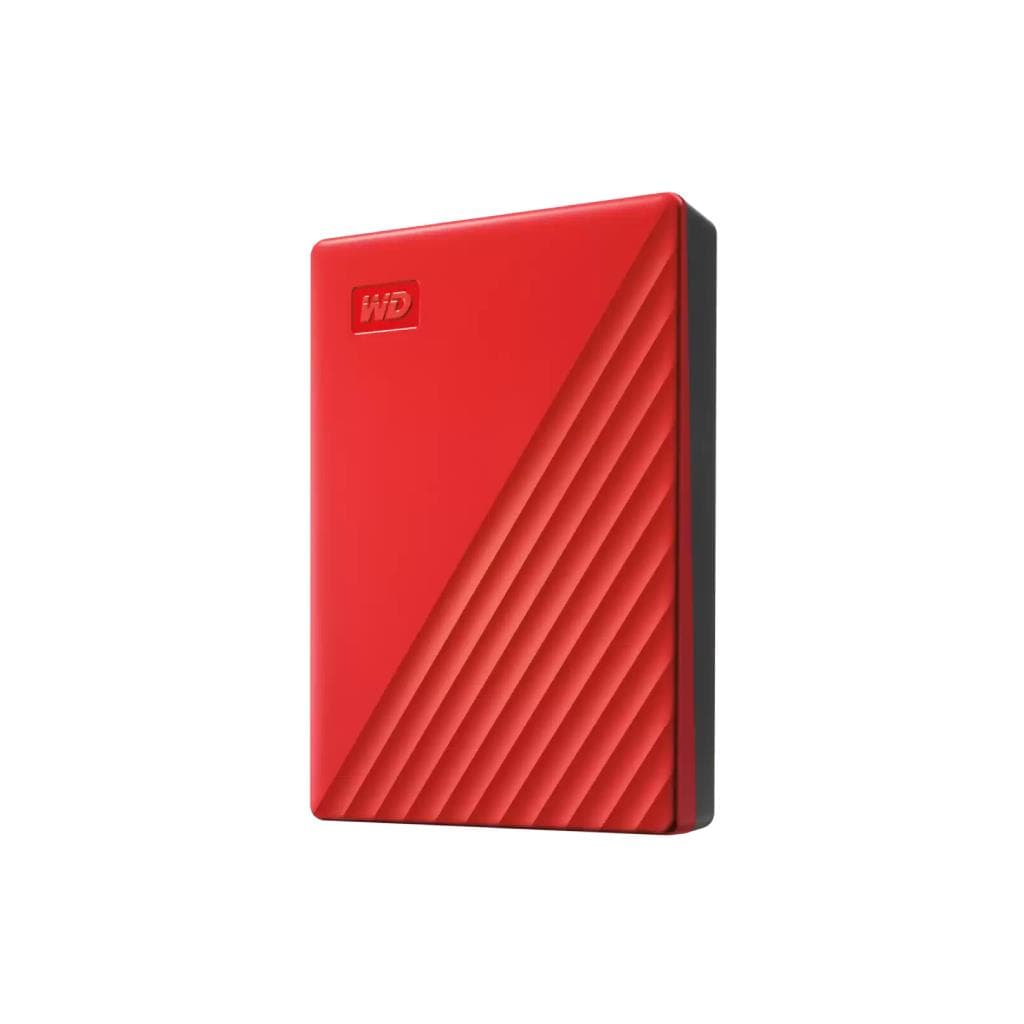


WD My Book 14TB USB 3.0 External HDD
SKU: WDBBGB0140HBK-SESNExternal Storage & Memory Cards › External Hard Drives
Please enquire before ordering
The distributor has not yet confirmed the latest price and availability (last checked Jun 15, 2026)
092-251-4017Awaiting stock confirmation3 years manufacturer's warranty
GenuineFree delivery from ฿5,000Tax invoice
WD My Book external hard drive with 14TB capacity supports USB 3.2 Gen 1 for easy backup, storing large files, and direct use with Windows and Mac
Key features
- 14TB capacity for storing large files
- Connects via USB 3.2 Gen 1 (5 Gbps)
- Supports Windows 10+ and macOS 11+ out of the box
- Includes backup software and ransomware protection
- Compact size and lightweight design for easy placement on office desks
Product description
The WD My Book 14TB is a high-performance external hard drive designed for storing large files such as 4K video, graphic projects, and organizational databases. It supports high-speed USB 3.2 Gen 1 connectivity with a maximum speed of 5 Gbps, enabling fast file transfers. With a 14TB capacity, you can store all your work in one place without worrying about storage space. The drive comes with comprehensive software for data management and backup, including ransomware protection to ensure the security of your most important data
More features
- Operating temperature 5°C to 35°C
- Supports continuous operation in office environments
- Includes AC adapter and USB-A cable for immediate use
Pros and limitations
Pros
- Up to 14TB capacity for storing large files
- Connects via USB 3.2 Gen 1 at high speed up to 5 Gbps
- Includes backup software and ransomware protection
- Supports Windows and Mac operating systems out of the box
- Designed for continuous operation in office environments
Limitations
- Requires a separate AC adapter and cannot be powered through the USB port
- Larger and heavier than typical portable hard drives
Who it is for
Ideal for content creators, photographers, videographers, or IT teams needing to store large files such as 4K video projects or organizational databases
Connectivity
USB 3.0
Specifications (25)
- RPM
- 7200
- MTBF
- 1,000,000 hours
- Cache
- 64MB
- Color
- Black
- Weight
- 1kg
- Capacity
- 14TB
- Warranty
- 3-Year Limited Warranty
- Connector
- Micro-B
- Interface
- USB 3.2 Gen 1
- Dimensions
- 139.3mm x 49mm x 170.6mm
- Drive Type
- External Desktop Hard Drive
- File System
- exFAT
- Form Factor
- 3.5"
- Noise Level
- 28 dB(A) (operating)
- Power Supply
- AC adapter
- Compatibility
- Windows® 10+, macOS 11+
- Input Voltage
- 100-240V AC
- Certifications
- CE, FCC, RoHS
- Frequency Range
- 50/60 Hz
- Shock Resistance
- 50G (non-operating)
- Included Software
- Device management and backup software
- Power Consumption
- 10W (operating)
- Included Accessories
- SuperSpeed USB-A cable (5 Gbps), AC adapter, Quick install guide
- Operating Temperature
- 5°C to 35°C
- Non-Operating Temperature
- -20°C to 65°C
Datasheets and manuals straight from the manufacturer — select a document to open or download it.
13 questions
Frequently asked questions about this product
Compiled from manufacturer information
Does the WD My Book 14TB support Mac?
Yes, it supports macOS 11+ directly. Simply connect and use without installing additional drivers
What is the data transfer speed of the WD My Book 14TB?
supports USB 3.2 Gen 1 with maximum speed of 5 Gbps, ideal for fast transfer of large files such as 4K video
What type of USB cable is needed for the WD My Book 14TB?
Includes a SuperSpeed USB-A cable (5 Gbps) that supports connection to USB 3.0 or higher ports
Where does the WD My Book 14TB get its power?
An external AC adapter is required. It cannot be powered through the USB port, as the hard drive requires high power
Can the WD My Book 14TB be used for server backup?
Yes, it is suitable for backing up organizational servers or large projects, especially when high storage capacity and reliability are needed
Can this hard drive support 24/7 operation?
Yes, the operating temperature ranges from 5°C to 35°C, with an MTBF of up to 1,000,000 hours, designed for continuous operation in office environments
What software comes with the WD My Book 14TB?
Includes device management software and backup tools, along with ransomware protection for safeguarding important data
What are the size and weight of the WD My Book 14TB?
Size 139.3mm x 49mm x 170.6mm and weight 1 kg, ideal for desk placement
Is it in stock?
We are confirming the latest stock and price of the WD My Book 14TB USB 3.0 External HDD with the distributor. Please contact us before ordering at 092-251-4017 or sales@gist.co.th.
How much does it cost?
The distributor has not yet confirmed the latest price and availability. Please contact us before ordering at 092-251-4017 or sales@gist.co.th.
How long is the warranty?
Warranty period: 3-year warranty according to manufacturer terms (manufacturer's terms). To make a warranty claim, call 092-251-4017 or 065-523-5262, or email sales@gist.co.th (Mon–Fri 9:00–18:00), then send the product with your order number to our head office, or bring it to the head office in person.
How long does delivery take?
Orders placed before 12:00 on a business day are delivered within 1–3 business days (Bangkok and vicinity) or 2–5 business days (other provinces). Free delivery on orders of ฿5,000 or more (a ฿150 delivery fee applies below this amount).
Is it genuine?
Genuine products sourced from distributors in Thailand, covered by the manufacturer's warranty. Full tax invoices are available.
Didn't find the answer you need?
Loading reviews…
Genuine products
Sourced from distributors in Thailand and covered by the manufacturer's warranty
Warranty period
3-year warranty according to manufacturer terms
Covered by the manufacturer's warranty; you can make claims through GIST
Claims through GIST
Ship the product to our head office or bring it in person
Warranty conditions
- A receipt or other proof of purchase is required
- The product must not have been modified or altered
- Damage caused by misuse is not covered by the warranty
- To make a warranty claim, call 092-251-4017 or 065-523-5262, or email sales@gist.co.th (Mon–Fri 9:00–18:00), then send the product with your order number to our head office, or bring it to the head office in person.Head office: 554 Sky Nine Center, Floor 12A, Room 554/62, Asok-Din Daeng Road, Din Daeng Subdistrict, Din Daeng District, Bangkok 10400
More in External Hard Drives