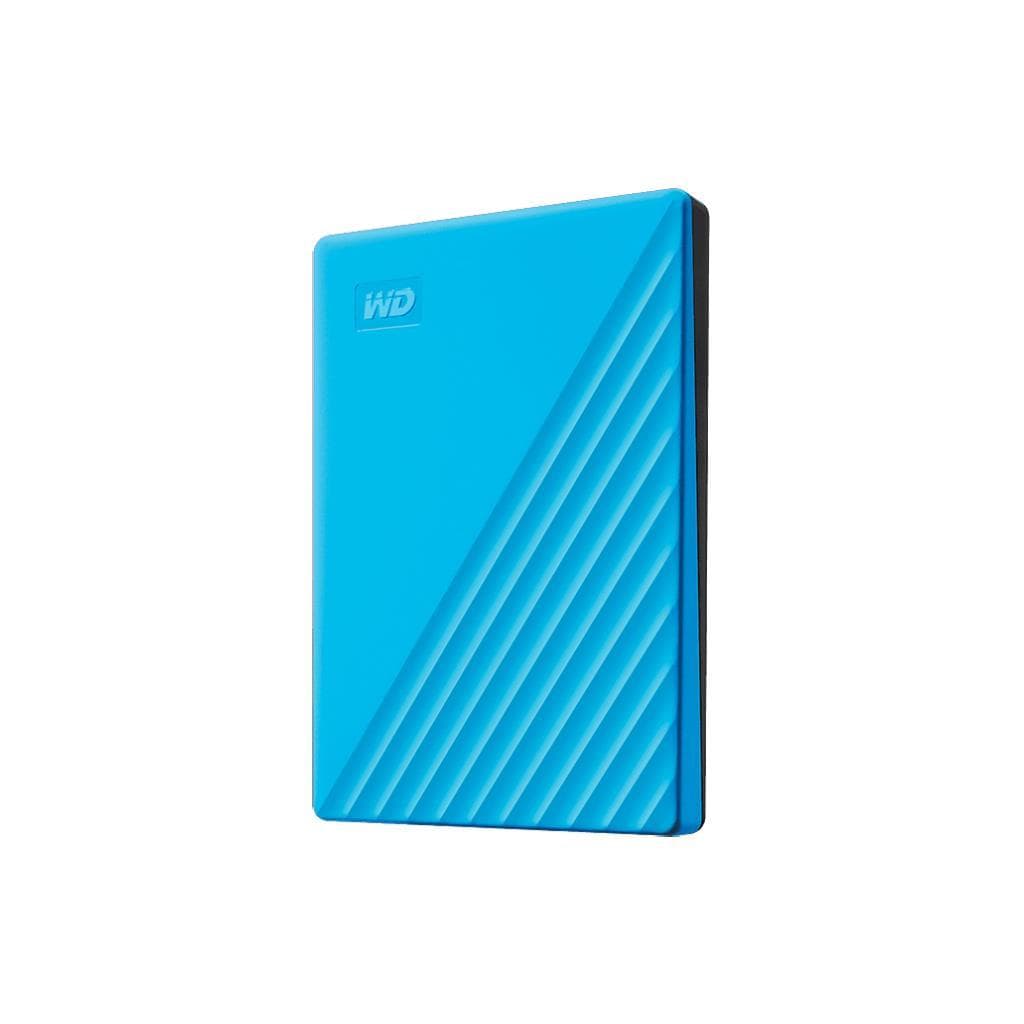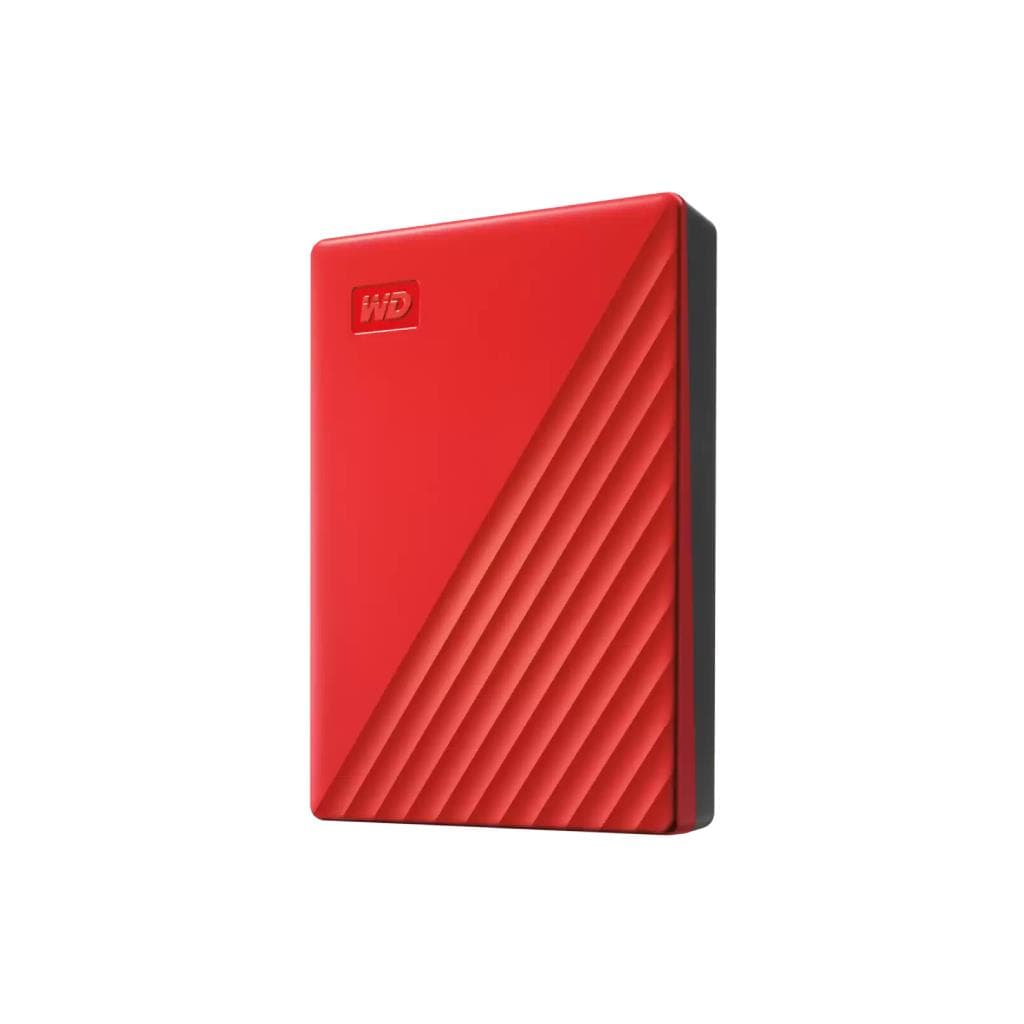


WD My Passport 4TB Blue Portable HDD (USB 3.2 Gen 1)
SKU: WDBPKJ0040BBL-WESNExternal Storage & Memory Cards › External Hard Drives· Model: My Passport
฿6,637
Price includes 7% VATPrice updated October 20, 2026
Out of stock3 years manufacturer's warranty
Temporarily out of stock — ask us about the restock date or an alternative model
Call us 092-251-4017Send a question to salesGenuineFree delivery from ฿5,000Tax invoice
WD My Passport portable hard drive with 4TB capacity supports USB 3.2 Gen 1 for secure backup of files, work documents, or photos and videos.
Key features
- 4TB capacity for storing large volumes of work files, videos, or photos.
- Supports USB 3.2 Gen 1 with maximum data transfer speed up to 5 Gb/s.
- AES 256-bit encryption and password protection.
- Slim and lightweight at just 0.21 kg for easy portability.
- Supports operating temperature range of 5°C to 35°C.
Product description
WD My Passport 4TB Blue is a portable hard drive designed for durability and ease of use, supporting USB 3.2 Gen 1 connectivity with a maximum data transfer speed of 5 Gb/s, saving time when backing up or opening large files. Its slim design and lightweight of just 0.21 kg make it easy to carry for use in offices, classrooms, or while traveling abroad. It features high-level security with AES 256-bit encryption and password protection to prevent sensitive data from being leaked.
More features
- Includes device management software with ransomware protection features.
- Designed for durability and suitable for use in both office and travel environments.
Pros and limitations
Pros
- Up to 4TB capacity for storing multiple sets of large files.
- Fast data transfer via USB 3.2 Gen 1 reduces backup time.
- High-security with AES 256-bit encryption and password protection.
- Ultra-lightweight at just 0.21 kg for easy portability.
- Built to be durable with wide operating temperature support.
Limitations
- Uses a Micro-B port, which may not be suitable for some notebooks that lack this port.
- No Wi-Fi or wireless connectivity
Who it is for
Ideal for students, university students, or office workers who need additional storage space for documents, photos, videos, or various projects
Connectivity
USB 3.0
Specifications (15)
- Color
- Blue
- Weight
- 0.21kgs
- Capacity
- 4TB
- Warranty
- 3-Year Limited Warranty
- Connector
- Micro-B
- Interface
- USB 3.2 Gen 1, USB 2.0
- Encryption
- 256-bit AES hardware encryption
- Form Factor
- 2.5"
- Transfer Rate
- up to 5Gb/s
- Certifications
- FCC-ICES, CE, BSMI, RCM, VCCI, EAC, UKCA
- Included Software
- Device management software with ransomware protection
- Password Protection
- Yes
- Operating Temperature
- 5°C to 35°C
- Dimensions (L x W x H)
- 107.2mm x 75mm x 19.15mm
- Non-Operating Temperature
- -20°C to 65°C
Datasheets and manuals straight from the manufacturer — select a document to open or download it.
13 questions
Frequently asked questions about this product
Compiled from manufacturer information
Can the WD My Passport 4TB Blue be used with a notebook that has a USB-C port?
Yes, it can be used with notebooks that have USB-C ports using a Micro-B to USB-C cable, supporting maximum data transfer speeds of 5 Gb/s.
What is the read/write speed of the WD My Passport 4TB?
Supports maximum data transfer speeds up to 5 Gb/s via USB 3.2 Gen 1 port, ideal for backing up large files such as 4K videos or graphic projects.
Can the WD My Passport 4TB be used with Mac and Windows?
Yes, it supports both Windows and macOS operating systems without requiring additional driver installation.
Does the WD My Passport 4TB come with backup software?
Yes, it includes device management software that enables automatic backup and ransomware protection for maximum security.
Is this hard drive resistant to drops?
It is designed to be durable, supporting non-operating temperatures from -20°C to 65°C and featuring internal shock resistance, though dropping or direct impact should be avoided.
Can it be used with NAS?
Not supported for direct use with NAS, as it is a portable device designed for direct USB connection to a host device.
How long does the battery in the WD My Passport 4TB last?
It does not have a battery, as it draws power directly from the USB port, so no charging is required.
Can the WD My Passport 4TB be used with a smartphone?
Yes, but you need a USB OTG cable and a device that supports external hard drive connectivity, such as certain smartphone models that support USB On-The-Go
Is it in stock?
The WD My Passport 4TB Blue Portable HDD (USB 3.2 Gen 1) is temporarily out of stock. Ask us about the restock date or an alternative model at sales@gist.co.th or 092-251-4017.
How much does it cost?
The price is ฿6,637 (including 7% VAT). It is currently out of stock; ask us about the restock date at sales@gist.co.th. Business customers can request a quotation at sales@gist.co.th.
How long is the warranty?
Warranty period: 3-year warranty subject to manufacturer's terms (manufacturer's terms). To make a warranty claim, call 092-251-4017 or 065-523-5262, or email sales@gist.co.th (Mon–Fri 9:00–18:00), then send the product with your order number to our head office, or bring it to the head office in person.
How long does delivery take?
Orders placed before 12:00 on a business day are delivered within 1–3 business days (Bangkok and vicinity) or 2–5 business days (other provinces). Free delivery on orders of ฿5,000 or more (a ฿150 delivery fee applies below this amount).
Is it genuine?
Genuine products sourced from distributors in Thailand, covered by the manufacturer's warranty. Full tax invoices are available.
Didn't find the answer you need?
Loading reviews…
Genuine products
Sourced from distributors in Thailand and covered by the manufacturer's warranty
Warranty period
3-year warranty subject to manufacturer's terms
Covered by the manufacturer's warranty; you can make claims through GIST
Claims through GIST
Ship the product to our head office or bring it in person
Warranty conditions
- A receipt or other proof of purchase is required
- The product must not have been modified or altered
- Damage caused by misuse is not covered by the warranty
- To make a warranty claim, call 092-251-4017 or 065-523-5262, or email sales@gist.co.th (Mon–Fri 9:00–18:00), then send the product with your order number to our head office, or bring it to the head office in person.Head office: 554 Sky Nine Center, Floor 12A, Room 554/62, Asok-Din Daeng Road, Din Daeng Subdistrict, Din Daeng District, Bangkok 10400
More in External Hard Drives