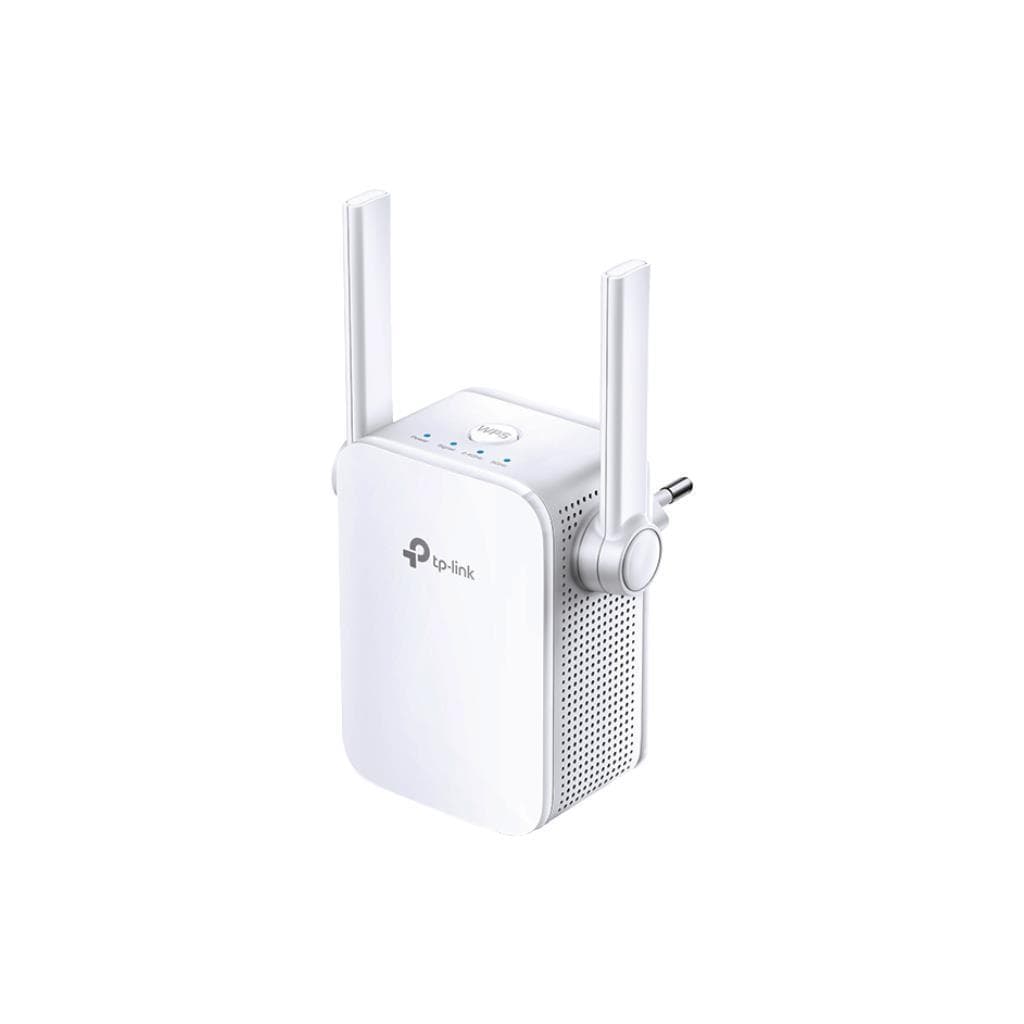
TP-Link Archer BE400 Wi-Fi 7 Router (2.4 GHz: 688 Mbps, 5 GHz: 5764 Mbps)
SKU: ARCHER-BE400-VER1.2Networking › Routers & Access Points
฿4,520
Price includes 7% VATPrice updated October 29, 2026
Out of stock3 years manufacturer's warranty
Temporarily out of stock — ask us about the restock date or an alternative model
Call us 092-251-4017Send a question to salesGenuineFree delivery from ฿5,000Tax invoice
เราเตอร์ Wi-Fi 7 รุ่นใหม่จาก TP-Link รองรับความเร็วสูงสุด 5764 Mbps ที่ 5 GHz และ 688 Mbps ที่ 2.4 GHz พร้อมพอร์ต 2.5 Gbps สำหรับการเชื่อมต่อที่รวดเร็ว ใช้ได้ทั้งในบ้านและออฟฟิศขนาดกลาง
Key features
- รองรับ Wi-Fi 7 ความเร็วสูงสุด 5764 Mbps ที่ 5 GHz
- พอร์ต WAN และ LAN 2.5 Gbps สำหรับการเชื่อมต่อที่เร็วขึ้น
- เสาอากาศภายนอก 6 ตัว พร้อม Beamforming ขยายสัญญาณ
- รองรับ Multi-Link Operation (MLO) เพื่อเพิ่มความเร็วและลด latency
- รองรับ IoT Network และ HomeShield สำหรับความปลอดภัยขั้นสูง
Product description
TP-Link Archer BE400 เป็นเราเตอร์ Wi-Fi 7 รุ่นแรกที่ออกแบบมาเพื่อรองรับการใช้งานสมัยใหม่ ด้วยความเร็วสูงสุด 5764 Mbps ที่แบนด์ 5 GHz และ 688 Mbps ที่แบนด์ 2.4 GHz รองรับเทคโนโลยี Multi-Link Operation (MLO) และ 4K-QAM ช่วยเพิ่มประสิทธิภาพการส่งข้อมูลและลด latency ได้อย่างมีนัยสำคัญ พร้อมเสาอากาศภายนอก 6 ตัว ที่ช่วยกระจายสัญญาณครอบคลุมพื้นที่กว้าง รองรับการเชื่อมต่อพร้อมกันได้หลายอุปกรณ์ด้วย MU-MIMO และ OFDMA ทำให้การเล่นเกมออนไลน์ ดูวิดีโอ 4K และทำงานร่วมกันในทีมผ่านคลาวด์ราบรื่น ไม่มีสะดุด
More features
- รองรับ USB 3.0 สำหรับแชร์ไฟล์หรือตั้ง FTP Server
- รองรับ OpenVPN, WireGuard, และ PPTP สำหรับการเชื่อมต่อ VPN
- รองรับ EasyMesh สำหรับขยายเครือข่ายแบบ Mesh
- มี Guest Network แยก 2 แบนด์ สำหรับผู้ใช้ภายนอก
- รองรับ QoS โดยอุปกรณ์ เพื่อจัดลำดับความสำคัญการใช้งาน
Who it is for
เหมาะสำหรับผู้ใช้ทั่วไปและธุรกิจขนาดเล็กที่ต้องการความเร็วสูง รองรับการเชื่อมต่อพร้อมกันหลายอุปกรณ์ และต้องการความปลอดภัยขั้นสูงผ่าน HomeShield
Specifications (47)
- DFS
- รองรับ
- OFDMA
- รองรับ
- 4K-QAM
- รองรับ
- น้ำหนัก
- 1.2 kg
- MU-MIMO
- รองรับ
- พอร์ต USB
- 1× USB 3.0
- WAN Port
- 1× 2.5 Gbps
- WAN Type
- Dynamic IP, Static IP, PPPoE, PPTP, L2TP
- การรับประกัน
- 3 years
- LAN Ports
- 4× 1 Gbps (1× 2.5 Gbps LAN + 3× 1 Gbps LAN)
- Multi-RUs
- รองรับ
- WiFi Band
- Dual-Band
- ขนาด
- 270 x 200 x 60 mm
- การติดตั้งในตู้ Rack
- ไม่รองรับ
- WPS Button
- รองรับ
- Beamforming
- รองรับ
- DHCP Support
- รองรับ
- IPTV Support
- IGMP Proxy, IGMP Snooping, Bridge, Tag VLAN
- IPv4 Support
- รองรับ
- IPv6 Support
- รองรับ
- Power Button
- รองรับ
- ปุ่มรีเซ็ต
- รองรับ
- Cloud Service
- Auto Firmware Upgrade, TP-Link ID, DDNS
- ความเข้ากันได้
- Works with Alexa and Google Assistant
- เครือข่ายสำหรับแขก
- 1× 5 GHz Guest Network, 1× 2.4 GHz Guest Network
- WiFi Standard
- Wi-Fi 7 (802.11be)
- Wireless Mode
- Router Mode, Access Point Mode
- ไฟแสดงสถานะ
- Power, 2.4 GHz Wireless, 5 GHz Wireless, Internet, Ethernet, USB
- NAT Forwarding
- Port Forwarding, Port Triggering, DMZ, UPnP
- WiFi Encryption
- WPA, WPA2, WPA3, WPA/WPA2-Enterprise (802.1x)
- 5 GHz Band Speed
- 5764 Mbps
- Airtime Fairness
- รองรับ
- Network Security
- SPI Firewall, Access Control, IP & MAC Binding, Application Layer Gateway, HomeShield Security
- ระบบปฏิบัติการ
- Embedded Linux
- Wi-Fi/LED Button
- รองรับ
- การควบคุมโดยผู้ปกครอง
- HomeShield Parental Controls, Custom Profiles, Professional Content Filter Library, Family Time, Bedtime Off Time, Time Rewards, Family Online Time Ranking, Pause the Internet, Weekly and Monthly Reports
- การใช้พลังงาน
- 12 V ⎓ 2.5 A
- 2.4 GHz Band Speed
- 688 Mbps
- Quality of Service
- QoS by Device
- VPN Client Support
- OpenVPN, PPTP, L2TP, WireGuard
- VPN Server Support
- OpenVPN, PPTP, L2TP, WireGuard
- EasyMesh-Compatible
- รองรับ
- HomeShield Features
- Real-Time IoT Protection, Malicious Site Blocker, Intrusion Prevention System, DDoS Attack Prevention, Home Network Scanner
- USB Supported Functions
- FTP Server, Media Server, Samba Server
- Multi-Link Operation (MLO)
- รองรับ
- Number of External Antennas
- 6
- USB Supported Partition Formats
- NTFS, exFAT, HFS+, FAT32
Datasheets and manuals straight from the manufacturer — select a document to open or download it.
9 questions
Frequently asked questions about this product
Compiled from manufacturer information
Archer BE400 รองรับ Wi-Fi 7 ได้จริงหรือ?
ใช่ รองรับ Wi-Fi 7 (802.11be) ทั้งแบนด์ 2.4 GHz และ 5 GHz โดยเฉพาะที่ 5 GHz รองรับความเร็วสูงสุด 5764 Mbps
พอร์ต LAN ที่ 2.5 Gbps ใช้ทำอะไรได้บ้าง?
ใช้เชื่อมต่ออุปกรณ์ที่ต้องการความเร็วสูง เช่น NAS, คอมพิวเตอร์ประสิทธิภาพสูง หรือเซิร์ฟเวอร์ภายในเครือข่าย
สามารถตั้ง FTP Server ผ่าน USB ได้ไหม?
ได้ รองรับการตั้ง FTP Server, Media Server และ Samba Server ผ่านพอร์ต USB 3.0
รองรับการเชื่อมต่อ VPN แบบไหนบ้าง?
รองรับทั้ง VPN Server (OpenVPN, PPTP, L2TP, WireGuard) และ VPN Client (OpenVPN, PPTP, L2TP, WireGuard)
Is it in stock?
The TP-Link Archer BE400 Wi-Fi 7 Router (2.4 GHz: 688 Mbps, 5 GHz: 5764 Mbps) is temporarily out of stock. Ask us about the restock date or an alternative model at sales@gist.co.th or 092-251-4017.
How much does it cost?
The price is ฿4,520 (including 7% VAT). It is currently out of stock; ask us about the restock date at sales@gist.co.th. Business customers can request a quotation at sales@gist.co.th.
How long is the warranty?
Warranty period: 3 ปี (manufacturer's terms). To make a warranty claim, call 092-251-4017 or 065-523-5262, or email sales@gist.co.th (Mon–Fri 9:00–18:00), then send the product with your order number to our head office, or bring it to the head office in person.
How long does delivery take?
Orders placed before 12:00 on a business day are delivered within 1–3 business days (Bangkok and vicinity) or 2–5 business days (other provinces). Free delivery on orders of ฿5,000 or more (a ฿150 delivery fee applies below this amount).
Is it genuine?
Genuine products sourced from distributors in Thailand, covered by the manufacturer's warranty. Full tax invoices are available.
Didn't find the answer you need?
Loading reviews…
Genuine products
Sourced from distributors in Thailand and covered by the manufacturer's warranty
Warranty period
3 ปี
Covered by the manufacturer's warranty; you can make claims through GIST
Claims through GIST
Ship the product to our head office or bring it in person
Warranty conditions
- A receipt or other proof of purchase is required
- The product must not have been modified or altered
- Damage caused by misuse is not covered by the warranty
- To make a warranty claim, call 092-251-4017 or 065-523-5262, or email sales@gist.co.th (Mon–Fri 9:00–18:00), then send the product with your order number to our head office, or bring it to the head office in person.Head office: 554 Sky Nine Center, Floor 12A, Room 554/62, Asok-Din Daeng Road, Din Daeng Subdistrict, Din Daeng District, Bangkok 10400
More in Routers & Access Points