
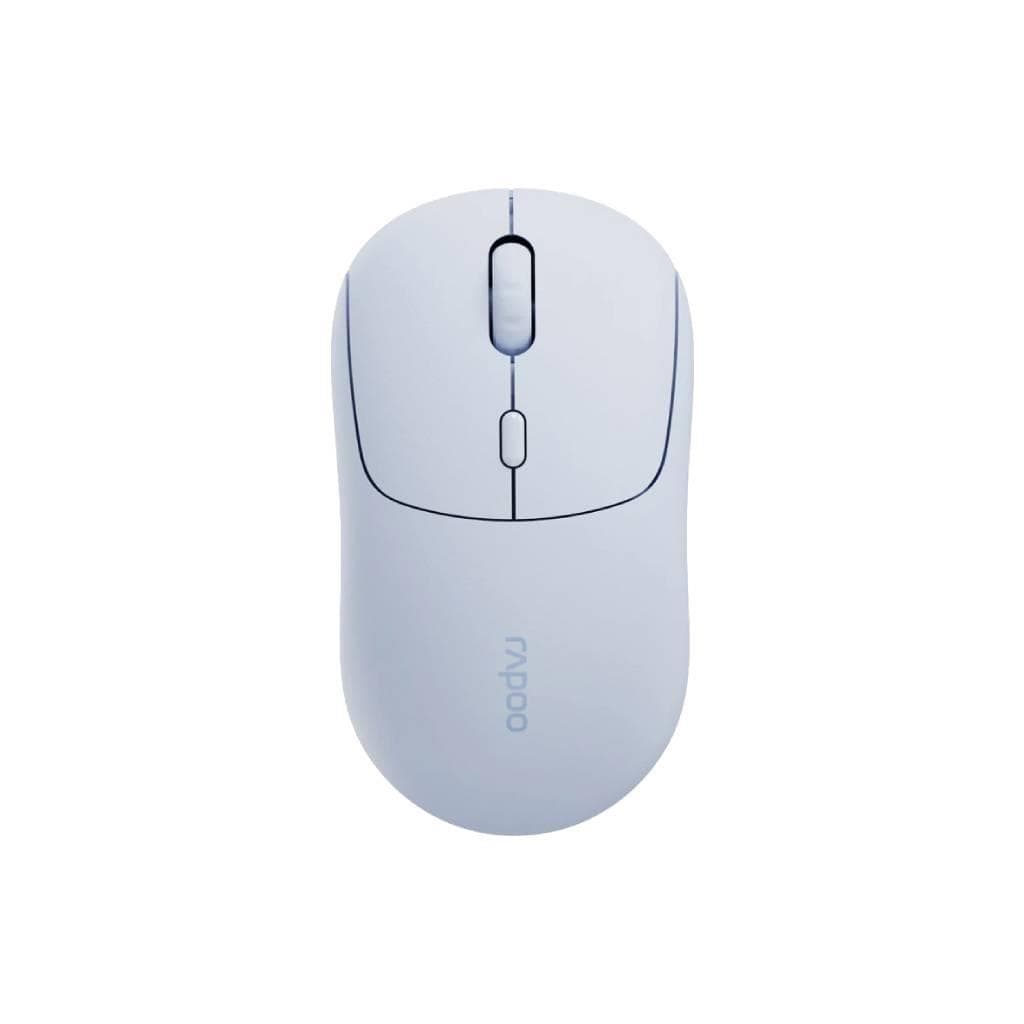


LOGITECH M185 Wireless Mouse 2.4GHz Compact Blue
SKU: M185_CORDLESS_MS_BLGadgets & Accessories › Mice· Model: M185
฿263
Price includes 7% VATPrice updated October 26, 2026
Out of stock1 year manufacturer's warranty
Temporarily out of stock — ask us about the restock date or an alternative model
Call us 092-251-4017Send a question to salesGenuineFree delivery from ฿5,000Tax invoice
เมาส์ไร้สายขนาดเล็ก ใช้งานง่ายด้วยการเชื่อมต่อ 2.4GHz รองรับระบบปฏิบัติการทุกแพลตฟอร์ม ใช้งานได้นานถึง 12 เดือนต่อการเปลี่ยนแบตเตอรี่
Key features
- เชื่อมต่อไร้สาย 2.4GHz ระยะไกลสูงสุด 10 เมตร
- ใช้งานได้นานถึง 12 เดือนต่อการเปลี่ยนแบตเตอรี่
- รองรับระบบปฏิบัติการทุกแพลตฟอร์ม
- เซ็นเซอร์ออปติคัลแม่นยำบนพื้นผิวทุกชนิด
- เก็บตัวรับสัญญาณ USB Nano ไว้ในตัวเมาส์
Product description
เมาส์ไร้สาย Logitech M185 ออกแบบมาเพื่อความสะดวกสบายในการพกพา รูปทรงโค้งมนตามสรีระมือ ใช้งานได้ทั้งมือซ้ายและมือขวา แม้จะมีขนาดเล็กแต่ยังคงความแม่นยำสูงด้วยเซ็นเซอร์ออปติคัลที่ติดตามได้แม่นยำบนพื้นผิวทุกชนิด ไม่ว่าจะเป็นโต๊ะไม้ กระจก หรือผ้า รองรับการใช้งานกับ Windows®, macOS®, ChromeOS™ และ Linux® โดยไม่ต้องติดตั้งไดรเวอร์เพิ่มเติม ใช้งานได้ไกลถึง 10 เมตร พร้อมปุ่มเปิด-ปิดและโหมดประหยัดพลังงาน ทำให้แบตเตอรี่ใช้งานได้นานถึง 12 เดือน ตัวรับสัญญาณ USB Nano สามารถเก็บไว้ในตัวเมาส์ได้ ช่วยป้องกันการสูญหาย
More features
- รูปทรงโค้งมน ใช้งานได้ทั้งมือซ้ายและมือขวา
- ปุ่มเปิด-ปิดพร้อมโหมดประหยัดพลังงาน
- ขนาดเล็ก พกพาสะดวก ใส่กระเป๋าได้ทุกที่
- ไม่ต้องติดตั้งไดรเวอร์เพิ่มเติม
- เหมาะสำหรับใช้งานทั้งที่บ้าน สำนักงาน และเดินทาง
Pros and limitations
Pros
- ใช้งานได้นานถึง 12 เดือนต่อการเปลี่ยนแบตเตอรี่
- รองรับระบบปฏิบัติการทุกแพลตฟอร์มโดยไม่ต้องติดตั้งไดรเวอร์
- เซ็นเซอร์ออปติคัลแม่นยำบนพื้นผิวทุกชนิด รวมถึงกระจก
- ขนาดเล็ก พกพาสะดวก ใส่กระเป๋าได้ทุกที่
- ตัวรับสัญญาณ USB Nano สามารถเก็บไว้ในตัวเมาส์ได้
Limitations
- ไม่รองรับการชาร์จไฟ
- ไม่มีปุ่มปรับ DPI
- ไม่มีไฟ LED หรือฟีเจอร์เสริม
Who it is for
เหมาะสำหรับผู้ใช้งานทั่วไป นักเรียน หรือพนักงานออฟฟิศที่ต้องการเมาส์พกพา ใช้งานง่าย ไม่ต้องติดตั้งไดรเวอร์ ใช้งานได้นานโดยไม่ต้องเปลี่ยนแบตเตอรี่บ่อย
Color
น้ำเงิน
Connectivity
ไร้สาย 2.4GHz
Specifications (37)
- ความละเอียด DPI
- 1000
- พอร์ต
- USB-A (for receiver)
- สี
- Blue
- Design
- Compact
- เซ็นเซอร์
- Optical
- น้ำหนัก
- 97 g
- จำนวนปุ่ม
- 3
- วัสดุ
- Plastic
- ซอฟต์แวร์
- Plug and Play
- การรับประกัน
- 1 year
- อินเทอร์เฟซ
- USB 2.0
- Scrolling
- Line-by-line control
- การเชื่อมต่อ
- Wireless 2.4GHz
- ขนาด
- 108 mm x 64 mm x 37 mm
- Ergonomics
- Contoured shape for natural hand curve
- ระดับเสียง
- Quiet Clicks
- อายุการใช้งานแบตเตอรี่
- Up to 12 months
- ประเภทแบตเตอรี่
- AA
- Polling Rate
- 125 Hz
- Rechargeable
- ไม่รองรับ
- ล้อเลื่อน
- Standard
- ความเข้ากันได้
- Windows®, macOS®, ChromeOS™, Linux®
- Middle Button
- รองรับ (press down on scroll wheel)
- On/Off Switch
- รองรับ
- การรับรอง
- RoHS compliant
- Sustainability
- Plastic reuse focus
- ระยะการเชื่อมต่อไร้สาย
- Up to 10 meters
- การอัปเดตเฟิร์มแวร์
- ไม่รองรับ
- Left-Handed Use
- รองรับ
- Carbon Footprint
- 3.97 kg CO2e
- Receiver Storage
- Integrated storage in mouse
- Right-Handed Use
- รองรับ
- การใช้พลังงาน
- Low power mode with auto-sleep
- Environmental Rating
- IP54 (dust and splash resistant)
- อุปกรณ์ในกล่อง
- USB Nano-receiver, 1 x AA battery
- Surface Compatibility
- Any surface including glass
- ระบบปฏิบัติการที่รองรับ
- Windows®, macOS®, ChromeOS™, Linux®
Compatibility
Windows, macOS, Chrome OS, Linux
Datasheets and manuals straight from the manufacturer — select a document to open or download it.
13 questions
Frequently asked questions about this product
Compiled from manufacturer information
เมาส์ M185 ใช้งานกับ Mac ได้ไหม?
ได้แน่นอน เมาส์ M185 รองรับ macOS®, Windows®, ChromeOS™ และ Linux® โดยไม่ต้องติดตั้งไดรเวอร์เพิ่มเติม ใช้งานได้ทันทีเมื่อเสียบตัวรับสัญญาณ USB Nano เข้ากับ Mac
ใช้งานได้นานแค่ไหนก่อนเปลี่ยนแบตเตอรี่?
เมาส์ M185 ใช้งานได้นานถึง 12 เดือนต่อการเปลี่ยนแบตเตอรี่ 1 ก้อน โดยใช้โหมดประหยัดพลังงานและปุ่มเปิด-ปิด ช่วยยืดอายุแบตเตอรี่ได้มาก
ใช้กับกระจกได้ไหม?
ได้ เมาส์ M185 ใช้เซ็นเซอร์ออปติคัลที่ติดตามได้แม่นยำบนพื้นผิวทุกชนิด รวมถึงกระจก แม้จะเป็นพื้นผิวเรียบก็ยังควบคุมได้อย่างแม่นยำ
ตัวรับสัญญาณ USB Nano หายหรือสูญหายได้ไหม?
ตัวรับสัญญาณสามารถเก็บไว้ในตัวเมาส์ได้ ช่วยป้องกันการสูญหาย พร้อมกับมีช่องเก็บในตัวที่ออกแบบมาเพื่อจัดเก็บอย่างปลอดภัย
ใช้กับ Linux ได้หรือไม่?
ได้ เมาส์ M185 รองรับ Linux® โดยทำงานแบบ Plug and Play ไม่ต้องติดตั้งไดรเวอร์เพิ่มเติม ใช้งานได้ทันทีเมื่อเสียบตัวรับสัญญาณ USB Nano เข้ากับเครื่อง Linux
มีปุ่มปรับ DPI ไหม?
ไม่มี ตัวเมาส์ M185 มี DPI คงที่ที่ 1000 และไม่สามารถปรับเพิ่มหรือลดได้ แต่ให้ความแม่นยำสูงบนพื้นผิวทุกชนิด
ใช้แบตเตอรี่แบบใด?
ใช้แบตเตอรี่ AA 1 ก้อน สามารถซื้อเปลี่ยนได้ง่ายทั่วไป พร้อมปุ่มเปิด-ปิดช่วยยืดอายุแบตเตอรี่ให้นานขึ้น
เหมาะกับมือซ้ายไหม?
ได้ เมาส์ M185 ออกแบบมาให้ใช้งานได้ทั้งมือซ้ายและมือขวา รูปทรงโค้งมนตามสรีระมือ ใช้งานได้สบายไม่ว่าจะใช้มือใด
Is it in stock?
The LOGITECH M185 Wireless Mouse 2.4GHz Compact Blue is temporarily out of stock. Ask us about the restock date or an alternative model at sales@gist.co.th or 092-251-4017.
How much does it cost?
The price is ฿263 (including 7% VAT). It is currently out of stock; ask us about the restock date at sales@gist.co.th. Business customers can request a quotation at sales@gist.co.th.
How long is the warranty?
Warranty period: 1 ปี (manufacturer's terms). To make a warranty claim, call 092-251-4017 or 065-523-5262, or email sales@gist.co.th (Mon–Fri 9:00–18:00), then send the product with your order number to our head office, or bring it to the head office in person.
How long does delivery take?
Orders placed before 12:00 on a business day are delivered within 1–3 business days (Bangkok and vicinity) or 2–5 business days (other provinces). Free delivery on orders of ฿5,000 or more (a ฿150 delivery fee applies below this amount).
Is it genuine?
Genuine products sourced from distributors in Thailand, covered by the manufacturer's warranty. Full tax invoices are available.
Didn't find the answer you need?
Loading reviews…
Genuine products
Sourced from distributors in Thailand and covered by the manufacturer's warranty
Warranty period
1 ปี
Covered by the manufacturer's warranty; you can make claims through GIST
Claims through GIST
Ship the product to our head office or bring it in person
Warranty conditions
- A receipt or other proof of purchase is required
- The product must not have been modified or altered
- Damage caused by misuse is not covered by the warranty
- To make a warranty claim, call 092-251-4017 or 065-523-5262, or email sales@gist.co.th (Mon–Fri 9:00–18:00), then send the product with your order number to our head office, or bring it to the head office in person.Head office: 554 Sky Nine Center, Floor 12A, Room 554/62, Asok-Din Daeng Road, Din Daeng Subdistrict, Din Daeng District, Bangkok 10400
More in Mice
Logitech
Logitech Signature Comfort Plus M850L Wireless Mouse (Graphite & Off-White) - 3-Device Bluetooth
Price on request