
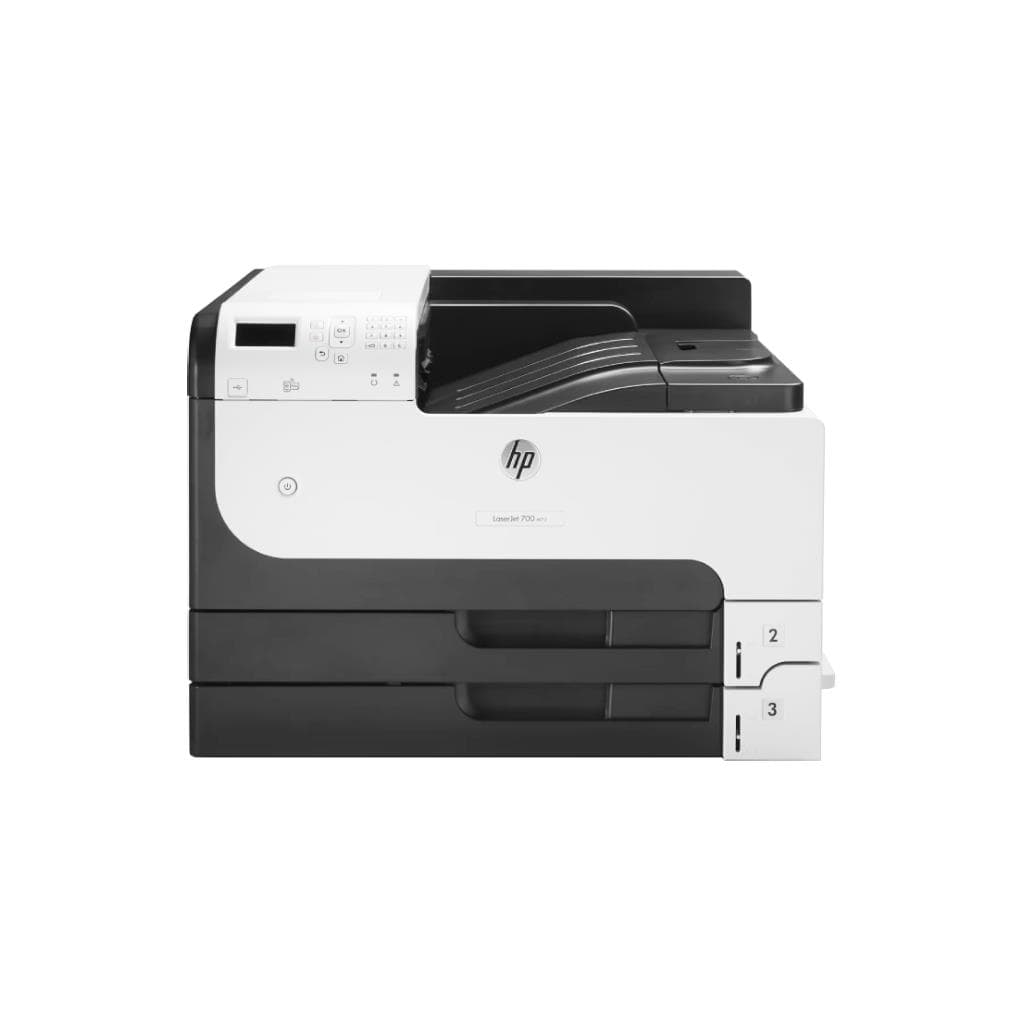


CANON imageCLASS MF284dw Mono All-in-One Laser Printer (33 ppm) - Black
SKU: MF284DWPrinters & Supplies › Multifunction Laser Printers
Please enquire before ordering
The distributor has not yet confirmed the latest price and availability (last checked Jun 15, 2026)
092-251-4017Awaiting stock confirmation1 year manufacturer's warranty
GenuineFree delivery from ฿5,000Tax invoice
เครื่องพิมพ์เลเซอร์มัลติฟังก์ชัน พร้อมฟังก์ชันพิมพ์ สแกน และถ่ายเอกสาร ความเร็วสูง 33 แผ่นต่อนาที เหมาะสำหรับใช้งานในสำนักงานขนาดเล็กและบ้าน
Key features
- พิมพ์ สแกน และถ่ายเอกสาร ครบในเครื่องเดียว
- ความเร็วพิมพ์ 33 แผ่นต่อนาที (ppm)
- เวลาพิมพ์หน้าแรก (FPOT) เพียง 5.0 วินาที
- รองรับการเชื่อมต่อ LAN และ Wi-Fi
- ความละเอียดพิมพ์สูงถึง 1200 x 1200 dpi
Product description
เครื่องพิมพ์เลเซอร์ Canon imageCLASS MF284dw เป็นอุปกรณ์ All-in-One ที่รวมฟังก์ชันพิมพ์ สแกน และถ่ายเอกสารไว้ในตัวเดียว โดยรองรับการเชื่อมต่อผ่านสาย LAN และ Wi-Fi ได้ ทำให้สามารถใช้งานร่วมกับคอมพิวเตอร์ทั้งแบบมีสายและไร้สายได้อย่างมีเสถียรภาพ ความเร็วในการพิมพ์สูงถึง 33 แผ่นต่อนาที (ppm) และใช้เวลาในการพิมพ์หน้าแรก (FPOT) เพียง 5.0 วินาทีสำหรับกระดาษ A4 ความละเอียดการพิมพ์สูงถึง 1200 x 1200 dpi ทำให้ได้คุณภาพงานพิมพ์คมชัด เหมาะสำหรับงานเอกสารที่ต้องการความละเอียดสูงในสำนักงานขนาดเล็กหรือบ้านที่ต้องการประสิทธิภาพในการทำงานสูง
More features
- ใช้งานได้กับ Windows และ Mac
- ติดตั้งง่ายผ่านเว็บไซต์ Canon อย่างเป็นทางการ
- รองรับการใช้งานร่วมกับอุปกรณ์หลายเครื่องในเครือข่ายเดียวกัน
Pros and limitations
Pros
- รองรับการเชื่อมต่อทั้ง LAN และ Wi-Fi ใช้งานได้กับอุปกรณ์หลายเครื่องในเครือข่ายเดียวกัน
- ความเร็วพิมพ์สูงถึง 33 แผ่นต่อนาที พร้อมเวลาพิมพ์หน้าแรกเพียง 5.0 วินาที
- คุณภาพการพิมพ์คมชัดด้วยความละเอียด 1200 x 1200 dpi
- รองรับการใช้งานกับ Windows และ Mac โดยไม่ต้องติดตั้งเพิ่มเติม
- สามารถสแกนเอกสารแบบสองหน้าและถ่ายเอกสารได้อย่างมีประสิทธิภาพ
Limitations
- ไม่รองรับการพิมพ์สองด้านอัตโนมัติ (Manual Duplex Only)
- ไม่มีหน้าจอแสดงผล (Display: None)
Who it is for
เหมาะสำหรับใช้งานในสำนักงานขนาดเล็ก บ้าน หรือสถานที่ทำงานที่ต้องการเครื่องพิมพ์มัลติฟังก์ชันที่รองรับการเชื่อมต่อทั้งแบบมีสายและไร้สาย
Connectivity
USB, Ethernet, Wi-Fi
Specifications (26)
- หน่วยความจำ (RAM)
- 256 MB
- น้ำหนัก
- 10.5 kg
- การรับประกัน
- 1 year
- อินเทอร์เฟซ
- USB 2.0, Ethernet (RJ-45), Wi-Fi
- Color Type
- Mono
- ขนาด
- 378 x 394 x 285 mm
- Duty Cycle
- Up to 15,000 pages per month
- Paper Size
- A4, A5, B5, Letter, Legal, Executive, Envelope (DL, Monarch)
- Duplex Scan
- รองรับ
- ADF Capacity
- 35 sheets
- Printer Type
- Laser
- การเชื่อมต่อ
- USB 2.0, Ethernet (RJ-45), Wi-Fi (802.11b/g/n)
- Duplex Printing
- Manual
- Network Protocols
- TCP/IP, HTTP, IPP, SNMPv3, FTP, DHCP, DNS
- การใช้พลังงาน
- Approx. 600 W (printing), 2.5 W (standby)
- คุณสมบัติด้านความปลอดภัย
- IP filtering, User authentication (via Canon PRINT Inkjet/SELPHY)
- Software Included
- MF Drivers, MF Scan Utility
- Scanner Resolution
- 600 x 600 dpi
- มาตรฐาน Wi-Fi
- Wi-Fi 802.11b/g/n
- Paper Tray Capacity
- 150 sheets
- Mobile Printing Support
- Canon PRINT Inkjet/SELPHY, Apple AirPrint, Mopria Print Service
- Recommended Monthly Pages
- Up to 1,500 pages
- First Print Out Time (FPOT)
- 5.0 sec
- Operating Systems Supported
- Windows 10/11, macOS 10.15 or later
- ความละเอียด
- 1200 x 1200 dpi
- ความเร็วพิมพ์ (Print Speed)
- 33 ppm
Datasheets and manuals straight from the manufacturer — select a document to open or download it.
11 questions
Frequently asked questions about this product
Compiled from manufacturer information
เครื่องพิมพ์ MF284dw รองรับการเชื่อมต่อ Wi-Fi และ LAN พร้อมกันได้ไหม?
เครื่องพิมพ์ MF284dw รองรับการเชื่อมต่อทั้ง Wi-Fi และ Ethernet (LAN) แต่ไม่สามารถใช้งานพร้อมกันได้ในเวลาเดียวกัน เนื่องจากไม่สามารถรักษาการเชื่อมต่อทั้งสองแบบพร้อมกันได้ แนะนำให้เลือกใช้เฉพาะ LAN หรือ Wi-Fi ตามความเหมาะสมของเครือข่าย
ใช้ MF284dw พิมพ์เอกสาร A4 ได้เร็วแค่ไหน?
เครื่องพิมพ์ MF284dw มีความเร็วในการพิมพ์สูงถึง 33 แผ่นต่อนาที (ppm) และใช้เวลาพิมพ์หน้าแรก (FPOT) เพียง 5.0 วินาทีสำหรับกระดาษ A4 ทำให้เหมาะกับงานเอกสารจำนวนมากในสำนักงาน
สามารถสแกนเอกสารสองหน้าได้ไหม?
ใช่ เครื่องพิมพ์ MF284dw มีถาดใส่เอกสาร (ADF) รองรับการสแกนเอกสารได้สูงสุด 35 แผ่น และรองรับการสแกนสองหน้าอัตโนมัติ (Duplex Scan)
ต้องติดตั้งซอฟต์แวร์อะไรบ้างเพื่อใช้งาน?
ต้องติดตั้ง MF Drivers และ MF Scan Utility จากเว็บไซต์อย่างเป็นทางการของ Canon ที่ https://ij.start.canon/mf284dw โดยเลือกการเชื่อมต่อแบบ Network Connection เมื่อติดตั้งเสร็จ จะสามารถใช้งานได้ทั้งบน Windows และ Mac
ใช้งานร่วมกับแล็ปท็อปที่เชื่อมต่อ Wi-Fi ได้ไหม?
ได้ แต่ต้องแน่ใจว่าแล็ปท็อปและเครื่องพิมพ์อยู่ในเครือข่ายเดียวกัน และไม่อยู่บนเครือข่าย Guest ที่แยกจากเครือข่ายหลัก หากยังเชื่อมต่อไม่ได้ ให้ตรวจสอบว่า IP address ของทั้งสองอุปกรณ์มีเลขสามตัวแรกเหมือนกัน เช่น 192.168.1.xxx
รองรับการพิมพ์จากสมาร์ทโฟนหรือแท็บเล็ตได้ไหม?
ใช่ เครื่องพิมพ์ MF284dw รองรับการพิมพ์จากอุปกรณ์มือถือผ่านแอป Canon PRINT Inkjet/SELPHY, Apple AirPrint และ Mopria Print Service
Is it in stock?
We are confirming the latest stock and price of the CANON imageCLASS MF284dw Mono All-in-One Laser Printer (33 ppm) - Black with the distributor. Please contact us before ordering at 092-251-4017 or sales@gist.co.th.
How much does it cost?
The distributor has not yet confirmed the latest price and availability. Please contact us before ordering at 092-251-4017 or sales@gist.co.th.
How long is the warranty?
Warranty period: รับประกัน 1 ปี ตามเงื่อนไขผู้ผลิต (manufacturer's terms). To make a warranty claim, call 092-251-4017 or 065-523-5262, or email sales@gist.co.th (Mon–Fri 9:00–18:00), then send the product with your order number to our head office, or bring it to the head office in person.
How long does delivery take?
Orders placed before 12:00 on a business day are delivered within 1–3 business days (Bangkok and vicinity) or 2–5 business days (other provinces). Free delivery on orders of ฿5,000 or more (a ฿150 delivery fee applies below this amount).
Is it genuine?
Genuine products sourced from distributors in Thailand, covered by the manufacturer's warranty. Full tax invoices are available.
Didn't find the answer you need?
Loading reviews…
Genuine products
Sourced from distributors in Thailand and covered by the manufacturer's warranty
Warranty period
รับประกัน 1 ปี ตามเงื่อนไขผู้ผลิต
Covered by the manufacturer's warranty; you can make claims through GIST
Claims through GIST
Ship the product to our head office or bring it in person
Warranty conditions
- A receipt or other proof of purchase is required
- The product must not have been modified or altered
- Damage caused by misuse is not covered by the warranty
- To make a warranty claim, call 092-251-4017 or 065-523-5262, or email sales@gist.co.th (Mon–Fri 9:00–18:00), then send the product with your order number to our head office, or bring it to the head office in person.Head office: 554 Sky Nine Center, Floor 12A, Room 554/62, Asok-Din Daeng Road, Din Daeng Subdistrict, Din Daeng District, Bangkok 10400
More in Multifunction Laser Printers


