
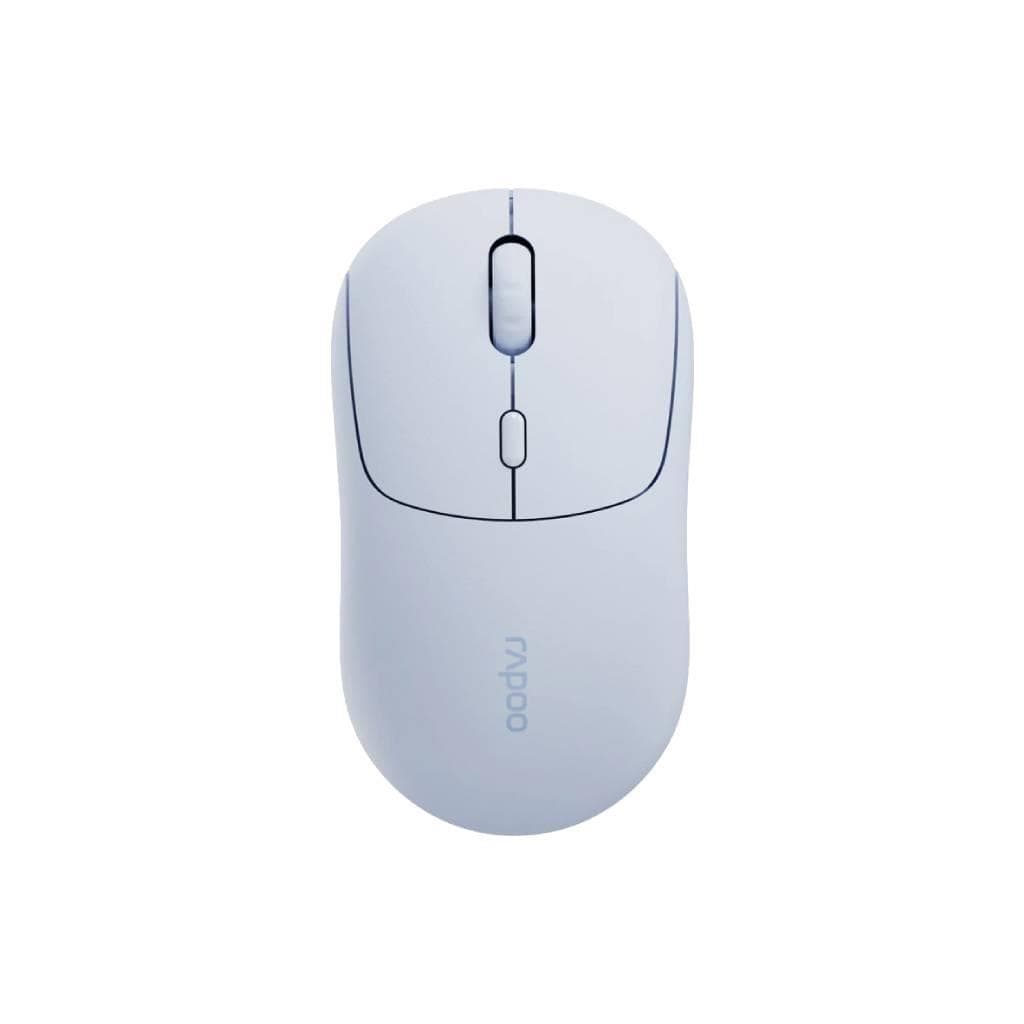
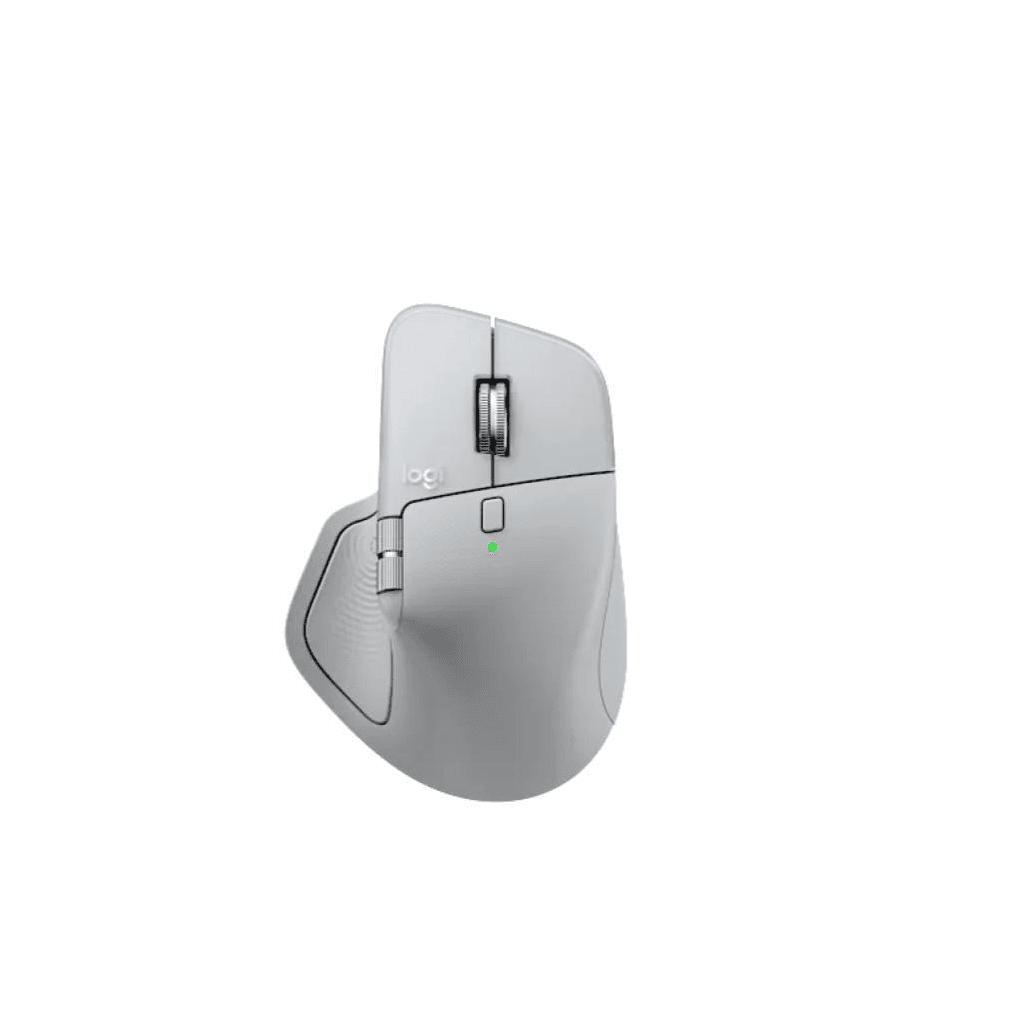

Logitech MX Master 4 Wireless Mouse (Pale Gray) - 8K DPI, MagSpeed Scroll, Haptic Feedback
SKU: MX-MASTER4-CANOVA-MS(PALEGRAY)Gadgets & Accessories › Mice· Model: MX Master 4
Please enquire before ordering
The distributor has not yet confirmed the latest price and availability (last checked Sep 21, 2026)
092-251-4017Awaiting stock confirmation2 years manufacturer's warranty
GenuineFree delivery from ฿5,000Tax invoice
เมาส์ไร้สายระดับพรีเมียมจาก Logitech ที่มาพร้อมเซ็นเซอร์ 8K DPI ติดตามได้ทุกพื้นผิว รวมถึงกระจก พร้อมเลื่อนด้วยแม่เหล็กแมกเนติก (MagSpeed) และฟีเจอร์สัมผัสสั่นสะเทือน (Haptic Feedback) สำหรับผู้ใช้งานมืออาชีพที่ต้องการความแม่นยำและประสิทธิภาพสูงสุด
Key features
- เซ็นเซอร์ 8K DPI ติดตามได้ทุกพื้นผิว รวมถึงกระจก
- เลื่อนด้วย MagSpeed Electromagnetic 1,000 บรรทัด/วินาที
- ฟีเจอร์สัมผัสสั่นสะเทือน (Haptic Feedback) ปรับแต่งได้
- Actions Ring สำหรับเข้าถึงเครื่องมือโดยตรงที่ตำแหน่งเมาส์
- รองรับการตั้งค่าผ่าน Logi Options+ บน Windows และ macOS
Product description
Logitech MX Master 4 คือเมาส์ไร้สายระดับท็อปที่ออกแบบมาเพื่อเพิ่มประสิทธิภาพการทำงานให้สูงสุด ด้วยเซ็นเซอร์ 8K DPI ที่ติดตามได้แม่นยำทุกพื้นผิว ไม่ว่าจะเป็นกระจก โต๊ะไม้ หรือพื้นผิวเรียบ พร้อมเลื่อนด้วยเทคโนโลยี MagSpeed Electromagnetic ที่สามารถเลื่อนได้ถึง 1,000 บรรทัดต่อวินาที พร้อมความแม่นยำในการหยุดที่พิกเซลเดียว ฟีเจอร์สัมผัสสั่นสะเทือน (Haptic Feedback) ช่วยให้ผู้ใช้รับรู้การกระทำต่าง ๆ เช่น การสลับหน้าต่าง การปรับสไลเดอร์ หรือการวางภาพลงกริด ได้ทันที ช่วยลดการคลิกผิดและเพิ่มความเร็วในการทำงาน พร้อม Actions Ring ที่ช่วยเข้าถึงเครื่องมือและสคริปต์ที่ใช้บ่อยได้ทันทีที่ตำแหน่งเมาส์ ลดการเคลื่อนย้ายเมาส์ได้ถึง 63% ตามการทดสอบของ Logitech Ergo Lab
More features
- คลิกนุ่ม ลดเสียงได้ 90% เมื่อเทียบกับรุ่นก่อนหน้า
- น้ำหนักสมดุล พร้อมดีไซน์โค้งรับมืออย่างลงตัว
- เชื่อมต่อไร้สาย 2x ดีกว่ารุ่นก่อนหน้า
- ใช้งานได้นานสูงสุด 70 วันต่อการชาร์จหนึ่งครั้ง
- รองรับการใช้งานกับอุปกรณ์หลายเครื่องพร้อมกัน
Pros and limitations
Pros
- เซ็นเซอร์ 8K DPI ติดตามได้แม่นยำทุกพื้นผิว รวมถึงกระจก
- เลื่อนแม่เหล็กแมกเนติกแม่นยำ 1,000 บรรทัดต่อวินาที
- ฟีเจอร์สัมผัสสั่นสะเทือน (Haptic Feedback) ช่วยเพิ่มความแม่นยำและลดข้อผิดพลาด
- Actions Ring ช่วยเข้าถึงเครื่องมือได้ทันที ลดการคลิกผิดและเพิ่มความเร็ว
- ใช้งานได้นานสูงสุด 70 วันต่อการชาร์จ 1 ครั้ง
Limitations
- ต้องใช้แอป Logi Options+ เพื่อตั้งค่าฟีเจอร์ขั้นสูง
- ราคาสูงกว่าเมาส์ทั่วไป
Who it is for
เหมาะสำหรับนักออกแบบ โปรแกรมเมอร์ และผู้ใช้งานที่ต้องการความแม่นยำสูงในการทำงาน พร้อมลดการเคลื่อนย้ายเมาส์และเพิ่มประสิทธิภาพการทำงานอย่างต่อเนื่อง
Color
PALEGRAY
Weight
135 กรัม
Connectivity
Bluetooth, USB Receiver
Specifications (30)
- สี
- Pale Gray
- เซ็นเซอร์
- 8K DPI Optical Sensor
- น้ำหนัก
- 120 grams
- วัสดุ
- Premium matte finish, recyclable materials
- ซอฟต์แวร์
- Logi Options+ (Windows & macOS)
- การรับประกัน
- 2 years
- ความละเอียด DPI
- Up to 8,000 DPI
- Click Type
- Quiet Clicks (90% less noise than MX Master 3)
- การเชื่อมต่อ
- Wireless (Bluetooth 5.3 + Logitech Unifying Receiver)
- ขนาด
- 125 x 70 x 40 mm
- Actions Ring
- รองรับ, programmable shortcuts and plugins via Logi Options+
- อายุการใช้งานแบตเตอรี่
- Up to 70 days
- ประเภทแบตเตอรี่
- Rechargeable lithium-ion
- Polling Rate
- Up to 1,000 Hz
- Scroll Speed
- Up to 1,000 lines per second
- ล้อเลื่อน
- MagSpeed Electromagnetic Scroll Wheel
- พอร์ตชาร์จ
- USB-C
- ระยะเวลาชาร์จ
- Approx. 3 hours for full charge
- ความเข้ากันได้
- Windows 10/11, macOS 11+, Chrome OS, Linux
- Adjustable DPI
- รองรับ, via Logi Options+
- การรับรอง
- RoHS, CE, FCC, UKCA
- Onboard Memory
- รองรับ (stores up to 3 device profiles)
- Scroll Inertia
- Dynamic inertia with machined steel wheel
- Sustainability
- 7.78 kg CO2e carbon footprint
- Haptic Feedback
- Customizable haptic feedback on specific actions
- Tracking Surface
- Any surface, including glass (minimum 4 mm thickness)
- เวอร์ชัน Bluetooth
- 5.3
- Unifying Receiver
- รองรับ (included)
- อุปกรณ์ในกล่อง
- USB-C charging cable
- Multi-Device Switching
- รองรับ (up to 3 devices)
Datasheets and manuals straight from the manufacturer — select a document to open or download it.
13 questions
Frequently asked questions about this product
Compiled from manufacturer information
เมาส์ MX Master 4 รองรับการใช้งานบนกระจกได้หรือไม่?
ใช่ รองรับการใช้งานบนกระจกได้ โดยต้องมีความหนาอย่างน้อย 4 มม. เซ็นเซอร์ 8K DPI สามารถติดตามได้แม่นยำทุกพื้นผิว รวมถึงกระจก พร้อมความแม่นยำสูงสุด
สามารถตั้งค่า Actions Ring ได้กี่เครื่องพร้อมกัน?
สามารถเชื่อมต่อได้สูงสุด 3 เครื่องพร้อมกัน และบันทึกโปรไฟล์ได้ 3 โปรไฟล์ในตัวเมาส์ พร้อมสลับได้ทันทีด้วยปุ่มด้านข้าง
เมาส์รุ่นนี้ใช้พลังงานกี่วันต่อการชาร์จ 1 ครั้ง?
ใช้งานได้นานสูงสุด 70 วันต่อการชาร์จ 1 ครั้ง ขึ้นอยู่กับการใช้งานและโหมดการตั้งค่า เช่น การใช้งาน Haptic Feedback หรือ DPI สูงอาจลดอายุการใช้งาน
ต้องใช้แอปอะไรในการตั้งค่าฟีเจอร์ต่าง ๆ?
ต้องใช้แอป Logi Options+ บน Windows และ macOS เพื่อตั้งค่า Actions Ring, Haptic Feedback, DPI, และการสลับอุปกรณ์ แอปนี้ดาวน์โหลดได้ฟรีที่ app.logi.com
เมาส์รุ่นนี้มีน้ำหนักเท่าไร และใช้กับมือข้างไหนได้บ้าง?
น้ำหนัก 120 กรัม ดีไซน์โค้งรับมือเหมาะกับทั้งมือซ้ายและมือขวา ใช้งานได้สบายแม้ใช้เป็นเวลานาน
สามารถใช้กับ Mac และ Windows ได้หรือไม่?
ใช่ รองรับทั้งระบบปฏิบัติการ Windows 10/11, macOS 11+, Chrome OS และ Linux โดยต้องติดตั้ง Logi Options+ เพื่อใช้งานฟีเจอร์ขั้นสูง
ฟีเจอร์ Quiet Clicks ช่วยลดเสียงได้เท่าใด?
ลดเสียงคลิกได้ 90% เมื่อเทียบกับรุ่น MX Master 3 โดย Logitech วัดจาก Sound Power Level ที่ระยะ 1 เมตร ช่วยให้ทำงานในที่เงียบได้โดยไม่รบกวนผู้อื่น
เมาส์รุ่นนี้มีการรองรับการชาร์จไร้สายหรือไม่?
ไม่มีการรองรับการชาร์จไร้สาย แต่มีพอร์ต USB-C สำหรับชาร์จไฟ ใช้เวลาประมาณ 3 ชั่วโมงในการชาร์จเต็ม
Is it in stock?
We are confirming the latest stock and price of the Logitech MX Master 4 Wireless Mouse (Pale Gray) - 8K DPI, MagSpeed Scroll, Haptic Feedback with the distributor. Please contact us before ordering at 092-251-4017 or sales@gist.co.th.
How much does it cost?
The distributor has not yet confirmed the latest price and availability. Please contact us before ordering at 092-251-4017 or sales@gist.co.th.
How long is the warranty?
Warranty period: รับประกัน 2 ปี ตามเงื่อนไขผู้ผลิต (manufacturer's terms). To make a warranty claim, call 092-251-4017 or 065-523-5262, or email sales@gist.co.th (Mon–Fri 9:00–18:00), then send the product with your order number to our head office, or bring it to the head office in person.
How long does delivery take?
Orders placed before 12:00 on a business day are delivered within 1–3 business days (Bangkok and vicinity) or 2–5 business days (other provinces). Free delivery on orders of ฿5,000 or more (a ฿150 delivery fee applies below this amount).
Is it genuine?
Genuine products sourced from distributors in Thailand, covered by the manufacturer's warranty. Full tax invoices are available.
Didn't find the answer you need?
Loading reviews…
Genuine products
Sourced from distributors in Thailand and covered by the manufacturer's warranty
Warranty period
รับประกัน 2 ปี ตามเงื่อนไขผู้ผลิต
Covered by the manufacturer's warranty; you can make claims through GIST
Claims through GIST
Ship the product to our head office or bring it in person
Warranty conditions
- A receipt or other proof of purchase is required
- The product must not have been modified or altered
- Damage caused by misuse is not covered by the warranty
- To make a warranty claim, call 092-251-4017 or 065-523-5262, or email sales@gist.co.th (Mon–Fri 9:00–18:00), then send the product with your order number to our head office, or bring it to the head office in person.Head office: 554 Sky Nine Center, Floor 12A, Room 554/62, Asok-Din Daeng Road, Din Daeng Subdistrict, Din Daeng District, Bangkok 10400
More in Mice
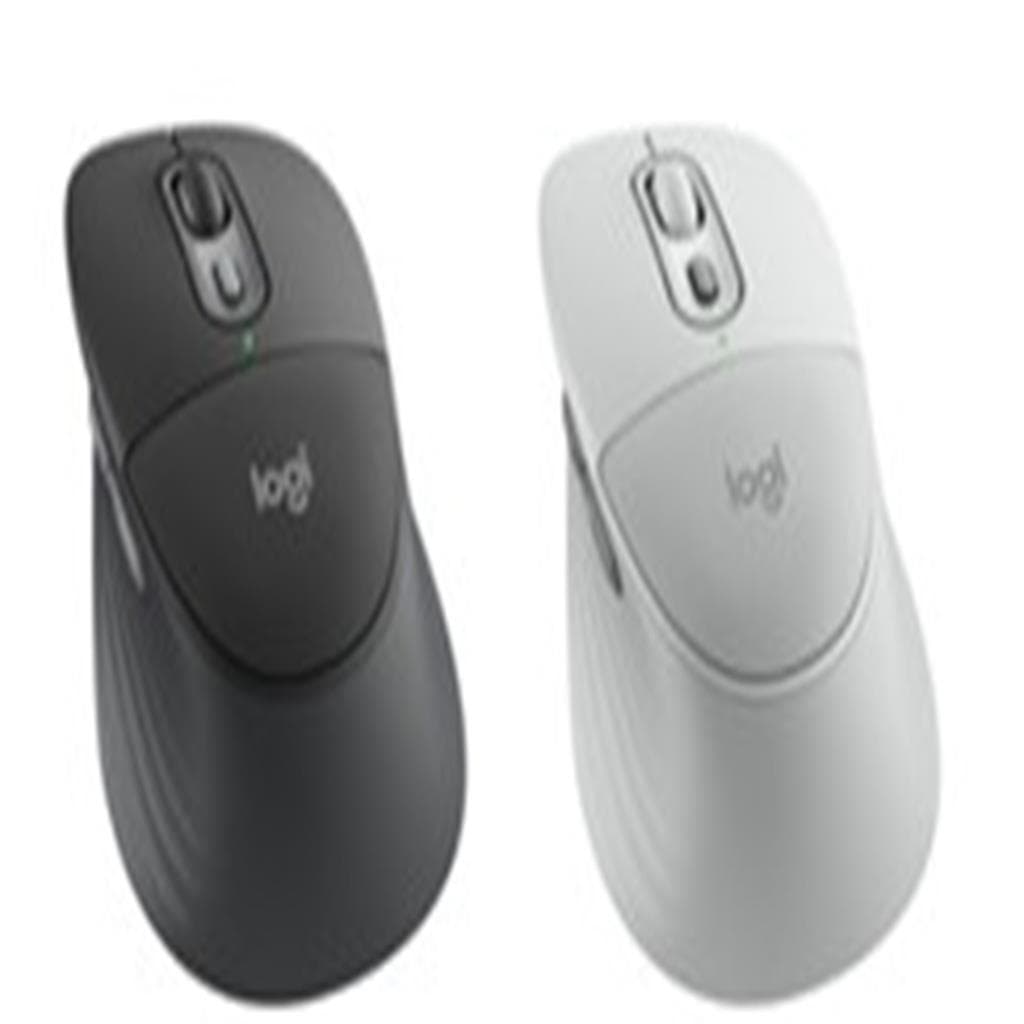
Logitech
Logitech Signature Comfort Plus M850L Wireless Mouse (Graphite & Off-White) - 3-Device Bluetooth
Price on request