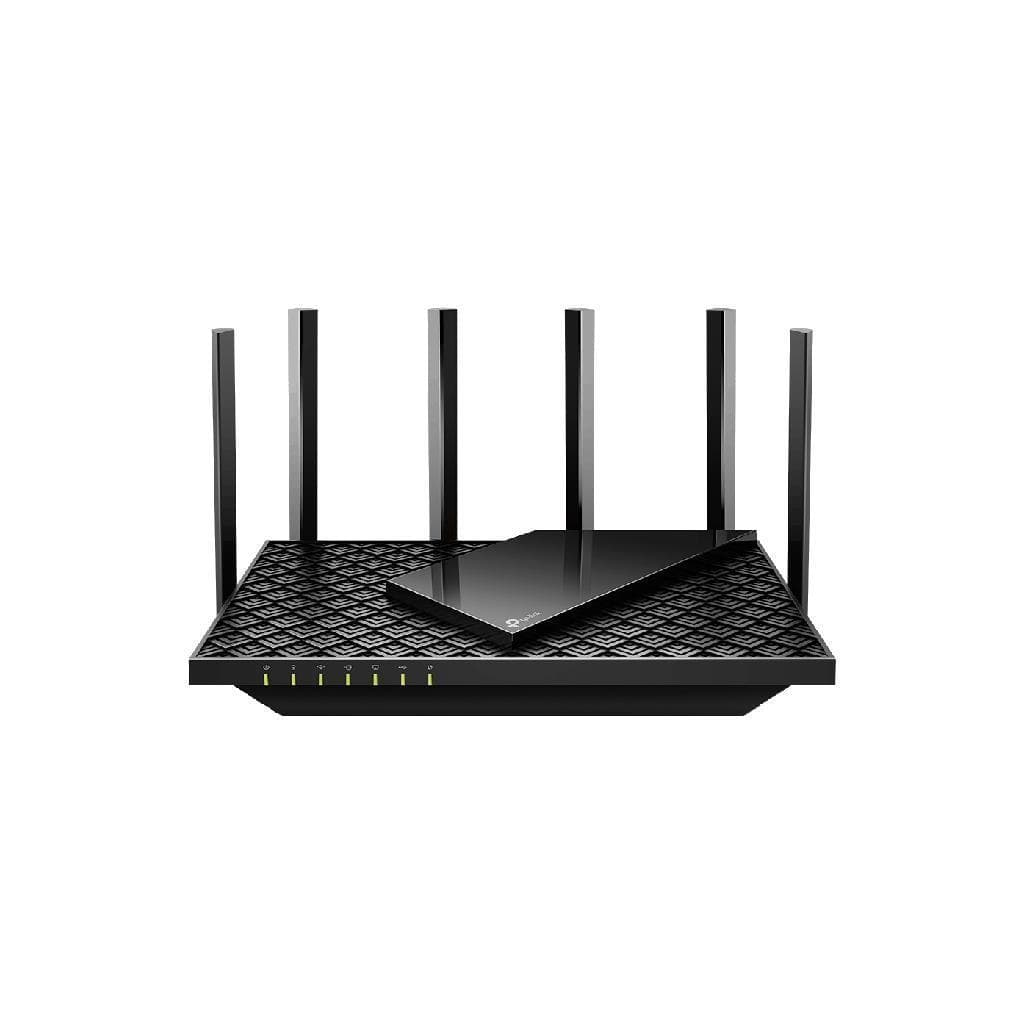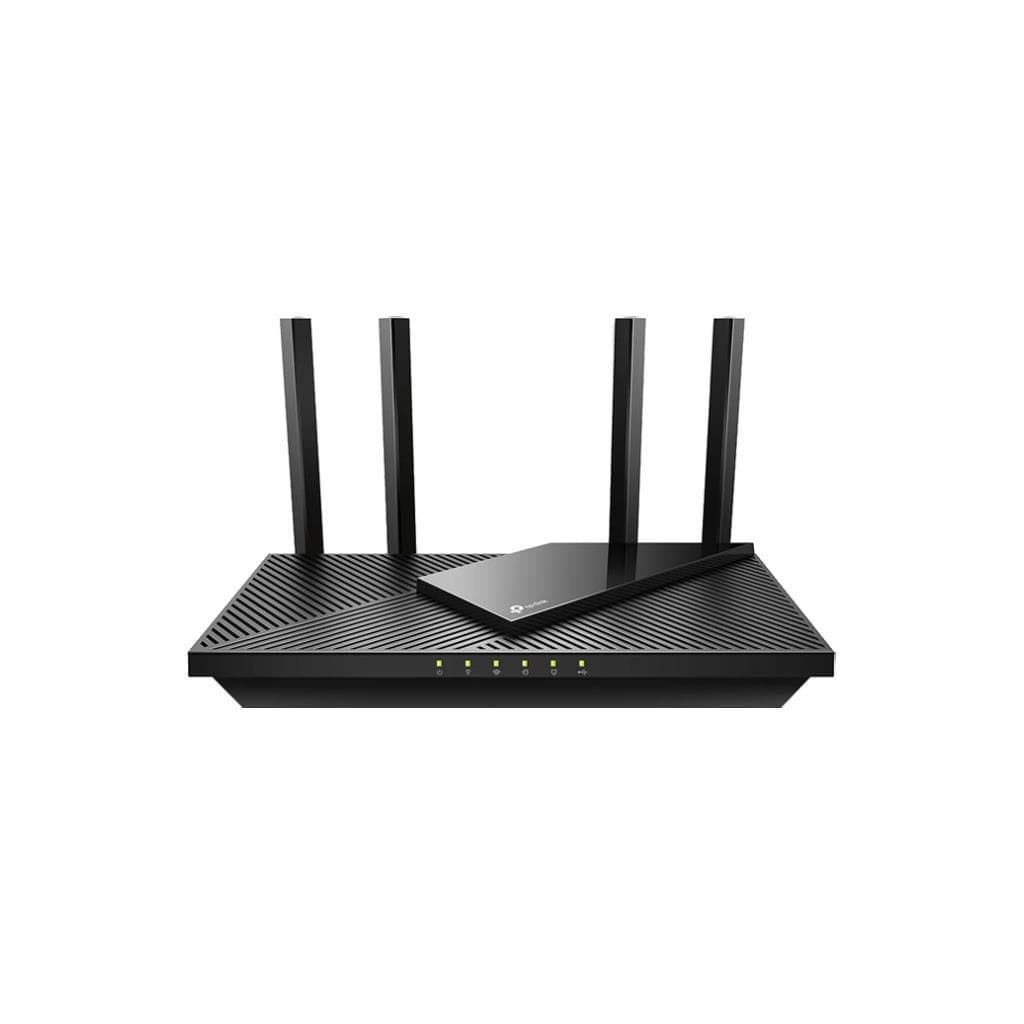


TP-Link TL-MR100 V3 4G LTE Router 300 Mbps Wireless N
SKU: TL-MR100-VER3Networking › Routers & Access Points
Please enquire before ordering
The distributor has not yet confirmed the latest price and availability (last checked Sep 15, 2026)
092-251-4017Awaiting stock confirmation2 years manufacturer's warranty
GenuineFree delivery from ฿5,000Tax invoice
4G LTE wireless router with maximum speed of 300 Mbps and 3 LAN ports, suitable for areas without wired internet or for applications requiring flexible connectivity
Key features
- Supports 4G LTE with maximum speed of 300 Mbps
- Includes 3 LAN ports for connecting wired devices
- Supports immediate setup via the Tether app
- Uses 4G SIM immediately without needing wired internet
- Supports DMZ and Port Forwarding configuration
Product description
The TP-Link TL-MR100 V3 is a 4G LTE router designed to provide high-speed internet connectivity anywhere, without relying on LAN cables or public Wi-Fi networks. It supports up to 300 Mbps speed on the Wireless N standard and features 3 LAN ports for connecting wired devices requiring stable connections, such as computers, CCTV cameras, or printers. Ideal for use in branch offices, retail stores, or mobile work environments, it allows immediate SIM 4G insertion and supports configuration via web browser or the TP-Link Tether app for convenient setup. It also includes advanced security features, such as network access control and immediate DMZ configuration
More features
- Features clear network and Wi-Fi status indicators
- Suitable for use in branch offices and mobile work environments
- Supports firmware updates through the official TP-Link website
- Designed for easy use, set up in just 5 minutes
- Supports remote management via TP-Link Tether
Pros and limitations
Pros
- Supports 4G LTE immediately without relying on wired internet
- Includes 3 LAN ports for devices requiring stable connections
- Quick setup via the Tether app or web browser
- Supports remote management and advanced security features
- Designed for easy use, even beginners can set up in just 5 minutes
Limitations
- Does not support Wi-Fi 5 or Wi-Fi 6
- No USB port for device sharing
- Does not support 5G connectivity
Who it is for
Ideal for shops, branch offices, or mobile workspaces requiring high-speed internet via 4G LTE without relying on LAN cable
Connectivity
4G LTE, Wi-Fi, LAN, WAN
Specifications (39)
- Model
- TL-MR100
- Weight
- 280 g
- Warranty
- 2 years
- Dimensions
- 170 x 110 x 35 mm
- DMZ Support
- Yes
- Power Input
- DC 5V/2A
- QoS Support
- Yes
- WPS Support
- Yes
- Antenna Type
- Internal
- IPv6 Support
- Yes
- UPnP Support
- Yes
- SIM Card Slot
- Yes
- WAN Port Type
- 4G LTE
- 4G LTE Support
- Yes
- Certifications
- CE, FCC, RoHS
- Frequency Band
- 2.4 GHz
- Humidity Range
- 10% to 90% RH (non-condensing)
- LAN Port Speed
- 10/100 Mbps
- LED Indicators
- Power, 4G LTE, Wi-Fi, LAN
- Wi-Fi Security
- WPA/WPA2-Personal, WPA/WPA2-Enterprise
- Default Gateway
- 192.168.0.1
- Port Forwarding
- Yes
- Default Password
- admin
- Default Username
- admin
- Hardware Version
- V3
- Power Consumption
- 10 W
- Static IP Support
- Yes
- Wireless Standard
- IEEE 802.11n
- Max Wireless Speed
- 300 Mbps
- Number of Antennas
- >=2
- Dynamic DNS Support
- Yes
- Number of LAN Ports
- >=3
- Storage Temperature
- -20°C to 70°C
- Management Interface
- Web-based, TP-Link Tether App
- Operating Temperature
- 0°C to 40°C
- Wired Connection Type
- Ethernet
- Firmware Upgrade Method
- Web-based, TP-Link Official Website
- Wireless Connection Type
- Wi-Fi 4 (802.11n)
- Max Concurrent Connections
- 32
Datasheets and manuals straight from the manufacturer — select a document to open or download it.
13 questions
Frequently asked questions about this product
Compiled from manufacturer information
Which types of 4G SIM does the TL-MR100 support?
Supports standard Nano-SIM and works immediately with any 4G LTE network provider without requiring hardware modifications
Can the TL-MR100 be configured through the Tether app?
Yes, the TP-Link Tether app supports setup on both smartphones and tablets, enabling configuration within 5 minutes without needing a computer
How much power does the TL-MR100 consume?
Maximum power consumption is 10 watts during full operation and supports DC 5V/2A power input
Which firmware version should be used?
Use firmware version V3 or V3.20, available from the official TP-Link website, for stability and update support
Does it support DMZ configuration?
Yes, it supports immediate DMZ and Port Forwarding setup, enabling effective management of servers or CCTV cameras within a private network
Can it be used in hot environments?
Supports operating temperature from 0°C to 40°C and storage temperature from -20°C to 70°C, suitable for use in offices or outdoor environments
Does it have a USB port for sharing devices?
No USB port; does not support sharing devices such as hard drives or printers. Alternative solutions, such as LAN connection, must be used
How often should the firmware be updated?
Firmware updates are not required frequently, but it is recommended to download the latest firmware from the official TP-Link website for security and stability
Is it in stock?
We are confirming the latest stock and price of the TP-Link TL-MR100 V3 4G LTE Router 300 Mbps Wireless N with the distributor. Please contact us before ordering at 092-251-4017 or sales@gist.co.th.
How much does it cost?
The distributor has not yet confirmed the latest price and availability. Please contact us before ordering at 092-251-4017 or sales@gist.co.th.
How long is the warranty?
Warranty period: 2-year warranty (manufacturer's terms). To make a warranty claim, call 092-251-4017 or 065-523-5262, or email sales@gist.co.th (Mon–Fri 9:00–18:00), then send the product with your order number to our head office, or bring it to the head office in person.
How long does delivery take?
Orders placed before 12:00 on a business day are delivered within 1–3 business days (Bangkok and vicinity) or 2–5 business days (other provinces). Free delivery on orders of ฿5,000 or more (a ฿150 delivery fee applies below this amount).
Is it genuine?
Genuine products sourced from distributors in Thailand, covered by the manufacturer's warranty. Full tax invoices are available.
Didn't find the answer you need?
Loading reviews…
Genuine products
Sourced from distributors in Thailand and covered by the manufacturer's warranty
Warranty period
2-year warranty
Covered by the manufacturer's warranty; you can make claims through GIST
Claims through GIST
Ship the product to our head office or bring it in person
Warranty conditions
- A receipt or other proof of purchase is required
- The product must not have been modified or altered
- Damage caused by misuse is not covered by the warranty
- To make a warranty claim, call 092-251-4017 or 065-523-5262, or email sales@gist.co.th (Mon–Fri 9:00–18:00), then send the product with your order number to our head office, or bring it to the head office in person.Head office: 554 Sky Nine Center, Floor 12A, Room 554/62, Asok-Din Daeng Road, Din Daeng Subdistrict, Din Daeng District, Bangkok 10400
More in Routers & Access Points