
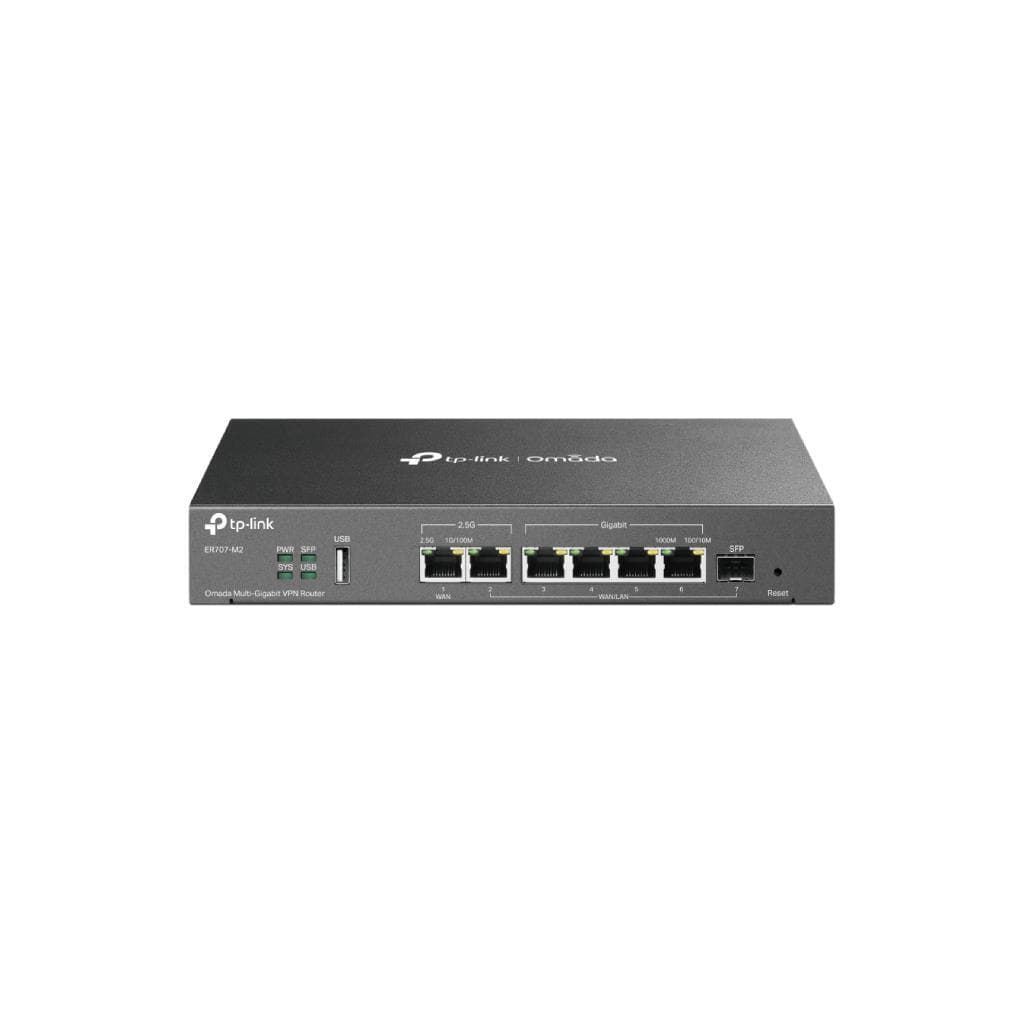
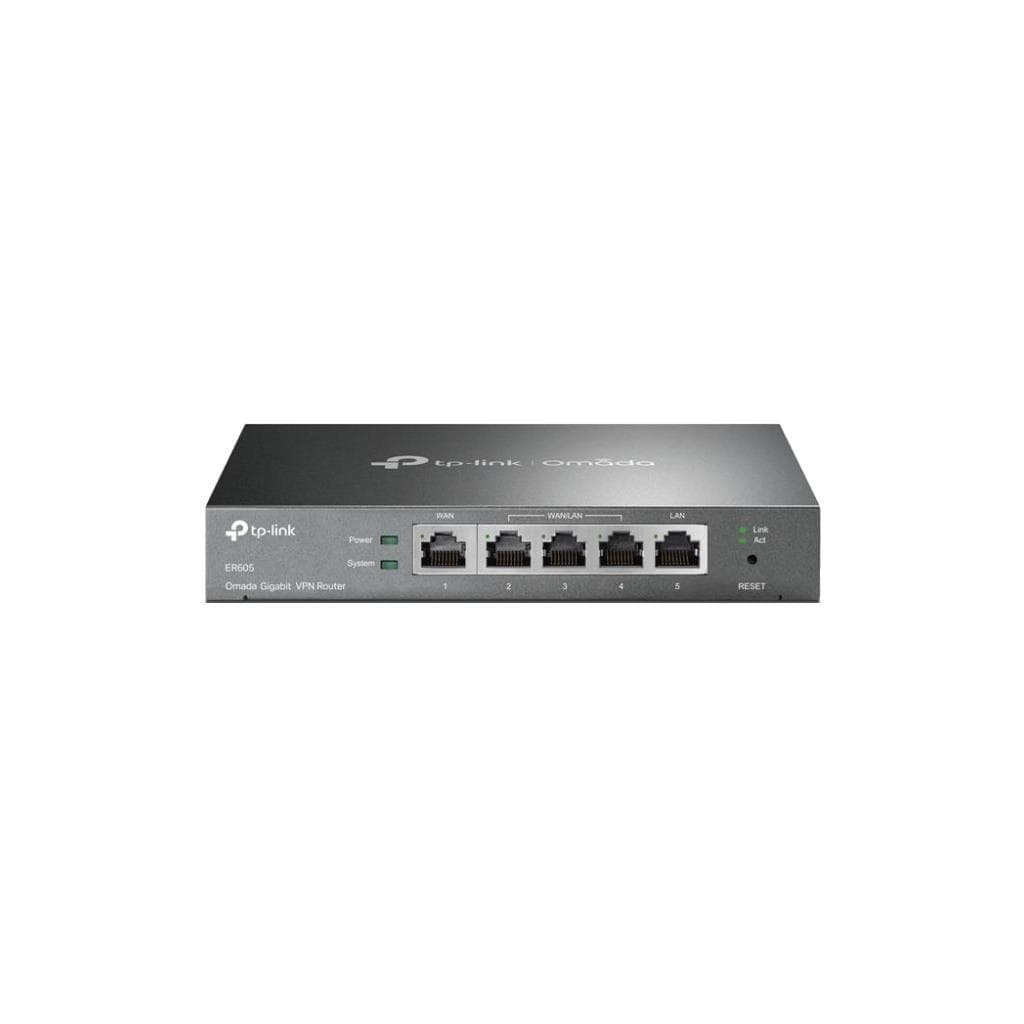

TP-Link ER605 V2 Gigabit Multi-WAN VPN Router (1× WAN + 3× LAN) - 2.3.3 Firmware
SKU: ER605-VER2.3Networking › VPN Routers
฿1,786
Price includes 7% VATPrice updated November 1, 2026
In stockManufacturer's warranty
For orders placed before 12:00 on a business day; weekends excluded
GenuineFree delivery from ฿5,000Tax invoice
Business-grade Multi-WAN VPN router supporting multiple connectivity options with SD-WAN and network management via Omada Controller, usable in both standalone and centralized modes
Key features
- Supports Multi-WAN and SD-WAN for automatic load balancing
- Supports OpenVPN and WireGuard with FQDN
- Manageable via Omada Controller version 5.15.20 and later
- Supports Virtual WAN configuration and NAT disable
- Enhances security with the latest firmware update (2.3.3)
Product description
TP-Link ER605 V2 is a business-grade VPN router designed to support Multi-WAN connectivity with 1 WAN port and 3 LAN ports, supporting Gigabit speed and SD-WAN technology for automatic load balancing across multiple internet connections, enhancing stability and performance, especially in environments requiring high continuity such as branch offices or small data centers. It supports OpenVPN and WireGuard VPN configuration with FQDN, works with Omada Controller version 5.15.20 and later, and enables remote management via web and mobile applications, along with the latest firmware update (2.3.3) for improved security and system stability.
More features
- Supports remote management via web and mobile applications
- Supports Google LDAP and LAN DNS
- Supports FQDN/Wildcards in ACL and WAN DHCP Option
- Supports firmware updates without losing configuration
- Supports operation in both standalone and centralized modes
Pros and limitations
Pros
- Supports SD-WAN and Multi-WAN for improved network stability.
- Supports OpenVPN and WireGuard with FQDN (Fully Qualified Domain Name).
- Can be managed in both standalone and centralized modes.
- Latest firmware update for enhanced security and stability.
- Supports connectivity via Omada Controller version 5.15.20 and later.
Limitations
- Firmware rollback is not supported (contact support if downgrade is required).
- No recommended application for management (Recommended APP Version: No).
Who it is for
Ideal for medium-sized to small businesses requiring a stable, highly secure network that can be centrally managed via Omada Controller, such as branch offices or small data centers.
Specifications (46)
- Model
- ER605 (TL-R605)
- LAN DNS
- Yes
- LAN Ports
- 3× Gigabit LAN Ports
- WAN Ports
- 1× Gigabit WAN Port
- Port Speed
- Gigabit (10/100/1000 Mbps)
- Disable NAT
- Yes
- FQDN in ACL
- Yes
- Google LDAP
- Yes
- Virtual WAN
- Yes
- SD-WAN Support
- Yes
- OpenVPN Support
- Yes
- WAN DHCP Option
- Yes
- Firmware Version
- 2.3.3
- Hardware Version
- V2
- WOL Exception Fix
- Fixed when dropping unknown unicast packets
- WireGuard Support
- Yes
- DHCP Options 66/67
- Fixed to take effect properly
- Domain Name in VPN
- Yes (FQDN/Wildcards)
- Management Interface
- Web, Omada Controller, Mobile App
- Controller Adaptation
- Adapted to Omada VI
- HTTPS Redirection Fix
- Fixed in 2.3.0
- L2TP Server Crash Fix
- Fixed in 2.3.2
- Security Issues Fixed
- Several fixed in 2.3.2
- Boot Time Optimization
- Yes
- Load Balancing Support
- Yes (via SD-WAN)
- Upgrade Recommendation
- Recommended to upgrade to 2.3.3 for secure signature algorithm
- Standalone Mode Support
- Yes
- Controller Compatibility
- Omada Controller V5.15.20.X and above
- mDNS Packet Malformation
- Fixed due to mDNS malfunction
- IP Pool Expansion Failure
- Fixed device offline issues
- Static Route for L2TP VPN
- Fixed to take effect after re-enable
- PPTP VPN Disconnection Fix
- Fixed occasional disconnections
- USB Modem ISP Profile Save
- Fixed manual profile save issue
- Device Security Enhancement
- Enhanced in 2.3.2
- CPU Utilization Optimization
- Yes
- FW Upgrade Time Optimization
- Yes
- DHCP Address Pool Exhaust Log
- Fixed log generation in specific scenarios
- Minimum FW Version for Update
- 2.2.3 Build 20231201 Rel.32918
- WAN Dial-Up Time Optimization
- Yes
- Centralized Management Support
- Yes
- Firmware Upgrade Reversibility
- Irreversible (contact support for downgrade)
- Recommended Controller Version
- 5.15.20
- Backup Link Enable Time Optimization
- Yes
- Static Route with Special Characters
- Fixed to take effect
- Port Forwarding on Inter-VLAN Traffic
- Fixed incorrect application
- OpenVPN Profile Generation Time Optimization
- Yes
Datasheets and manuals straight from the manufacturer — select a document to open or download it.
13 questions
Frequently asked questions about this product
Compiled from manufacturer information
ER605 V2 supports which versions of Omada Controller?
Supports Omada Controller version 5.15.20.X and later, enabling efficient centralized network management with SD-WAN and VPN configuration via domain
Yes, you can connect ER605 V2 to multiple internet lines
Yes, it supports Multi-WAN and SD-WAN, which automatically balance traffic across multiple internet connections, improving stability and performance—especially when one connection fails
ER605 V2 supports OpenVPN and WireGuard with FQDN?
Yes, it supports OpenVPN and WireGuard with FQDN, allowing domain-based VPN configuration instead of direct IP, enhancing flexibility and security
Can firmware be rolled back after update?
Firmware rollback is not directly supported, as the update is irreversible. To downgrade, contact Omada support for assistance
ER605 V2 supports which LAN configurations?
Supports 3 Gigabit LAN ports for connectivity and enables efficient management of VLAN, Static Route, and Port Forwarding, especially in centralized mode through Omada Controller.
Does ER605 V2 have DHCP-related issues?
No major issues remain, as fixes have been implemented for DHCP Address Pool Log, DHCP Options 66/67, and IP Pool expansion, ensuring stable system operation
Does ER605 V2 support mobile app management?
No recommended APP version is specified (Recommended APP Version: No), but it can be managed via web browser or Omada Controller in both standalone and centralized modes.
Does ER605 V2 support integration with LDAP systems?
Yes, it supports Google LDAP, enabling secure and efficient user and network access rights management, especially in organizations using Google Workspace.
Is it in stock?
The TP-Link ER605 V2 Gigabit Multi-WAN VPN Router (1× WAN + 3× LAN) - 2.3.3 Firmware is in stock and ready to ship. Orders placed before 12:00 on a business day are delivered within 1–3 business days (Bangkok and vicinity) or 2–5 business days (other provinces). Order online at store.gist.co.th or contact our sales team at 092-251-4017.
How much does it cost?
The price is ฿1,786 (including 7% VAT). It is in stock and ready to ship. Business customers can request a quotation at sales@gist.co.th.
How long is the warranty?
The warranty follows the manufacturer's terms for each model; ask our sales team for the warranty period of this model. To make a warranty claim, call 092-251-4017 or 065-523-5262, or email sales@gist.co.th (Mon–Fri 9:00–18:00), then send the product with your order number to our head office, or bring it to the head office in person.
How long does delivery take?
Orders placed before 12:00 on a business day are delivered within 1–3 business days (Bangkok and vicinity) or 2–5 business days (other provinces). Free delivery on orders of ฿5,000 or more (a ฿150 delivery fee applies below this amount).
Is it genuine?
Genuine products sourced from distributors in Thailand, covered by the manufacturer's warranty. Full tax invoices are available.
Didn't find the answer you need?
Loading reviews…
Genuine products
Sourced from distributors in Thailand and covered by the manufacturer's warranty
Warranty period
According to the manufacturer's terms for each model
Covered by the manufacturer's warranty; you can make claims through GIST
Claims through GIST
Ship the product to our head office or bring it in person
Warranty conditions
- A receipt or other proof of purchase is required
- The product must not have been modified or altered
- Damage caused by misuse is not covered by the warranty
- To make a warranty claim, call 092-251-4017 or 065-523-5262, or email sales@gist.co.th (Mon–Fri 9:00–18:00), then send the product with your order number to our head office, or bring it to the head office in person.Head office: 554 Sky Nine Center, Floor 12A, Room 554/62, Asok-Din Daeng Road, Din Daeng Subdistrict, Din Daeng District, Bangkok 10400
More in VPN Routers


Price
฿1,786