
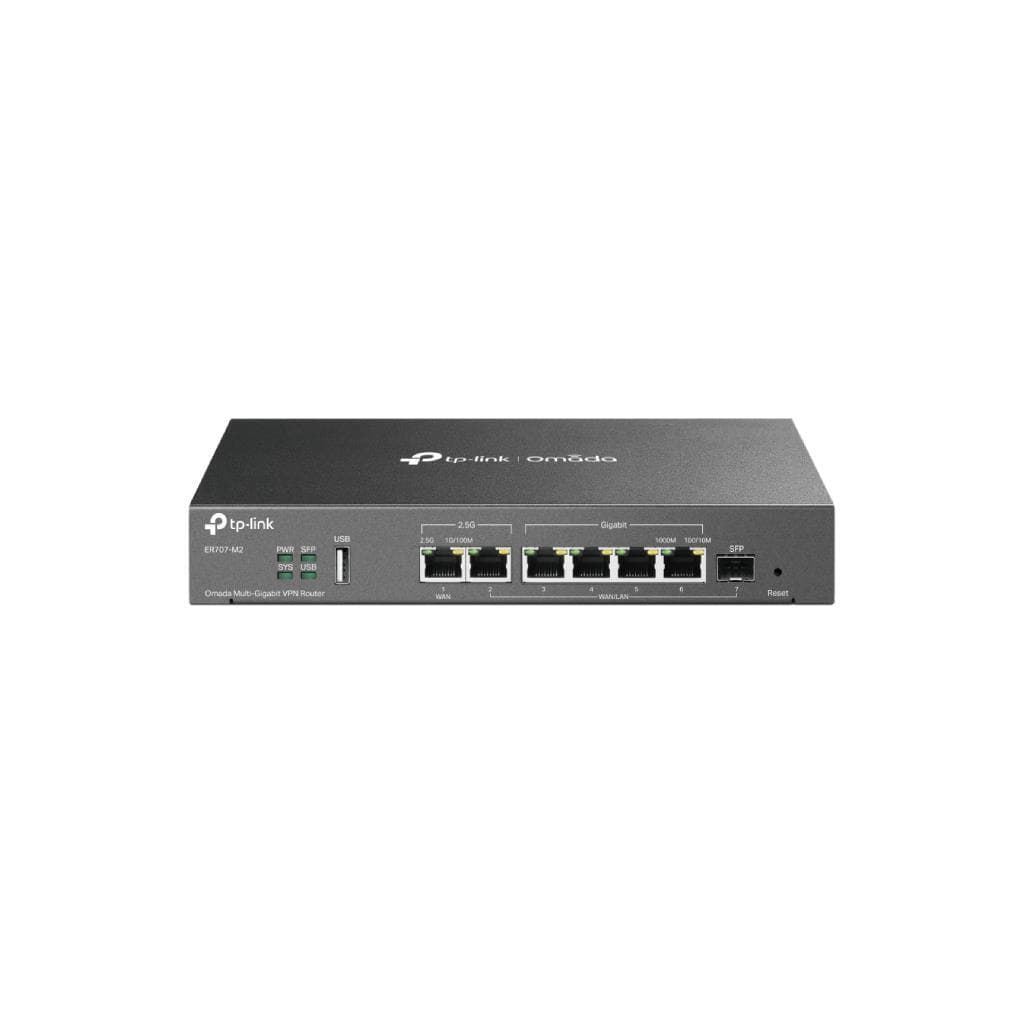


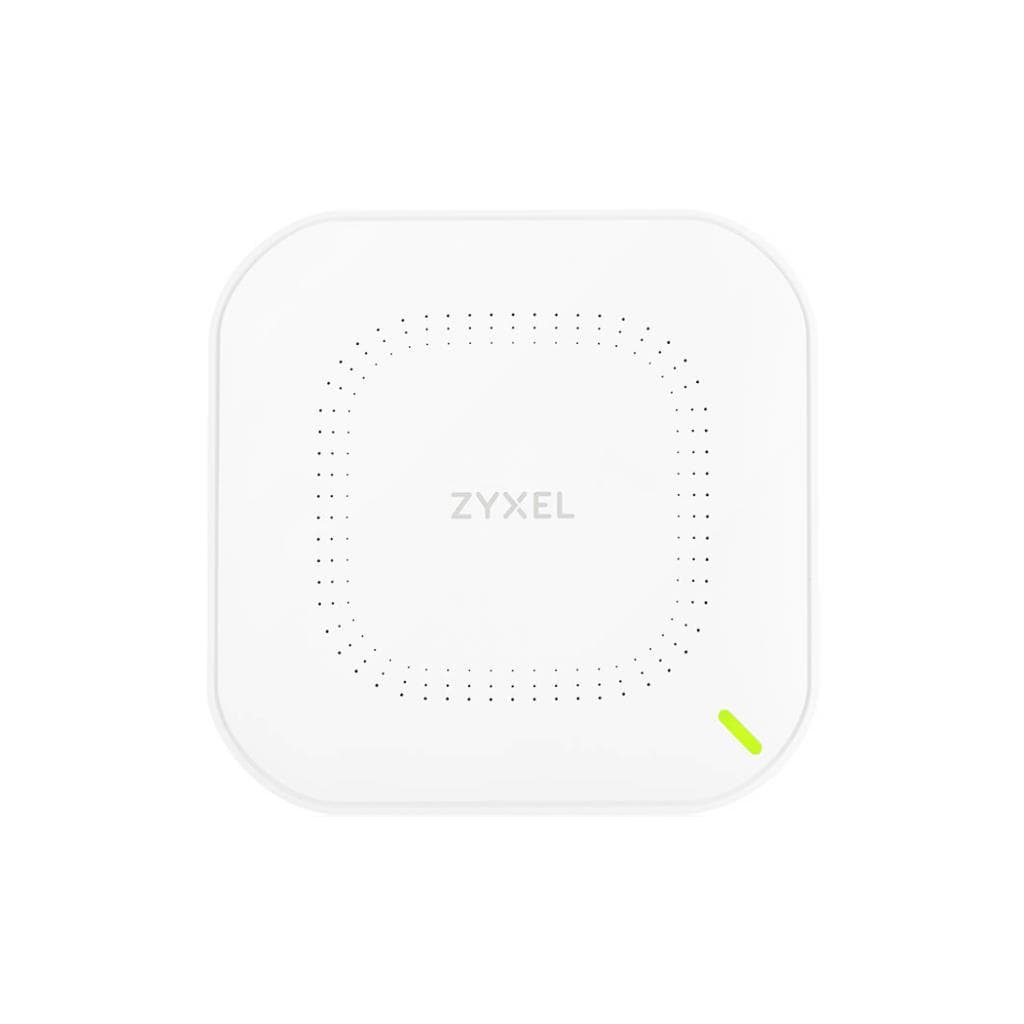
TP-Link ER7206 V2 Omada Gigabit VPN Router (1× SFP WAN, 1× RJ45 WAN, 4× LAN) - 512MB RAM
SKU: ER7206-VER2.3Networking › VPN Routers
฿3,068
Price includes 7% VATPrice updated November 1, 2026
In stock57 units1 year manufacturer's warranty
For orders placed before 12:00 on a business day; weekends excluded
GenuineFree delivery from ฿5,000Tax invoice
TP-Link business VPN router supporting secure network connectivity via IPsec, OpenVPN, WireGuard, and L2TP, with high performance suitable for office or small to medium data center use.
Key features
- Supports IPsec, OpenVPN, WireGuard, L2TP with a maximum throughput of 931 Mbps.
- Features 1 SFP WAN port and 1 RJ45 WAN port for high-speed network connectivity.
- Supports centralized management via Omada SDN Controller.
- Fanless design for silent operation and low power consumption of only 8.95W.
- Supports VLAN, ACL, URL Filtering, and IP-based access control.
Product description
The TP-Link ER7206 V2 is a business-grade VPN router designed for high security and performance, supporting simultaneous multi-VPN connections through IPsec, OpenVPN, WireGuard, and L2TP, with a maximum throughput of up to 931 Mbps (DPI) and 200 Mbps (IPS) for TCP data transfer, making it ideal for branch connectivity or remote employee access. The fanless design operates quietly with a power consumption of just 8.95W, features 4 kV surge protection, and a durable metal chassis, supporting both desk and wall mount installation. It enables centralized network management via the Omada SDN Controller.
More features
- Supports firmware updates via Cloud and TP-Link's official website directly.
- Supports SD-WAN, Google LDAP, and LAN DNS for modern business needs.
- Supports up to 150,000 concurrent sessions.
- Supports multi-network and multi-IP DHCP configuration.
- Features clear LED indicators for WAN, LAN, SFP, and system status.
Pros and limitations
Pros
- Supports multiple VPN protocols simultaneously with maximum throughput up to 931 Mbps.
- Fanless design for quiet operation and low power consumption of only 8.95W.
- Supports centralized management via Omada SDN Controller for large enterprises.
- Features 1 SFP WAN port for high-speed network connectivity.
- Supports cloud-based firmware updates without manual downloads.
Limitations
- No PoE port available for powering other devices.
- No USB port for connecting additional devices.
Who it is for
Ideal for medium to large offices requiring secure branch connectivity via VPN or enabling remote work, especially those needing high performance and centralized control through Omada SDN.
Connectivity
Gigabit Ethernet, SFP
Specifications (6)
- Brand
- TP-Link
- Model
- ER7206
- Category
- VPN Router
- Port Count
- >{{
- Subcategory
- Business Router
- Hardware Version
- V2
Datasheets and manuals straight from the manufacturer — select a document to open or download it.
13 questions
Frequently asked questions about this product
Compiled from manufacturer information
How many WireGuard connections does the ER7206 V2 support?
Supports up to 1 WireGuard connection with a TCP throughput of 177.2 Mbps, making it ideal for secure office network connections.
How many concurrent sessions does this router support?
Supports up to 150,000 concurrent sessions with a new session creation rate of 5,500 per second, making it suitable for businesses with many users.
Can the ER7206 V2 be wall mounted?
Yes, the router supports both desk and wall mount installation. It measures 226 × 131 × 35 mm and is lightweight, making it suitable for installation in offices or small data centers.
Does it support management via Omada SDN Controller?
Yes, it supports management via Omada SDN Controller in both standalone and controller modes, especially in version 2.2.0 which adds SD-WAN and Content Filter features for full functionality.
How much power does it consume?
Uses a maximum power of only 8.95W, with 4 kV surge protection and a durable metal chassis, ensuring stable operation in real-world environments.
Does it support firmware updates via Cloud?
Yes, supports firmware updates via Cloud without requiring manual file downloads, and also supports updates from TP-Link's official website or forums.
Yes, it has an SFP port for WAN.
1 SFP WAN port supports high-speed network connectivity via fiber optics, and supports WAN configuration with Static, Dynamic IP, PPPoE, PPTP, and L2TP.
Yes, it supports Multi-Net DHCP configuration.
Yes, it supports Multi-Net DHCP and can assign multiple IP ranges simultaneously, making it ideal for businesses with multiple VLANs or subnets.
Is it in stock?
The TP-Link ER7206 V2 Omada Gigabit VPN Router (1× SFP WAN, 1× RJ45 WAN, 4× LAN) - 512MB RAM is in stock and ready to ship. Orders placed before 12:00 on a business day are delivered within 1–3 business days (Bangkok and vicinity) or 2–5 business days (other provinces). Order online at store.gist.co.th or contact our sales team at 092-251-4017.
How much does it cost?
The price is ฿3,068 (including 7% VAT). It is in stock and ready to ship. Business customers can request a quotation at sales@gist.co.th.
How long is the warranty?
Warranty period: 1 year (manufacturer's terms). To make a warranty claim, call 092-251-4017 or 065-523-5262, or email sales@gist.co.th (Mon–Fri 9:00–18:00), then send the product with your order number to our head office, or bring it to the head office in person.
How long does delivery take?
Orders placed before 12:00 on a business day are delivered within 1–3 business days (Bangkok and vicinity) or 2–5 business days (other provinces). Free delivery on orders of ฿5,000 or more (a ฿150 delivery fee applies below this amount).
Is it genuine?
Genuine products sourced from distributors in Thailand, covered by the manufacturer's warranty. Full tax invoices are available.
Didn't find the answer you need?
Loading reviews…
Genuine products
Sourced from distributors in Thailand and covered by the manufacturer's warranty
Warranty period
1 year
Covered by the manufacturer's warranty; you can make claims through GIST
Claims through GIST
Ship the product to our head office or bring it in person
Warranty conditions
- A receipt or other proof of purchase is required
- The product must not have been modified or altered
- Damage caused by misuse is not covered by the warranty
- To make a warranty claim, call 092-251-4017 or 065-523-5262, or email sales@gist.co.th (Mon–Fri 9:00–18:00), then send the product with your order number to our head office, or bring it to the head office in person.Head office: 554 Sky Nine Center, Floor 12A, Room 554/62, Asok-Din Daeng Road, Din Daeng Subdistrict, Din Daeng District, Bangkok 10400
More in VPN Routers


Price
฿3,068