
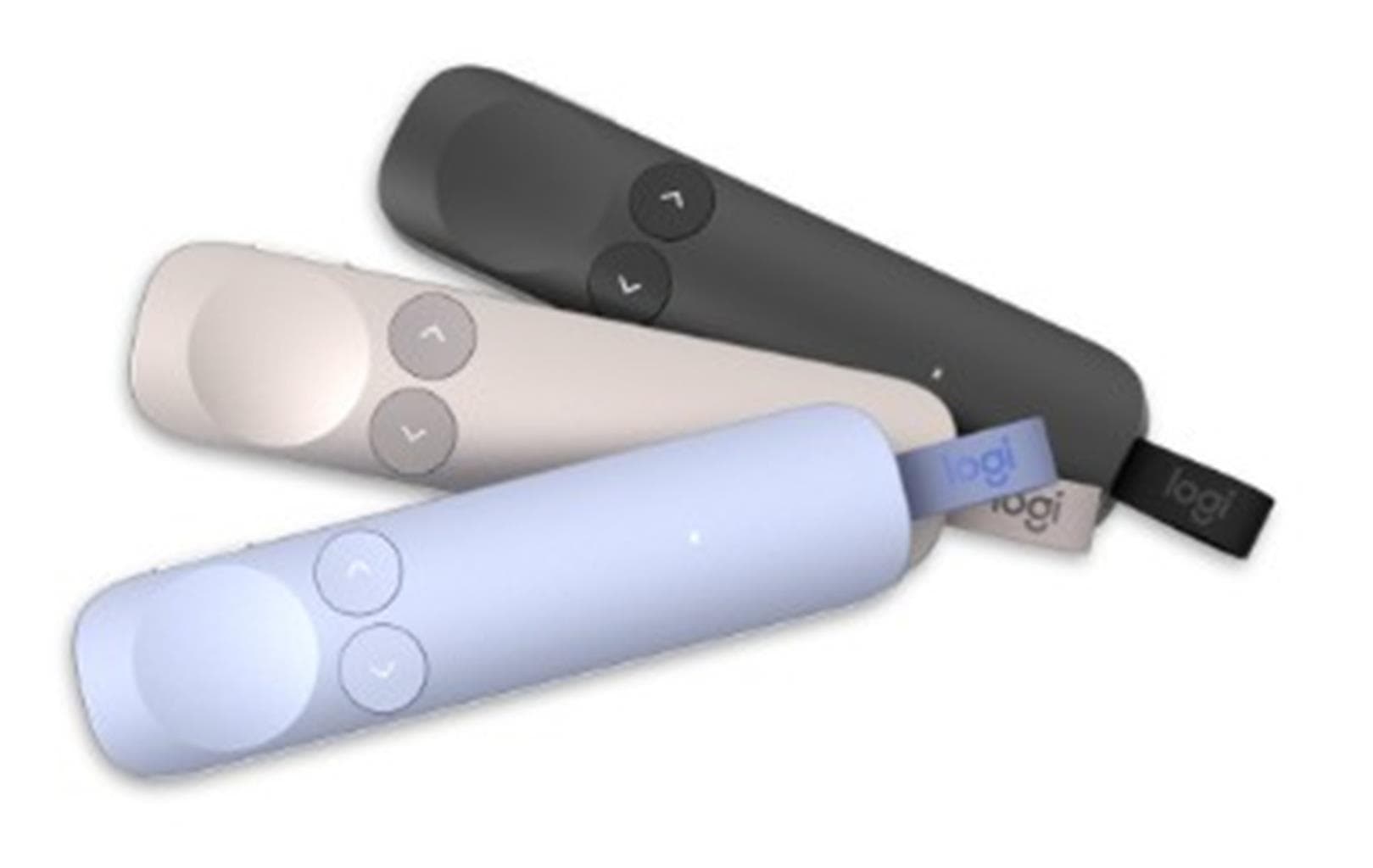

Logitech SPOTLIGHT 2 Presentation Remote - LIGHTLILAC
SKU: SPOTLIGHT2-LIGHTLILACGadgets & Accessories › Accessories
฿3,651
Price includes 7% VATPrice updated October 16, 2026
Out of stockManufacturer's warranty
Temporarily out of stock — ask us about the restock date or an alternative model
Call us 092-251-4017Send a question to salesGenuineFree delivery from ฿5,000Tax invoice
รีโมตควบคุมการนำเสนอขั้นสูง พร้อมฟีเจอร์ช่วยเน้นจุดสำคัญบนหน้าจอ ใช้งานได้ทั้งในห้องประชุม ห้องเรียน หรืองานออนไลน์แบบไฮบริด
Key features
- สั่นสะเทือนเมื่อกดปุ่ม (Haptic Feedback)
- เน้นจุดบนหน้าจอแบบดิจิทัล (Digital Highlighting)
- รองรับการเชื่อมต่อผ่าน USB-C Receiver หรือ Bluetooth
- ตั้งค่าปุ่ม Action ได้เองผ่านแอป Logi Options+
- ใช้งานได้กับ PowerPoint, Zoom, Teams และ Google Slides
Product description
SPOTLIGHT 2 จาก Logitech ออกแบบมาเพื่อสร้างประสบการณ์นำเสนอที่มีพลังและดึงดูดความสนใจได้มากขึ้น โดยใช้เทคโนโลยีการสั่นสะเทือน (haptic feedback) เพื่อยืนยันการกดปุ่มอย่างแม่นยำ ไม่ต้องมองลงมาที่รีโมตตลอดเวลา คุณสามารถเน้นจุดสำคัญบนหน้าจอได้ด้วยฟังก์ชัน Digital Highlighting ที่รองรับการเน้นแบบ Spotlight, Squarelight, Magnify และ Annotate ผ่านแอป Logi Options+ นอกจากนี้ยังรองรับการตั้งค่าปุ่ม Action ให้ทำหน้าที่เป็น Start/Pause หรือ Mute ได้ตามต้องการ ใช้งานได้กับระบบ Windows และ macOS พร้อมรองรับแอปพลิเคชันยอดนิยม เช่น PowerPoint, Keynote, Google Slides, Zoom และ Microsoft Teams
More features
- รองรับการซูมและเน้นรายละเอียด (Magnify)
- ควบคุมการนำเสนอแบบไฮบริดได้อย่างราบรื่น
- ตัวเครื่องทำจากพลาสติกคุณภาพสูง พร้อม LED แสดงสถานะ
- ใช้งานได้ทั้งในห้องประชุมและออนไลน์
- รองรับการเชื่อมต่อแบบ Plug-and-Play
Pros and limitations
Pros
- มีระบบสั่นสะเทือนยืนยันการกดปุ่มแม่นยำ
- เน้นจุดบนหน้าจอได้หลากหลายรูปแบบ เช่น Spotlight และ Magnify
- รองรับการใช้งานทั้งในห้องประชุมและออนไลน์
- ตั้งค่าปุ่ม Action ได้ตามต้องการผ่านแอป Logi Options+
- เชื่อมต่อได้ทั้งผ่าน USB-C Receiver และ Bluetooth
Limitations
- ต้องใช้แอป Logi Options+ เพื่อเปิดใช้งานฟีเจอร์ขั้นสูงทั้งหมด
Who it is for
เหมาะสำหรับผู้บรรยาย ครู นักการตลาด และผู้จัดการที่ต้องนำเสนอในห้องประชุม ห้องเรียน หรือออนไลน์ โดยเฉพาะงานที่ต้องเน้นจุดสำคัญบนหน้าจออย่างมืออาชีพ
Specifications (26)
- น้ำหนัก
- 2.91 kg CO2e carbon footprint
- จำนวนปุ่ม
- Highlight, Action, Back, Next, Previous
- การรับประกัน
- Standard warranty (details not specified in source)
- Materials
- Plastic, Aluminum (receiver)
- ขนาด
- Approx. 105 mm x 45 mm x 25 mm
- อายุการใช้งานแบตเตอรี่
- Up to 12 months (based on typical use)
- พอร์ตชาร์จ
- USB-C
- Color Options
- Graphite, Gold, LIGHTLILAC
- ความเข้ากันได้
- Windows®, macOS®, PowerPoint®, Keynote®, Acrobat®, Google Slides, Prezi, Zoom, Microsoft Teams, Blue Jeans
- ไฟแสดงสถานะ
- White LED for connection status
- Pointer Modes
- Digital Laser, Spotlight, Squarelight, Magnify, Annotate
- การรับรอง
- Bluetooth® Low Energy certified
- Pairing Method
- USB-C receiver plug-in or Bluetooth pairing
- Timer Function
- รองรับ (presentation time tracking)
- การเชื่อมต่อ
- USB-C Receiver, Bluetooth® Low Energy
- Haptic Feedback
- รองรับ
- Power Management
- Remote stays connected and keeps computer awake during presentation
- Receiver Included
- รองรับ (Logi Bolt USB-C receiver)
- Software Required
- Logi Options+ App
- อุปกรณ์ในกล่อง
- USB-C receiver, user documentation
- Pairing Mode Trigger
- Press and hold Back + Next buttons for 3 seconds
- Supported Applications
- PowerPoint, Keynote, Google Slides, Zoom, Microsoft Teams, Prezi
- Pointer Speed Adjustment
- รองรับ
- Haptic Feedback Intensity
- Adjustable
- Highlight Size Customization
- รองรับ
- Button Sensitivity Adjustment
- รองรับ
Datasheets and manuals straight from the manufacturer — select a document to open or download it.
13 questions
Frequently asked questions about this product
Compiled from manufacturer information
SPOTLIGHT 2 รองรับการใช้งานกับ Google Slides ได้ไหม?
ใช่ รองรับการใช้งานกับ Google Slides ได้ทันที โดยสามารถเน้นจุดบนหน้าจอ ซูม และควบคุมการนำเสนอผ่านฟีเจอร์ Digital Highlighting ได้ทันทีเมื่อติดตั้งแอป Logi Options+
ต้องติดตั้งแอปอะไรเพื่อใช้งานฟีเจอร์เน้นจุดบนหน้าจอ?
ต้องดาวน์โหลดและติดตั้งแอป Logi Options+ สำหรับ Windows หรือ macOS เพื่อเปิดใช้งานฟีเจอร์ Digital Highlighting, การปรับขนาดการเน้น และการตั้งค่า Action Button
สามารถเชื่อมต่อ SPOTLIGHT 2 กับคอมพิวเตอร์ได้กี่เครื่องพร้อมกัน?
รีโมตสามารถเชื่อมต่อได้เพียงหนึ่งเครื่องในแต่ละครั้ง แต่สามารถสลับการเชื่อมต่อระหว่างเครื่องได้ง่าย โดยใช้ USB-C Receiver หรือ Bluetooth
แบตเตอรี่ใช้งานได้นานแค่ไหน?
ใช้งานได้นานสูงสุดถึง 12 เดือน (ตามการใช้งานปกติ) โดยไม่ต้องชาร์จบ่อยครั้ง
มีวิธีใดบ้างที่จะเชื่อมต่อรีโมตกับคอมพิวเตอร์?
สามารถเชื่อมต่อได้สองวิธี คือ ใช้ USB-C Receiver ที่แถมมาในกล่อง หรือเชื่อมผ่าน Bluetooth® Low Energy โดยไปที่การตั้งค่า Bluetooth บนเครื่อง
รีโมตนี้ใช้กับ Microsoft Teams ได้ไหม?
ใช่ SPOTLIGHT 2 รองรับการใช้งานกับ Microsoft Teams โดยสามารถควบคุมการนำเสนอ ซูม และเน้นจุดสำคัญบนหน้าจอได้ทันทีเมื่อเชื่อมต่อผ่าน USB-C Receiver หรือ Bluetooth
ต้องชาร์จแบตเตอรี่บ่อยไหม?
ไม่จำเป็นต้องชาร์จบ่อย เนื่องจากรีโมตใช้งานได้นานถึง 12 เดือนต่อการชาร์จเพียงครั้งเดียว แต่สามารถชาร์จผ่านพอร์ต USB-C เมื่อแบตเตอรี่หมด
มีฟีเจอร์อะไรบ้างที่ช่วยให้การนำเสนอดูมืออาชีพขึ้น?
มีฟีเจอร์ Digital Highlighting ที่เน้นจุดสำคัญบนหน้าจอได้หลากหลายรูปแบบ เช่น Spotlight, Magnify และ Annotate พร้อมระบบสั่นสะเทือนยืนยันการกดปุ่ม ทำให้ผู้ชมติดตามเนื้อหาได้ง่ายขึ้น
Is it in stock?
The Logitech SPOTLIGHT 2 Presentation Remote - LIGHTLILAC is temporarily out of stock. Ask us about the restock date or an alternative model at sales@gist.co.th or 092-251-4017.
How much does it cost?
The price is ฿3,651 (including 7% VAT). It is currently out of stock; ask us about the restock date at sales@gist.co.th. Business customers can request a quotation at sales@gist.co.th.
How long is the warranty?
The warranty follows the manufacturer's terms for each model; ask our sales team for the warranty period of this model. To make a warranty claim, call 092-251-4017 or 065-523-5262, or email sales@gist.co.th (Mon–Fri 9:00–18:00), then send the product with your order number to our head office, or bring it to the head office in person.
How long does delivery take?
Orders placed before 12:00 on a business day are delivered within 1–3 business days (Bangkok and vicinity) or 2–5 business days (other provinces). Free delivery on orders of ฿5,000 or more (a ฿150 delivery fee applies below this amount).
Is it genuine?
Genuine products sourced from distributors in Thailand, covered by the manufacturer's warranty. Full tax invoices are available.
Didn't find the answer you need?
Loading reviews…
Genuine products
Sourced from distributors in Thailand and covered by the manufacturer's warranty
Warranty period
According to the manufacturer's terms for each model
Covered by the manufacturer's warranty; you can make claims through GIST
Claims through GIST
Ship the product to our head office or bring it in person
Warranty conditions
- A receipt or other proof of purchase is required
- The product must not have been modified or altered
- Damage caused by misuse is not covered by the warranty
- To make a warranty claim, call 092-251-4017 or 065-523-5262, or email sales@gist.co.th (Mon–Fri 9:00–18:00), then send the product with your order number to our head office, or bring it to the head office in person.Head office: 554 Sky Nine Center, Floor 12A, Room 554/62, Asok-Din Daeng Road, Din Daeng Subdistrict, Din Daeng District, Bangkok 10400
More in Accessories
Logitech
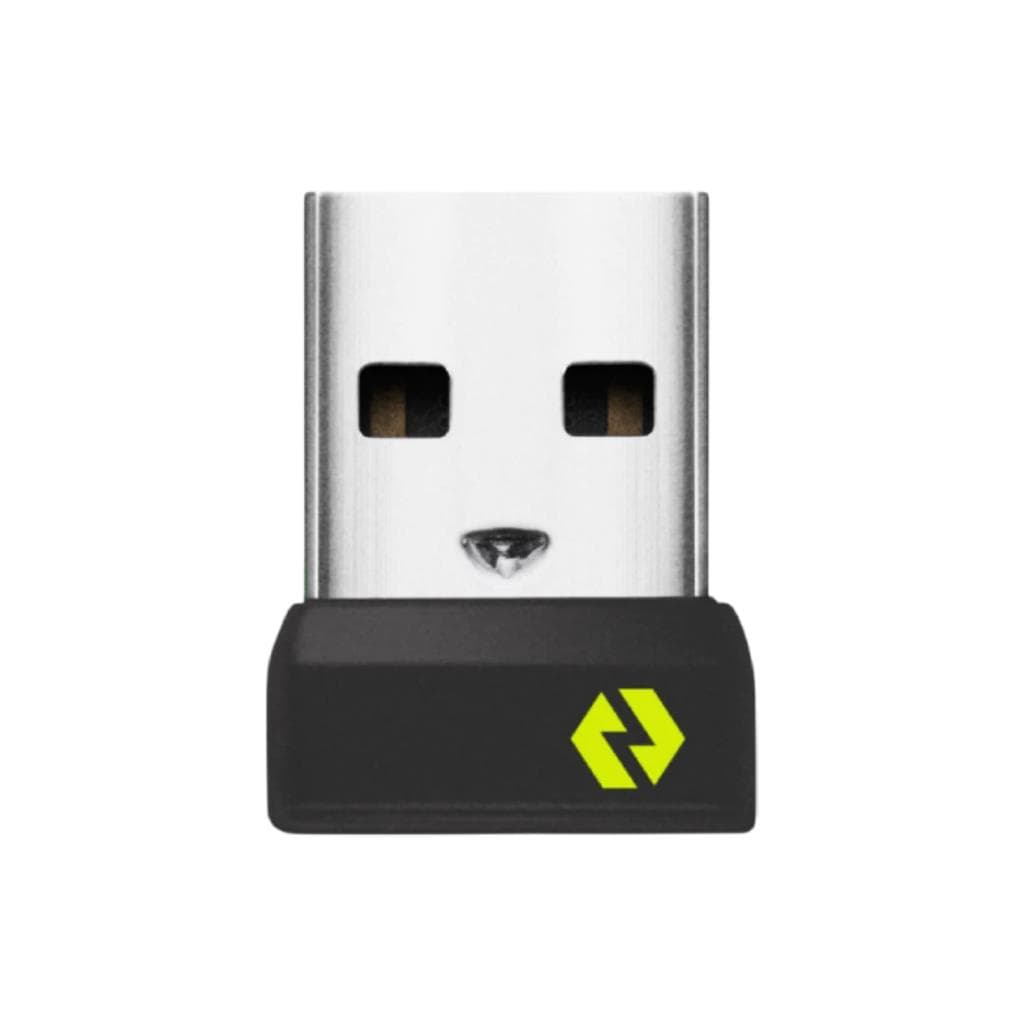
LOGITECH BOLT USB RECEIVER (Graphite) - Wireless Receiver for Mouse & Keyboard
Price on request

